How we make this list: we compare pricing pages, product documentation and public user reviews. Ratings come from G2, Capterra or Trustpilot, with the date we checked them.

Linear vs Asana: which one should your product team pick
Linear and Asana serve different kinds of teams that both call their work projects. Linear is an issue tracker built for engineers: fast, keyboard driven, opinionated about sprints and cycles, and tightly linked to code. Asana is a work management tool built for mixed teams: structured projects, goals, portfolios and workload views that anyone in the company can read. A pure engineering team usually moves faster in Linear. A cross functional team that includes product, design, marketing and operations usually works better in Asana. This guide compares them directly, then adds six more tools so you can see the full field.
Direct answer: For an engineering led product team that ships code every week, Linear is the better pick, because its speed and code integrations keep developers in flow. For a cross functional team that needs goals, portfolios and work visible to non technical people, Asana is the better pick. Jira is the best alternative if your team needs deep agile process and enterprise scale.
Key takeaways
- Linear Basic costs $10 per user per month billed annually, and Business costs $16. Asana Starter costs $10.99 and Advanced costs $24.99 on annual billing.
- Linear is faster and more code focused. Asana is more structured for cross functional work and goals.
- Linear free covers unlimited members up to 250 issues. Asana free covers up to 10 users.
- Teams that mix engineering with marketing and operations usually fit Asana better.
- Jira, monday, ClickUp, Trello, Wrike and Smartsheet each cover a different team shape, from simple boards to enterprise workflows.
Linear is better for a pure engineering team. Its issue model matches how developers think: issues, cycles, projects and a roadmap, with pull requests linked automatically. The interface is fast, keyboard shortcuts handle triage and assignment, and cycles run like sprints without the setup overhead of a larger system. Engineers update issues because it takes seconds, so the board stays current. The agent platform adds AI triage and code aware workflows, which fits teams that already work in GitHub or GitLab.
Asana can track engineering work, but it is not built for it. There is no native sprint planning, no backlog grooming view and no pull request linking. A team can build a workaround with sections and custom fields, yet it always feels like a general tool adapted to code work. Asana wins when the engineering team is one part of a larger group, because its projects, goals and portfolios speak to the whole company. For a team that is mostly engineers shipping code, Linear keeps the work closer to the code.
How do Linear and Asana compare on price
On annual billing, Linear Basic costs $10 per user per month and Business costs $16. Asana Starter costs $10.99 per user per month, or $13.49 on monthly billing, and Advanced costs $24.99, or $30.49 monthly. At the entry tier, Asana Starter is 99 cents more than Linear Basic per user per month. At the higher tier, Asana Advanced at $24.99 is $8.99 more than Linear Business at $16, a gap of about $90 per month for a ten person team.
Two warnings matter here. First, Linear renamed its plans in 2026: older pages still list Standard at $8 and Plus at $14, while current listings show Basic at $10 and Business at $16 billed annually. Check the live pricing page before you buy, because the older figures are now out of date. Second, Asana Advanced adds approvals, proofing and deeper reporting that Linear Business does not try to match, so the higher Asana price buys different features rather than the same ones. Prices in this guide were checked on 17 November 2026.
Asana handles goals and reporting better. Goals connect daily tasks to company objectives, and portfolios roll many projects into one view with status, dates and owners. Workload view shows who is overloaded across projects, which helps managers rebalance work before it slips. Reporting in Asana is built for managers and executives who want a cross project picture without opening every project.
Linear handles reporting more simply. Insights show cycle progress, team velocity and project status, and the roadmap view shows what is coming next. That covers what an engineering lead needs, but it does not match Asana portfolios or goals tracking. A product manager who reports to executives on company objectives will find Asana stronger. An engineering lead who reports on sprint progress and release dates will find Linear enough. Pick the tool whose reporting matches the audience you report to.
What should you check before you choose between them
Start with who will use the tool every day. If the daily users are mostly engineers, Linear fits their habits: fast, keyboard driven and close to the code. If the daily users include marketers, designers, operations staff and executives, Asana fits better, because its interface reads clearly to non technical people. Run a pilot with one real project and the real team for two weeks, and measure how often the board is out of date and how long status updates take.
Check your integrations next. Linear connects deeply to GitHub, GitLab, Slack and Figma. Asana connects to a wider range of business tools, including Salesforce, Google Workspace and Microsoft Teams, and its rules engine automates handoffs between teams. If your team relies on a specific integration, test it in the pilot. Finally, check your growth path. Linear scales well to mid sized engineering teams but lacks enterprise portfolio planning. Asana scales to large cross functional organisations, but its Advanced plan at $24.99 is pricey for a small team.
Quick comparison
| Tool | Best for | Starting price | Free plan |
|---|
 Linear | Engineering and product teams that want fast issue tracking with minimal admin | Basic $10 per user per month billed annually; Business $16 | Yes, free plan with unlimited members, up to 250 issues and 2 teams |
 Asana | Cross functional teams that want structured projects, goals and portfolios | Starter $10.99 per user per month billed annually ($13.49 monthly); Advanced $24.99 ($30.49 monthly) | Yes, free plan for up to 10 users with basic task management |
 Jira | Software organisations that need configurable agile process and portfolio planning | Standard $9.70 per user per month for 1 to 100 users; Premium $19.60 | Yes, free plan for up to 10 users |
 monday Work Management | Teams that want visual boards, timelines and automations for mixed project work | Basic $9 per seat per month billed annually; Standard $12; Pro $19 | Yes, free plan for up to 2 seats with limited features |
 ClickUp | Teams that want tasks, docs, goals and time tracking in one low priced tool | Core $9 per user per month billed annually; Business $17 | Yes, free forever plan with 100 MB storage and basic task features |
 Trello | Small teams that want the simplest board for tracking work | Standard $5 per user per month billed annually; Premium $10; Enterprise $17.50 | Yes, free plan with up to 10 boards per workspace |
 Wrike | Mid sized and large teams that need structured workflows, approvals and reporting | Team $10 per user per month billed annually; Business $25 | Yes, free plan for up to 5 users with basic task management |
 Smartsheet | Teams that plan in spreadsheets and want Gantt charts, forms and portfolio reporting | Pro $9 per user per month billed annually; Business $19 | No free plan for new signups since 28 August 2024; 30 day trial available |
Is your product missing or out of date?
We review this list regularly. Vendors can request a listing, send updated pricing or ask about featured placement.
#1Linear
Best for: Engineering and product teams that want fast issue tracking with minimal admin4.6/5 on
G2 (124 reviews, checked Oct 2026)
Visit linear.app
Starting priceBasic $10 per user per month billed annually; Business $16
Free planYes, free plan with unlimited members, up to 250 issues and 2 teams
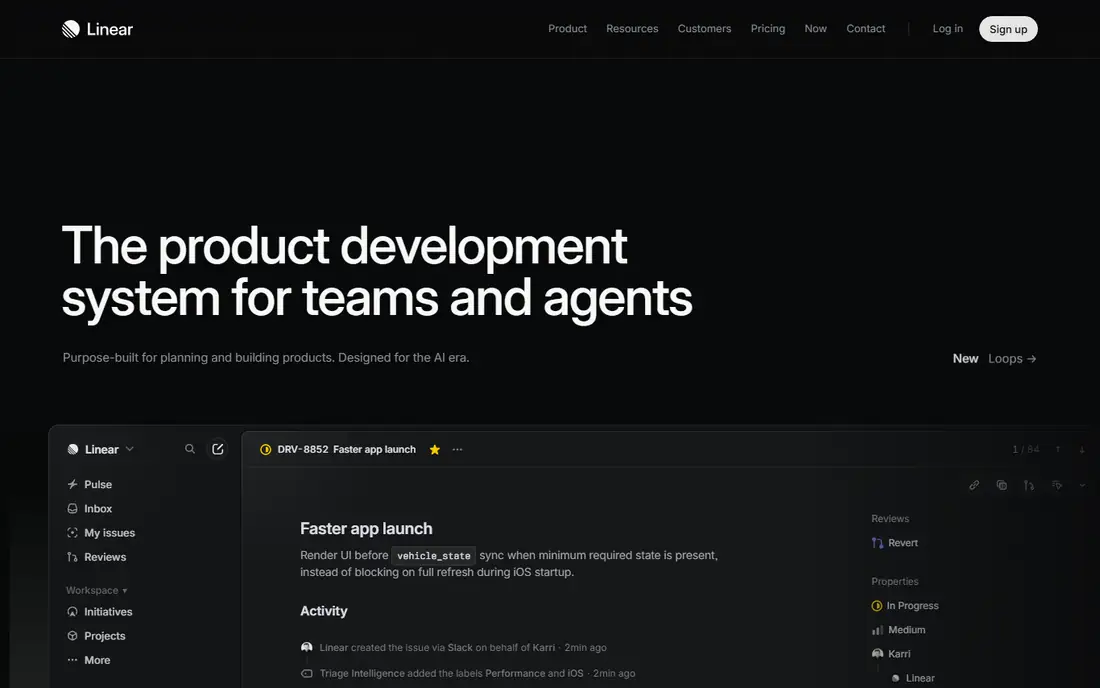
Linear is the speed pick. Issues, cycles and projects form a simple model that engineers learn quickly, and the interface responds instantly. Pull requests link to issues automatically, and the agent platform adds AI triage. The weakness is breadth: Linear is built for product and engineering work, and teams outside engineering often find it narrow. For a team that ships code every week, it is the most efficient tool in this list.
What we like- Very fast interface with keyboard shortcuts
- Opinionated cycles and projects
- Strong GitHub and GitLab integrations
- Offline sync
Watch out for- Less useful for non technical teams
- Reporting is simpler than Asana portfolios
- Older pages still list Standard $8 and Plus $14, so pricing pages can confuse buyers
#2Asana
Best for: Cross functional teams that want structured projects, goals and portfolios4.4/5 on
G2 (13,930 reviews, checked Oct 2026)
Visit asana.com
Starting priceStarter $10.99 per user per month billed annually ($13.49 monthly); Advanced $24.99 ($30.49 monthly)
Free planYes, free plan for up to 10 users with basic task management
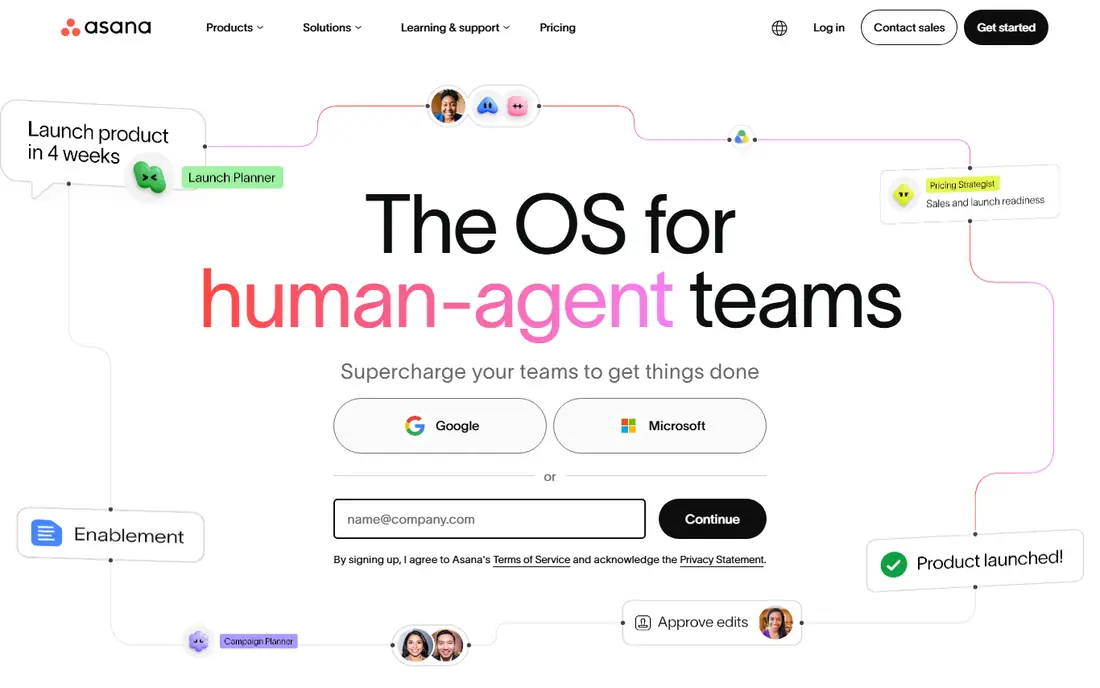
Asana is the structure pick. Projects, tasks, subtasks and sections guide how work is organised, and portfolios give managers a cross project view. Goals tracking connects daily tasks to company objectives, which matters for teams that report to executives. The trade is engineering depth: Asana has no native sprints, backlogs or pull request linking. For mixed teams that include product, design, marketing and operations, Asana is the most balanced tool here.
What we like- Clear task lists, timelines and portfolios
- Goals connect work to objectives
- Workload view helps managers
- Wide integration list
Watch out for- Not built for code level issue tracking
- The jump from Starter to Advanced is steep
- Advanced reporting needs the higher plan
#3Jira
Best for: Software organisations that need configurable agile process and portfolio planning4.3/5 on
G2 (7,984 reviews, checked Oct 2026)
Visit atlassian.com
Starting priceStandard $9.70 per user per month for 1 to 100 users; Premium $19.60
Free planYes, free plan for up to 10 users
Jira is the enterprise agile pick. It handles any process you can describe, enforces fields and approvals, and Premium adds Advanced Roadmaps for portfolio planning. It is heavier than both Linear and Asana: it needs an administrator, onboarding takes longer, and engineers spend more clicks per issue. Choose Jira when your organisation needs formal process across many teams, not when a small product team needs speed.
What we like- Deep agile features including sprints, backlogs and roadmaps
- Very configurable workflows
- Huge marketplace
- Strong Atlassian ecosystem
Watch out for- Setup and administration take real effort
- Daily use is slower than Linear
- Prices rose on 13 October 2026, so older price lists are out of date
#4
monday Work Management
Best for: Teams that want visual boards, timelines and automations for mixed project work
Visit monday.com
Starting priceBasic $9 per seat per month billed annually; Standard $12; Pro $19
Free planYes, free plan for up to 2 seats with limited features
monday Work Management is the visual pick. Boards, timelines and dashboards make project status obvious to anyone, including executives who never open a task tool. Automations handle reminders and status changes. For a product team, monday sits between Linear and Asana: clearer than Linear for non technical people, but less structured than Asana for goals and portfolios. Use it when the audience for your boards includes people outside the product team.
What we like- Boards are readable at a glance
- Strong automations and dashboards
- Many templates
- Good mobile apps
Watch out for- Weaker than Linear for code work and weaker than Asana for goals
- Costs rise with seats
- Confirm you are viewing Work Management prices, not monday CRM prices
#5ClickUp
Best for: Teams that want tasks, docs, goals and time tracking in one low priced tool4.6/5 on
G2 (14,878 reviews, checked Oct 2026)
Visit clickup.com
Starting priceCore $9 per user per month billed annually; Business $17
Free planYes, free forever plan with 100 MB storage and basic task features
ClickUp packs the most features per dollar here. It covers tasks, docs, goals, chat and time tracking, and its views are broad. A product team can run sprints in ClickUp, though the agile features are less polished than Linear. The trade is complexity: new users face many menus before they can work comfortably. ClickUp suits teams that want one tool for everything and are willing to invest in setup.
What we like- Very wide feature set for the price
- Many views including Gantt and calendar
- Docs and whiteboards included
Watch out for- The interface can feel crowded and slow to learn
- Sprint features are less refined than Linear
- Some workspaces still bill on legacy Unlimited $7 and Business $12 rates
#6Trello
Best for: Small teams that want the simplest board for tracking work4.4/5 on
G2 (14,064 reviews, checked Oct 2026)
Visit trello.com
Starting priceStandard $5 per user per month billed annually; Premium $10; Enterprise $17.50
Free planYes, free plan with up to 10 boards per workspace
Trello is the simple pick. A board with lists and cards is easy to learn and cheap to run, and Standard at $5 is the lowest paid tier in this list. It cannot match Linear for engineering work or Asana for structured projects. It suits a small team tracking a simple pipeline, or a lightweight board alongside a real tracker. Product teams that need sprints, goals or reporting should look at the tools above.
What we like- Easiest board tool to learn
- Low price
- Power-Ups add calendar, custom fields and integrations
Watch out for- No native sprint planning or goals tracking
- Weak reporting
- Large projects outgrow boards quickly
#7Wrike
Best for: Mid sized and large teams that need structured workflows, approvals and reporting4.2/5 on
G2 (4,540 reviews, checked Oct 2026)
Visit wrike.com
Starting priceTeam $10 per user per month billed annually; Business $25
Free planYes, free plan for up to 5 users with basic task management
Wrike suits organisations with formal processes that span departments. Request forms feed work in, approvals route automatically, and dashboards report across teams. It handles marketing, professional services and operations well. For pure product delivery, Linear is faster and Asana is clearer. Wrike wins when the work crosses engineering, marketing and operations and needs one governed system.
What we like- Strong workflow automation and request forms
- Good reporting and time tracking
- Scales to large teams
Watch out for- The interface takes time to learn
- Business at $25 is one of the pricier options here
- Setup benefits from an administrator
#8Smartsheet
Best for: Teams that plan in spreadsheets and want Gantt charts, forms and portfolio reporting4.4/5 on
G2 (22,767 reviews, checked Oct 2026)
Visit smartsheet.com
Starting pricePro $9 per user per month billed annually; Business $19
Free planNo free plan for new signups since 28 August 2024; 30 day trial available
Smartsheet is the spreadsheet shaped option. Teams that plan in grids will feel at home, and it adds Gantt charts, dependencies and dashboards on top. It is popular in project management offices that report across many projects. For product teams, it is a poor fit for sprints and issue tracking, but for a PMO that needs portfolio reporting across product and business projects, it is worth a look.
What we like- Familiar spreadsheet grid
- Strong Gantt and card views
- Forms and automations included
- Good for portfolio reporting
Watch out for- No free plan for new users
- The interface feels dated
- Weak for code level issue tracking
Comparison table
| Tool |
Starting price (annual billing) |
Free plan |
Best for |
| Linear |
Basic $10 per user per month |
Yes, up to 250 issues |
Fast issue tracking |
| Asana |
Starter $10.99 per user per month |
Yes, up to 10 users |
Structured projects and goals |
| Jira |
Standard $9.70 per user per month |
Yes, up to 10 users |
Configurable agile at scale |
| monday Work Management |
Basic $9 per seat per month |
Yes, up to 2 seats |
Visual boards and automations |
| ClickUp |
Core $9 per user per month |
Yes |
All in one tasks and docs |
| Trello |
Standard $5 per user per month |
Yes, up to 10 boards |
Simple Kanban boards |
| Wrike |
Team $10 per user per month |
Yes, up to 5 users |
Workflows and approvals |
| Smartsheet |
Pro $9 per user per month |
No, trial only |
Spreadsheet style planning |
Frequently asked questions
Is Linear or Asana better for a product team
It depends on who does the work. Linear is better for an engineering led product team that ships code weekly, because it is fast and close to the code. Asana is better for a cross functional product team that includes design, marketing and operations, because its projects, goals and portfolios speak to the whole company. Map your daily users first, then choose.
Can Asana replace Linear for developers
Asana can track development tasks, but it does not replace Linear for developers. It has no native sprint planning, backlog grooming or pull request linking, so engineering teams end up building workarounds. If your team is mostly developers, Linear keeps the work closer to the code. If developers are one part of a larger team, Asana can work with a clear process.
Which is cheaper, Linear or Asana
At the entry tier, Linear Basic at $10 per user per month is 99 cents cheaper than Asana Starter at $10.99 on annual billing. At the higher tier, Linear Business at $16 is $8.99 cheaper than Asana Advanced at $24.99. Note that older pages list Linear Standard at $8 and Plus at $14; those figures are now out of date after the 2026 rename to Basic and Business.
Does Linear have goals and portfolios like Asana
Linear has projects and a roadmap view, but it does not match Asana goals and portfolios. Asana connects tasks to company objectives and rolls many projects into one portfolio view with status and workload. Linear reporting covers cycles, velocity and project status, which suits engineering leads. If you report to executives on company objectives, Asana is stronger.
What is the best alternative to Linear and Asana
Jira is the best alternative for teams that need deep agile process and enterprise scale, from $9.70 per user per month. monday Work Management is the best visual alternative for mixed teams, from $9 per seat per month. ClickUp is the best value alternative if you want tasks, docs and time tracking in one tool from $9.
Sources we checked (8)
- https://linear.app/pricing
- https://asana.com/pricing
- https://www.atlassian.com/software/jira/pricing
- https://monday.com/pricing/
- https://clickup.com/pricing
- https://trello.com/pricing
- https://www.wrike.com/pricing/
- https://www.smartsheet.com/pricing
Is your product missing or out of date?
We review this list regularly. Vendors can request a listing, send updated pricing or ask about featured placement.

Shihab Mia · Founder, Rankite
Shihab has 5+ years in B2B and SaaS SEO. He writes Rankite's software buying guides from pricing pages, documentation and public user reviews. More about Shihab.