How we make this list: we compare pricing pages, product documentation and public user reviews. Ratings come from G2, Capterra or Trustpilot, with the date we checked them.
Key takeaways
- Bitwarden is the default free pick, since its free plan includes unlimited devices and full sync, with Premium at just $10 a year.
- 1Password is the polish leader, with Travel Mode and Watchtower, but it raised individual pricing in 2026 and offers no free tier.
- Proton Pass and NordPass suit privacy-first buyers, with useful free tiers and modern encryption.
- Dashlane, Keeper, RoboForm, and Enpass suit buyers who want specific strengths, from bundled VPN to offline-first vaults.
Quick comparison
| Tool | Best for | Starting price | Free plan |
|---|
 1Password 1Password | Polished apps and Travel Mode | $3.99 per month | No |
 Bitwarden Bitwarden | Full sync on a free plan | Free | Yes |
 Dashlane Dashlane | Bundled VPN and monitoring | $4.99 per month | No |
 NordPass NordPass | Simple UI and low price | $1.49 per month | Yes |
 Keeper Keeper | Business-grade admin controls | $2.92 per month | Yes |
 RoboForm RoboForm | Strong form filling | $2.49 per month | Yes |
 Enpass Enpass | Offline-first vaults | $1.99 per month | Yes |
 Proton Pass Proton Pass | Privacy plus email aliases | $2.49 per month | Yes |
Is your product missing or out of date?
We review this list regularly. Vendors can request a listing, send updated pricing or ask about featured placement.
The best LastPass alternatives
Starting price$3.99 per month
Free planNo
1Password remains the most polished password manager, with apps for every platform, a clean vault, and features no rival matches. Travel Mode removes selected vaults from your devices when crossing borders, while Watchtower monitors for breaches, weak passwords, and reused credentials. Its Secret Key architecture adds a second secret beyond your master password, which strengthens security even if servers are breached. Passkey support covers modern logins alongside traditional passwords.
The drawbacks are price and the lack of a free tier. Individual plans rose from $2.99 to $3.99 per month billed annually in March 2026, according to comparison guides, making 1Password the most expensive option here. A 14-day trial lets you test before paying. 1Password suits buyers who value polish, adoption by family or team members, and unique features over the lowest price. If budget matters more, Bitwarden covers the core job free.
What we like- Best-in-class apps
- Travel Mode
- Watchtower breach alerts
- Passkey support
Watch out for- No free tier
- Price rose to $3.99 per month in 2026
#2Bitwarden
Best for: Full sync on a free plan4.6/5 on
G2 (1,475 reviews, checked Oct 2026)
Visit bitwarden.com
Starting priceFree
Free planYes
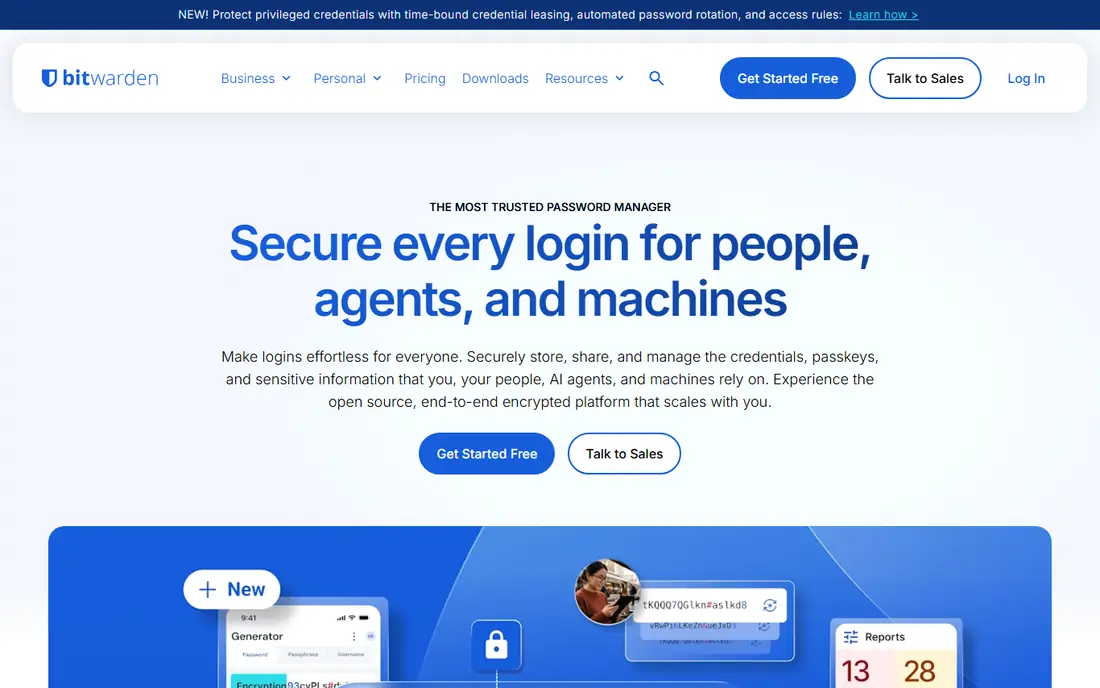
Bitwarden is the cleanest direct LastPass replacement, since its free plan includes unlimited passwords and unlimited devices with full sync. Premium costs just $10 a year and adds emergency access, 1GB encrypted file storage, and a built-in authenticator. The code is open source, so its security model is auditable, and technical users can self-host instead of trusting Bitwarden servers. A one-click importer moves LastPass exports into Bitwarden with little fuss.
The interface feels engineering-led rather than polished, and mobile autofill, while competent, lags 1Password slightly. The family plan caps at 6 users, versus 1Password's broader sharing. Bitwarden suits buyers who want the best free manager, open-source transparency, or self-hosting. For most switchers, Bitwarden free covers everything LastPass free used to, without the one-device limit that pushed many users away.
What we like- Unlimited devices on free plan
- Open source
- Self-hosting option
- LastPass importer
Watch out for- Interface feels less polished
- Family plan caps at 6 users
#3Dashlane
Best for: Bundled VPN and monitoring4.5/5 on
G2 (628 reviews, checked Oct 2026)
Visit dashlane.com
Starting price$4.99 per month
Free planNo
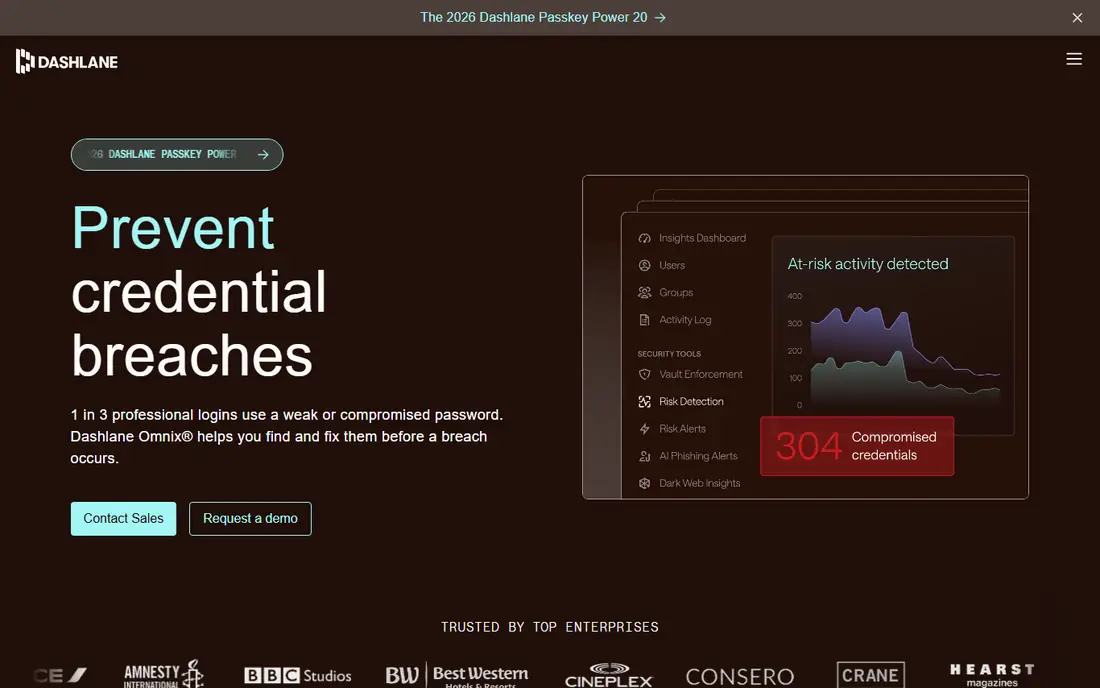
Dashlane pairs password management with a bundled VPN and dark web monitoring, plus password health scoring that flags weak, reused, and breached credentials. Its individual plan costs $4.99 per month billed annually in recent comparison guides, placing it at the expensive end of this list. The apps are polished, autofill is reliable, and the VPN adds value for buyers who would pay for one separately.
Dashlane offers no free tier, and its business pricing is now quote-based, which frustrates small teams comparing costs. The VPN bundle only saves money if you actually use a VPN. Dashlane suits buyers who want an all-in-one security bundle and are willing to pay for it. If you only need passwords, Bitwarden or NordPass deliver the core job far cheaper.
What we like- Bundled VPN
- Dark web monitoring
- Password health scoring
Watch out for- No free tier
- Among the most expensive options
Starting price$1.49 per month
Free planYes
NordPass, from the team behind NordVPN, offers a clean interface and modern XChaCha20 encryption at a low price, with Premium from $1.49 per month on a two-year plan in recent comparison guides. The free tier covers one device, which suits single-device users, while paid plans add sync across devices, breach scanning, and passkey support. The design feels approachable, and setup takes minutes, including import from LastPass.
The free tier's one-device limit mirrors the restriction that pushed many users away from LastPass, so multi-device users must pay. NordPass also offers fewer advanced features than 1Password, such as Travel Mode. NordPass suits buyers who want a simple, affordable manager, especially those already in the Nord ecosystem. Compare its two-year price against Bitwarden Premium before committing, since annual costs differ.
What we like- Clean interface
- XChaCha20 encryption
- Free tier for one device
Watch out for- Free tier limited to one device
- Fewer advanced features than 1Password
Starting price$2.92 per month
Free planYes
Keeper targets security-conscious users and businesses, with granular role-based access, audit logs, and BreachWatch dark web monitoring. Its personal plan costs $2.92 per month billed annually in recent comparison guides, with business tiers adding directory provisioning and policy enforcement. The free tier covers 10 records, which suits a trial but not daily use. Keeper's compliance features appeal to regulated industries and IT teams.
The free tier is too limited for real use, and the interface feels business-first rather than consumer-friendly. Keeper suits teams and compliance-heavy buyers who need admin controls and audit trails. Individual buyers should weigh it against 1Password for polish or Bitwarden for price, since Keeper's strengths matter most at team scale. Trial the admin console before rolling it out to a team.
What we like- Granular admin controls
- BreachWatch
- Compliance features
Watch out for- Free tier limited to 10 records
- Interface feels business-first
#6RoboForm
Best for: Strong form filling4.6/5 on
G2 (752 reviews, checked Oct 2026)
Visit roboform.com
Starting price$2.49 per month
Free planYes
RoboForm has filled forms reliably for longer than most rivals, and that strength still shows. Its Premium plan costs $2.49 per month billed annually in recent comparison guides, with a free tier limited to one device. Form filling covers complex checkout and registration forms better than many newer managers, and support for older browsers helps users on legacy systems. Passkey support and secure sharing round out the core feature set.
The interface feels dated next to 1Password, and the free tier's one-device limit restricts real use. RoboForm suits buyers who value form filling above polish, especially on older systems or complex forms. If you mainly need password storage and sync, Bitwarden free is stronger. RoboForm earns its place for users who fill many forms daily and want that job done well.
What we like- Excellent form filling
- Works on older browsers
- Low price
Watch out for- Free tier limited to one device
- Interface feels dated
#7Enpass
Best for: Offline-first vaults4.6/5 on
G2 (27 reviews, checked Oct 2026)
Visit enpass.io
Starting price$1.99 per month
Free planYes
Enpass takes a different approach: your vault lives in your own cloud storage, such as iCloud, Dropbox, or WebDAV, rather than on Enpass servers. That offline-first design appeals to buyers who distrust vendor clouds or want full control of their data. Plans start at $1.99 per month billed annually in recent comparison guides, with a free tier for desktop use. Enpass also offers a lifetime purchase option for buyers who dislike subscriptions.
Sync setup takes more effort than hosted rivals, since you configure your own storage, and some conveniences, like instant hosted sharing, feel less smooth. Enpass suits technical buyers who want control over their vault location and are comfortable managing sync themselves. If you want zero setup, pick Bitwarden or 1Password instead. Enpass is the control-first choice in this list.
What we like- Vaults stored in your own cloud
- Offline access
- No vendor lock-in
Watch out for- Sync setup takes more effort
- Fewer hosted conveniences
#8Proton Pass
Best for: Privacy plus email aliases4.6/5 on
G2 (6 reviews, checked Oct 2026)
Visit proton.me
Starting price$2.49 per month
Free planYes
Proton Pass, from the team behind Proton Mail and Proton VPN, pairs a genuinely useful free tier with hide-my-email aliases that protect your real address during signups. Paid plans start at $2.49 per month billed annually in recent comparison guides, adding unlimited aliases, more vaults, and priority support. The Swiss zero-knowledge design means Proton cannot read your vault, and the free tier covers unlimited devices, unlike NordPass or RoboForm.
Proton Pass is a newer ecosystem than 1Password, so some integrations and team features are still maturing. Its best value appears inside Proton bundles, which may tempt buyers toward services they do not need. Proton Pass suits privacy-first buyers, especially those already using Proton Mail or VPN. If aliases and jurisdiction matter to you, Proton Pass is the strongest pick here.
What we like- Useful free tier
- Hide-my-email aliases
- Swiss zero-knowledge design
Watch out for- Newer ecosystem than 1Password
- Some features need Proton plans
How we chose
We compared LastPass alternatives on security design, free tier generosity, passkey support, autofill quality, import ease, and price, using vendor pages, pricing pages, and comparison guides from 2026. The reference buyer was a LastPass user leaving after its breach history and free tier limits, so import ease and multi-device free access mattered heavily. Prices were taken from recent comparison guides, and where guides conflicted, the most recent figure was used, so verify current pricing before buying. LastPass itself was excluded as the baseline, and breach history was treated as context, not as a claim about current security.
How to switch from LastPass safely
Export from LastPass first
Export your LastPass vault to a CSV file from a trusted computer, and store that file only briefly. Delete the export as soon as import finishes, since a plain CSV holds every password in readable form. Never email the export to yourself or store it in cloud drives long-term. If LastPass export fails, try a different browser, since extensions sometimes block the export dialog.
Import and verify every login
Import the CSV into your new manager, then verify that logins, secure notes, and attachments transferred correctly. Check your most important accounts first, such as email, banking, and work systems, and fix any entries that imported with missing fields. Test autofill on two or three sites before relying on the new manager daily. Keep LastPass active until verification finishes, so a failed import does not lock you out.
Change your master password and enable two-factor sign-in
Create a new, unique master password for the new manager, and never reuse your LastPass master password. Enable two-factor sign-in with an authenticator app, and store recovery codes offline in a safe place. Turn on breach alerts where the new manager offers them, so future leaks surface quickly. Review sharing settings, and remove any shared folders or users you no longer need.
Delete your LastPass account when ready
Once verification finishes and your new manager works for a full week, delete your LastPass account rather than leaving it dormant. A dormant vault still holds your credentials if LastPass suffers another breach. Confirm deletion by checking that login fails afterward, and remove the LastPass extension from your browsers. Keep a secure offline backup of critical passwords during the transition, then destroy it once the new manager proves reliable.
Frequently asked questions
Why are people leaving LastPass?
Many users left after LastPass disclosed breaches in 2022 that exposed encrypted vault data, and after its free tier limited users to one device type. Those two changes pushed users toward managers with stronger transparency and fuller free tiers. LastPass still works and has improved since, but trust damage and pricing changes keep alternatives attractive. Switching is straightforward, and most rivals offer direct LastPass import.
Which LastPass alternative is best for free?
Bitwarden, since its free plan includes unlimited passwords and unlimited devices with full sync. Proton Pass is the runner-up, with a useful free tier and email aliases included. NordPass, Keeper, and RoboForm free tiers all limit devices or records, which restricts daily use. If you want a free manager without limits, Bitwarden is the clear pick.
Is 1Password worth the higher price?
For buyers who value polish, Travel Mode, and Watchtower, yes, since no rival matches its app quality and feature set. For buyers who only need storage and sync, Bitwarden free or Premium covers the job at a fraction of the cost. The $3.99 monthly price stings compared with $10-a-year Bitwarden Premium, so weigh app quality against budget honestly. Trial 1Password for 14 days before deciding.
Do these managers support passkeys?
Yes, all eight support passkeys to varying degrees, alongside traditional passwords. Passkeys replace passwords with device-based sign-in, which resists phishing better than typed passwords. Check each manager's current passkey support for your devices, since mobile and desktop support matures at different speeds. Keep passwords for sites that do not support passkeys yet, and store passkeys in the same manager for consistency.
How do I move shared passwords from LastPass?
Export shared folders from LastPass, import them into your new manager, and recreate sharing with the same people. Most managers support shared vaults or folders with role-based access, though setup steps differ. Notify shared users of the switch, since they may need to install the new manager or accept a share invite. Verify shared logins work for recipients before deleting your LastPass account.
Sources we checked (0)
Is your product missing or out of date?
We review this list regularly. Vendors can request a listing, send updated pricing or ask about featured placement.

Shihab Mia · Founder, Rankite
Shihab has 5+ years in B2B and SaaS SEO. He writes Rankite's software buying guides from pricing pages, documentation and public user reviews. More about Shihab.