How we make this list: we compare pricing pages, product documentation and public user reviews. Ratings come from G2, Capterra or Trustpilot, with the date we checked them.
Key takeaways
- Articulate 360 and Adobe Captivate suit teams that need full control over interactive courses, branching, and detailed quiz logic.
- Easygenerator, Coassemble, and Gomo suit smaller teams that need to publish good courses fast, with less setup and training.
- Elucidat and dominKnow fit larger teams that create many courses, manage translations, and reuse content across versions.
- Camtasia fits video-led training, but it is not a full course authoring suite, so pair it with a quiz or LMS tool when assessment matters.
Quick comparison
| Tool | Best for | Starting price | Free plan |
|---|
 Articulate 360 Articulate 360 | Full-featured course authoring | $1,299 per user/year | Free trial |
 Adobe Captivate Adobe Captivate | Interactive and VR-ready courses | See website | Free trial |
 Elucidat Elucidat | Large-scale course production | See website | Free trial |
 Easygenerator Easygenerator | Fast course creation for small teams | See website | Free trial |
 Gomo Gomo | Responsive multi-device courses | See website | Free trial |
 dominKnow dominKnow | Collaborative team authoring | See website | Free trial |
 Coassemble Coassemble | Simple team training | See website | Free trial |
 Camtasia Camtasia | Video-based training | See website | Free trial |
Is your product missing or out of date?
We review this list regularly. Vendors can request a listing, send updated pricing or ask about featured placement.
The best iSpring alternatives for course creators
iSpring Suite works inside PowerPoint, which is a strength for presenters and a limit for teams that want cloud collaboration, responsive design, or deep branching. The tools below cover that range. Some run in a browser and publish courses that adapt to phones and desktops. Others focus on video, or on managing a large library of courses across languages and teams. Start with how your team actually builds courses: one author in PowerPoint, a small team in a browser, or a large team with review and translation steps.
#1Articulate 360
Best for: Full-featured course authoring4.7/5 on
G2 (973 reviews, checked Oct 2026)
Visit articulate.com
Starting price$1,299 per user/year
Free planFree trial
Articulate 360 bundles two authoring tools that cover different needs. Storyline gives full control over slides, layers, triggers, and quiz logic, which suits courses with branching scenarios and custom interactions. Rise builds responsive courses from blocks, such as text, images, quizzes, and interactive lists, and the result adapts to phones, tablets, and desktops without extra work. Teams often use Rise for standard courses and Storyline for flagship courses that need more control.
The subscription also includes a content library, review tools, and training resources, which helps teams that publish often. The cost is the main barrier, and solo creators or very small teams may find it hard to justify unless course creation is a core job. Storyline also requires Windows, which matters for Mac-only teams. For professional e-learning teams, Articulate 360 remains the most complete package in this list.
What we like- Storyline for deep interactivity
- Rise for fast responsive courses
- Large template and asset library
Watch out for- Price is high for solo creators
- Storyline runs on Windows
#2Adobe Captivate
Best for: Interactive and VR-ready courses3.9/5 on
G2 (204 reviews, checked Oct 2026)
Visit adobe.com
Starting priceSee website
Free planFree trial
Adobe Captivate has long been used for software simulations, where learners click through a recorded application and get feedback on each step. It also supports branching, quizzes, interactive video, and virtual reality projects, which makes it a fit for technical training and compliance courses that need more than slides and narration. Authors can build fluid boxes that rearrange content for different screen sizes, rather than designing a separate layout for each device.
That power comes with complexity. New authors often need training time before they can build clean, consistent courses, and the interface carries many options that small projects never use. Captivate suits instructional designers and larger training teams who need simulation and VR features. Teams that want quick, simple courses will usually move faster with Easygenerator or Coassemble.
What we like- Strong simulation and software training features
- Responsive project options
- VR course support
Watch out for- Learning curve is steep for new authors
- Pricing and plan details change often, so check the vendor page
Starting priceSee website
Free planFree trial
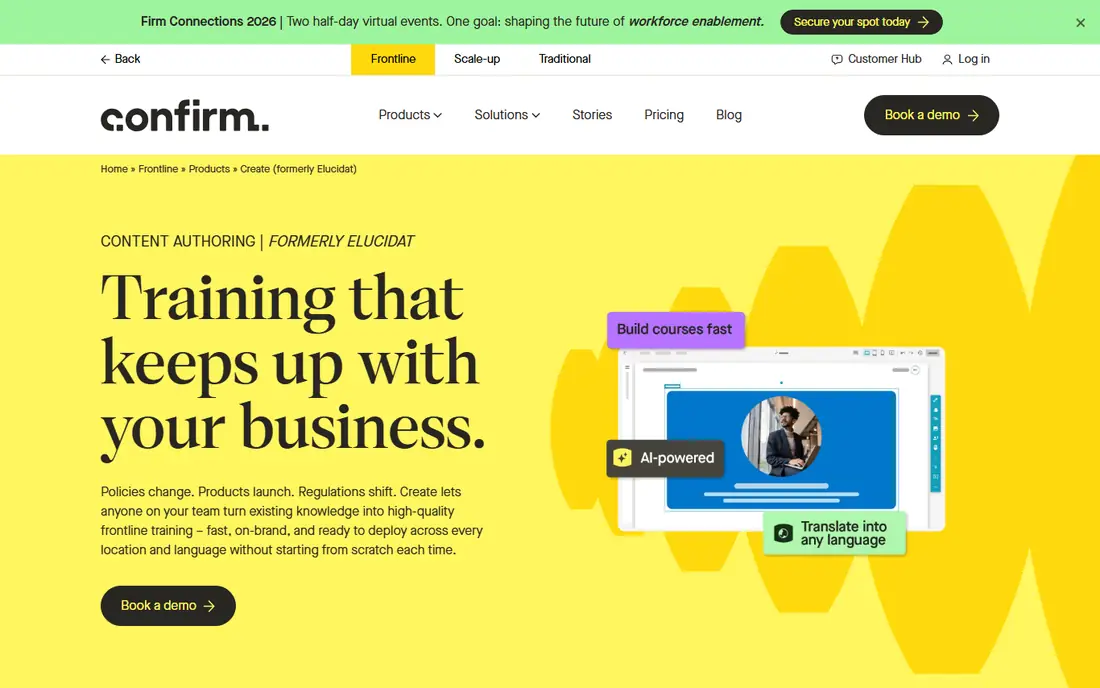
Elucidat is built for organizations that produce many courses and need to keep them consistent. Authors work in a browser, managers assign roles, and reviewers comment on specific pages before a course is released. When a course needs versions for different regions, teams, or languages, Elucidat helps manage those variations from a shared base, rather than copying files and editing each one by hand. That control reduces errors when a policy or product detail changes across a whole library.
For a single course, that structure can feel heavy. The value appears when ten or fifty courses share content, branding, and updates. Elucidat fits learning teams in larger companies, franchises, and regulated industries where accuracy and version control matter. Smaller teams should compare its cost with simpler tools before committing, since they may pay for management features they rarely use.
What we like- Cloud collaboration with roles and review
- Strong translation and variation management
- Responsive output by design
Watch out for- Price is aimed at teams, not solo authors
- Simpler projects may not need its management features
Starting priceSee website
Free planFree trial
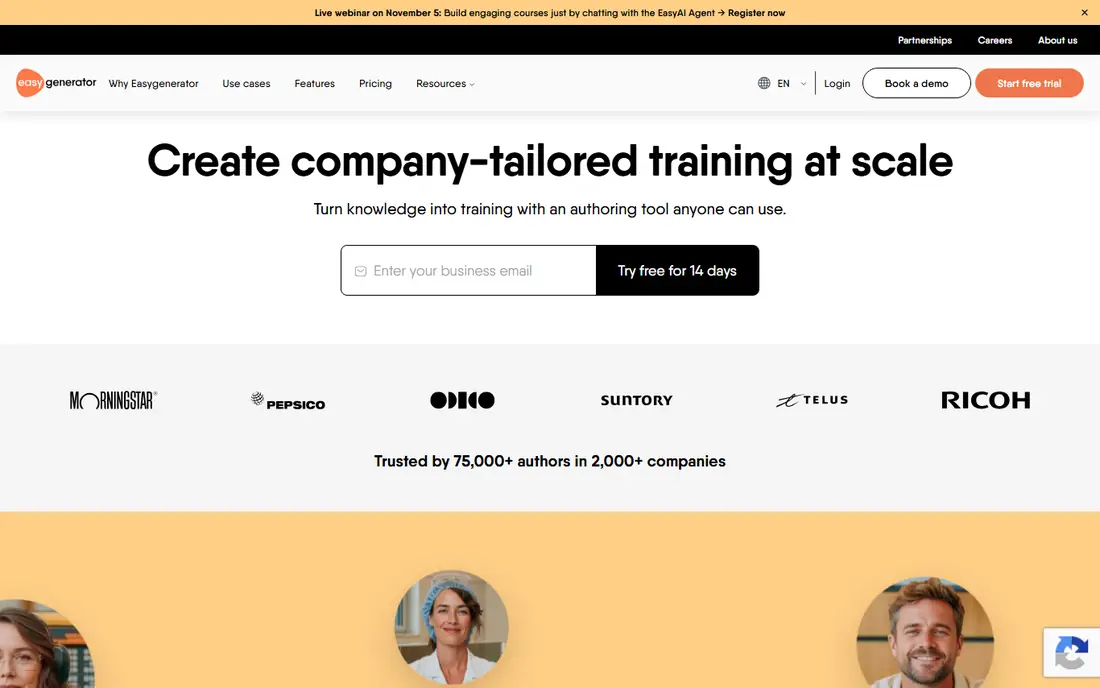
Easygenerator is designed for subject experts, not only for instructional designers. A manager, nurse, or sales lead can build a course from templates, add text, images, video, and questions, and publish it to an LMS or a shareable link. The builder keeps choices simple, which means new authors finish courses faster and with fewer design mistakes. Review and translation features help small teams keep courses current without a separate project tool.
The trade-off is depth. Courses that need complex branching, custom variables, or highly custom interactions will hit limits sooner than they would in Storyline or Captivate. For standard onboarding, product training, and compliance refreshers, that limit rarely matters. Easygenerator is a strong pick for small and mid-size teams that need many solid courses, built by the people who know the subject.
What we like- Simple drag-and-drop builder
- Subject experts can author without design training
- Built-in templates and question types
Watch out for- Less control over fine interaction design
- Advanced branching is limited compared with Storyline or Captivate
Starting priceSee website
Free planFree trial
Gomo builds courses in a browser and publishes them so they adapt to phones, tablets, and desktops. Authors add screens, interactions, and assessments, and the course rearranges itself for smaller screens instead of shrinking a desktop layout. That matters for field teams, retail staff, and other learners who take training on a phone between tasks. Gomo also supports xAPI, which lets learning data flow to a learning record store for richer tracking than basic completion data.
Collaboration is straightforward, with team roles and cloud storage, so authors in different locations can work on the same course. The template and interaction range is smaller than Articulate or Adobe, so highly custom courses may need workarounds. Gomo fits teams that prioritize mobile-friendly delivery and cloud teamwork over the widest possible interaction library.
What we like- Cloud authoring with responsive output
- Good for distributed teams
- Supports xAPI tracking
Watch out for- Template range is narrower than larger suites
- Pricing requires a vendor quote for many plans
Starting priceSee website
Free planFree trial
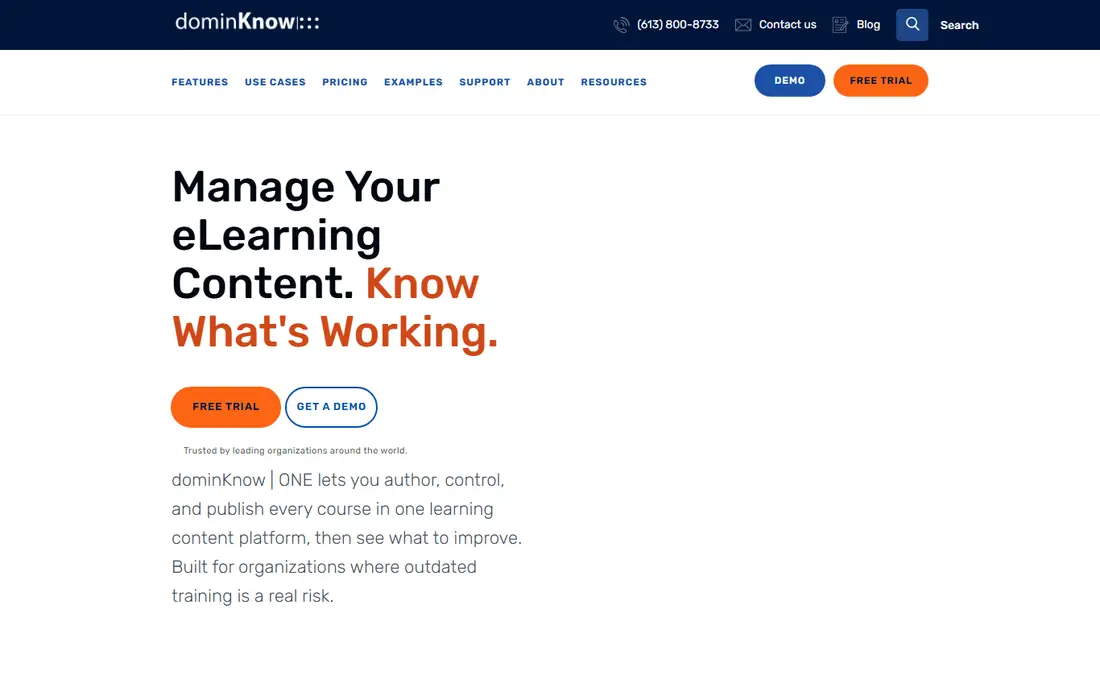
dominKnow, through its ONE platform, lets teams build responsive courses and more traditional slide-style courses in one place. Its strength is reuse: a topic, image, or assessment can live in one place and appear in many courses, so an update flows through every course that uses it. For teams that maintain a large library, that reuse saves hours and prevents outdated versions from lingering in old courses. Review workflows, roles, and version history support larger teams with formal approval steps.
New users face a learning curve, because the platform offers many authoring options and settings. The community and third-party template pool is also smaller than Articulate, so teams may build more from scratch. dominKnow fits mid-size and large learning teams that value reuse, collaboration, and control over a shared library. Solo authors will likely find simpler tools faster.
What we like- One platform for responsive and traditional courses
- Content reuse across projects
- Review and workflow tools
Watch out for- Interface takes time to learn
- Smaller community and template pool than Articulate
Starting priceSee website
Free planFree trial
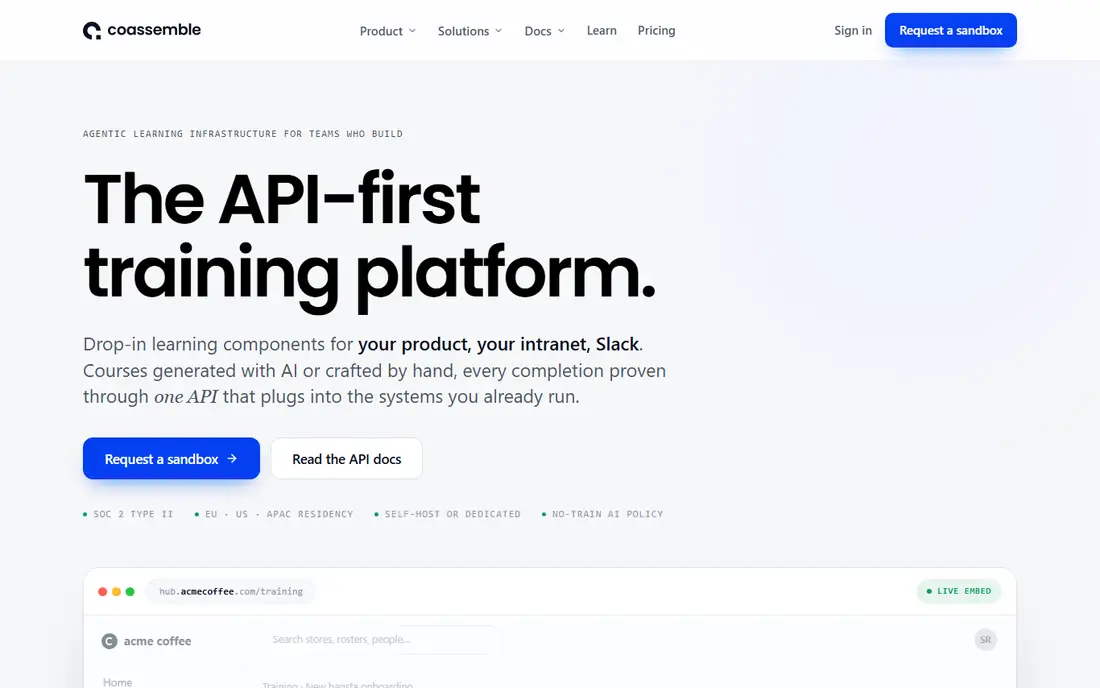
Coassemble combines a simple course builder with LMS features, so a small team can create a course, invite learners, track completion, and issue certificates without buying a separate LMS. The builder uses templates for lessons, quizzes, and documents, and the result looks clean on desktop and mobile. That all-in-one setup suits onboarding, safety training, and standard operating procedures, where the goal is clear, consistent training rather than a highly interactive experience.
Advanced authors will notice limits quickly. Branching is basic, custom interactions are few, and software simulation is not a strength. Coassemble is best when training needs are straightforward and speed matters more than interaction depth. Teams that outgrow it can export or move to a fuller authoring tool later, but many small teams stay because the combined builder and LMS keeps admin work low.
What we like- Very easy course builder
- Built-in LMS features for enrollment and tracking
- Good for onboarding and compliance
Watch out for- Limited advanced authoring
- Not a fit for complex simulations or branching scenarios
#8Camtasia
Best for: Video-based training4.6/5 on
G2 (1,769 reviews, checked Oct 2026)
Visit techsmith.com
Starting priceSee website
Free planFree trial
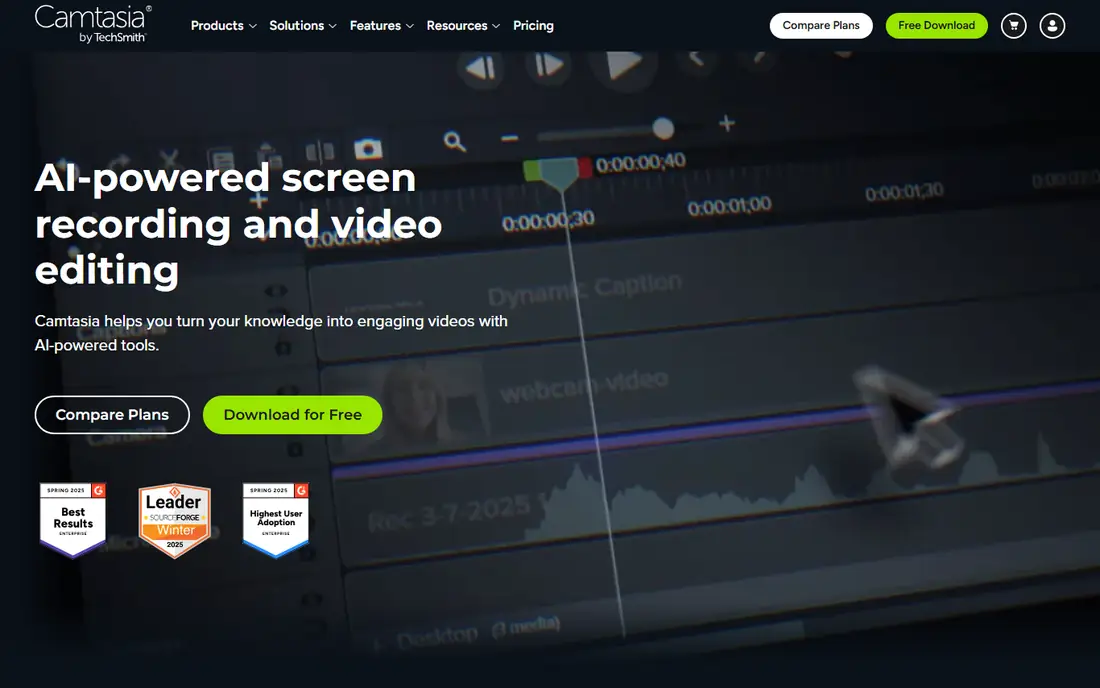
Camtasia records a screen, webcam, or both, and edits the result into a polished training video with callouts, zoom effects, captions, and simple quizzes. For software training, process walkthroughs, and product demos, video often teaches faster than slides, and Camtasia makes that video easy to produce. Authors can cut mistakes, add annotations to guide attention, and export video for an LMS, a website, or a shared drive.
Camtasia does not replace a course authoring tool for full programs. It lacks branching, detailed course structure, and learning management features, so teams usually pair it with an LMS or with a tool like Rise, Easygenerator, or Coassemble for quizzes and tracking. If most of your training is video-led, Camtasia is an excellent pick. If you need full courses with assessments and pathways, treat it as a companion tool, not the whole solution.
What we like- Strong screen recording and video editing
- Annotations, quizzes, and captions
- Easy to learn for video creators
Watch out for- Not a full course authoring suite
- Needs an LMS or authoring tool for full course management
How we chose
We compared pricing pages, documentation, and public reviews on G2, Capterra, and Reddit, focusing on authoring depth, responsive output, collaboration, LMS publishing, and fit for different team sizes. Each tool here exists today, publishes courses that work in standard LMS platforms or on the web, and serves a clear use case, from solo video creators to large learning teams. Prices come from vendor pricing pages where confirmed, and entries read See website where a price could not be confirmed at the time of writing. We did not run hands-on tests, and the order reflects breadth, ease of use, and fit for common training needs rather than a lab score.
The best authoring tool is the one your team will actually use to keep courses current. A powerful tool that only one expert can operate becomes a bottleneck when that person is busy. A simple tool that subject experts can use will produce more courses, and more current courses, even if each course is less complex. Match the tool to the author, not only to the course.
Start with the author, not the feature list
Ask who will build and update courses in six months. If that person is a subject expert with limited design time, choose Easygenerator or Coassemble. If it is a trained instructional designer, Articulate 360 or Captivate will use their skills better. If a team shares the work, Elucidat or dominKnow will help with roles and review.
Check publishing and tracking first
Confirm that courses publish in the format your LMS needs, usually SCORM or xAPI, and that completion and quiz data report correctly. Test one real course, with a quiz and a video, in your LMS before you buy. A tool that looks good in a demo can still report data in a way your LMS handles poorly.
Plan for updates, not just launch
Courses age fast when products, policies, or regulations change. Tools with content reuse, shared templates, and simple editing make updates cheap. Tools that require rebuilding a course for each change make updates expensive, and outdated courses tend to stay live longer than they should.
Frequently asked questions
What is the closest alternative to iSpring Suite?
Articulate 360 is the closest match for professional course authoring, with Rise for fast responsive courses and Storyline for deep interactivity. Easygenerator is closer if you want a simpler, browser-based builder and you do not need PowerPoint as the starting point. The right match depends on whether your team values depth or speed more.
Can I create courses without instructional design experience?
Yes. Easygenerator and Coassemble are built for subject experts, with templates and guided builders that keep courses consistent. Articulate Rise is also approachable for standard courses. Tools like Storyline and Captivate reward training and practice, so plan learning time if you choose them.
Do these tools work with an LMS?
Most do. Articulate, Adobe Captivate, Elucidat, Easygenerator, Gomo, and dominKnow publish SCORM or xAPI courses for standard LMS platforms. Coassemble includes its own LMS features as well. Always test one published course in your LMS, including quiz scoring and completion tracking, before a full rollout.
Which alternative is best for mobile learners?
Gomo and Articulate Rise are strong for mobile, because courses adapt to small screens by design. Elucidat also publishes responsive courses. Avoid tools that only shrink a desktop layout, and test each course on a real phone, not only in a desktop preview.
Is there a free iSpring alternative?
No full authoring suite in this list offers a permanent free plan, though most offer free trials. Camtasia, Articulate, Captivate, and the other tools here use trials so you can test a real project. For a no-cost option, open-source tools exist, but they usually need more setup and offer less support.
How much should a small team budget for course authoring?
Budget depends on author count and course volume. Simple browser tools cost less per author than full suites, and all-in-one tools like Coassemble can replace a separate LMS cost. Start with a trial, build one real course, and compare the time it takes against the subscription price before you commit for a year.
Sources we checked (8)
- https://articulate.com/pricing
- https://www.adobe.com/products/captivate.html
- https://www.elucidat.com/pricing/
- https://www.easygenerator.com/pricing/
- https://www.gomolearning.com/pricing/
- https://www.dominknow.com/pricing/
- https://coassemble.com/pricing/
- https://www.techsmith.com/camtasia-pricing.html
Is your product missing or out of date?
We review this list regularly. Vendors can request a listing, send updated pricing or ask about featured placement.

Shihab Mia · Founder, Rankite
Shihab has 5+ years in B2B and SaaS SEO. He writes Rankite's software buying guides from pricing pages, documentation and public user reviews. More about Shihab.