How we make this list: we compare pricing pages, product documentation and public user reviews. Ratings come from G2, Capterra or Trustpilot, with the date we checked them.
Key takeaways
- iObeya suits enterprise visual management and program tracking, but pricing is quote-based and reviewers call it costly for small teams.
- Miro and Mural are the closest whiteboard rivals, with free plans and published per-member pricing.
- Lucidspark, FigJam, and Microsoft Whiteboard cover diagramming, design teams, and Microsoft shops at lower prices.
- ClickUp suits teams that want boards plus project tracking in one workspace rather than a canvas alone.
Quick comparison
| Tool | Best for | Starting price | Free plan |
|---|
 Miro Miro | Scaling facilitated workshops | $8/member/month | Yes |
 Mural Mural | Beginner-friendly workshops | $9.99/member/month | Yes |
 Lucidspark Lucidspark | Diagramming and planning | $7.95/user/month | Yes |
 FigJam FigJam | Design teams | $5/user/month | Yes |
 ClickUp ClickUp | Boards plus projects | $7/user/month | Yes |
 Microsoft Whiteboard Microsoft Whiteboard | Microsoft 365 teams | $0 | Yes |
 Conceptboard Conceptboard | Visual boards with notes | See website | Yes |
 Whimsical Whimsical | Simple diagrams and docs | See website | Yes |
Is your product missing or out of date?
We review this list regularly. Vendors can request a listing, send updated pricing or ask about featured placement.
The best iobeya alternatives
#1Miro
Best for: Scaling facilitated workshops4.6/5 on
G2 (13,631 reviews, checked Oct 2026)
Visit miro.com
Starting price$8/member/month
Free planYes

Miro is the most direct large-scale whiteboard swap, with one canvas holding whiteboards, slides, docs, diagrams, tables, timelines, and light project tracking. Facilitators split agendas into frames, pull everyone to the same spot, run anonymous votes, and keep pace with a shared timer, while Miro AI groups sticky notes by keyword or sentiment and turns input into documents. With 13,000-plus G2 reviews at 4.6 out of 5, it is the most adopted tool here.
The free plan covers 3 editable boards with unlimited members, Starter costs $8 per member monthly billed annually, and Business costs $20. Navigation confuses newcomers, especially the grab-and-move toggle. For scaling facilitated workshops, Miro leads.
What we like- 250-plus integrations
- Miro AI grouping and summaries
- Frames, votes, and timers
Watch out for- Tougher learning curve
- Navigation confuses newcomers
- Business tier at $20 per member monthly
#2Mural
Best for: Beginner-friendly workshops4.6/5 on
G2 (1,496 reviews, checked Oct 2026)
Visit mural.co
Starting price$9.99/member/month
Free planYes
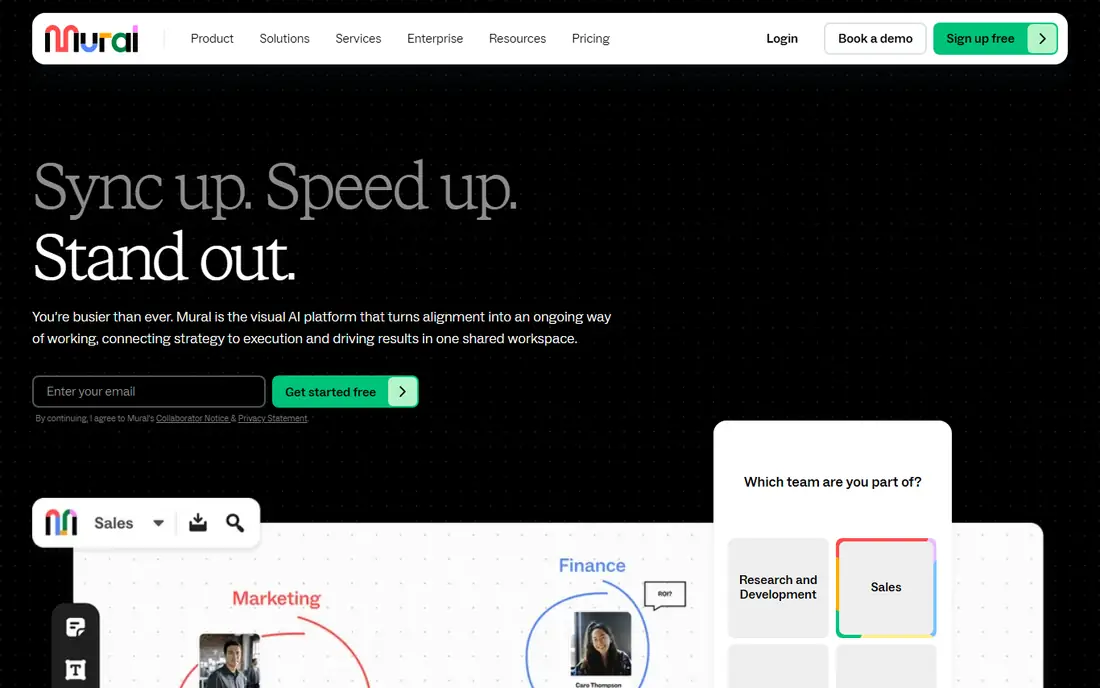
Mural stands out for ease of use and collaboration, with board templates carrying detailed instructions on how long prep takes, how long collaboration takes, and how many people to include. Facilitation features like a laser pointer and participant summoning sit front and center, and navigation toggles cleanly between trackpad and mouse mode. With 1,473 G2 reviews at 4.6 out of 5, it is the beginner-friendly pick.
The free plan covers 3 murals with unlimited members, Team costs $9.99 per member monthly billed annually in most listings, and Business costs $17.99. Integrations run thinner than Miro. For beginner-friendly workshops, Mural wins.
What we like- Easiest navigation here
- Templates with detailed instructions
- Facilitation tools like laser pointer
Watch out for- Fewer integrations than Miro
- Team pricing varies by source
- Less flexible canvas
Starting price$7.95/user/month
Free planYes
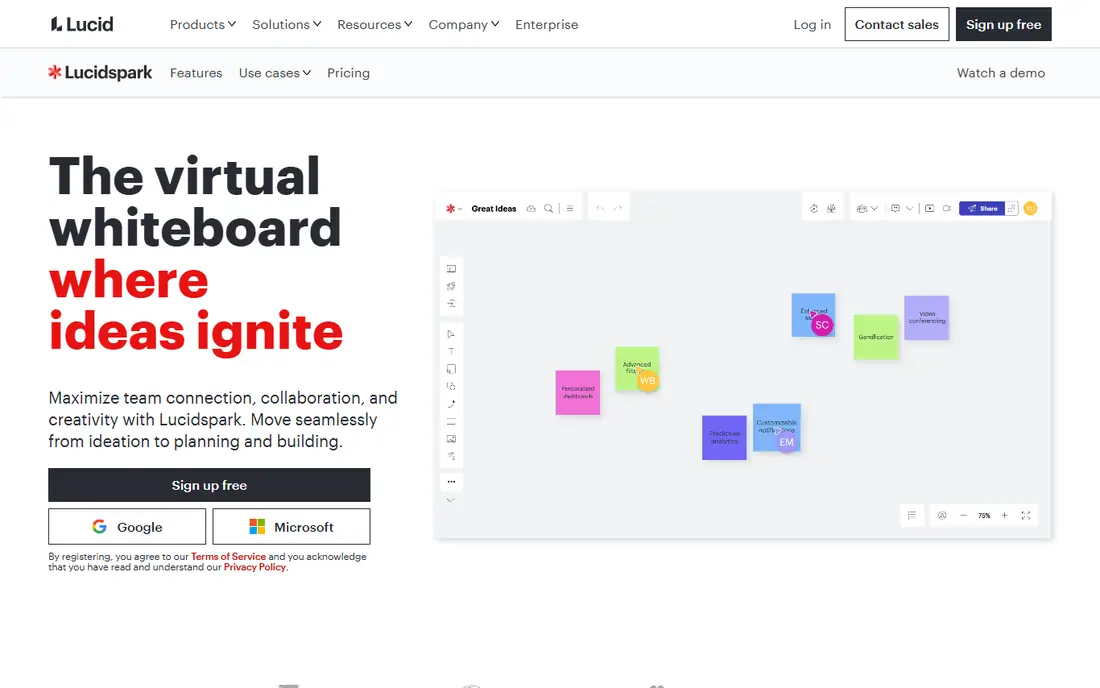
Lucidspark pairs real-time brainstorming with visual diagramming, so sessions that feed diagrams, wireframes, and project plans continue in the same tool rather than stopping at sticky notes. Voting, timer, and chat support facilitation, while Lucidchart, Slack, Jira, and Microsoft 365 integrations connect boards to delivery work. For teams that diagram as they brainstorm, Lucidspark fits.
The free tier is limited, and the diagramming focus means pure facilitation features run thinner than Mural. For diagramming plus brainstorming, Lucidspark is the pick.
What we like- Strong diagramming plus brainstorming
- Voting and timer
- Lucidchart integration
Watch out for- Limited free tier
- Diagramming focus over pure facilitation
- Smaller template library than Miro
#4FigJam
Best for: Design teams4.5/5 on
G2 (465 reviews, checked Oct 2026)
Visit figma.com
Starting price$5/user/month
Free planYes
FigJam gives design teams a whiteboard inside Figma, with design-focused templates, voting, AI features, and audio chat, plus Slack and Jira integrations. Teams already in Figma keep brainstorming, wireframing, and design handoff in one place. For Figma users, FigJam is the natural choice.
The free tier covers 3 files, and the design focus means enterprise program tracking runs thinner than iObeya. For design teams, FigJam wins.
What we like- Design-focused boards
- Figma integration
- Voting, AI, and audio chat
Watch out for- Free tier limited to 3 files
- Design-team focus
- Less enterprise program tracking
#5ClickUp
Best for: Boards plus projects4.6/5 on
G2 (14,878 reviews, checked Oct 2026)
Visit clickup.com
Starting price$7/user/month
Free planYes
ClickUp suits teams whose sessions must become delivery: whiteboards sit beside tasks, docs, goals, and customizable views, so workshop output turns into tracked work without exporting. The free tier covers unlimited tasks and members with 60 MB storage, while paid plans from $7 per user monthly billed annually add unlimited storage and advanced views. For boards plus projects in one workspace, ClickUp leads.
It is heavier than a pure whiteboard, free storage runs out fast, and setup time is real. For workshops that must become projects, ClickUp is the pick.
What we like- Whiteboards plus tasks, docs, and goals
- Unlimited tasks on free
- Huge integration library
Watch out for- Heavier than a pure whiteboard
- 60 MB free storage
- Setup time before it feels helpful
#6Microsoft Whiteboard
Best for: Microsoft 365 teams4.0/5 on
G2 (51 reviews, checked Oct 2026)
Visit microsoft.com
Starting price$0
Free planYes
Microsoft Whiteboard is the free digital whiteboard inside most Microsoft 365 subscriptions, with Teams meeting integration, ink recognition, and collaborative boards for planning and problem-solving. Teams already paying for Microsoft 365 get whiteboarding at no extra cost. For Microsoft shops, it is the obvious free pick.
It is less mature than Miro or Mural, the template library is smaller, and bugginess is reported. For free Microsoft whiteboarding, it wins.
What we like- Free with most Microsoft 365 subscriptions
- Teams meeting integration
- Ink recognition
Watch out for- Less mature than Miro or Mural
- Smaller template library
- Occasional bugginess reported
Starting priceSee website
Free planYes
Conceptboard offers board-based collaboration where users drag tabs and content into boards with notes attached, suiting visual project organization. A free tier covers up to 30 saves, with Pro pricing around $8 monthly in some listings. For visual boards with notes at a low price, Conceptboard fits.
Pricing sits behind the website in current listings, and the ecosystem is smaller than Miro. For note-attached visual boards, Conceptboard works.
What we like- Board-based collaboration with notes attached
- Drag-and-drop organization
- Team boards
Watch out for- Pricing behind the website
- Smaller ecosystem than Miro
- Fewer integrations
#8Whimsical
Best for: Simple diagrams and docs4.6/5 on
G2 (189 reviews, checked Oct 2026)
Visit whimsical.com
Starting priceSee website
Free planYes
Whimsical gives teams simple, fast diagrams and docs in one clean tool, suiting users who find Miro overwhelming. Flowcharts, wireframes, and mind maps build quickly, and boards share space with documents. For simple diagrams without whiteboard bloat, Whimsical fits.
Pricing sits behind the website, facilitation features run thinner than Mural, and the team footprint is smaller. For simple diagrams and docs, Whimsical is the pick.
What we like- Simple, fast diagrams
- Docs plus boards in one tool
- Clean interface
Watch out for- Pricing behind the website
- Fewer facilitation features
- Smaller team footprint
How we chose
We compared canvas flexibility, facilitation features, template quality, integrations, enterprise tracking, and pricing for each tool, then checked them against recent whiteboard comparisons with data verified in 2026. Tools made the list only if teams can run visual collaboration today with a published or widely reported offering. Where pricing sits behind a quote or varies by listing, we used See website rather than printing a contested figure. We also weighed enterprise program tracking separately, since iObeya strength there is exactly what pure whiteboards lack. We also checked template quality separately, since Mural templates include detailed facilitator instructions while Miro templates offer wider range with harder-to-find guidance, and that difference matters most for first-time facilitators. We also checked mobile support, since facilitators often run workshops from tablets: confirm the mobile app supports editing, not only viewing.
Decide whether you need a board or a management system
iObeya is not just a whiteboard: it is a visual management system for structured management and enterprise program tracking, with 4.5 out of 5 from 150 G2 reviews. Pure whiteboards like Miro and Mural excel at workshops but do not track programs, while ClickUp and Lucidspark bridge the gap by connecting boards to tasks and diagrams. Teams replacing iObeya for program tracking should shortlist ClickUp or pair a whiteboard with a project tool, rather than expecting a canvas alone to replace structured management.
Also confirm pricing transparency before committing, since iObeya reviewers cite higher cost and lack of clear pricing as switching reasons. Miro, Mural, Lucidspark, FigJam, and ClickUp all publish per-user pricing, so budget comparisons need no sales call. Test facilitation features with real participants during the trial, since navigation ease decides adoption more than feature counts. Also confirm guest access rules, since workshops often include clients or partners outside your organization: some tools allow unlimited free guests or viewers, while others charge for every participant. A tool that bills guests can double the cost of a client workshop. Also check performance with large boards, since a canvas that feels fast with fifty sticky notes can crawl with five hundred: test with your largest real workshop during the trial, including images, frames, and embedded content, before rolling out to a full team. Run that test with the same number of simultaneous collaborators you expect in production. Pick the tool your least technical facilitator can run alone, then scale from there, and confirm pricing in writing before rollout begins today for your whole team.
Frequently asked questions
What is iObeya and why do teams replace it?
iObeya is a visual management platform for enterprise teams, favored for structured management and enterprise program tracking, with team collaboration as its top reviewer-cited strength. Teams replace it over cost and pricing transparency: reviewers describe it as costly for small teams with pricing requiring direct sales contact, and recent reviews cite higher perceived cost and lack of clear pricing as switching reasons.
Which iObeya alternative is best for workshops?
Mural is best for beginners, with templates carrying detailed instructions and the easiest navigation here, while Miro scales better for repeated workshops with frames, votes, timers, and AI summaries. Both offer free plans covering 3 boards or murals. For first-time facilitators, choose Mural; for workshop programs at scale, choose Miro.
Which iObeya alternative is free?
Miro free covers 3 editable boards with unlimited members, Mural free covers 3 murals with unlimited members, and Microsoft Whiteboard is free inside most Microsoft 365 subscriptions. Lucidspark, FigJam, Conceptboard, and Whimsical also offer free tiers with limits. For unlimited free boards, no tool here qualifies; self-hosted open-source options sit outside this list.
Which iObeya alternative tracks programs, not just boards?
ClickUp tracks programs by connecting whiteboards to tasks, docs, goals, and timelines, while Lucidspark connects boards to diagrams and delivery tools. Pure whiteboards like Miro and Mural do not offer enterprise program tracking comparable to iObeya. For program tracking plus boards, ClickUp leads.
Do these tools integrate with Jira, Slack, and Microsoft 365?
Yes, broadly: Miro offers 250-plus integrations including Jira, Asana, ClickUp, Slack, Microsoft, and Google, while Mural, Lucidspark, FigJam, and Microsoft Whiteboard cover the common trio with varying depth. Confirm your exact integration during the trial, since depth varies: Miro integrations run deeper than Mural, which relies more on Zapier. Also confirm board export options, since workshop output often needs to live in docs or slides afterward: check whether boards export cleanly to PDF, images, or documents, or only as links that require the tool to view. Also confirm security and compliance needs for enterprise use, since iObeya buyers often require single sign-on, audit logs, and data residency: confirm those features on the tier you will actually buy, not only on the enterprise tier.
Sources we checked (8)
- https://miro.com
- https://www.mural.co
- https://www.lucidspark.com
- https://www.figma.com/figjam/
- https://clickup.com
- https://www.microsoft.com/en-us/microsoft-365/microsoft-whiteboard/digital-whiteboard-app
- https://conceptboard.com
- https://whimsical.com
Is your product missing or out of date?
We review this list regularly. Vendors can request a listing, send updated pricing or ask about featured placement.

Shihab Mia · Founder, Rankite
Shihab has 5+ years in B2B and SaaS SEO. He writes Rankite's software buying guides from pricing pages, documentation and public user reviews. More about Shihab.