How we make this list: we compare pricing pages, product documentation and public user reviews. Ratings come from G2, Capterra or Trustpilot, with the date we checked them.
Key takeaways
- Intercom and Zendesk suit teams that want messaging plus automation, with bots, articles, and workflows in one platform.
- Crisp, LiveChat, and Freshchat suit small teams that want affordable live chat with solid mobile and web coverage.
- Drift suits sales-led teams that want conversational marketing and meeting booking inside chat.
- Tawk.to suits budget teams, since its core live chat is free, while Help Scout suits support teams that want shared inboxes.
Quick comparison
| Tool | Best for | Starting price | Free plan |
|---|
 Intercom Intercom | Messaging plus automation | See website | No |
 Zendesk Messaging Zendesk Messaging | Support at scale | See website | No |
 Drift Drift | Conversational marketing | See website | No |
 Crisp Crisp | Affordable team chat | $25 per month | Yes |
 LiveChat LiveChat | Fast live chat setup | $20 per month | No |
 Help Scout Help Scout | Shared support inbox | See website | No |
 Tawk.to Tawk.to | Free live chat | Free | Yes |
 Freshchat Freshchat | Modern team messaging | See website | No |
Is your product missing or out of date?
We review this list regularly. Vendors can request a listing, send updated pricing or ask about featured placement.
#1Intercom
Best for: Messaging plus automation4.5/5 on
G2 (3,918 reviews, checked Oct 2026)
Visit intercom.com
Starting priceSee website
Free planNo
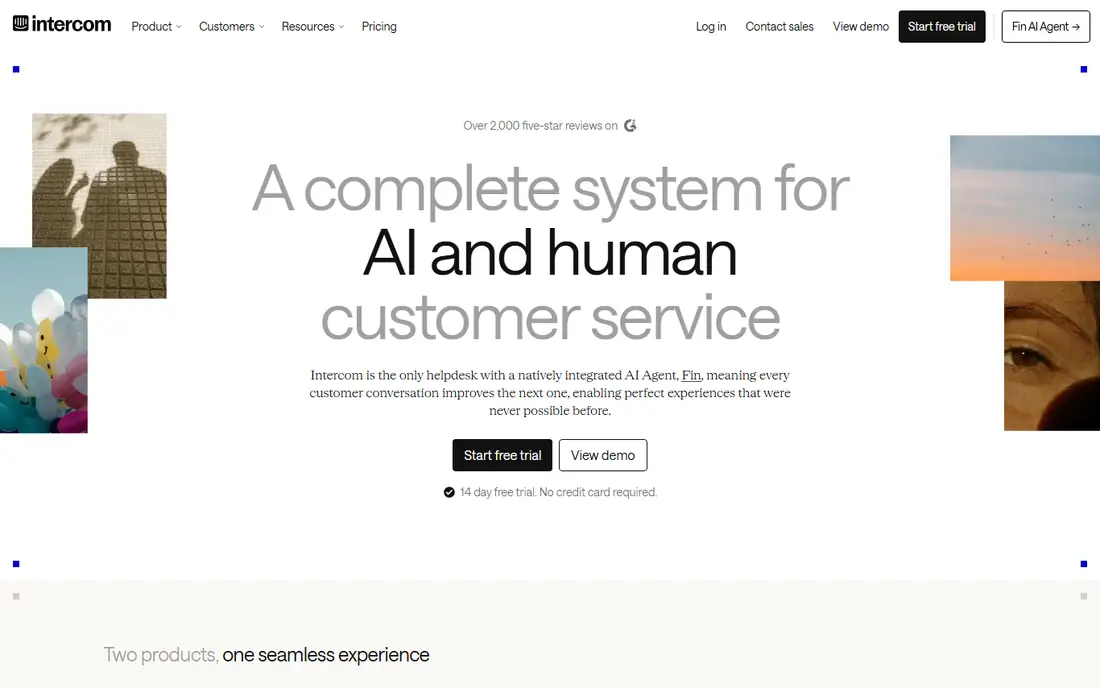
Intercom is the most complete in-app messaging platform on this list, combining live chat, bots, help articles, product tours, and outbound messages in one system. Its automation builder routes conversations, answers common questions, and hands off to humans when needed, which follows the best practice of resolving simple issues instantly while keeping humans for complex ones. Analytics show response times, resolution rates, and satisfaction, so teams can improve messaging over time.
Intercom pricing varies with contacts and seats, and costs rise as your audience grows, which surprises small teams. The breadth can also overwhelm a team that only needs live chat. Intercom suits product and support teams that want messaging, automation, and onboarding in one platform. Start with live chat and one bot flow, then add articles and tours gradually rather than launching everything at once.
What we like- Bots, articles, and product tours in one platform
- Strong automation
- Good analytics
Watch out for- Pricing varies and rises with contacts
- Can overwhelm small teams
Starting priceSee website
Free planNo
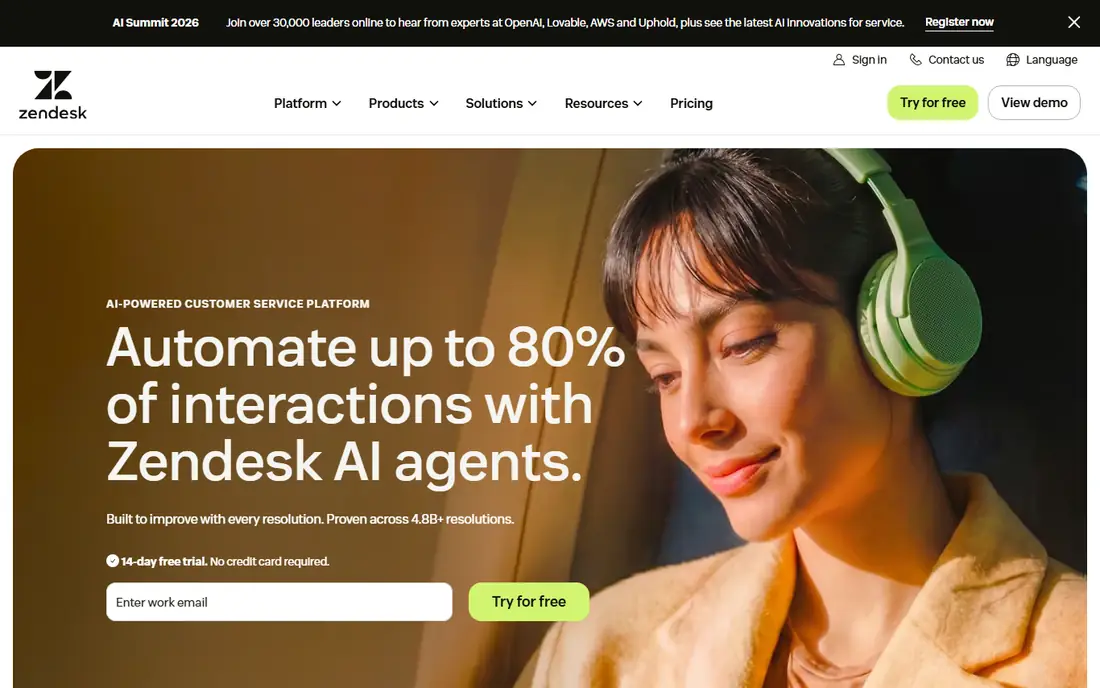
Zendesk Messaging brings in-app chat into the Zendesk support suite, so conversations become tickets with full history, routing, and reporting. That structure follows the best practice of keeping context across channels: a chat that needs follow-up becomes a ticket without losing the conversation. Agents work from one inbox covering chat, email, and social, while managers track response times and satisfaction across the team.
Setup takes longer than simpler chat tools, and pricing varies by suite tier and seat count, so check the current Zendesk page before budgeting. Zendesk suits support teams at scale that already use ticketing and need messaging inside the same system. Small teams that only need chat should pick Crisp or Tawk.to instead. For large support operations, Zendesk's structure and reporting justify the setup effort.
What we like- Enterprise-grade ticketing
- Omnichannel inbox
- Strong reporting
Watch out for- Setup takes time
- Pricing varies by suite and seats
#3Drift
Best for: Conversational marketing4.4/5 on
G2 (1,255 reviews, checked Oct 2026)
Visit drift.com
Starting priceSee website
Free planNo
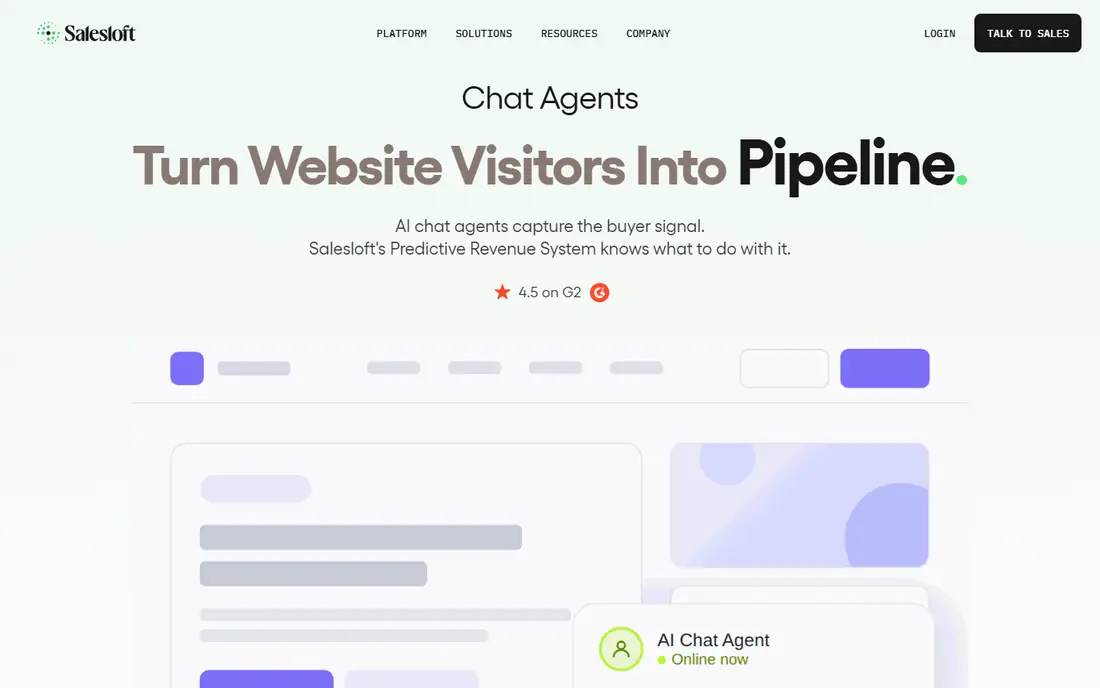
Drift turns in-app messaging into a sales channel, with playbooks that qualify visitors, answer pricing questions, and book meetings without leaving the chat. That approach follows the best practice of meeting buyers where they are: a visitor with a buying question gets an answer and a meeting slot in one conversation, rather than a form and a wait. Routing sends high-value visitors to sales reps fast, while bots handle common questions.
Drift's sales focus limits its support depth, and pricing on higher tiers is quote-based, which complicates budgeting. It suits sales-led teams, especially B2B companies, that want chat to generate pipeline rather than just answer questions. Support-led teams should pick Intercom or Zendesk instead. Use Drift playbooks for your top three buyer questions first, then expand as conversion data arrives.
What we like- Playbooks for qualification
- Meeting booking inside chat
- Sales routing
Watch out for- Sales focus limits support use
- Pricing is quote-based on higher tiers
#4Crisp
Best for: Affordable team chat4.5/5 on
G2 (205 reviews, checked Oct 2026)
Visit crisp.chat
Starting price$25 per month
Free planYes
Crisp offers a shared inbox, live chat, chatbots, and help articles at a low price, with plans starting at $25 per month and a free tier for basic use. That value makes it a strong pick for small teams following messaging best practices without enterprise budgets. The shared inbox keeps every conversation visible to the team, while canned replies and bots handle repeat questions fast. Mobile apps let agents reply from anywhere, which keeps response times short.
Crisp has a smaller integration ecosystem than Intercom or Zendesk, and advanced automation sits on higher tiers. It suits startups and small teams that want solid chat, a shared inbox, and basic automation at a fair price. Set up canned replies for your ten most common questions first, since that single step cuts response times more than any other quick win.
What we like- Low price
- Shared inbox
- Chatbots and articles included
Watch out for- Smaller ecosystem than Intercom
- Advanced automation needs higher tiers
#5LiveChat
Best for: Fast live chat setup4.5/5 on
G2 (812 reviews, checked Oct 2026)
Visit livechat.com
Starting price$20 per month
Free planNo
LiveChat focuses on doing live chat well, with quick setup, customizable chat windows, canned responses, and reports that track response times and satisfaction. Plans start at $20 per month in recent comparison guides, with higher tiers adding more seats, features, and integrations. The chat window fits websites and web apps cleanly, and targeting rules show chat proactively to visitors who look stuck, which follows the best practice of offering help before users ask.
LiveChat offers no free plan, and its feature set is chat-first rather than a full messaging platform, so bots, tours, and articles are thinner than Intercom's. It suits teams that want reliable live chat fast, without platform complexity. Place the chat button where users get stuck, such as pricing and checkout pages, and staff it during your busiest hours for the best results.
What we like- Quick setup
- Chat customization
- Reports and integrations
Watch out for- No free plan
- Messaging features are chat-first, not full platform
#6Help Scout
Best for: Shared support inbox4.4/5 on
G2 (431 reviews, checked Oct 2026)
Visit helpscout.com
Starting priceSee website
Free planNo
Help Scout centers on a clean shared inbox where support teams handle chat, email, and docs together, with collision detection that stops two agents replying to the same customer. That design follows the best practice of one conversation, one owner, which prevents duplicate replies and dropped chats. Docs integration lets agents share help articles inside chat, resolving questions without leaving the conversation. The interface stays calm even at high volume.
Pricing varies by plan and seat count, so check the current Help Scout page before budgeting, and live chat is one part of a support suite rather than a standalone star. Help Scout suits support teams that handle chat alongside email and want one inbox for both. Assign clear ownership rules from day one, since shared inboxes fail when nobody owns a conversation.
What we like- Clean shared inbox
- Docs and chat in one suite
- Collision detection
Watch out for- Pricing varies
- Live chat is one part of a support suite
#7Tawk.to
Best for: Free live chat4.5/5 on
G2 (202 reviews, checked Oct 2026)
Visit tawk.to
Starting priceFree
Free planYes
Tawk.to offers core live chat free, with mobile apps, triggers, canned replies, and visitor monitoring included. That price makes it the best starting point for teams testing in-app messaging best practices before committing budget. Triggers can show chat proactively to visitors on key pages, while canned replies speed up common answers. Paid add-ons remove branding and add features like video chat and advanced reporting.
The free plan carries Tawk.to branding, and some advanced features need paid add-ons, which adds up for larger teams. Support is community-based on free plans, so help is slower than paid rivals. Tawk.to suits budget teams, startups, and small sites that want real live chat without a subscription. Start free, measure chat volume and value, and upgrade only when branding or features become real limits.
What we like- Core live chat is free
- Mobile apps
- Triggers and canned replies
Watch out for- Branding on free plan
- Advanced features need paid add-ons
Starting priceSee website
Free planNo
Freshchat, from Freshworks, offers modern in-app messaging with bots, campaigns, and team inboxes, plus integrations across the Freshworks suite for support, sales, and marketing. Campaigns let teams send targeted messages based on user behavior, which follows the best practice of proactive, relevant outreach rather than generic popups. The interface feels modern, and setup is faster than Zendesk for most teams.
Pricing varies by plan and seat count, so check the current Freshworks page before budgeting, and the best value appears inside Freshworks bundles, which may add services you do not need. Freshchat suits teams already using Freshworks, or teams that want modern messaging with campaigns included. Start with one campaign tied to a clear user behavior, such as a stalled checkout, and measure results before expanding.
What we like- Modern interface
- Bots and campaigns
- Freshworks integrations
Watch out for- Pricing varies
- Best value inside Freshworks bundles
How we chose
We compared in-app messaging tools on live chat quality, bots and automation, shared inbox design, proactive messaging, reporting, and price, using vendor pages, pricing pages, and comparison guides from 2026. The reference buyer was a team adding messaging inside an app or website, so the tools were judged on how well they enable best practices, not just on chat windows. Prices were listed as "See website" where guides conflicted or vendors price by seats and contacts. This article frames best practices through tools, since a practice without a tool to run it stays theoretical.
In-app messaging best practices
Answer fast, and say when you will reply
Speed is the first best practice users judge. Staff chat during your busiest hours, set clear response-time expectations, and show an away message with a reply window when nobody is online. Canned replies for common questions cut first-response times sharply, while bots handle simple queries instantly at night. Measure first-response time weekly, and fix staffing or bot gaps when it slips. A fast, honest reply beats a slow, perfect one.
Keep context in one conversation
Never make users repeat themselves. Use a shared inbox so every agent sees full history, and connect chat to your CRM or ticketing system where possible. When a chat becomes a ticket, carry the conversation with it, and when a user returns, greet them with context rather than a blank form. Collision detection prevents two agents replying at once. Context is what separates good messaging from a frustrating chatbot loop.
Be proactive, but only where it helps
Show chat proactively on pages where users get stuck, such as pricing, checkout, and setup screens, rather than on every page. Trigger messages should offer specific help, like "Need help choosing a plan?" on pricing, not generic greetings. Limit proactive messages per visit, so users never feel chased. Measure whether proactive chats convert or resolve issues, and disable triggers that annoy more than they help.
Design for mobile and accessibility
Most in-app messages arrive on phones, so test chat windows on small screens, slow connections, and with screen readers. Keep messages short, buttons large, and file uploads simple. Avoid chat windows that block key content or buttons on mobile. Accessibility is not optional: keyboard navigation, readable contrast, and clear labels help every user, including those with disabilities. Test with real devices before launch, not just desktop previews.
Frequently asked questions
What is in-app messaging?
In-app messaging means chat, support, and announcements delivered inside your app or website, rather than by email or phone. It includes live chat with agents, bots that answer common questions, and proactive messages triggered by user behavior. Good in-app messaging resolves issues faster than email, since context stays in the conversation. The tools on this list power these messages, from simple chat windows to full automation platforms.
Should bots or humans answer first?
Bots should answer simple, repeatable questions instantly, while humans should handle complex, emotional, or high-value conversations. Route billing disputes, complaints, and enterprise questions to humans fast, and let bots handle hours, pricing, and setup questions. Always offer a clear path to a human, since trapped users abandon chats quickly. The best setup feels like one team, with bots and humans handing off smoothly.
How fast should in-app chat replies be?
Aim for a first response within one minute during staffed hours, and under five minutes at all times with bot help. Users judge chat by speed more than any other factor, and slow replies push them to email or competitors. Publish your hours honestly, and use away messages with reply windows when unstaffed. Track first-response time weekly, and treat sustained slippage as a staffing problem, not a tool problem.
Does in-app messaging work for small teams?
Yes, with the right tool and scope. Crisp and Tawk.to suit small teams, with low or no cost and simple setup. Limit chat hours to your busiest periods, use bots and canned replies for common questions, and route after-hours chats to email. A small team that answers fast during four hours beats a large team that answers slowly all day. Start narrow, then expand hours as volume grows.
How do I measure in-app messaging success?
Track first-response time, resolution time, satisfaction scores, and the share of chats resolved without escalation. Compare chat outcomes against email and phone, since chat should resolve faster and cheaper. Survey users after chats, and review transcripts weekly for repeat issues worth fixing in the product. A messaging program that never reviews transcripts misses its best source of product feedback.
Sources we checked (0)
Is your product missing or out of date?
We review this list regularly. Vendors can request a listing, send updated pricing or ask about featured placement.

Shihab Mia · Founder, Rankite
Shihab has 5+ years in B2B and SaaS SEO. He writes Rankite's software buying guides from pricing pages, documentation and public user reviews. More about Shihab.