How we make this list: we compare pricing pages, product documentation and public user reviews. Ratings come from G2, Capterra or Trustpilot, with the date we checked them.
Key takeaways
- Splashtop is the value pick for support teams, with its SOS support plans from 22 dollars a month per concurrent technician and strong session quality.
- TeamViewer remains the default name in remote support, but read the plan limits carefully: entry tiers cap managed devices and concurrent sessions tightly.
- ConnectWise ScreenConnect gives a single technician a free licence and offers self hosting, which is why MSPs keep choosing it.
- Every tool here can be abused by scammers, so whichever you pick, set up the consent prompts, branding and session logging that make legitimate support recognisable.
Quick comparison
Is your product missing or out of date?
We review this list regularly. Vendors can request a listing, send updated pricing or ask about featured placement.
The best GoTo Resolve alternatives

#1Splashtop
Best for: Support teams watching cost4.8/5 on
G2 (534 reviews, checked Oct 2026)
Visit splashtop.com
Starting price$22 per month
Free planNo
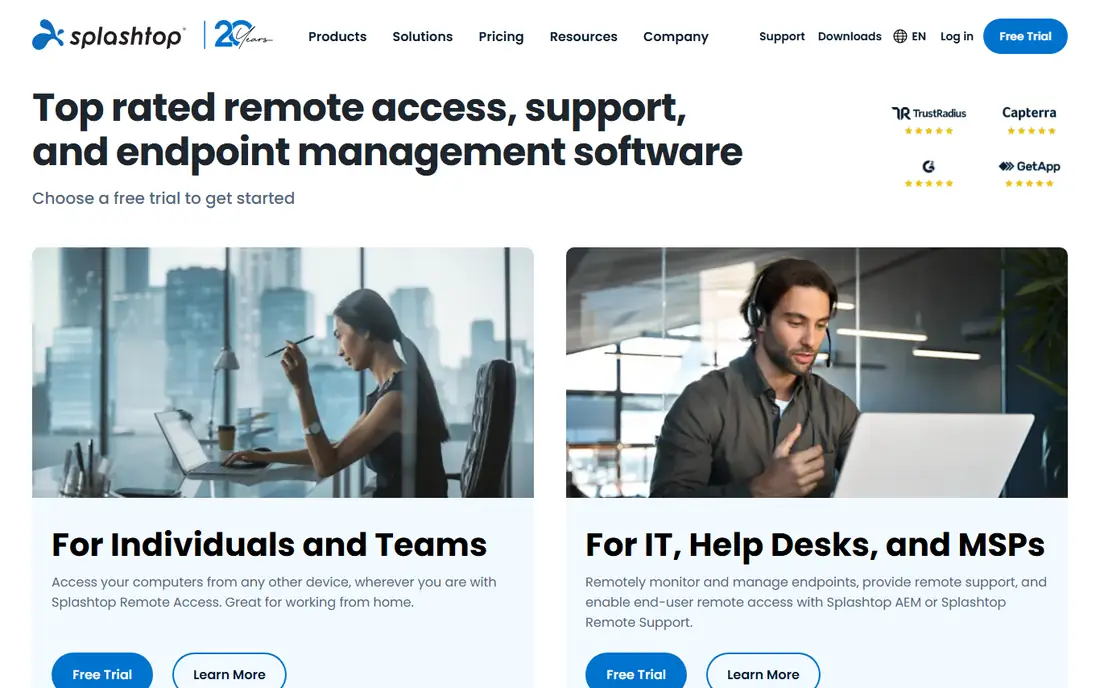
What we like- Splashtop built its business undercutting the famous names while matching session quality: its SOS support plans start at 22 dollars a month per concurrent technician billed annually, covering attended sessions to any computer or phone plus unattended access to a set of machines, with higher SOS tiers widening the unattended count. Streaming stays smooth on ordinary connections, file transfer and multi monitor support are standard, and the same account can add Splashtop's remote access plans for staff machines from a few dollars per user. Support teams switching from GoTo Resolve usually cite the simple bill as the reason they stayed.
Watch out for- There is no free plan for the support products, only trials, and the product family is split into several plans, SOS, Business Access and Enterprise, that buyers must untangle before comparing prices. Session tooling such as remote reboot and chat is solid rather than class leading, and the deepest audit and compliance features sit in Enterprise. First year promotional pricing on some plans rises at renewal, so get the second year figure in writing.

#2TeamViewer
Best for: Mixed fleets and brand recognition4.5/5 on
G2 (4,203 reviews, checked Oct 2026)
Visit teamviewer.com
Starting price$24.90 per month
Free planYes
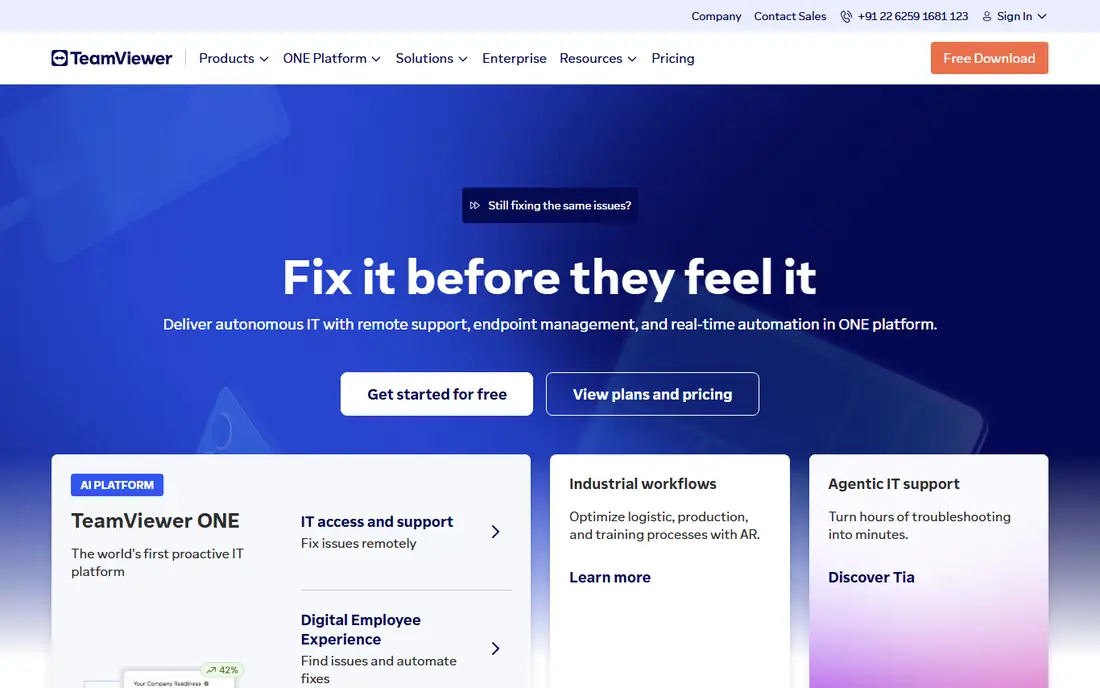
What we like- TeamViewer is the name end users already know, which is worth money in support: a customer who has seen the brand follows instructions faster. Remote Access starts at 24.90 dollars a month billed annually for self access, and Business at 50.90 covers support work with one concurrent session, with Corporate tiers adding channels. It runs on everything, Windows, Mac, Linux, ChromeOS and mobile, records sessions, integrates with major service desks, and its free tier for personal use lets technicians learn it at home before the company buys.
Watch out for- The tier boundaries are the complaint: entry plans cap managed devices at tiny numbers and one concurrent channel, so a growing desk climbs tiers quickly and the bill jumps rather than glides. The free tier's commercial use detection is aggressive and flags legitimate personal use often enough to be a running joke among IT staff. Tensor, the enterprise platform, is quote only, which slows procurement for larger buyers.

#3AnyDesk
Best for: Fast sessions on weak connections4.5/5 on
G2 (1,104 reviews, checked Oct 2026)
Visit anydesk.com
Starting price$28.90 per month
Free planYes
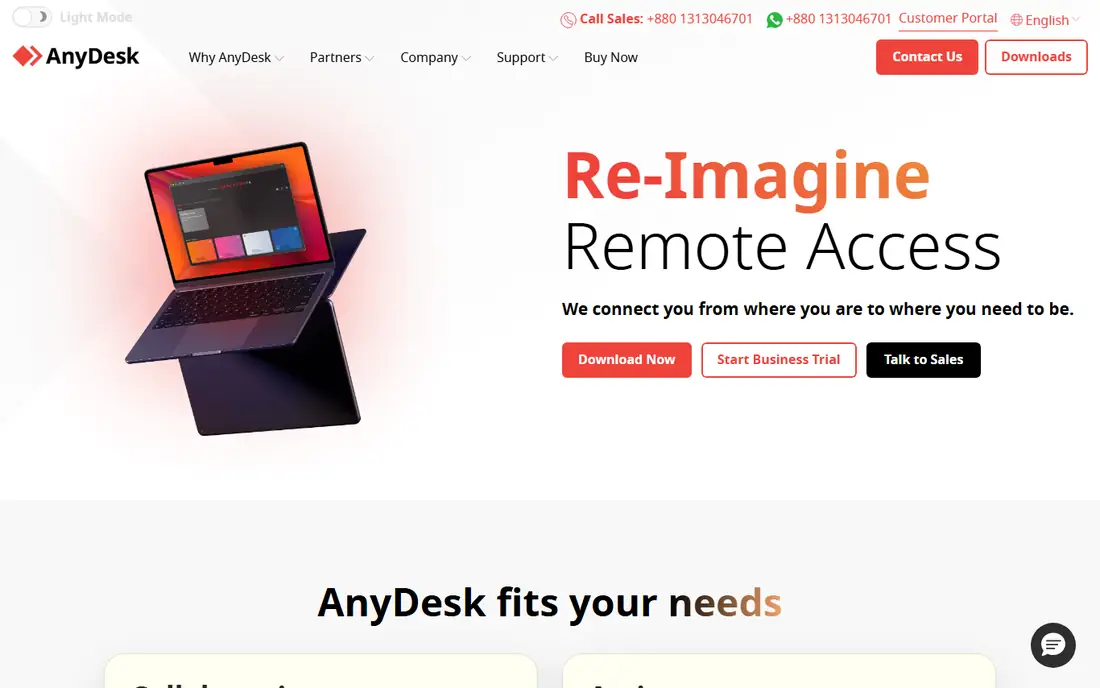
What we like- AnyDesk's reputation is speed: its codec keeps sessions usable on slow hotel wifi and rural broadband where rivals stutter, and the client is a tiny download a stressed user can manage. Solo starts at 28.90 dollars a month billed annually with one outgoing connection, Standard at 49.90 adds users and connections, and the address book, session recording and wake on LAN cover daily helpdesk work. It is free for personal use, and an on premises option exists at higher tiers for companies that want sessions inside their own network.
Watch out for- Solo means one connection at a time, which catches out buyers who priced it as a team plan. AnyDesk's name recognition cuts both ways: it is the tool scammers most often name, so customer facing teams must work harder on consent and branding to look legitimate. Reporting and management depth trail ScreenConnect and BeyondTrust, and the per connection pricing model needs care when several technicians share duties across shifts.

#4ConnectWise ScreenConnect
Best for: MSPs and self hosting4.7/5 on
G2 (513 reviews, checked Oct 2026)
Visit screenconnect.com
Starting price$30 per month
Free planYes
What we like- ScreenConnect is the MSP favourite for structural reasons: a free licence covers one technician and three access agents forever, paid plans start at 30 dollars a month per concurrent technician billed annually, and you can run it in ConnectWise's cloud or self hosted on your own server. Its Backstage mode lets technicians run commands and fix problems behind the scenes without disturbing the user, the toolbox pushes your own scripts and installers into sessions, and the integration catalogue for PSA and RMM tools is the deepest in this list.
Watch out for- The interface is a working tool, not a polished product, and new technicians take longer to learn it than Splashtop. Self hosting means patching and securing a very sensitive system yourself: ScreenConnect has been a named target in security incidents, so self hosters must treat updates as urgent, not routine. Pricing above the One plan climbs per technician, and some features MSPs want sit in Premium at 55 dollars.

#5Zoho Assist
Best for: Small teams on a budget4.7/5 on
G2 (719 reviews, checked Oct 2026)
Visit zoho.com
Starting price$10 per technician per month
Free planYes
What we like- Zoho Assist is the budget door into proper support tooling: a free plan covers one technician and five unattended computers, and Standard starts at about 10 dollars per technician per month billed annually, adding session recording, file transfer and multi monitor support. It runs attended sessions from a browser with nothing for the customer to install in many cases, offers its own service queue and scheduling, and it plugs into the Zoho desk and CRM products that many small businesses already use. For a two person IT team, the free tier can be the whole answer.
Watch out for- The ceilings arrive quickly: simultaneous sessions, unattended counts and advanced features such as remote diagnostics push you up tiers, and the top tier is where the serious reporting lives. Brand recognition with end users is lower than TeamViewer, so customers need more reassurance at session start. Outside the Zoho ecosystem the integrations list is thinner than ScreenConnect's, and Linux and mobile support, while present, are not its strongest suit.

#6BeyondTrust Remote Support
Best for: Regulated enterprises4.7/5 on
G2 (388 reviews, checked Oct 2026)
Visit beyondtrust.com
Starting priceSee website
Free planNo
What we like- BeyondTrust is what banks, hospitals and government suppliers buy when the audit matters as much as the session. Every connection is authenticated through the privileged access platform, sessions are recorded in detail, access can be scoped so a vendor's technician reaches one server for one hour and nothing else, and the reporting satisfies compliance teams that reject lighter tools outright. It supports attended and unattended access across Windows, Mac, Linux and network devices, and it integrates with the major ITSM platforms at a depth the others here do not attempt.
Watch out for- Pricing is quote only and enterprise level, so we list see website
- Directories that print a per year figure are describing one negotiated contract, not a rate card. Deployment is a project with professional services attached, and a small helpdesk will use a fraction of what it paid for. For a ten person company this is a compliance department's answer to a question the IT team did not ask.

#7ISL Online
Best for: European privacy and self hosting4.6/5 on
G2 (614 reviews, checked Oct 2026)
Visit islonline.com
Starting priceSee website
Free planNo
What we like- ISL Online is the European veteran of this category, running since 2001, with a licensing model based on concurrent sessions and a self hosted server option that keeps session data inside your own infrastructure, which European privacy teams and public sector buyers value. It covers Windows, Mac, Linux and mobile, includes unattended access computers in its plans, and offers a managed private cloud for buyers who want isolation without running servers. The company publishes its security practices in unusual detail, which shortens vendor reviews.
Watch out for- Pricing is not published as a simple rate card, so we list see website, and quotes vary by hosting model. The interface is functional and dated next to Splashtop, and brand recognition outside Europe is low, so end users may need more guidance. The mobile apps and integrations catalogue are narrower than TeamViewer's. It rewards buyers who read documentation, which is a smaller group than it should be.
How we chose
We compared dedicated remote support products on the jobs GoTo Resolve does: attended sessions with a code, unattended access, file transfer, recording and technician management. Every entry is in active sale in October 2026. We excluded pure meeting tools with screen sharing, since presenting is not supporting, and excluded general RMM platforms, which are a bigger purchase covered in their own guides. Where pricing models were not published as rate cards, notably BeyondTrust and ISL Online, we wrote see website rather than repeat a negotiated figure from a directory.
Start with your session shape. A helpdesk lives on concurrent sessions: three technicians who are rarely all connected at once should buy concurrent licences, at Splashtop, ScreenConnect or ISL Online, and not per seat plans that charge for quiet hours. Count your unattended machines separately, because that cap, not the session price, is what usually forces the upgrade. Then test with your least technical user, not your keenest: the winning tool is the one a panicking customer can connect to in under a minute while you talk them through it.
Security deserves one hard look before signature. Turn on two factor authentication for every technician account, restrict unattended access by group, and check the session logs after a week of real work: if you cannot reconstruct who connected to which machine and when, the tool will fail your first audit or your first incident. Finally, write the year two price into the decision, because this category loves a first year discount, and switching support tools mid year means re educating every customer you serve.
Frequently asked questions
What is the cheapest GoTo Resolve alternative for a small team?
Zoho Assist, and it is not close: the free plan covers one technician and five unattended computers, and paid plans start at about 10 dollars per technician per month. ScreenConnect's free single technician licence is the other zero cost route, with more depth for MSP style work. Splashtop at 22 dollars a month is where teams land when they outgrow the free tiers and want cleaner session quality.
Can I self host a remote support tool?
Yes. ScreenConnect and ISL Online both offer self hosted deployment, and AnyDesk offers an on premises appliance at higher tiers. Self hosting keeps session data on your network and can satisfy strict privacy or public sector rules. It also makes you responsible for patching a system that attackers actively target, so only choose it if your team genuinely keeps infrastructure current.
Is TeamViewer worth its higher price?
For customer facing support, sometimes: users trust the name, follow the steps faster, and hang up less often mid connection, which is measurable value on a busy desk. For internal IT supporting known machines, the recognition buys nothing and Splashtop or ScreenConnect deliver the same sessions for less. Price the tier you will actually be on in month thirteen, with your real managed device count, because that is where TeamViewer's bill separates from the pack.
How do I stop scammers abusing the tool I choose?
You cannot stop them using the category, but you can make your own use recognisable: branded join pages on your own domain, a consent screen that names your company, technicians who never ask a customer to install software during an inbound call the customer did not make, and published guidance telling customers you will never ask for banking details in a session. Then teach the rule that protects everyone: a bank, the tax office or a retailer will never ask a customer to install remote access software, full stop.
What is the difference between remote support and RMM?
Remote support is the session: a technician connects to a machine to fix something now. RMM is the standing layer: monitoring, patching, scripting and alerting across a fleet whether or not anyone is connected. GoTo Resolve bundles light RMM with support, which is why some switchers end up buying two products, a support tool from this list plus a dedicated RMM, and should compare that combined bill against Resolve before assuming the switch saves money.
Sources we checked (0)
Is your product missing or out of date?
We review this list regularly. Vendors can request a listing, send updated pricing or ask about featured placement.

Shihab Mia · Founder, Rankite
Shihab has 5+ years in B2B and SaaS SEO. He writes Rankite's software buying guides from pricing pages, documentation and public user reviews. More about Shihab.