How we make this list: we compare pricing pages, product documentation and public user reviews. Rankite is independent; if a vendor ever pays for a featured spot, that listing is clearly labeled Partner.
How we chose
We evaluated software built for customer-facing knowledge bases: help centers, documentation sites and self-service portals. For each candidate we confirmed the product is current, checked authoring ease, search quality, AI answer features and customization, and weighed practitioner reviews. Only live products made the list.
Quick comparison
| Tool | Best for | Starting price | Free plan |
|---|
 Zendesk Guide Zendesk Guide | Support teams already running Zendesk | See website | See website |
 Intercom Articles Intercom Articles | Teams that deliver help inside the conversation | See website | See website |
 Freshdesk Freshdesk | SMBs that want knowledge base and ticketing in one value package | See website | See website |
 Helpjuice Helpjuice | Teams that prioritize knowledge base experience above all | See website | See website |
 Document360 Document360 | SaaS companies that need serious product documentation | See website | See website |
 Confluence Confluence | Teams already documenting internally in Atlassian | See website | See website |
 GitBook GitBook | Product teams that want beautiful docs with developer workflows | See website | See website |
 HelpDocs HelpDocs | Small teams that want a simple hosted knowledge base | See website | See website |
Is your product missing or out of date?
We review this list regularly. Vendors can request a listing, send updated pricing or ask about featured placement.
The best help center software
Every support ticket that a help center article could have prevented is a tax on the team. Customers prefer self-service anyway: given a good search box, most would rather find the answer than wait for a reply. Help center software is the platform behind that search box. These eight tools cover the category from support-suite modules to documentation specialists.
Starting priceSee website
Free planSee website

Guide is Zendesk's knowledge base: branded help center, article management with team workflows, and AI (Answer Bot) that suggests articles in tickets and chat. For teams on Zendesk Support, the integration is the argument: search analytics show which queries fail, content gaps map to ticket drivers, and deflection is measurable.
Standalone buyers get less: Guide's full value appears only with the Zendesk suite. And heavy documentation needs (versioning, API docs) fit specialists better. But for the support-led help center, Guide's ticket-to-article loop is the category reference.
What we like- Native ticket deflection with Answer Bot
- Deep integration with Zendesk Support
- Strong multilingual support
Watch out for- Best value only inside Zendesk
- Theming customization has limits
#2
Intercom Articles
Best for: Teams that deliver help inside the conversation
Visit intercom.com
Starting priceSee website
Free planSee website
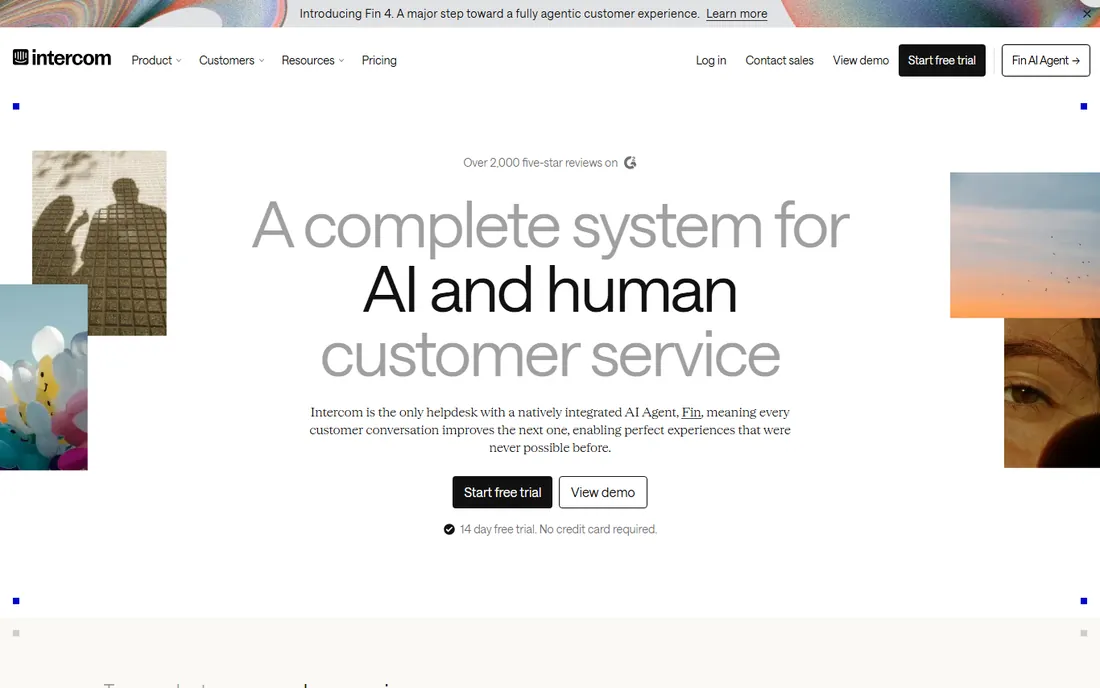
Intercom treats the help center as part of the conversation: articles live in the help center and surface contextually in chat, and the AI agent (Fin) answers from them automatically. Authoring is simple, collections organize content, and the analytics show which articles resolve conversations.
It is not a documentation platform: API references and versioned docs belong elsewhere. But for the SaaS company whose support happens in chat, Articles plus Fin turn the knowledge base into an always-on support agent.
What we like- Articles surface in chat, messenger and AI agent
- Conversational help experience
- Easy authoring
Watch out for- Thinner as a standalone documentation site
- Pricing ties to the Intercom platform
#3
Freshdesk
Best for: SMBs that want knowledge base and ticketing in one value package
Visit freshworks.com
Starting priceSee website
Free planSee website
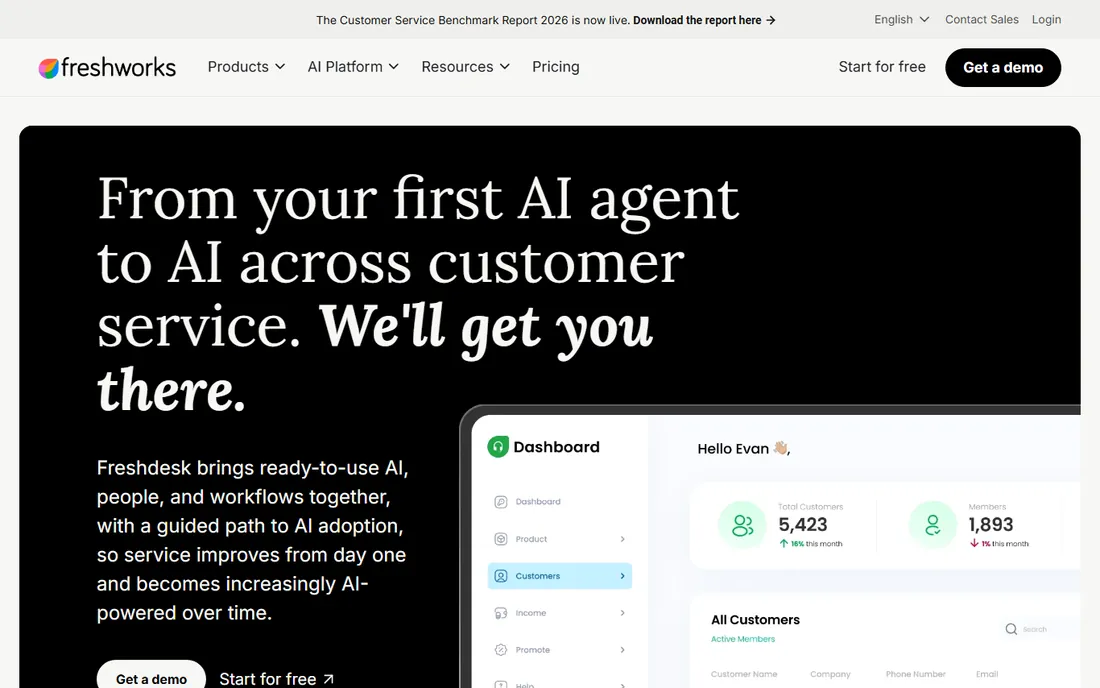
Freshdesk bundles the knowledge base with its ticketing: solution articles, forums and a customer portal, with Freddy AI suggesting articles and auto-resolving common queries. The free tier makes it the lowest-risk start, and paid tiers stay affordable. For the SMB that needs ticketing and self-service together, the bundle economics work.
Documentation-heavy SaaS companies will want Document360 or GitBook for the docs site and Freshdesk for support. But as the single support platform for a growing business, Freshdesk's completeness per dollar is hard to beat.
What we like- Knowledge base included with ticketing
- Freddy AI assists
- Accessible pricing with a free tier
Watch out for- Documentation depth trails specialists
- Advanced customization is limited
#4
Helpjuice
Best for: Teams that prioritize knowledge base experience above all
Visit helpjuice.com
Starting priceSee website
Free planSee website
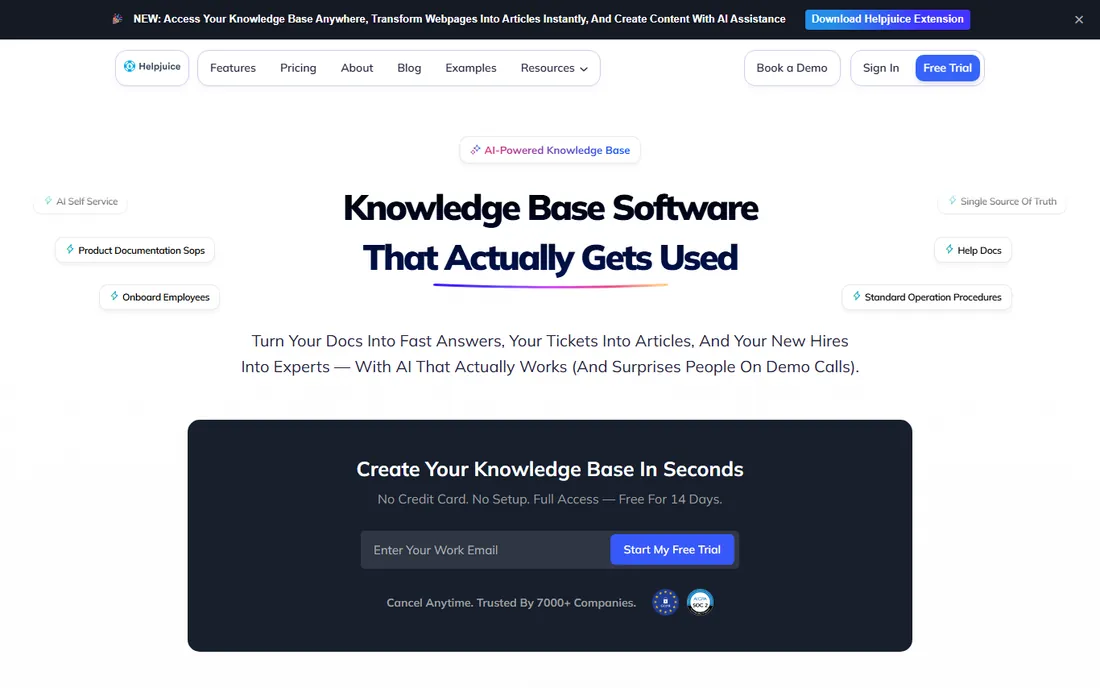
Helpjuice is a knowledge base pure-play: fast authoring, excellent search, clean reader design and analytics showing which articles help and which confuse. Support teams that live or die by deflection rates choose it for the reader experience, which is genuinely a cut above suite-bundled options.
It does not do ticketing: pair it with your help desk of choice. For the team whose help center is a strategic asset (high ticket volumes, complex product), the dedicated UX justifies the separate subscription.
What we like- Excellent search and reader UX
- Fast authoring
- Strong analytics on article performance
Watch out for- Standalone KB means separate ticketing
- Less brand recognition
Starting priceSee website
Free planSee website
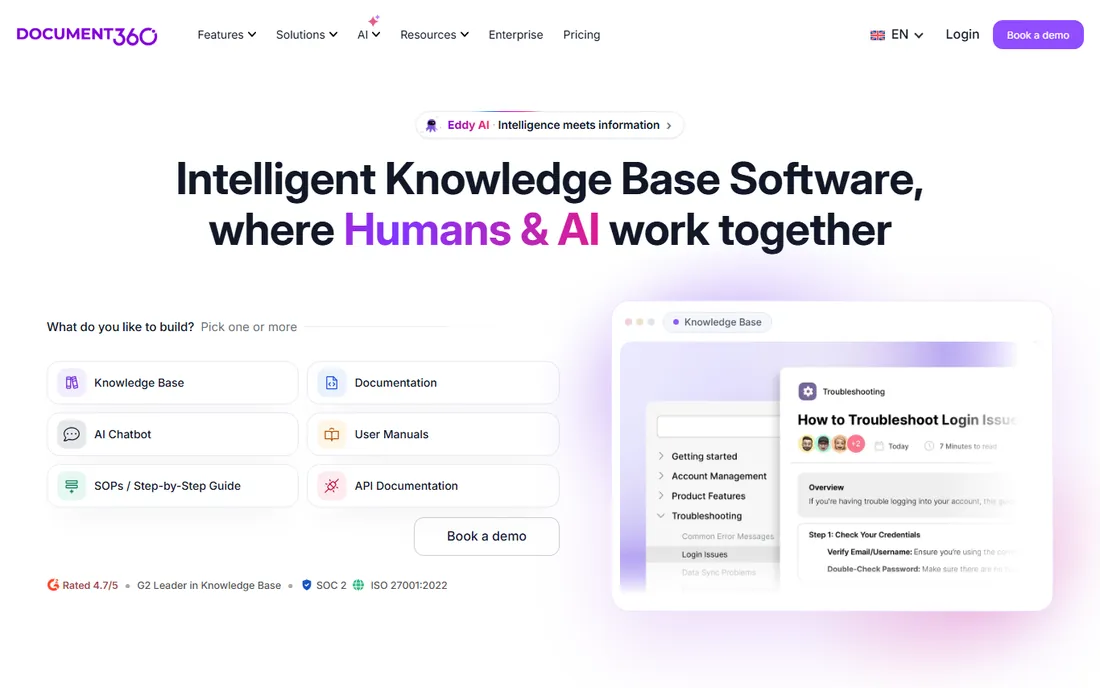
Document360 serves documentation as a discipline: versioned docs, markdown and WYSIWYG editors, category management, AI-powered search and API documentation, with analytics on what readers actually use. SaaS companies run public docs, internal wikis and support knowledge bases from one platform.
Simple FAQ needs do not require this machinery. But when documentation is part of the product (developer tools, complex SaaS), Document360's structure beats repurposed support-suite knowledge bases.
What we like- Built for technical documentation with versioning
- AI search
- API documentation support
Watch out for- Overkill for simple FAQ sites
- Pricing scales with team size
Starting priceSee website
Free planSee website
Confluence is where documentation already lives for millions of teams, and many expose spaces publicly as help centers. The editor is flexible, Jira integration links docs to work, and the free tier covers small teams. For the Atlassian shop, publishing externally from the internal wiki is the path of least resistance.
The reader experience shows the internal roots: theming is limited, search frustrates, and public polish lags dedicated tools. Teams serious about self-service usually graduate to Helpjuice or Document360. But as the zero-marginal-cost start, Confluence is already there.
What we like- Ubiquitous in tech teams
- Flexible page structure
- Deep Jira integration
Watch out for- Public-facing polish needs work
- Search is famously mediocre
#7
GitBook
Best for: Product teams that want beautiful docs with developer workflows
Visit gitbook.com
Starting priceSee website
Free planSee website
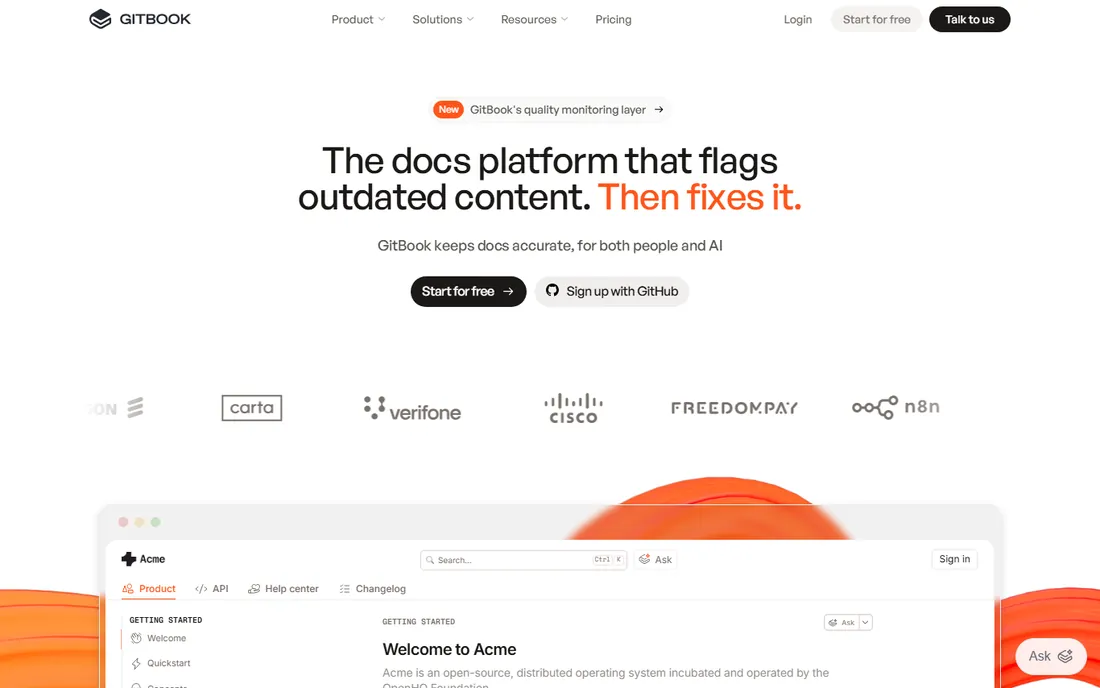
GitBook made documentation beautiful: clean design, Git-backed versioning, and docs-as-code workflows developers respect, with AI search and a visual editor for non-technical contributors. Product and developer-tools companies ship docs sites that look designed rather than defaulted.
General support knowledge bases (billing questions, troubleshooting) fit less naturally than in Zendesk or Helpjuice. But where the audience is technical and the docs are part of the product, GitBook's polish is unmatched at the price.
What we like- Beautiful out-of-the-box design
- Git-synced docs-as-code workflows
- Great for API docs
Watch out for- Less suited to non-technical support content
- Customization beyond themes is limited
#8
HelpDocs
Best for: Small teams that want a simple hosted knowledge base
Visit helpdocs.io
Starting priceSee website
Free planSee website
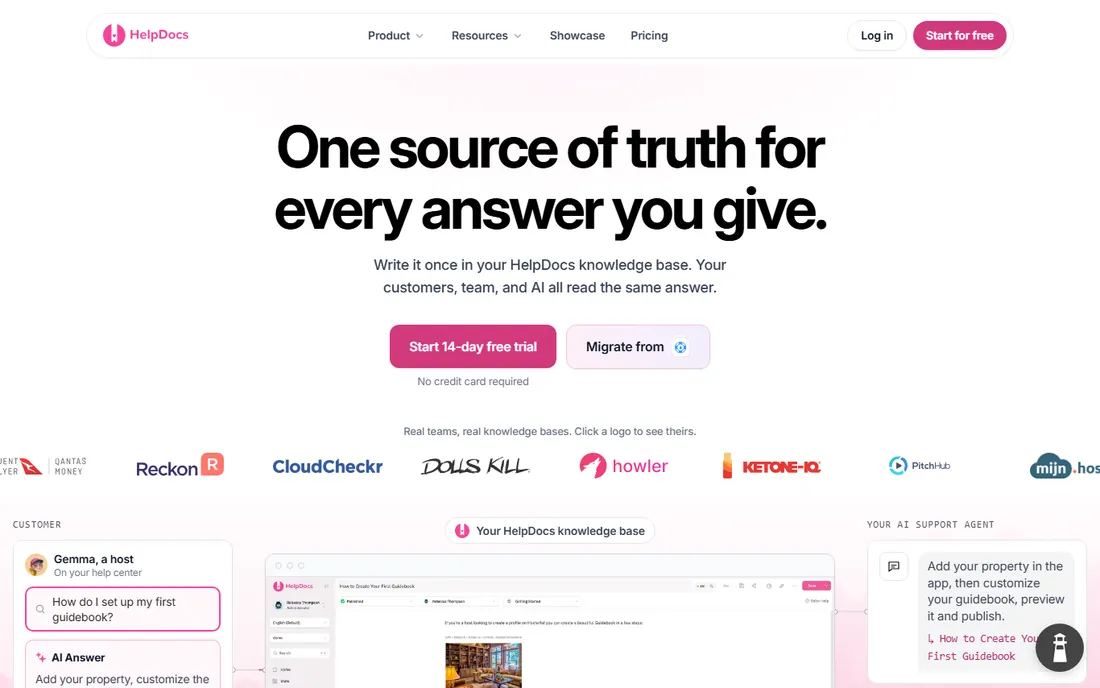
HelpDocs is the straightforward hosted knowledge base: create articles, organize categories, publish a clean help center, done. Multi-brand support covers companies with several products, and pricing stays friendly. Small teams get professional self-service without platform commitment.
Advanced needs (AI answers, deep analytics, complex permissions) point elsewhere. For the small business whose help center is twenty articles and a search box, HelpDocs is refreshingly right-sized.
What we like- Simple setup with clean design
- Affordable
- Multi-brand support
Watch out for- Fewer advanced features
- Smaller company
Key takeaways
- Zendesk Guide, Intercom Articles and Freshdesk bundle the knowledge base with support; choose the one matching your ticketing platform.
- Helpjuice and Document360 are the specialists: reader experience and documentation depth respectively.
- GitBook serves technical audiences; Confluence is the zero-cost start for Atlassian teams; HelpDocs covers small teams simply.
- The help center's job is deflection: measure it, and pick the tool that makes measurement easy.
The deflection equation
A help center justifies itself with one number: tickets prevented. The math is simple: monthly ticket volume times the share resolvable by articles times cost per ticket. A 500-ticket-per-month team deflecting 20 percent at $15 per ticket saves $1,500 monthly, which funds any tool on this list.
To earn that deflection, three things matter more than the platform: search that actually finds answers (test with real customer phrasing, not internal terminology), articles written for the reader's problem rather than the product's features, and analytics showing failed searches so gaps get filled. The best software here (Helpjuice's search, Intercom's AI answers, Zendesk's search analytics) exists to serve that loop. Buy the tool, then work the loop.
Assign article ownership to keep content alive. Every article needs an owner and a review date, because stale articles deflect nothing and actively damage trust. A quarterly content audit takes a few hours: check the top twenty articles for accuracy, archive the obsolete, and fill the gaps the failed-search report surfaced. Teams that treat the help center as a garden outperform teams that treat it as a filing cabinet. The analytics in Helpjuice, Zendesk and Document360 tell you exactly which beds need weeding.
Help center vs. internal wiki vs. onboarding
Three knowledge tools, three audiences. The help center serves customers: problem-oriented, searchable, public. The internal wiki serves employees: process docs, tribal knowledge, private. Onboarding software serves new users: guided, sequential, in-product. Confluence often gets drafted into all three jobs and does none brilliantly.
The practical stack for a SaaS company: a dedicated help center (this list) for customers, Confluence or Notion for the internal wiki, and Appcues or Userpilot for onboarding. Linking them beats merging them: surface help articles in onboarding tooltips, and feed failed help searches into onboarding content.
AI search is changing the equation. Instead of keyword matching, AI answers synthesize responses from multiple articles, which raises the bar on content structure: clear headings, direct answers up front, and consistent terminology across articles. When evaluating, test with the messy phrasing customers actually use, not the tidy labels your team prefers. The platforms with AI search (Intercom, Zendesk, Document360, GitBook) reward well-structured content and punish the junk drawer.
Finally, promote the help center where questions arise: link it in the product's help menu, in onboarding emails, in chat greetings, and in error messages. The best-written articles deflect zero tickets if customers never find the help center. Visibility is a feature, and it is free. A help center nobody can find is just a very organized secret. Make it unavoidable and watch the ticket queue shrink.
Frequently asked questions
How much does help center software cost?
Bundled options (Freshdesk, Intercom, Zendesk) include knowledge bases in platform pricing, often starting free or under $50 monthly. Specialists (Helpjuice, Document360, GitBook) typically run $50 to $400 monthly by team size. Enterprise documentation at scale is quote-based.
Can AI really deflect support tickets?
Yes, measurably: AI agents (Intercom Fin, Zendesk AI) resolve a significant share of routine questions when trained on good articles. The catch is article quality: AI amplifies good content and exposes bad content. Invest in the articles first.
Should the help center be public or login-gated?
Public for SEO and pre-sales education; gated only for genuinely sensitive content. Public articles rank in Google and deflect tickets from prospects too. Most SaaS help centers are fully public.
How many articles do we need to start?
Twenty to thirty articles covering the top support drivers beats two hundred thin ones. Pull the last quarter's tickets, group by theme, and write for the top themes first. Expand based on failed-search analytics, not guesswork.
Can we migrate articles from our current platform?
All serious tools offer import (CSV, HTML, or API), and several provide migration assistance. Formatting cleanup is the real work: budget time for it. Test search quality after migration before switching the DNS.
Sources we checked (8)
- https://zendesk.com
- https://intercom.com
- https://www.freshworks.com/freshdesk/
- https://helpjuice.com
- https://document360.com
- https://www.atlassian.com/software/confluence
- https://gitbook.com
- https://helpdocs.io
Is your product missing or out of date?
We review this list regularly. Vendors can request a listing, send updated pricing or ask about featured placement.

Shihab Mia · Founder, Rankite
Shihab has spent more than a decade helping SaaS and e-commerce brands grow through search. He writes Rankite's software buying guides from pricing pages, documentation and public user reviews. More about Shihab.