How we make this list: we compare pricing pages, product documentation and public user reviews. Ratings come from G2, Capterra or Trustpilot, with the date we checked them.
Key takeaways
- Notability suits audio-linked lecture notes at $14.99 per year for Lite, while Noteshelf suits handwriting focus with a one-time purchase option.
- Nebo suits AI-powered handwriting conversion at $8.99 per month, while OneNote suits free cross-platform notebooks.
- Samsung Notes suits Galaxy tablet owners free with S Pen support, while Apple Notes suits Apple users free with no extra install.
- CollaNote suits free iPad handwriting, while ZoomNotes suits deep customization for power users.
- Platform matters most: iPad apps do not run on Android tablets, so pick by device first, then by handwriting features.
Quick comparison
Is your product missing or out of date?
We review this list regularly. Vendors can request a listing, send updated pricing or ask about featured placement.
The best GoodNotes alternatives
Starting price$14.99 per year
Free planYes
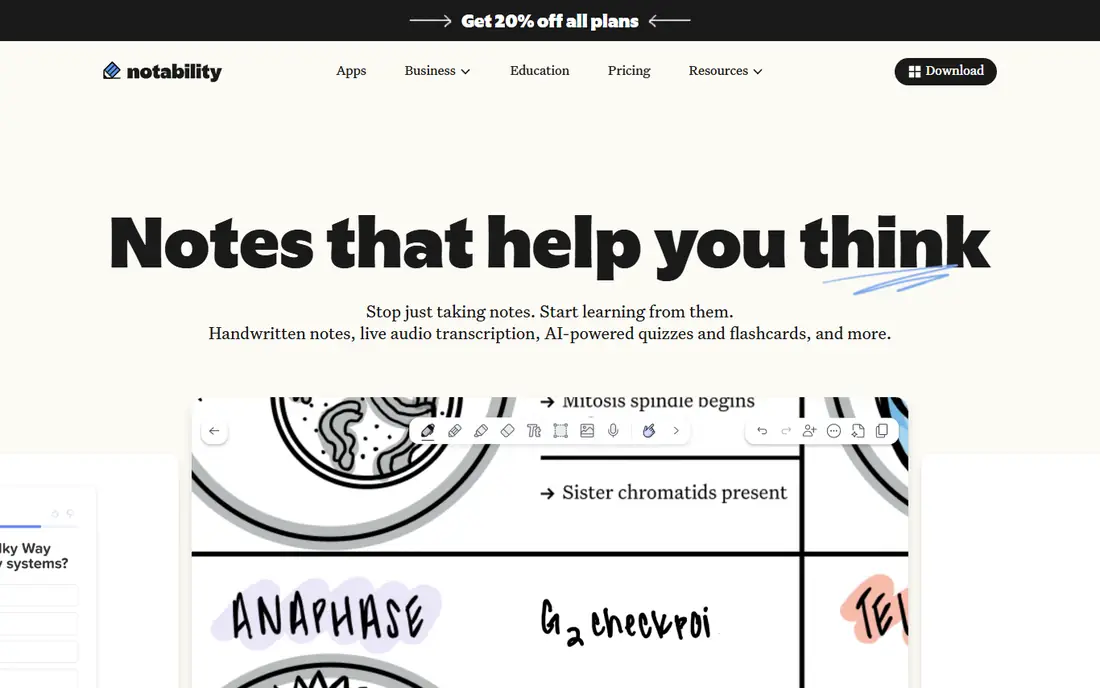
Notability is the lecture note pick, winning outright for live lectures in one comparison: users record, scribble half a diagram, and later tap that diagram to hear the exact explanation again. Pricing is listed at $14.99 per year for Lite and $19.99 per year for Plus in one August 2026 check, with $11.99 and $15.99 figures in another, plus Classic at $49.99 one-time and Pro at $99.99 per year. The free Starter tier covers 5 notes with editing tools and PDF import.
The trade off is audio power against plan complexity. Notability records and links audio better than rivals, but its plan names and prices confuse. Notability fits students and lecturers who need audio-linked notes.
What we like- Audio recording anchored to ink, so tapping a diagram replays the explanation
- Handwriting search
- PDF annotation
- Math conversion in Classic
- 9.0 out of 10 in one ranking
Watch out for- Free Starter covers only 5 notes
- Lite at $14.99 per year and Plus at $19.99 per year in some listings, $11.99 and $15.99 in others
- Pro at $99.99 per year
- Large PDFs can lag
Starting price$9.99 one-time
Free planYes
Noteshelf is the handwriting focus pick, offering notebook covers, handwriting to text, PDF annotation, and sync with Google Drive and Evernote for creative professionals. Pricing is listed at $9.99 one-time in one 2026 ranking, while another report lists $6.99 per month or $44.99 per year, so confirm the current purchase option for your platform. Noteshelf rates 8.6 out of 10 in one ranking and 4.4 out of 5 in another comparison.
The trade off is handwriting feel against price clarity. Noteshelf feels great for handwriting, but published prices conflict by platform and date. Noteshelf fits handwriting-focused users who prefer a one-time purchase where available.
What we like- Handwriting-focused notebooks with covers
- PDF annotation
- Handwriting to text
- Google Drive and Evernote sync
- 8.6 out of 10 in one ranking
- One-time purchase in one report
Watch out for- Price conflicts across sources, with $6.99 per month or $44.99 per year in another report
- AI features are basic
- Handwriting accuracy near 93.2 percent in one report
- Smaller ecosystem than OneNote
Starting price$8.99 per month
Free planYes
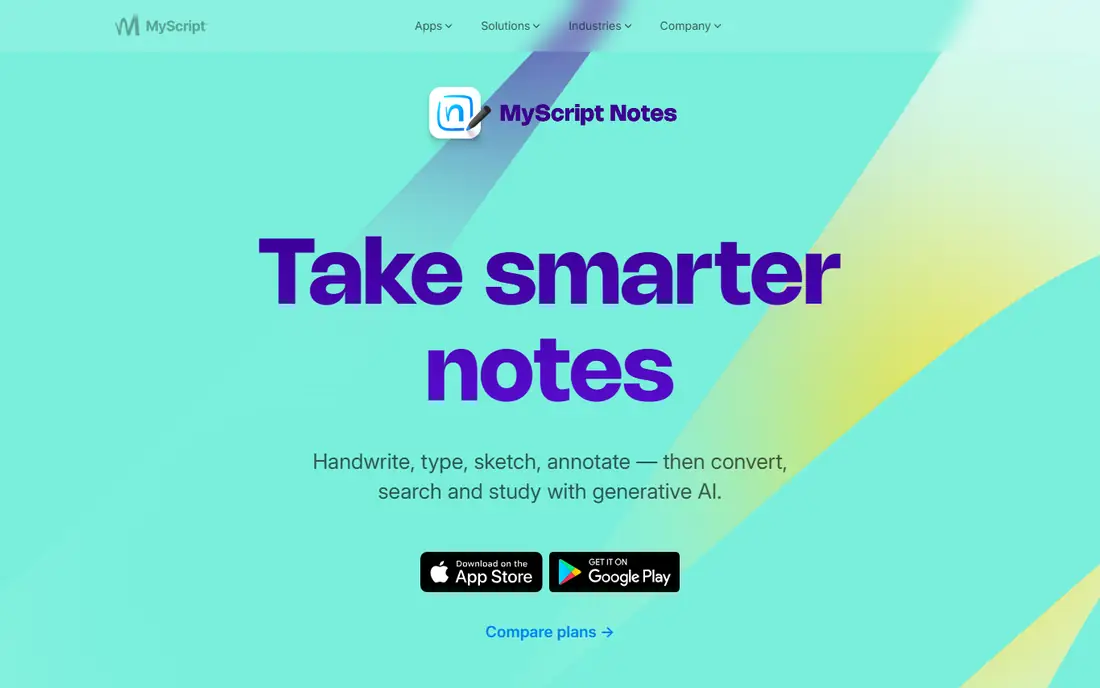
Nebo is the AI handwriting conversion pick, converting handwritten notes to text with 98.1 percent accuracy claimed in one comparison, plus context-aware AI features, notebooks, sections, and sync with all major clouds. Pricing runs $8.99 per month or $59.99 per year in one report, with a free tier to start. Nebo rates 4.9 out of 5 in one comparison, the highest here.
The trade off is conversion accuracy against subscription cost. Nebo converts handwriting best, but AI features need a paid plan. Nebo fits users who need reliable handwriting-to-text conversion across devices.
What we like- AI-powered handwriting conversion at 98.1 percent accuracy in one report
- Context-aware AI
- Notebooks and sections
- Sync with all major clouds
- 4.9 out of 5 in one comparison
Watch out for- $8.99 per month or $59.99 per year
- AI features need a subscription
- Smaller notebook ecosystem than OneNote
- Best on tablets, less on desktop
#4Microsoft OneNote
Best for: Free cross-platform notebooks4.5/5 on
G2 (1,872 reviews, checked Oct 2026)
Visit onenote.com
Starting priceFree
Free planYes
Microsoft OneNote is the free cross-platform pick, offering notebooks, sections, and pages with handwriting, drawing, and PDF annotation on Windows, macOS, iOS, Android, and web, synced through OneDrive. It is free to download and use, though some premium capabilities may require Office 2019 or Microsoft 365, and Copilot AI needs a Microsoft 365 plan. OneNote rates 4.5 out of 5 in one comparison.
The trade off is free breadth against handwriting focus. OneNote works everywhere free, but it is less handwriting-first than Notability or Noteshelf. OneNote fits cross-platform users and enterprise devices that need free notebooks.
What we like- Free to download and use
- Notebooks, sections, and pages
- PDF annotation
- Handwriting recognition near 94.7 percent in one report
- OneDrive sync
- Copilot AI with Microsoft 365
Watch out for- Some premium capabilities need Office 2019 or Microsoft 365
- Interface is less handwriting-focused than rivals
- Large notebooks can feel heavy
- Stylus latency near 12 ms in one report
Starting priceFree
Free planYes
Samsung Notes is the Galaxy tablet pick, free and preinstalled on Galaxy devices with S Pen support at about 6 ms latency, handwriting recognition near 97.3 percent, advanced PDF annotation, and sync through Samsung Cloud and OneDrive. It rates 4.8 out of 5 in one comparison and suits Galaxy Tab owners who want a built-in handwriting app with AI organization, folders, tags, and smart search.
The trade off is hardware-tied value against portability. Samsung Notes is superb on Galaxy hardware, but it does not travel to iPad or non-Galaxy devices. Samsung Notes fits Galaxy tablet owners who use the S Pen.
What we like- Free and preinstalled on Galaxy devices
- S Pen latency near 6 ms in one report
- Handwriting recognition near 97.3 percent
- PDF annotation
- Samsung Cloud and OneDrive sync
- AI organization
Watch out for- Best experience needs Galaxy hardware and S Pen
- Windows access may need a Galaxy Book workflow
- Hardware ecosystem carries the cost
- Not available as a standalone app for all devices
Starting priceFree
Free planYes
Apple Notes is the Apple built-in pick, free on iPhone, iPad, and Mac with Apple Pencil handwriting, quick notes, lists, and iCloud sync, requiring no extra install. It suits Apple users who want a simple built-in app for everyday handwritten notes, sketches, and lists without paying for a dedicated app. Apple Notes is the zero-effort option for Apple households.
The trade off is built-in ease against dedicated depth. Apple Notes is free and everywhere on Apple devices, but handwriting and planner features trail Notability and Noteshelf. Apple Notes fits Apple users who want a built-in note app.
What we like- Free and built into iOS, iPadOS, and macOS
- Handwriting with Apple Pencil
- Quick notes and lists
- ICloud sync
- No extra install
- Good for everyday notes
Watch out for- Handwriting features trail dedicated apps
- No planner templates like Noteshelf
- PDF annotation is basic versus rivals
- Apple only, no Android or Windows app
Starting priceFree
Free planYes
CollaNote is the free iPad handwriting pick, offering notebooks, planners, and PDF annotation free on iPad, with handwriting to text in some reports and a score of 8.4 out of 10 in one ranking. It suits students on a budget who want a free iPad handwriting app without subscription costs. CollaNote is the best free starting point for iPad handwriting.
The trade off is free access against depth. CollaNote is free and capable, but sync, collaboration, and AI features trail paid rivals. CollaNote fits budget-conscious iPad students who need free handwriting notes.
What we like- Free iPad handwriting app
- Notebooks, planners, and PDF annotation
- Handwriting to text in some reports
- 8.4 out of 10 in one ranking
- Good for students on a budget
Watch out for- IPad only
- Smaller feature set than paid rivals
- Sync and collaboration depth trail OneNote
- AI features are limited
Starting priceSee website
Free planNo
ZoomNotes is the deep customization pick, offering zoomable planner notebooks, audio recording, handwriting to text, and PDF annotation with extensive customization for power users. It suits users who want to build highly custom notebooks and planner pages beyond standard templates. Pricing is not published clearly in the sources checked, so this guide lists it as See website, and one ranking lists no free plan.
The trade off is customization against ease. ZoomNotes customizes deeply, but its interface can overwhelm beginners. ZoomNotes fits power users who want deep notebook customization.
What we like- Deep customization for notebooks and pages
- Zoomable planner notebooks
- Audio recording
- Handwriting to text
- PDF annotation
- Good for power users
Watch out for- No free plan in one ranking
- Pricing not published clearly, so listed as See website
- Interface can overwhelm beginners
- Smaller community than Notability
How we chose
We compared published 2026 handwriting app rankings and pricing checks, recording free limits and paid prices separately, since Notability free covers 5 notes and Noteshelf prices conflict across sources. We favored apps with distinct strengths, audio-linked lectures, handwriting focus, AI conversion, free cross-platform notebooks, Galaxy S Pen support, Apple built-in ease, free iPad handwriting, and deep customization, and we listed ZoomNotes as See website because its pricing is not published clearly. We weighed handwriting quality, audio, conversion, and platform fit separately, since no single app leads on all four.
How to choose a GoodNotes alternative
Start with device: iPad users should shortlist Notability, Noteshelf, CollaNote, and ZoomNotes, Galaxy users should start with Samsung Notes, and cross-platform users should start with OneNote. Next, match feature to work: lectures should shortlist Notability for audio-linked ink, conversion should shortlist Nebo, and planners should shortlist Noteshelf or ZoomNotes. Then check free limits: Notability free covers 5 notes, while OneNote, Samsung Notes, Apple Notes, and CollaNote are free without that cap. Finally, confirm stylus support for your exact tablet, since latency and palm rejection vary by hardware. An app that fits your device, your lecture or planner needs, and your budget will replace a dedicated notebook app without friction.
Frequently asked questions
What is the best GoodNotes alternative overall?
Notability suits audio-linked lectures, Noteshelf suits handwriting focus, Nebo suits AI conversion, and OneNote suits free cross-platform use, so the best pick depends on device and needs.
Is there a free GoodNotes alternative?
OneNote, Samsung Notes, Apple Notes, and CollaNote are free, while Notability free covers 5 notes and Noteshelf offers a one-time purchase in one report.
Why do Notability prices differ across sources?
Plan names, periods, and sale prices vary, with Lite at $14.99 or $11.99 per year and Plus at $19.99 or $15.99 per year in different checks, so read your own purchase screen.
Should Galaxy tablet owners use Samsung Notes?
Yes in most cases. Samsung Notes is free, preinstalled, and tuned for the S Pen at about 6 ms latency, with handwriting recognition near 97.3 percent in one report.
Does Nebo really convert handwriting accurately?
One report claims 98.1 percent accuracy for Nebo, the highest here, though real accuracy varies by handwriting style and language.
Can I use these apps on both iPad and Android?
Only cross-platform apps like OneNote and Nebo work on both, while Notability, CollaNote, and ZoomNotes are Apple-focused and Samsung Notes is Galaxy-focused.
Sources we checked (0)
Is your product missing or out of date?
We review this list regularly. Vendors can request a listing, send updated pricing or ask about featured placement.

Shihab Mia · Founder, Rankite
Shihab has 5+ years in B2B and SaaS SEO. He writes Rankite's software buying guides from pricing pages, documentation and public user reviews. More about Shihab.
 Notability
 Noteshelf
 Nebo
Nebo Samsung Notes
 Apple Notes
 CollaNote
 ZoomNotes