How we make this list: we compare pricing pages, product documentation and public user reviews. Ratings come from G2, Capterra or Trustpilot, with the date we checked them.
What is the best GitLab alternative in 2026?
GitHub is the best GitLab alternative for most teams in 2026, because it pairs the largest developer community with strong CI/CD through Actions and a free tier that covers unlimited public and private repositories. Azure DevOps is the better alternative for teams already invested in Microsoft tooling. Self-hosted teams should start with Gitea, which costs nothing to run.
Key takeaways
- GitHub leads for most teams, with a free tier and Team at 4 dollars per user per month.
- Azure DevOps gives Microsoft shops boards, repos and pipelines from 6 dollars per user per month, five free.
- Gitea and Gerrit cost nothing to self-host, for teams that want full control of code and data.
- SourceHut starts at 5 dollars per month, with a reduced 2 dollar rate, for email driven patch workflows.
- RhodeCode alone here manages Git, Mercurial and Subversion in one place.
How should a team choose a GitLab alternative?
Start from the reason you are leaving GitLab, then match that reason to one strength in the replacement. A team that finds GitLab heavy usually wants a lighter forge, so Gitea or SourceHut fits. A team that wants a bigger ecosystem usually wants GitHub or Bitbucket. A team that needs strict control of its data wants a self-hosted option. Write down the one problem that made you look elsewhere, then test each shortlisted tool against it.
CI/CD depth is the next test, because GitLab CI is one of the strongest parts of GitLab. GitHub Actions, Azure Pipelines and Bitbucket Pipelines all cover the common build, test and deploy steps, but each uses its own format, so your pipeline files will need rewriting. Check that the replacement supports your runners, deploy targets, and pre-deploy approvals.
Issue tracking matters more than most teams expect. GitLab ties issues, merge requests, milestones and roadmaps together in one place, and not every alternative does that. GitHub covers issues and projects well, Azure DevOps has the strongest work item tracking here, and Bitbucket pairs with Jira. Gitea covers issues in a simpler form, while Gerrit and SourceHut expect your own tracker.
Is it cheaper to switch from GitLab or stay?
In most cases headline prices are close, so the real cost of a switch is migration time and lost features. GitLab itself offers a free tier, so a team that only needs hosted Git, issues and basic CI may pay nothing.
Take a 20 person team. GitHub Team at 4 dollars per user per month costs 80 dollars a month. Bitbucket Standard at 3.65 dollars costs 73 dollars a month. Azure DevOps is free for the first five users and 6 dollars each for the other 15, which is 90 dollars a month. Gitea and Gerrit cost nothing in licence fees self-hosted, but server, storage, backups and admin hours are real costs.
Contract terms change the total too. Annual billing usually saves a little, and some vendors discount multi-year terms. RhodeCode discounts two and three year terms, and Enterprise seats come in packs of ten with a ten user minimum, so a team of 12 pays for 20 seats. Perforce P4 Cloud includes 64 GiB of storage and 64 GiB of monthly egress, with extra use metered. Get the full first year cost in writing before comparing prices.
Self-hosted or cloud: which fits your team?
Choose cloud if you want the vendor to run updates, backups and uptime, and choose self-hosted if your code cannot leave your network or you need custom control. Cloud hosting removes the server work, and every cloud option in this guide is running within minutes of signup. Self-hosting gives you the code, the data and the schedule.
The trade off is maintenance: a self-hosted forge needs updates, backups, monitoring and someone on call. Gitea is the lightest to run here, with a single small binary and modest resource needs. Gerrit needs a Java runtime and more setup. RhodeCode runs through Docker, and Perforce Helix Core needs a dedicated administrator at serious scale.
Data rules decide many switches. Defence, finance and health teams often must keep code inside their own network, which rules out GitHub, Bitbucket and Azure DevOps cloud hosting. GitHub Enterprise Server covers that case, but it is part of the 21 dollar Enterprise tier. Gitea, Gerrit, RhodeCode and Perforce all run behind your firewall.
What does switching from GitLab actually involve?
A switch means moving repositories, CI pipelines, issues and permissions, and the pipeline work takes most time. Repositories are the easy part, because Git is Git, and GitHub, Bitbucket and Azure DevOps all offer importers that pull repositories, issues and pull requests. Gitea has a migration tool too. The hard part is CI, because GitLab CI files do not run anywhere else, so every pipeline must be rewritten.
Plan the move in stages. Move one small repository first, rewrite its pipeline, and run it side by side with the GitLab original until the results match. Then move the rest in batches, least active first. Keep GitLab read only for a month after the move, so nothing is lost if a pipeline was missed.
Permissions and integrations need a separate pass. GitLab groups, roles and protected branches do not map one to one onto any other tool, so rebuild your access rules by hand. Chat, ticketing and deployment integrations must be reconnected, and webhooks pointed at the new URLs. Budget a day for a small team and a week for a large one.
Quick comparison
| Tool | Best for | Starting price | Free plan |
|---|
 GitHub | Most teams that want the largest ecosystem, strong CI/CD and a free tier | $4/user/mo, Team plan; Enterprise $21/user/mo | Free plan with unlimited public and private repositories, 2,000 Actions minutes a month |
 Bitbucket | Teams that already use Jira and Confluence and want tight Atlassian integration | $3.65/user/mo, Standard plan; Premium $8/user/mo | Free for up to 5 users, with 50 Pipelines build minutes |
 Azure DevOps | Teams invested in Microsoft tooling, Visual Studio and Entra ID | $6/user/mo, Basic plan, first 5 users free; Basic + Test Plans $52/user/mo | First 5 users free, plus 1,800 free Pipelines minutes a month on Microsoft-hosted agents |
 Gitea | Teams that want a light, free self-hosted forge they fully control | $0 self-hosted open source; Enterprise from $9.50/user/mo with a 1-year commitment | Free open source under the MIT licence, unlimited users and repositories |
 SourceHut | Developers who prefer email driven patch workflows and a minimal, fast interface | $5/mo, standard Amateur Hacker rate from Jan 2026; reduced $2/mo rate available | Payment optional during alpha for most features; contributors need no paid account; financial aid available |
 RhodeCode | Enterprises that still run Mercurial or Subversion alongside Git | $6.25/user/mo, Enterprise Edition, annual billing, minimum 10 users; third-party reported, vendor page shows no dollar figure | Free Community Edition, open source under AGPLv3 |
 Gerrit | Large teams that need strict, patchset based code review at scale | $0, open source, no licensing fees | Free open source, unlimited use at any scale |
 Perforce Helix Core | Game studios and media teams with huge binary assets and large files | $39/user/mo, P4 Cloud managed plan; self-hosted Scale and Platform plans by quote | Free for up to 5 users and 20 workspaces, self-hosted, with the same core server |
Is your product missing or out of date?
We review this list regularly. Vendors can request a listing, send updated pricing or ask about featured placement.
The 8 best GitLab alternatives
| Tool |
Best for |
Starting price |
Free plan |
| GitHub |
Most teams |
$4/user/mo, Team |
Free plan, unlimited repos |
| Bitbucket |
Atlassian and Jira teams |
$3.65/user/mo, Standard |
Free for up to 5 users |
| Azure DevOps |
Microsoft shops |
$6/user/mo, Basic, first 5 free |
First 5 users free |
| Gitea |
Lightweight self-hosting |
$0 self-hosted; Enterprise from $9.50/user/mo |
Free open source |
| SourceHut |
Email driven workflows |
$5/mo, standard rate |
Payment optional during alpha |
| RhodeCode |
Git, Mercurial and SVN together |
$6.25/user/mo, Enterprise, third-party reported |
Free Community Edition |
| Gerrit |
Strict code review |
$0, open source |
Free open source |
| Perforce Helix Core |
Large binary assets and game teams |
$39/user/mo, P4 Cloud |
Free up to 5 users, self-hosted |
#1GitHub
Best for: Most teams that want the largest ecosystem, strong CI/CD and a free tier4.7/5 on
G2 (2,412 reviews, checked Oct 2026)
Visit github.com
Starting price$4/user/mo, Team plan; Enterprise $21/user/mo
Free planFree plan with unlimited public and private repositories, 2,000 Actions minutes a month
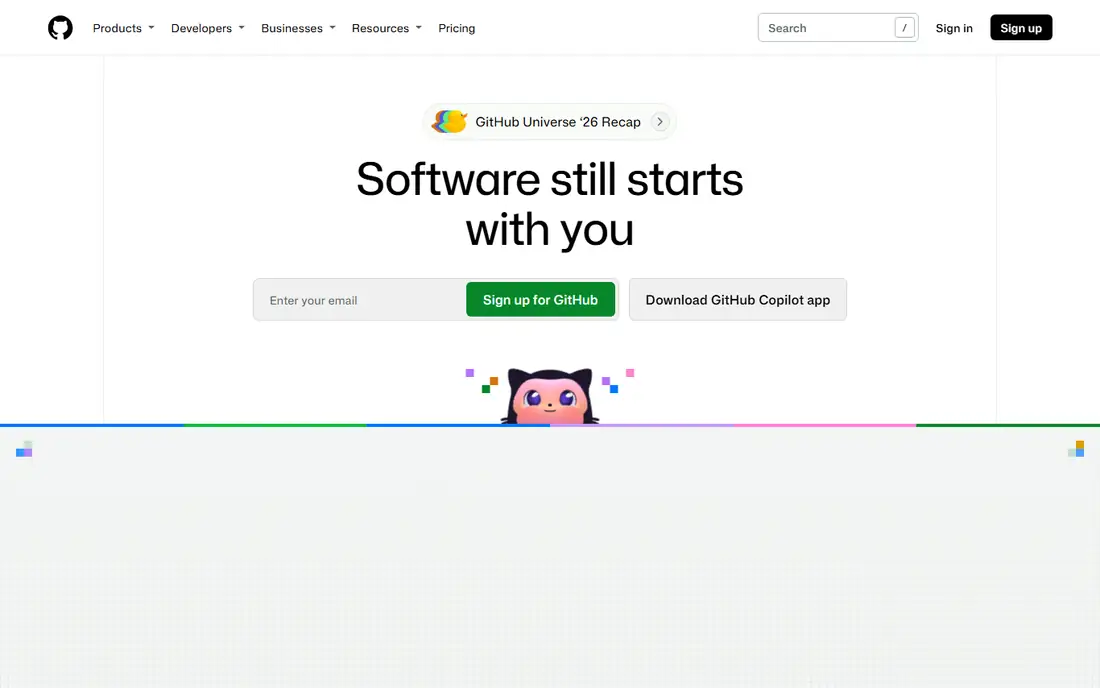
GitHub is the default alternative because most developers already have an account there and most open source lives there. The free tier covers unlimited public and private repositories with 2,000 Actions minutes a month. Team at 4 dollars per user per month adds branch rules, code owners and 3,000 Actions minutes. Enterprise at 21 dollars adds Copilot, audit logs, SAML single sign-on and 50,000 Actions minutes.
What we like- Largest developer community and integration library, GitHub Actions CI/CD, Dependabot security updates, Copilot included on Enterprise
Watch out for- Advanced security and SAML single sign-on sit on the Enterprise tier at 21 dollars per user per month, and self-hosting needs that tier
#2Bitbucket
Best for: Teams that already use Jira and Confluence and want tight Atlassian integration4.4/5 on
G2 (1,015 reviews, checked Oct 2026)
Visit bitbucket.org
Starting price$3.65/user/mo, Standard plan; Premium $8/user/mo
Free planFree for up to 5 users, with 50 Pipelines build minutes
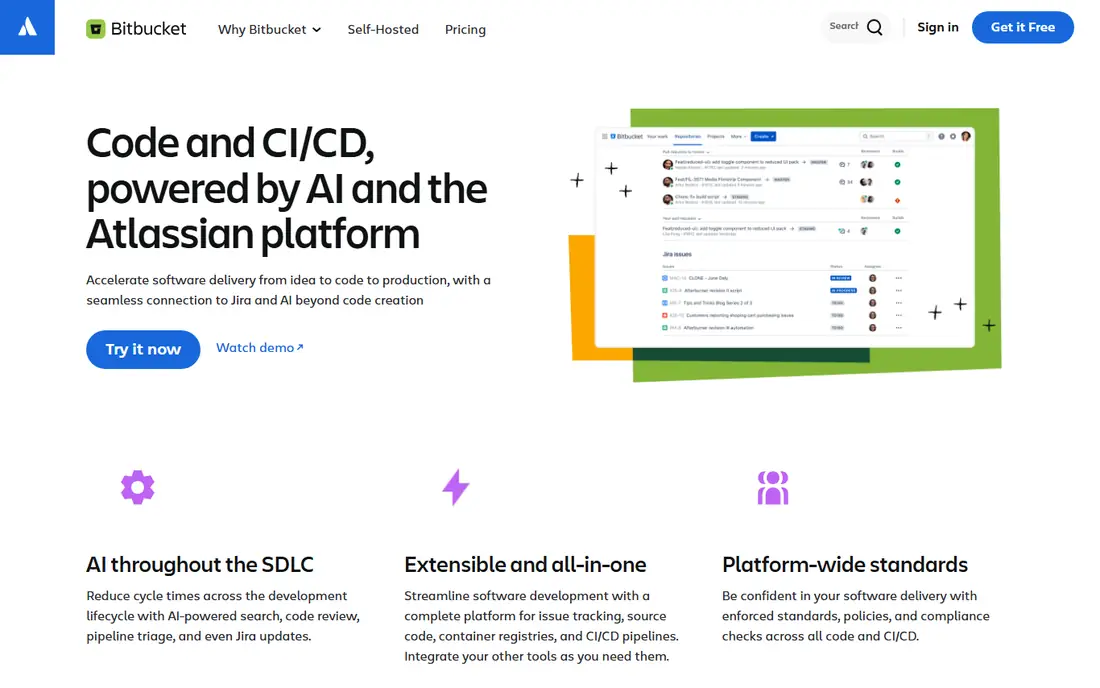
Bitbucket is the natural pick for a team that already lives in Jira, because issues, branches and pull requests link directly to Jira tickets. Standard at 3.65 dollars per user per month covers code hosting and Pipelines CI/CD. Premium at 8 dollars adds merge checks, IP allowlisting, deployment permissions and required two step verification. The free tier suits a tiny team, but its limits run out fast.
What we like- Deep Jira and Confluence integration, built in Pipelines CI/CD, simple pricing, Data Center option for self-managed hosting
Watch out for- The free tier covers only five users and 50 build minutes, and the ecosystem is smaller than GitHub, so niche integrations may be missing
#3Azure DevOps
Best for: Teams invested in Microsoft tooling, Visual Studio and Entra ID4.4/5 on
Capterra (148 reviews, checked Oct 2026)
Visit dev.azure.com
Starting price$6/user/mo, Basic plan, first 5 users free; Basic + Test Plans $52/user/mo
Free planFirst 5 users free, plus 1,800 free Pipelines minutes a month on Microsoft-hosted agents
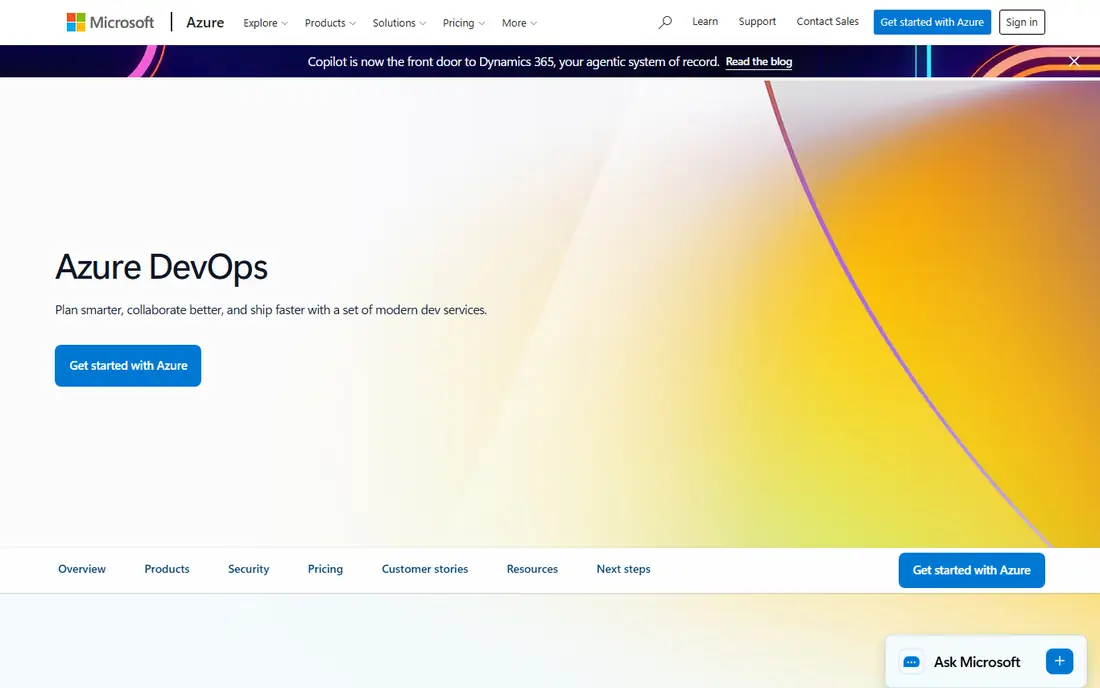
Azure DevOps suits a Microsoft shop better than any other tool here, because it ties into Visual Studio, Entra ID and Azure. Basic is free for the first five users and 6 dollars per user per month after that, with unlimited private Git repositories, Boards and 2 GiB of Artifacts storage. Pipelines gives one free Microsoft-hosted job with 1,800 minutes a month. Test planning costs 52 dollars per user per month.
What we like- Boards, Repos, Pipelines, Artifacts and Test Plans in one suite, strong work item tracking, Visual Studio subscribers get free access
Watch out for- The interface covers five separate services, which feels heavier than a single forge, and security add-ons cost 30 dollars per committer per month
#4Gitea
Best for: Teams that want a light, free self-hosted forge they fully control4.7/5 on
G2 (17 reviews, checked Oct 2026)
Visit about.gitea.com
Starting price$0 self-hosted open source; Enterprise from $9.50/user/mo with a 1-year commitment
Free planFree open source under the MIT licence, unlimited users and repositories
Gitea is the lightest self-hosted option in this guide, and it runs well on modest hardware that would struggle with GitLab. The open source edition is free, with code hosting, issue tracking, pull requests, project boards, Gitea Actions and package hosting. Enterprise starts at 9.50 dollars per user per month with a one year commitment, and the vendor page shows 19 dollars crossed out, which suggests a launch discount.
What we like- Very light to run, single binary install, Gitea Actions CI/CD, packages and issue tracking included, no licence fees
Watch out for- The community is smaller than GitHub, so fewer third party integrations exist, and SAML single sign-on and audit logs need the paid Enterprise plan
#5
SourceHut
Best for: Developers who prefer email driven patch workflows and a minimal, fast interface
Visit sr.ht
Starting price$5/mo, standard Amateur Hacker rate from Jan 2026; reduced $2/mo rate available
Free planPayment optional during alpha for most features; contributors need no paid account; financial aid available
SourceHut is the minimalist in this list, built around email, mailing lists and text pages rather than pull requests. It covers repository hosting, issue tracking, continuous integration, mailing lists and wikis, and the whole platform is open source under the AGPL, so a team can self-host it. Pricing is an honour system: every tier has the same features. Standard rates from January 2026 are 5, 10 and 15 dollars a month, with a 2 dollar reduced rate.
What we like- Fast text-first pages with no JavaScript required, Git and Mercurial hosting, mailing list patch workflows, built in CI, fully open source and self-hostable
Watch out for- The patch by email model is a culture shock for teams raised on pull requests, and the service is still described as alpha
#6RhodeCode
Best for: Enterprises that still run Mercurial or Subversion alongside Git4.1/5 on
G2 (4 reviews, checked Oct 2026)
Visit rhodecode.com
Starting price$6.25/user/mo, Enterprise Edition, annual billing, minimum 10 users; third-party reported, vendor page shows no dollar figure
Free planFree Community Edition, open source under AGPLv3
RhodeCode is the only tool here that manages three version control systems in one place, which matters when legacy Subversion or Mercurial history cannot be rewritten. Its Community Edition is free and open source, while Enterprise adds support, enterprise authentication and workflow automation. The vendor page confirms the ten seat minimum and multi-year discounts, but shows no dollar figures. The 6.25 dollar figure comes from G2, listed as vendor provided.
What we like- One platform for Git, Mercurial and Subversion, unified code review across all three, granular permissions and audit logs, runs behind your firewall with no telemetry
Watch out for- The vendor pricing page shows no dollar figures, so every price here is third-party reported, and Enterprise seats come in packs of ten with a ten user minimum
Starting price$0, open source, no licensing fees
Free planFree open source, unlimited use at any scale
Gerrit is a different shape from the rest of this list, because it is a code review system that sits on top of Git rather than a full DevOps platform. Its patchset model, where each change is reviewed and refined before it lands, is the same model Git itself and the Linux kernel use. It scales to thousands of concurrent developers with global replication. It is 100 percent open source, and the site shows version 3.14.5 as current.
What we like- Patchset based review with fine grained permissions, proven at thousands of developers, 100 plus community plugins, full REST API, global replication
Watch out for- It is a review system rather than a full forge, so issue tracking and CI must come from other tools, and setup needs a Java runtime and an administrator who knows its model
#8Perforce Helix Core
Best for: Game studios and media teams with huge binary assets and large files4.2/5 on
G2 (95 reviews, checked Oct 2026)
Visit perforce.com
Starting price$39/user/mo, P4 Cloud managed plan; self-hosted Scale and Platform plans by quote
Free planFree for up to 5 users and 20 workspaces, self-hosted, with the same core server
Perforce Helix Core, now branded Perforce P4, is the pick for teams whose repositories are mostly large binary files, such as game art, video and CAD models, where Git struggles. The free tier covers up to five users and 20 workspaces on a self-hosted server. P4 Cloud costs 39 dollars per user per month for teams of up to 100, with 64 GiB of storage and 64 GiB of monthly egress included.
What we like- Handles very large files and binary assets far better than Git, strong branching and permissions, managed P4 Cloud removes the server work, trusted by game and film studios
Watch out for- It is not Git, so Git workflows, pull requests and the Git ecosystem do not apply, and the self-hosted Scale and Platform plans are quote only
Frequently asked questions
What is the best GitLab alternative for a small team?
GitHub is the best pick for most small teams, because its free tier covers unlimited public and private repositories with 2,000 Actions minutes a month. Team at 4 dollars per user per month adds the branch rules and review controls a growing team needs. Bitbucket and Azure DevOps are free for up to five users. A small team that wants to self-host should start with Gitea.
Can I migrate my repositories from GitLab to GitHub?
Yes, GitHub offers an importer that moves repositories, issues and pull requests from GitLab, and Gitea and Bitbucket offer similar tools. The repository move is easy, because Git is Git on both sides. The harder work is rewriting GitLab CI pipeline files into GitHub Actions workflows, because the formats differ. Move one small repository first and run it side by side until the results match.
Which GitLab alternative is best for self-hosting?
Gitea is the best self-hosted pick for most teams: free, light to run, and covering code hosting, issues, pull requests and CI in one small package. Gerrit suits large teams that need strict review, and RhodeCode suits enterprises that still run Mercurial or Subversion. Perforce suits teams with huge binary assets. GitHub Enterprise Server and Bitbucket Data Center also self-host, but both are paid, so get a quote first.
Is there a free GitLab alternative?
Yes, several. Gitea and Gerrit are free and open source with no licence fees at any scale. GitHub has a free tier with unlimited repositories and 2,000 Actions minutes a month. Bitbucket is free for up to five users, Azure DevOps is free for the first five users, and Perforce Helix Core is free for up to five users self-hosted. SourceHut keeps payment optional during its alpha, and RhodeCode has a free Community Edition.
What is the difference between GitHub and GitLab?
GitHub focuses on code hosting, pull requests and Actions CI/CD, with the largest developer community and integration library, while GitLab is a single application that covers the whole DevOps lifecycle, including CI/CD, security scanning and issue tracking. GitHub suits teams that want the biggest ecosystem and a simple core product, while GitLab suits teams that want one tool for everything. Teams leave GitLab for the ecosystem, the lighter feel, or self-hosting control.
Sources we checked (11)
- https://github.com/pricing
- https://www.atlassian.com/software/bitbucket/pricing
- https://azure.microsoft.com/en-us/pricing/details/devops/azure-devops-services/
- https://about.gitea.com/pricing/
- https://sourcehut.org/blog/2025-12-01-proposed-pricing-changes/
- https://man.sr.ht/billing-faq.md
- https://rhodecode.com/pricing
- https://www.g2.com/products/rhodecode/pricing
- https://www.gerritcodereview.com/
- https://marketplace.microsoft.com/en-us/product/perforce-hcc.perforce-helix-core-cloud?tab=overview
- https://about.gitlab.com/pricing/
How we picked
We picked tools that replace the core of GitLab: Git hosting, code review, CI/CD and issue tracking, with strong options for cloud, self-hosting and large binary assets. We opened each vendor homepage and pricing page on 12 Nov 2026 and recorded the starting price, except RhodeCode, whose page shows no dollar figures, and SourceHut, where we used the vendor pricing proposal. The GitLab pricing page was blocked from our checker, so no GitLab paid price is stated here. AWS CodeCommit was excluded because it is closed to new customers, and JetBrains Space because it is discontinued.
Last verified: 12 November 2026
Is your product missing or out of date?
We review this list regularly. Vendors can request a listing, send updated pricing or ask about featured placement.

Shihab Mia · Founder, Rankite
Shihab has 5+ years in B2B and SaaS SEO. He writes Rankite's software buying guides from pricing pages, documentation and public user reviews. More about Shihab.