How we make this list: we compare pricing pages, product documentation and public user reviews. Ratings come from G2, Capterra or Trustpilot, with the date we checked them.
What is the best GitHub Codespaces alternative in 2026?
Coder is the best GitHub Codespaces alternative for teams wanting self-hosted dev environments, because its free open source Community edition runs unlimited workspaces on your own infrastructure. Replit is the best hosted alternative, with a managed service and AI built in.
Key takeaways
- Coder leads for self-hosted teams, with a free open source edition and no per-seat cost.
- Replit is the closest hosted replacement, with AI coding and deployment built in.
- Daytona is the cheapest metered option, from about 23 cents an hour for a 2 vCPU machine.
- DevPod and Eclipse Che charge no license fees, but you pay for the cloud underneath.
- Codespaces costs 18 cents an hour for a 2-core machine, so compare on a realistic monthly workload.
How should a team choose a GitHub Codespaces alternative?
Start with where the environments will run. A team wanting no infrastructure work should pick a hosted service such as Replit, CodeSandbox, StackBlitz or Daytona, where the vendor runs the machines. A team with security rules, private code or existing cloud spend should look at a self-hosted option such as Coder, DevPod, Eclipse Che or Okteto, where environments run on infrastructure the team controls.
Next, check which languages and stacks the team uses. StackBlitz and CodeSandbox are strongest for JavaScript and TypeScript in the browser, while Coder, DevPod and Eclipse Che handle any language that runs in a container. Daytona and Replit sit in the middle, with hosted sandboxes for many stacks. A team working mostly in Python, Go or Rust should test real repositories first, because a small web app demo hides slow dependency installs and missing system packages.
Then check the IDE. Most developers want to keep their editor, so confirm the tool supports VS Code in the browser and on the desktop, plus JetBrains or Cursor if the team uses them. Coder and DevPod support all of these, while the browser-first tools offer a good web IDE but a thinner desktop story. Finally, trial two or three real repositories, time the move from opening a project to running tests, and compare that with Codespaces first.
What does a cloud development environment cost in 2026?
A cloud development environment costs either a flat price per user per month or a metered price per hour of compute, and the cheaper model depends on how many hours each developer codes. Codespaces charges 18 cents an hour for a 2-core machine plus 7 cents per GB of storage a month, with no free quota for organization accounts. Personal accounts get 120 free core-hours a month, covering 60 hours on a 2-core machine, but organization accounts pay from the first minute.
For 10 developers each coding 160 hours a month on a 2-core machine, Codespaces costs 28.80 dollars per developer, or 288 dollars a month before storage. Daytona charges about 23 cents an hour for the same shape, about 36.86 dollars per developer, or about 369 dollars a month for the team. Replit Core at 20 dollars a month per developer costs 200 dollars a month, or 180 dollars on annual billing, before extra usage credits. StackBlitz Teams at 55 dollars per member a month on annual billing costs 550 dollars a month.
The free self-hosted tools change the maths again. Coder Community, DevPod and Eclipse Che charge no license fee, so a team only pays its own cloud bill. That can be cheapest for a team already running a Kubernetes cluster, but it is not free, because someone must run, update and support the platform. Always compare the full monthly cost, including idle time, storage, support and engineering hours.
Should you pick a hosted service or self-host your dev environments?
Pick a hosted service when the team wants to start fast and has no platform engineers to spare. Hosted tools such as Replit, CodeSandbox, StackBlitz and Daytona handle provisioning, updates, security patches and uptime, and a new developer can open a working environment in minutes. The trade off is control: code and secrets live on the vendor's infrastructure, and the bill rises with usage, so environments left running overnight keep billing.
Self-host when the team needs control over where code runs, or already operates the infrastructure. Coder, DevPod, Eclipse Che and Okteto run on your own cloud or servers, so data stays inside your network and you set your own rules for access, networking and retention. The trade off is responsibility: your team owns installation, upgrades, monitoring and support, and an unmaintained platform slowly falls behind. A team under 10 developers with no platform engineer usually gets more value from a hosted service, while a larger team with strict security needs usually saves money and risk by self-hosting.
Quick comparison
| Tool | Best for | Starting price | Free plan |
|---|
 Replit | Teams that want a hosted environment with AI coding and one-click deployment | $20/user/mo, Core plan ($18 billed annually) | Free plan with limited usage and workspaces |
 CodeSandbox | Frontend teams that want fast browser-based sandboxes and shared VM environments | $12/month per workspace, Pro plan ($9 billed annually), third-party reported | Free plan with 400 VM credits a month, third-party reported |
 StackBlitz | Web developers who want instant in-browser Node.js environments | $18/user/mo, Pro plan, billed annually ($25 billed monthly) | Free Personal plan with unlimited public projects |
 Daytona | Teams and AI agent builders that need fast, secure sandboxes billed by the second | Pay as you go from $0.0504/vCPU/hour, plus $0.0162/GiB memory/hour | $200 in free compute included |
 Coder | Enterprises that want self-hosted dev environments on their own cloud | Free Community edition; Premium priced per user per year, quote only | Free Community edition, open source, unlimited workspaces and users |
 DevPod | Developers who want free, local-first dev containers on any provider | Free, open source | Free, open source, no paid tier |
 Eclipse Che | Organizations that want a free open source cloud IDE on Kubernetes | Free, open source | Free, open source |
 Okteto | Kubernetes teams that want development, preview and agent environments | Free Starter plan for up to 5 users; Scale and Enterprise priced per user, quote only | Free Starter plan for up to 5 users |
Is your product missing or out of date?
We review this list regularly. Vendors can request a listing, send updated pricing or ask about featured placement.
The 8 best GitHub Codespaces alternatives
| Tool |
Best for |
Starting price |
Free plan |
| Replit |
Hosted environments with AI and deployment |
$20/user/mo, Core ($18 annual) |
Free plan with limited usage |
| CodeSandbox |
Fast browser sandboxes for frontend teams |
$12/month per workspace, Pro ($9 annual) |
Free plan, 400 VM credits a month |
| StackBlitz |
Instant in-browser Node.js environments |
$18/user/mo, Pro, annual billing ($25 monthly) |
Free Personal plan |
| Daytona |
Metered sandboxes for teams and AI agents |
Pay as you go from $0.0504/vCPU/hour |
$200 in free compute |
| Coder |
Self-hosted environments for enterprises |
Free Community; Premium quote only |
Free Community edition, open source |
| DevPod |
Free local-first dev containers |
Free, open source |
Free, open source |
| Eclipse Che |
Free open source cloud IDE on Kubernetes |
Free, open source |
Free, open source |
| Okteto |
Kubernetes dev and preview environments |
Free Starter to 5 users; Scale quote only |
Free Starter plan to 5 users |
#1Replit
Best for: Teams that want a hosted environment with AI coding and one-click deployment4.4/5 on
G2 (417 reviews, checked Oct 2026)
Visit replit.com
Starting price$20/user/mo, Core plan ($18 billed annually)
Free planFree plan with limited usage and workspaces
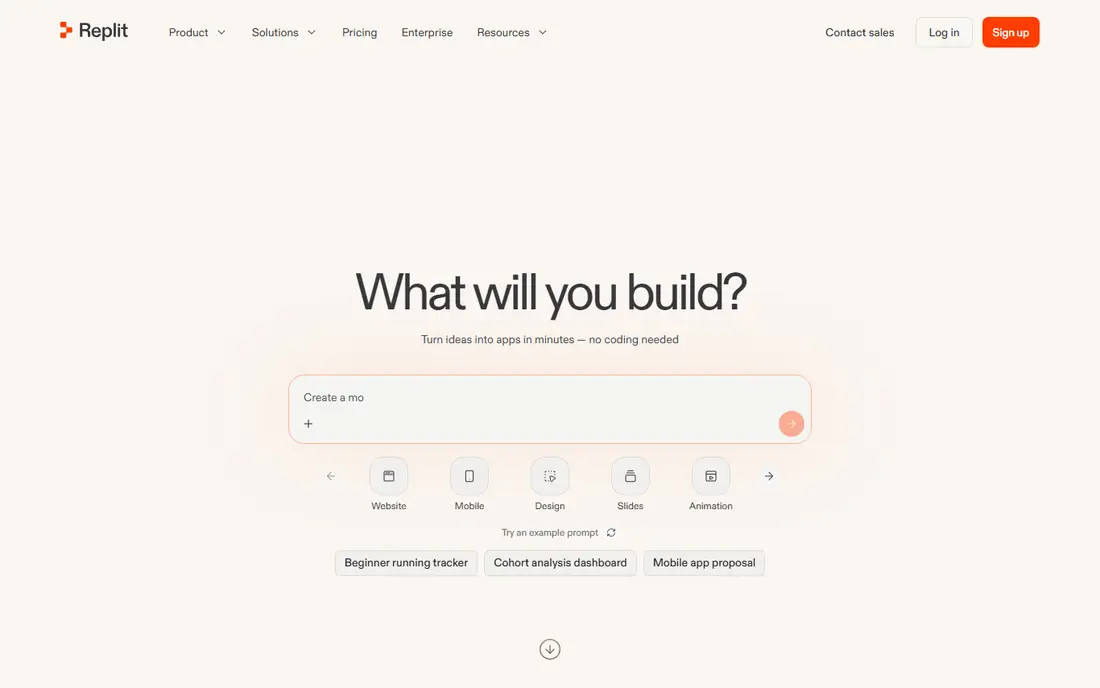
Replit is the closest hosted replacement for a team leaving Codespaces without running infrastructure. Workspaces open in the browser, the AI agent builds and changes code from a prompt, and apps deploy straight from the workspace. That suits product teams and small startups moving from idea to a running app. Pricing needs care: Core at 20 dollars a month includes a monthly credit allowance, and extra AI use draws on it, so track credit burn in the first month and set a spending limit.
What we like- Hosted with no setup, AI agent and assistant built in, deployments and databases included, multiplayer collaboration
Watch out for- Replit's own comparison page lists Core at $17 and Pro at $95 a month, while the pricing page lists $20 and $100, so confirm the current price at checkout
- Usage is credit based, so heavy AI use adds cost beyond the subscription
#2
CodeSandbox
Best for: Frontend teams that want fast browser-based sandboxes and shared VM environments
Visit codesandbox.io
Starting price$12/month per workspace, Pro plan ($9 billed annually), third-party reported
Free planFree plan with 400 VM credits a month, third-party reported
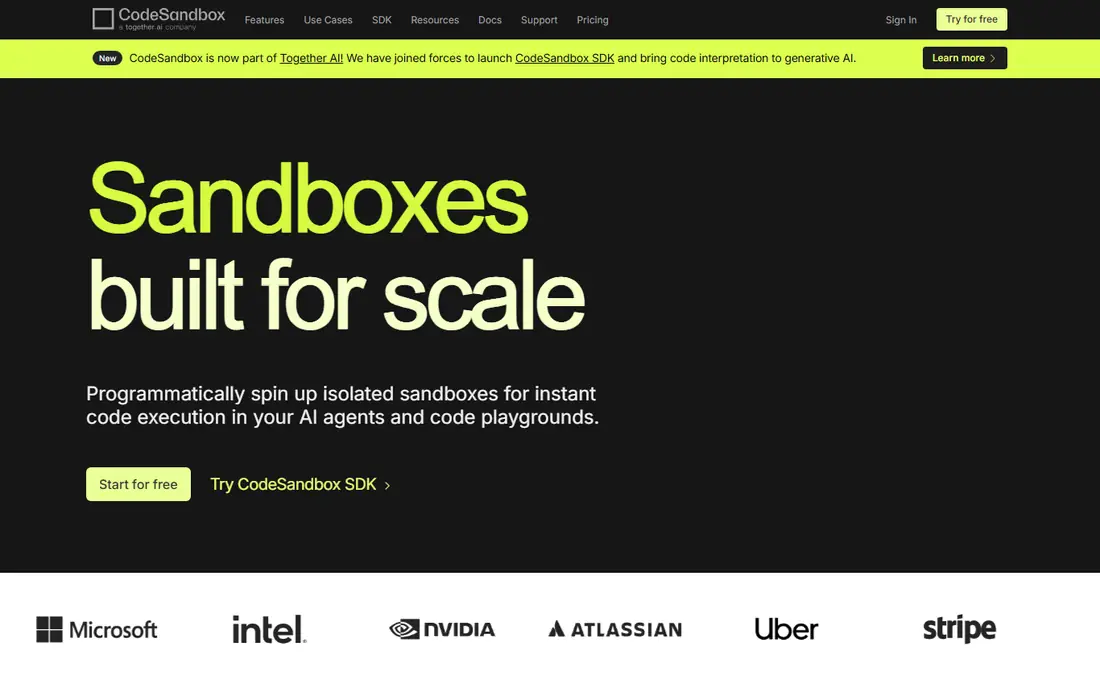
CodeSandbox is built for frontend work. Browser sandboxes start in seconds for JavaScript projects, while VM sandboxes handle full stack apps that need a real server and database. Teams can share a sandbox link and pull a project from GitHub. Understand the credit system first: the free plan includes 400 VM credits a month and Pro includes 1,000, with extra credits bought as needed. Many running VM sandboxes burn credits faster than the headline price suggests, so track usage in the first month.
What we like- Instant browser sandboxes, VM sandboxes up to 16 vCPU, live collaboration sessions, GitHub integration
Watch out for- The vendor pricing page could not be loaded fresh on 12 Nov 2026, and third-party sources disagree on whether Pro is $9 or $12 a month, so check the live pricing page before budgeting
- Credit based billing makes heavy use hard to predict
#3
StackBlitz
Best for: Web developers who want instant in-browser Node.js environments
Visit stackblitz.com
Starting price$18/user/mo, Pro plan, billed annually ($25 billed monthly)
Free planFree Personal plan with unlimited public projects
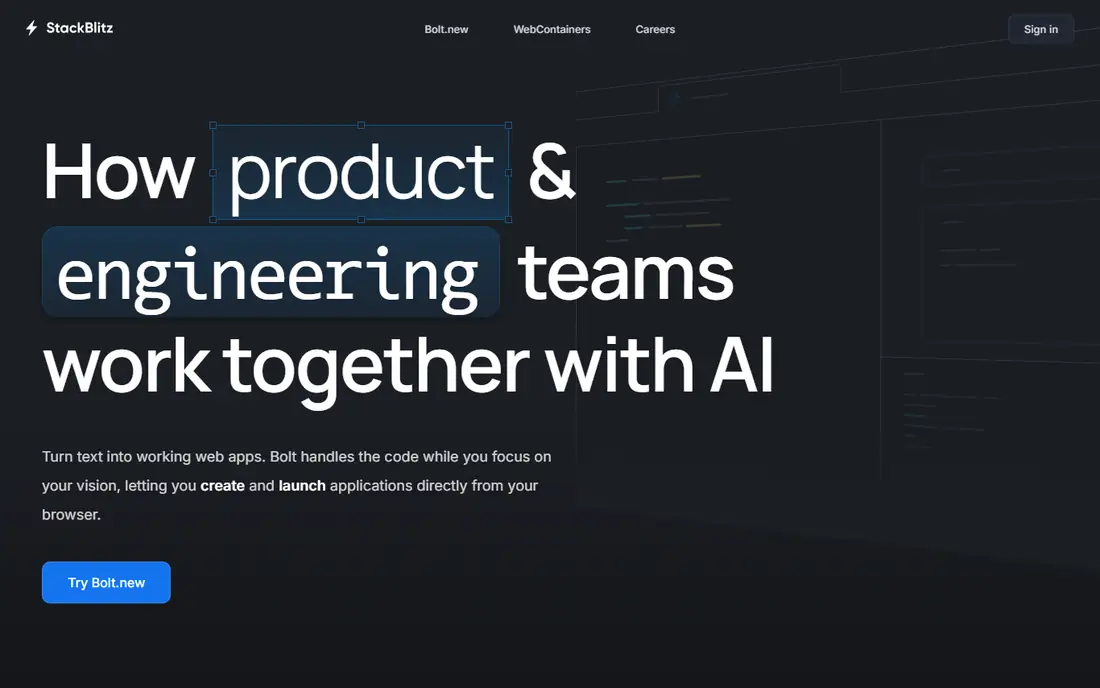
StackBlitz stands out because WebContainers runs a full Node.js runtime inside the browser tab. Opening a GitHub repository takes seconds, and the environment is ready to edit at once. That speed suits frontend teams and quick pull request reviews. The limits matter too: WebContainers are built for the JavaScript ecosystem, so teams needing Python, Go or Java backends will hit the edges quickly. Teams is priced per member, so 10 people cost 550 dollars a month on annual billing, more than Replit Core.
What we like- WebContainers run Node.js in the browser with no server spin-up, GitHub repository support, Teams plan for private organization repositories
Watch out for- WebContainers suit JavaScript and TypeScript work best, so backend work in other languages needs a different tool
- Teams is $55 per member a month, which adds up fast for larger groups
#4
Daytona
Best for: Teams and AI agent builders that need fast, secure sandboxes billed by the second
Visit daytona.io
Starting pricePay as you go from $0.0504/vCPU/hour, plus $0.0162/GiB memory/hour
Free plan$200 in free compute included
Daytona is a sandbox platform rather than a traditional online IDE. Sandboxes spin up in milliseconds, billing is per second, and environments run on Daytona's cloud or your own infrastructure. That suits teams building AI coding agents or needing many short-lived environments for tests and previews. A 2 vCPU machine with 8 GiB of memory costs about 23 cents an hour, so 160 hours a month costs about 37 dollars, close to Codespaces. The risk is idle time: environments left running overnight keep billing, so set auto-stop rules and track the monthly meter.
What we like- Sandboxes start in milliseconds, per-second billing, self-hosting option, GPU support for AI workloads
Watch out for- There is no flat per-user price, so a team that leaves environments running pays more than a flat subscription would cost
- The product is aimed at developers and agent builders, not at general purpose IDE users
#5
Coder
Best for: Enterprises that want self-hosted dev environments on their own cloud
Visit coder.com
Starting priceFree Community edition; Premium priced per user per year, quote only
Free planFree Community edition, open source, unlimited workspaces and users
Coder is the best pick for teams wanting Codespaces-style environments without sending code to a vendor. The free Community edition is open source and runs unlimited workspaces and users on infrastructure you already own. It supports VS Code, JetBrains, Cursor and Jupyter, and works with AI coding agents. Premium adds high availability, workspace proxies, audit logging, quotas and SLA-backed support, but the vendor publishes no dollar price, so budgeting needs a sales conversation. Budget engineering time to run it too, since self-hosting trades a license fee for operational work.
What we like- Runs on your own infrastructure, environments as code with templates, VS Code, JetBrains, Cursor and Jupyter support, audit logging and quotas on Premium
Watch out for- Premium has no published dollar price, so you must talk to sales before you can budget it
- Running it yourself means your team owns upgrades, uptime and support
#6
DevPod
Best for: Developers who want free, local-first dev containers on any provider
Visit devpod.sh
Starting priceFree, open source
Free planFree, open source, no paid tier
DevPod is the simplest free replacement for Codespaces, for developers who like dev containers. It reads the devcontainer.json format Codespaces uses, so many projects move across unchanged, and it runs a container on a local Docker host, a Kubernetes cluster or a cloud machine. A desktop app and command line tool are included, with no per-seat fee. The trade off is that DevPod is a client tool, not a managed platform: it gives each developer an environment, but no team admin console or shared templates, so larger teams pair it with a platform such as Coder.
What we like- Works with any Kubernetes cluster, Docker host or cloud, devcontainer.json support, desktop app and CLI, no vendor lock-in
Watch out for- There is no hosted service and no vendor support contract, so teams must run and troubleshoot it themselves
- It is a client tool, not a managed platform, so it adds no team admin console on its own
#7
Eclipse Che
Best for: Organizations that want a free open source cloud IDE on Kubernetes
Visit eclipse.org
Starting priceFree, open source
Free planFree, open source
Eclipse Che is the open source cloud IDE from the Eclipse Foundation, running Kubernetes workspaces in the browser. Environments use devfiles that describe the tools and runtimes a workspace needs, so a team can share one setup across projects. With no license cost, it appeals to universities and companies already running Kubernetes. The cost shows up in engineering time: Che is a platform to run, not a service to subscribe to, aimed at platform teams. A team adopting it needs someone to install and update it, and help developers when a workspace fails to start.
What we like- Kubernetes native workspaces, browser based IDE, devfile based environment definitions, no license cost
Watch out for- Setup and maintenance fall on your team, and the project is aimed at platform teams rather than individual developers
- Community support varies, so budget engineering time for running it
#8
Okteto
Best for: Kubernetes teams that want development, preview and agent environments
Visit okteto.com
Starting priceFree Starter plan for up to 5 users; Scale and Enterprise priced per user, quote only
Free planFree Starter plan for up to 5 users
Okteto gives Kubernetes teams development, preview and AI agent environments, all on their own cluster. Every plan includes unlimited environments, and you pay per user rather than per environment or per minute. Cost controls right-size containers, scale idle environments to zero and delete unused ones. Starter is free for up to 5 users, enough for a small team to try it. The gap is price transparency: Scale and Enterprise publish no dollar figures, so a growing team needs a sales quote before comparing Okteto with a flat priced hosted tool.
What we like- Unlimited environments on every plan, preview and test environments included, self-hosted on your own cluster, cost controls and garbage collection
Watch out for- Scale and Enterprise publish no dollar prices, so larger teams must get a quote
- It is built for Kubernetes shops, so teams without a cluster face a bigger setup job
Frequently asked questions
What is the best GitHub Codespaces alternative for a small team?
Replit is the best pick for a small team wanting a hosted service: Core costs 20 dollars a month per user and includes AI coding, deployment and collaboration with no infrastructure to run. A small team already running Kubernetes should look at Coder Community or Okteto Starter instead, since both are free for small teams.
How much does a Codespaces alternative cost for 10 developers?
For 10 developers at 160 hours a month each, Codespaces costs about 288 dollars a month before storage. Replit Core costs 200 dollars a month, or 180 dollars on annual billing. Daytona costs about 369 dollars for the same workload, and StackBlitz Teams costs 550 dollars a month on annual billing. Coder Community, DevPod and Eclipse Che charge no license fee, so you pay only your own cloud bill.
Can I self-host a Codespaces alternative?
Yes. Coder Community is free and open source, with unlimited workspaces on your cloud or servers. DevPod runs dev containers on any Kubernetes cluster, Docker host or cloud machine. Eclipse Che runs on Kubernetes with no license cost, and Okteto is also self-hosted. Self-hosting keeps code inside your network, but your team owns installation, updates and support.
Which Codespaces alternative is best for AI coding agents?
Daytona is the best pick for AI coding agents: it spins up secure sandboxes in milliseconds, bills per second, and supports GPU workloads. Coder is a strong second choice, running agents such as Claude Code and Codex inside governed workspaces on your own infrastructure, with audit logging on Premium. Replit also builds an AI agent into every workspace.
Do Codespaces alternatives work with VS Code?
Most of them do. Coder supports VS Code in the browser and on the desktop, plus JetBrains, Cursor and Jupyter. DevPod works with VS Code and JetBrains. Replit, CodeSandbox and StackBlitz each provide a browser based editor, and Replit and CodeSandbox also connect to desktop editors. Eclipse Che provides its own browser based IDE, so check your editor first, because browser only tools suit some teams better than others.
Sources we checked (9)
- https://replit.com/pricing
- https://codesandbox.io/pricing
- https://stackblitz.com/pricing
- https://www.daytona.io/pricing
- https://coder.com/pricing
- https://devpod.sh
- https://www.eclipse.org/che/
- https://www.okteto.com/pricing/
- https://docs.github.com/en/billing/concepts/product-billing/github-codespaces
How we picked
We picked tools that provide a real cloud development environment as an alternative to GitHub Codespaces, with a working official website that loaded on 12 Nov 2026, and a clear pricing model or a free open source edition. We checked each vendor pricing page on 12 Nov 2026 and recorded conflicts where sources disagreed. Gitpod was left out because it rebranded to Ona in September 2025, its managed Classic service shut down in October 2025, and Ona Cloud shut down on 31 October 2026. JetBrains Space and AWS Cloud9 were also left out, because Space is discontinued and Cloud9 is closed to new customers. Okteto replaced Gitpod in the list of 8.
Last verified: 12 November 2026
Is your product missing or out of date?
We review this list regularly. Vendors can request a listing, send updated pricing or ask about featured placement.

Shihab Mia · Founder, Rankite
Shihab has 5+ years in B2B and SaaS SEO. He writes Rankite's software buying guides from pricing pages, documentation and public user reviews. More about Shihab.