How we make this list: we compare pricing pages, product documentation and public user reviews. Ratings come from G2, Capterra or Trustpilot, with the date we checked them.
Key takeaways
- WordPress suits publishers who want full control and the largest plugin library, while Substack suits writers who want paid newsletters with almost no setup.
- Medium suits writers who want a built-in audience without running a site, but it offers the least control over branding and monetization.
- Webflow, Squarespace, and Wix suit publishers who want design control without code, with Webflow offering the most design freedom.
- Hugo and Jekyll suit technical publishers who want fast, free static sites and are comfortable working in files and version control.
Quick comparison
| Tool | Best for | Starting price | Free plan |
|---|
 WordPress WordPress | Full control publishing | Free | Yes |
 Substack Substack | Paid newsletters fast | Free | Yes |
 Medium Medium | Built-in audience writing | $5 per month | Yes |
 Webflow Webflow | Design-led websites | $14 per month | Yes |
 Squarespace Squarespace | Polished sites quickly | $16 per month | No |
 Wix Wix | Easy drag-and-drop sites | $17 per month | Yes |
 Hugo Hugo | Fast static sites | Free | Yes |
 Jekyll Jekyll | Simple static blogging | Free | Yes |
Is your product missing or out of date?
We review this list regularly. Vendors can request a listing, send updated pricing or ask about featured placement.
The best Ghost alternatives
#1WordPress
Best for: Full control publishing4.4/5 on
G2 (9,546 reviews, checked Oct 2026)
Visit wordpress.org
Starting priceFree
Free planYes
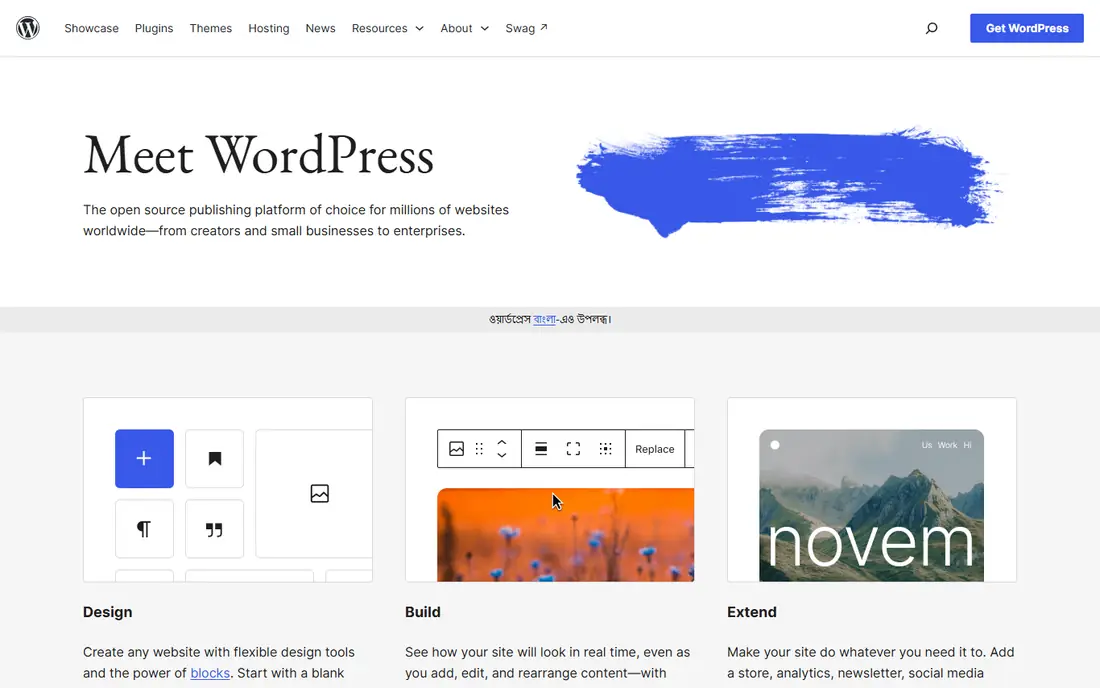
WordPress remains the most flexible alternative to Ghost, and its scale is the reason. The open-source software is free, thousands of themes and plugins cover memberships, newsletters, shops, and forums, and you own your content and database outright. A publisher can start with a simple blog and grow into a multi-author magazine without changing platforms, which is exactly the path Ghost users often want to keep open.
Upkeep is the real cost. WordPress needs hosting, updates, backups, and occasional plugin troubleshooting, so it demands more admin time than Ghost or Substack. Security also depends on keeping themes and plugins current, since an outdated plugin is the most common way a WordPress site gets compromised. For publishers who value control over convenience, WordPress is still unmatched.
What we like- Largest plugin and theme library
- Full data ownership
- Strong SEO tools
Watch out for- Needs hosting and upkeep
- Plugin conflicts happen
#2Substack
Best for: Paid newsletters fast4.3/5 on
G2 (17 reviews, checked Oct 2026)
Visit substack.com
Starting priceFree
Free planYes
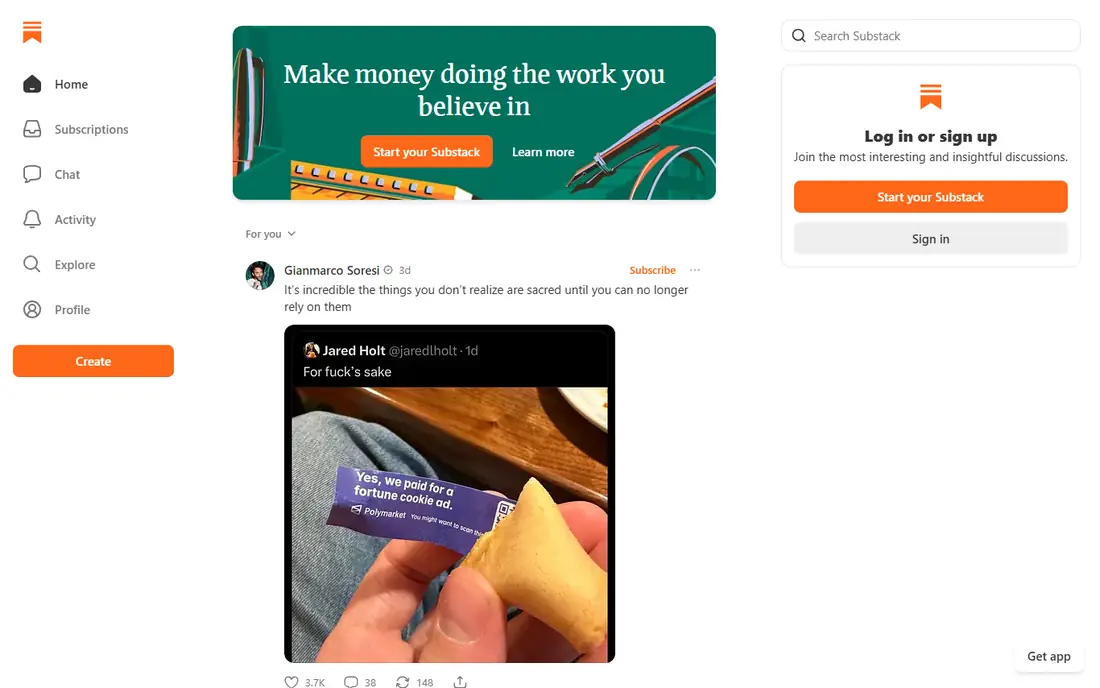
Substack suits writers who want to earn from a newsletter without building a website first. You can publish free and paid posts, collect subscribers, and take payments with almost no setup, and Substack handles delivery, hosting, and payment processing. Discovery features also help new readers find your publication, which gives solo writers a head start that a standalone site cannot match.
The trade-off is revenue share and control. Substack takes 10 percent of paid subscription revenue plus payment processing fees, which adds up as a publication grows. Design options are also limited compared with Ghost or WordPress, so a publication that needs a distinct brand may feel constrained. For writers who prioritize audience and income over design, Substack is the fastest route.
What we like- Free to start
- Paid subscriptions built in
- Simple writing experience
Watch out for- Takes 10 percent of paid revenue
- Limited site design control
Starting price$5 per month
Free planYes
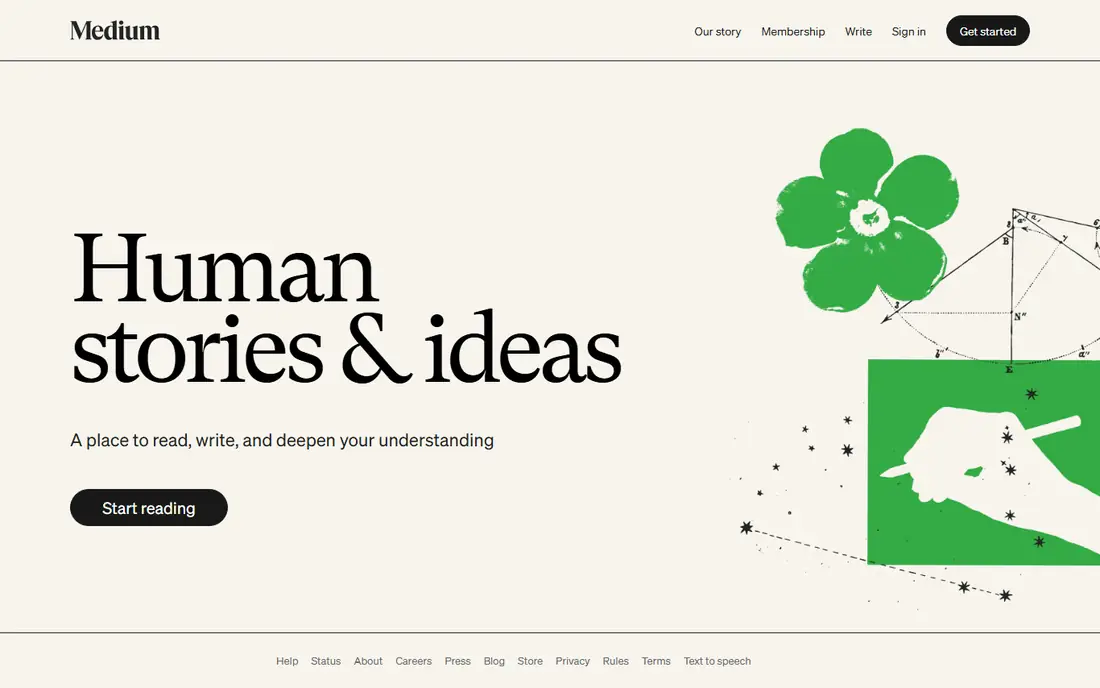
Medium fits writers who care about readers, not about running a publication. You write, publish, and reach an existing audience through topics, recommendations, and publications, with no hosting, design, or maintenance work at all. The reading experience is clean and consistent, which helps essays and explainers find readers who would never visit a standalone blog.
Control is what you give up. Your publication lives under Medium branding, customization is minimal, and earnings through the partner program depend on Medium rules and distribution, which change over time. Writers who want to own their audience list and brand should treat Medium as a distribution channel, not a home base. As a pure writing outlet, it is effortless.
What we like- Large built-in readership
- Clean reading experience
- No site upkeep
Watch out for- Little branding control
- Monetization depends on Medium rules
#4Webflow
Best for: Design-led websites4.4/5 on
G2 (995 reviews, checked Oct 2026)
Visit webflow.com
Starting price$14 per month
Free planYes
Webflow suits publishers who want a distinctive site without writing code by hand. Its visual designer gives precise control over layout, typography, and interactions, while the CMS handles blog posts, authors, and categories behind the design. Sites load fast, the output code is clean, and hosting, security, and backups come bundled, which removes much of the WordPress admin burden.
Beginners face a learning curve. Webflow design freedom means more decisions, and its interface takes longer to learn than Squarespace or Wix. CMS limits and higher tiers also raise costs as a publication grows. For design-led publishers who want a site that looks custom without a developer, Webflow is the strongest pick on this list.
What we like- Precise visual design control
- CMS included
- Clean code output
Watch out for- Learning curve for beginners
- Costs rise with CMS items
Starting price$16 per month
Free planNo
Squarespace is the polished, low-effort option for publishers who want a good-looking site fast. Templates are consistently attractive, editing is visual and forgiving, and hosting, domains, and basic commerce come in one subscription. A small magazine, portfolio, or business blog can look professional within a day, which is why Squarespace appeals to teams without a designer.
Flexibility is the limit. Template customization goes only so far, there is no free plan, and advanced features like memberships or deep SEO work cost more or require workarounds. Publishers who outgrow the template system often migrate to WordPress or Webflow. For a beautiful site with minimal effort, Squarespace delivers reliably.
What we like- Beautiful templates
- All-in-one hosting
- Simple editing
Watch out for- No free plan
- Less flexible than WordPress
#6Wix
Best for: Easy drag-and-drop sites4.2/5 on
G2 (1,888 reviews, checked Oct 2026)
Visit wix.com
Starting price$17 per month
Free planYes
Wix suits beginners who want the easiest possible path to a live site. Its drag-and-drop editor lets anyone place text, images, and forms without touching code, and its app market adds blogs, bookings, shops, and newsletters as needed. A free tier lets new publishers experiment before paying, which lowers the barrier for hobby blogs and small projects.
Long-term flexibility is weaker. Wix sites are hard to move to another platform, and heavy template use can make sites look similar. Performance and SEO are adequate rather than excellent, and serious publishers often want more control than Wix offers. For a first site or a simple project, Wix is the least intimidating option here.
What we like- Very easy editor
- Large app market
- Free tier to try
Watch out for- Sites can feel template-bound
- Moving away is hard
Starting priceFree
Free planYes
Hugo suits technical publishers who want speed and simplicity at the file level. It builds static sites in milliseconds, even for thousands of pages, and it costs nothing beyond hosting, which can itself be free on static hosts. Themes cover blogs, docs, and magazines, and content lives in plain text files under version control, which makes backup and collaboration straightforward for developers.
The admin experience is the gap. Hugo has no built-in editor panel, so non-technical writers need a separate headless CMS or a Git-based workflow to publish comfortably. Theme customization also rewards comfort with templates and the terminal. For developers and docs teams, Hugo speed and freedom are hard to beat.
What we like- Extremely fast builds
- Free and open source
- Huge theme library
Watch out for- Requires comfort with files and terminals
- No built-in admin panel
Starting priceFree
Free planYes
Jekyll is the classic static blogging tool, and it remains a solid Ghost alternative for simple sites. It turns plain text files into a blog with posts, pages, and categories, and GitHub Pages hosts Jekyll sites for free, which makes the total cost zero for many publishers. Its ecosystem is mature, with themes and plugins covering most blogging needs without custom code.
Build speed and setup are the drawbacks. Jekyll builds slower than Hugo on large sites, and Ruby environment setup trips up beginners on some machines. It also lacks the active development pace of newer static tools. For a simple personal blog hosted free on GitHub Pages, Jekyll is still a sensible, proven choice.
What we like- Simple Ruby-based blogging
- GitHub Pages hosting
- Mature ecosystem
Watch out for- Slower builds than Hugo
- Ruby setup can frustrate beginners
How we chose
We compared publishing platforms on control, monetization, design freedom, and upkeep, using vendor pricing pages, documentation, and public publisher experience. Ghost users were the reference buyer: independent publishers who want to own their content and earn from readers. Tools were judged on how well they replace Ghost strengths, not just on popularity, so static tools and newsletter platforms both earned places. Price figures in this guide come from published vendor pricing and comparison sources, so check the current pricing page before committing, since hosted plans change more often than open-source costs.
How to pick the right replacement
Decide what you value most
Writers who value income speed should start with Substack, while publishers who value ownership should start with WordPress or Hugo. Design-led teams should weigh Webflow against Squarespace, and audience-first writers should consider Medium as a channel. Your answer to that single question narrows eight options to two or three quickly.
Test the writing experience first
Publish three real posts, including images and a paid or gated post if you plan to charge. That test reveals editor friction, newsletter delivery quality, and subscriber management pain better than any feature list. Also test the reading experience on a phone, since many readers will meet your publication there first.
Plan your exit before you commit
Check how easily you can export posts, subscribers, and media. A platform that locks your audience in is a risk, even if its launch experience feels smooth. Export a sample of posts and subscribers during your trial, and confirm the files open cleanly elsewhere, since a promised export that needs heavy cleanup is barely better than no export at all.
Frequently asked questions
Is WordPress better than Ghost?
WordPress offers more plugins and control, while Ghost offers a cleaner, faster publishing experience out of the box. Publishers who want maximum flexibility usually pick WordPress, while writers who want simplicity often stay with Ghost or move to Substack. The right choice depends on how much admin work you accept.
Can I move my Ghost posts to Substack or WordPress?
Yes, both support imports from Ghost export files, though formatting, images, and member data usually need cleanup. Test the import with a few posts before moving a full archive.
Does Substack really take 10 percent?
Yes, Substack takes 10 percent of paid subscription revenue, plus standard payment processing fees. Free publications pay nothing, which makes it cheap to start and pricier as paid revenue grows. That fee covers hosting, delivery, and payment handling, so compare it with the cost of running those pieces yourself.
Are static sites good for blogs?
Yes, static sites are fast, secure, and cheap to host, which suits blogs well. They work best when writers are comfortable with files and Git, or when a headless CMS provides an editor panel. Without one of those two workflows, publishing friction grows quickly.
Which option is cheapest long term?
Hugo and Jekyll hosted on a free static host cost almost nothing, while WordPress on shared hosting costs a few dollars a month. Hosted platforms like Squarespace and Wix cost more, but they bundle hosting, security, and support. Factor in your own time too, since admin hours are a real cost.
Sources we checked (8)
- https://wordpress.org
- https://substack.com
- https://medium.com
- https://webflow.com
- https://www.squarespace.com
- https://www.wix.com
- https://gohugo.io
- https://jekyllrb.com
Is your product missing or out of date?
We review this list regularly. Vendors can request a listing, send updated pricing or ask about featured placement.

Shihab Mia · Founder, Rankite
Shihab has 5+ years in B2B and SaaS SEO. He writes Rankite's software buying guides from pricing pages, documentation and public user reviews. More about Shihab.