How we make this list: we compare pricing pages, product documentation and public user reviews. Ratings come from G2, Capterra or Trustpilot, with the date we checked them.
What Is the Best GanttPRO Alternative in 2026?
TeamGantt is the best GanttPRO alternative for most teams in 2026. Its flat monthly price covers the whole team, and its Gantt charts are simple enough for small teams while still handling dependencies, milestones, and workload views. If you want a broader work platform instead of a pure Gantt tool, monday.com is the stronger alternative.
Key takeaways:
- TeamGantt is the closest like-for-like GanttPRO replacement, with flat pricing that stays predictable as your team grows.
- Instagantt is the cheapest paid option at $10 per month billed annually, and it works best for Asana users.
- Gantt views are often gated behind paid tiers, so check which plan includes them before you buy.
- Per-user pricing can overtake flat pricing once a team passes about five members.
- Every tool below offers a free plan or a free trial, so you can test before committing.
How Much Does GanttPRO Cost in 2026?
GanttPRO Core costs $7 per user per month billed annually for teams of 20 or more members, $8 for teams of up to 15, and $9 billed monthly. There is no free plan, although a 14-day free trial is available and no card is required to start it. GanttPRO is a Gantt-chart-first project management tool with dependencies, critical path, baselines, milestones, and auto-scheduling.
That per-user model is fair for small teams, but the bill grows with every seat. A team of 10 pays $80 per month on the annual plan, and a team of 20 pays $140 per month.
Which GanttPRO Alternative Is Cheapest?
The cheapest paid GanttPRO alternative is Instagantt at $10 per month billed annually, followed by monday.com Basic and Smartsheet Pro at $9 per seat per month billed annually. But per-seat pricing multiplies with your team while flat pricing does not.
| Tool |
Starting paid price |
Free plan |
| TeamGantt |
$49 per month flat billed annually |
Yes, Personal plan for 1 user |
| Instagantt |
$10 per month billed annually |
Yes, for Asana users on up to 3 projects |
| monday.com |
$9 per seat per month billed annually |
Yes, up to 2 seats |
| Asana |
$10.99 per user per month billed annually |
Yes, Personal plan up to 2 users |
| Smartsheet |
$9 per member per month billed annually |
No, 30-day free trial only |
| ClickUp |
$7 per user per month billed annually |
Yes, Free Forever plan |
| Wrike |
$10 per user per month billed annually |
Yes, unlimited users |
| ProjectManager.com |
$15 per user per month billed annually |
No, 30-day free trial only |
For a solo user, ClickUp at $7 per user per month billed annually is the lowest per-seat price. For a team of 10, TeamGantt at $49 per month flat undercuts every per-seat option except ClickUp, and it beats GanttPRO itself at $80 per month for the same 10 seats.
Do These Alternatives Include Gantt Charts on Their Cheapest Plans?
Not all of them. On monday.com, the Gantt view starts at the Standard plan at $12 per seat per month billed annually, not on Basic. On Asana, Gantt views start at the Starter plan, so the free Personal plan cannot show them. On Wrike, Gantt charts start at the Team plan, so the free plan cannot show them either.
TeamGantt, Instagantt, Smartsheet, ClickUp, and ProjectManager.com all include Gantt charts on their starting paid plans, although ClickUp limits Gantt use to 60 uses on its free plan. If price is your main reason for leaving GanttPRO, confirm the Gantt view is included in the tier you plan to buy.
What Should You Look for in a GanttPRO Alternative?
Start with the features that made GanttPRO useful to you. If you rely on dependencies and critical path, make sure the replacement supports both, because some simpler tools only draw bars without linking them. If you use baselines, check that the alternative keeps them.
Next, weigh the pricing model against your team size. Flat pricing suits growing teams, while per-seat pricing suits small teams that want a broad platform. Instagantt only makes sense if you use Asana, while Smartsheet and ProjectManager.com suit teams that need portfolio reporting. Finally, test the free plan or trial with a real project before you pay.
How Hard Is It to Switch from GanttPRO?
Switching is straightforward, because every tool in this guide imports tasks from CSV files. The work that takes time is rebuilding dependencies, milestones, and baselines, which do not always transfer cleanly. Expect to spend an afternoon re-linking tasks on a medium project.
The safest way to switch is to run the new tool alongside GanttPRO for one project cycle, confirm it reports the same dates, and keep your GanttPRO export as a backup until the new plan has survived at least one real deadline.
Quick comparison
| Tool | Best for | Starting price | Free plan |
|---|
 TeamGantt | Small to mid-size teams that want a simple, visual Gantt chart with flat pricing | $49 per month flat billed annually for Base, checked 17 November 2026 | Yes, Personal plan for 1 user, 1 project, 40 tasks |
 Instagantt | Asana users who want a proper Gantt chart on top of their existing tasks | $10 per month billed annually for Individual, checked 17 November 2026 | Yes, for Asana users on up to 3 projects |
 monday.com | Teams that want Gantt charts inside a broad, visual work management platform | $9 per seat per month billed annually for Basic, checked 17 November 2026 | Yes, up to 2 seats, no Gantt view |
 Asana | Teams that want proven task management with Timeline views and deep integrations | $10.99 per user per month billed annually for Starter, checked 17 November 2026 | Yes, Personal plan up to 2 users, no Gantt view |
 Smartsheet | Teams that plan in spreadsheets and need Gantt charts with strong reporting | $9 per member per month billed annually for Pro, checked 17 November 2026 | No, 30-day free trial only |
 ClickUp | Budget conscious teams that want Gantt charts plus docs, goals, and time tracking in one tool | $7 per user per month billed annually for Unlimited, checked 17 November 2026 | Yes, Free Forever plan, Gantt limited to 60 uses |
 Wrike | Mid-size teams that need structured project workflows with Gantt charts and approvals | $10 per user per month billed annually for Team, checked 17 November 2026 | Yes, unlimited users, 200 active tasks, no Gantt view |
 ProjectManager.com | Project managers who need Gantt charts with resource management and portfolio reporting | $15 per user per month billed annually for Team, checked 17 November 2026 | No, 30-day free trial only |
Is your product missing or out of date?
We review this list regularly. Vendors can request a listing, send updated pricing or ask about featured placement.
8 Best GanttPRO Alternatives
#1TeamGantt
Best for: Small to mid-size teams that want a simple, visual Gantt chart with flat pricing4.8/5 on
G2 (895 reviews, checked Oct 2026)
Visit teamgantt.com
Starting price$49 per month flat billed annually for Base, checked 17 November 2026
Free planYes, Personal plan for 1 user, 1 project, 40 tasks
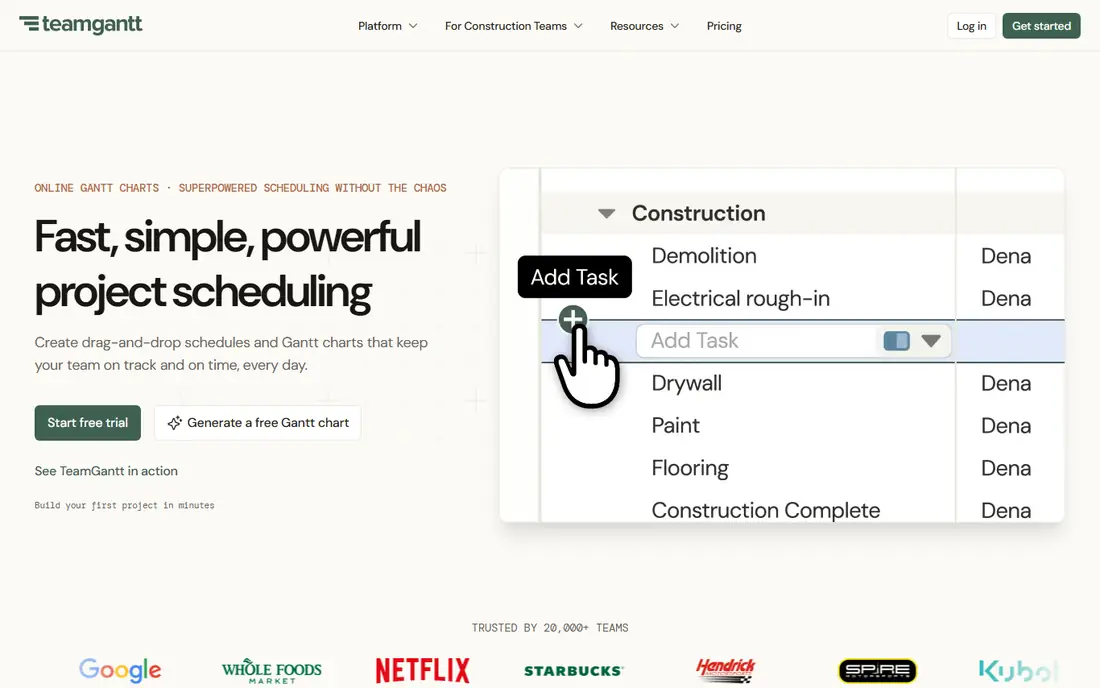
TeamGantt is the most direct GanttPRO replacement here, because it does one thing well instead of trying to do everything. The Gantt chart is the home screen, not a view buried inside a larger platform, so timeline planners feel at home within minutes. Dependencies are easy to draw, milestones mark key dates, and the workload view shows who is overbooked before a deadline slips. At $49 per month billed annually, a team of 10 pays the same as a team of 3, so costs stay flat as the team grows. Older sources still cite a retired $24 Basic plan, but it is no longer sold, so budget on the current $49 annual or $59 monthly price.
What we like- Flat pricing covers the whole team, clean and easy to read Gantt charts, dependencies and milestones included, workload view helps balance assignments
Watch out for- Fewer built-in views than larger platforms, no native time tracking on the Base plan, limited automation compared with monday.com or ClickUp
#2Instagantt
Best for: Asana users who want a proper Gantt chart on top of their existing tasks4.3/5 on
G2 (29 reviews, checked Oct 2026)
Visit instagantt.com
Starting price$10 per month billed annually for Individual, checked 17 November 2026
Free planYes, for Asana users on up to 3 projects
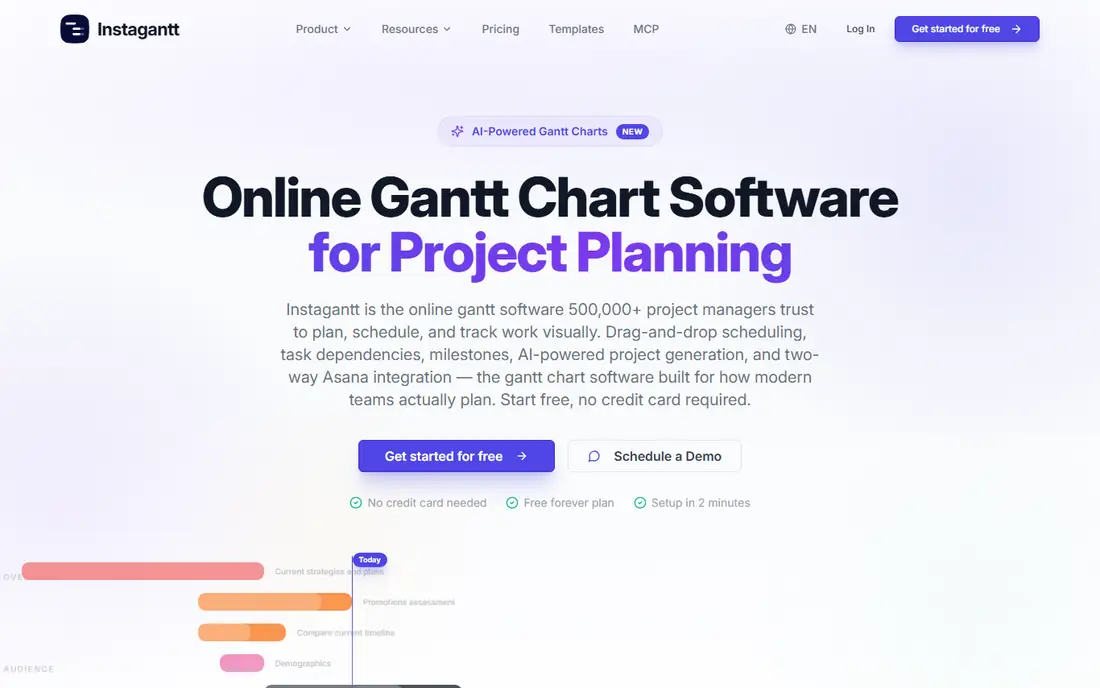
Instagantt is a specialist tool, and its value depends entirely on whether you already use Asana. It connects to Asana and turns your tasks into a full Gantt chart with dependencies, critical path, milestones, and baselines, which Asana alone does not present as clearly. The Individual plan costs $10 per month billed annually, or $12 billed monthly, making it the cheapest paid option in this guide. Asana users on up to 3 projects can use it free. The interface is deliberately narrow, with no kanban boards, docs, or team chat, because Asana handles those jobs. If you leave Asana, Instagantt loses its purpose.
What we like- Cheapest paid plan in this guide, syncs directly with Asana, strong dependencies and critical path, simple and focused interface
Watch out for- Only useful if you use Asana, no standalone project management features, limited reporting compared with full platforms
#3monday.com
Best for: Teams that want Gantt charts inside a broad, visual work management platform4.7/5 on
G2 (17,182 reviews, checked Oct 2026)
Visit monday.com
Starting price$9 per seat per month billed annually for Basic, checked 17 November 2026
Free planYes, up to 2 seats, no Gantt view
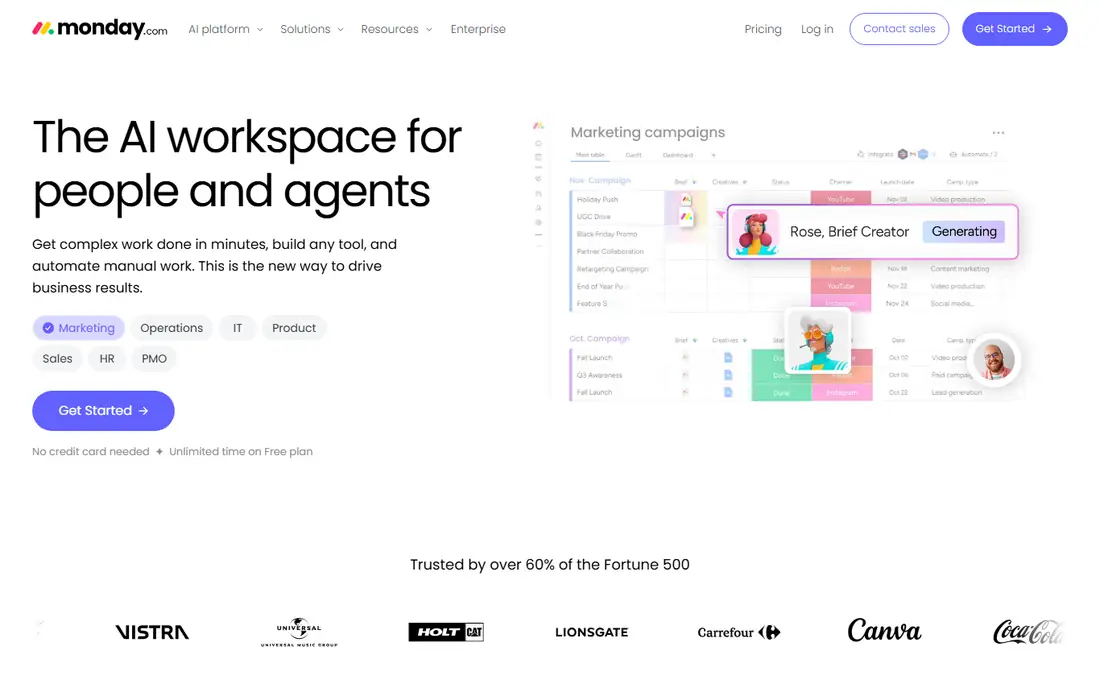
monday.com is the best choice if you want to replace GanttPRO with something broader rather than something similar. Its boards are visual and easy to customise, and the platform covers project tracking, team workflows, CRM, and reporting in one place. Automations can move tasks, notify owners, and update statuses without manual work, which saves time on larger projects. The catch is the Gantt view. It is not included on the Basic plan at $9 per seat per month billed annually, or $12 billed monthly, so you need Standard at $12 per seat per month billed annually. A team of 10 pays $120 per month on Standard, which is more than GanttPRO, but teams that use monday.com for several kinds of work often find the extra cost justified.
What we like- Very visual and customisable boards, strong automations, large integration library, good mobile apps
Watch out for- Gantt view starts at Standard at $12 per seat per month billed annually, per-seat pricing adds up fast, 3-seat minimum on paid plans
#4Asana
Best for: Teams that want proven task management with Timeline views and deep integrations4.4/5 on
G2 (13,930 reviews, checked Oct 2026)
Visit asana.com
Starting price$10.99 per user per month billed annually for Starter, checked 17 November 2026
Free planYes, Personal plan up to 2 users, no Gantt view
Asana is one of the most established names in project management, and its Starter plan at $10.99 per user per month billed annually, or $13.49 billed monthly, includes the Timeline view, which is Asana's version of a Gantt chart. It supports dependencies, milestones, and date shifting, and it works well for teams that plan in tasks first and timelines second. The free Personal plan covers up to 2 users, but it does not include the Gantt view. Asana's strength is its ecosystem, with hundreds of integrations from Slack and Google Drive to time tracking and reporting apps. The trade-off is that Asana is a task manager with a Gantt view, so teams that want baselines and critical path analysis will find it lighter than GanttPRO.
What we like- Mature and reliable task management, Timeline view is a capable Gantt alternative, huge integration library, strong reporting on paid plans
Watch out for- Gantt view starts at Starter, free plan is limited to 2 users, advanced features such as portfolios need higher tiers
#5Smartsheet
Best for: Teams that plan in spreadsheets and need Gantt charts with strong reporting4.4/5 on
G2 (22,767 reviews, checked Oct 2026)
Visit smartsheet.com
Starting price$9 per member per month billed annually for Pro, checked 17 November 2026
Free planNo, 30-day free trial only
Smartsheet suits teams that think in rows and columns. Its grid interface looks like a spreadsheet, which makes it easy for teams that already plan in Excel or Google Sheets to adopt, and the Gantt view sits on top of that grid without forcing a new way of working. The Pro plan costs $9 per member per month billed annually, or $12 billed monthly, and it includes Gantt charts, dependencies, and critical path. Dashboards and reports are a real strength, and managers who oversee several projects at once will value the portfolio views. The main drawback is the lack of a free plan. Smartsheet closed its free plan to new signups on 28 Aug 2024, so the only way to test it now is the 30-day free trial.
What we like- Spreadsheet style interface feels familiar, Gantt charts included on the Pro plan, strong dashboards and reporting, good for portfolio level tracking
Watch out for- No free plan, the free plan closed to new signups on 28 Aug 2024, interface can feel dated, per-member pricing adds up on large teams
#6ClickUp
Best for: Budget conscious teams that want Gantt charts plus docs, goals, and time tracking in one tool4.6/5 on
G2 (14,878 reviews, checked Oct 2026)
Visit clickup.com
Starting price$7 per user per month billed annually for Unlimited, checked 17 November 2026
Free planYes, Free Forever plan, Gantt limited to 60 uses
ClickUp offers the most features per dollar of any tool in this guide. The Unlimited plan costs $7 per user per month billed annually, or $10 billed monthly, which is the lowest per-user starting price here, and the Free Forever plan is genuinely usable for small teams. Gantt charts are included, along with docs, goals, time tracking, and more than a dozen other views, so teams that want one tool for everything get a lot for the price. The free plan limits Gantt use to 60 uses, which is enough to test it but not enough to run a team on it long term. Some new accounts see the same tier renamed Core at $9 per user per month billed annually, so confirm the price shown at checkout before you buy.
What we like- Lowest per-user starting price in this guide, generous free plan, many views including Gantt, docs, and goals, strong value for money
Watch out for- Gantt limited to 60 uses on the free plan, interface can feel crowded, some new accounts see the same tier renamed Core at $9
#7Wrike
Best for: Mid-size teams that need structured project workflows with Gantt charts and approvals4.2/5 on
G2 (4,540 reviews, checked Oct 2026)
Visit wrike.com
Starting price$10 per user per month billed annually for Team, checked 17 November 2026
Free planYes, unlimited users, 200 active tasks, no Gantt view
Wrike is built for teams that need structure. Its workflows, approvals, and request forms suit marketing, creative, and operations teams that run repeatable processes, and the Team plan at $10 per user per month billed annually includes Gantt charts with dependencies and milestones. The free plan allows unlimited users, but it caps active tasks at 200 and does not include the Gantt view, so it works as a trial rather than a long term free option. The Team plan is limited to between 2 and 15 users, so larger teams must move to a higher tier. Wrike has a steeper learning curve than TeamGantt or Instagantt, because its workflow engine takes time to set up well.
What we like- Strong workflow and approval features, Gantt charts included on the Team plan, unlimited users on the free plan, good for cross team collaboration
Watch out for- Gantt view starts at Team, steeper learning curve than simpler tools, per-user pricing adds up on large teams
#8ProjectManager.com
Best for: Project managers who need Gantt charts with resource management and portfolio reporting4.4/5 on
G2 (103 reviews, checked Oct 2026)
Visit projectmanager.com
Starting price$15 per user per month billed annually for Team, checked 17 November 2026
Free planNo, 30-day free trial only
ProjectManager.com is the most expensive tool in this guide at $15 per user per month billed annually, or $18 billed monthly, and it is aimed squarely at professional project managers rather than casual teams. That price buys a complete scheduling tool with Gantt charts, dependencies, baselines, critical path, and resource management, plus portfolio dashboards that roll several projects into one view. It is closer to GanttPRO in spirit than the broad platforms, because scheduling is the core of the product rather than one view among many. There is no free plan, only a 30-day free trial, so you need to test it within that window. Small teams that only need a simple timeline should pick a cheaper option.
What we like- Full Gantt charts with dependencies and baselines, strong resource management, portfolio dashboards, real time collaboration
Watch out for- Highest starting price in this guide, no free plan, less suited to casual or very small teams
Frequently asked questions
Is there a free GanttPRO alternative?
Yes. ClickUp has a Free Forever plan with Gantt use limited to 60 uses, and Wrike has a free plan for unlimited users with 200 active tasks, although neither gives unlimited Gantt access. TeamGantt has a free Personal plan for 1 user, 1 project, and 40 tasks. Asana and monday.com also have free plans, but neither includes the Gantt view.
Which GanttPRO alternative has the best Gantt chart?
TeamGantt has the best Gantt chart for teams that want a simple, visual timeline, because the Gantt view is the core of the product rather than an add-on. Instagantt is best for Asana users who want dependencies and critical path. ProjectManager.com has the deepest scheduling features, including baselines and resource management. The best chart depends on whether you value simplicity or depth.
Can I import my GanttPRO projects into these alternatives?
Yes. Every tool in this guide accepts CSV imports, so you can export tasks from GanttPRO and load them into the new tool. Dependencies, milestones, and baselines often need rebuilding by hand, because they do not always transfer cleanly. Plan an afternoon to re-link tasks on a medium project, and run both tools in parallel for one cycle before cancelling GanttPRO.
What is the cheapest GanttPRO alternative for a team of 10?
TeamGantt is the cheapest for a team of 10, at $49 per month flat billed annually. ClickUp is next at $70 per month for 10 users on the Unlimited plan billed annually. GanttPRO itself would cost $80 per month for 10 seats on the annual plan. Always multiply per-seat prices by your headcount before comparing.
Does monday.com include Gantt charts on its cheapest plan?
No. monday.com includes the Gantt view from the Standard plan at $12 per seat per month billed annually, not on the Basic plan at $9 per seat per month billed annually. The free plan also lacks the Gantt view, so you need Standard or higher. The same pattern applies to Asana, where Gantt views start at Starter, and to Wrike, where they start at Team. Check the plan tier before you buy.
Sources we checked (9)
- https://www.teamgantt.com/pricing
- https://www.instagantt.com/pricing
- https://monday.com/pricing
- https://asana.com/pricing
- https://www.smartsheet.com/pricing
- https://clickup.com/pricing
- https://www.wrike.com/pricing
- https://www.projectmanager.com/pricing
- https://www.ganttpro.com/pricing
Is your product missing or out of date?
We review this list regularly. Vendors can request a listing, send updated pricing or ask about featured placement.

Shihab Mia · Founder, Rankite
Shihab has 5+ years in B2B and SaaS SEO. He writes Rankite's software buying guides from pricing pages, documentation and public user reviews. More about Shihab.