How we make this list: we compare pricing pages, product documentation and public user reviews. Ratings come from G2, Capterra or Trustpilot, with the date we checked them.
Key takeaways
- Fireflies Pro starts near $10 per seat per month billed annually, but its free plan limits storage, which pushes heavy users to alternatives.
- Fathom offers unlimited free recording and transcription, making it the best free starting point for most teams.
- Otter.ai suits live transcription and cross-meeting search, with a free tier of 300 minutes per month.
- Fellow fits regulated teams that need consent capture and retention controls, from $7 per user per month.
- Bot-free capture now matters as much as price: Fellow, Grain, Otter, and tl;dv all offer desktop recording without a visible bot.
Quick comparison
| Tool | Best for | Starting price | Free plan |
|---|
 Otter.ai Otter.ai | Live transcription and search | $8.33 per user/month | Yes |
 Fathom Fathom | Free unlimited recording | $15 per user/month | Yes |
 tl;dv tl;dv | Shareable clips and highlights | $18 per user/month | Yes |
 Fellow Fellow | Regulated teams and structure | $7 per user/month | Yes |
 Avoma Avoma | Sales coaching and CRM sync | $19 per user/month | Free trial |
 Grain Grain | Conversation intelligence | $15 per seat/month | Yes |
 Notta Notta | Multilingual transcription | $8.17 per month | Yes |
 Granola Granola | Bot-free notes for individuals | See website | Yes |
Is your product missing or out of date?
We review this list regularly. Vendors can request a listing, send updated pricing or ask about featured placement.
The best Fireflies alternatives
#1Otter.ai
Best for: Live transcription and search4.4/5 on
G2 (505 reviews, checked Oct 2026)
Visit otter.ai
Starting price$8.33 per user/month
Free planYes
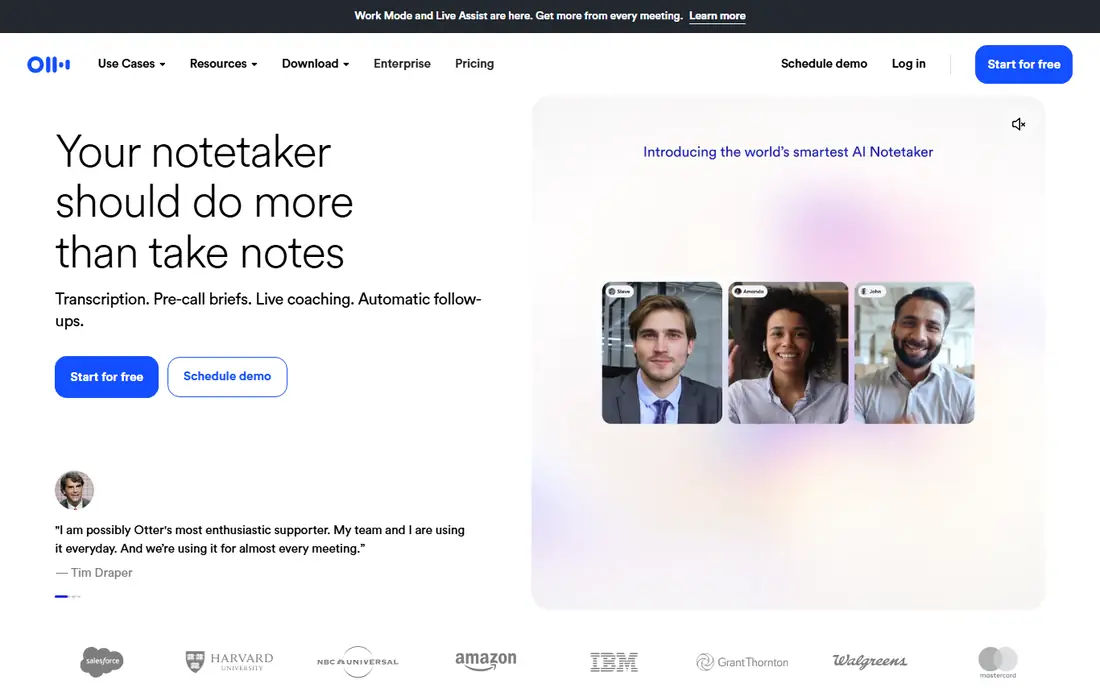
Otter.ai is the best-known alternative to Fireflies for teams that want live transcription and searchable notes. It captures meetings through a bot or a bot-free desktop app, transcribes in real time, and lets teams search across every meeting for a name, decision, or topic. That search depth suits teams that revisit old discussions often.
The free plan covers 300 minutes per month with a 30-minute per-conversation cap and storage for the 25 most recent meetings, so heavy users will need a paid plan. Pro starts near $8.33 per user per month billed annually, with Business near $19.99. CRM sync covers one user on Pro and five on Business, so sales teams should check tier limits. For live notes and search, Otter remains a strong all-rounder.
What we like- Live transcription during calls
- Strong cross-meeting search
- Team collaboration features
Watch out for- Free plan caps at 300 minutes per month
- CRM sync is limited on lower tiers
- Per-conversation limits apply
#2Fathom
Best for: Free unlimited recording5.0/5 on
G2 (7,076 reviews, checked Oct 2026)
Visit fathom.video
Starting price$15 per user/month
Free planYes
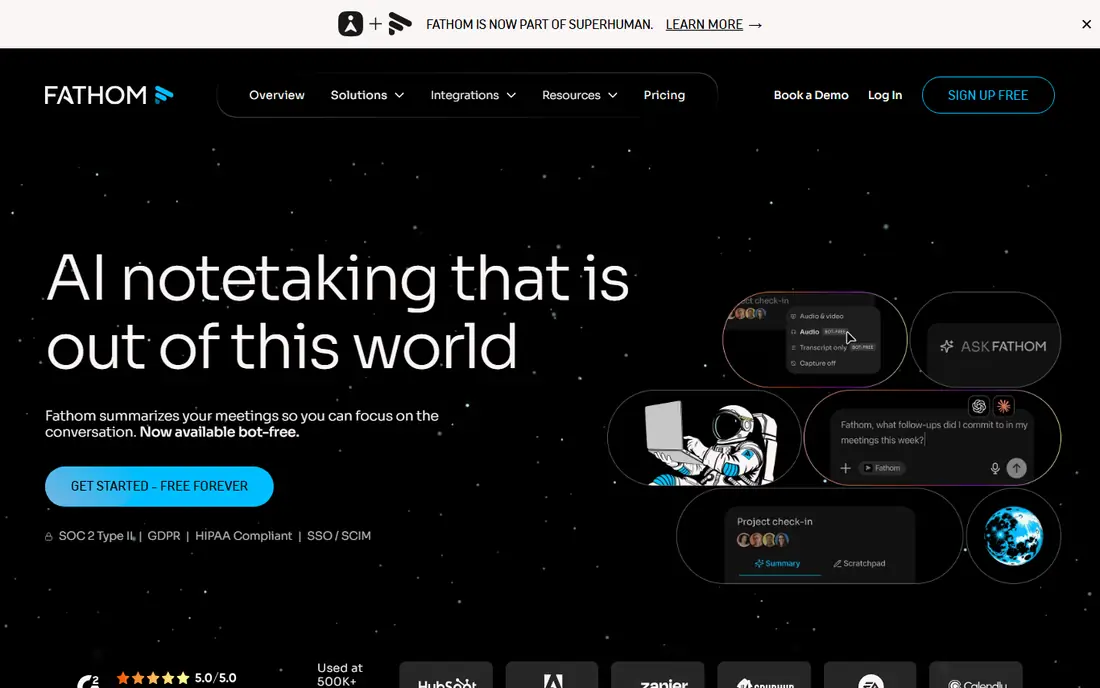
Fathom is the generous free option in this category. The free plan offers unlimited recording and transcription, which removes the minute caps that shape every other free tier here. Setup is simple, summaries arrive fast, and highlights can be shared as clips with teammates who missed the call.
Paid plans start near $15 per user per month for Team with a two-user minimum, or $16 for individual Premium, with Business near $25. Full CRM field sync and Deal View sit on Business, and basic CRM sync is capped at three users per domain below that tier. Bot-free capture exists but is Mac-only in beta. For teams that want a free notetaker that simply works, Fathom is the first tool to try.
What we like- Unlimited free recording and transcription
- Simple setup
- Bot or bot-free capture
Watch out for- Some AI features are limited on free plan
- Full CRM sync needs Business tier
- Bot-free capture is Mac-only in beta
#3tl;dv
Best for: Shareable clips and highlights4.7/5 on
G2 (537 reviews, checked Oct 2026)
Visit tldv.io
Starting price$18 per user/month
Free planYes
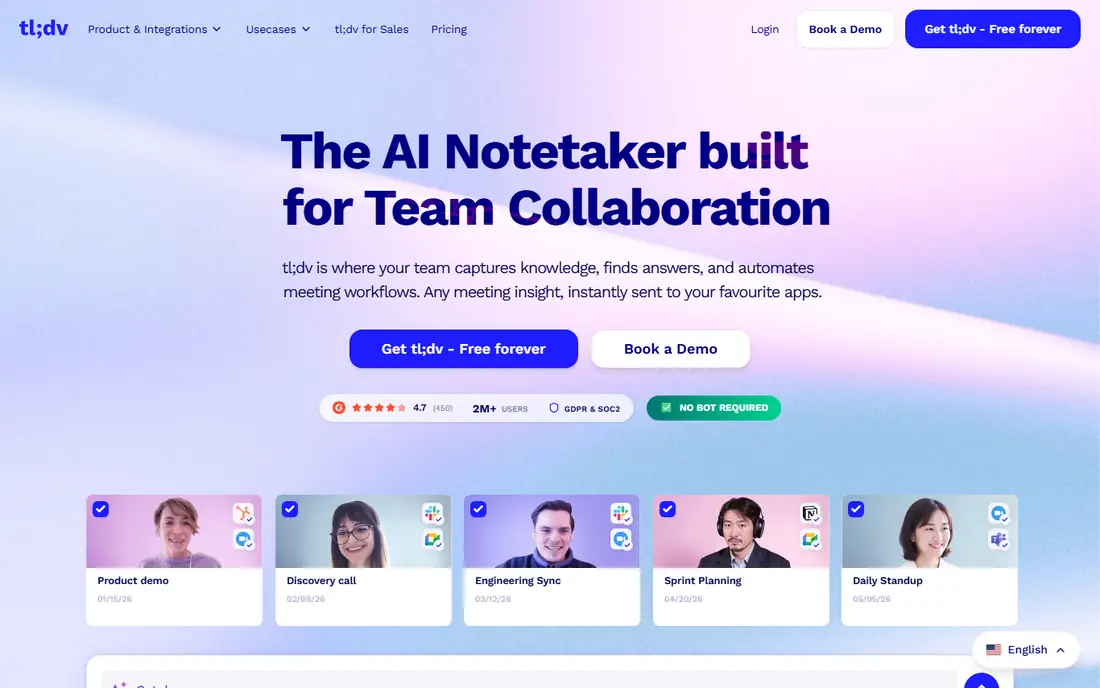
tl;dv, pronounced "too long, didn't view," focuses on making meetings skimmable. It records with a bot or a bot-free desktop recorder, generates timestamped highlights, and lets users share short clips instead of full recordings. That design suits teams that skim meetings rather than read full transcripts.
The free plan covers unlimited recordings, with Pro near $18 per seat per month billed annually and Business near $59. CRM integrations start on Pro, while team-wide CRM workflows and field mapping sit on Business. For teams that share moments rather than transcripts, tl;dv is the most clip-friendly alternative to Fireflies.
What we like- Unlimited free recordings
- Timestamped highlights and clips
- Bot-free desktop recorder
Watch out for- CRM workflows need higher tiers
- Business tier is costly
- Interface favors highlight sharing over deep search
#4Fellow
Best for: Regulated teams and structure4.7/5 on
G2 (2,440 reviews, checked Oct 2026)
Visit fellow.app
Starting price$7 per user/month
Free planYes
Fellow is the pick for regulated industries and teams that run structured meetings. It pairs AI notes with agendas, action items, and meeting templates, plus consent capture and data retention controls that compliance teams require. Capture works through a bot or a bot-free desktop option, which helps when clients dislike visible bots.
Pricing starts near $7 per user per month billed annually for Team, which undercuts most rivals. The free plan is limited, with five AI notes and five recordings per user lifetime, so it serves as a trial rather than a working tier. For teams that need structure and compliance more than sales coaching, Fellow offers strong value at a low price.
What we like- Consent capture and retention controls
- Structured agendas and action items
- Low entry price
Watch out for- Free plan caps AI notes at five per user lifetime
- Fewer integrations than Fireflies
- Less sales intelligence
#5Avoma
Best for: Sales coaching and CRM sync4.6/5 on
G2 (1,364 reviews, checked Oct 2026)
Visit avoma.com
Starting price$19 per user/month
Free planFree trial
Avoma goes beyond notes into sales coaching and revenue intelligence. It records meetings and dialer calls, analyzes talk patterns, tracks topics and objections, and syncs notes and action items to the CRM automatically. Sales managers get coaching insights that simple notetakers do not provide.
Pricing starts near $19 per user per month billed annually for Startup, with a 14-day trial and no free plan. The strictest consent controls sit on select plans, so regulated teams should check tier details. For sales teams that want notes plus coaching and CRM automation, Avoma justifies its higher price. For general meeting notes, cheaper tools cover the job.
What we like- Sales coaching and conversation intelligence
- Strong CRM automation
- Dialer call recording
Watch out for- No free plan beyond trial
- Strictest consent levels sit on select plans
- Pricier than simple notetakers
#6Grain
Best for: Conversation intelligence4.7/5 on
G2 (314 reviews, checked Oct 2026)
Visit grain.com
Starting price$15 per seat/month
Free planYes
Grain offers conversation intelligence without enterprise pricing. It captures through a bot or desktop capture, even on the free plan, and its AI Notepad helps users take live notes during calls. Highlights and clips make it easy to share key moments with teammates or clients.
The free plan caps each meeting at 45 minutes with 30 days of history, so longer meetings need a paid plan. Starter starts near $15 per seat per month billed annually, with Business near $29 adding HubSpot and Salesforce sync. For teams that want desktop capture and highlight sharing at a fair price, Grain is a strong mid-range alternative.
What we like- Desktop capture on free plan
- AI Notepad for live notes
- Strong highlight sharing
Watch out for- Free plan caps meetings at 45 minutes and history at 30 days
- CRM sync needs Business tier
#7Notta
Best for: Multilingual transcription4.3/5 on
G2 (347 reviews, checked Oct 2026)
Visit notta.ai
Starting price$8.17 per month
Free planYes
Notta suits teams that transcribe in many languages or work from uploads. It supports bot capture, bot-free desktop recording on Mac and Windows, a privacy mode with local processing, mobile capture, and file uploads, plus translation features that rivals handle less well. That breadth makes it a good fit for multilingual teams and interview-heavy work.
The free plan covers 120 minutes per month with a three-minute per-conversation cap, so real meetings need a paid plan. Pro starts near $8.17 per month billed annually for one seat, with Business near $16.67 per user. CRM integrations sit on Business and above. For multilingual transcription on a budget, Notta is the best-priced option here.
What we like- Strong multilingual support and translation
- Desktop, mobile, and web capture
- Privacy mode
Watch out for- Free plan caps at 120 minutes per month
- Per-conversation cap of three minutes on free tier
- CRM sync needs Business
Starting priceSee website
Free planYes
Granola takes bot-free capture seriously. It records device audio without joining the call as a visible participant, which suits users who dislike bots in client meetings. The free plan offers unlimited notes with 30 days of history, and Business pricing has been published near $14 per user per month, so confirm the current figure on the vendor page.
The trade-off is scope. Granola has no bot option for cases where device capture fails, and team features are thinner than Otter or Avoma. It is built for individuals first. For solo users and small teams that hate bots and want clean personal notes, Granola is a refreshing alternative to Fireflies.
What we like- Bot-free device audio capture
- Unlimited notes on free plan
- Clean individual workflow
Watch out for- No bot option for guests
- History limited to 30 days on free plan
- Team features are thinner
How we chose
We compared published pricing pages and recent notetaker comparisons that verify free-plan limits against vendor pages. A tool made this list only if it records meetings, produces transcripts or summaries, and serves a distinct use case: free recording, live transcription, sales coaching, compliance, multilingual work, or bot-free capture. Prices shown are per user per month billed annually unless noted, and free-plan limits matter more than headline prices in this category, so we stated them explicitly. Confirm current limits on the vendor pricing page before committing, since vendors adjust them often.
What to check before you switch
Start with the free plan's real constraint, since "free" means something different for each vendor. Fathom offers unlimited recording, Otter caps minutes, Fellow caps lifetime notes, Grain caps meeting length and history, and Notta caps minutes and conversation length. A pilot on the wrong free tier can mislead you about the paid product, so test with your longest real meetings.
Next, decide on bot versus bot-free capture. Bots are visible to guests and need admission, while desktop capture records device audio without joining. Some clients prefer one or the other, and some compliance rules require consent capture regardless of method. Always tell participants you are recording, and check local consent laws. Finally, check CRM sync tiers before buying for sales use, since several tools gate full sync behind Business plans.
Frequently asked questions
What is the best free Fireflies alternative?
Fathom is the best free pick, with unlimited recording and transcription on its free plan. Otter offers 300 minutes free, Grain offers desktop capture with meeting caps, and Notta offers 120 minutes free. Choose by your meeting length and volume, not just the word free.
Do I need a bot in my meetings?
Not always. Fellow, Grain, Otter, tl;dv, and Granola offer bot-free desktop capture that records device audio without a visible participant. Bots suit scheduled meetings with guests who expect a notetaker, while bot-free capture suits internal calls and clients who dislike bots.
Which tool is best for sales teams?
Avoma is best for sales coaching and CRM automation, with dialer recording and conversation intelligence. Grain and Fathom suit sales teams on a budget, but full CRM sync sits on higher tiers, so check Business pricing before committing.
Is it legal to record meetings with AI notetakers?
It depends on jurisdiction. Some places require one-party consent, others require all-party consent. Always announce recording, use consent capture features where offered, and check local law and company policy before recording client calls.
Can these tools transcribe in multiple languages?
Yes, with varying depth. Notta leads on multilingual transcription and translation, while Otter, Fireflies, and tl;dv support many languages for meetings. Test accuracy on your actual languages and accents before committing, since published language counts do not guarantee quality.
What happens to my notes if I cancel?
Most tools let you export transcripts and summaries, but retention and export options vary by plan. Export important notes before canceling, and check data retention terms during trial, especially for regulated teams that need long-term archives.
Sources we checked (8)
- https://otter.ai/pricing
- https://fathom.video/pricing
- https://tldv.io/pricing
- https://fellow.app/pricing
- https://www.avoma.com/pricing
- https://grain.com/pricing
- https://www.notta.ai/pricing
- https://www.granola.ai/pricing
Is your product missing or out of date?
We review this list regularly. Vendors can request a listing, send updated pricing or ask about featured placement.

Shihab Mia · Founder, Rankite
Shihab has 5+ years in B2B and SaaS SEO. He writes Rankite's software buying guides from pricing pages, documentation and public user reviews. More about Shihab.