How we make this list: we compare pricing pages, product documentation and public user reviews. Ratings come from G2, Capterra or Trustpilot, with the date we checked them.
Key takeaways
- CodeTwo is the strongest pick for companies that run only on Microsoft 365, with pricing from $1.22 per user per month.
- WiseStamp and Newoldstamp suit small and mid-size teams that want signature marketing and banner campaigns without enterprise complexity.
- Bybrand and MySignature offer low entry prices for small teams, with Bybrand from $8 per month for up to ten signatures.
- Letsignit and Crossware suit larger teams that need campaign control or mixed-platform mail support across Microsoft and Google.
- Signitic stands out for teams that want to start free, with a free plan for small teams and paid plans from about 1 euro per user per month.
Quick comparison
| Tool | Best for | Starting price | Free plan |
|---|
 WiseStamp WiseStamp | signature marketing for growing teams | $19 per month plus $1 per user | No, free trial |
 CodeTwo Email Signatures 365 CodeTwo Email Signatures 365 | Microsoft 365 only teams | $1.22 per user per month | No, free trial |
 Newoldstamp Newoldstamp | banner campaigns for small business | $1.80 per signature per month | No, free trial |
 Bybrand Bybrand | small teams and agencies | $8 per month for up to 10 signatures | No, free trial |
 Letsignit Letsignit | large teams with campaign control | $2 per user per month | No, free trial |
 Crossware Crossware | mixed Microsoft and Google environments | See website | No, free trial |
 Signitic Signitic | teams that want a free start | Free; paid from 1 euro per user per month | Yes |
 MySignature MySignature | freelancers and small teams | $6 per user per month for Pro | Yes, limited free signature |
Is your product missing or out of date?
We review this list regularly. Vendors can request a listing, send updated pricing or ask about featured placement.
The best Exclaimer alternatives
#1WiseStamp
Best for: signature marketing for growing teams4.6/5 on
G2 (588 reviews, checked Oct 2026)
Visit wisestamp.com
Starting price$19 per month plus $1 per user
Free planNo, free trial
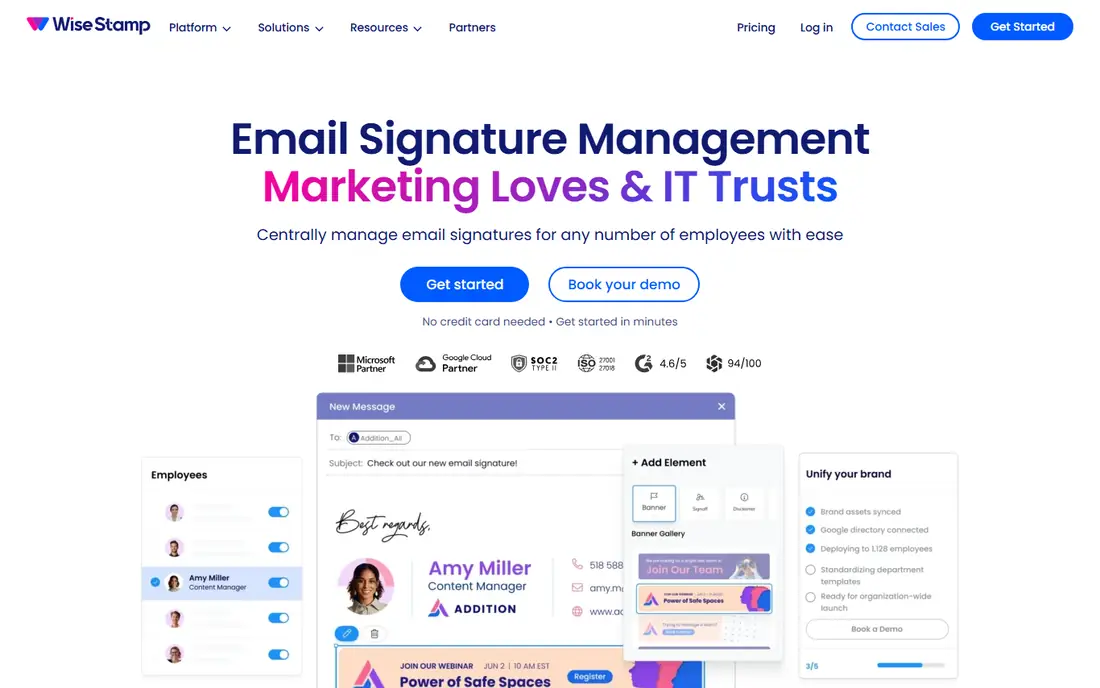
WiseStamp suits teams that want signatures to do marketing work, not just show a name and title. The editor offers polished templates, social links, banners, and an AI designer that can draft a signature from basic details. Once set, updates apply across users through a daily sync, so marketing does not need to chase each person to paste a new signature.
Support covers both Google Workspace and Microsoft 365, which helps companies with mixed mail or a migration in progress. Higher plans add automation, legal disclaimers, and audit logs, so a growing team can start simple and add compliance later. Integrations with HubSpot and Salesforce help link signature clicks to campaigns.
Pricing needs care. Recent listings show $19 per month plus $1 per user on annual billing, so a 50-person team pays more than a simple per-user rate suggests. Model the total for your headcount before you compare WiseStamp with a flat per-user tool such as CodeTwo.
What we like- Strong templates and AI designer
- Supports Google Workspace and Microsoft 365
- Banner campaigns and analytics
Watch out for- Combined monthly plus per-user pricing adds up
- Only five templates on the lowest plan in some listings
- Advanced compliance features need higher plans
#2CodeTwo Email Signatures 365
Best for: Microsoft 365 only teams4.9/5 on
G2 (1,853 reviews, checked Oct 2026)
Visit codetwo.com
Starting price$1.22 per user per month
Free planNo, free trial
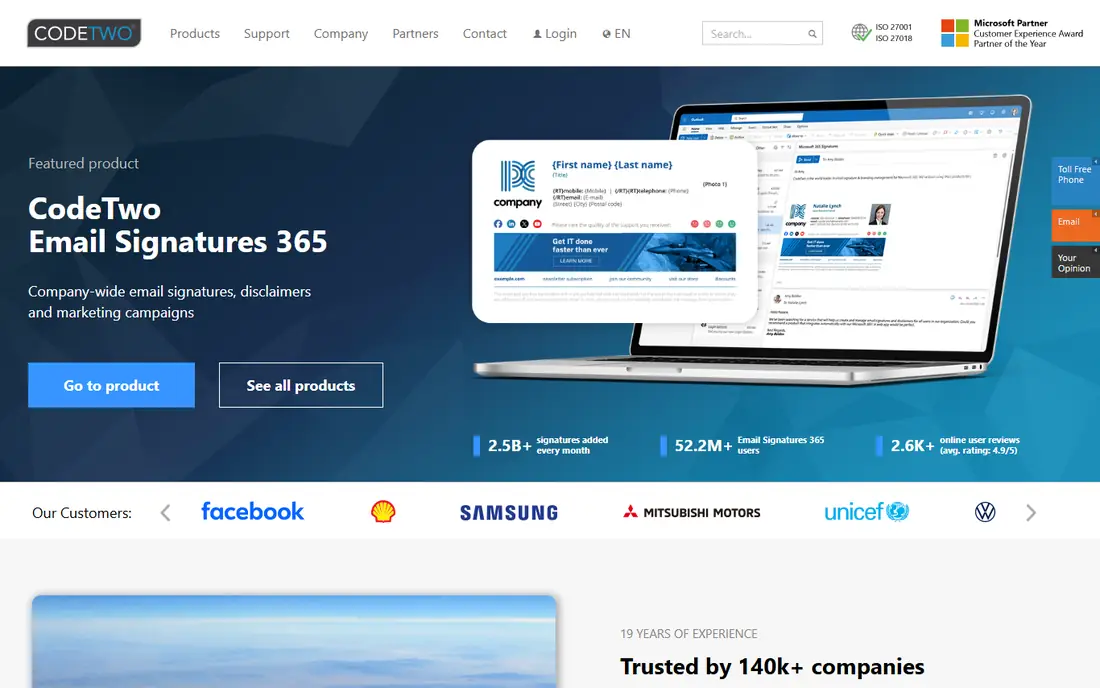
CodeTwo is the clearest Exclaimer replacement for a Microsoft-only company. It adds signatures server-side or directly in Outlook, so signatures appear correctly on desktop, mobile, and web mail without each user pasting HTML. Sender details pull automatically from Entra ID, which keeps names, titles, and photos accurate.
The editor is a major strength. Marketing teams can build templates with banners, social buttons, photos, and conditional content, then schedule campaigns by date or by group. One-click surveys and analytics help measure clicks, and signatures can sit under the latest reply rather than only at the end of a thread.
Pricing starts at $1.22 per user per month for ten users on annual billing in recent listings, with lower rates at larger volumes. The only hard limit is platform: if any part of your company uses Google Workspace, CodeTwo will not cover those mailboxes. For a pure Microsoft 365 estate, it is hard to beat.
What we like- Deep Microsoft 365 integration
- Signatures on every device and client
- Strong editor and campaign automation
Watch out for- Microsoft 365 only, no Google Workspace support
- Price varies by user count
- Setup is best with an IT admin
Starting price$1.80 per signature per month
Free planNo, free trial
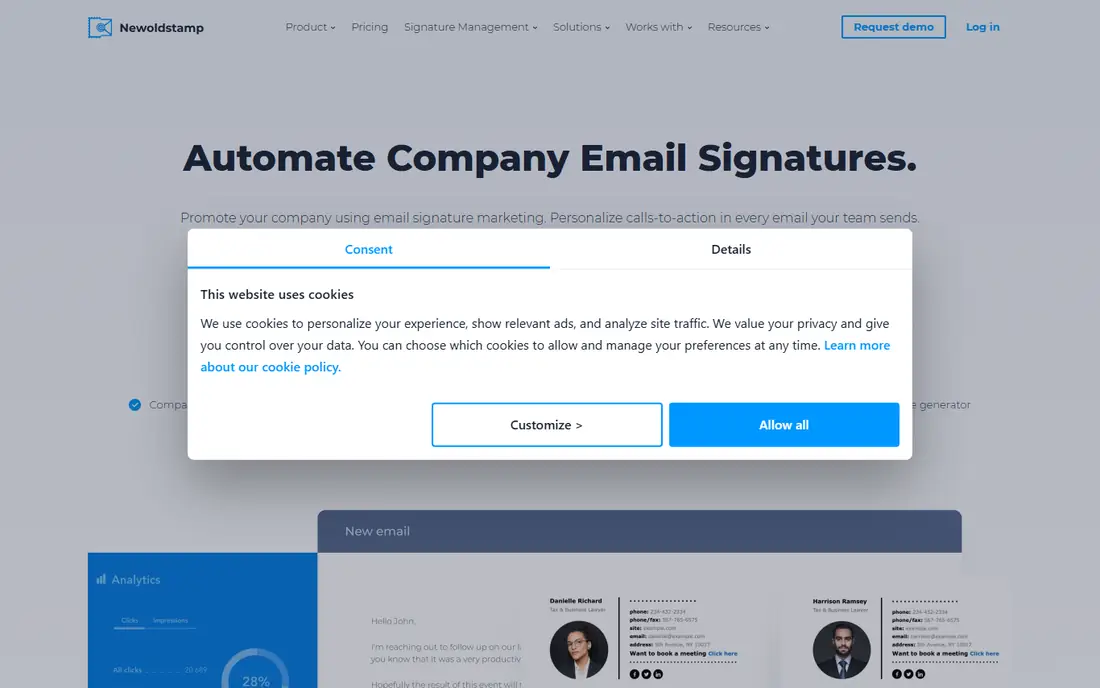
Newoldstamp focuses on turning signatures into a marketing channel. Teams can create a signature once, add a banner for a product launch or event, and push it to everyone centrally. That control helps small marketing teams that want consistent branding without asking IT for help every week.
The platform supports Google Workspace, Microsoft 365, and Exchange, plus integrations with HubSpot and Salesforce. Templates are modern and easy to edit, and campaign scheduling lets a banner start and stop on set dates. For a company that sends thousands of emails a month, that banner space is valuable real estate.
Pricing is per signature per month, starting at $1.80 on annual billing in recent listings, with other listings showing $1.30 on some plans. Confirm the current rate for your seat count, because per-signature pricing can differ from per-user pricing when people have multiple mailboxes. Newoldstamp suits teams up to a few hundred people that value campaigns over deep compliance.
What we like- Easy banner campaigns
- Supports Google Workspace and Microsoft 365
- Central management for marketing teams
Watch out for- Per-signature pricing can rise with headcount
- Free trial is short at seven days in some listings
- Enterprise controls are lighter than Exclaimer
Starting price$8 per month for up to 10 signatures
Free planNo, free trial
Bybrand is built for small teams and agencies that need consistent signatures without an enterprise budget. The entry plan costs $8 per month and includes up to ten signatures, which makes it one of the cheapest starting points here. Setup is quick, and signatures deploy centrally to Google Workspace.
Agencies like Bybrand because they can manage several client brands in one account and keep each brand separate. Integrations with Google Sheets, Zoho, and Freshdesk help sync employee details, and the editor covers the basics well: logos, social links, banners, and legal text.
The limit appears at scale. After the base block, pricing moves to a per-employee model, and large companies will want deeper campaign analytics and compliance controls. For a team of five to fifty people, Bybrand offers a clean, low-cost way to fix messy signatures fast.
What we like- Very low entry price
- Simple setup for small teams
- Integrations with Google Workspace, Zoho, and Freshdesk
Watch out for- Advanced enterprise features are limited
- Larger teams pay per synced employee after the base block
- Template depth is less than WiseStamp
#5Letsignit
Best for: large teams with campaign control4.5/5 on
G2 (222 reviews, checked Oct 2026)
Visit letsignit.com
Starting price$2 per user per month
Free planNo, free trial
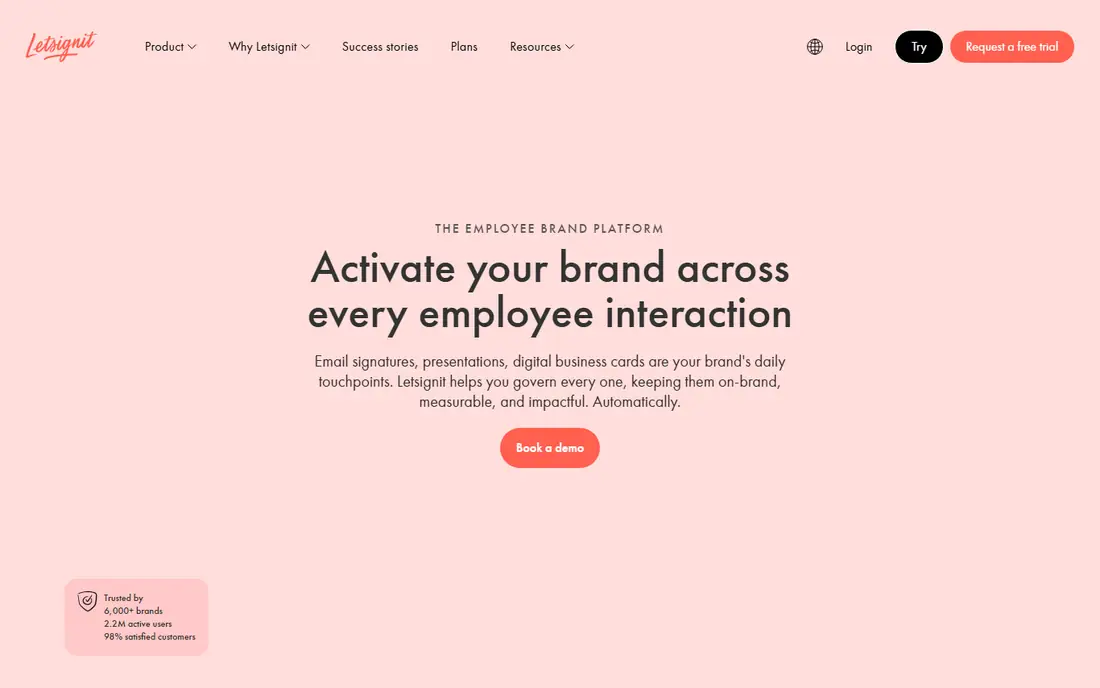
Letsignit suits marketing-led teams that want more than a static signature. Campaigns can target groups, departments, or regions, and digital business cards let recipients save contact details with one tap. That mix helps large companies run product launches, event invites, and hiring drives through email signatures.
Support covers Microsoft 365, Exchange, Outlook, and Google Workspace, so mixed environments are not a problem. Admins can manage templates centrally, set approval flows, and track campaign clicks. The platform scales to very large teams, with listings showing support for tens of thousands of users.
Pricing starts at $2 per user per month in recent listings, or about $24 per user per year on other pages. That is higher than CodeTwo for a Microsoft-only team, but Letsignit adds campaign depth that CodeTwo users may not need. Choose Letsignit when marketing control is the priority.
What we like- Strong campaign and banner controls
- Digital business cards
- Supports Microsoft 365 and Google Workspace
Watch out for- Entry price is higher than CodeTwo for Microsoft-only teams
- Some features need higher plans
- Setup benefits from a marketing owner
#6Crossware
Best for: mixed Microsoft and Google environments4.8/5 on
G2 (34 reviews, checked Oct 2026)
Visit crossware365.com
Starting priceSee website
Free planNo, free trial
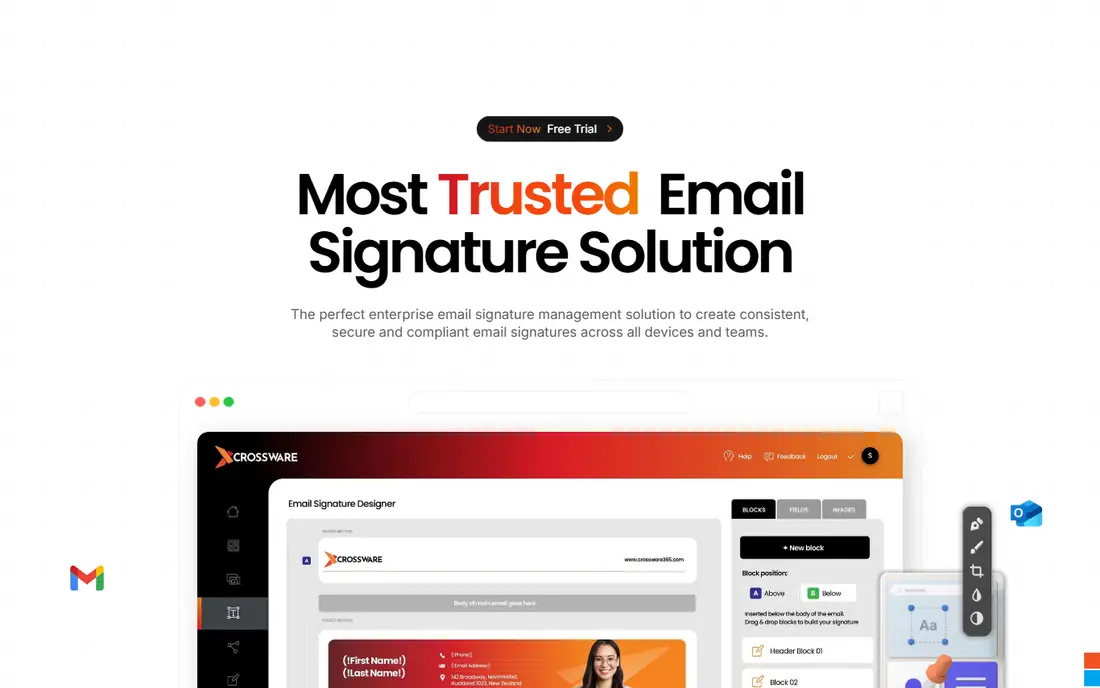
Crossware is the pick for companies with a mixed mail estate. Many signature tools favour one platform, but Crossware supports Microsoft 365, Google Workspace, Exchange, and even Domino. That breadth helps after a merger, during a migration, or in a company where different units use different mail systems.
Admins manage signatures centrally, with templates, images, and disclaimers applied across platforms. That single control point keeps branding consistent even when mail flows through different systems. Crossware suits mid-size to large teams, with listings showing a fit from fifty to several thousand users.
Pricing is the main question. Recent listings show about $1 to $1.40 per user per month depending on platform and marketplace, but you should request a quote for your exact mix. Crossware is less marketing-flashy than Letsignit, but for mixed-platform consistency it is a practical choice.
What we like- Covers Microsoft 365, Google Workspace, Exchange, and Domino
- Central signature management
- Good fit for mid-size to large teams
Watch out for- Pricing is not published as a single simple rate
- Interface feels more admin-led than marketing-led
- Smaller teams may find it heavy
Starting priceFree; paid from 1 euro per user per month
Free planYes
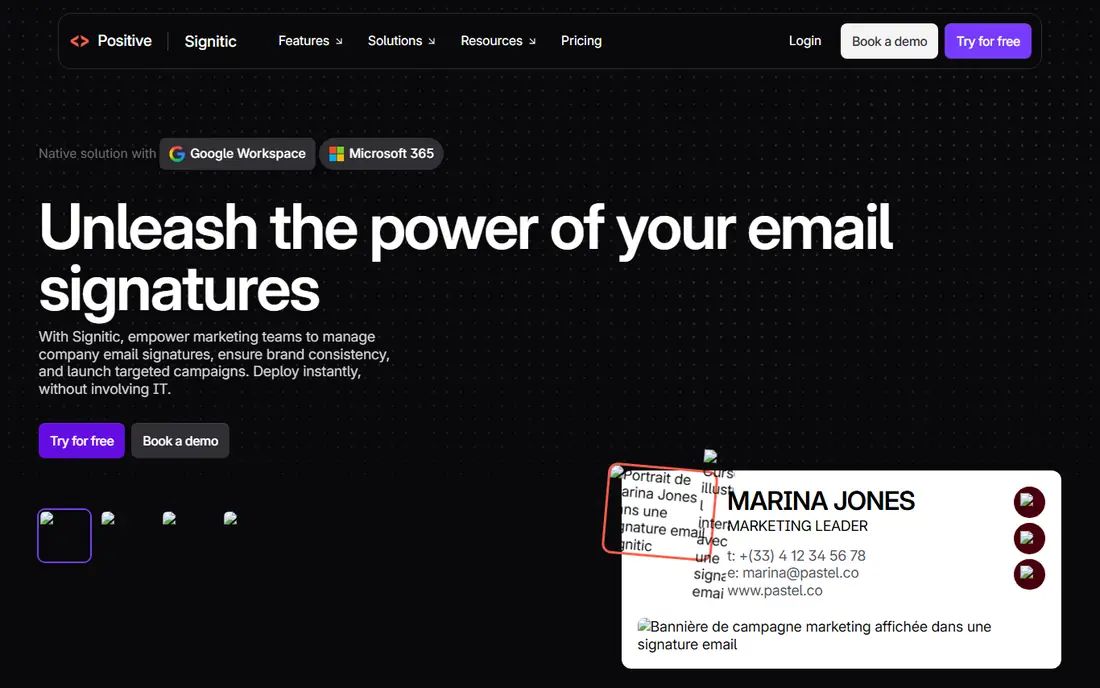
Signitic is the only tool here with a true free plan for teams. Small teams can start free, with paid plans from about 1 euro per user per month in recent listings. That low barrier makes Signitic a good test: you can prove central signatures work before you ask for budget.
The platform covers Google Workspace and Microsoft 365, with central templates, banners, and group management. Setup is simpler than enterprise tools, which helps teams without a dedicated IT admin. Paid plans add more templates, campaigns, and support.
The free plan has limits, including a badge in some listings, and campaign depth is lighter than Letsignit or WiseStamp. For a team under twenty people that just needs consistent signatures, Signitic is a strong free start. Larger teams should compare paid Signitic with CodeTwo or Newoldstamp on campaign needs.
What we like- Free plan for small teams
- Supports Google Workspace and Microsoft 365
- Simple central management
Watch out for- Free plan includes a badge in some listings
- Advanced campaigns need paid plans
- English support depth varies by plan
#8MySignature
Best for: freelancers and small teams4.7/5 on
G2 (181 reviews, checked Oct 2026)
Visit mysignature.io
Starting price$6 per user per month for Pro
Free planYes, limited free signature
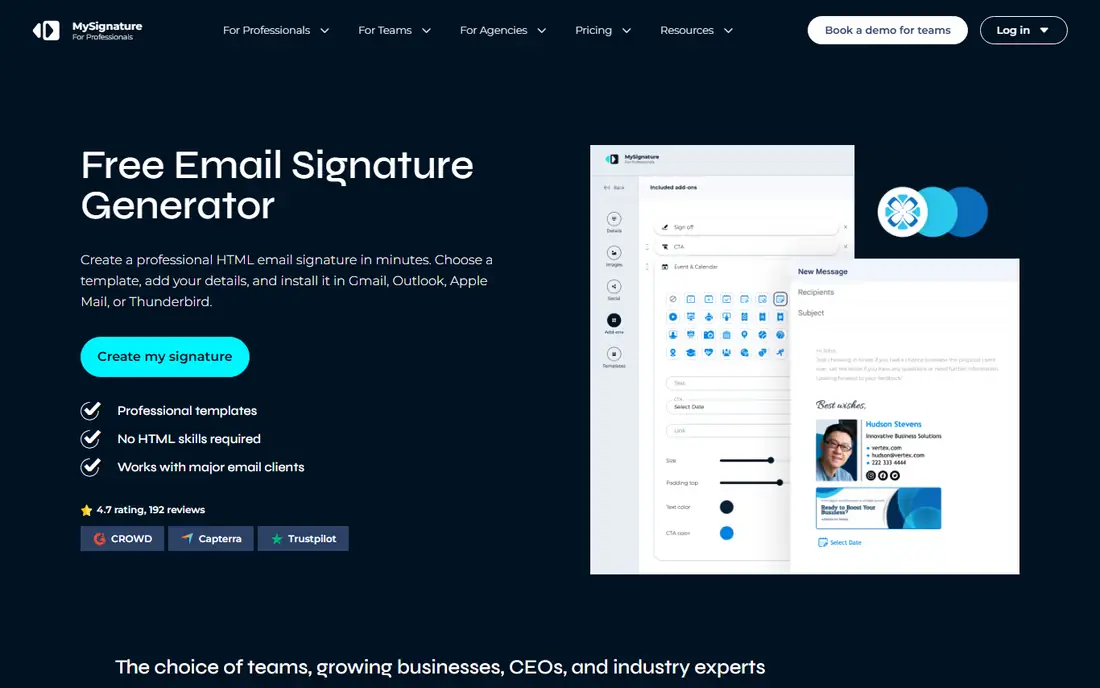
MySignature started as a simple signature generator, and that ease still shows. A freelancer can build a clean signature in minutes, with a free limited version and a Pro plan at $6 per user per month in recent listings. Team plans offer lower per-user rates at scale in some listings, which helps small businesses.
For small teams, MySignature covers the basics: templates, social links, banners, and central sharing. Support for Google Workspace and Office 365 means most small companies can deploy without complex setup. It is a good fit when the problem is messy individual signatures rather than enterprise campaign control.
MySignature is not a full Exclaimer replacement for large companies. Central deployment, compliance, and campaign analytics are lighter than CodeTwo, Letsignit, or Crossware. For freelancers and teams under fifty people, though, it offers a fast, low-cost fix.
What we like- Very easy generator for individuals
- Team plans from under $1 per user per month in some listings
- Supports Google Workspace and Office 365
Watch out for- Team management is lighter than Exclaimer or CodeTwo
- Advanced campaigns need higher plans
- No central server-side deployment on all plans
How we chose
We compared tools that do the same job as Exclaimer: centrally create, manage, and deploy email signatures, with banners and campaigns where relevant. We used pricing and platform details from vendor pages and recent comparison guides found in web search, and we kept only tools active in 2026. We favoured a mix of Microsoft-only, Google-friendly, low-cost, and enterprise options so readers can match a tool to their mail platform and team size.
What to check before you buy
Start with your mail platform. If you run only Microsoft 365, CodeTwo is the obvious shortlist. If you run Google Workspace or a mix, rule out Microsoft-only tools at once and focus on WiseStamp, Newoldstamp, Crossware, and Signitic. Next, count mailboxes, not just people, because per-signature pricing can differ from per-user pricing.
Then test a signature in real clients. Send test emails to Outlook desktop, Outlook web, Gmail, iPhone Mail, and Android, and check images, links, and layout on each. A template that looks perfect in a browser editor can break in Outlook. Finally, confirm campaign needs: if marketing wants scheduled banners and click tracking, choose a tool with those features on the plan you will actually buy, not only on the top tier.
Frequently asked questions
What is the cheapest Exclaimer alternative?
Bybrand from $8 per month for up to ten signatures and Signitic with a free plan are the lowest entry points here. For larger teams, CodeTwo at $1.22 per user per month and Newoldstamp at $1.80 per signature per month often give the lowest total at scale.
Does CodeTwo work with Google Workspace?
No. CodeTwo Email Signatures 365 is built for Microsoft 365 and Exchange only. Google Workspace teams should look at WiseStamp, Newoldstamp, Crossware, Signitic, or Bybrand instead.
Can I run banner campaigns in email signatures?
Yes, most tools here support banners, including WiseStamp, Newoldstamp, Letsignit, and CodeTwo. Check whether banner scheduling and click tracking are included on your plan, since some tools reserve analytics for higher tiers.
Will signatures work on mobile email?
Yes, when signatures are added server-side or through a central deployment, they appear on mobile as well as desktop. Tools that rely only on pasting HTML into each mailbox are more likely to break on mobile, so prefer central deployment for teams.
How long does setup take?
A small team can often go live in a day with Bybrand, MySignature, or Signitic. Larger Microsoft 365 deployments with CodeTwo or Letsignit may take a few days to a week, depending on template design, groups, and approval flows.
Do I need IT help to manage signatures?
For central tools, an IT admin usually handles the first connection to Microsoft 365 or Google Workspace. After that, marketing can often manage templates and campaigns alone, especially in WiseStamp, Newoldstamp, and Letsignit.
Sources we checked (8)
- https://www.wisestamp.com
- https://www.codetwo.com
- https://newoldstamp.com
- https://www.bybrand.com
- https://www.letsignit.com
- https://www.crossware365.com
- https://www.signitic.com
- https://mysignature.io
Is your product missing or out of date?
We review this list regularly. Vendors can request a listing, send updated pricing or ask about featured placement.

Shihab Mia · Founder, Rankite
Shihab has 5+ years in B2B and SaaS SEO. He writes Rankite's software buying guides from pricing pages, documentation and public user reviews. More about Shihab.