How we make this list: we compare pricing pages, product documentation and public user reviews. Ratings come from G2, Capterra or Trustpilot, with the date we checked them.
Direct answer
EmailQA is the top Email on Acid alternative for teams that want real-device renders at a published price, with Pro at $20 per month for 1,000 renders. Litmus, now part of Validity Engage, suits enterprise teams better, with testing across 100 or more email clients inside a wider email platform.
Key takeaways
- Teams that want published render pricing: EmailQA Pro costs $20 per month for 1,000 real-device renders, with 25 free renders monthly.
- Solo developers testing layouts: RenderMail Solo costs $9 per month for 50 tests across 12 email clients, light mode only.
- Low volume testers: Unspam charges $0.10 per device preview from a $5 monthly minimum, with 3 free device previews monthly.
- Enterprise email teams: Inbox Monster plans start at $3,750 annually with unlimited seats and previews across 140 or more clients and devices.
- Developers testing app email in staging: Mailtrap Email Sandbox paid plans start at $17 per month, with 50 free test emails monthly.
Quick comparison
| Tool | Best for | Starting price | Free plan |
|---|
 EmailQA | Real-device renders at a published price | Pro $20/month | Free $0/month, 25 real-device renders per month, 14-day Pro trial |
 Litmus | Enterprise teams inside Validity Engage | See website | None found on vendor page |
 Inbox Monster | Enterprise QA with unlimited seats | $3,750 annually | None found on vendor page |
 RenderMail | Solo developers testing layouts fast | Solo $9 per month | None found on vendor page |
 Unspam | Low volume previews plus placement tests | Custom $5/mo minimum, $0.10 per device preview | Free 3 device previews, 5 spam tests, 3 inbox placements per month, no card |
 Parcel | Developers who hand-code email | See website | None found on vendor page |
 Mailosaur | QA teams testing email and SMS flows | See website | 14-day free trial |
 Mailtrap | Developers testing app email in staging | Paid Email Sandbox plans start at $17 per month | Free 50 test emails per month, 1 sandbox, 1 email per 10 seconds |
 GlockApps | Inbox placement and spam testing | See website | Free spam checker, no account required |
 Courier | Courier users needing device previews | Cross-Device Email Preview Starter $20 per month add-on | None found on vendor page |
Is your product missing or out of date?
We review this list regularly. Vendors can request a listing, send updated pricing or ask about featured placement.
The best email on acid alternatives
Email on Acid built its name on showing how an email renders across many clients and devices before send. The product is now sold as Mailgun Inspect, so buyers comparing alternatives should check whether they want the successor product or a different testing tool. This list ranks preview and pre-send testing tools by published vendor pricing, preview counts, free plan limits, and the rules that decide real cost, such as what counts as one preview. Prices were checked on vendor pages on 2026-11-28.
Starting pricePro $20/month
Free planFree $0/month, 25 real-device renders per month, 14-day Pro trial
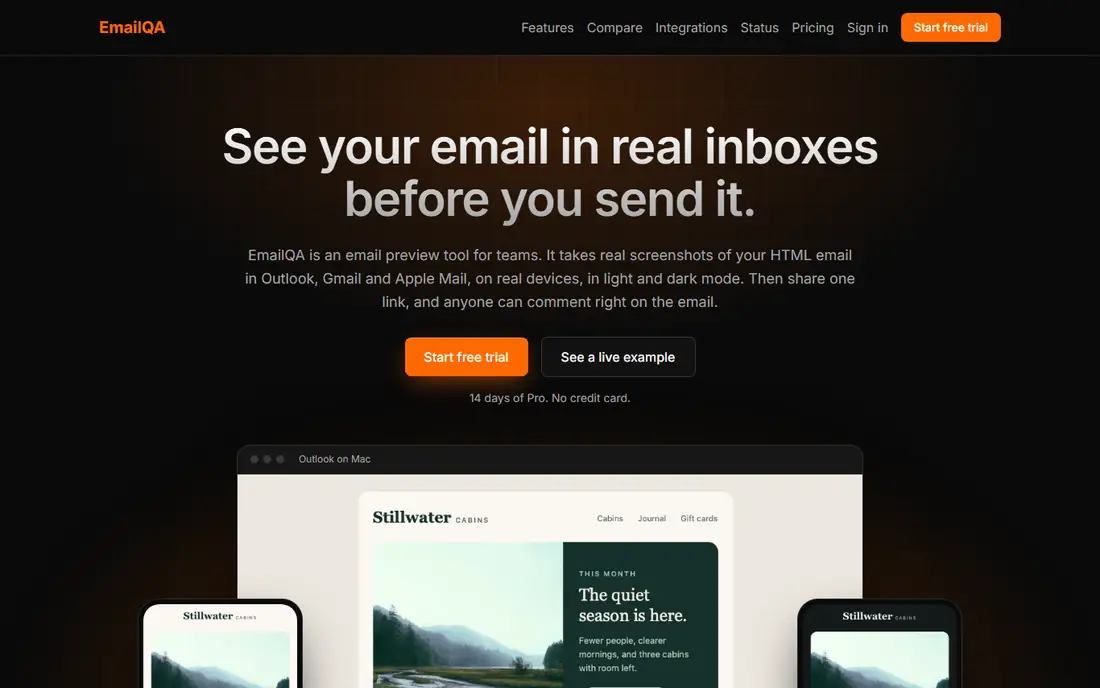
EmailQA renders email on real devices and returns screenshots for review, with comments, approvals, and ESP integrations. It suits email teams that want a clear render allowance at a published monthly price. The free plan gives 25 real-device renders per month, 3 projects, and 2 team members. Pro costs $20 per month, or $200 per year, for 1,000 renders per month and 10 team members. Every new account starts with a 14-day Pro trial with 50 renders and no credit card required. One render is one client screenshotted once, and light plus dark mode of that client still counts as one render.
The catch is shared allowance and history. Renders are shared across the team, so inviting more reviewers does not raise the monthly render count. The free plan keeps render history for 7 days, while Pro keeps 90 days. API access sits on Business, which raises the allowance to 3,000 renders. Pick EmailQA for published render pricing. Look elsewhere if API rendering in CI is required on the entry paid plan.
What we like- Pro gives 1,000 real-device renders per month
- Light and dark mode of one client count as one render
- Free plan gives 25 renders monthly with no credit card for the trial
Watch out for- Free plan keeps render history for 7 days
- Renders are shared across the team, so seats do not multiply the allowance
- API access sits on Business
Starting priceSee website
Free planNone found on vendor page
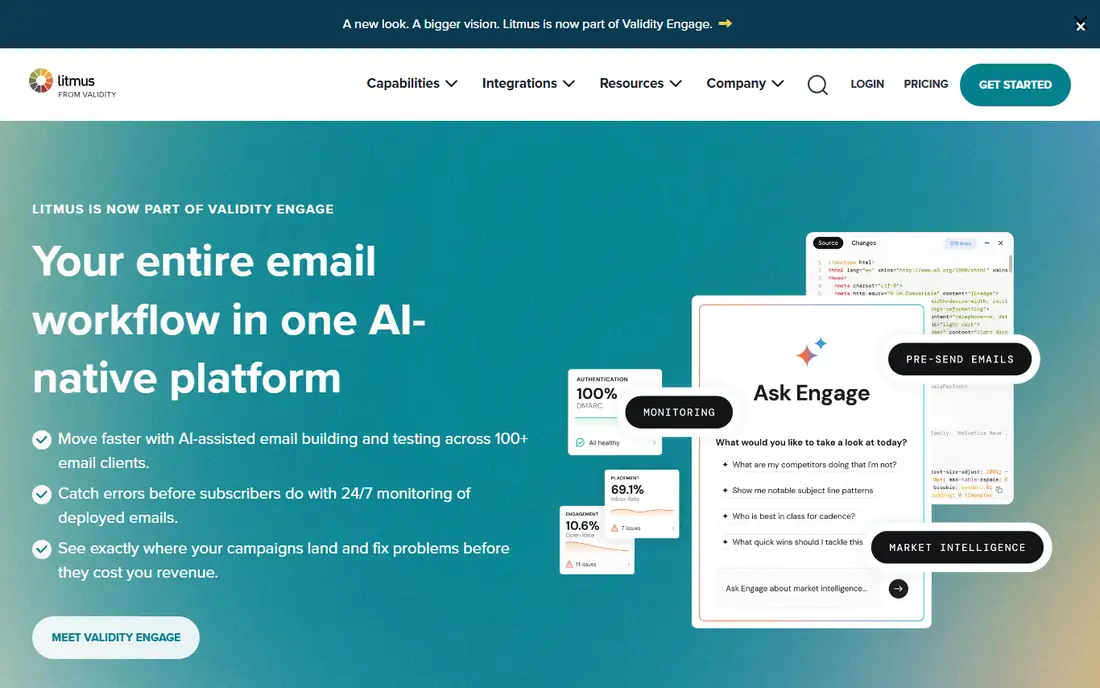
Litmus is the long-running email testing platform, now part of Validity Engage. It suits enterprise email teams that want building, testing, monitoring, deliverability, and analytics in one platform beside their sending tool. The vendor states testing across 100 or more popular email clients, with previews in dark mode and checks for links, images, and tracking. Spam testing scans across 25 or more spam filters. Email Guardian monitors deployed emails around the clock. Current vendor pages present Litmus inside Validity Engage rather than as a self-serve plan with a published price.
The catch is buying route and tier gates. No published self-serve price was found on the vendor pages checked, so cost comes from a sales process. Email Guardian is an Enterprise only feature. Pick Litmus if your team already buys enterprise email tools and wants testing inside that platform. Look elsewhere if you need a published monthly price before a trial.
What we like- Testing across 100 or more email clients
- 24/7 monitoring of deployed emails through Email Guardian
- Spam testing across 25 or more spam filters
Watch out for- Litmus is now part of Validity Engage with no published self-serve price found
- Email Guardian is an Enterprise only feature
- Pricing requires contact with the vendor
Starting price$3,750 annually
Free planNone found on vendor page
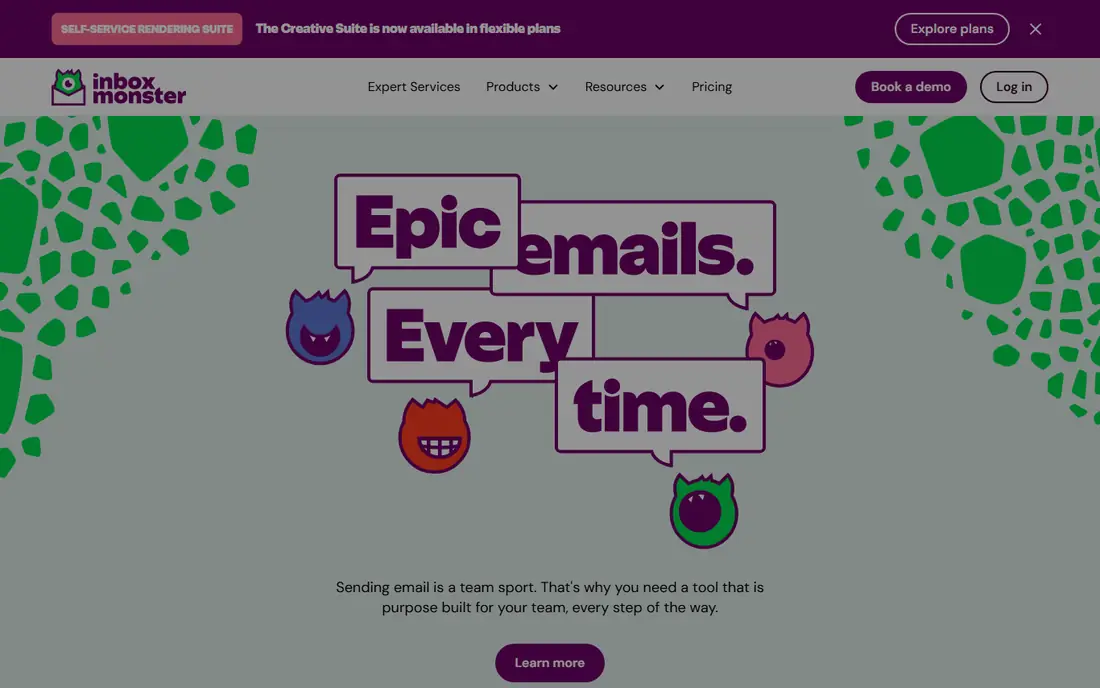
Inbox Monster is an email rendering and QA platform for enterprise email teams. It suits large teams that proof, comment on, and approve campaigns with many reviewers. The vendor states previews across 140 or more modern clients and devices, including dark mode, AI summaries, accessibility checks, and live previews for interactivity. Essential and Advanced plans are self-service starting at $3,750 annually, scaling on preview volume, with unlimited seats on every tier. Enterprise pricing is custom. The seat model means cost tracks testing volume rather than reviewer count, which suits large review teams with steady weekly campaigns.
The catch is annual cost and tier gates. The entry price is $3,750 annually, which suits steady campaign volume rather than occasional tests. Custom QA rules sit on Enterprise, starting at $10,000 annually. Pick Inbox Monster for enterprise QA with many reviewers. Look elsewhere for a monthly self-serve plan under $100, where EmailQA and RenderMail publish lower monthly entry prices.
What we like- Previews across 140 or more modern clients and devices
- Unlimited seats on every tier
- Live previews test interactivity and fallbacks
Watch out for- Plans start at $3,750 annually
- Custom QA is Enterprise only and starts at $10,000 annually
- Pricing scales on preview volume
Starting priceSolo $9 per month
Free planNone found on vendor page
RenderMail tests email HTML across major clients from the browser, terminal, or CI pipeline. It suits solo developers and small teams that want rendering checks without a sales process. Solo costs $9 per month for 50 tests across 12 email clients, with QA analysis and 1 user. Pro costs $19 per month for 200 tests across all email clients, with light and dark mode, Outlook Desktop, side-by-side comparison, and API plus CLI access. API overage costs $0.25 per test. Team costs $39 per month for 500 tests and 5 users.
The catch is Solo limits. Solo has light mode only, no Outlook Desktop, and no API access, so the cheapest plan misses the client that breaks many layouts. Pro includes 1 user, and shared history sits on Team. Pick RenderMail for fast layout checks at a low monthly price. Look elsewhere if Outlook desktop previews are needed on the entry plan.
What we like- Solo gives 50 tests per month across 12 email clients
- Pro gives 200 tests across all clients with light and dark mode
- API and CLI access on Pro with $0.25 per test overage
Watch out for- Solo has light mode only, no Outlook Desktop, and no API access
- Pro includes 1 user
- Team pricing rises to $39 per month for 5 users
Starting priceCustom $5/mo minimum, $0.10 per device preview
Free planFree 3 device previews, 5 spam tests, 3 inbox placements per month, no card
Unspam tests email before send with spam scoring, inbox placement, client previews, and verification in one account. It suits low volume senders that test a few clients often and also want to know where mail lands. The free plan gives 3 device previews, 5 spam tests, and 3 inbox placements per month with no card. Custom pricing starts at a $5 monthly minimum, with device previews at $0.10 per device across 60 or more real clients and devices, including dark mode. Spam tests cost $0.18 and placement tests $0.50, with volume discounts up to 30 percent on the Custom plan.
The catch is free volume and audit depth. Three free device previews cover a quick check, not a full client run. API access sits on Custom, and the accessibility check is one signal inside a spam test rather than a dedicated audit. Pick Unspam for per-test pricing at low volume. Look elsewhere if you need 100 or more clients in every run.
What we like- Device previews cost $0.10 per device across 60 or more clients
- Free plan renews monthly with no card
- Spam tests, placement, previews, and verification sit in one plan
Watch out for- Free plan gives only 3 device previews per month
- API and MCP access sit on the Custom plan
- Accessibility checking is one signal inside a spam test, not a dedicated audit
Starting priceSee website
Free planNone found on vendor page
Parcel is a code editor built for email development, with inbox previews attached to the code workflow. It suits developers who hand-code email HTML and want previews next to the editor rather than in a separate QA tool. Parcel documentation states that inbox previews are a pay-as-you-go add-on to Pro and Business tiers, starting at $49 per month. Previews update only when requested, with a banner when a preview is out of sync with editor code. Importing from an ESP and custom components are available on Pro and Business plans.
The catch is add-on pricing and manual refresh. The preview add-on starts at $49 per month on top of a paid tier, and no base plan price was extractable from the vendor pages checked. Previews do not refresh on their own. Pick Parcel if coding email is your main workflow. Look elsewhere if marketing reviewers need previews without an editor.
What we like- Email code editor with inbox previews beside the code
- Previews update on request with an out of sync warning
- ESP importing and custom components on Pro and Business
Watch out for- Inbox previews are a pay-as-you-go add-on on Pro and Business starting at $49 per month
- Previews only update when requested
- Custom components require Pro or Business
Starting priceSee website
Free plan14-day free trial
Mailosaur is a testing platform for email and SMS flows, with real-device previews added to automated QA. It suits product and QA teams that test sign-up, password reset, and one-time code journeys end to end. The vendor states previews across devices and email clients in light and dark modes, with portrait and wide orientations. Test email addresses are unlimited under each domain pattern, and plans differ in email and SMS allowances and seats. A 14-day free trial and a personalised demo are offered. No extractable starting price was found in the vendor text checked.
The catch is tier placement for automation. Automating preview generation inside regular workflows sits on Enterprise plans, so a small team may preview manually while larger teams automate. Full cost needs the vendor pricing route. Pick Mailosaur for automated flow testing with previews. Look elsewhere for a published per-render price that a small team can budget without a sales call.
What we like- Email previews across devices, clients, and light and dark modes
- Automated email and SMS testing through an API
- Unlimited test email addresses under each domain pattern
Watch out for- Preview automation in workflows sits on Enterprise plans
- Plan pricing requires the vendor pricing page or sales route for full cost
- SMS and email allowances differ by plan
Starting pricePaid Email Sandbox plans start at $17 per month
Free planFree 50 test emails per month, 1 sandbox, 1 email per 10 seconds
Mailtrap Email Sandbox captures email from development and staging environments so teams can inspect HTML, headers, attachments, and spam scores. It suits developers who need to prove app email works before production sending. The free plan gives 50 test emails per month, 1 sandbox, and 1 email per 10 seconds. Paid Sandbox plans start at $17 per month, or $14 per month billed annually. A Device Previews add-on covers 100 or more client and device configurations, starting at $25 per month for 200 previews on eligible Business and Enterprise plans.
The catch is that previews are an add-on, not the core sandbox. Device Previews start at $25 per month for 200 previews on Business and Enterprise Sandbox plans, and each selected configuration counts separately. Sandbox also captures test mail instead of delivering to real inboxes. Pick Mailtrap for staging capture and debugging. Look elsewhere for real-client previews on a low plan.
What we like- Sandbox captures staging email for HTML, header, and spam checks
- Free plan gives 50 test emails monthly
- Device Previews add-on covers 100 or more configurations
Watch out for- Device Previews are an add-on from $25 per month for 200 previews on Business and Enterprise Sandbox plans
- Sandbox captures test mail rather than sending to real inboxes
- Free plan limits sending to 1 email per 10 seconds
Starting priceSee website
Free planFree spam checker, no account required
GlockApps tests where email lands, with inbox placement reports, spam filter analysis, authentication checks, and blocklist monitoring. It suits senders whose main question is inbox, spam folder, or tab placement rather than pixel rendering. The free spam checker needs no account and shows placement across Gmail, Yahoo, AOL, and Outlook, with a SpamAssassin score and SPF, DKIM, and DMARC checks. Inbox Insight tests mail through 5 major filters. Each test costs one point, including tests started through its API or MCP server, so automated checks draw from the same balance.
The catch is scope. GlockApps is a deliverability testing tool, not a full rendering preview suite across 100 or more clients. A team that needs dark mode screenshots and layout QA still needs a preview tool beside it. Pick GlockApps for placement and spam checks before a send. Look elsewhere as your only rendering QA tool, and pair it with a preview tool for layout checks.
What we like- Inbox placement testing across Gmail, Outlook, Yahoo, and more
- Spam testing through 5 major filters
- Free spam checker needs no account
Watch out for- GlockApps focuses on deliverability rather than client rendering previews
- Each Inbox Insight test costs one point
- Full plan pricing requires the vendor pricing route
Starting priceCross-Device Email Preview Starter $20 per month add-on
Free planNone found on vendor page
Courier offers Cross-Device Email Preview as a monthly add-on inside its notification platform. It suits teams already sending through Courier that want real-device screenshots of the exact message in the editor or API. Starter costs $20 per month for 100 previews, Growth costs $50 for 400 previews, and Scale costs $100 for 1,000 previews. Overage costs $0.20, $0.15, and $0.12 per preview by tier. One preview is one client screenshot, so a run across 8 clients uses 8 previews, and a rerun after fixes uses 8 more previews.
The catch is platform lock-in and reset rules. The add-on sits inside Courier billing, so it fits Courier senders rather than teams on another ESP. Included previews reset each month and do not roll over. Pick Courier previews if your sending already runs on Courier. Look elsewhere for a stand alone preview tool that works across any ESP your team already uses.
What we like- Real-device previews inside the Courier editor and API
- Starter gives 100 previews monthly at $20
- Overage falls to $0.12 per preview on Scale
Watch out for- Previews are a paid add-on inside Courier, not a stand alone tool
- One preview is one client screenshot
- Included previews reset monthly and do not roll over
How many previews does one email test use?
One preview usually means one client screenshot, so test count grows fast. A run across 35 clients uses 35 previews, and one rerun uses 70. EmailQA Pro gives 1,000 renders monthly, which covers about 28 full 35-client runs. Courier Starter gives 100 previews, which covers about 3 such runs. Unspam charges $0.10 per device, so a 35-device run costs $3.50. RenderMail counts tests instead, with Pro at 200 tests monthly. Mailgun Inspect, the Email on Acid successor, counts each client or device as one preview, with Basic at $99 for 1,000 previews. Count clients, reruns, and dark mode together before comparing prices.
Which alternative is cheapest for occasional testing?
Unspam is cheapest for occasional checks, with 3 free device previews monthly and paid previews at $0.10 per device from a $5 minimum. RenderMail Solo costs $9 per month for 50 tests across 12 clients, but with light mode only and no Outlook Desktop. EmailQA free gives 25 renders monthly, and Pro costs $20 for 1,000 renders. Parcel previews start as a $49 monthly add-on on paid tiers. For a few tests a month, per-device pricing beats a bundle. For weekly campaign QA, a render bundle usually costs less per run.
Do you need rendering previews or inbox placement tests?
Rendering previews show layout, dark mode, and client quirks before send. Placement tests show whether mail lands in the inbox, spam folder, or tabs. EmailQA, RenderMail, Litmus, and Inbox Monster focus on rendering and QA. GlockApps and Unspam test placement and spam signals, with Unspam adding previews across 60 or more clients. Mailtrap Sandbox captures staging mail for debugging. Many teams need rendering first, then placement checks before a large send. Match the tool to the failure you fear most, then add the second test type if sends are large.
What changed with Email on Acid and Litmus?
Email on Acid is now sold as Mailgun Inspect. Inspect Basic costs $99 per month for 1,000 previews across 100 or more clients and devices, with overages at $0.15 per preview and a free first month. Premium costs $199 per month for 2,000 previews plus accessibility, code, link, image, and spam checks. Litmus is now part of Validity Engage, with vendor pages presenting enterprise platform buying rather than a published self-serve price. Teams leaving Email on Acid should compare Inspect against the alternatives above on preview count and QA checks.
Frequently asked questions
What is the best Email on Acid alternative?
EmailQA fits teams that want published render pricing, with Pro at $20 per month for 1,000 real-device renders and 25 free renders monthly. Litmus inside Validity Engage fits enterprise teams that want testing across 100 or more clients in a wider platform. Inbox Monster fits enterprise QA with unlimited seats from $3,750 annually. Choose by preview volume and reviewer count.
Is Email on Acid still available?
Email on Acid previews are now sold as Mailgun Inspect. Basic costs $99 per month for 1,000 previews, and Premium costs $199 per month for 2,000 previews plus accessibility and code checks. Each client or device counts as one preview, with overages at $0.15. A free first month is offered on paid plans. Compare Inspect with alternatives on preview count before renewing.
Which email preview tool is cheapest?
Unspam charges $0.10 per device preview from a $5 monthly minimum, with 3 free previews monthly. RenderMail Solo costs $9 per month for 50 tests across 12 clients. EmailQA Pro costs $20 per month for 1,000 renders. The cheapest tool depends on clients per run and reruns. A 35-client run costs $3.50 on Unspam device pricing.
Does Mailtrap replace Email on Acid previews?
Mailtrap Sandbox captures staging email for HTML, header, and spam checks, with 50 free test emails monthly. Real-client previews come through a Device Previews add-on from $25 per month for 200 previews on Business and Enterprise Sandbox plans. That suits developer debugging first. Teams that need marketing campaign rendering QA on a low plan should compare EmailQA or RenderMail.
What should I test before switching preview tools?
Test one real campaign across the clients your list opens, including dark mode and Outlook. Count previews used, including reruns after fixes. Check link and image validation, accessibility checks, and reviewer comments. Confirm whether one preview means one client screenshot. EmailQA counts light and dark mode of one client as one render. Courier counts each client as one preview. That definition changes monthly cost.
What to look for before you buy
First, count previews per run, because one preview is usually one client screenshot and reruns double the count. Second, check dark mode and Outlook coverage, since RenderMail Solo excludes Outlook Desktop and dark mode. Third, confirm QA checks beyond screenshots, such as link validation, accessibility, and spam signals. Fourth, read the free plan limits, from 3 Unspam device previews to 25 EmailQA renders monthly. Fifth, test one real campaign with your own HTML and count the previews used before paying.
How we chose
We compared vendor pricing pages, documentation, and product pages checked on 2026-11-28, ranking tools by published price, preview counts, free plan limits, and QA checks. Where a vendor page did not show a price, we listed See website instead of using a third-party figure. Each weakness points to a stated cap, fee, or tier gate. We did not run hands-on rendering tests.
Sources we checked (11)
- https://emailqa.live/pricing
- https://www.litmus.com/email-testing
- https://inboxmonster.com/blog/best-email-testing-tools
- https://rendermail.co/
- https://unspam.email/alternatives/emailonacid
- https://parcel.io/docs/preview/overview
- https://mailosaur.com/email-previews
- https://mailtrap.io/email-sandbox/
- https://glockapps.com:443/mcp/
- https://www.courier.com/docs/design/templates/device-preview
- https://www.mailgun.com/pricing/inspect/
Is your product missing or out of date?
We review this list regularly. Vendors can request a listing, send updated pricing or ask about featured placement.

Shihab Mia · Founder, Rankite
Shihab has 5+ years in B2B and SaaS SEO. He writes Rankite's software buying guides from pricing pages, documentation and public user reviews. More about Shihab.