How we make this list: we compare pricing pages, product documentation and public user reviews. Ratings come from G2, Capterra or Trustpilot, with the date we checked them.
Key takeaways
- lemlist and Reply.io are the full sales-engagement suites with lead databases, AI personalization, and multichannel sequences built in.
- Smartlead and Instantly are the volume players: flat pricing, unlimited mailboxes, and warm-up built for agencies and high-volume senders.
- Mailshake and Woodpecker are the simpler, more affordable sequencers for small teams that want campaigns running this week.
- GMass and Mixmax live inside Gmail, which suits founders and reps who refuse to leave their inbox.
- Deliverability tooling (warm-up, verification, inbox rotation) matters more than feature lists; every tool here handles it differently.
Quick comparison
| Tool | Best for | Starting price | Free plan |
|---|
 lemlist lemlist | Personalized multichannel outreach | $39/user/month (Email Starter plan) | Free trial (14 days) |
 Woodpecker Woodpecker | Deliverability-focused cold email | $29/month | Free trial (14 days) |
 Mailshake Mailshake | Simple outreach for small teams | $29/month (Starter plan) | No |
 Reply.io Reply.io | AI-powered multichannel engagement | $59/user/month (Email Volume plan) | Free trial (14 days) |
 Smartlead Smartlead | High-volume cold email at flat pricing | $39/month (Basic plan) | Free trial (14 days) |
 Instantly Instantly | Scaled campaigns with unlimited inboxes | $37/month (Growth plan) | Free trial (14 days) |
 GMass GMass | Mail merge inside Gmail | $29.95/month (Standard plan) | Free trial (7 days) |
 Mixmax Mixmax | Sales engagement inside Gmail | $29/user/month (paid plans) | Yes |
Is your product missing or out of date?
We review this list regularly. Vendors can request a listing, send updated pricing or ask about featured placement.
The best email outreach software
Your SDR sends 40 personalized emails a day by hand. Half get no reply, and the follow-ups happen whenever she remembers to send them. Meanwhile your competitor's three-person team books twice the meetings because every prospect gets a sequence, every follow-up goes out on time, and nobody's inbox lands in spam. The difference is not effort. It is tooling.
Email outreach software automates the parts of prospecting that do not need a human: sending sequences, following up, warming inboxes, verifying addresses, and tracking who engages. What still needs a human is the strategy, the list, and the offer. These eight tools cover every way to run that playbook, from Gmail-native simplicity to full multichannel sales engagement.
Starting price$39/user/month (Email Starter plan)
Free planFree trial (14 days)
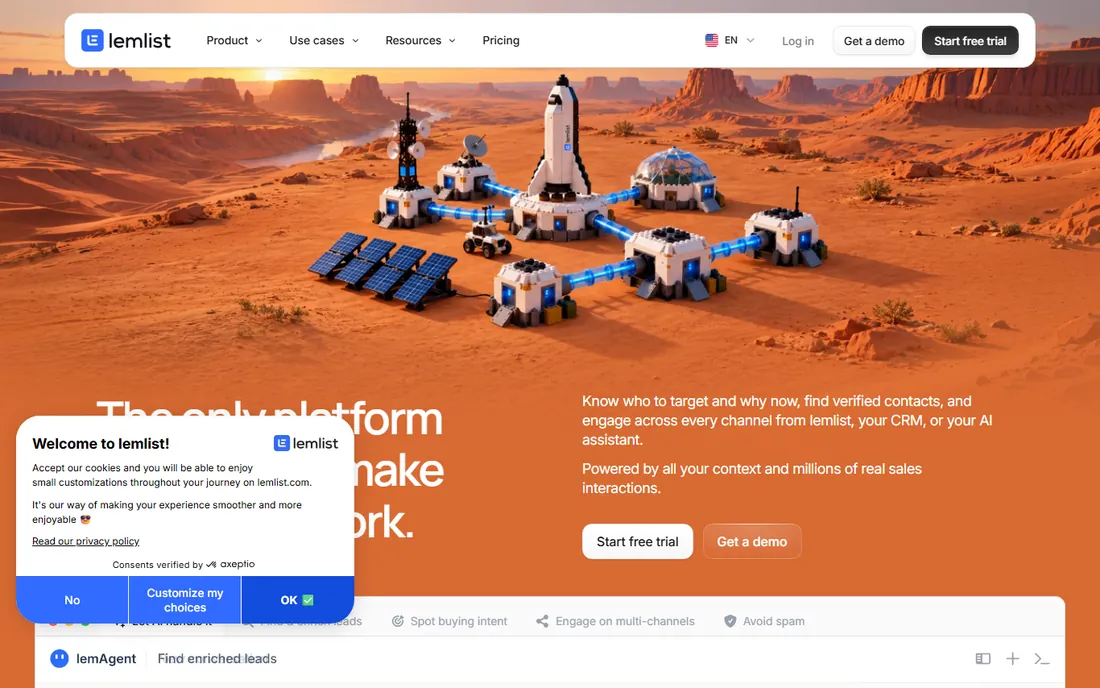
lemlist is the personalization-first sales engagement platform, built for teams that want outreach to feel one-to-one at scale. The 600M+ lead database with verified emails and phone numbers feeds into multichannel sequences across email, LinkedIn, calls, WhatsApp, and SMS, with AI-generated icebreakers and dynamic images that go beyond first-name mail merge. Intent signal agents track buying triggers like job changes and pricing page visits so sequences launch when prospects are ready.
Pricing runs Email Starter at $39 per user a month, Email Pro at $69, Multichannel Expert at $99, and Outreach Scale at $159, with a 14-day free trial and a 4.6 rating across 2,240+ G2 reviews. The honest catch is the per-seat model: a five-person team on Multichannel Expert pays $495 a month before add-ons. lemlist fits teams where message quality beats message volume and personalization is the strategy.
What we like- Built-in 600M+ contact database with waterfall enrichment
- AI personalization including images and custom landing pages
- Lemwarm warm-up and Deliverability Hub included
Watch out for- Per-seat pricing climbs with team size
- Advanced features gated behind higher tiers
Starting price$29/month
Free planFree trial (14 days)
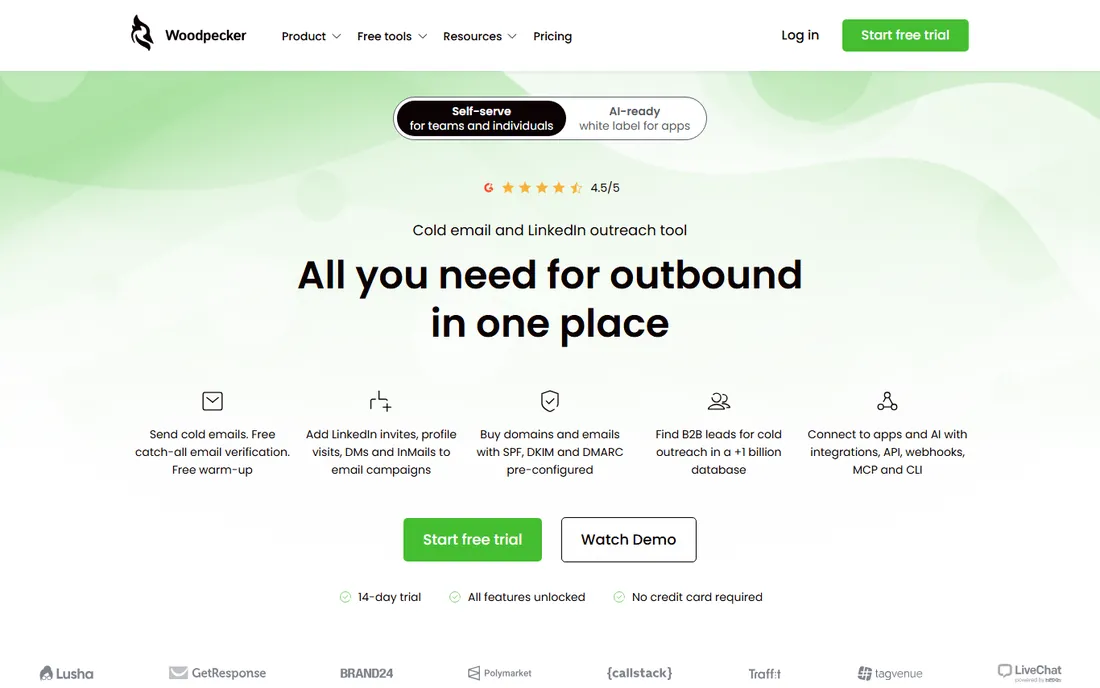
Woodpecker is the deliverability-first cold email platform from Poland, built for B2B teams that would rather land in the inbox than send the most mail. It sends through your own Google Workspace or Microsoft 365 accounts with randomized, human-like sending patterns, and bundles email verification, warm-up, deliverability monitoring, bounce protection, and SPF/DKIM/DMARC support. A 1B+ B2B lead database and LinkedIn outreach steps round out the multichannel story.
Plans start around $29 a month, and the trial covers 14 days or 100 cold emails, whichever comes first. The catch, noted even by friendly reviewers, is that costs rise with the number of prospects contacted and inboxes connected, so it is not the cheapest path to massive scale. Woodpecker fits agencies and growing SaaS teams running intermediate-volume outreach where inbox placement is the metric that matters.
What we like- Strong deliverability tooling with warm-up, verification, and monitoring built in
- Human-like sending behavior
- Agency panel for managing client campaigns
Watch out for- Pricing scales with prospects contacted and inboxes used
- Less suited to very high-volume sending
Starting price$29/month (Starter plan)
Free planNo
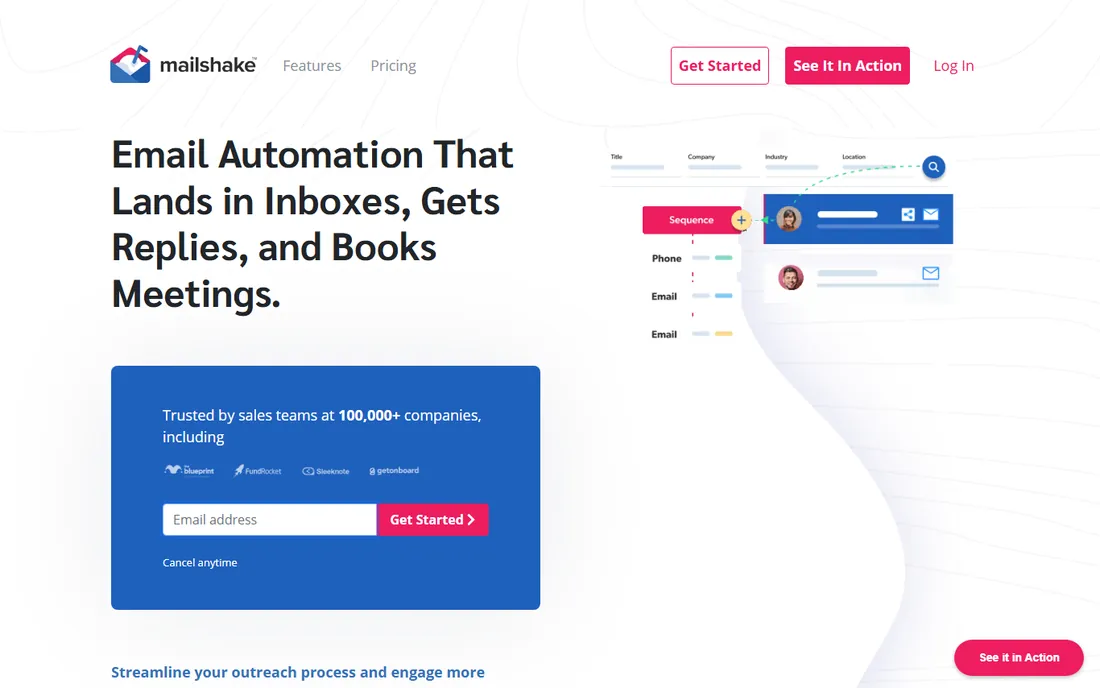
Mailshake's pitch is simplicity, and it delivers: the homepage promises a new rep sending campaigns on the first day, and reviewers consistently call it the easiest tool in the category. Sequences cover email, phone, and social selling steps in one dashboard, with SHAKEspeare AI for copy generation, A/B testing, a Data Finder for prospecting, and deliverability tooling like domain setup assistance, free warm-up, and list cleaning. In March 2026 Mailshake acquired Warm Up Your Email to deepen that deliverability story.
Pricing per the company's own blog: Starter at $29 a month, Email Outreach at $49 per user a month, and Sales Engagement at $99 per user a month. There is no free trial, only a 30-day money-back guarantee. Mailshake fits small sales teams and founders who want the shortest path from signup to sending, without a platform that takes a month to learn.
What we like- Genuinely easy to learn
- New reps can send on day one
- Built-in deliverability tools including warm-up, validation, and inbox rotation
Watch out for- No free trial, only a 30-day money-back guarantee
- Advanced multichannel features sit on the $99/user plan
#4
Reply.io
Best for: AI-powered multichannel engagement
Visit reply.io
Starting price$59/user/month (Email Volume plan)
Free planFree trial (14 days)
Reply.io is the full AI sales engagement suite: audience discovery on a 1B+ contact database, multichannel conditional sequences across email, LinkedIn, WhatsApp, SMS, and calls, and Jason, an AI SDR agent that researches prospects, writes outreach, handles replies, and books meetings. The infrastructure story is strong: unlimited mailboxes with automatic warm-up included, pre-warmed domains available for purchase, and mailbox rotation for safe high-volume sending. It holds a 4.6 rating across 1,480 G2 reviews.
Entry pricing sits around $59 per user a month on Email Volume, with Multichannel at $99 and Jason AI SDR at $500, plus add-ons for LinkedIn accounts, calls, and data credits. The catch is the stacking: the headline plan is rarely the final bill once channels and credits are added. Reply.io fits teams that want one platform for the entire outbound motion, from data to booked meeting, with AI doing the heavy lifting.
What we like- 1B+ contact database with intent signals built in
- Jason AI SDR agent that finds leads and books meetings
- Unlimited mailboxes with free warm-up on every account
Watch out for- Pricing has shifted upward over time
- Add-ons for LinkedIn, calls, and data credits stack up
Starting price$39/month (Basic plan)
Free planFree trial (14 days)
Smartlead is the volume player's choice: unlimited mailboxes, automated warm-up, sender rotation, and a centralized master inbox, all on a flat monthly fee that does not punish you for adding inboxes. The platform handles DNS setup, warm-ups, and rotation automatically, verifies leads to cut bounces, and uses AI to categorize replies by intent in a unified inbox. Agencies get white-labeling and multi-client management, and the API is genuinely well regarded. The company cites 31,000+ businesses on the platform.
The Basic plan starts at $39 a month with a 14-day free trial that needs no credit card. The catch is focus: Smartlead is email-first, and its LinkedIn and multichannel depth does not match the dedicated engagement suites. It fits agencies and teams sending serious volume who want infrastructure that scales without per-seat or per-inbox math working against them.
What we like- Unlimited mailboxes and automated sender rotation on a flat fee
- Built-in AI warm-up and master inbox
- Strong API for agencies
Watch out for- Email-centric with lighter multichannel depth than lemlist or Reply.io
- Interface prioritizes power over polish
Starting price$37/month (Growth plan)
Free planFree trial (14 days)
Instantly built its name on one idea: unlimited email account connections at a flat monthly rate, with no per-inbox pricing. Connect 5 or 500 inboxes, warm them through a 550K+ sender pool, rotate sending across them, and manage everything from the Unibox. The SuperSearch database adds 450M+ B2B contacts as a credits-based add-on, and AI Copilot builds sequences while an AI reply agent handles responses. The homepage is wall-to-wall agency testimonials, which tells you exactly who the core buyer is.
Growth starts at $37 a month with a 14-day trial, stepping up through Hypergrowth at $97 and Light Speed at $358. The catch is that SuperSearch and the CRM are separate add-ons, so the real all-in cost for an agency often lands higher, and lead data quality draws mixed reviews. Instantly fits high-volume email operations that live and die by inbox count, where per-seat pricing would be ruinous.
What we like- Unlimited email accounts at a flat rate on every plan
- 550K+ sender warm-up pool
- SuperSearch 450M+ lead database and AI sequence builder
Watch out for- Email-only at its core
- Lead data quality gets mixed reviews
- Real all-in cost climbs with add-ons
Starting price$29.95/month (Standard plan)
Free planFree trial (7 days)
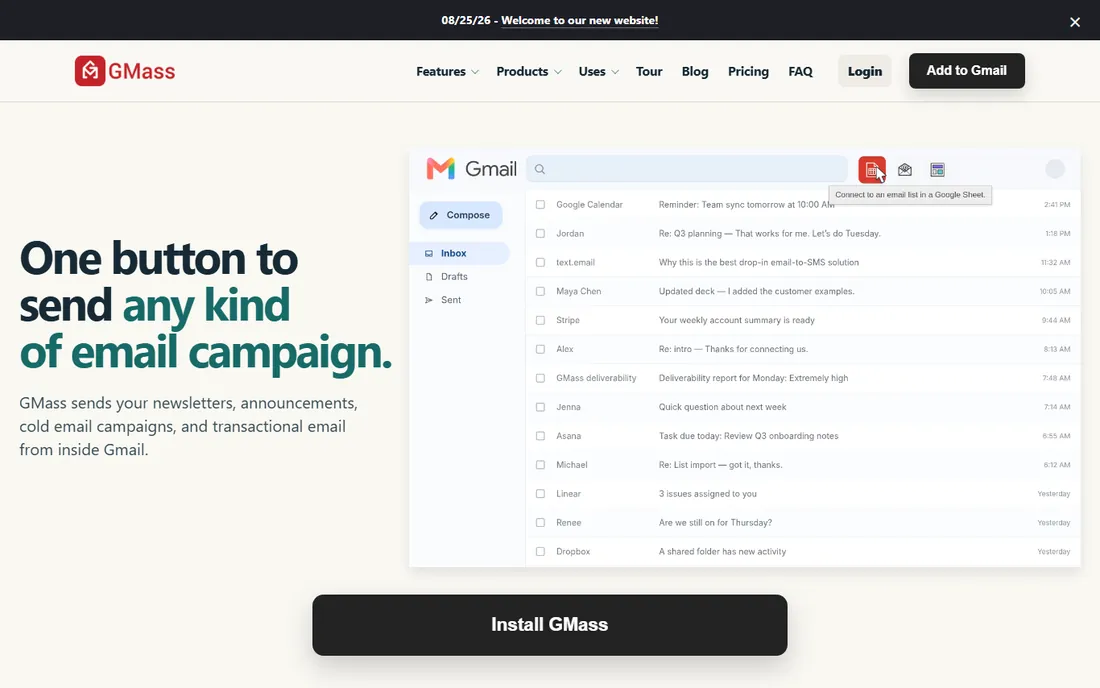
GMass is the Gmail-native outreach tool: a Chrome extension that turns the Gmail compose window into a campaign builder. Connect a Google Sheet, write the email, click the red GMass button, and personalized copies go to every row, with auto follow-up sequences, scheduling, open and click tracking, and the Spam Solver for inbox placement testing. Everything happens inside Gmail, so there is no new dashboard to learn and no separate sending infrastructure to manage.
Pricing after the January 2026 increase: Standard at $29.95 a month, Premium at $39.95 with follow-up sequences and API access, and Professional at $59.95 with inbox rotation. The trial is 7 days capped at 50 emails a day. The limits are structural: Gmail and Chrome only, and email-only outreach with no multichannel steps. GMass fits founders, recruiters, and small teams who live in Gmail and want campaigns without leaving it.
What we like- Works entirely inside the Gmail compose window
- Mail merge from Google Sheets with auto follow-ups and A/B testing
- Strong deliverability tooling including Spam Solver
Watch out for- Gmail and Chrome only, no Outlook
- Email-only with no LinkedIn or phone steps
- Price increased in January 2026
Starting price$29/user/month (paid plans)
Free planYes
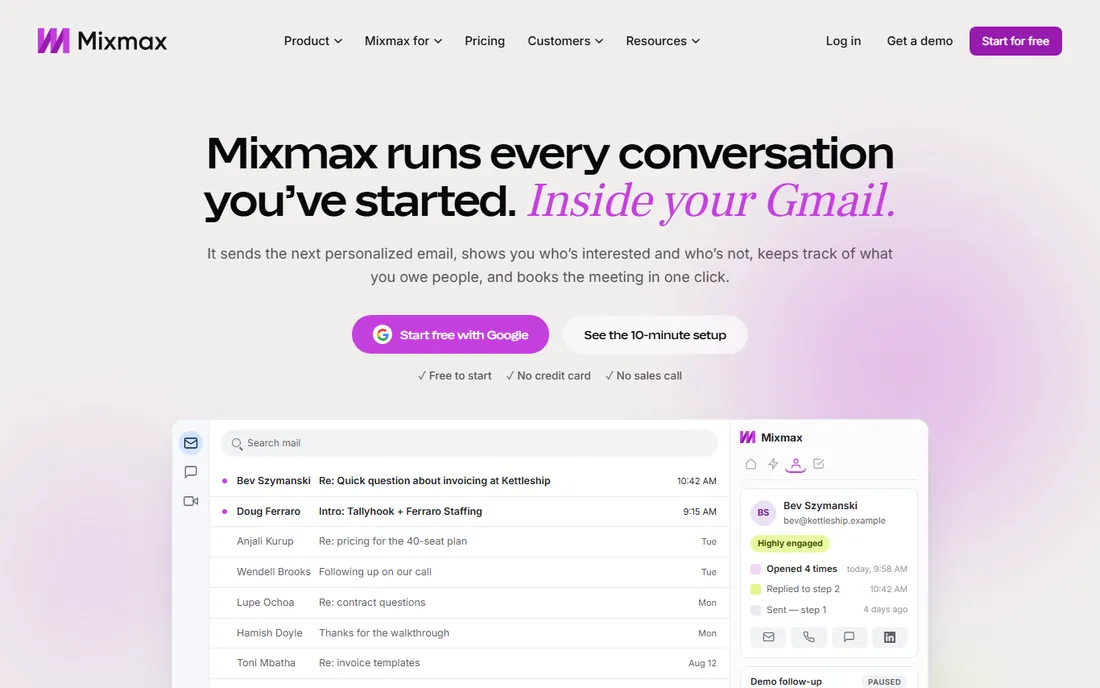
Mixmax is the sales engagement platform that lives inside Gmail, built for reps who do their best work in the inbox. Sequences, templates, follow-up reminders, and meeting scheduling all run from a Gmail sidebar, with real-time open and click signals telling you exactly when to follow up. Multichannel steps for calls, LinkedIn, and SMS layer on top, and the newer Engagement Copilot connects to Claude and ChatGPT for AI-assisted outreach. It holds G2's top usability rankings in the category and is SOC 2 and GDPR compliant on every plan including free.
The free plan needs no credit card and covers basic tracking and templates, with paid plans starting at $29 per user a month and a 14-day full-suite trial. The catch is that it is email-first by design: true multichannel costs more, and solo users find the pricing steep for what they get. Mixmax fits revenue teams on Google Workspace who want engagement tooling where they already work.
What we like- Full sales engagement without leaving Gmail
- Real-time engagement signals in the inbox
- One-click meeting scheduling and CRM sync
Watch out for- Email-first with multichannel as an add-on
- Free plan is limited
- Pricing feels steep for individuals
The tools above solve the same problem from opposite ends. The right one depends on your volume, your channels, and where your team already works.
Start with volume and team size
A solo founder sending 500 emails a month needs GMass or Mixmax, not an enterprise engagement suite. A five-person SDR team running multichannel sequences needs lemlist or Reply.io. An agency managing 50 inboxes across clients needs Smartlead or Instantly with flat, unlimited-inbox pricing. Match the pricing model to your shape: per-seat punishes big teams, per-inbox punishes high volume, and flat fees reward both.
Decide your channels honestly
If your prospects live on LinkedIn, an email-only tool will leave pipeline on the table, and the multichannel suites earn their higher price. If your motion is pure cold email, do not pay for LinkedIn automation, dialers, and SMS you will never use. The Gmail-native tools are email-only by design and proud of it.
Treat deliverability as the real evaluation
Every vendor promises inbox placement. The differences are in the mechanics: warm-up networks, verification, inbox rotation, SPF/DKIM/DMARC tooling, and spam testing. Ask for specifics, run your own seed-list tests during the trial, and check your domain health before you scale. The best copy in the world earns nothing from the spam folder.
How we chose
We started with the outreach tools that appear most often in buyer shortlists, G2 and Capterra rankings, agency recommendations, and community discussions in 2026, then narrowed to eight covering the full range: full sales-engagement suites, volume infrastructure, simple sequencers, and Gmail-native tools. For each tool we checked the vendor's own pricing page or current public pricing documentation, reviewed feature and deliverability documentation, and read public user feedback on G2, Capterra, Reddit, and review sites. We weighted fit for small and mid-size US businesses, pricing transparency, deliverability tooling depth, and the realistic learning curve for the intended user. We did not run hands-on trials; our assessments come from vendor materials and verified public sources.
Deliverability is the real product
Strip away the branding and every tool on this list sells the same outcome: emails that reach the inbox and get replies. The features that determine that outcome are unglamorous: warmed inboxes with real engagement history, verified addresses that do not bounce, rotated sending that avoids volume spikes, and authentication records that tell Gmail and Outlook you are legitimate. When you trial any of these tools, spend less time admiring the sequence builder and more time checking what the warm-up pool looks like, how verification works, and what happens to your domain reputation in the first 30 days. The vendors that answer those questions with specifics, like Woodpecker's adaptive sending or Reply.io's peer-to-peer warm-up network, are the ones taking deliverability seriously rather than treating it as a checkbox.
Frequently asked questions
Is cold email legal?
In the US, cold email is legal under CAN-SPAM as long as you include a valid physical address, a clear way to opt out, and accurate sender information, and you honor opt-outs promptly. If you email EU prospects, GDPR sets a higher bar around consent and legitimate interest. These tools help with compliance mechanics like unsubscribes, but the legal responsibility for your lists and targeting stays with you.
How many cold emails should I send per inbox per day?
Most deliverability guidance lands at 20 to 50 emails per inbox per day for warmed domains, which is why the volume tools emphasize unlimited inboxes and rotation. Sending 500 emails a day from a single fresh inbox is the fastest route to the spam folder. Warm new inboxes for two to four weeks before ramping, whatever tool you use.
Do I need multichannel outreach or is email enough?
It depends on your buyers. For many B2B segments, email alone still drives the majority of pipeline, and the Gmail-native tools prove it daily. Multichannel earns its keep when prospects are hard to reach by email alone or when deal sizes justify the extra touches. Start with email done well, add LinkedIn when reply rates plateau.
What is email warm-up and do I really need it?
Warm-up gradually builds a new inbox's sender reputation by exchanging realistic engagement, opens, replies, and rescues from spam, with a network of real inboxes. Without it, a fresh domain sending cold email looks exactly like a spammer to Gmail and Outlook. Every tool on this list includes warm-up in some form; the quality of the warm-up network is what differs.
Can I use these tools with Gmail or Outlook?
All eight connect to Gmail and Google Workspace. Most also support Outlook and Microsoft 365 via SMTP or OAuth, though the Gmail-native tools (GMass, Mixmax) are Gmail-only by design. If your team runs on Outlook, confirm the specific integration before committing, especially for tracking and calendar features.
What is the difference between Smartlead and Instantly?
Both target high-volume senders with flat pricing and unlimited inboxes. Smartlead leads with deliverability infrastructure, an AI reply manager, and a strong API that agencies build on. Instantly leads with simplicity, a larger warm-up pool, and the SuperSearch lead database as an add-on. Agencies tend to pick based on which workflow feels more natural; trial both with real campaigns before deciding.
Sources we checked (16)
- https://lemlist.com/
- https://woodpecker.co
- https://mailshake.com/
- https://mailshake.com/blog/best-cold-email-tools-for-agencies/
- https://reply.io/
- https://www.smartlead.ai
- https://instantly.ai
- https://www.gmass.co
- https://mailmeteor.com/alternatives/gmass
- https://usemailora.com/blog/gmass-pricing
- https://www.fahimai.com/uplead-vs-lemlist
- https://phantombuster.com/blog/ai-automation/lemlist-pricing/
- https://leadhaste.com/blog/lemlist-vs-replyio
- https://github.com/ishandutta2007/awesome-prospecting-automation-platform
- https://coincodecap.com/instantly-ai-review
- https://chromewebstore.google.com/detail/mixmax-ai-powered-sales-e/ocpljaamllnldhepankaeljmeeeghnid
Is your product missing or out of date?
We review this list regularly. Vendors can request a listing, send updated pricing or ask about featured placement.

Shihab Mia · Founder, Rankite
Shihab has 5+ years in B2B and SaaS SEO. He writes Rankite's software buying guides from pricing pages, documentation and public user reviews. More about Shihab.