How we make this list: we compare pricing pages, product documentation and public user reviews. Ratings come from G2, Capterra or Trustpilot, with the date we checked them.
Key takeaways
- Pipedrive and Zoho CRM give small sales teams strong reports at the lowest entry prices in this list, while HubSpot gives the most generous free starting point.
- Reporting depth rises sharply with plan tier, so check whether forecasting, custom dashboards, and cohort views sit on the plan you intend to buy, not just on the top plan.
- monday CRM and Insightly suit teams that want reports tied to projects and delivery work, not only to deals won.
- Copper is the clear pick for Google Workspace teams, because its reporting draws on email and calendar activity already inside Gmail.
- Every tool here exports data, but the ease of that export and the limits on lower plans differ enough to test before signing an annual contract.
Quick comparison
| Tool | Best for | Starting price | Free plan |
|---|
 Pipedrive Pipedrive | Pipeline and forecast reporting for sales teams | $14 per user/month (billed annually) | No / Free trial (14 days) |
 monday CRM monday CRM | Visual dashboards tied to sales and project work | See website | No / Free trial |
 Capsule CRM Capsule CRM | Simple, readable reports for small teams | See website | Yes |
 HubSpot CRM HubSpot CRM | Free reporting with a path to advanced analytics | See website | Yes |
 Zoho CRM Zoho CRM | Deep custom reports at a low seat price | $14 per user/month (billed annually) | Yes |
 Freshsales Freshsales | Built-in calling and pipeline reports | $9 per user/month (billed annually) | Yes |
 Insightly Insightly | Reports that follow a deal into delivery | $29 per user/month (billed annually) | No / Free trial (14 days) |
 Copper Copper | Google Workspace reporting without extra admin | $23 per user/month (billed annually) | No / Free trial (14 days) |
Is your product missing or out of date?
We review this list regularly. Vendors can request a listing, send updated pricing or ask about featured placement.
#1Pipedrive
Best for: Pipeline and forecast reporting for sales teams4.3/5 on
G2 (5,034 reviews, checked Oct 2026)
Visit pipedrive.com
Starting price$14 per user/month (billed annually)
Free planNo / Free trial (14 days)
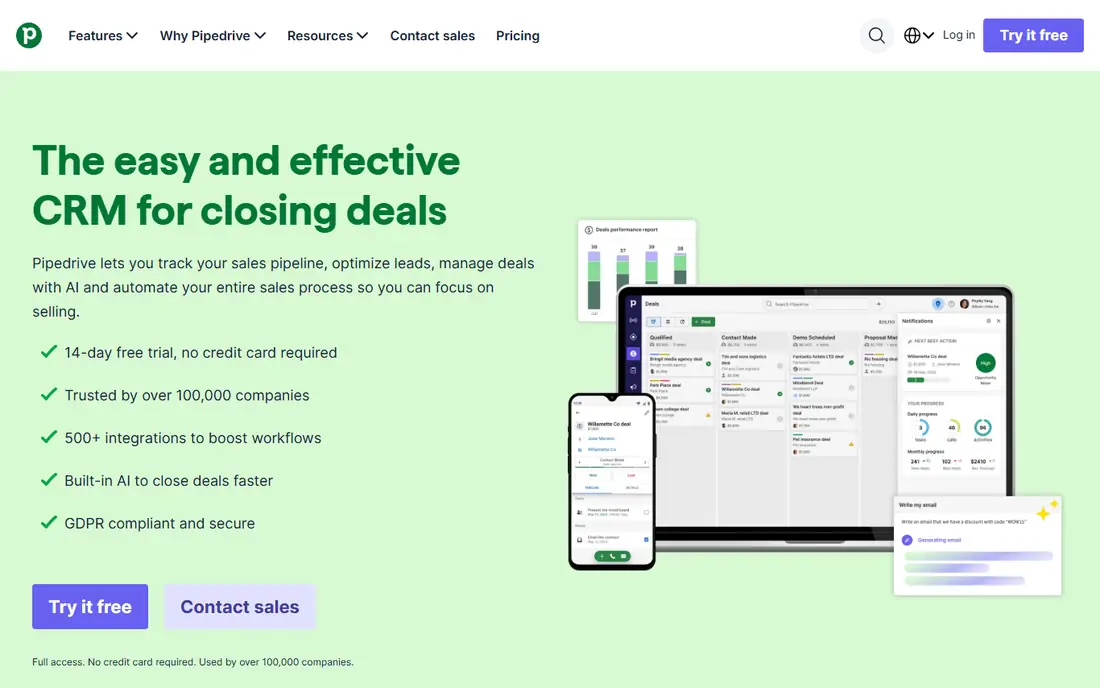
Pipedrive suits a sales team that wants to see, at a glance, where every deal sits and what is likely to close. Its Insights dashboards cover deal progress, activity, and revenue, and managers can filter by person, stage, or time period without building a report from scratch. That focus keeps weekly reviews short, because the same views answer the same questions each week.
The catch sits in the plan structure. The entry Lite plan covers the pipeline view and basic reporting, but two-way email sync, automation, and fuller forecasting sit on Growth and above. A team that buys Lite expecting automated follow-up reporting will need to budget for Growth at $39 per user per month billed annually. Check the add-on list too, since lead generation and campaign tools are sold separately on lower plans.
What we like- Clear pipeline reports
- Useful forecasting on higher plans
- Wide integration marketplace
Watch out for- Email sync and automation start above the entry plan
- Add-ons can raise the total bill
#2monday CRM
Best for: Visual dashboards tied to sales and project work4.5/5 on
G2 (1,810 reviews, checked Oct 2026)
Visit monday.com
Starting priceSee website
Free planNo / Free trial
monday CRM works best when sales reporting is only part of the story. A team can track a deal on one board, hand it to delivery on the next, and build a dashboard that shows both stages side by side. Charts, timelines, and workload views are easy to assemble, and managers can slice the same data by owner, region, or product without asking an analyst for help.
The trade-off is that monday CRM starts as a work platform, not a sales-only tool. Lead scoring, email sequences, and phone tools arrive through integrations or higher plans rather than as native strengths. Teams that need deep sales forecasting or complex quote handling should compare its reporting against Pipedrive or Zoho CRM on a real pipeline before committing, and confirm seat minimums on the pricing page.
What we like- Flexible dashboards and charts
- Boards adapt to sales and delivery work
- Strong visual filtering
Watch out for- Native sales depth is thinner than in dedicated CRMs
- Automation quotas can bind on lower plans
#3Capsule CRM
Best for: Simple, readable reports for small teams4.7/5 on
G2 (525 reviews, checked Oct 2026)
Visit capsulecrm.com
Starting priceSee website
Free planYes
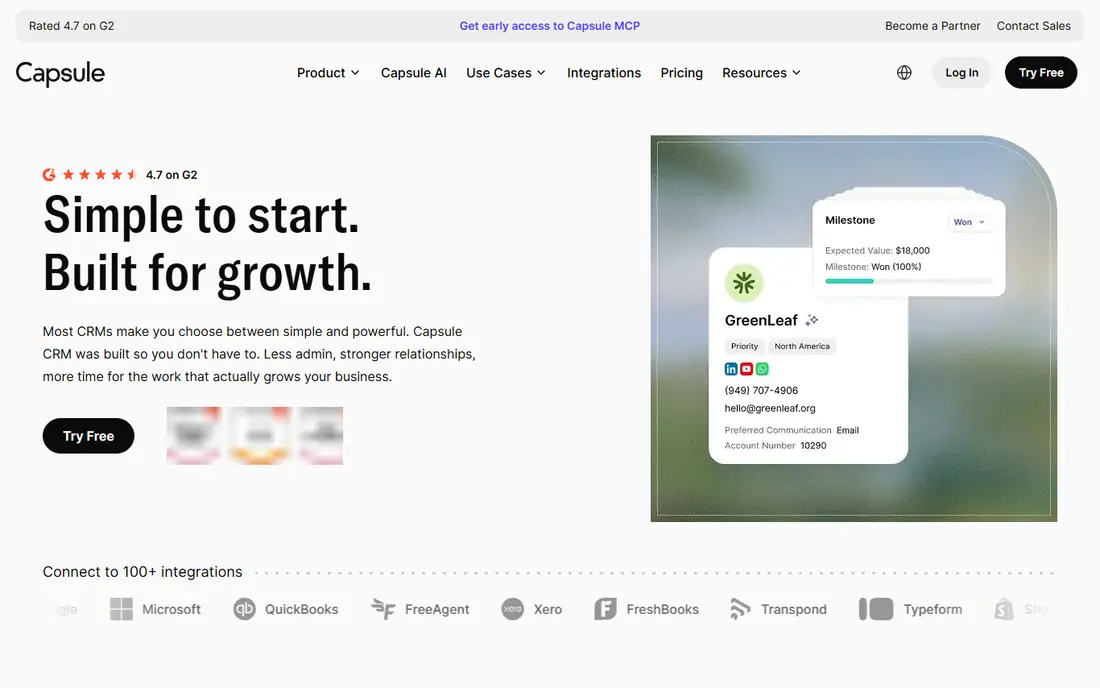
Capsule CRM is a good fit for a small business that wants honest numbers without a week of setup. Contacts, deals, and tasks sit in one place, and the reporting views show pipeline value, activity, and progress in plain terms. A founder who opens the dashboard on a Monday morning can see what moved last week and what needs attention this week.
That simplicity is also the limit. Capsule does not try to match the custom report builders, forecasting models, or marketing attribution found in HubSpot or Zoho CRM. Larger teams, or teams that need detailed cohort and funnel analysis, will outgrow it. For a team of two to ten people that values speed over depth, though, the free plan is a genuine way to test the reporting before paying.
What we like- Clean interface with a short learning curve
- Contact-centred reporting
- Free plan for very small teams
Watch out for- Reporting depth is modest next to larger CRMs
- Advanced analytics need higher plans or add-ons
#4HubSpot CRM
Best for: Free reporting with a path to advanced analytics4.5/5 on
Capterra (4,485 reviews, checked Oct 2026)
Visit hubspot.com
Starting priceSee website
Free planYes
HubSpot CRM earns its place because the free plan is a working product, not a short trial. Contact and deal tracking, email tracking, live chat, and basic reporting are included, so a small team can build its first dashboards at no cost. As the team grows, the same data feeds marketing, sales, and service reports, which avoids the painful migration that comes from switching CRMs later.
The honest catch is the tier jump. Custom reports, forecasting, and sequences are limited on Starter plans and open up properly on Professional, which costs far more per seat and can carry a one-time onboarding fee. A team should map the reports it will need in twelve months, not just the reports it needs today, and price the Professional tier into the decision before adopting HubSpot for free.
What we like- Strong free CRM with dashboards
- Large integration library
- Clear upgrade path across hubs
Watch out for- Steep price jump to Professional plans
- Advanced forecasting and sequences sit on higher tiers
#5Zoho CRM
Best for: Deep custom reports at a low seat price4.1/5 on
G2 (2,952 reviews, checked Oct 2026)
Visit zoho.com
Starting price$14 per user/month (billed annually)
Free planYes
Zoho CRM gives a budget-conscious team reporting depth that usually costs more elsewhere. Standard reports cover sales, activity, and pipeline, while higher plans add custom dashboards, anomaly detection, and forecasting. The free edition covers up to three users, which makes it a practical trial for a very small team that wants to build real reports before paying.
Setup is the price of that depth. Zoho CRM has many modules, and the interface varies between them, so a team should allow time to configure pipelines, fields, and report folders properly. Teams already using other Zoho apps get extra value, since data can flow between books, mail, and projects, but a team that only needs a simple pipeline may find Pipedrive or Capsule faster to adopt.
What we like- Strong custom reports and dashboards
- Wide automation options
- Low entry price
Watch out for- Interface can feel uneven across modules
- Setup takes longer than simpler rivals
#6Freshsales
Best for: Built-in calling and pipeline reports4.5/5 on
G2 (1,237 reviews, checked Oct 2026)
Visit freshworks.com
Starting price$9 per user/month (billed annually)
Free planYes
Freshsales suits a small team that sells by phone and email and wants those conversations reflected in its reports. Built-in telephony means call activity, email engagement, and deal progress sit in the same record, so a manager can see which reps are active and which deals are stalling without stitching tools together. The Growth plan at $9 per user per month billed annually is among the lowest paid entry points here.
The limits appear when a team wants heavy customisation or complex report logic. Freshsales covers standard pipeline, activity, and revenue reporting well, but it does not match Zoho CRM or HubSpot for deep custom dashboards. A team that mainly needs clean, current pipeline numbers and built-in communication tools will be well served, while a team with unusual reporting rules should test those rules during the trial.
What we like- Low entry price
- Built-in phone, email, and chat
- AI lead and deal insights on higher plans
Watch out for- Customisation is thinner than Zoho CRM
- Advanced reporting needs higher tiers
#7Insightly
Best for: Reports that follow a deal into delivery4.2/5 on
G2 (945 reviews, checked Oct 2026)
Visit insightly.com
Starting price$29 per user/month (billed annually)
Free planNo / Free trial (14 days)
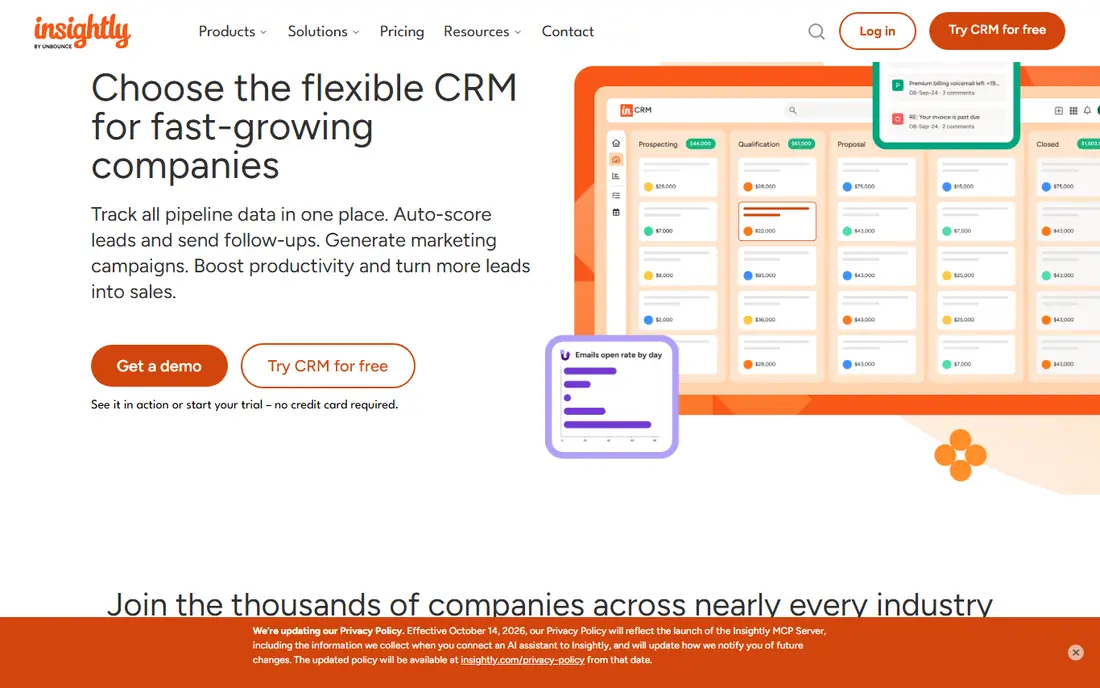
Insightly fits teams that sell projects, not just products. When a deal closes, the same record becomes a project with tasks, milestones, and delivery reporting, so managers can track revenue and delivery in one place. That handoff is where many CRMs lose visibility, and Insightly keeps it visible, which helps services firms spot delivery bottlenecks before they affect renewals.
The cost reflects that breadth. At $29 per user per month billed annually, Insightly costs more than Pipedrive Lite or Freshsales Growth, and there is no free plan, only a 14-day trial. A team that only needs pipeline reporting will pay for project tools it may not use, while a team that lives on project handoffs will find the combined reporting worth the premium.
What we like- CRM plus project delivery in one system
- Useful pipeline and project reporting
- Broad integrations
Watch out for- Higher entry price than rivals here
- No free plan
- Annual billing only on published plans
#8Copper
Best for: Google Workspace reporting without extra admin4.5/5 on
G2 (1,158 reviews, checked Oct 2026)
Visit copper.com
Starting price$23 per user/month (billed annually)
Free planNo / Free trial (14 days)
Copper is built for teams that already live in Gmail, Calendar, and Drive. It captures email and meeting activity automatically, so pipeline reports reflect real conversations rather than manual updates that reps forget to enter. Setup is quick for a Google Workspace team, and the Chrome extension keeps the CRM inside the inbox, which lifts adoption in small service businesses.
Outside Google Workspace, the case weakens fast. Copper is not the right pick for a Microsoft 365 shop or a team that needs deep standalone reporting, and automation only arrives on the Professional plan at $59 per user per month billed annually. For a Google-first team, though, the reporting is accurate precisely because it draws on work already happening in Gmail, and that accuracy often matters more than report variety.
What we like- Deep Gmail and Google Workspace integration
- Fast setup for Google-based teams
- Project handoff from deals
Watch out for- Weak fit outside Google Workspace
- Automation only from the Professional plan
- Higher mid-tier price
How we chose
We compared pricing pages, product documentation, and public reviews on G2, Capterra, and Reddit, and we kept only tools with real reporting features in current plans. We favoured tools that show pipeline, activity, and revenue views without a separate analytics purchase, and we noted where forecasting or custom reports require a higher tier. We did not claim hands-on testing, and prices shown are starting list prices that should be confirmed on the vendor pricing page before purchase.
What to check before you buy a reporting CRM
Start with the reports you will actually read each week. List five questions your Monday meeting must answer, such as which deals slipped, which reps need help, and which sources produce the best customers, then test each shortlisted tool against those five questions during a trial. A tool that looks strong in a demo can still miss one of those questions on the plan you can afford.
Next, check data quality and export. Reporting is only as good as the activity data behind it, so confirm whether email, calls, and meetings sync automatically or depend on manual entry. Confirm that contacts, deals, and history export in a standard format such as CSV, and confirm what happens to reports and dashboards if you cancel. A short trial with your own pipeline data will reveal more than any feature list.
Finally, price the plan you will need in a year. Entry prices in this guide are useful for comparison, but forecasting, custom dashboards, and automation often sit one or two tiers up. Add seat minimums, add-ons, and any onboarding fee to the annual total, and compare that total, not the headline entry price, across your final two options.
Frequently asked questions
What is the best CRM reporting tool for a small team?
Pipedrive and Zoho CRM are strong small-team picks, because both offer clear pipeline reporting at $14 per user per month billed annually. HubSpot is worth a look if you want to start free and grow into deeper analytics later, while Capsule suits teams that prefer simpler reports.
Do I need a paid plan to get CRM reports?
No, several tools here offer reporting on free plans, including HubSpot, Zoho CRM, Capsule, and Freshsales. Free reporting covers basic pipeline and activity views, while forecasting, custom dashboards, and advanced analytics usually require a paid plan.
What is the difference between a dashboard and a custom report?
A dashboard shows several live views together, such as pipeline value, deals by stage, and activity by rep, while a custom report answers one specific question with chosen filters, fields, and groupings. Dashboards suit weekly reviews, and custom reports suit deeper questions such as win rates by source or product.
Can CRM reporting replace a separate analytics tool?
For most small and mid-sized sales teams, yes, because pipeline, forecast, and activity reporting inside the CRM covers the questions managers ask most often. Larger teams that need marketing attribution, product analytics, or data warehouse reporting will still need a separate analytics tool alongside the CRM.
How accurate is CRM forecasting?
Forecasting is only as accurate as the pipeline data behind it, including stage definitions, close dates, and deal values that reps keep current. Tools with automated activity capture, such as Copper for Gmail teams, tend to produce steadier forecasts, but no tool can fix a pipeline that reps update only at month end.
Should I pay annually for a CRM with reporting tools?
Annual billing lowers the monthly seat price on most tools here, but it locks you in for a year, so use the trial first and confirm that forecasting and custom reports sit on your chosen plan. If you are unsure the tool will stick, a few months at the higher monthly rate can cost less than an abandoned annual contract.
Sources we checked (8)
- https://www.pipedrive.com/pricing
- https://www.monday.com/pricing
- https://www.capsulecrm.com/pricing
- https://www.hubspot.com/pricing
- https://www.zoho.com/crm/pricing.html
- https://www.freshworks.com/crm/pricing/
- https://www.insightly.com/pricing
- https://www.copper.com/pricing
Is your product missing or out of date?
We review this list regularly. Vendors can request a listing, send updated pricing or ask about featured placement.

Shihab Mia · Founder, Rankite
Shihab has 5+ years in B2B and SaaS SEO. He writes Rankite's software buying guides from pricing pages, documentation and public user reviews. More about Shihab.