How we make this list: we compare pricing pages, product documentation and public user reviews. Ratings come from G2, Capterra or Trustpilot, with the date we checked them.
Key takeaways
- Krita is the strongest free replacement, with a full brush engine, comic tools and animation support at no cost.
- Procreate is the best iPad alternative at a 12.99 dollar one-time purchase, with no subscription.
- Clip Studio Paint PRO costs 63 dollars once on desktop, so any alternative should be judged against that low one-time price.
- MediBang Paint is the best free option for manga and cloud sync across devices.
- Corel Painter and Rebelle 8 suit artists who want realistic traditional media, at 429 dollars and 89.99 dollars respectively.
Why Do Artists Look for a Clip Studio Paint Alternative?
Clip Studio Paint earned its reputation as the standard tool for comics, manga and illustration, and its desktop PRO license at 63 dollars one time is already good value. Artists still look elsewhere for a few clear reasons. The iPad version needs a subscription, which frustrates artists who prefer to pay once. Some illustrators want a simpler interface with fewer panels and settings. Others work on Linux, where Clip Studio Paint has no native version. A few want stronger watercolor or oil simulation than Clip Studio Paint offers. Price is another factor, since free tools like Krita and MediBang Paint now cover much of the same ground. The right alternative depends on what you draw, which device you use and whether you need comic tools, animation or print output.
What Is the Best Free Alternative to Clip Studio Paint?
Krita is the best free alternative to Clip Studio Paint for most artists. It is open source, free forever, and runs on Windows, macOS and Linux. It includes a deep brush engine, stabilizers, layer management, comic panel tools, vector layers and frame-by-frame animation. MediBang Paint is the other strong free choice, and it wins for manga artists who want cloud sync and a lighter app that runs well on older hardware. GIMP is free too, but it is a photo editor first and a painting app second, so it suits retouching more than illustration. Affinity became free in October 2025, and its unified app now covers photo, vector and layout work, which makes it a strong free option for illustrators who also do design.
Which Clip Studio Paint Alternative Is Best for Manga and Comics?
MediBang Paint is the best manga-focused alternative, because it was built around comic creation, with panel tools, screentones, comic fonts and cloud storage that syncs pages across devices. Krita is the runner up, with comic templates, panel tools, speech bubble support and a solid halftone brush set. Clip Studio Paint still leads on comic-specific features such as 3D models, perspective rulers and multi-page management, so artists who produce long manga series may find no full replacement. Procreate handles single illustrations well but lacks the page management manga artists need. If comics are your main work, MediBang Paint covers the basics for free, while Krita adds stronger painting and animation.
Can You Replace Clip Studio Paint on iPad?
Yes, Procreate is the best iPad replacement, and it costs 12.99 dollars once with no subscription. It is fast, focused and built for Apple Pencil, with hundreds of brushes, animation assist and a simple interface that stays out of the way. MediBang Paint is the best free iPad option, with cloud sync and comic tools, though it shows ads unless you pay for Premium. Affinity is free on iPad too, and it suits illustrators who also need vector and layout work. Clip Studio Paint on iPad costs 26.99 dollars a year for PRO, so Procreate pays for itself in about six months of use. The trade-off is platform lock-in, since Procreate runs only on iPad and iPhone, and there is no Windows or Android version.
How Much Should You Pay for a Painting App?
A painting app should cost between zero and 63 dollars for most hobbyists and freelance illustrators, because Krita and MediBang Paint are free and Clip Studio Paint PRO is 63 dollars once. Procreate at 12.99 dollars is the cheapest paid option worth buying, and Rebelle 8 at 89.99 dollars is fair for artists who want realistic watercolor and oil simulation. Corel Painter at 429 dollars list is the most expensive tool here, and it only makes sense for artists who earn money from traditional-media illustration and need its brush realism. Adobe Photoshop at 22.99 dollars a month costs about 276 dollars a year, which is hard to justify for painting alone unless you also need photo editing and industry file compatibility. Watch for sales, since Corel Painter is often discounted to around 249 dollars.
Quick comparison
| Tool | Best for | Starting price | Free plan |
|---|
 Krita | Artists who want a free, full-featured painting app on desktop | Free | Yes, the full app is free and open source |
 Procreate | iPad illustrators who want a fast, one-time purchase app | 12.99 dollars one-time | No free plan |
 MediBang Paint | Manga and comic artists who want a free app with cloud sync | Free, Premium from 2.99 dollars per month | Yes, the core app is free with ads |
 Adobe Photoshop | Professionals who need industry-standard files and photo editing | 22.99 dollars per month | 7-day free trial |
 Corel Painter | Artists who want the most realistic traditional media simulation | 429 dollars one-time | 15-day free trial |
 Affinity | Illustrators who also need vector design and layout in one free app | Free | Yes, the full app is free |
 Rebelle 8 | Watercolor, oil and acrylic painters who want realistic wet-media simulation | 89.99 dollars one-time | 30-day free trial |
 PaintTool SAI | Line artists who want a fast, lightweight Windows painting app | 5,500 JPY one-time | 31-day free trial |
Is your product missing or out of date?
We review this list regularly. Vendors can request a listing, send updated pricing or ask about featured placement.
The 8 Best Clip Studio Paint Alternatives
#1Krita
Best for: Artists who want a free, full-featured painting app on desktop4.4/5 on
G2 (65 reviews, checked Oct 2026)
Visit krita.org
Starting priceFree
Free planYes, the full app is free and open source
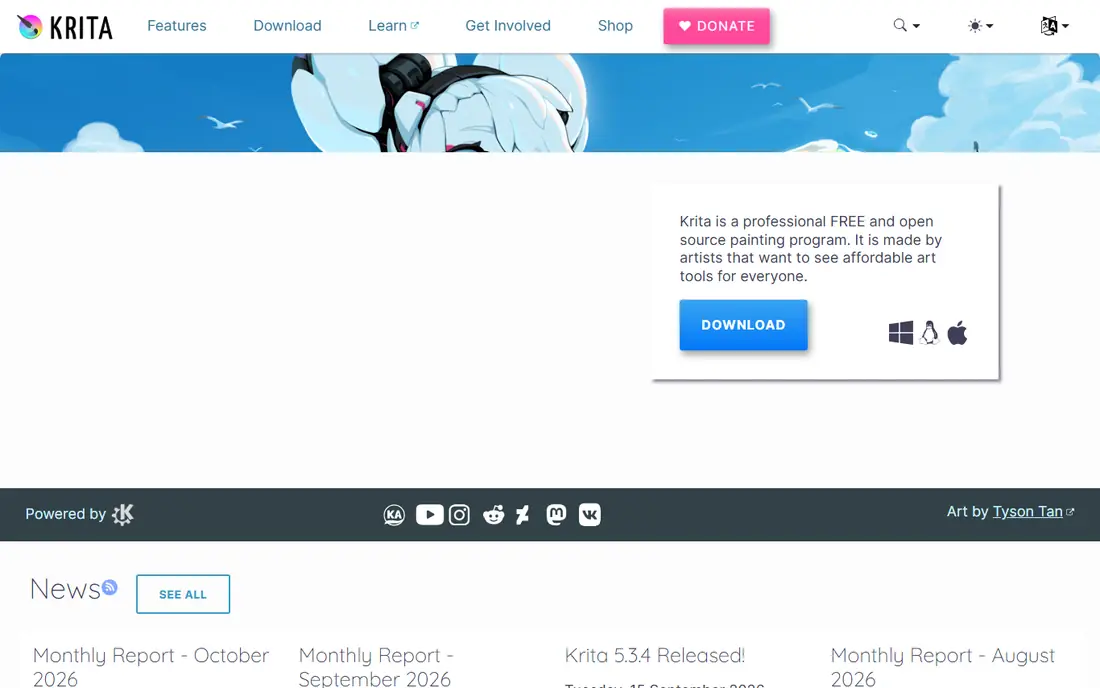
Krita is the closest free match to Clip Studio Paint, and it is the first app to try if you want to stop paying for painting software. It covers sketching, painting, comics and animation in one download, with more than 100 brushes, stabilizers, layer groups, filter layers and a timeline for frame-by-frame animation. The comic tools include panel templates, halftone brushes and vector layers for clean speech bubbles. Krita runs on Windows, macOS and Linux, which makes it the only free option here that serves Linux artists. The trade-off is a busier interface than Clip Studio Paint, and new users may need an hour to arrange panels and brush presets.
What we like- Free forever with no paywall, strong brush engine, animation and comic tools, runs on Linux
Watch out for- The interface can feel crowded for beginners, and some tools need manual setup before they feel polished
#2Procreate
Best for: iPad illustrators who want a fast, one-time purchase app4.9/5 on
G2 (73 reviews, checked Oct 2026)
Visit procreate.com
Starting price12.99 dollars one-time
Free planNo free plan
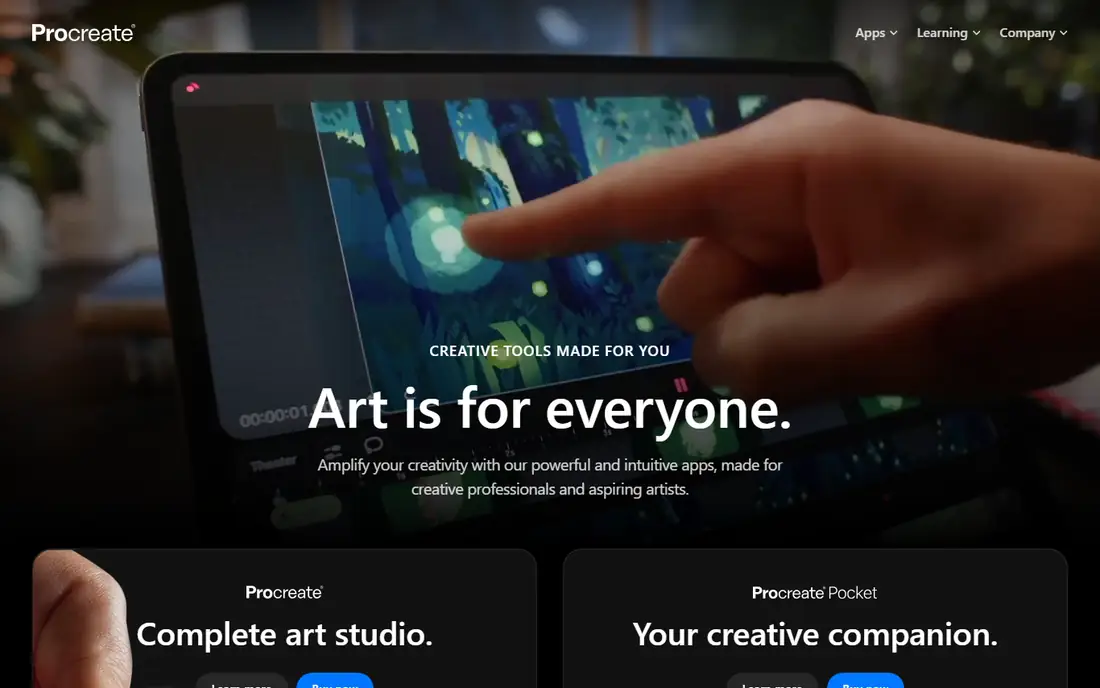
Procreate is the best iPad alternative to Clip Studio Paint, and at 12.99 dollars once it is also one of the cheapest paid apps in this guide. It opens fast, handles large canvases smoothly and responds to Apple Pencil pressure and tilt with almost no lag. The brush library covers sketching, inking, painting and calligraphy, and Brush Studio lets you build custom brushes without leaving the app.
What we like- One-time price with no subscription, excellent Apple Pencil response, huge brush library, fast performance
Watch out for- IPad only, with no Windows, macOS or Android version, and no built-in cloud sync
#3MediBang Paint
Best for: Manga and comic artists who want a free app with cloud sync4.7/5 on
Capterra (18 reviews, checked Oct 2026)
Visit medibangpaint.com
Starting priceFree, Premium from 2.99 dollars per month
Free planYes, the core app is free with ads
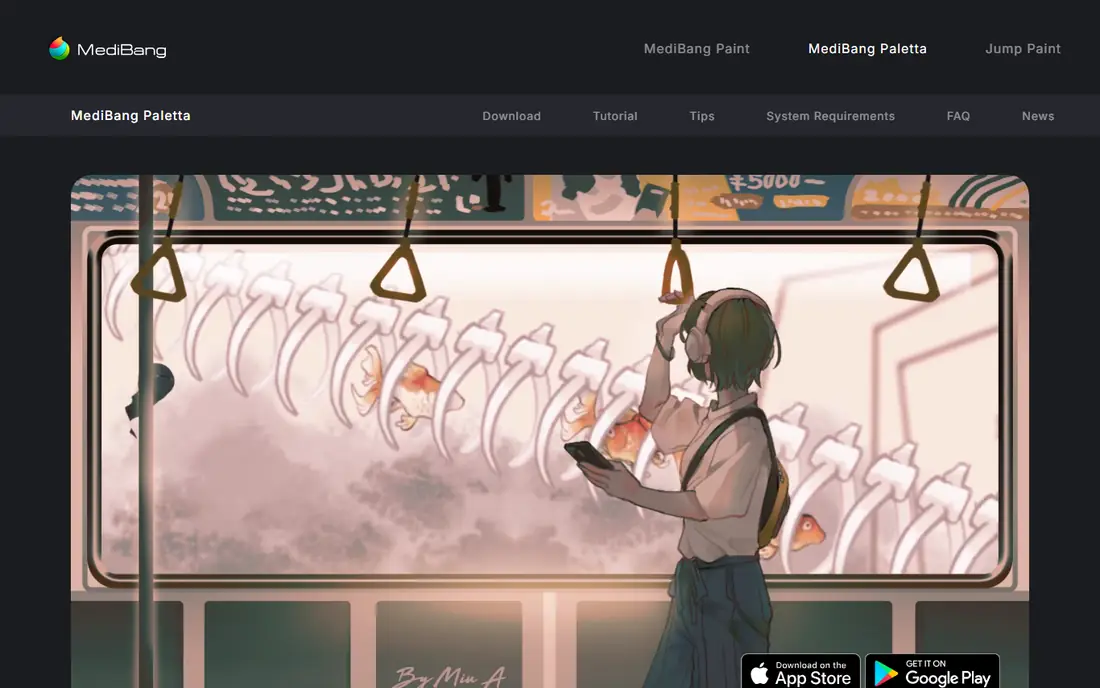
MediBang Paint is the best free alternative for manga and comic work, and it is the lightest app in this guide, running well on older computers and tablets. It includes panel creation, screentones, comic fonts, cloud storage and group projects that let several artists work on the same pages. The free version covers the core drawing tools, while Premium from 2.99 dollars a month adds more brushes, more cloud storage and extra materials. MediBang Paint runs on Windows, macOS, iOS and Android, so you can start a page on desktop and finish it on a phone. The brush engine is less deep than Krita, and heavy painting with textured brushes feels simpler than in Clip Studio Paint.
What we like- Free on every platform, built-in comic tools, cloud sync and team collaboration
Watch out for- Ads in the free version, and the brush engine is simpler than Krita or Clip Studio Paint
#4Adobe Photoshop
Best for: Professionals who need industry-standard files and photo editing4.6/5 on
G2 (13,426 reviews, checked Oct 2026)
Visit adobe.com
Starting price22.99 dollars per month
Free plan7-day free trial
Photoshop is the industry standard for photo editing and commercial art, and it remains a strong Clip Studio Paint alternative for artists who work with clients and agencies. It handles PSD files natively, which matters when a client or publisher sends layered files, and its selection, masking and retouching tools are stronger than any painting app. The brush engine has improved with mixer brushes and Kyle Webster brushes, though it still feels less tuned for illustration than Krita or Procreate. Photoshop runs on desktop, iPad and web, with 100 GB of cloud storage and Adobe Express Premium included in the single-app plan. The price is the problem for painters, since 22.99 dollars a month is about 276 dollars a year, and there is no perpetual license.
What we like- Industry standard for client work, best photo editing tools, huge plugin and brush ecosystem, PSD compatibility
Watch out for- Subscription only with no one-time purchase, and the painting brush engine is less focused than dedicated painting apps
#5Corel Painter
Best for: Artists who want the most realistic traditional media simulation4.7/5 on
Capterra (11 reviews, checked Oct 2026)
Visit painterartist.com
Starting price429 dollars one-time
Free plan15-day free trial
Corel Painter is the best choice for artists who come from traditional media and want digital paint to behave like real paint. Its brushes simulate oils, watercolors, acrylics, pastels and charcoal with texture, blending and drying effects that no other app in this guide matches. The 2026 release adds AI image generation and remixing, faster launch times and full support for current macOS versions. The list price is 429 dollars for a one-time license, though Corel runs frequent sales that have cut it to around 249 dollars, and a subscription option exists for artists who prefer monthly billing. The app needs a capable computer, since heavy brushes on large canvases can slow older machines. The interface is dense, with many panels and brush controls to learn.
What we like- Unmatched natural-media brushes, one-time license option, strong for fine art and illustration
Watch out for- High list price, needs a capable computer for large canvases, and the interface takes time to learn
#6Affinity
Best for: Illustrators who also need vector design and layout in one free app4.5/5 on
G2 (452 reviews, checked Oct 2026)
Visit affinity.serif.com
Starting priceFree
Free planYes, the full app is free
Affinity became free in October 2025, when Serif merged its photo, designer and publisher apps into one unified app at no cost. That makes it one of the best free alternatives to Clip Studio Paint for illustrators who also do graphic design, since you can paint, draw vectors and lay out a page without switching apps. The painting tools cover sketching, inking and textured brushes, and the vector tools handle logos, lettering and clean line work. The app runs on Windows, macOS and iPad, with a clean interface that is easier to learn than Photoshop. The brush engine is not as deep as Krita, and the plugin ecosystem is still smaller than Adobe or Clip Studio Paint.
What we like- Free since October 2025, combines photo, vector and layout tools, clean interface, runs on iPad
Watch out for- Painting brushes are less deep than Krita or Clip Studio Paint, and the app is still building its plugin ecosystem
#7
Rebelle 8
Best for: Watercolor, oil and acrylic painters who want realistic wet-media simulation
Visit escapemotions.com
Starting price89.99 dollars one-time
Free plan30-day free trial
Rebelle 8 is the best alternative for artists who paint with watercolor, oils or acrylics and want the paint itself to behave realistically. Its water simulation lets colors bleed, pool and dry on textured paper, and its oils mix and smear with a physical feel that Clip Studio Paint does not try to match. Version 8 adds gradient maps, improved bristle brushes, color noise for texture brushes and better selection tools. The standard license costs 89.99 dollars once, with a Pro edition at 149.99 dollars that adds pigment-based color mixing and extra tools. The license includes one year of updates and two years of long-term support, with no subscription. Rebelle is weaker than Clip Studio Paint for comics, since it lacks panel management and 3D models.
What we like- Best watercolor and wet-paint simulation, one-time license, realistic paper textures
Watch out for- Weaker comic and vector tools than Clip Studio Paint, and the interface is simpler with fewer automation features
#8
PaintTool SAI
Best for: Line artists who want a fast, lightweight Windows painting app
Visit systemax.jp
Starting price5,500 JPY one-time
Free plan31-day free trial
PaintTool SAI is the lightest app in this guide, and it remains popular with anime and manga line artists for one reason: its line stabilization is superb. The app opens in seconds, runs well on modest hardware and produces clean, smooth lines with minimal effort. The interface is simple, with few panels and a short learning curve, which suits artists who want to draw rather than manage software. The license costs 5,500 JPY once, which is roughly 35 to 40 dollars depending on the exchange rate, and the trial lasts 31 days. The limits are real, since SAI runs only on Windows, has no animation tools and no comic page management. Development is slow compared with Krita or Clip Studio Paint.
What we like- Very light and fast, excellent line stabilization, simple interface, low one-time price
Watch out for- Windows only, no animation or comic page management, and updates are infrequent
Frequently asked questions
Is there a completely free alternative to Clip Studio Paint?
Yes, Krita is completely free and open source, with no paid tier, no ads and no locked features. It covers painting, comics and animation on Windows, macOS and Linux. MediBang Paint is also free, though it shows ads unless you pay for Premium. Affinity is free too since October 2025. Start with Krita if you want the deepest free toolset, and add MediBang Paint if you need cloud sync and comic tools on mobile.
Is Procreate better than Clip Studio Paint?
Procreate is better for iPad-only illustrators who want a fast, simple app with a one-time price of 12.99 dollars. Clip Studio Paint is better for comic and manga artists who need page management, 3D models, perspective rulers and desktop tools. Procreate has no subscription, while Clip Studio Paint on iPad costs 26.99 dollars a year. Your device and your art form decide which one fits better.
Can Krita open Clip Studio Paint files?
Krita cannot open Clip Studio Paint native files directly, so you should export finished work as PSD or PNG before switching. Krita opens PSD files with layers intact in most cases, though some Clip Studio Paint specific layer types may flatten. Export your important pages as PSD while you still have Clip Studio Paint installed, and keep the original files as backups in case you need them later.
Which alternative is best for beginners?
MediBang Paint is the easiest starting point, because it is free, light and simple, with comic tools built in. Krita is the best free choice for beginners who want room to grow, though its interface takes a day to learn. Procreate is the easiest paid app, with a clean interface and a 12.99 dollar price. Beginners should try Krita and MediBang Paint first, since both are free, and buy Procreate later if they settle on iPad.
Do I need to pay monthly for any of these alternatives?
No, only Adobe Photoshop requires a monthly payment, at 22.99 dollars a month. Krita, MediBang Paint and Affinity are free. Procreate, Clip Studio Paint on desktop, Rebelle 8, Corel Painter and PaintTool SAI are one-time purchases. MediBang Premium is optional at 2.99 dollars a month. If you want to avoid subscriptions entirely, Krita plus Procreate covers most illustration work for a total of 12.99 dollars.
How We Picked These Alternatives
We picked these eight tools by checking each vendor site on 16 November 2026, confirming the product is still sold and maintained, and verifying the starting price on the vendor pricing page or app store listing. We favored live products with active development, and we left out discontinued apps and tools whose official sites no longer load. Prices are US list prices unless stated otherwise, and they can change with sales and regional pricing. We did not run hands-on lab tests for this guide, and our findings rest on vendor documentation, pricing pages and public feature lists.
Sources we checked (9)
- https://krita.org/en/
- https://procreate.com
- https://medibangpaint.com/en/
- https://www.adobe.com/products/photoshop.html
- https://www.painterartist.com/
- https://affinity.serif.com/
- https://www.escapemotions.com/products/rebelle/
- https://www.systemax.jp/en/sai/
- https://www.clipstudio.net/en/
Is your product missing or out of date?
We review this list regularly. Vendors can request a listing, send updated pricing or ask about featured placement.

Shihab Mia · Founder, Rankite
Shihab has 5+ years in B2B and SaaS SEO. He writes Rankite's software buying guides from pricing pages, documentation and public user reviews. More about Shihab.