How we make this list: we compare pricing pages, product documentation and public user reviews. Ratings come from G2, Capterra or Trustpilot, with the date we checked them.
Key takeaways
- Chatwoot is free when self-hosted and starts at 19 dollars per user per month on its Startup cloud plan, so rivals must beat it on polish, AI, or scale.
- Crisp is the value pick for small teams, with flat workspace pricing instead of per-seat billing, while Help Scout is the cleanest shared inbox.
- Intercom and Zendesk lead for AI and omnichannel scale, but both cost more as teams grow, and AI usage fees sit on top of seats.
- Price a 10-agent team, not one seat, since flat and per-seat models diverge sharply at team size.
Quick comparison
| Tool | Best for | Starting price | Free plan |
|---|
 Intercom Intercom | SaaS teams going AI-first | $29 per seat/month | Free trial |
 Zendesk Zendesk | Omnichannel help desks at scale | $55 per agent/month | Free trial |
 Freshdesk Freshdesk | Budget helpdesk with chat | $15 per agent/month | Yes |
 Crisp Crisp | Flat workspace pricing | $45 per workspace/month | Yes |
 Help Scout Help Scout | Email-first shared inbox | $25 per user/month | Yes |
 Tidio Tidio | E-commerce chat plus AI | $29 per month | Yes |
 LiveChat LiveChat | Chat-first sales teams | $19 per agent/month | Free trial |
 HubSpot Service Hub HubSpot Service Hub | CRM-integrated support | Free plan | Yes |
Is your product missing or out of date?
We review this list regularly. Vendors can request a listing, send updated pricing or ask about featured placement.
The best chatwoot alternatives
#1Intercom
Best for: SaaS teams going AI-first4.5/5 on
G2 (3,918 reviews, checked Oct 2026)
Visit intercom.com
Starting price$29 per seat/month
Free planFree trial
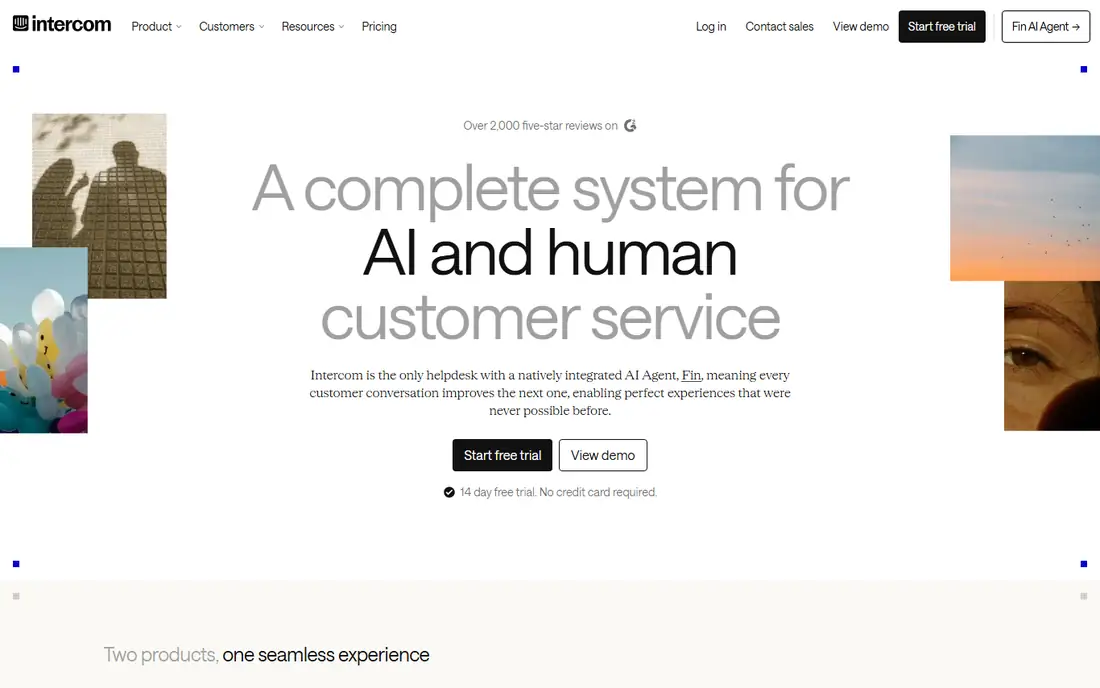
Intercom is the default for SaaS teams that want AI-first support. Its Fin agent resolves common questions automatically, and its messenger supports product tours, outbound messages, and in-app help alongside support. Guides report Essential plans at 29 dollars per seat per month billed annually, with Fin billed at 99 cents per resolved outcome on top.
That AI pricing changes totals fast: 1,000 Fin resolutions cost 990 dollars in guide math, on top of seat fees. Intercom fits SaaS teams where AI resolution genuinely deflects tickets, and where product-led messaging matters. Teams with mostly human chat should compare Crisp or Help Scout first.
What we like- Strongest AI agent in this list
- Rich messenger
- Deep product integrations
Watch out for- Fin AI costs 99 cents per outcome on top
- Per-seat costs grow fast
- Minimums apply
Starting price$55 per agent/month
Free planFree trial
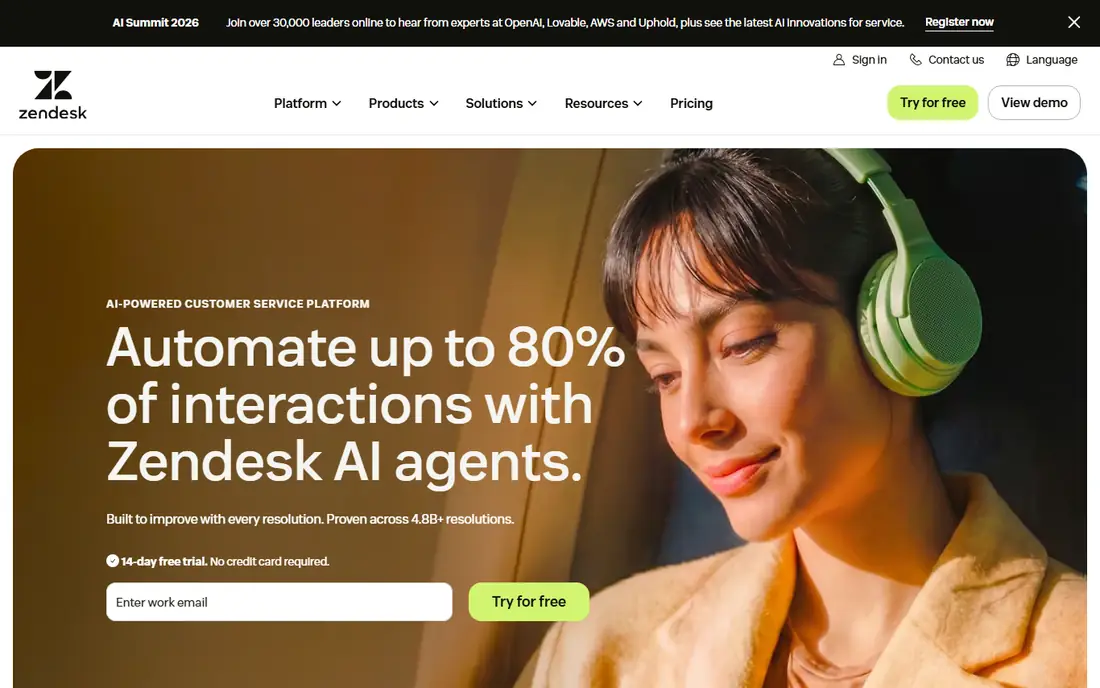
Zendesk Suite is the omnichannel heavyweight, with messaging, live chat, ticketing, and omnichannel routing in one suite. Guides report Suite Team at 55 dollars per agent per month billed annually, with AI agents included in Suite and automated-resolution allowances to check. Its app marketplace and reporting depth suit large support operations.
Configuration weight is the main drawback, and small teams may find Zendesk bureaucratic for simple chat. A 10-agent team pays 550 dollars per month on Suite Team in guide math, versus 190 dollars for Chatwoot Startup. Zendesk fits established support teams with complex ticketing, SLA, and reporting needs.
What we like- Deepest ticketing, SLA, and reporting
- Omnichannel routing
- Huge app marketplace
Watch out for- Heavy to configure
- Suite Team is pricey
- Can feel bureaucratic for small teams
#3Freshdesk
Best for: Budget helpdesk with chat4.4/5 on
G2 (3,809 reviews, checked Oct 2026)
Visit freshdesk.com
Starting price$15 per agent/month
Free planYes
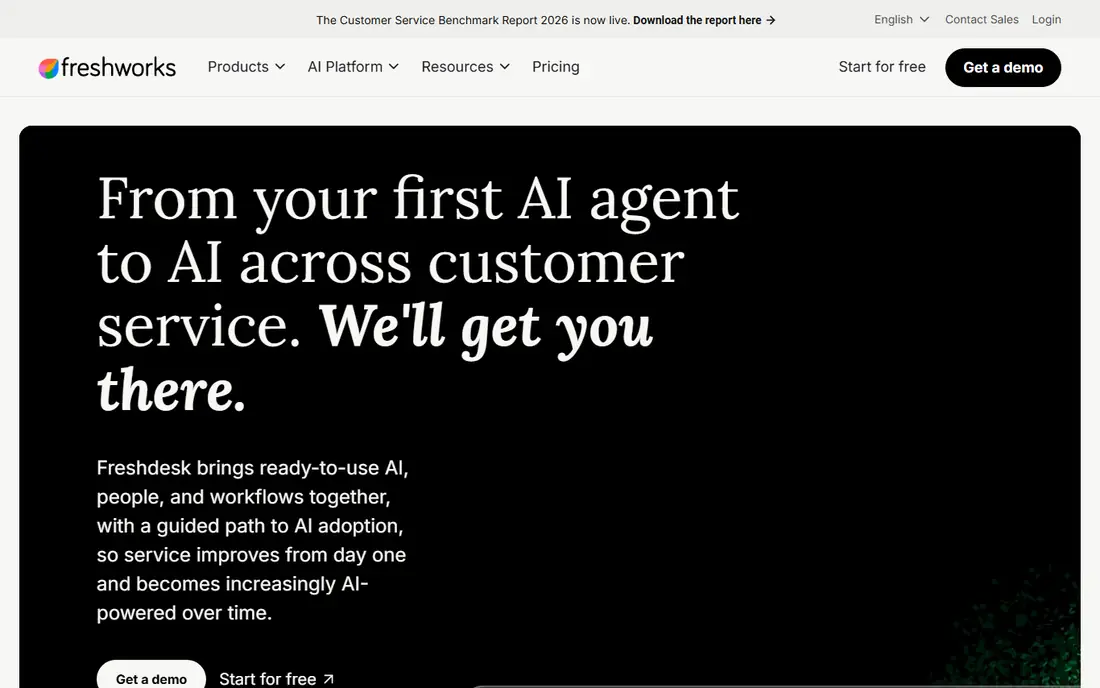
Freshdesk is the budget helpdesk pick, with a free tier and paid plans from 15 dollars per agent per month in guides, plus Freshchat for live chat. It covers structured ticketing, shared inbox workflows, and self-service, with Freddy AI as a paid add-on on higher plans. Omni packaging at 19 dollars per agent per month in some guides adds chat channels.
AI depth lags Intercom, and the interface feels cluttered to some teams. Freshdesk fits growing teams that need affordable ticketing plus chat, and that do not need best-in-class AI on day one. Chatwoot users who want a managed helpdesk without self-hosting should shortlist it.
What we like- Affordable
- Free tier
- Freshchat included
- Structured ticketing
Watch out for- AI features lag Intercom
- Interface feels cluttered
- Freddy AI usage charges
#4Crisp
Best for: Flat workspace pricing4.5/5 on
G2 (205 reviews, checked Oct 2026)
Visit crisp.chat
Starting price$45 per workspace/month
Free planYes
Crisp is the value pick for small teams because it charges per workspace, not per seat. Guides report Essentials at 45 dollars per workspace per month for 4 seats, and 95 dollars for 10 seats, versus per-seat rivals that charge per agent. A free plan covers up to 2 seats, and the omnichannel inbox handles website chat, email, and messaging.
Ticketing portal sits on the Plus tier, and AI allowances vary by tier, so teams needing deep ticketing should check plan limits. Crisp fits startups and small teams with many agents and modest ticket complexity, where per-seat billing would punish growth.
What we like- Flat workspace price, not per seat
- Free plan
- Omnichannel inbox
Watch out for- Ticketing portal only on Plus
- AI allowances vary
- Limited at enterprise scale
#5Help Scout
Best for: Email-first shared inbox4.4/5 on
G2 (431 reviews, checked Oct 2026)
Visit helpscout.com
Starting price$25 per user/month
Free planYes
Help Scout is the cleanest shared inbox for email-heavy teams, with live chat and social messaging from the Standard plan at 25 dollars per user per month in guides. A free plan exists, though chat sits on paid plans. AI Answers costs 75 cents per resolution after trial in guide math, cheaper than Intercom Fin per outcome.
Native WhatsApp is missing, and automation depth trails Zendesk. Help Scout fits customer-first teams that want chat plus email in one calm inbox, without the configuration weight of Zendesk or the AI-first complexity of Intercom.
What we like- Cleanest shared inbox
- Simple setup
- AI Answers at 75 cents per resolution
Watch out for- Live chat only on Standard
- No native WhatsApp
- Lighter automation than Zendesk
#6Tidio
Best for: E-commerce chat plus AI4.6/5 on
G2 (1,967 reviews, checked Oct 2026)
Visit tidio.com
Starting price$29 per month
Free planYes
Tidio suits small e-commerce stores that want live chat plus AI fast. Guides report Starter at 24.17 dollars per month billed annually, or 29 dollars monthly, with a free plan available. Lyro AI chatbot handles common store questions, and Shopify integration is native, with product recommendations in chat.
Enterprise features are light, advanced routing is limited, and Lyro packages cost extra beyond included conversations. Tidio fits Shopify and WooCommerce stores that need chat and AI without a helpdesk project. Larger support teams should look at Zendesk or Intercom instead.
What we like- Fast setup
- Lyro AI chatbot
- Shopify native
- Free plan
Watch out for- Light on enterprise side
- Limited advanced routing
- Lyro packages add up
#7LiveChat
Best for: Chat-first sales teams4.5/5 on
G2 (812 reviews, checked Oct 2026)
Visit livechat.com
Starting price$19 per agent/month
Free planFree trial
LiveChat is the focused live chat pick for conversion-driven teams, with chat tools, sales tracking, and Shopify and WooCommerce integrations. Guides report entry pricing at 19 dollars per agent per month billed annually, with a 14-day trial. AI resolutions come in packages, with extra packs near 49.50 dollars for 50 resolutions in LiveChat own comparison.
Ticketing depth is lighter than Zendesk, and per-agent billing grows with team size. LiveChat fits chat-first sales and support teams that want a dedicated chat product, not a full helpdesk. Chatwoot users who mainly need website chat should shortlist it.
What we like- Focused live chat
- Conversion tools
- Shopify and WooCommerce tracking
Watch out for- Ticketing is lighter than Zendesk
- AI resolutions cost extra
- Per-agent billing
#8HubSpot Service Hub
Best for: CRM-integrated support4.4/5 on
G2 (2,922 reviews, checked Oct 2026)
Visit hubspot.com
Starting priceFree plan
Free planYes
HubSpot Service Hub suits teams already on HubSpot CRM, with free live chat and tickets tied to the same customer record as marketing and sales. Guides report Starter near 15 to 20 dollars per seat per month, while full functionality needs Professional at 90 dollars per seat per month billed annually, plus a 1,500 dollar onboarding fee in one guide.
That Pro price makes HubSpot expensive for support alone, and the platform is heavyweight for teams that only need chat. HubSpot fits companies already running HubSpot CRM that want support inside the same record, not teams shopping for a standalone chat tool.
What we like- Free live chat forever
- CRM-native tickets
- Unified customer record
Watch out for- Full features need Pro at 90 dollars per seat
- Onboarding fee on Pro
- Heavyweight for chat only
How we chose
We compared these tools on channel coverage, ticketing depth, AI pricing, per-seat versus flat pricing, free tiers, and setup effort. Comparison guides from 2026 shaped the figures, and we flagged every case where guides disagree on entry price, since support vendors change tiers often. We favored tools with clear free tiers for small teams, and we priced a 10-agent team wherever guides allowed, since flat and per-seat models diverge at team size.
We also weighed the Chatwoot buyer. Chatwoot buyers typically want open-source control or low cost, so the list mixes low-cost options such as Crisp and Tidio with enterprise options such as Zendesk and Intercom. The right pick depends on whether the team values AI, ticketing depth, or flat pricing most.
Price a 10-agent team with AI included
One-seat prices hide the real bill. A 10-agent team pays 95 dollars on Crisp Essentials, 190 dollars on Chatwoot Startup, 250 dollars on Help Scout Standard, 290 dollars on Intercom Essential, and 550 dollars on Zendesk Suite Team in guide math, before AI usage. Add expected AI resolutions at 99 cents for Intercom Fin or 75 cents for Help Scout AI Answers before comparing.
Test the channels your customers actually use
List every channel customers contact you on, from website chat and email to WhatsApp, Instagram, and Facebook Messenger, then confirm each plan covers them. Help Scout lacks native WhatsApp, and some free plans exclude chat entirely. A tool that misses your top channel will force a second tool, which defeats the shared inbox purpose.
Migrate history and macros before cutover
Export conversation history, macros, saved replies, and help center articles from Chatwoot before switching, and confirm the new tool imports them. History loss hurts repeat-customer service, and macro recreation takes longer than expected. Run a pilot team on the new tool for two weeks before moving everyone.
Frequently asked questions
Is Chatwoot really free?
Yes, when self-hosted, Chatwoot costs nothing in licenses, though hosting and maintenance fall on your team. Cloud plans start near 19 dollars per user per month on the Startup plan in guide math. Rivals beat self-hosted Chatwoot on polish and managed AI, not on license cost.
What is the cheapest Chatwoot alternative?
Crisp is cheapest for teams with several agents, since flat workspace pricing covers multiple seats for one price. Tidio free plan suits single stores, and Help Scout free plan suits tiny teams. For unlimited agents at zero license cost, self-hosted Chatwoot itself remains cheapest.
Which alternative has the best AI?
Intercom Fin is the strongest AI agent in this list, with deep product integration, but it costs 99 cents per outcome on top of seats. Help Scout AI Answers at 75 cents per resolution is cheaper per outcome. Tidio Lyro suits e-commerce stores with common product questions.
Do I need a helpdesk or just live chat?
Pick a helpdesk such as Zendesk or Freshdesk when tickets, SLAs, and reporting matter, or when email volume rivals chat. Pick a chat tool such as LiveChat or Tidio when website chat drives sales and email is handled elsewhere. Shared inboxes such as Help Scout and Crisp suit teams that need both without helpdesk weight.
How long does a support tool migration take?
Small migrations take days to weeks, while enterprise migrations with history, macros, and integrations take months. The longest parts are history import, macro recreation, and agent training, not widget installation. Pilot with one team before full cutover.
Sources we checked (12)
- https://www.intercom.com
- https://www.zendesk.com
- https://freshdesk.com
- https://crisp.chat
- https://helpscout.com
- https://www.tidio.com
- https://www.livechat.com
- https://www.hubspot.com
- https://ceowire.co/software/10-best-alternatives-to-intercom-2026
- https://rankite.com/blog/best-customer-messaging-platform
- https://rankite.com/blog/top-10-live-chat-software
- https://www.livechat.com/comparison/intercom-alternative/
Is your product missing or out of date?
We review this list regularly. Vendors can request a listing, send updated pricing or ask about featured placement.

Shihab Mia · Founder, Rankite
Shihab has 5+ years in B2B and SaaS SEO. He writes Rankite's software buying guides from pricing pages, documentation and public user reviews. More about Shihab.