How we make this list: we compare pricing pages, product documentation and public user reviews. Ratings come from G2, Capterra or Trustpilot, with the date we checked them.
Key takeaways
- Cal.com has the most capable free plan, with unlimited event types for one user.
- Acuity Scheduling fits service businesses that take payments and collect intake forms.
- SavvyCal wins on invitee experience with its calendar overlay view.
- TidyCal is the cheapest long-term option at a one-time price of $29.
- Per-seat pricing adds up fast, so compare annual team cost, not just the monthly headline.
- Reminders, buffer times, and time zone handling matter as much as the booking page itself.
Quick comparison
| Tool | Best for | Starting price | Free plan |
|---|
 Cal.com Cal.com | Most capable free plan | Free; Teams from $12 per user/month | Yes |
 Acuity Scheduling Acuity Scheduling | Service businesses with payments | From $16 per month | Free trial |
 SavvyCal SavvyCal | Invitee-friendly booking links | From $10 per user/month | No |
 Doodle Doodle | Group scheduling polls | Free; Pro from $11 per seat/month | Yes |
 TidyCal TidyCal | One-time payment value | $29 one-time | Yes |
 Setmore Setmore | Free scheduling for small teams | Free; Pro from $5 per user/month | Yes |
 SimplyBook.me SimplyBook.me | High-volume bookings | Free; paid plans from $11.90 per month | Yes |
 YouCanBookMe YouCanBookMe | Solo professionals | Free; paid plans from $8.10 per month | Yes |
Is your product missing or out of date?
We review this list regularly. Vendors can request a listing, send updated pricing or ask about featured placement.
The best Calendly alternatives
#1Cal.com
Best for: Most capable free plan4.6/5 on
G2 (153 reviews, checked Oct 2026)
Visit cal.com
Starting priceFree; Teams from $12 per user/month
Free planYes
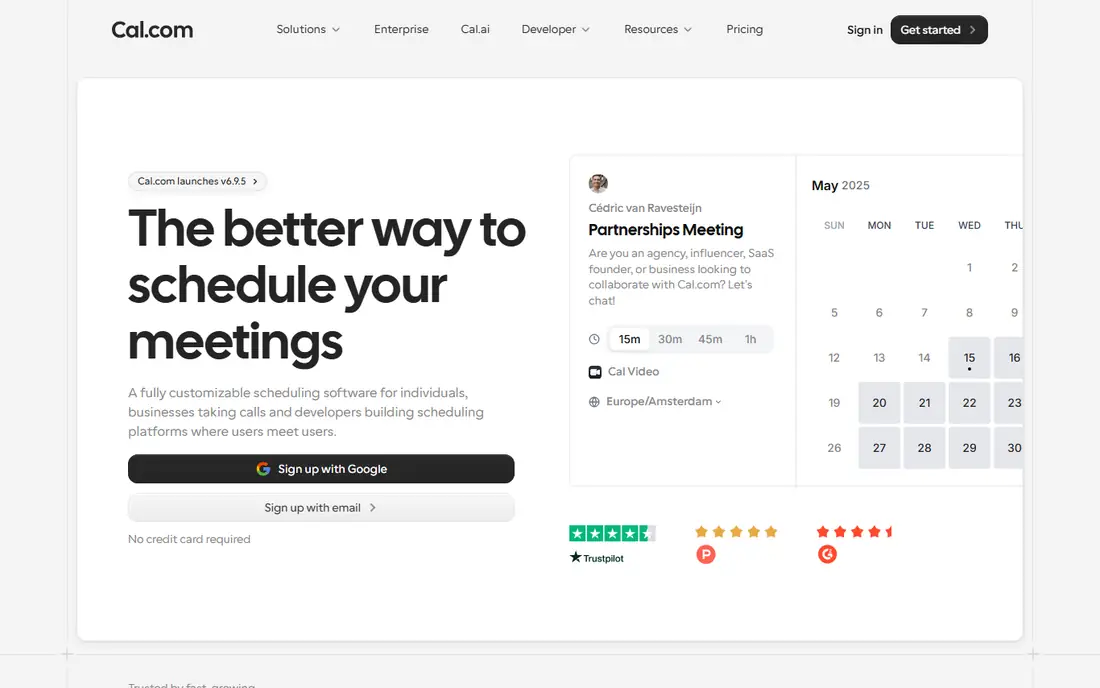
Cal.com is the strongest free alternative to Calendly by a clear margin. One user gets unlimited event types and calendar connections, plus payments through Stripe and PayPal, without paying anything. The Calendly import tool pulls over event types and availability rules in minutes, which removes the usual switching pain.
Paid Teams plans add round-robin routing, routing forms, and booking analytics. Larger organizations get SSO, provisioning, and compliance features on the top tier. The main drawback is that the admin side takes more learning than a one-page scheduler, but solo users and small teams rarely hit that wall.
What we like- Unlimited event types on the free plan
- Stripe and PayPal payments included free
- Calendly import tool
Watch out for- Team features need paid plans
- Admin setup takes longer than simpler tools
- Some advanced compliance sits on the top tier
Starting priceFrom $16 per month
Free planFree trial
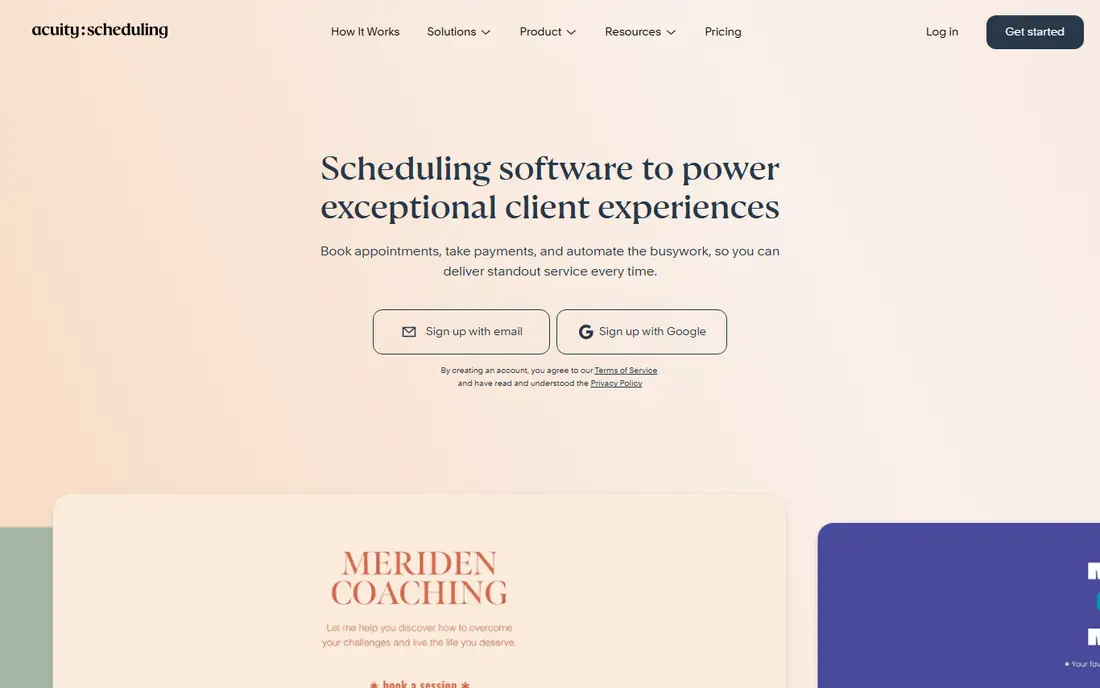
Acuity Scheduling, now part of Squarespace, is built for businesses that sell appointments rather than book internal meetings. Therapists, consultants, salons, and coaches get intake forms, package sales, and payment collection in one workflow. Flat monthly pricing means a growing team does not pay per seat, which keeps costs steady as staff grows.
The higher Powerhouse tier adds HIPAA support features that health and wellness practices need. Sales teams that want inbound lead routing will find Acuity less suited, since its strength is service workflows rather than lead assignment. For appointment-based businesses, though, it remains one of the most complete options.
What we like- Flat pricing, not per seat
- Intake forms and package selling
- Payments through Stripe, Square, or PayPal
Watch out for- No free plan, trial only
- Less suited to sales lead routing
- Interface feels dated in places
#3SavvyCal
Best for: Invitee-friendly booking links4.8/5 on
G2 (36 reviews, checked Oct 2026)
Visit savvycal.com
Starting priceFrom $10 per user/month
Free planNo
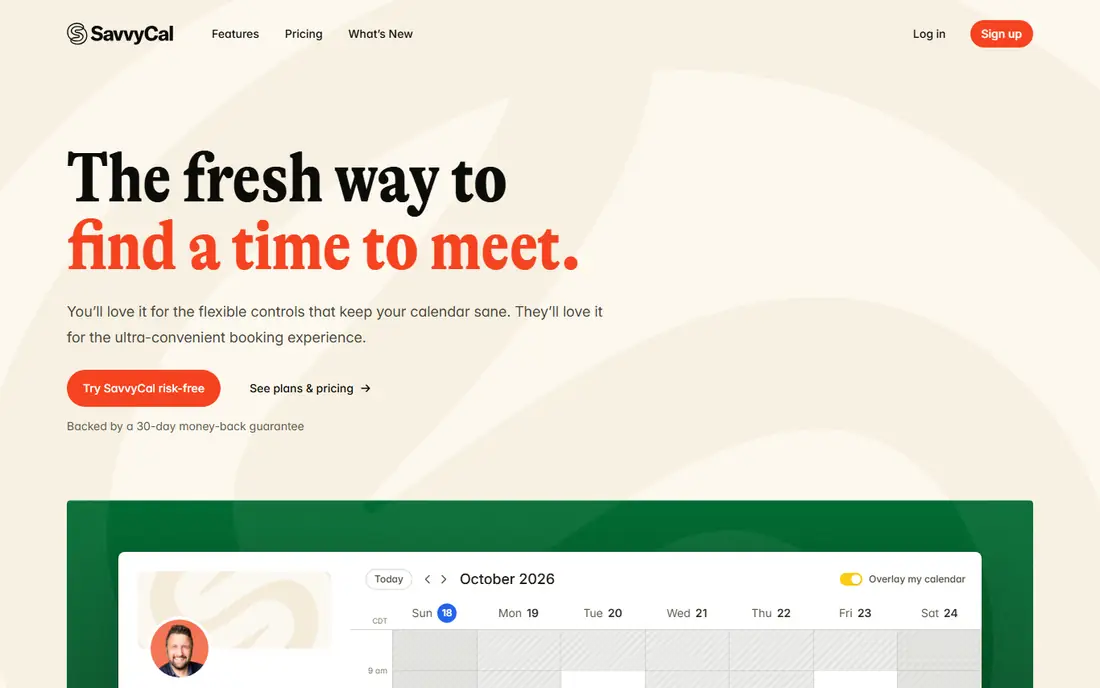
SavvyCal is built around one idea: booking should be easy for the person receiving the link. Its calendar overlay shows invitees their own calendar next to your availability, which removes the back-and-forth of checking times. Meeting polls and collective scheduling come on both paid plans.
The downside is the lack of a free plan. You can sign up and set things up, but sharing links requires paying. For teams booking calls with executives or high-value prospects, the smoother invitee experience can justify the cost through higher booking rates.
What we like- Calendar overlay shows invitee availability
- Meeting polls included
- Clean, focused interface
Watch out for- No free plan
- Links need a paid plan
- No SMS notifications
#4Doodle
Best for: Group scheduling polls4.4/5 on
G2 (2,071 reviews, checked Oct 2026)
Visit doodle.com
Starting priceFree; Pro from $11 per seat/month
Free planYes
Doodle solves a different problem from the rest of this list: finding a time that works for a group. Instead of sending one link, you send a poll and let everyone vote on times. That workflow is ideal for coordinating across companies, where nobody shares a calendar system.
Doodle also offers booking pages, but teams that need deep automation or CRM routing will outgrow it. Think of Doodle as a complement to a main scheduler rather than a replacement, especially for teams that often coordinate with outside groups.
What we like- Best group polling workflow
- Simple for people outside your company
- Booking pages included
Watch out for- Not a full scheduling replacement
- Paid plans cost more than simpler tools
- Limited automation
#5TidyCal
Best for: One-time payment value4.7/5 on
G2 (25 reviews, checked Oct 2026)
Visit tidycal.com
Starting price$29 one-time
Free planYes
TidyCal is the budget pick that ends the subscription question entirely. One payment of $29 buys the individual plan for life, with 10 calendar connections, Zoom and Teams integrations, and Zapier access. The free plan already includes unlimited bookings and booking types, which beats many paid tiers elsewhere.
The trade-off is intentional simplicity. There is no round-robin routing and fewer deep CRM integrations than Cal.com or Acuity. Solo operators, consultants, and small teams that want scheduling handled quietly and cheaply will find TidyCal hard to beat on value.
What we like- Lifetime price, no monthly fee
- Unlimited bookings on the free plan
- Zoom and Teams on paid plans
Watch out for- No round-robin routing
- Fewer CRM integrations
- Simpler feature set overall
#6Setmore
Best for: Free scheduling for small teams4.5/5 on
G2 (270 reviews, checked Oct 2026)
Visit setmore.com
Starting priceFree; Pro from $5 per user/month
Free planYes
Setmore offers one of the most generous free team plans in scheduling. Up to four users can share the free plan, which suits small service teams that need a booking page and a shared calendar. Pro costs only $5 per user per month and adds more capacity and features.
Larger or more complex teams will hit limits on integrations and routing. A health add-on provides a signed agreement for HIPAA needs, which helps small clinics. For a small team that wants free scheduling without fuss, Setmore is a strong starting point.
What we like- Free plan covers up to 4 users
- Low Pro price
- Payment processing included
Watch out for- Limited CRM integrations
- No advanced routing
- Feature set is not deep
#7SimplyBook.me
Best for: High-volume bookings4.4/5 on
G2 (113 reviews, checked Oct 2026)
Visit simplybook.me
Starting priceFree; paid plans from $11.90 per month
Free planYes
SimplyBook.me prices by how many bookings you take, not by how many staff you have. That model suits salons, clinics, and studios with many part-time staff but a predictable booking volume. The free plan covers 50 bookings a month, and paid tiers scale to 2,000 bookings with compliance features.
Each tier limits how many add-on features you can activate, so you need to prioritize what matters. Setup also takes more care than a one-link scheduler. For high-volume service businesses, the volume-based pricing often works out cheaper than per-seat tools.
What we like- Pricing by booking volume, not users
- Free plan covers 50 bookings a month
- HIPAA and SSO on higher tiers
Watch out for- Add-on feature limits per tier
- Setup takes care
- Interface is busy
Starting priceFree; paid plans from $8.10 per month
Free planYes
YouCanBookMe is a straightforward scheduler for solo professionals who want a booking page without learning a platform. Setup takes minutes, the free plan includes one booking page, and paid plans stay affordable for individuals. Team plans exist for small groups that need shared scheduling.
The free plan limits are real, and power users will want more automation than YouCanBookMe offers. For coaches, tutors, and freelancers who mainly need a clean link to share, it does the job with little overhead and no learning curve to climb before your first booking goes out.
What we like- Simple setup for solo users
- One free booking page
- Team plans for small groups
Watch out for- Free plan limited to one page
- Fewer advanced features
- Branding removal needs a paid plan
How we chose
We compared tools on vendor pricing pages, comparison reviews, and community feedback, focusing on tools US buyers can use today. We favored tools with clear pricing, a free or trial option, and a distinct strength. We did not claim hands-on testing, and where prices conflicted across sources we used the most recent vendor-aligned figure or wrote See website.
How to pick the right scheduler
Start with who books with you. Solo professionals need a simple link and a low price. Service businesses need payments, intake forms, and package sales. Sales teams need routing that assigns leads to the right rep fast. Group coordinators need polls, not pages. Matching the tool to the booking pattern matters more than the feature count.
Then check the annual cost for your real team size. A $12 per seat tool costs $1,440 a year for ten people, while a flat $16 per month tool costs under $200. Also check calendar support: if your team uses iCloud, confirm the tool still supports it, since some vendors have dropped new iCloud connections. Finally, test the invitee view yourself. Book a test meeting through your own link and see how it feels, because a confusing booking page loses meetings no matter how good the admin side looks.
Also think about reminders and no-shows, which cost more than the subscription. Automated email and text reminders cut missed appointments sharply, and some tools charge extra for text messages, so check whether SMS is included or billed per message. Buffer times between meetings matter too. A scheduler that lets you add padding after each booking protects your day from back-to-back overload, and time zone detection prevents the classic mistake of booking a call at the wrong hour for an international client.
Integration depth is the last check. A scheduler that writes bookings into your CRM saves manual data entry and keeps client records complete. A scheduler that only sends a calendar invite leaves follow-up work to you. If you run paid appointments, confirm the payment flow: some tools take a cut on top of the payment processor fee, while others pass payments through at no extra charge. Those small percentages add up across hundreds of bookings a year.
Frequently asked questions
Is Cal.com really free?
Yes, for one user. The free plan includes unlimited event types and calendar connections plus payments, and it covers most solo scheduling needs well. Teams and advanced features need paid plans.
Which alternative is best for a salon or clinic?
Acuity Scheduling or SimplyBook.me. Both handle payments, intake forms, and high booking volumes, and both offer compliance options on higher tiers.
Do I need to pay for group scheduling?
No. Doodle offers free polls, and SavvyCal includes meeting polls on paid plans. For occasional group coordination, the free Doodle tier is enough.
Can I keep my Calendly event types when switching?
Cal.com offers an import tool that pulls over event types and availability rules. Other tools require manual setup, so budget an hour for migration. Take screenshots of your current event settings before you start, so you can rebuild buffers, limits, and confirmation messages exactly.
What happens if I cancel a paid scheduler?
Most tools keep your booking pages active until the billing period ends, then revert you to the free plan or close the pages. Export your booking history before cancelling, and tell regular clients about the new link in advance so nobody books a dead page.
Sources we checked (8)
- https://cal.com/pricing
- https://acuityscheduling.com/pricing
- https://savvycal.com/pricing
- https://doodle.com/pricing
- https://tidycal.com/pricing
- https://www.setmore.com/pricing
- https://simplybook.me/pricing
- https://youcanbookme.com/pricing
Is your product missing or out of date?
We review this list regularly. Vendors can request a listing, send updated pricing or ask about featured placement.

Shihab Mia · Founder, Rankite
Shihab has 5+ years in B2B and SaaS SEO. He writes Rankite's software buying guides from pricing pages, documentation and public user reviews. More about Shihab.