How we make this list: we compare pricing pages, product documentation and public user reviews. Ratings come from G2, Capterra or Trustpilot, with the date we checked them.
Key takeaways
- Widgetsmith is still the safest default for iPhone owners who want many widget types in one app, with most features free and a low-cost Premium tier.
- Color Widgets, iScreen, PhotoWidget, and WidgetClub suit people who want a finished look fast, with large libraries of ready-made themes, icons, and wallpapers.
- Widgetable and Pretty Progress cover the social and countdown niches that general widget apps handle poorly, including shared widgets with a partner or friend.
- KWGT is the only serious choice for Android users who want to design widgets from scratch, but it asks for more patience than any app on this list.
Quick comparison
| Tool | Best for | Starting price | Free plan |
|---|
 Widgetsmith Widgetsmith | Flexible custom widgets on iPhone | Free | Yes |
 Color Widgets Color Widgets | Ready-made themes and icon packs | Free | Yes |
 iScreen iScreen | All-in-one themes, icons, and wallpapers | Free | Yes |
 Widgetable Widgetable | Shared widgets with friends and partners | Free | Yes |
 PhotoWidget PhotoWidget | Photo-first widgets and matching themes | Free | Yes |
 WidgetClub WidgetClub | Themed widgets, icons, and 4K wallpapers | Free | Yes |
 KWGT KWGT | Building Android widgets from scratch | Free | Yes |
 Pretty Progress Pretty Progress | Countdown and progress bar widgets | Free | Yes |
Is your product missing or out of date?
We review this list regularly. Vendors can request a listing, send updated pricing or ask about featured placement.
Starting priceFree
Free planYes
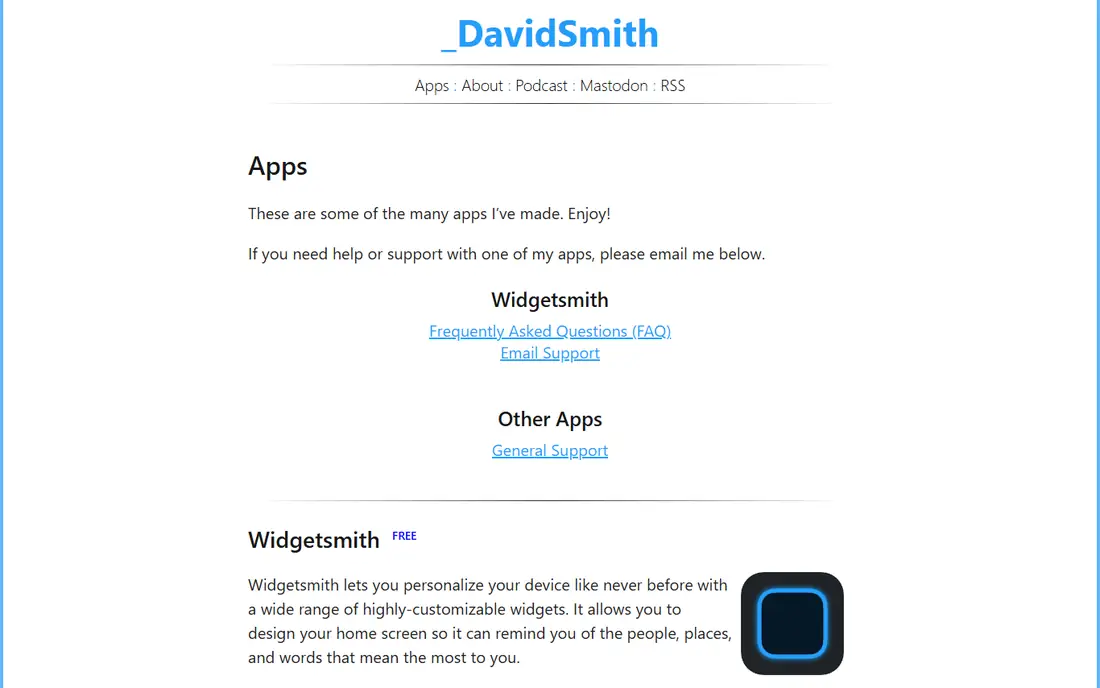
Widgetsmith remains the reference point for iPhone widgets because it covers so many jobs in one app. A single widget can show a photo in the morning, a calendar in the workday, and a countdown in the evening, thanks to scheduled rules that swap content by time of day. That scheduling is the feature most rivals lack, and it is the reason Widgetsmith still appears at the top of recommendation lists years after launch.
The free tier covers most of what a casual customizer needs, including photos, text, dates, and step data from Apple Health. Premium, which starts at $1.99 per month in the US App Store, adds weather with air quality and pollen, tide data, and extra widget styles. The catch is that deep customization takes time. Expect to spend twenty minutes on a first layout, and keep the developer's own page in mind as the support home, since Widgetsmith has no separate marketing site.
What we like- Wide widget types including photos, weather, calendar, and countdowns
- Time-based scheduling changes widgets through the day
- Works on Home Screen, Lock Screen, and Apple Watch
Watch out for- Premium is needed for weather and tide data
- The sheer number of options can slow down a first setup
Starting priceFree
Free planYes
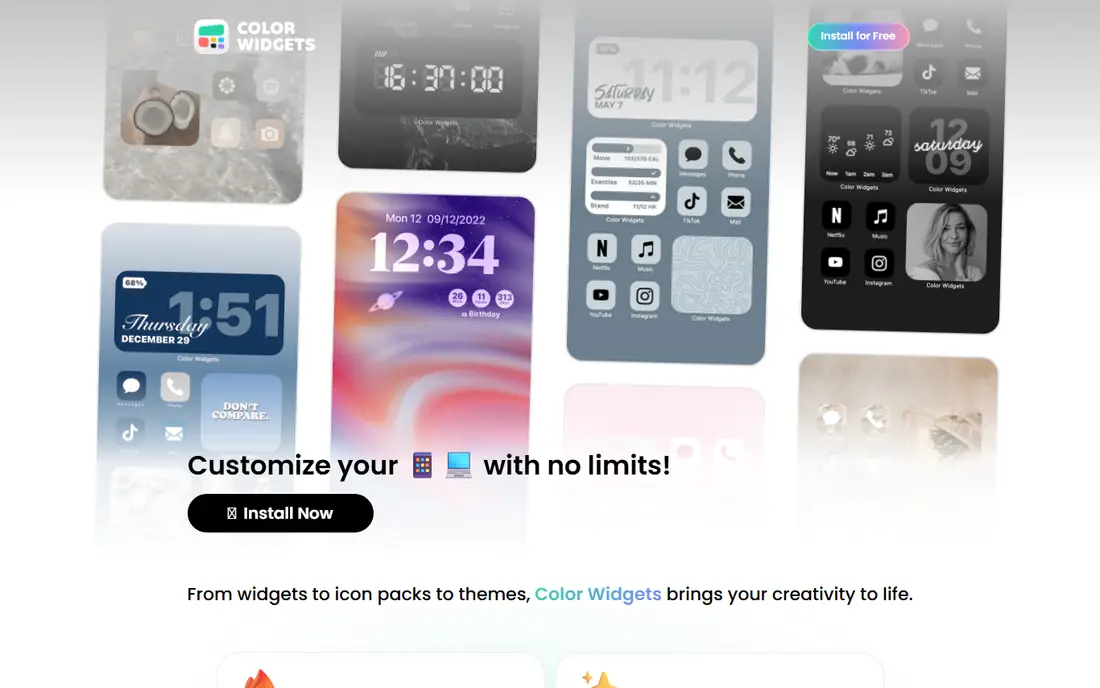
Color Widgets is the fastest route to a phone that looks designed rather than default. Instead of building widgets one by one, you pick a theme and apply matching widgets, icons, and wallpapers together. The catalog includes work from more than 15,000 community artists, so styles range from minimal and clean to bold and colorful, and new packs appear regularly.
The free tier is genuinely usable, with plenty of widgets available at no cost. Pro, which starts at $4.99 in the US App Store, opens the premium packs and removes the remaining limits. Color Widgets suits people who want a fresh look in ten minutes rather than a weekend project. It is less appealing if you want precise control over every pixel, since ready-made themes trade flexibility for speed.
What we like- Huge library of ready-made widgets and artist themes
- Matching icon packs and wallpapers
- Fast one-tap theme setup
Watch out for- Pro subscription needed for premium packs
- Some designs lean heavily toward a single aesthetic
Starting priceFree
Free planYes
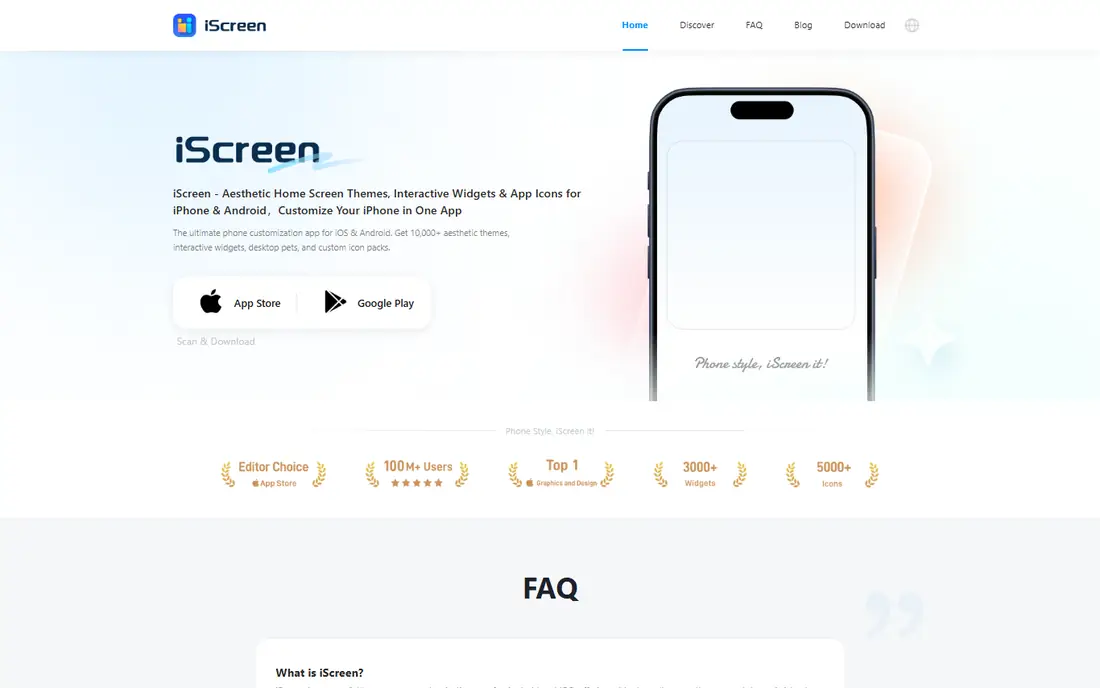
iScreen tries to be the only customization app you install. It bundles widgets, themes, icon packs, wallpapers, and Dynamic Island extras, with more than 10,000 themes and 500 widget styles claimed on its site. The standout extras are interactive widgets, such as desktop pets and distance widgets for couples, which turn the Home Screen into something playful rather than purely informational.
The free version covers basic themes and widgets, while a premium subscription opens the full catalog. iScreen is a strong pick for someone who wants everything coordinated, since widgets, icons, and wallpaper come from the same design language. The trade-off is choice overload. With thousands of themes, finding one you like can take longer than installing it, so use the search filters rather than scrolling from the top.
What we like- More than 10,000 themes plus icons and wallpapers in one app
- Interactive widgets including desktop pets
- Supports iOS and Android
Watch out for- Premium content sits behind a subscription
- The catalog size can make browsing feel endless
Starting priceFree
Free planYes
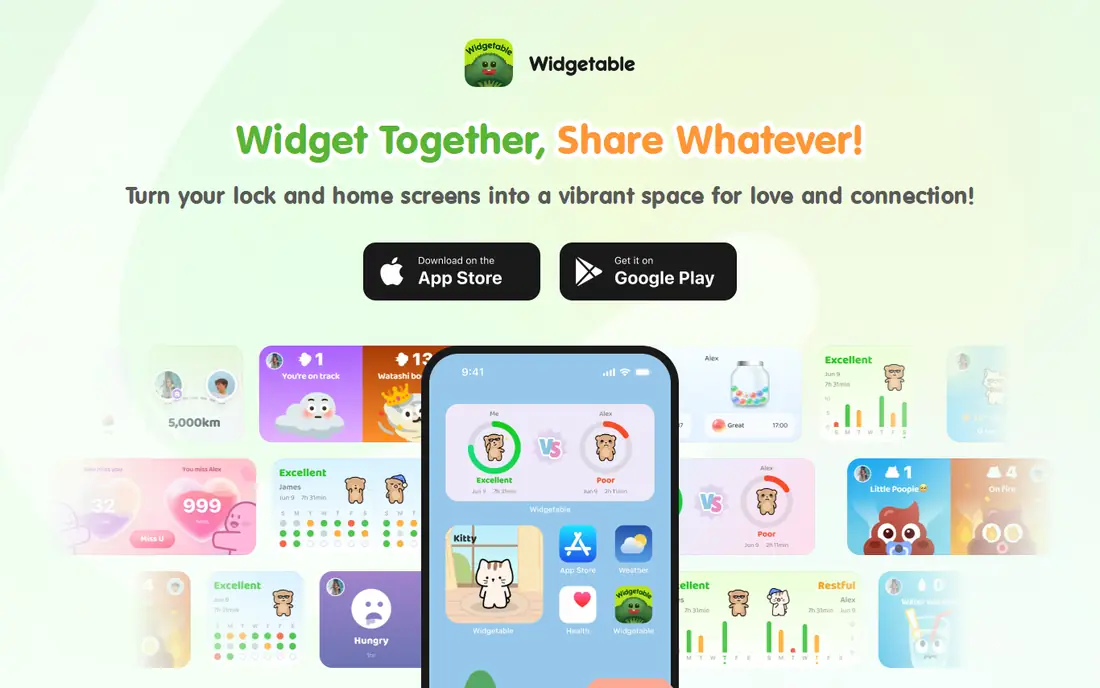
Widgetable answers a question other widget apps ignore: what if a widget belongs to two people? You connect with a friend or partner, then share a virtual pet you raise together, a mood bubble, a sleep widget, or a distance widget that shows how far apart you are. Tapping Pin It sends a photo, doodle, or short note straight to the other person's Home Screen, which feels more personal than another message in a chat app.
The app is free to start, with Premium at $19.99 per year in the US App Store for the full set of widgets and styles. Widgetable is not a general widget builder, and buyers should know that before installing. If you do not have someone to pair with, most of its charm disappears. For couples and close friends, though, it is the only app on this list built around a shared screen.
What we like- Widgets shared between two people, including pets, moods, and distance
- Playful features like Pin It surprises and Miss You counts
- Works on iOS and Android
Watch out for- Premium subscription needed for the full feature set
- Most widgets only make sense with a connected partner
Starting priceFree
Free planYes
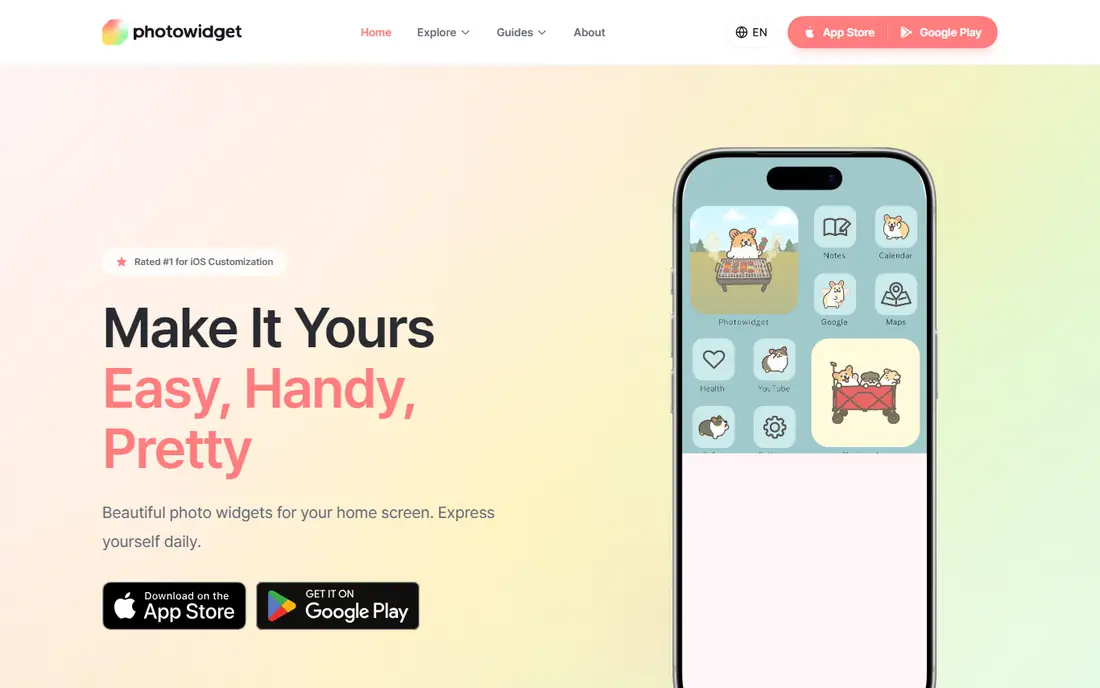
PhotoWidget, also styled PhotoWidget: Simple, starts from a simple idea: your favorite photos belong on your Home Screen. It offers photo widgets in several sizes, plus everyday widgets for calendars, clocks, countdowns, memos, to-do lists, and battery levels. Themes bundle matching widgets, icons, and wallpapers, so a photo-led layout still looks coordinated rather than thrown together.
The app is free, with premium content available through in-app purchases, and its site reports more than 60 million downloads. PhotoWidget fits people who want their phone to show people and places they care about, not just data. The honest catch is that the app has grown well past its original simple photo widget, and finding that basic widget among thousands of templates takes a little digging on first use.
What we like- Photo, calendar, clock, D-Day, memo, and battery widgets in one app
- Matching themes, icons, and wallpapers
- Large template library
Watch out for- Premium features sit behind in-app purchases
- The template catalog can bury the simple photo widget
Starting priceFree
Free planYes
WidgetClub takes the all-in-one approach and adds two ideas rivals mostly skip: group widgets and live wallpapers. A group widget lets you share photos with friends or family in a shared frame, and you can turn a video into a live wallpaper for the Lock Screen. The widget list covers the usual set, including weather, clocks, calendars, battery, countdowns, and notes, plus music, GIF, and horoscope widgets.
The app is free with in-app purchases for premium themes and icon packs, and it claims more than 10,000 icon packs. WidgetClub suits Android and iPhone owners who want a themed setup with minimal effort, since applying a theme handles widgets and icons together. Quality varies across such a large catalog, so preview a theme on your own wallpaper before committing to it.
What we like- Widgets, icon packs, and 4K wallpapers in one place
- Group widgets shared with friends
- Live wallpapers from video
Watch out for- Premium content behind in-app purchases
- Theme quality varies across the large catalog
Starting priceFree
Free planYes
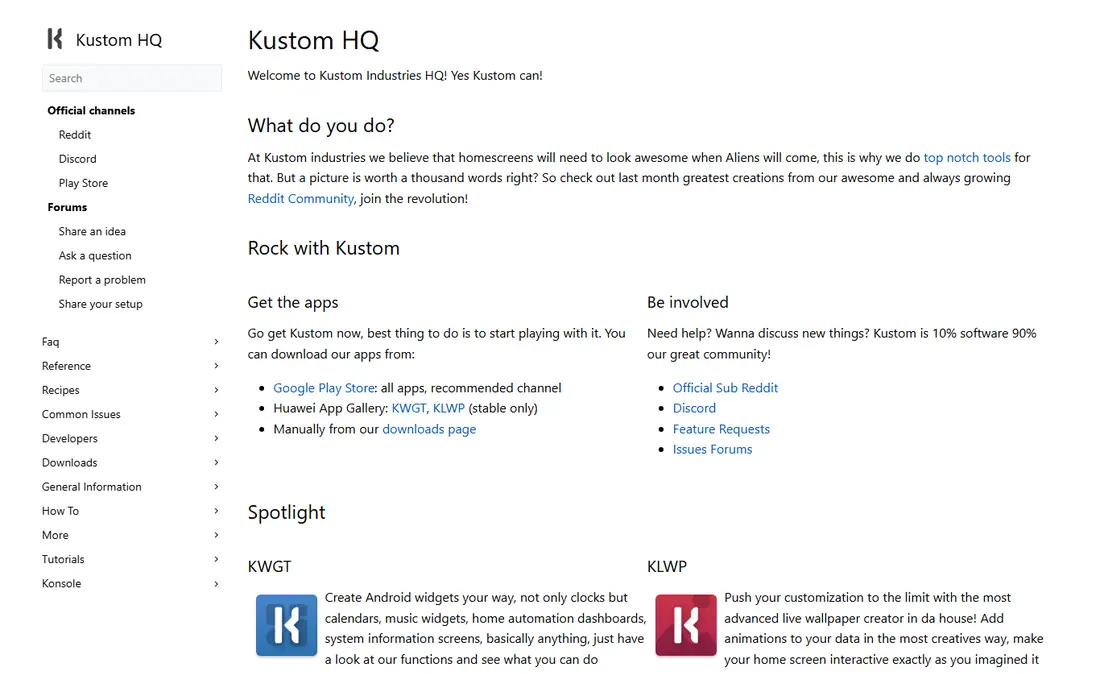
KWGT Kustom Widget Maker is in a different class from every other app here. It is a design tool, not a theme store. You place text, shapes, images, progress bars, and charts on a canvas, then drive them with formulas, variables, and live data from sources like RSS feeds, weather, music playback, and Tasker. The result can be a simple clock or a full home automation dashboard, and the active community shares presets for both.
The base app is free with ads, and KWGT Pro is a one-time purchase that removes ads and opens preset importing. KWGT is Android only, which rules it out for iPhone owners outright. It also demands patience: building a good widget from scratch takes an evening, and the formula system has a real learning curve. For Android users who enjoy that process, nothing else on this list comes close.
What we like- Full layout engine with layers, formulas, and variables
- Tasker integration and live data from RSS and web sources
- Huge community preset library
Watch out for- Android only
- Steep learning curve with a formula language to learn
Starting priceFree
Free planYes
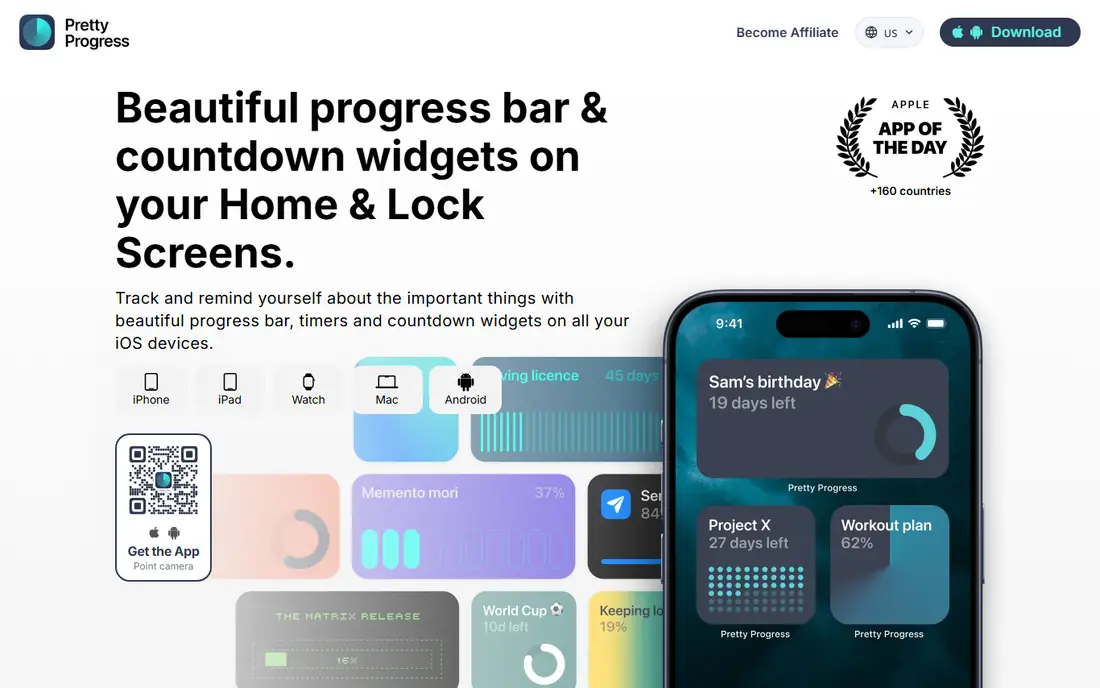
Pretty Progress does one thing and does it with unusual care. It turns goals, deadlines, trips, and habits into progress bars and countdowns that sit on the Home Screen, Lock Screen, Apple Watch, or Mac. You can import events from Calendar and tasks from Reminders, so a countdown to a trip or a deadline builds itself from plans you already manage elsewhere.
The app is free, with a PRO upgrade that opens most visual styles, including Swiss, Grid, Aqua, Retro OS, and Minimal themes. Pretty Progress is the right pick when the goal is motivation at a glance rather than decoration. Its limit is scope: it will not build you a calendar widget or a themed icon pack, and buyers who want a full makeover should pair it with one of the general apps above.
What we like- Beautiful progress bar and countdown widgets
- Imports events from Calendar and tasks from Reminders
- Works on iPhone, iPad, Watch, and Mac
Watch out for- Narrow focus, only countdowns and progress
- PRO needed for most visual styles
How we chose
We compared widget apps on the range of widget types, the quality of the free tier, how much work a good-looking setup takes, and whether each app is still actively maintained. Pricing came from App Store and Google Play listings and vendor pages checked in October 2026, and every homepage above was opened to confirm it loads and belongs to the product named. We favored apps that serve a clear job, from flexible building to shared widgets, over apps that only repackage the same theme catalog. Where a price could not be confirmed from the vendor, the field reads See website rather than a guess.
What to check before you install
Start with your phone, not the app store. iPhone owners get the most from Widgetsmith, Color Widgets, iScreen, PhotoWidget, and WidgetClub, while KWGT is Android only, so iPhone buyers should cross it off immediately. Next, decide how much work you want to do. Ready-made themes from Color Widgets or WidgetClub deliver a finished look in minutes, while Widgetsmith and KWGT reward people who enjoy building a layout piece by piece.
Then check the subscription math. Most of these apps are free to start, but the features that make them appealing, such as premium themes, weather data, or extra widget slots, sit behind subscriptions or one-time purchases. Add up the yearly cost of every customization app you install, since two or three small subscriptions can quietly pass the price of a single paid app. Finally, remember that widgets refresh on the system's schedule, not yours. Live data widgets, such as weather or stocks, update periodically, and a widget that looks stale usually reflects that refresh limit rather than a broken app.
Frequently asked questions
Are widget apps free?
Most widget apps on this list are free to download with a usable free tier. Premium subscriptions or one-time purchases open extra themes, widget slots, or data sources, so check what the free tier includes before paying.
Do widget apps drain battery?
Widgets use some battery because they refresh in the background, but the effect is usually small for a handful of widgets. Heavy setups with many live-data widgets, animations, or frequent refreshes will use more, so keep the count reasonable if battery life matters to you.
Can I use these apps on both iPhone and Android?
It depends on the app. Widgetsmith, Color Widgets, and Pretty Progress are Apple-focused, KWGT is Android only, and iScreen, Widgetable, PhotoWidget, and WidgetClub support both platforms with some feature differences.
Will widgets slow down my phone?
A normal set of widgets has little effect on speed. Problems usually come from very large widgets, animated wallpapers, or dozens of widgets on one screen, especially on older phones with less memory.
What is the difference between Widgetsmith and Color Widgets?
Widgetsmith focuses on building flexible custom widgets with scheduling, while Color Widgets focuses on applying ready-made themes, icons, and wallpapers quickly. Pick Widgetsmith for control and Color Widgets for speed.
Can I share widgets with someone else?
Yes, with the right app. Widgetable is built for shared widgets between two people, and WidgetClub offers group widgets for friends and family. Most other widget apps keep widgets on one device only.
Sources we checked (9)
- https://david-smith.org/apps/
- https://colorwidgets.app
- https://www.iscreenapp.com
- https://widgetable.net/
- https://photowidget.net/
- https://widget-club.com/
- https://kustom.rocks/
- https://prettyprogress.app
- https://www.thetechbasket.com/best-widget-apps-for-iphone/
Is your product missing or out of date?
We review this list regularly. Vendors can request a listing, send updated pricing or ask about featured placement.

Shihab Mia · Founder, Rankite
Shihab has 5+ years in B2B and SaaS SEO. He writes Rankite's software buying guides from pricing pages, documentation and public user reviews. More about Shihab.