How we make this list: we compare pricing pages, product documentation and public user reviews. Rankite is independent; if a vendor ever pays for a featured spot, that listing is clearly labeled Partner.
Key takeaways
- WordPress still gives you the most control over schema, redirects and site architecture, but it only performs if you stay disciplined about hosting and plugins.
- Webflow is the closest hosted alternative to WordPress for technical SEO, with clean code output and native schema control, at a higher learning curve.
- Wix and Squarespace can rank well for small business sites; their limits show up when a strategy needs custom structured data or granular crawl rules.
- Shopify is the safe pick for product SEO, though its fixed URL structure for products and collections forces workarounds for some permalink strategies.
- Ghost is the standout for publishing-heavy sites, with fast pages and a first-class blog out of the box, starting around $9 a month on Ghost(Pro).
Quick comparison
| Tool | Best for | Starting price | Free plan |
|---|
 WordPress.org WordPress.org | Maximum SEO control | Free (self-hosted; hosting costs extra) | Yes |
 Webflow Webflow | Designer-built sites with clean code | $14/month (billed annually) | Yes (Starter) |
 Wix Wix | Small businesses wanting an all-in-one editor | $17/month (billed annually) | Yes |
 Squarespace Squarespace | Design-led brand sites | $19/month (billed annually) | Free trial (14 days) |
 Shopify Shopify | Ecommerce product SEO | $39/month (billed monthly) | Free trial (3 days) |
 HubSpot Content Hub HubSpot Content Hub | Companies already on HubSpot CRM | $20/seat/month (billed annually) | Yes |
 Duda Duda | Agencies building client sites at scale | $19/month (billed annually) | Free trial (14 days) |
 Framer Framer | Fast marketing sites for startups | See website | Yes |
 Ghost Ghost | Blogs and content publishers | See website | No (self-host option) |
 Hostinger Website Builder Hostinger Website Builder | Cheapest way to launch a site | ~$3/month (intro pricing) | No |
Is your product missing or out of date?
We review this list regularly. Vendors can request a listing, send updated pricing or ask about featured placement.
The most repeated myth in this category is that you cannot rank on a hosted builder, so WordPress is the only real option. That was more true in 2016 than it is now. Wix has a redirect manager, robots.txt access and structured data controls. Squarespace ships automatic sitemaps and clean mobile templates. Google indexes and ranks sites on these platforms every day, and plenty of small businesses hold page one with them.
The honest version of the story is subtler. Ranking is possible on all ten platforms here. What changes is the ceiling. When your SEO strategy calls for custom schema types, granular crawl budget rules, hreflang across twenty markets or a content architecture that goes five levels deep, the hosted builders start saying no while WordPress and Webflow say yes. The platform matters less than the strategy you plan to run on it.
So start from your strategy, not the logo. A local dental practice publishing twelve service pages a year does not need WordPress's ceiling; it needs something the owner can update without calling a developer. A media company publishing two hundred articles a month needs the opposite. Pick the platform that matches the ambition of your content plan, then judge every option below by how much friction it puts between you and publishing.
Starting priceFree (self-hosted; hosting costs extra)
Free planYes
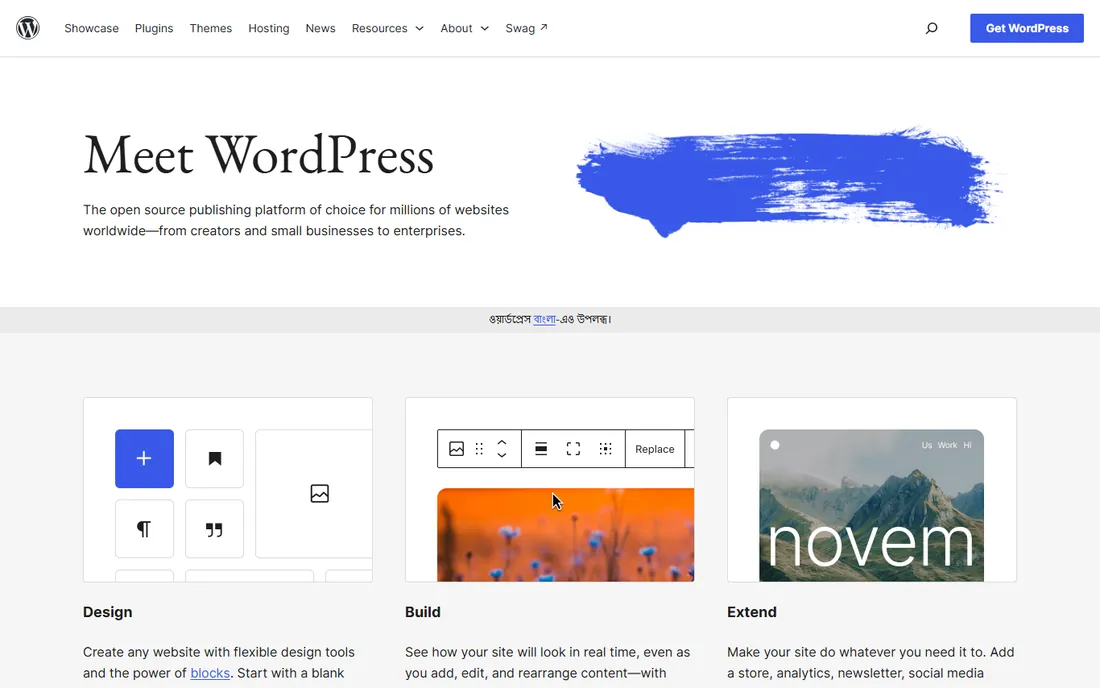
WordPress is the benchmark everything else gets compared against for a reason. It exposes the entire technical layer: custom schema types through plugins or code, complete URL control, XML sitemaps, redirect managers, multilingual setups with WPML or Polylang, and a plugin ecosystem that has an answer for nearly every SEO edge case. For content-heavy sites and advanced strategies, nothing in this list matches its flexibility.
The catch is that WordPress gives you freedom and bills you in maintenance. A slow theme, a bloated page builder or a dozen half-abandoned plugins will drag your Core Web Vitals down, and Google notices. Budget real money for managed hosting, keep the plugin count low, and plan for someone to handle updates. WordPress rewards discipline and punishes neglect, which is why it fits teams with either technical skill in-house or a retained developer.
What we like- Full control over schema, redirects, robots.txt and site architecture
- Largest plugin ecosystem including Rank Math and Yoast
- Portable site that can move hosts
Watch out for- Speed depends entirely on hosting and theme choices
- Plugin conflicts and update maintenance fall on you
- Security is your responsibility
Starting price$14/month (billed annually)
Free planYes (Starter)
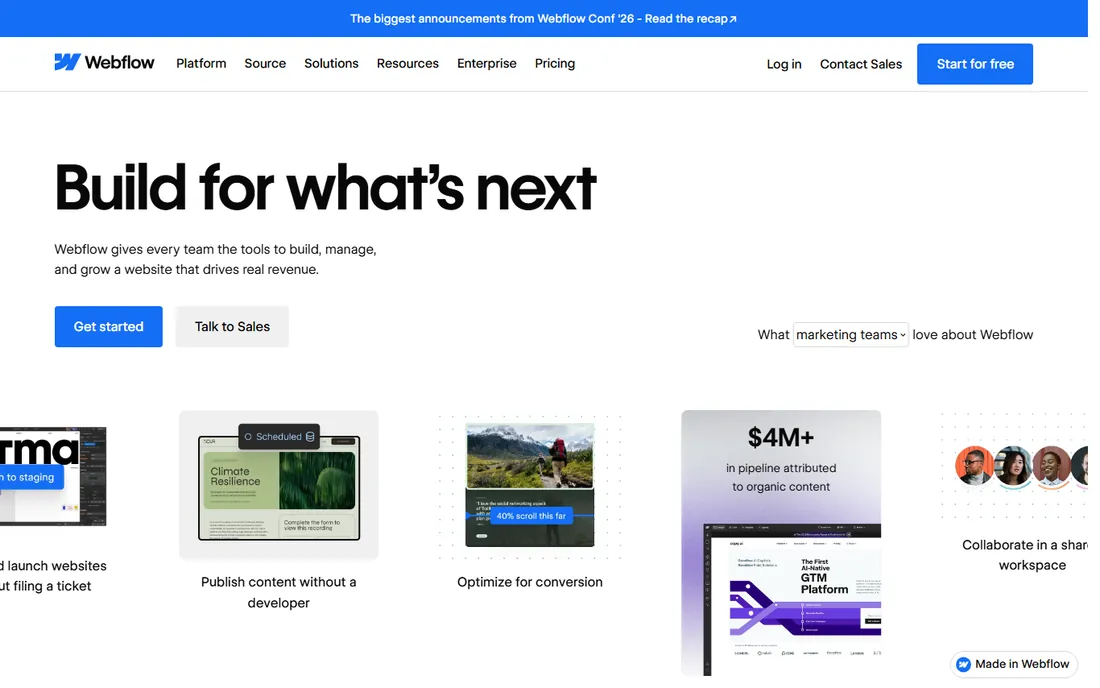
Webflow is the platform agencies reach for when they want WordPress-level technical SEO without managing servers. The code output is genuinely clean, hosting is included with a global CDN, and the SEO panel gives you per-page control of titles, descriptions, Open Graph tags, schema markup and canonicals. For marketing sites where design quality and search performance both matter, it is the strongest hosted option.
Watch the pricing structure before you commit. Every live site needs its own Site Plan, and a blog needs the CMS tier or higher, so a small portfolio of client or company sites adds up fast. The legacy Editor is being retired in 2026 in favor of the newer CMS editing experience, which changes how non-technical editors update content. Best fit: design-led teams that publish regularly and can absorb the per-site pricing.
What we like- Clean semantic HTML output with fast AWS hosting
- Native schema, redirect and robots.txt controls
- Visual CMS that marketers can use without breaking design
Watch out for- Steeper learning curve than drag-and-drop builders
- Site plans are per project so costs stack with each site
- No code export on hosted plans, so leaving means rebuilding
#3
Wix
Best for: Small businesses wanting an all-in-one editor
Visit wix.com
Starting price$17/month (billed annually)
Free planYes
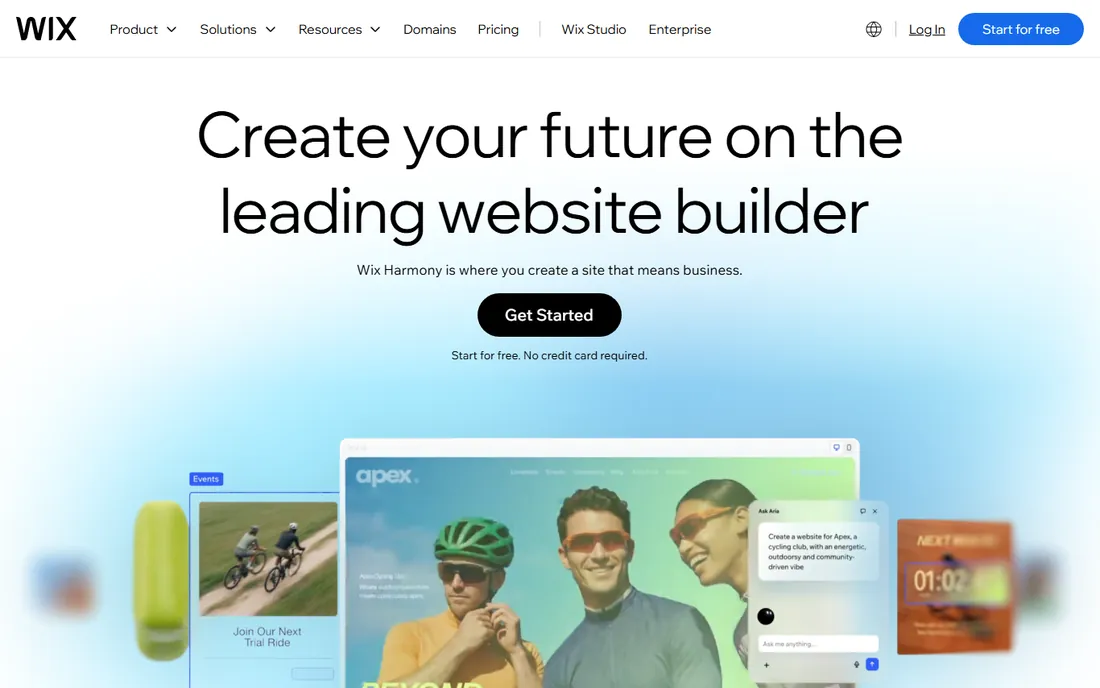
Wix has spent years closing the SEO gap its critics point to, and the 2026 version is a legitimate option for small business sites. The SEO Wiz setup flow, automatic sitemaps, bulk meta editing and an app market for extras cover the fundamentals well. For a local service business that needs a site, booking and a small store in one place, the Core plan at $29 a month is reasonable value.
The honest limitation is structural, not a conspiracy against rankings. Pages carry more JavaScript weight than hand-built alternatives, and you cannot take the site with you if you leave. Businesses that outgrow Wix tend to graduate to WordPress, and that rebuild is the real cost of the platform. Choose Wix for speed of launch, not as a forever home.
What we like- Built-in SEO Wiz walks beginners through setup
- Redirects, structured data and robots.txt editing included
- Free plan lets you test before paying
Watch out for- Page code is heavier than Webflow or Ghost, which can hurt speed scores
- No real site export, so migration means a full rebuild
- Lower plans cap storage
Starting price$19/month (billed annually)
Free planFree trial (14 days)

Squarespace is the choice for businesses where the site is mostly presentation: portfolios, studios, restaurants, boutiques. Templates are consistently the best-looking in the category, and the SEO basics are handled quietly in the background. If the content plan is a steady blog plus service pages, it holds up fine in search.
Where it frustrates SEO specialists is the missing middle layer. Redirect options are limited, schema markup is not directly editable, and robots.txt control is minimal. Squarespace assumes you will not need those things, and for many small sites that assumption is correct. If your strategy might need them within two years, pick a platform with a higher ceiling.
What we like- Beautiful templates that look good with no effort
- Automatic sitemaps and clean mobile output
- Blogging is genuinely solid out of the box
Watch out for- No free tier, only a 14-day trial
- Weaker redirect management and no direct schema control
- Integrations are thinner than Wix or WordPress
Starting price$39/month (billed monthly)
Free planFree trial (3 days)

Shopify owns ecommerce SEO because it removes the infrastructure questions entirely. Hosting, security, speed and structured data for products are handled, which lets a small store focus on category pages, product content and link building. The 2026 plans run $39 to $399 a month on monthly billing, with the middle plan renamed Grow, and new stores get a 3-day trial followed by $1 a month for the first three months.
The URL rigidity is the real gripe. Products live under /products/ and collections under /collections/ with no way to change that path structure, which forces workarounds for certain international or taxonomy strategies. Blogging exists but feels secondary. If you sell products, Shopify is still the default answer; if you publish as much as you sell, pair it with a stronger content platform or look at Webflow.
What we like- Automatic sitemaps, SSL and mobile optimization out of the box
- Product schema and clean category structures built in
- 24/7 support on every plan
Watch out for- Fixed URL structure for products and collections limits permalink strategy
- Blog is serviceable but not a strength
- App costs stack on top of the subscription
Starting price$20/seat/month (billed annually)
Free planYes

Content Hub makes sense in exactly one situation: your company already runs on HubSpot and wants the website inside the same system. The payoff is personalization and reporting that connect page views to contacts and deals, plus SEO recommendations that reference your actual content. Starter at $20 per seat per month is approachable; Professional at $500 a month is a different conversation.
As a pure website platform judged only on SEO, it is mid-table. The builder is less flexible than its rivals, and the value only appears when the CRM data flows through it. Companies choosing HubSpot for the website alone usually overpay. Choose it for the system, not the site.
What we like- Website, blog and landing pages share data with the CRM
- Built-in SEO recommendations tied to your contacts
- Reliable hosting with no server work
Watch out for- Design flexibility lags behind Webflow and WordPress
- Costs climb quickly past Starter
- Leaving HubSpot means rebuilding elsewhere
#7
Duda
Best for: Agencies building client sites at scale
Visit duda.co
Starting price$19/month (billed annually)
Free planFree trial (14 days)
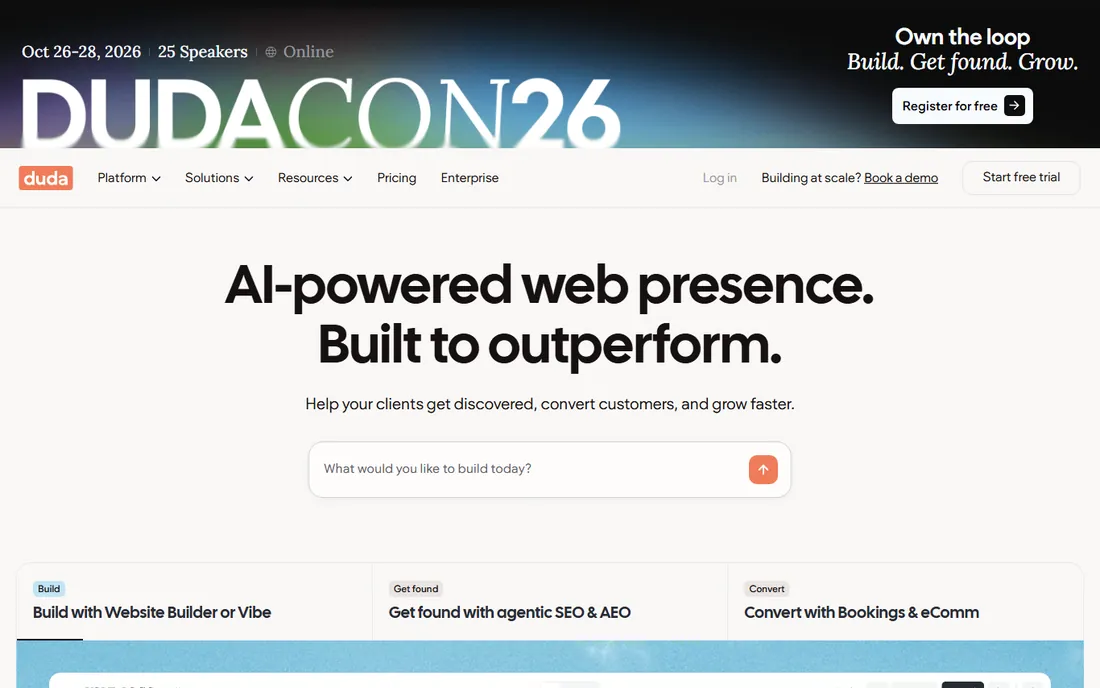
Duda is the quiet specialist of this list. It is built for freelancers and agencies shipping sites for clients: white labeling, client permissions, reusable sections, and dynamic pages fed from data sources. The SEO toolkit covers the essentials, and hosting on AWS keeps pages fast. Plans start at $19 a month billed annually for one site.
For a single business website, Duda is rarely the best pick. You pay agency-grade pricing for collaboration features you will never open, and Wix or Squarespace will feel simpler. But if you are an agency standardizing twenty client sites on one platform, Duda's management layer saves real hours every month, and that is the buyer it is designed for.
What we like- Built for agencies with client management and white labeling
- Fast AWS hosting with strong uptime
- Solid SEO controls including schema and redirects
Watch out for- Aimed at agencies, so single-site owners overpay for features they will not use
- No free plan
- Ecommerce needs add-ons
Starting priceSee website
Free planYes

Framer has become the landing spot for teams fleeing Webflow's pricing complexity. The editor feels like Figma, animations run natively on the canvas, and sites ship fast with genuinely quick load times. For a startup marketing site or a SaaS homepage with a docs section, it delivers comparable visual output to Webflow at simpler per-site pricing.
The tradeoff is content depth. The CMS handles marketing-scale content fine but is not built for a thousand-article library, and there is no real ecommerce story. Framer suits companies whose site is a selling surface rather than a publishing engine. Pair it with Shopify if you need both.
What we like- Designer-grade output with a Figma-like canvas
- Fast page loads and simple pricing
- AI-assisted first drafts speed up launches
Watch out for- CMS is lighter than Webflow's for large content libraries
- Weak for ecommerce
- Localization and advanced SEO need higher tiers
Starting priceSee website
Free planNo (self-host option)
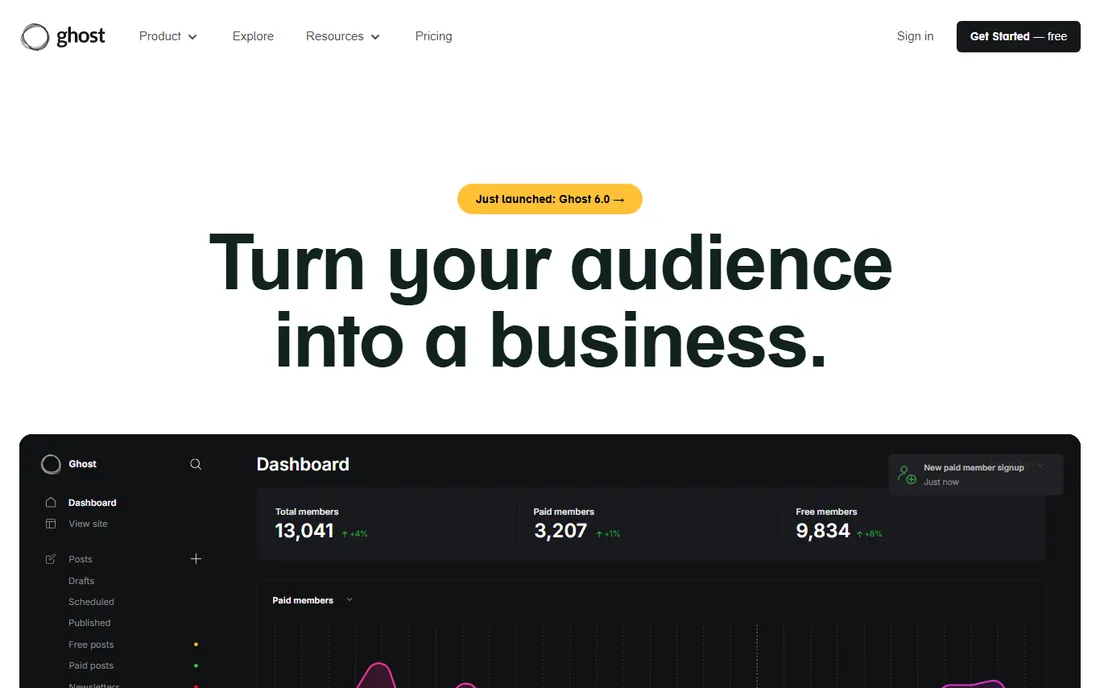
Ghost is what you get when a platform is designed by people who publish for a living. The editor is the best in this list, newsletters and paid memberships are native, and pages are fast without optimization work. For SEO, speed plus a real content workflow is a potent combination, and the markup is clean by default.
It is not a website builder in the Wix sense. Building a complex marketing site with varied landing pages is harder here, and the theme and integration ecosystem is a fraction of WordPress's. Ghost fits publishers, newsletters and company blogs where the article is the product. Run the marketing site elsewhere if you need heavy custom design.
What we like- Publishing-first platform with best-in-class editor and newsletters
- Very fast pages out of the box
- Clean semantic markup loved by technical SEOs
Watch out for- Not a general website builder, page design options are narrower
- Themes and integrations are fewer than WordPress
- Managed hosting starts above budget-builder prices
Starting price~$3/month (intro pricing)
Free planNo

Hostinger wins on one metric: cost. Intro pricing around $3 a month makes it the cheapest path to a live site with a custom domain, and the AI builder produces a workable first draft in minutes. For a side project, a test site or a business that just needs to exist online, the value is hard to argue with.
Expect a thinner SEO toolkit than anything above it. Meta controls and sitemaps are present, but advanced work like custom schema or detailed crawl rules is limited, and intro prices renew higher. Treat Hostinger as a launchpad. If the site starts earning, plan a move to a platform with a higher ceiling rather than fighting the builder's limits.
What we like- Lowest entry price in this list by a wide margin
- AI-assisted site generation gets you live quickly
- Hosting and builder bundled in one bill
Watch out for- Basic SEO toolset with fewer advanced controls
- Template depth is thinner than the leaders
- Renewal prices rise after the intro period
What to weigh before you commit
Start with the content plan, not the feature list. A platform decision that ignores publishing volume is how companies end up on WordPress for a ten-page brochure site or on Squarespace for a two-hundred-article content program. Write down how many pages you will publish per month, who will publish them, and whether that person can handle anything technical. Then match the platform to that reality.
Speed is the ranking factor most buyers underestimate. Google's Core Web Vitals reward fast pages, and the platforms differ enormously in how much speed they give you for free. Webflow, Ghost and Framer ship fast pages with little effort. WordPress speed is entirely your construction project: good hosting plus a light theme gets you there, a heavy page builder does not. Wix and Squarespace sit in the middle, fast enough for most small sites but harder to tune when scores slip.
Contracts and exit costs deserve a line in your spreadsheet. Hosted builders are rentals: stop paying and the site disappears, and most offer no code export. WordPress and Ghost self-hosted are assets you own and can move. If there is any chance you outgrow the platform in three years, price the rebuild now, because migrations from closed platforms are measured in weeks and developer invoices.
Finally, check the integration list for tools you already pay for. A platform with native connections to your CRM, email tool and analytics saves more staff time than any single SEO feature. The best platform for SEO is the one your team will actually publish on, consistently, for years.
How we built this shortlist
We started from vendor pricing pages and documentation, then cross-checked features against public reviews on G2 and Capterra and practitioner discussions on Reddit. Every price above comes from a published plan page or a current 2026 pricing breakdown, and anything we could not confirm is marked as See website. We scored platforms on the SEO fundamentals that move rankings: meta and title control, XML sitemaps, redirect management, robots.txt access, schema markup options, page speed, mobile output and blogging strength.
We did not claim hands-on testing of any platform. We weighted fit for small and mid-size US companies, which is why enterprise-only platforms and pure landing page tools did not make the cut. Where plans changed names in 2026, such as Shopify's middle tier becoming Grow, we used the current naming.
The platform you choose sets the price of leaving it. Closed builders like Wix, Squarespace and Duda do not export a working site, so a migration means rebuilding pages and templates from scratch, then mapping every old URL to a new one with 301 redirects. For a fifty-page site that is a few weeks of work; for a five-hundred-page site it is a project with a five-figure budget.
Two costs surprise people. First, redirect mapping is manual and error-prone, and missed redirects leak the link equity you spent years earning. Second, traffic almost always dips for a few weeks after a migration while Google recrawls, so plan the move for a quiet season and keep the old site's redirect file live for at least a year. The cheapest migration is the one you never need, which is another reason to buy the ceiling you will need in three years, not the one you need today.
Frequently asked questions
Is WordPress really better for SEO than Wix or Squarespace?
It gives you more control, which is only an advantage if you use it. A well-run Wix site with a real content plan will outrank a neglected WordPress site with a slow theme and no updates. WordPress wins on ceiling, not on autopilot.
Do I need to know code to rank well on these platforms?
No. Every platform here lets you control titles, descriptions, headings and image alt text without code. Code only becomes necessary for advanced work like custom schema or template-level speed fixes, and that is where Webflow or WordPress pull ahead.
Which platform is fastest for Core Web Vitals?
Out of the box, Ghost, Webflow and Framer usually score highest because they ship lean code and managed hosting. WordPress can match them with good hosting and a light theme, but it can also score terribly with a heavy page builder. Wix and Squarespace are adequate for small sites.
Can I migrate my site to another platform later without losing rankings?
You can, but it takes planning. Rebuild the pages, map every old URL to the new URL with 301 redirects, keep the redirect file live for a year, and expect a temporary traffic dip while Google recrawls. Migrations off closed platforms cost more because there is no export.
Is Shopify bad for SEO because of its URL structure?
Not bad, just rigid. The fixed /products/ and /collections/ paths limit some permalink strategies, but Shopify stores rank extremely well with strong category pages, product content and links. The URL structure is a constraint to work around, not a reason to avoid the platform.
Should a local business just use the cheapest option?
If the site is a digital business card with a few pages, yes, price matters more than SEO features. The expensive platforms earn their keep when you publish content regularly or compete in a crowded market. Match the spend to the ambition of the content plan.
Sources we checked (12)
- https://www.wix.com/plans
- https://www.squarespace.com/pricing
- https://webflow.com/pricing
- https://www.shopify.com/pricing
- https://www.hubspot.com/pricing/content-hub
- https://www.duda.co/pricing
- https://www.framer.com/pricing
- https://ghost.org/pricing
- https://www.hostinger.com/website-builder
- https://wordpress.org/hosting
- https://distribb.io/blog/squarespace-vs-wordpress-vs-wix-the-ultimate-2025-guide-for-choosing-your-website-builder
- https://www.fuzen.io/posts/website-builder-with-seo-built-in
Is your product missing or out of date?
We review this list regularly. Vendors can request a listing, send updated pricing or ask about featured placement.

Shihab Mia · Founder, Rankite
Shihab has spent more than a decade helping SaaS and e-commerce brands grow through search. He writes Rankite's software buying guides from pricing pages, documentation and public user reviews. More about Shihab.