How we make this list: we compare pricing pages, product documentation and public user reviews. Ratings come from G2, Capterra or Trustpilot, with the date we checked them.
Key takeaways
- Flowx and Weawow are free and ad-free, while MyRadar, Overdrop, WeatherPro, and RainViewer remove ads on a paid tier.
- RadarScope is the only one-time purchase on this list, at $9.99, and it carries no ads or trackers.
- Hello Weather is the best pick for readers who want a simple daily forecast with strong privacy habits.
- If rain timing matters most, RainViewer Essential at $19.99 per year gives an ad-free radar with 2-minute updates.
Quick comparison
| Tool | Best for | Starting price | Free plan |
|---|
 Flowx Flowx | Model maps without ads | Free | Yes |
 Weawow Weawow | Photo-led forecasts | Free | Yes |
 MyRadar MyRadar | Fast free radar | $5.99 one time | Yes |
 RadarScope RadarScope | Professional radar | $9.99 one time | No |
 Hello Weather Hello Weather | Simple daily forecasts | See website | Yes |
 Overdrop Overdrop | Weather widgets | $1.99 per month | Yes |
 WeatherPro WeatherPro | Long-range forecasts | $0.99 per month | Yes |
 RainViewer RainViewer | Precise rain timing | $19.99 per year | Yes |
Is your product missing or out of date?
We review this list regularly. Vendors can request a listing, send updated pricing or ask about featured placement.
The best weather app without ads
Starting priceFree
Free planYes
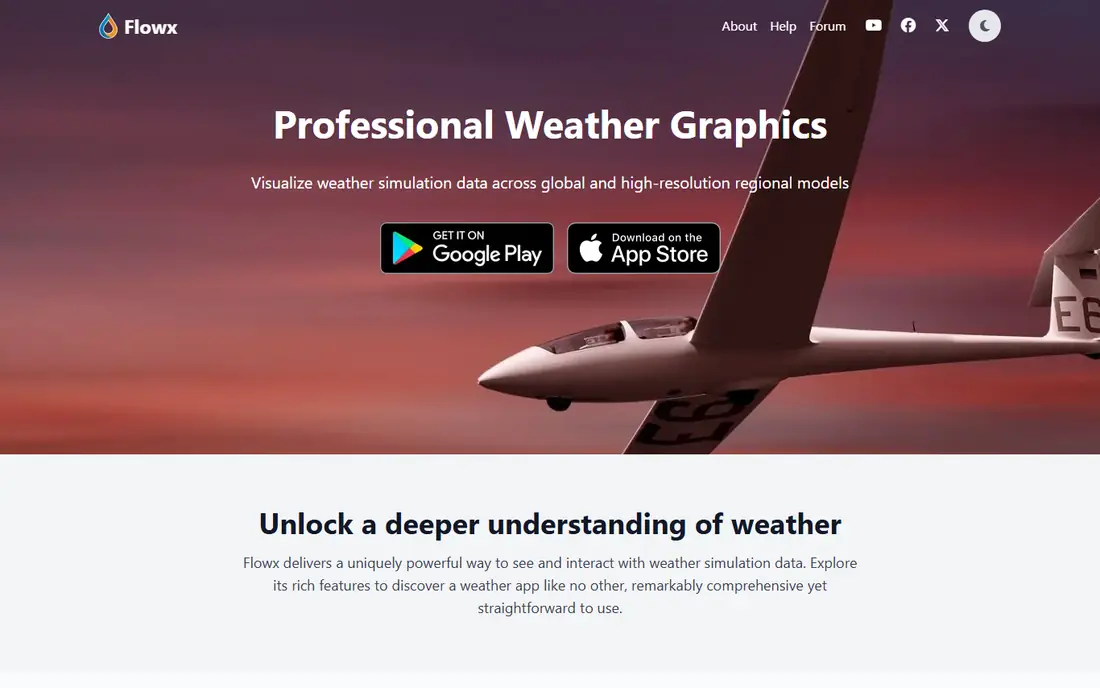
Flowx is the rare weather app that states its position plainly on its homepage: no ads, no tracking, and a privacy-first approach. It is free, and it shows weather in motion with swipe animations that let you glide through time and watch fronts move. The model list is deep, with global models such as GFS and ECMWF plus regional models such as HRRR and NAM, and you can compare model outputs side by side on the map.
The trade-off is that Flowx shows raw simulation data. Most mainstream apps adjust forecasts with station observations, a step Flowx does not apply, so temperatures can run a little high or low near the ground. Pilots, sailors, farmers, and weather enthusiasts will like the depth. Readers who only want a quick daily temperature may prefer a simpler app on this list.
What we like- No ads and no tracking
- Many global and regional forecast models
- Fast swipe-based map animation
Watch out for- Raw model data can differ from local station readings
- Interface suits weather enthusiasts more than casual checkers
Starting priceFree
Free planYes
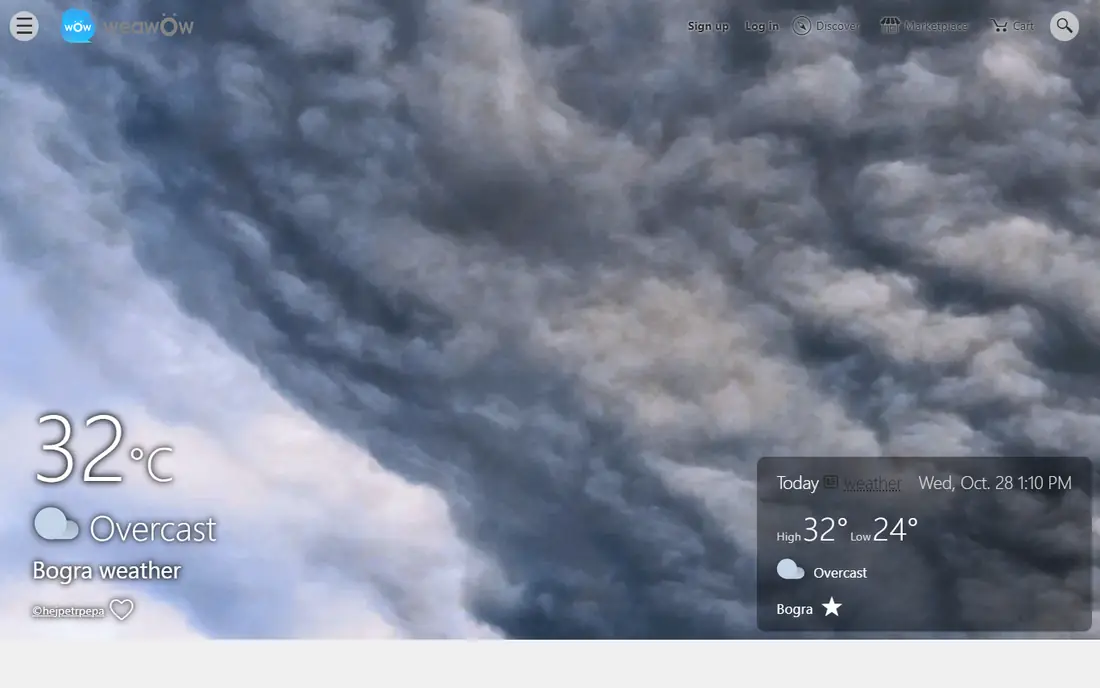
Weawow pairs a full forecast with photos. The app shows hourly and 14-day forecasts with temperature, precipitation, snowfall, wind, pressure, and UV index, and it lets users post photos matched to the weather on the day the photo was taken. Reviewers consistently describe the experience as ad-free, which is what makes it stand out for readers who open a weather app several times a day.
The design is photo-led and inviting rather than clinical, which suits a shared family tablet or anyone who checks conditions with a glance. Setup takes a little experimenting if you want a plain, compact layout, since the default screens carry a lot of detail. In-app purchases exist for optional extras, so check those before handing the app to a child.
What we like- Free to start with an ad-free feel
- 14-day forecasts with hourly detail
- Photo sharing tied to weather conditions
Watch out for- Visual design can feel busy for minimalists
- Optional in-app purchases range from $2 to $50
Starting price$5.99 one time
Free planYes
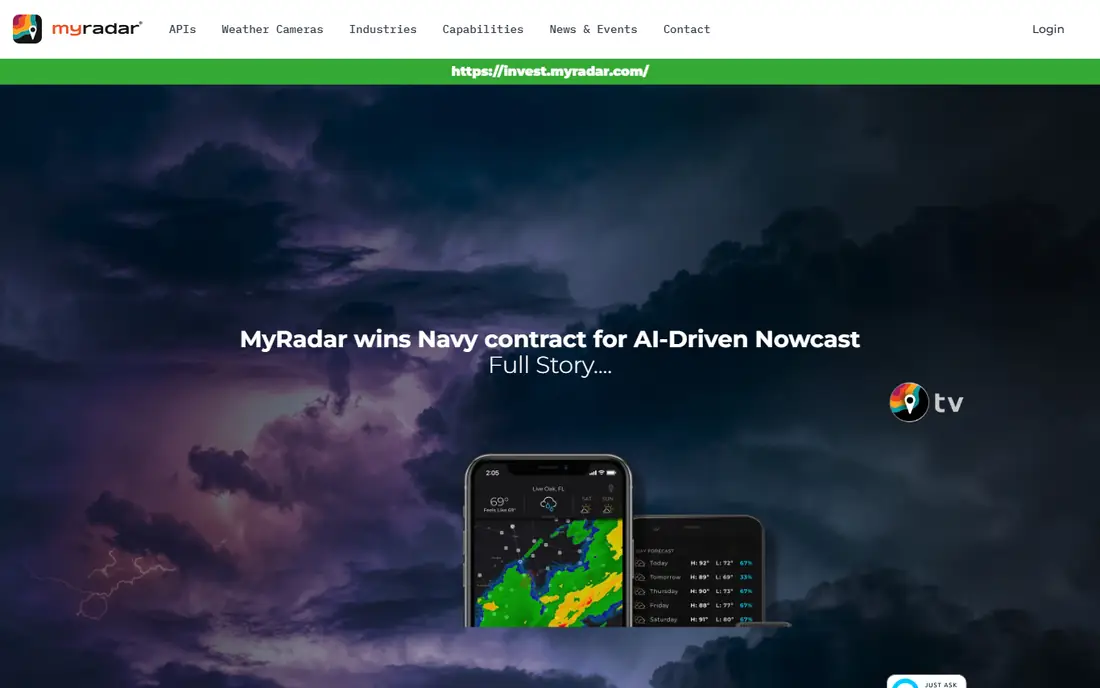
MyRadar opens to a fast, high-definition radar map that shows precipitation heading your way at a glance, with layers for temperatures, weather alerts, and forecasts. A hurricane tracker follows tropical storms in real time, and you can share weather photos from the app. With more than 50 million downloads, it is one of the most widely used weather apps in the world.
The free version covers daily radar checks, rain timing, and alerts well. MyRadar Weather Radar Pro, a one-time purchase of $5.99, is the ad-free version and adds advanced features for serious users, including a professional radar pack and real-time hurricane tracking. If you want a radar app that is free, fast, and easy to read, MyRadar is the best place to start, and the one-time Pro purchase ends the ads for good.
What we like- Very fast nationwide radar map
- NOAA alerts, temperatures, and hurricane tracking
- More than 50 million downloads
Watch out for- Free version shows ads
- Advanced radar products need the paid Pro version
Starting price$9.99 one time
Free planNo
RadarScope is the tool of choice for professional meteorologists, broadcast weather teams, storm chasers, and emergency managers. Unlike consumer apps that smooth radar imagery for visual appeal, RadarScope displays native radar data in its original radial format, so you see what the radar sees almost as soon as the radar sees it. It covers NEXRAD Level 3 and Super-Resolution data from more than 160 radar sites in the US, plus coverage in Canada, Guam, Denmark, Finland, and Germany.
There are no ads and no trackers, and the base app costs $9.99 as a one-time purchase for mobile, with $29.99 for desktop. Optional Pro tiers add lightning data, longer loops, dual-pane comparison, and hail and shear contours. The catch is scope: RadarScope does not tell you the temperature or give a daily forecast. Pair it with a forecast app on this list if you need both.
What we like- Native radar data with no smoothing
- No ads and no trackers
- Used by meteorologists and storm chasers
Watch out for- No forecast features, it shows radar only
- Interface looks technical rather than pretty
Starting priceSee website
Free planYes
Hello Weather puts the current, hourly, and daily forecast on one screen, with 12 data points you can tap for detail, including wind charts and air quality. You can switch between forecast data providers to find the source that works best for your area, and the app works on iPhone, iPad, Android, and Apple Watch with widgets and notifications.
The company is a tiny indie team that states it collects as little data as possible, which fits readers who dislike both ads and tracking. Hello Weather runs on subscriptions rather than advertising, and Pro adds advanced radar, Apple Watch complications, multiple data sources, and theme controls. The homepage does not show current Pro pricing, so check the app store listing before subscribing. Readers who want deep radar should look at MyRadar or RadarScope instead.
What we like- Clean single-screen forecast
- Choice of forecast data providers
- Strong privacy stance with minimal data collection
Watch out for- Radar is basic compared with radar-first apps
- Pro pricing is not shown on the homepage
Starting price$1.99 per month
Free planYes
Overdrop is built around widgets. It offers customizable home-screen widgets, eight animated themes, and a dynamic radar with seven layers, so your phone can show live weather without opening an app at all. The homepage reports more than 1 million users and a 4.3 out of 5 rating from over 20,000 ratings.
The free tier contains advertising, so the ad-free experience comes with Pro, listed at $1.99 per month or $9.99 per year on the App Store, with a lifetime purchase also offered. That is a fair price for readers who mainly want their home screen to carry the forecast. A few users report widgets that stop updating in the background, so test the free tier on your phone before paying.
What we like- Beautiful customizable home-screen widgets
- Animated themes and dynamic radar
- Trusted by more than 1 million people
Watch out for- Free tier contains advertising
- Some users report widgets that stop updating
Starting price$0.99 per month
Free planYes
WeatherPro offers 14-day forecasts with hourly steps, extended rain radar with updates every few minutes, precipitation type radar that separates rain, snow, sleet, and hail, and extended graphs for temperature, sun, rain, humidity, and pressure. Premium is described by the vendor as an ad-free weather experience with expanded features, including unlimited favorite locations and longer radar history.
Premium costs $0.99 per month after a 7-day free trial, which makes it the cheapest paid ad-free option on this list. The free tier still gives reliable forecasts, radar, and maps, with some features reserved for Premium. One practical note: the WeatherPro homepage needs JavaScript and shows almost no content without it, so use the app store listing if the site looks blank in your browser.
What we like- 14-day forecasts with hourly steps
- Premium is explicitly ad-free
- Unlimited favorite locations on Premium
Watch out for- Homepage needs JavaScript and shows little content without it
- Some features stay locked behind Premium
Starting price$19.99 per year
Free planYes
RainViewer answers one question better than any app on this list: will it rain on me, and when exactly. It stitches radar images into a map at up to 100-meter resolution, polls radar servers every 2 to 5 minutes, and offers a 2-hour nowcast plus rainfall totals for the past 1 to 48 hours. Coverage spans more than 90 countries and 1,200 radar stations.
The free tier shows ads, so the ad-free experience starts with Essential at $19.99 per year, which adds a 120-minute nowcast, 48-hour radar playback, 20 favorite locations, rainfall totals, and air quality. Pro at $39.99 per year adds full Pro radar data and 48-hour Pro playback for storm chasers and meteorologists. If you only need a daily forecast, RainViewer is more tool than you need, but for commutes, runs, and outdoor plans it earns its price.
What we like- Radar preserved at up to 100-meter resolution
- 2-minute radar updates on paid tiers
- Alerts by location and intensity
Watch out for- Free tier shows ads
- Full precision needs the Essential or Pro subscription
How we chose
We opened every vendor homepage listed here to confirm it loads and belongs to the product, and we checked pricing on vendor pages or current app store listings. Apps qualified if they are free with no ads, or if a paid tier clearly removes ads. We left CARROT Weather out because its homepage only returns a redirect page that does not load as a site, so we could not confirm it under our own rule. We compared forecast depth, radar quality, widgets, privacy habits, and price, and we favored apps that state their ad policy plainly over apps that hide it.
Weather app buying guide
Start with how you check the weather. If you open an app several times a day, an ad-free experience matters more than extra features, and a free option such as Flowx or Weawow may be enough. If you only check once in the morning, a forecast-first app such as Hello Weather or WeatherPro will feel calmer than a radar-first app.
Free versus paid ad-free
Free ad-free apps usually earn money from optional purchases or subscriptions for extra features, not from ads. Paid ad-free tiers are usually cheap: WeatherPro Premium is $0.99 per month, Overdrop Pro is $1.99 per month, and MyRadar Pro and RadarScope are one-time purchases. One-time purchases suit readers who dislike subscriptions, while monthly plans suit readers who want to try before committing.
Radar, forecasts, and widgets
Radar apps answer "is rain coming right now" while forecast apps answer "what will the week look like". Many readers need both, so pairing a radar app with a forecast app is a sensible setup. Widgets matter if you want conditions on your home screen without opening anything, and Overdrop leads here. Check platform support too: some apps are iOS-first, while MyRadar, Flowx, and RainViewer cover Android well.
Privacy and data
Weather apps need your location to work, so check what else they collect. Flowx states it does no tracking, Hello Weather states it collects as little data as possible, and RadarScope states it has no trackers. RainViewer states your location is used only to deliver forecasts and alerts and is never stored or sold. If an app will not say what it collects, treat that silence as a drawback.
Frequently asked questions
What is the best completely free weather app without ads?
Flowx is the strongest completely free pick, since its homepage states it has no ads and no tracking. Weawow is also free to start and reviewers describe it as ad-free, though it offers optional in-app purchases.
Do paid weather apps always remove ads?
Not always, so check the wording before paying. On this list, MyRadar Pro is described as the ad-free version, WeatherPro Premium is described as an ad-free experience, and RainViewer Essential lists an ad-free experience among its features.
Is RadarScope worth $9.99 if I only want a forecast?
No. RadarScope shows radar data only and has no forecast features, so it suits storm watchers and weather enthusiasts. Pair it with a forecast app such as Hello Weather or WeatherPro if you need both.
Why do some free weather apps show ads?
Forecast data, radar feeds, and servers cost money, and advertising is one way free apps pay for them. Apps on this list pay for those costs with subscriptions, one-time purchases, or optional extras instead.
Can I use two weather apps at once?
Yes, and many readers do. A common setup is a forecast app for the week ahead plus a radar app for rain timing, such as Hello Weather with RainViewer, or Weawow with MyRadar.
Does an ad-free app also mean no tracking?
Not necessarily. Ads and tracking are separate issues, so read the privacy policy. Flowx states no tracking, RadarScope states no trackers, and Hello Weather states minimal collection, which are the clearest statements on this list.
Sources we checked (11)
- https://flowx.io/
- https://weawow.com
- https://myradar.com/
- https://www.appbrain.com/app/myradar-weather-radar-pro/com.acmeaom.android.myradarpro
- https://www.radarscope.app
- https://helloweather.com/
- https://get.overdrop.app/
- https://apps.apple.com/us/app/overdrop-weather-widgets/id1459855011
- https://weatherpro.com/
- https://www.appbrain.com/app/weatherpro-forecast-radar/com.mg.android
- https://www.rainviewer.com
Is your product missing or out of date?
We review this list regularly. Vendors can request a listing, send updated pricing or ask about featured placement.

Shihab Mia · Founder, Rankite
Shihab has 5+ years in B2B and SaaS SEO. He writes Rankite's software buying guides from pricing pages, documentation and public user reviews. More about Shihab.