How we make this list: we compare pricing pages, product documentation and public user reviews. Ratings come from G2, Capterra or Trustpilot, with the date we checked them.
Key takeaways
- Virtual cards with per card limits beat shared company cards for control, since each card can carry its own budget and merchant rules.
- Most corporate card platforms charge no card fee and earn from interchange, but software tiers and accounting tools may still cost money.
- Ramp and Brex suit startups and growing teams, while Airbase and BILL suit firms that need deep approval chains.
- Real time alerts and receipt capture cut month end work more than any single card perk.
- Pick a platform that syncs with your accounting system, or finance will spend hours on manual matching.
Quick comparison
| Tool | Best for | Starting price | Free plan |
|---|
 Ramp Ramp | Growing startups | See website | Free card program |
 Brex Brex | Startups and global teams | See website | Free card program |
 Mercury Mercury | Startups banking with Mercury | See website | No |
 BILL Spend and Expense BILL Spend and Expense | Firms already using BILL | See website | No |
 Airbase Airbase | Mid market approval control | See website | No |
 Mesh Payments Mesh Payments | Global card control | See website | No |
 Spendesk Spendesk | European teams with budgets | See website | No |
 Pleo Pleo | Small teams in Europe | See website | No |
Is your product missing or out of date?
We review this list regularly. Vendors can request a listing, send updated pricing or ask about featured placement.
The best way to issue company cards to employees
#1Ramp
Best for: Growing startups4.8/5 on
G2 (2,540 reviews, checked Oct 2026)
Visit ramp.com
Starting priceSee website
Free planFree card program
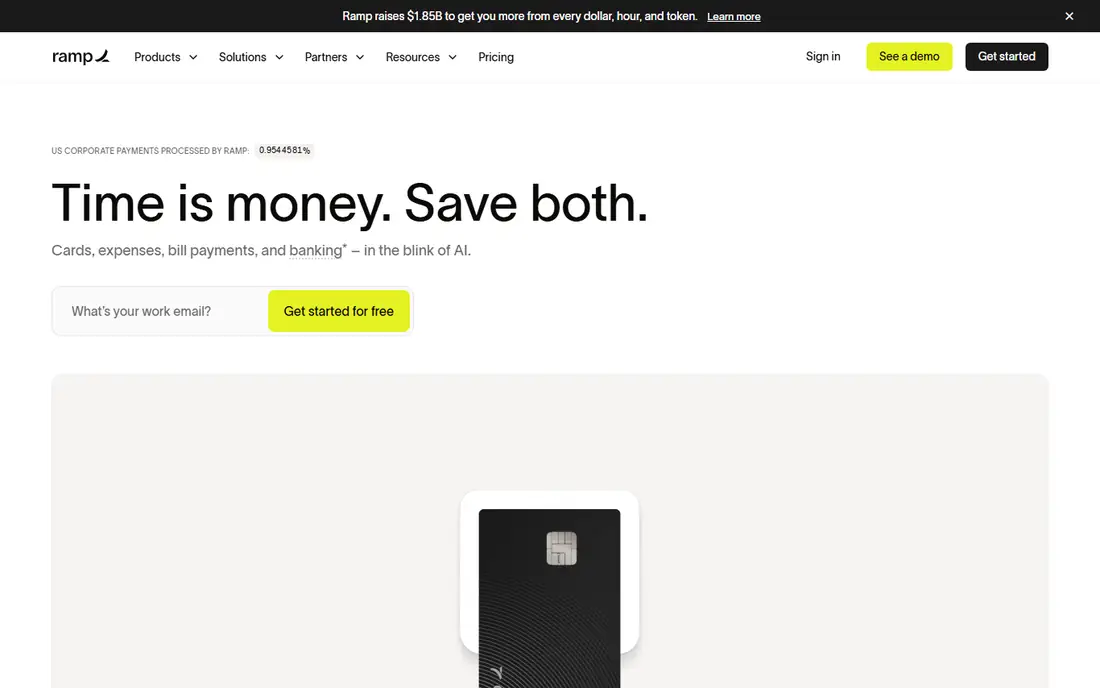
Ramp lets finance issue a virtual card for each employee, vendor, or project in minutes, with a limit and an expiry date set at creation. Managers approve requests inside the platform, and receipts can be captured by text or app upload. Transactions flow into QuickBooks, Xero, NetSuite, and other accounting tools with category suggestions attached.
The catch is tiering. The core card program carries no card fee, but automation, advanced approvals, and procurement tools sit on paid plans, so a larger firm should price the full platform, not just the card. For a startup that issues cards often and wants tight control, Ramp is a strong default.
What we like- Unlimited virtual cards
- Real time spend alerts
- Strong accounting sync
Watch out for- Advanced features sit on paid tiers
- US focused banking partners
#2Brex
Best for: Startups and global teams4.8/5 on
G2 (1,643 reviews, checked Oct 2026)
Visit brex.com
Starting priceSee website
Free planFree card program

Brex issues corporate cards with no personal guarantee for many startups, which matters for founders who do not want personal liability. Cards can be physical or virtual, with controls by merchant type, amount, and team. Expense reports build themselves from card data, and receipts attach through the app.
Global teams benefit from multi currency cards and local payment options, though availability varies by country. Some smaller firms report lower limits than expected at signup, since limits reflect company cash and history. For a funded startup with travel and software spend, Brex covers most needs in one place.
What we like- Global cards and currency support
- Built in expense tools
- High limits for funded firms
Watch out for- Approval depends on company profile
- Support can feel self serve
Starting priceSee website
Free planNo

Mercury is a banking platform for startups, and its debit cards draw on account balances rather than a credit line. Admins issue cards per employee or team, set limits, and freeze cards instantly from the dashboard. Transactions appear with merchant detail, and the banking view keeps cash and spend in one place.
The limit is scope. Mercury cards suit firms that already bank there, but teams that want deep expense policies, procurement, or travel booking may need a second tool. For a startup that wants banking and cards together with minimal setup, Mercury keeps life simple.
What we like- Cards tied to banking balances
- Clean dashboard
- Fast virtual issuance
Watch out for- Cards require a Mercury account
- Fewer expense features than Ramp or Brex
#4
BILL Spend and Expense
Best for: Firms already using BILL
Visit bill.com
Starting priceSee website
Free planNo
BILL, formerly Bill.com, pairs corporate cards with its bill pay and approval workflows. Finance can issue cards by budget owner, route large purchases through approval chains, and match card spend to bills and accounting records. Virtual vendor cards add control for recurring software and supplier payments.
Setup is heavier than a card only platform, since approval rules and accounting mapping need care at the start. Firms that already pay bills through BILL gain the most, because cards slot into an existing workflow. Smaller teams that only need cards may find the full platform more than they need.
What we like- Ties cards to bill pay and approvals
- Strong accounting sync
- Vendor cards
Watch out for- Setup takes longer
- Pricing depends on the BILL plan
Starting priceSee website
Free planNo
Airbase, now a Paylocity company, combines cards, bill pay, and procurement with approval rules that mirror how larger firms actually spend. A purchase request can move from employee to manager to finance with budgets checked at each step, and virtual cards issue only after approval. Accounting sync covers NetSuite, QuickBooks, and other major systems.
The platform suits firms with formal controls and multiple departments, and pricing reflects that scope. Small teams may find the setup long for their needs. For a mid market firm that audits spend closely, Airbase gives control without a patchwork of tools.
What we like- Deep approval chains
- Procurement and bill pay in one place
- NetSuite sync
Watch out for- Priced for mid market firms
- Onboarding needs finance time
Starting priceSee website
Free planNo
Mesh Payments focuses on global spend, with virtual cards that carry controls by vendor, budget, and currency. Finance sees software subscriptions in one view, which helps catch duplicate tools and unused seats. Cards integrate with common accounting systems, and approvals can run inside Slack or email.
Because Mesh is smaller than Ramp or Brex in the US market, support hours and partner coverage deserve a check before rollout. Pricing is quote based, so a demo call is needed for a firm number. For a company with teams and vendors abroad, the currency and control features stand out.
What we like- Multi currency virtual cards
- SaaS spend tracking
- Plug in accounting sync
Watch out for- Smaller vendor footprint than US leaders
- Pricing is quote based
#7Spendesk
Best for: European teams with budgets4.6/5 on
G2 (425 reviews, checked Oct 2026)
Visit spendesk.com
Starting priceSee website
Free planNo
Spendesk builds card issuance around budgets. Each team gets a budget, and cards draw on it with approval rules that match the budget owner. Employees submit receipts through the app, and finance reviews spend against the budget rather than chasing paper at month end.
European firms gain the most, since local payment methods and tax handling fit that market. US firms should confirm card acceptance and support coverage before committing. For a European company that runs on team budgets, Spendesk matches how money is actually managed.
What we like- Budget based card issuance
- Receipt capture
- European payment coverage
Watch out for- US coverage is thinner
- Plans are quote based
#8Pleo
Best for: Small teams in Europe4.7/5 on
G2 (1,435 reviews, checked Oct 2026)
Visit pleo.io
Starting priceSee website
Free planNo
Pleo gives each employee a card linked to a Pocket, which is a budget pot for a team or project. Admins load Pockets, set limits, and watch spend in real time, while employees snap receipt photos in the app. The interface is simple enough that small teams adopt it without training sessions.
Larger firms may want deeper procurement or multi entity controls that sit on higher tiers or other platforms. US availability is limited compared with Europe, so American teams should confirm coverage first. For a small European team that wants cards without a finance project, Pleo is an easy start.
What we like- Simple card issuance
- Pocket budgets
- Easy receipt capture
Watch out for- Limited US presence
- Advanced controls need higher tiers
How we chose
We compared card issuance speed, virtual and physical card options, limit and merchant controls, approval workflows, receipt capture, accounting integrations, and pricing transparency. We favored platforms that issue virtual cards instantly, sync with QuickBooks, Xero, or NetSuite, and show spend in real time. No hands on testing is claimed, and prices are shown as See website where a vendor prices by quote or plan rather than a single public figure. We also weighed support quality and regional coverage, since a card program that works well in one country may offer thinner coverage elsewhere, and finance teams need help fast when a card is blocked during travel.
How to roll cards out without chaos
Start with a written policy before you issue a single card. Define who can hold a card, what merchants are allowed, and what limit applies by role. Issue virtual cards first, since they are easy to freeze and replace, and keep physical cards for travel and staff who pay in person. Document the policy in one page and share it with every cardholder, so no one can claim they did not know the rules. Set an expiry date on project cards so old cards do not linger.
Train managers on approvals, and require receipts above a threshold you set, such as 25 dollars. Connect the platform to your accounting system on day one, or the month end cleanup will erase the time saved. Review limits each quarter, and remove cards for staff who leave within a day. A short policy, a quick training note, and a quarterly review keep the program trusted and audit ready. Pilot the program with one team first, so finance can fix approval and receipt issues before the whole company joins. Watch the first month of transactions closely, since early patterns show which limits are too tight, which merchants were missed, and where training gaps remain.
Frequently asked questions
Do employees need a credit check for a company card?
Most corporate card platforms check the company, not the employee, and many do not require a personal guarantee. Terms vary by vendor and by company profile, so confirm the policy before you apply. Employees should never need to share personal credit details for a standard company card.
Are virtual cards safer than physical cards?
Yes, in most cases, because a virtual card can carry a single merchant limit, a low cap, and a short expiry date. If a vendor database leaks, you freeze one card without reissuing every employee card. Physical cards still suit travel and in person purchases where a virtual number will not work.
What happens when an employee leaves?
Admins should freeze or cancel the card on the last working day and check for pending charges and subscriptions. Virtual cards tied to that employee can be closed in seconds, while physical cards should be collected or reported as closed. A leaver checklist prevents stray charges.
Do these platforms replace expense reports?
They reduce them, but they do not remove them for every purchase. Card data fills in merchant, amount, and category, yet receipts and approvals still matter above your threshold. The gain is less manual entry and faster month end close, not zero admin.
Can I set different limits for different teams?
Yes, every platform on this list supports limits by card, team, or budget, and most support merchant restrictions too. Sales travel limits can differ from office supply limits, and project cards can expire when the project ends. Check that limits apply in real time, not only at statement time.
Sources we checked (8)
- https://ramp.com
- https://brex.com
- https://mercury.com
- https://www.bill.com
- https://www.airbase.com
- https://www.meshpayments.com
- https://www.spendesk.com
- https://www.pleo.io
Is your product missing or out of date?
We review this list regularly. Vendors can request a listing, send updated pricing or ask about featured placement.

Shihab Mia · Founder, Rankite
Shihab has 5+ years in B2B and SaaS SEO. He writes Rankite's software buying guides from pricing pages, documentation and public user reviews. More about Shihab.