How we make this list: we compare pricing pages, product documentation and public user reviews. Ratings come from G2, Capterra or Trustpilot, with the date we checked them.
Key takeaways
- For US contractors alongside W-2 employees: Gusto files 1099s on every plan and bills US contractors only in months they are paid; OnPay runs employees and contractors in one pay run at $49/month + $6/worker.
- Paying contractors abroad: Deel and Remote cover contracts, multi-currency payouts and misclassification protection in 100-plus countries.
- On a budget: Patriot starts at $17/month + $4 per worker paid (Basic); QuickBooks Payroll adds unlimited 1099 e-filing for teams already on QuickBooks.
- PEO route: Justworks and Rippling manage contractors in the same system as employees, which suits growing teams with mixed workforces.
Quick comparison
| Tool | Best for | Starting price | Free plan |
|---|
 Gusto Gusto | US businesses paying contractors alongside W-2 employees | See website (US contractors billed at the plan's per-person rate) | No |
 OnPay OnPay | Small businesses that want one simple price for employees and contractors | $49/month + $6/worker/month | First month free |
 Deel Deel | Companies paying contractors in multiple countries | See website | No |
 Remote Remote | Teams hiring contractors worldwide who want compliance through owned entities | See website | No |
 Rippling Rippling | Companies that want contractors and employees in one HR system | See website (custom quote) | No |
 Square Payroll Square Payroll | Service businesses paying contractors by direct deposit or Cash App | See website | No |
 QuickBooks Payroll QuickBooks Payroll | QuickBooks Online users who need 1099 e-filing inside the same system | See website | Free trial (per reviewers) |
 Patriot Software Patriot Software | Very small businesses paying a few contractors on a budget | $17/month + $4/worker paid (Basic; Full Service higher) | Free trial (30 days) |
 SurePayroll SurePayroll | Small teams that want contractors handled with no HR extras | See website | No |
 Justworks Justworks | Small businesses that use a PEO and pay contractors too | See website | No |
Is your product missing or out of date?
We review this list regularly. Vendors can request a listing, send updated pricing or ask about featured placement.
The best payroll software for 1099 employees
What does it actually cost to pay your contractors compliantly? If you only compare monthly base fees, the cheapest quote usually wins. Then January arrives, and you learn that 1099 filing costs extra, that per-contractor fees were quoted per payment, or that your "contractor" in another country needed a localized contract you never had. These ten tools cover the real contractor payroll market: domestic specialists, global contractor platforms, and payroll software with serious 1099 handling built in.
#1
Gusto
Best for: US businesses paying contractors alongside W-2 employees
Visit gusto.com
Starting priceSee website (US contractors billed at the plan's per-person rate)
Free planNo
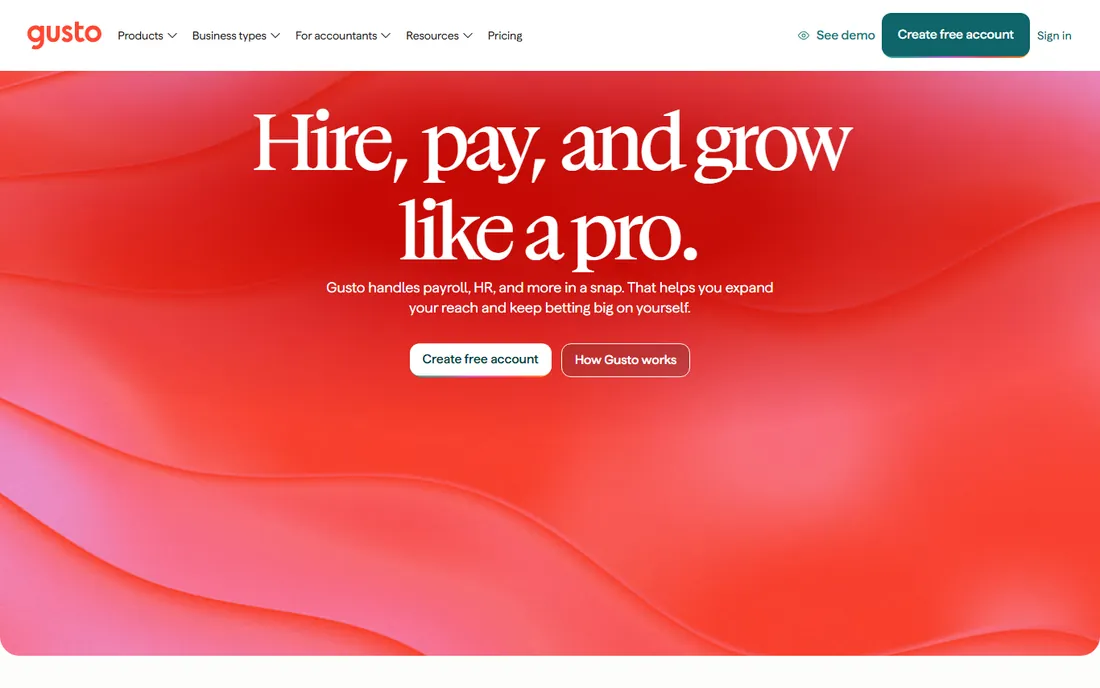
Gusto treats contractors as first-class workers. US contractors are billed at the per-person cost of whichever plan you select, and Gusto only bills you for them in months you actually pay them, which matters for project-based work with gaps. Global contractors in more than 120 countries carry no monthly per-contractor fee; Gusto charges a small service and foreign exchange fee per payment instead. Year-end 1099 filing is handled on every plan, and the pricing FAQ confirms Gusto files Forms W-2, 1099, 940 and 941 on your behalf.
The honest catch is that contractor pricing is plan-dependent, so the total depends on which employee tier you choose. Month-to-month billing with no contracts. The Aplos integration is a quiet plus for nonprofits paying contractors and vendors.
What we like- 1099 filing handled on every plan
- US contractors billed only in months they are paid, not every month
- Global contractor payments carry no monthly per-contractor fee
- Integrates with Aplos, QuickBooks and Xero
Watch out for- No published contractor-only price, so contractor costs depend on the plan you pick
- Time tracking, next-day pay and priority support sit on higher tiers or add-ons
#2
OnPay
Best for: Small businesses that want one simple price for employees and contractors
Visit onpay.com
Starting price$49/month + $6/worker/month
Free planFirst month free
OnPay's pitch is the absence of fine print. One plan covers employees and contractors at $49 per month plus $6 per worker, with unlimited runs and all tax filings, W-2s and 1099s included. Contractor payments ride on the same run as employee payroll, so a mixed team of eight employees and four contractors costs $121 per month. Switching providers is handled by in-house staff who migrate prior-wage and employee data free.
The honest catch is geography: everything stops at the US border. If your contractors are all domestic and you want the 1099 paperwork handled without tier puzzles, this is the simplest quote on this list.
What we like- W-2 employees and 1099 contractors run in a single pay run at the same price
- Year-end W-2 and 1099 processing included at no extra charge
- Free data migration when switching
- Reviewers note niche payroll options for nonprofits and restaurants
Watch out for- US-only, with no international contractor payments
- HR features are a paid add-on rather than bundled
#3
Deel
Best for: Companies paying contractors in multiple countries
Visit deel.com
Starting priceSee website
Free planNo
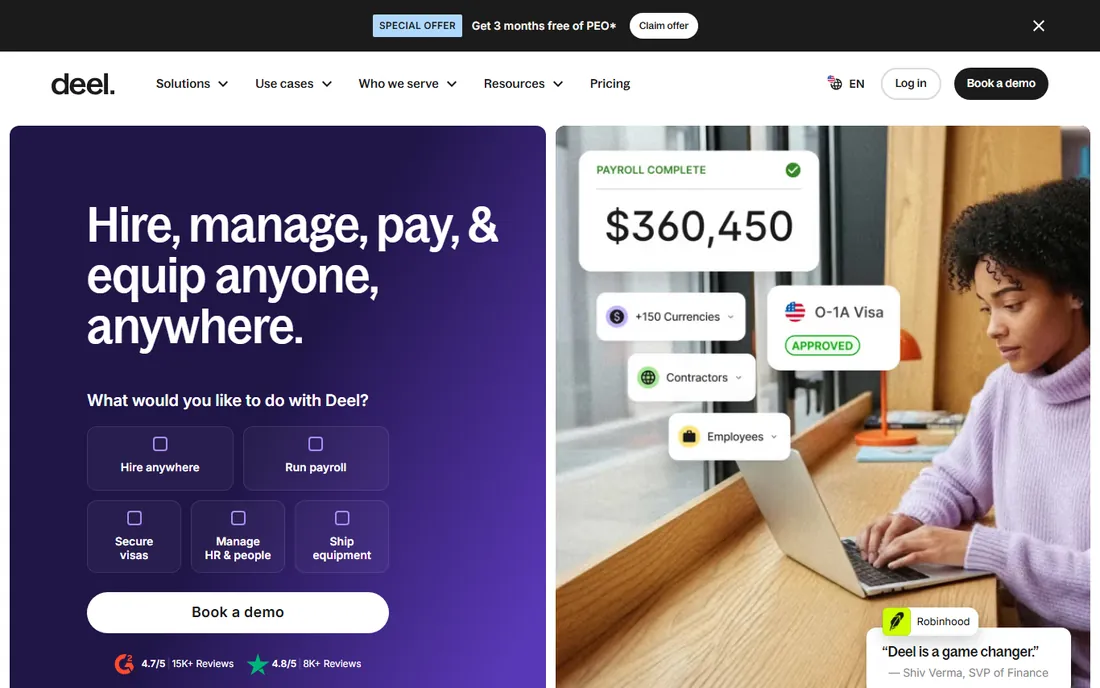
Deel is the default when your contractors are not all in the US. The platform generates localized contracts, handles onboarding and tax documents per country, and pays in local currencies. Deel Shield and the Contractor of Record service exist for the riskiest cases, where you want Deel to stand between you and a misclassification dispute. The pricing page publishes EOR and US PEO rates but not contractor management pricing, so expect a quote.
The honest catch is fit. For a team of US-based freelancers, Deel's global machinery is expensive machinery you will not use. For contractors across five countries, nothing domestic on this list comes close.
What we like- Contractor contracts and payments across 150-plus countries
- Deel Shield misclassification protection and Contractor of Record option
- Multi-currency payments with localized contracts
- 24/7 support
Watch out for- Overkill and overpriced for US-only contractor teams
- The EOR product ($599/month per employee on Deel's pricing page) is a different, far costlier purchase
#4
Remote
Best for: Teams hiring contractors worldwide who want compliance through owned entities
Visit remote.com
Starting priceSee website
Free planNo
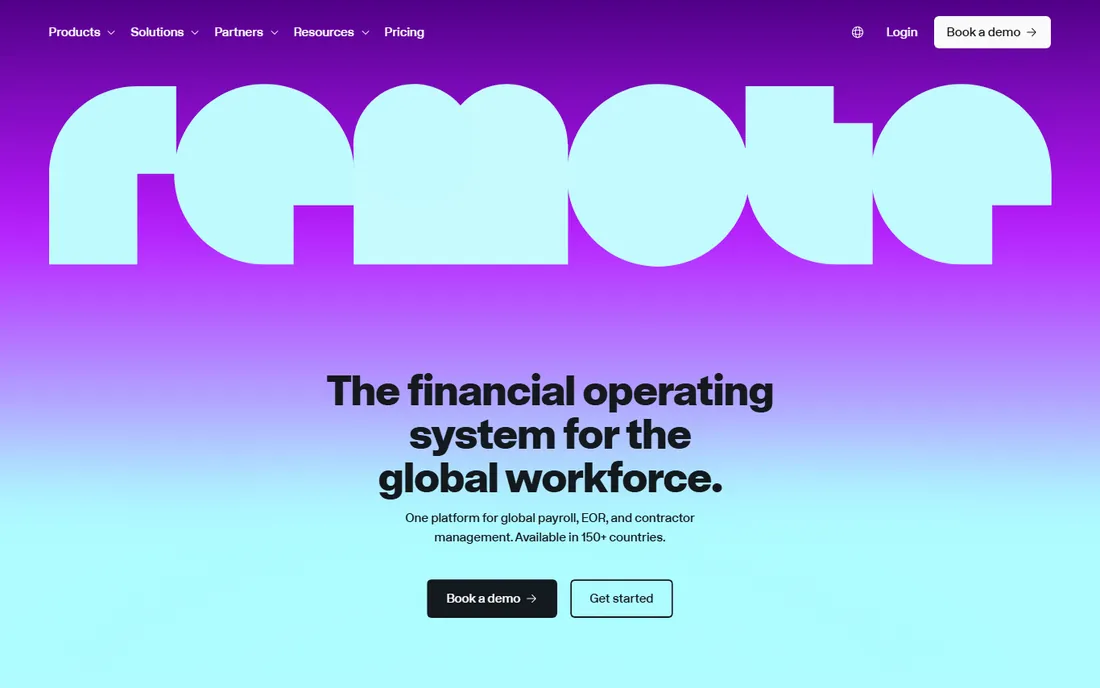
Remote's differentiator is ownership: it operates its own legal entities across its footprint instead of stitching together local partners, and its homepage claims 99 percent payroll accuracy across every run. Contractor of Record comes with uncapped misclassification indemnity, which is the strongest wording on this list for buyers worried about classification risk. Invoicing, approvals, payouts and spend visibility for contractors run in one place.
The honest catch is that Remote's contractor pricing is not published, and the platform is built for companies, not solo operators paying two freelancers. Get the contractor management quote in writing and compare it against Deel before committing.
What we like- Contractor management plus Contractor of Record with misclassification indemnity
- Remote runs its own local entities rather than reselling third-party providers
- Fair Price Guarantee means you pay only while the service is active
- US PEO option for domestic staff
Watch out for- Country coverage is narrower than Deel's
- Pricing is quote-based and the platform skews enterprise-grade
#5
Rippling
Best for: Companies that want contractors and employees in one HR system
Visit rippling.com
Starting priceSee website (custom quote)
Free planNo
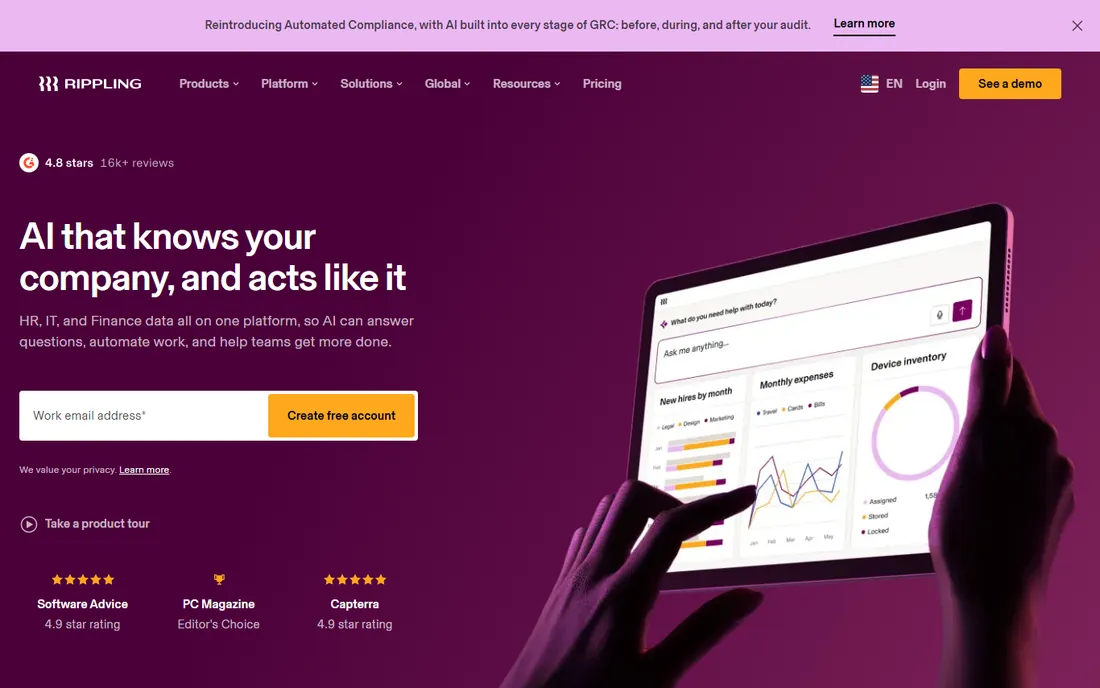
Rippling's case is the single system of record. A contractor and an employee can live in the same onboarding flow, the same payroll run and the same reporting, with IT provisioning and spend cards attached where relevant. For startups that already run Rippling for HR and IT, adding contractor payments is a natural extension rather than a new vendor relationship.
The honest catch is the sales process. The payroll starting point is published in Rippling's FAQ, but the full stack almost always needs a quote, and the modules add up. If you only need to pay contractors, the domestic specialists above are cheaper and faster to buy.
What we like- One record for employees and contractors across HR, payroll, IT and spend
- Global payroll coverage
- Unlimited pay runs at no extra cost
Watch out for- Modular pricing stacks fast once you add apps
- Most real configurations require a sales quote, so comparison shopping is slow
#6
Square Payroll
Best for: Service businesses paying contractors by direct deposit or Cash App
Visit squareup.com
Starting priceSee website
Free planNo
Square Payroll's contractor angle is simplicity for service businesses. If your cleaning crew, delivery drivers or seasonal help are already on Cash App, payouts are nearly instant and you pay nothing in months with no payroll to run. Full-service tax filings ride on the payroll plan.
The honest catch is the ceiling. Contractor payments are payouts, not workforce management: no onboarding, no benefits, no compliance depth. Square is the right call for simple, frequent contractor payouts inside the Square ecosystem, and the wrong call for a distributed contractor team.
What we like- Contractors paid by direct deposit or Cash App
- Free in months with no payroll
- Tax filings included on the full-service plan
Watch out for- The contractor-only plan excludes multistate payroll, auto payroll and timecard features
- HR depth is thin next to Gusto or Rippling
Starting priceSee website
Free planFree trial (per reviewers)
QuickBooks Payroll earns its spot for one reason: your contractors' payments land in the same books where you track everything else, and unlimited 1099 e-filing is built in rather than billed per form. The contractor tab keeps 1099 workers separate from W-2 employees, and year-end forms flow from the same data.
The honest catch is stacking. Payroll is an add-on to QuickBooks Online, so the real monthly number includes both subscriptions. Intuit runs aggressive first-year promos, so check what the price becomes in year two before you budget.
What we like- Unlimited 1099 e-filing built into every plan
- Payroll posts straight into the QuickBooks ledger
- Contractors managed on a separate tab from employees
Watch out for- Requires the QuickBooks Online subscription on top of payroll
- Intuit's promo pricing makes the true ongoing cost hard to pin down
Starting price$17/month + $4/worker paid (Basic; Full Service higher)
Free planFree trial (30 days)
Patriot is the budget entry point. The pricing hook is "workers paid," not "workers on the roster": months when a contractor does no work bill only the base fee. The 30-day trial is long enough to run a real pay cycle before committing.
Know which tier you are buying. Basic at $17 per month is self-service, which defeats the purpose for most buyers; budget for Full Service if you want Patriot to handle the filings. Each additional state costs extra. For a handful of domestic contractors and a tight budget, the math still works.
What we like- Charged only for workers actually paid each month
- 30-day trial with US-based support
- Month-to-month with no contracts
Watch out for- The $17 Basic tier leaves tax filings to you, so real 1099 filing needs the pricier Full Service tier
- Reporting is basic
#9
SurePayroll
Best for: Small teams that want contractors handled with no HR extras
Visit surepayroll.com
Starting priceSee website
Free planNo

SurePayroll, a Paychex subsidiary, fits owners with small teams who want contractor payments handled without HR features they will never open. The per-employee pricing is easy to model, and the Paychex backing shows in the compliance handling.
The honest catch is the edges. Year-end forms are billed separately, and per-worker billing means inactive contractors still cost you unless you remove them. Past 15 to 20 workers the per-employee fees make it expensive, so compare Gusto or OnPay before you grow into it.
What we like- W-2 and 1099 forms supported
- Simple per-employee pricing structure
- Month-to-month with no setup or cancellation fees
- Backed by Paychex
Watch out for- Year-end W-2/1099 filing costs extra per form
- You are billed per worker whether active or not
- Accounting integration is a paid add-on
#10
Justworks
Best for: Small businesses that use a PEO and pay contractors too
Visit justworks.com
Starting priceSee website
Free planNo
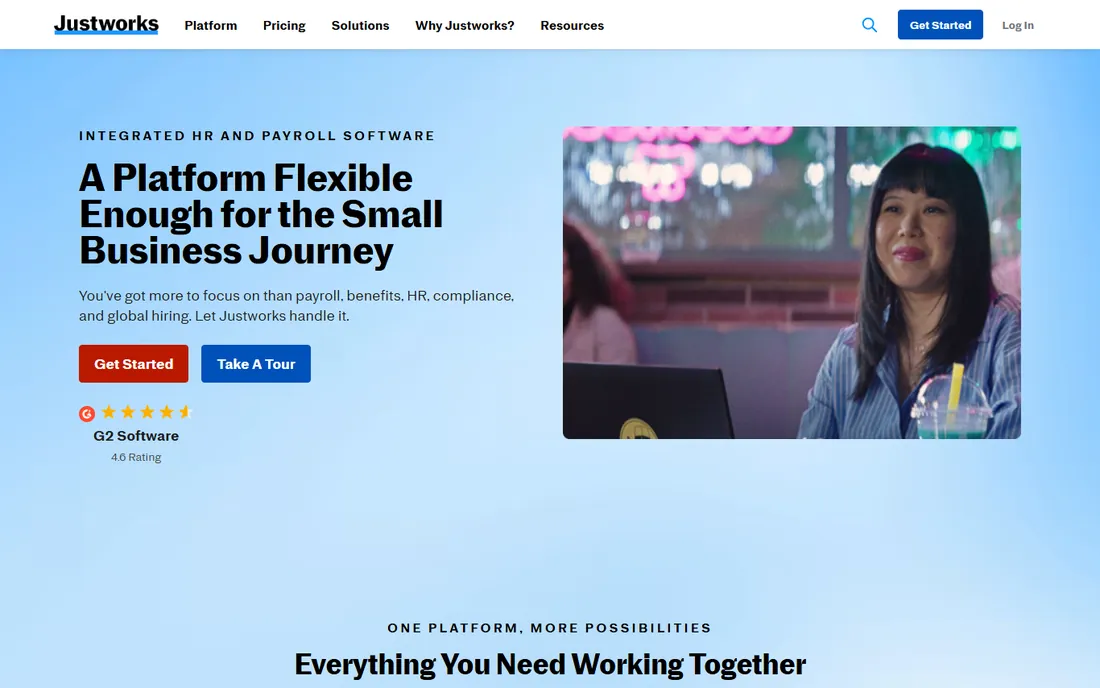
Justworks is a PEO first: it becomes the employer of record for your W-2 staff, giving a small business access to benefits and compliance support it could not get alone. Contractors ride along in the same system, which keeps one dashboard for a mixed workforce and one support team to call.
The honest catch is price and fit. PEO pricing is quoted, not published, and it is built for businesses with employees. If you have no W-2 staff at all, buy a contractor specialist instead; Justworks only earns its fee when the employee side matters.
What we like- Contractors managed in the same dashboard as PEO employees
- Compliance support and benefits access on the W-2 side
- Clean onboarding for mixed teams
Watch out for- PEO pricing is quote-based and usually runs higher than pure payroll tools
- Overkill if you only pay contractors and have no employees
Why 1099 payroll is not the same as employee payroll
Paying a contractor looks like paying an employee until the paperwork starts. Nobody withholds income tax from a contractor payment; there is no Social Security or Medicare withholding, no unemployment insurance, and no benefits enrollment. What you owe the contractor is the gross amount, and what you owe the government is information: who you paid, how much, and whether you collected a valid Taxpayer Identification Number before paying them.
That information duty is where software earns its fee. A real contractor payroll tool collects W-9s during onboarding, tracks payments against the $600 reporting threshold, and e-files 1099-NEC forms by the January 31 deadline. The cheap plans that only "pay contractors" without the year-end forms leave you doing the hardest part yourself in January. Before comparing prices, check three things: whether 1099 e-filing is included or billed per form, whether the vendor collects W-9s for you, and whether backup withholding is handled if a contractor never supplies a TIN.
The misclassification question to answer first
No payroll tool can fix a worker who is legally an employee. Misclassification, treating an employee as a 1099 contractor, is the expensive mistake in this category: back taxes, penalties and benefits liability. The tests look at behavioral control, financial control and the nature of the relationship, and they vary by state and by agency.
If your contractors genuinely set their own hours, use their own tools and work for other clients, a domestic payroll tool with 1099 filing is enough. If the relationship is gray, especially across borders, that is what Deel Shield and Remote's Contractor of Record exist for: the vendor takes on the contracting relationship and the classification risk for a fee. Decide which bucket you are in before you buy, because the right product is completely different in each one.
How we chose
We started with the searches buyers run: payroll software for 1099 employees, contractor payroll software, 1099 filing software and pay contractors online. For each candidate we opened the vendor's own homepage and pricing page, checked contractor and 1099 features against public reviews on G2 and Capterra and practitioner discussion on Reddit, and compared 1099 e-filing coverage, per-contractor versus per-payment pricing, and domestic versus international fit. Where a price could not be verified on the vendor's page we wrote "See website" rather than guessing.
Frequently asked questions
When do I need to file 1099s for contractors?
Form 1099-NEC is due January 31 for contractors you paid $600 or more in the prior calendar year. Most states follow the federal deadline, but a few have separate filing requirements, which is why full-service filing matters.
Do I withhold taxes from contractor payments?
No. Contractors pay their own income and self-employment taxes. The exception is backup withholding: if a contractor does not give you a valid TIN, you may need to withhold 24 percent. Good software flags missing W-9s before this becomes your problem.
Can I run employees and contractors in the same payroll?
Yes on most of these tools. Gusto, OnPay, Rippling and Justworks run W-2 employees and 1099 contractors in the same pay run. Square and Patriot keep them on separate flows. One combined run is simpler at tax time because the year-end forms come from one dataset.
What is contractor misclassification and why does it matter?
Misclassification is treating a worker as a contractor when the law considers them an employee. Penalties include back payroll taxes, fines and benefits liability. If you direct when, where and how someone works, they are probably an employee regardless of what the contract says.
How do per-contractor fees work?
Two models exist. Domestic tools usually bill per contractor per month, sometimes only in months you pay them (Gusto, Patriot). Global platforms often charge per payment or a flat monthly fee per contractor (Deel, Remote). For sporadic project work, per-payment or pay-only-when-paid pricing is much cheaper.
Is it cheaper to pay contractors manually?
For one or two contractors paid occasionally, maybe. Past about five contractors, or any international payments, the W-9 tracking, currency handling and January 1099 rush cost more in your time than the software. Manual 1099 filing also has the highest error rate exactly when deadlines are tightest.
Sources we checked (14)
- https://gusto.com
- https://gusto.com/product/pricing
- https://onpay.com
- https://www.deel.com
- https://www.deel.com/pricing/
- https://remote.com/
- https://www.rippling.com/
- https://squareup.com/
- https://quickbooks.intuit.com
- https://patriotsoftware.com/
- https://www.surepayroll.com/
- https://www.justworks.com/
- https://www.g2.com/categories/payroll
- https://www.capterra.com/payroll-software/
Is your product missing or out of date?
We review this list regularly. Vendors can request a listing, send updated pricing or ask about featured placement.

Shihab Mia · Founder, Rankite
Shihab has 5+ years in B2B and SaaS SEO. He writes Rankite's software buying guides from pricing pages, documentation and public user reviews. More about Shihab.