How we make this list: we compare pricing pages, product documentation and public user reviews. Rankite is independent; if a vendor ever pays for a featured spot, that listing is clearly labeled Partner.
Key takeaways
- Gusto is the best payroll automation pick for most small businesses: easy setup, automatic tax filings, good HR tools.
- Rippling suits companies wanting payroll unified with HR, IT and global capabilities; ADP and Paychex serve larger and compliance-heavy organizations.
- OnPay offers transparent pricing with strong automation for simple needs; Patriot Software is the budget automation option.
- Deel handles global payroll automation; QuickBooks Payroll is the natural pick for QuickBooks accounting users.
Quick comparison
| Tool | Best for | Starting price | Free plan |
|---|
 Gusto Gusto | Small businesses wanting effortless payroll automation | See website | Free trial |
 Rippling Rippling | Companies unifying payroll with HR, IT and finance | See website | Free trial |
 ADP ADP | Enterprises and compliance-heavy organizations | See website | No |
 Paychex Paychex | Mid-size businesses wanting payroll plus HR services | See website | No |
 OnPay OnPay | Small businesses wanting transparent, simple automation | See website | Free trial |
 QuickBooks Payroll QuickBooks Payroll | Businesses already running QuickBooks accounting | See website | Free trial |
 Deel Deel | Global teams needing cross-border payroll automation | See website | No |
 Patriot Software Patriot Software | Budget-conscious businesses needing basic automation | See website | Free trial |
Is your product missing or out of date?
We review this list regularly. Vendors can request a listing, send updated pricing or ask about featured placement.
The best payroll software for payroll automation
Payroll automation means the software calculates pay, withholds taxes, files returns, pays employees and handles year-end forms with minimal manual work. The best tools differ in who they serve: startups, mid-size companies, enterprises and global teams. Eight options, compared on automation depth and honest fit.
#1
Gusto
Best for: Small businesses wanting effortless payroll automation
Visit gusto.com
Starting priceSee website
Free planFree trial
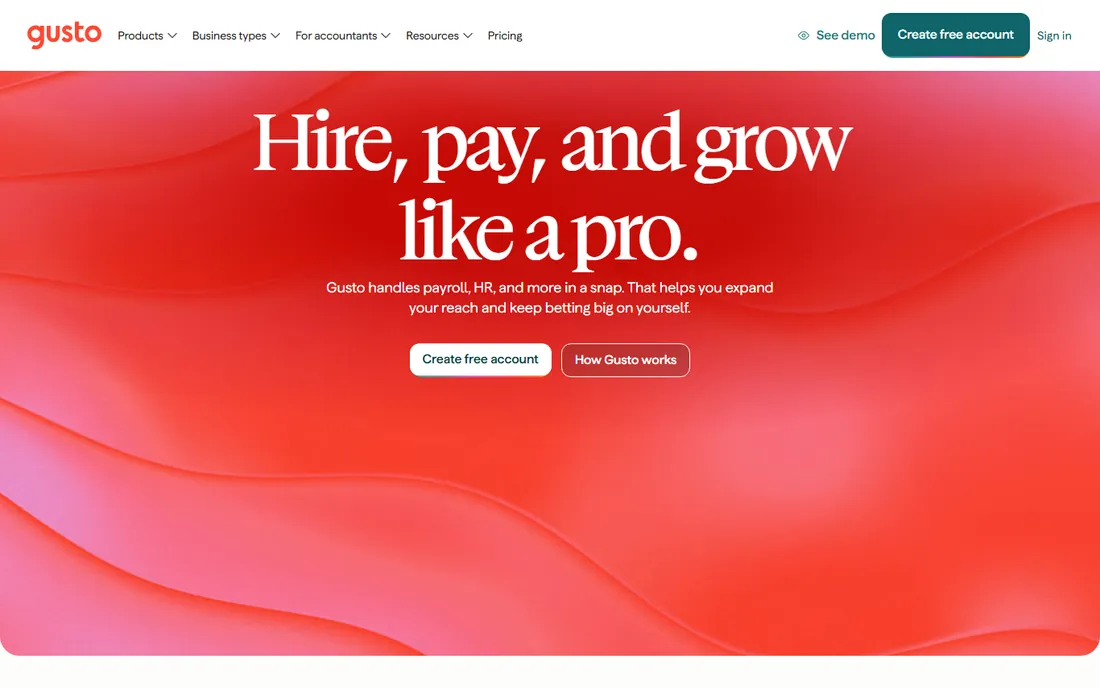
Gusto made payroll automation friendly: run payroll in minutes, and the software handles federal, state and local tax calculations, filings and payments automatically. Employee self-onboarding, self-service portals and integrated benefits reduce HR busywork alongside payroll.
The honest limits are geography and growth. Gusto is US-centric with limited international payroll, and larger companies eventually need ADP or Rippling's depth. But for small US businesses, Gusto's automation-to-effort ratio is the category benchmark.
What we like- Extremely easy setup with automated tax filings
- Employee self-onboarding and self-service
- Good benefits and HR tools included
Watch out for- US-focused
- International capabilities limited
- Pricing adds up with add-ons
#2
Rippling
Best for: Companies unifying payroll with HR, IT and finance
Visit rippling.com
Starting priceSee website
Free planFree trial
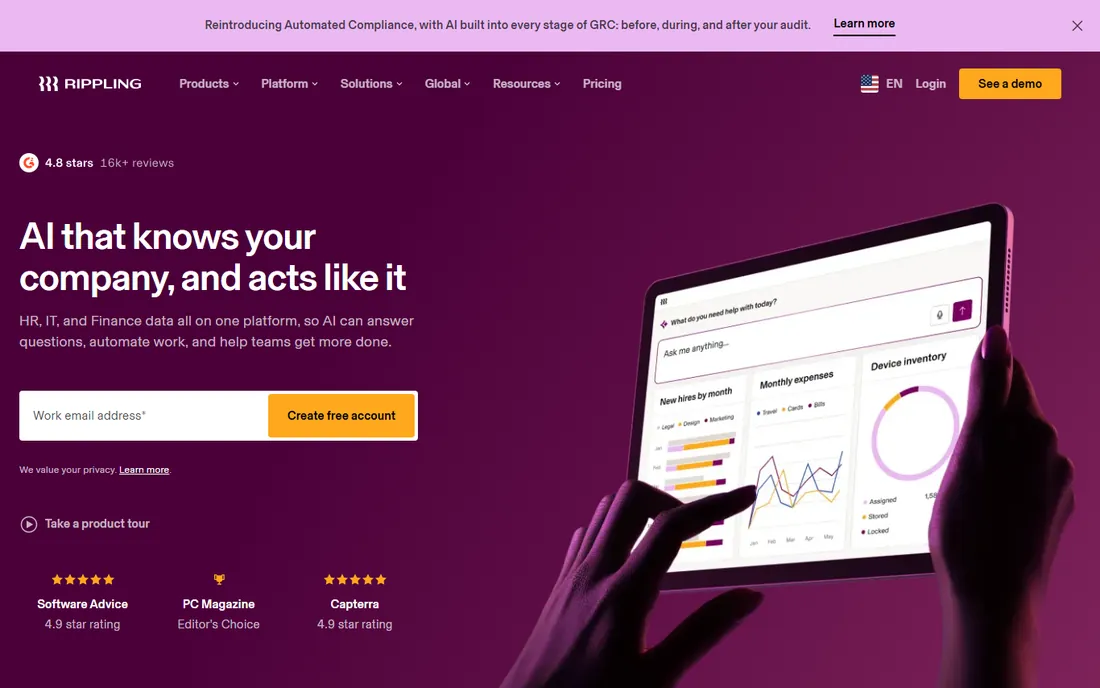
Rippling's automation story is unification: employee data flows from hiring through payroll, IT setup and app access automatically, so one change propagates everywhere. Global payroll, benefits administration and custom workflows extend automation beyond domestic pay runs.
The honest consideration is scope and price. Rippling is a platform purchase, and extras cost more; businesses wanting only payroll pay for capability they do not use. But for companies standardizing HR, IT and payroll on one system, the automation compound is unmatched.
What we like- Payroll natively connected to HR, IT provisioning and spend management
- Global payroll capabilities
- Powerful workflow automation
Watch out for- Modular pricing means costs stack
- More platform than simple payroll needs
#3
ADP
Best for: Enterprises and compliance-heavy organizations
Visit adp.com
Starting priceSee website
Free planNo
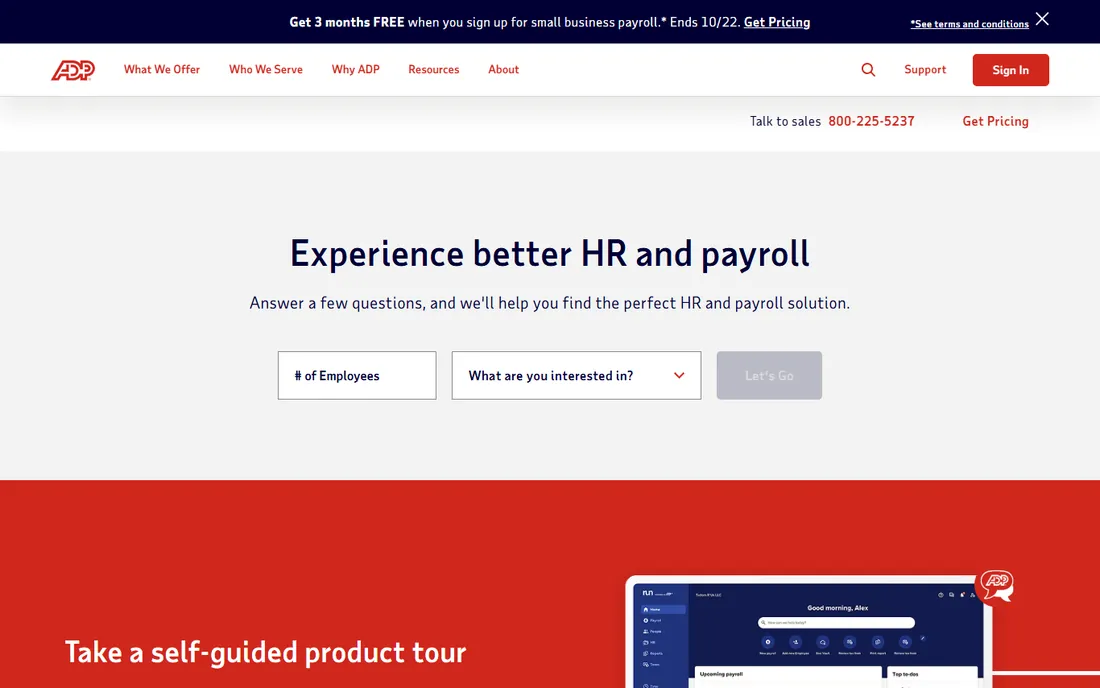
ADP is the payroll institution: RUN for small businesses, Workforce Now for mid-size, GlobalView for multinationals, all backed by compliance infrastructure few can match. Regulated industries and multi-state employers value the depth.
The honest trade-offs are price transparency and agility. ADP is quote-based with contract terms to read carefully, and onboarding is slower than Gusto's. But when compliance complexity is the problem (not ease of use), ADP's expertise is the safest choice.
What we like- Decades of compliance expertise across 140-plus countries
- Scales from RUN (small business) to enterprise
- Deep talent management options
Watch out for- Quote-based pricing
- Slower, heavier onboarding than modern competitors
#4
Paychex
Best for: Mid-size businesses wanting payroll plus HR services
Visit paychex.com
Starting priceSee website
Free planNo
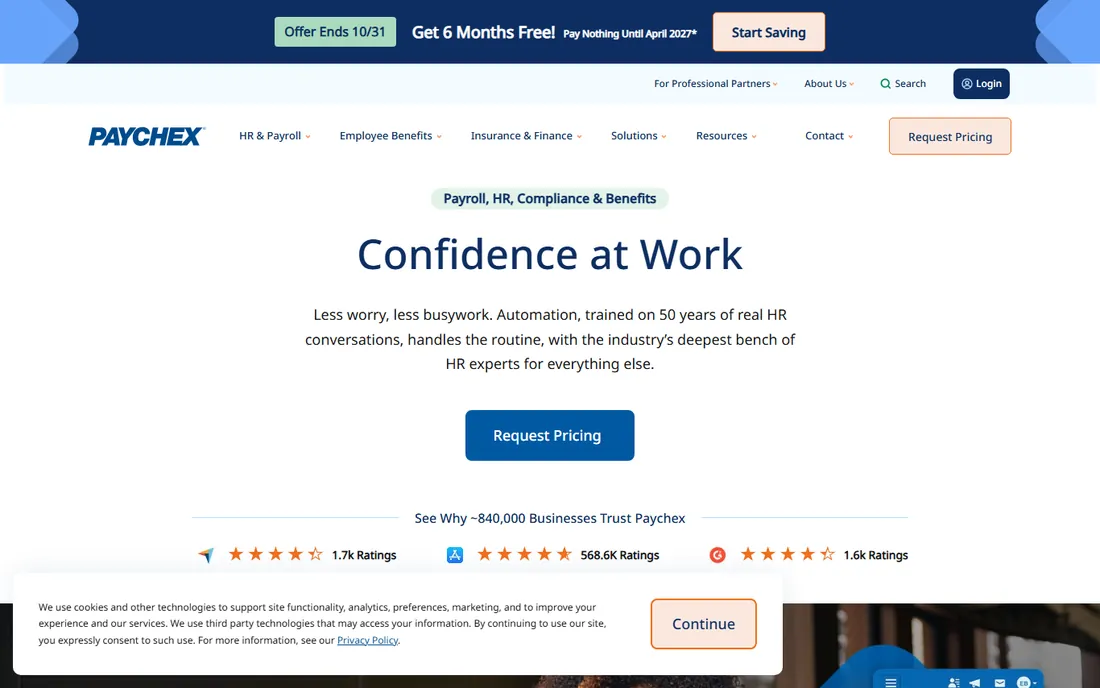
Paychex Flex scales with the business: straightforward payroll automation for small teams, with HR services, benefits and compliance tools added as companies grow. The 24/7 support and flexible scheduling suit businesses with non-standard pay cycles.
The honest caveat is cost at the low end. Small businesses often find Gusto or OnPay cheaper and simpler; Paychex's value appears as complexity grows. Evaluate it when you are scaling past startup tools rather than as a first payroll system.
What we like- Scalable from startups to enterprises
- Strong HR and compliance support
- 24/7 customer service
- Flexible payroll schedules
Watch out for- Can be expensive for small businesses
- Some find the platform complex for simple needs
#5
OnPay
Best for: Small businesses wanting transparent, simple automation
Visit onpay.com
Starting priceSee website
Free planFree trial
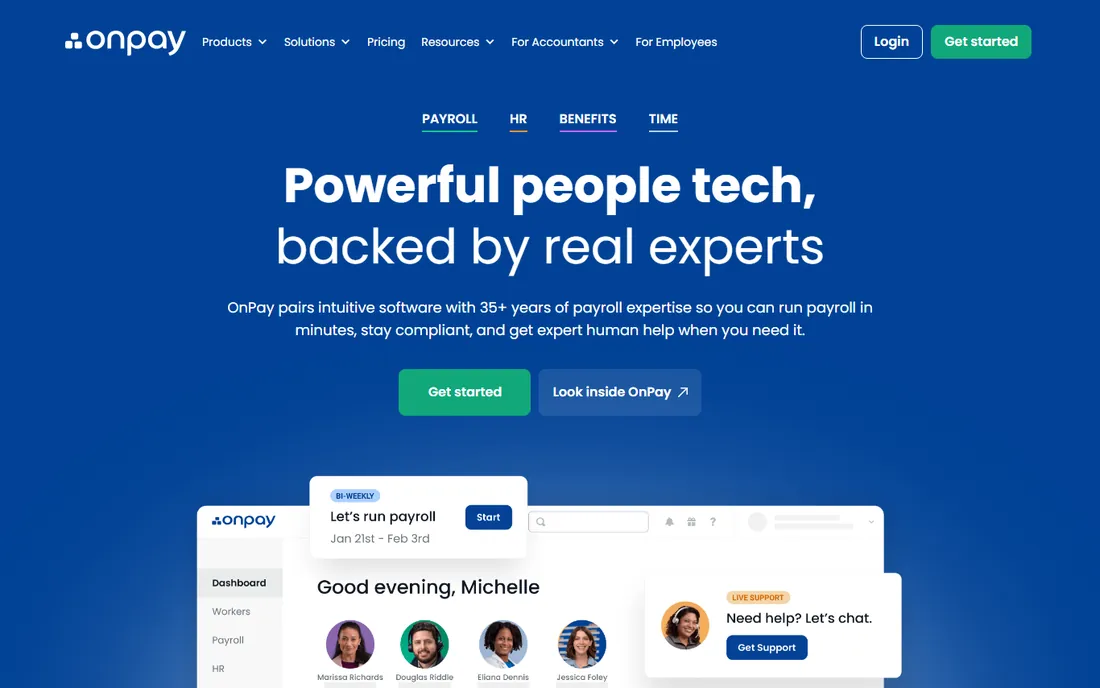
OnPay's appeal is honesty: published pricing, automated payroll and tax filings, and a product that does not upsell complexity. Small US businesses get full-service payroll automation (employees and contractors) without navigating tiers and add-ons.
The honest limits are scope. Benefits options run through partners, HR tools are basic, and international payroll does not exist. But for businesses whose needs are genuinely "run payroll correctly and automatically," OnPay's simplicity is the feature.
What we like- Transparent published pricing
- Automated tax filings for W-2 and 1099
- Easy setup without feature bloat
Watch out for- US-only
- Fewer HR and benefits extras than Gusto
- No global payroll
Starting priceSee website
Free planFree trial
QuickBooks Payroll's argument is integration: payroll data flows directly into QuickBooks accounting, eliminating reconciliation between systems. Automated tax calculations, direct deposit and reporting serve small businesses already committed to Intuit's ecosystem.
The honest framing is ecosystem lock-in. Outside QuickBooks, competitors offer more; inside it, the integration saves real bookkeeping time. Businesses choosing accounting software should weigh this synergy when deciding.
What we like- Tight integration with QuickBooks accounting
- Automated tax calculations and filings
- Familiar interface for QuickBooks users
Watch out for- Best value only inside the QuickBooks ecosystem
- Standalone HR features thinner
#7
Deel
Best for: Global teams needing cross-border payroll automation
Visit deel.com
Starting priceSee website
Free planNo
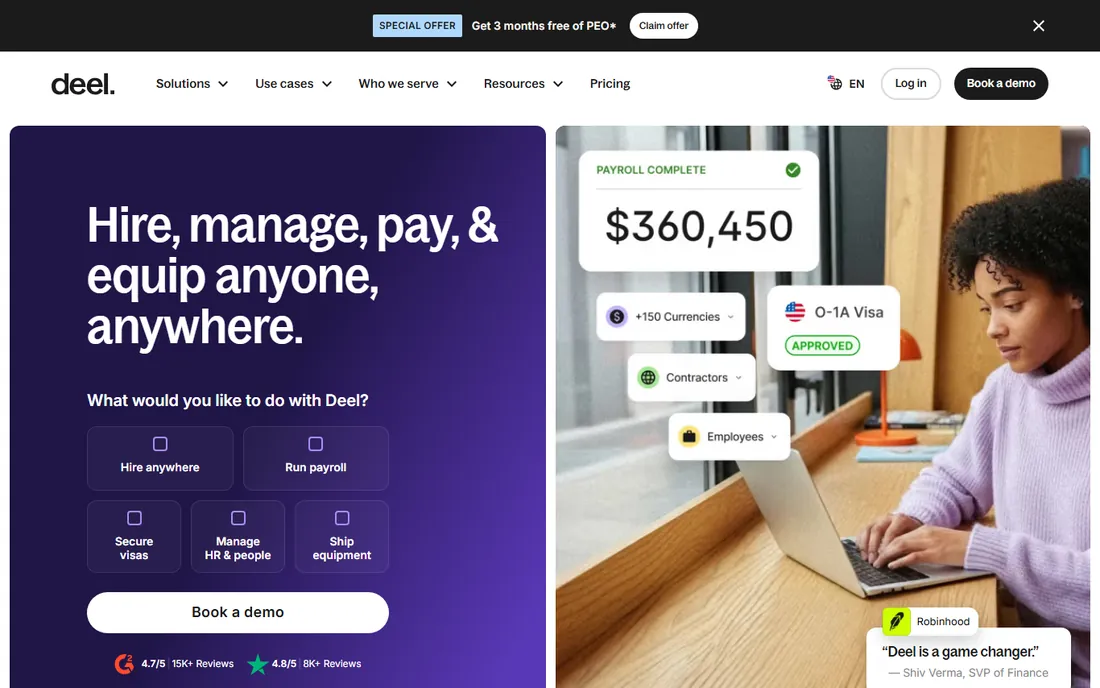
Deel automates the hardest payroll problem: paying people across borders compliantly. Global payroll, contractor management and Employer of Record services let companies hire in 150-plus countries without local entities, with contracts, compliance and payments handled.
The honest economics are the EOR premium: hiring employees abroad through Deel costs significantly per head. Businesses with only domestic payroll should choose domestic tools. But for distributed teams, Deel's automation replaces an entire international HR apparatus.
What we like- Global payroll across 150-plus countries
- Employer of Record for hiring without entities
- Published transparent pricing
- Contractor compliance
Watch out for- Premium EOR pricing
- Domestic-only businesses get better value elsewhere
Starting priceSee website
Free planFree trial
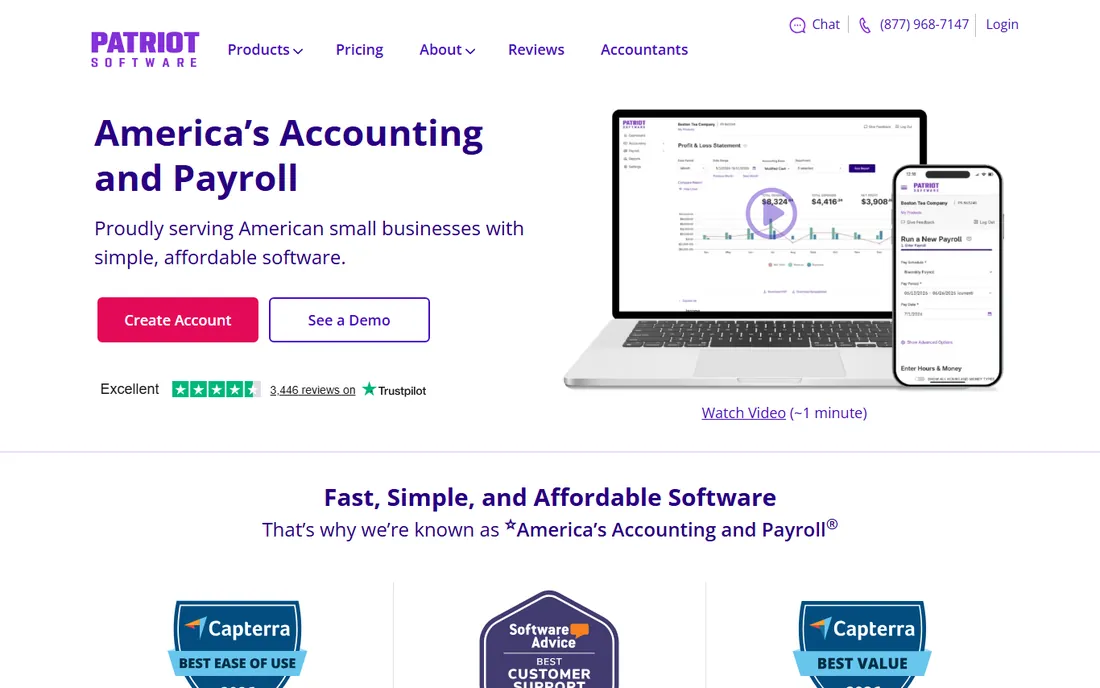
Patriot Software is the budget automation pick: full-service payroll with automated tax calculations and filings at prices small businesses can barely notice. US-based support and a straightforward interface keep the experience pleasant.
The honest trade-off is depth. Integrations, benefits administration and advanced HR features trail Gusto and Rippling. But for businesses where payroll is a cost center to minimize (not a platform to build on), Patriot's value is undeniable.
What we like- Among the most affordable full-service payroll options
- Automated tax filings
- US-based support
- Simple interface
Watch out for- Fewer integrations and HR extras
- Basic feature set versus premium competitors
How we chose
We selected established payroll providers with real automation depth, covering small business, mid-market, enterprise and global needs. We weighed automation completeness (calculations, filings, payments, year-end), pricing transparency, compliance coverage and honest fit for each segment. Pricing comes from each vendor's own pricing page; unverifiable plans are marked "See website." No hands-on testing was performed.
What to look for before you buy
Verify tax filing automation scope. "Full-service" should mean the vendor files and pays federal, state and local taxes; confirm your specific states and tax types are covered, and who is liable for errors.
Check the contractor and benefits story. Businesses with 1099 contractors or benefits deductions need those automated too; confirm both before assuming.
Model per-employee economics at your headcount. Base fees plus per-person charges produce very different totals at 5 versus 500 employees; project three years with hiring plans.
Finally, test support responsiveness during the trial. Payroll problems are time-sensitive; the quality of support matters more here than in most software categories. Call with a hard question and time the answer.
The true cost of running payroll in-house
Payroll software pricing pages show per-employee fees, but the real cost of payroll includes everything around the software. Understanding the full picture helps you choose the right tier and avoid the surprise that payroll is "cheap but constantly annoying" or "expensive but invisible". Both the software cost and the failure cost matter.
Start with the software itself. Most providers charge a base fee ($30 to $60 per month) plus $5 to $12 per employee per month. A 20-person company typically pays $150 to $300 monthly; a 100-person company pays $600 to $1,200. Annual billing usually saves 10 to 20 percent. Contractor-only payroll is cheaper, and several vendors offer it as a separate low-cost tier. Price your actual headcount mix, not just employee count.
Tax filing is where cheap payroll gets expensive. Full-service payroll (the vendor files federal, state and local taxes for you) costs more than self-service but eliminates the penalty risk. Payroll tax penalties run 2 to 15 percent of the underpayment plus interest, and multi-state payroll multiplies the filing burden: each state has its own registration, rates and deadlines. If you have employees in more than two states, full-service filing usually pays for itself in avoided penalties alone.
Benefits administration integration saves real money. When payroll, health insurance deductions, 401(k) contributions and PTO connect automatically, the monthly reconciliation work disappears. Disconnected systems mean manual entry, and manual entry means errors that surface at year end. Ask vendors exactly which benefits carriers and 401(k) providers integrate natively, not just "we integrate with benefits".
Time tracking integration matters for hourly teams. Payroll that pulls hours directly from the time clock eliminates timesheet transcription errors and the weekly chase for missing punches. If you run hourly workers on a separate time system, verify the integration is bidirectional and handles overtime rules for your states before committing.
Year-end is the stress test. W-2s, 1099s, corrections and filings compress into January, and this is when weak payroll support shows. Ask vendors about their year-end process: who prepares what, what the correction workflow looks like, and what support hours run in January. A vendor that shines in July and vanishes in January is the wrong vendor.
Finally, budget the transition. Migrating payroll means moving YTD totals, tax IDs, employee data and benefits elections accurately; most vendors help, but the process takes 2 to 4 weeks and one parallel run is wise. Rushing a mid-year switch to save a month of fees is a classic false economy. Plan the cutover for a quarter boundary with clean data.
Frequently asked questions
What is payroll automation?
Software that calculates gross-to-net pay, withholds taxes, files tax returns, processes direct deposits, manages deductions and generates year-end forms (W-2s, 1099s) with minimal manual intervention.
How much does payroll software cost?
Small business plans typically run $40 to $50-plus monthly base plus $5 to $8 per person; enterprise and global solutions are quote-based or significantly higher per head. Always model your headcount.
Do I still need an accountant with payroll software?
For routine payroll, usually not; the software handles calculations and filings. Complex situations (multi-state nexus, equity compensation, audits) still benefit from professional advice.
Can payroll software handle contractors?
Most handle 1099 contractors alongside W-2 employees, including year-end 1099 filing. International contractors need global platforms like Deel.
What happens if the payroll provider makes a tax error?
Reputable full-service providers assume liability for filing errors they cause; verify this in the service agreement. It is a key differentiator of full-service versus do-it-yourself payroll.
How long does payroll implementation take?
Days for small businesses on modern platforms (Gusto, OnPay); weeks to months for enterprise (ADP, Rippling) with data migration, integrations and parallel runs. Plan around quarter or year boundaries.
Sources we checked (8)
- https://www.gusto.com
- https://www.rippling.com
- https://www.adp.com
- https://www.paychex.com
- https://www.onpay.com
- https://www.quickbooks.intuit.com
- https://www.deel.com
- https://www.patriotsoftware.com
Is your product missing or out of date?
We review this list regularly. Vendors can request a listing, send updated pricing or ask about featured placement.

Shihab Mia · Founder, Rankite
Shihab has spent more than a decade helping SaaS and e-commerce brands grow through search. He writes Rankite's software buying guides from pricing pages, documentation and public user reviews. More about Shihab.