How we make this list: we compare pricing pages, product documentation and public user reviews. Ratings come from G2, Capterra or Trustpilot, with the date we checked them.
Key takeaways
- Zedge has the widest mix of wallpapers, live wallpapers, ringtones, and sounds in one app, while Walli and Backdrops offer smaller, more carefully chosen art collections.
- Free plans cover most daily use, but ads and locked collections are common, so check what is included before you pay for a subscription.
- Android users get more choice for live and auto-changing wallpapers, while iPhone users get the best results from curated apps such as Unsplash.
- Resolution matters more than library size on a modern phone, so pick an app that states 4K or device-sized images and previews them at full screen.
Quick comparison
| Tool | Best for | Starting price | Free plan |
|---|
 Zedge Zedge | Largest all-in-one library | Free (Zedge+ from $4.99 per month) | Yes |
 Walli Walli | Original artist wallpapers | Free | Yes |
 Backdrops Backdrops | Minimal and original designs | Free (Pro from $4.99) | Yes |
 Tapet Tapet | Generated patterns that never repeat | Free | Yes |
 Muzei Muzei | Rotating art on Android | Free | Yes |
 Unsplash Unsplash | Real photography wallpapers | Free | Yes |
 Abstruct Abstruct | Abstract 4K collections | Free | Yes |
Is your product missing or out of date?
We review this list regularly. Vendors can request a listing, send updated pricing or ask about featured placement.
The best wallpaper apps for Android and iPhone
Starting priceFree (Zedge+ from $4.99 per month)
Free planYes
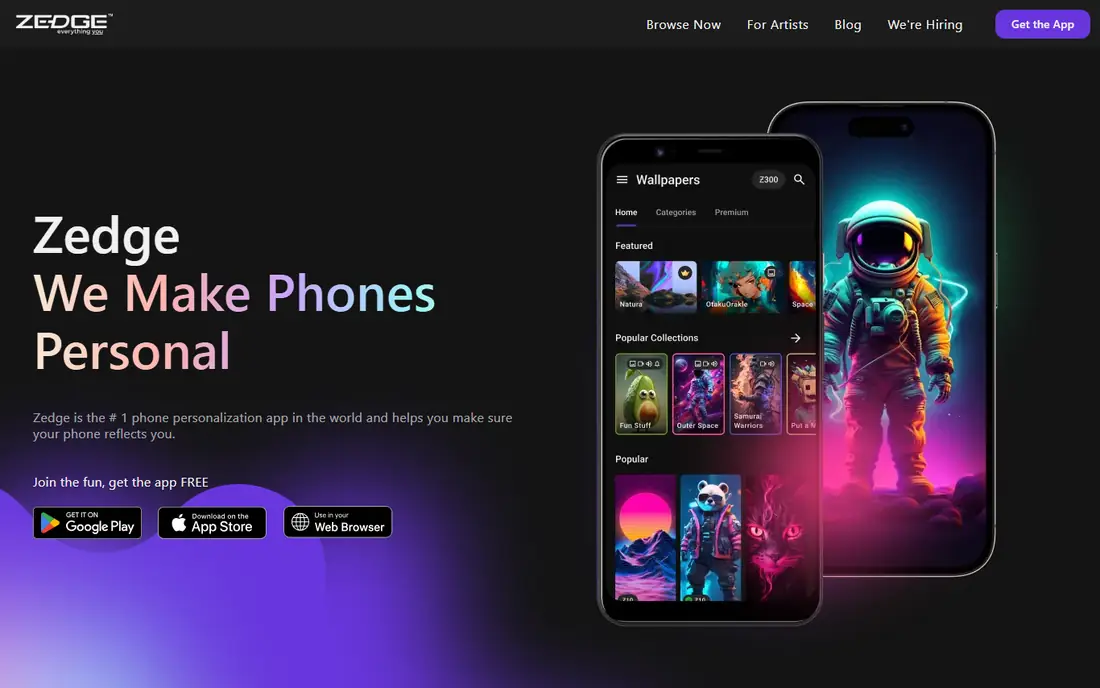
Zedge is the default choice when you want variety without installing several apps. Its catalog covers photography, illustration, nature, abstract art, and seasonal themes, and you can set images for the home screen, the lock screen, or both. The app also includes live wallpapers and an AI image tool, which helps when a standard photo does not fit your taste.
The trade-off is noise. A huge library means more browsing to find a strong image, and free browsing includes ads. Paid options reduce that friction and open locked content, but most casual users will be happy with the free tier. Start here if you change wallpapers often and want ringtones in the same place.
What we like- Very large library
- Live and video wallpapers
- Ringtones and notification sounds in the same app
Watch out for- Ads in the free version
- Some content needs credits or a subscription
Starting priceFree
Free planYes
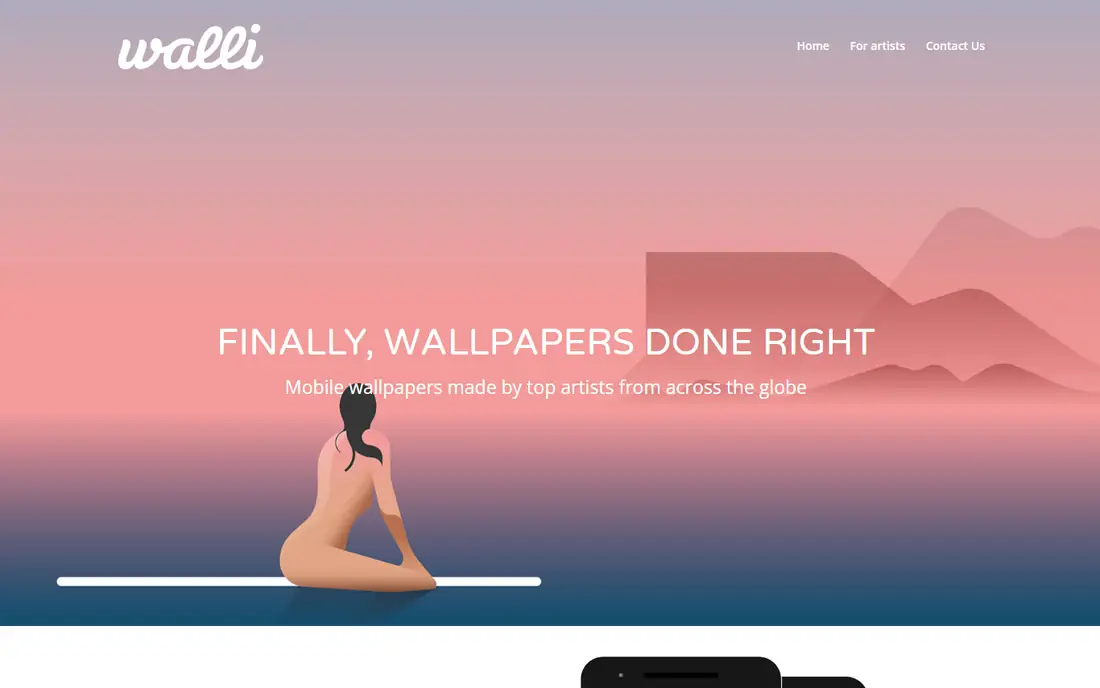
Walli takes a different route from the big catalog apps. Every artist is selected by the Walli team, so the collection feels more consistent even though it is smaller. You can follow artists, save favorites, and set playlists that rotate on a schedule, which suits people who like fresh screens without daily searching.
This is a good fit if you care about illustration and original art more than sheer volume. Photography fans may find the range narrower, and the best playlists sit behind Walli PRO on some devices. For a phone that should look considered rather than busy, Walli is hard to beat.
What we like- Artist-led collections
- Follow artists you like
- Auto-rotating playlists
Watch out for- Smaller library than Zedge
- Some collections need a paid subscription
Starting priceFree (Pro from $4.99)
Free planYes
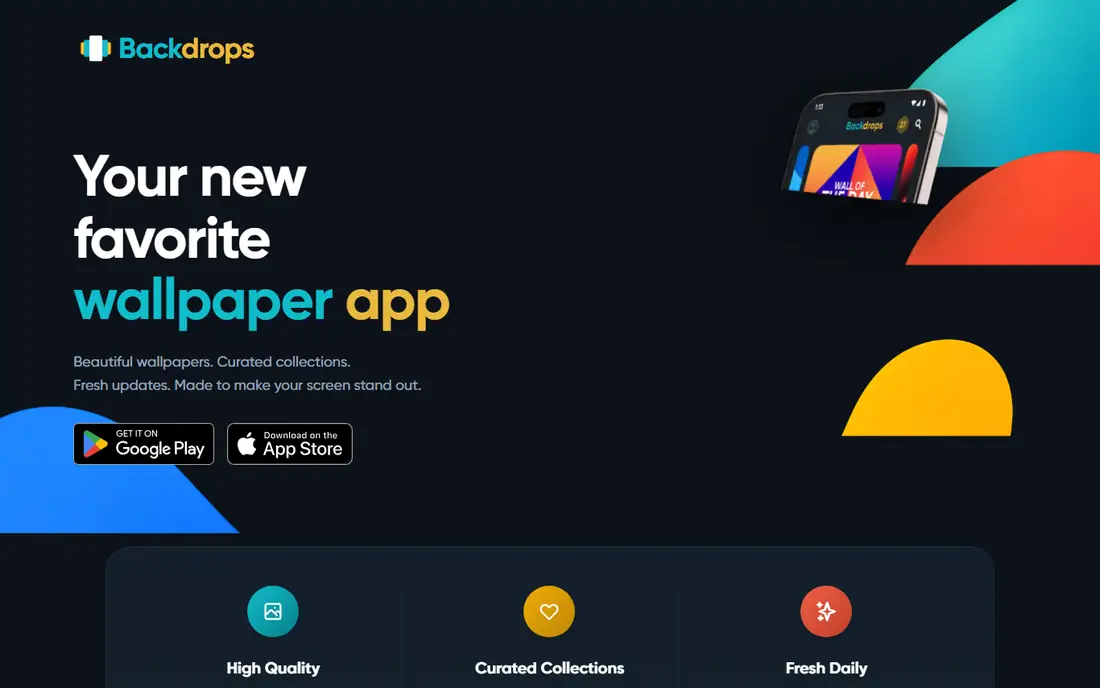
Backdrops focuses on design first. Much of its catalog is made in-house, with an emphasis on material patterns, geometric shapes, abstract art, and dark wallpapers that suit OLED screens. The Wall of the Day feature gives you one fresh pick each day, which is useful if you do not want to scroll through thousands of images.
Pro removes ads and opens exclusive collections, plus a full-screen preview that helps you judge an image before you apply it. The free version is still useful, but ads interrupt browsing. Choose Backdrops if you prefer clean, modern screens over photographic detail.
What we like- In-house original designs
- Wall of the Day
- Dark, AMOLED-friendly options
Watch out for- Free version includes ads
- Community uploads vary in quality
Starting priceFree
Free planYes
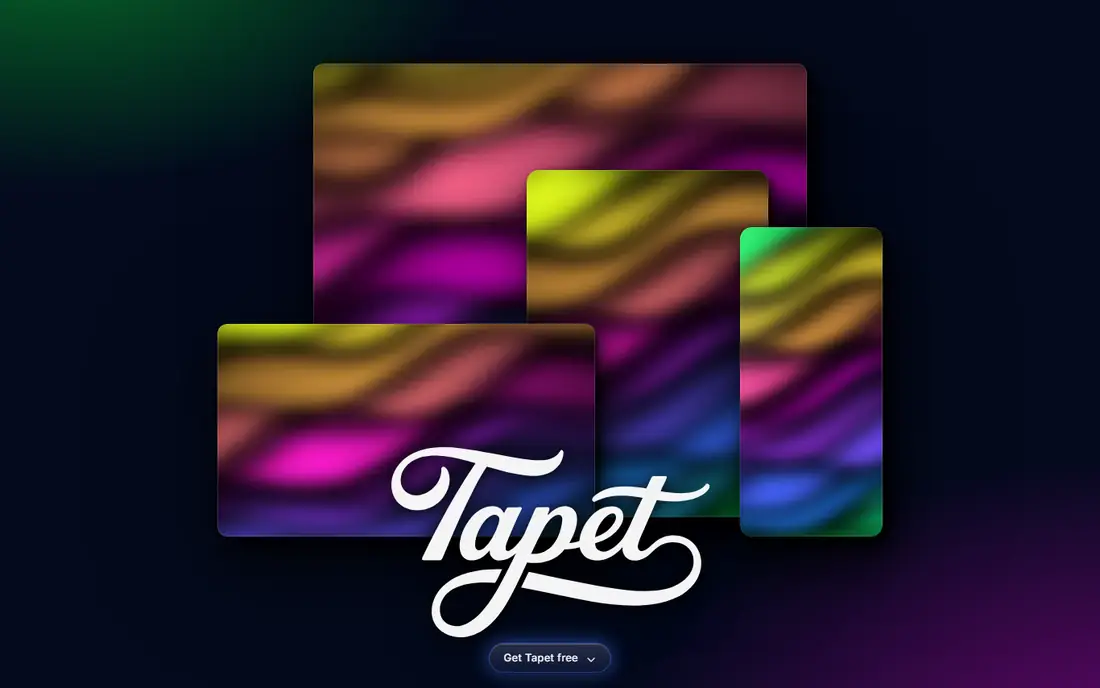
Tapet does not try to be a photo library. It generates abstract patterns on your phone based on your settings, so each wallpaper is unique. You can schedule changes through the day, which gives your home screen a fresh look without any manual work.
That focus is both the strength and the limit. If you want scenery or portraits, Tapet will disappoint. If you like geometric color, gradients, and subtle texture, it is one of the most interesting Android options, and it works well as a second app beside a photo source.
What we like- Patterns generated on the device
- Scheduled auto-change
- No two images are alike
Watch out for- Android only
- Patterns only, no photography
Starting priceFree
Free planYes
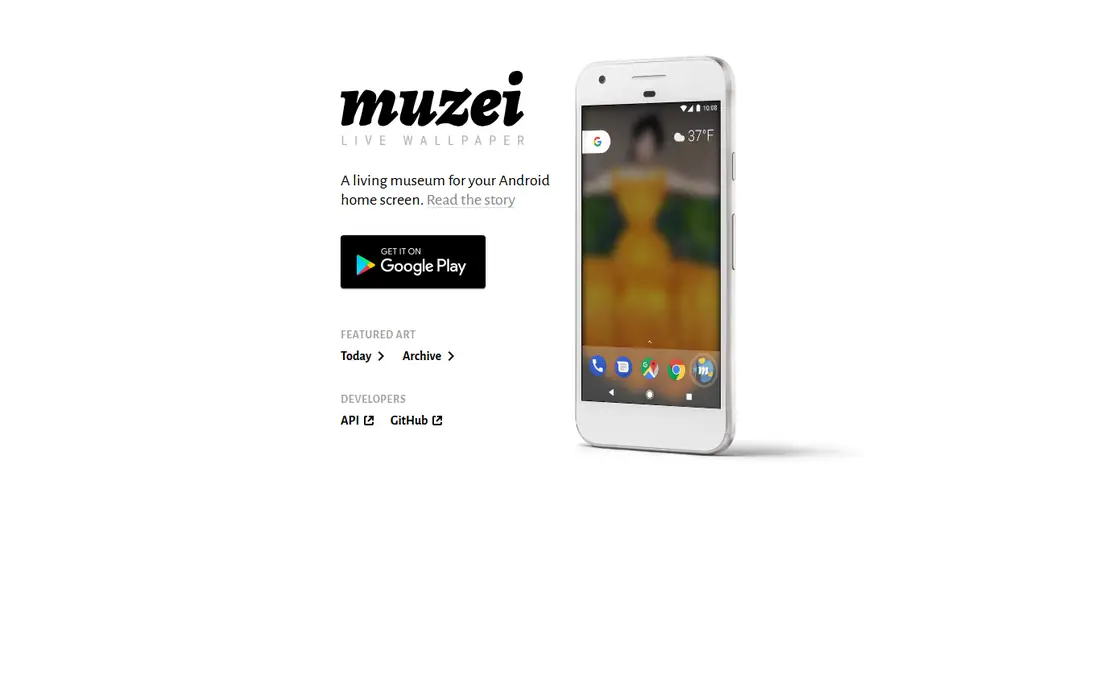
Muzei turns your home screen into a slowly changing gallery. It pulls artwork from plug-in sources, blurs it slightly, and dims it so app icons stay clear. The result is calm rather than showy, and it works well for people who find bright photos distracting.
Because Muzei is open source, its future depends on community plug-ins and your own sources. That makes it flexible, but it is less polished than a commercial app at first setup. It is a strong pick for Android users who want art in the background without constant attention.
What we like- Free and open source
- Daily art rotation
- Blurred artwork keeps icons readable
Watch out for- Android only
- Setup takes a little learning
Starting priceFree
Free planYes
Unsplash is a photography library first and a wallpaper source second, and that is why it belongs here. Search terms such as mountains, minimal, architecture, or gradient return sharp, professional photos that hold up on large phone screens. You can download an image and set it manually in a few taps.
The drawback is the lack of wallpaper-specific tools. There is no built-in rotation, no live wallpaper mode, and no device-sized cropping in the app itself. Pair Unsplash with your phone settings or a rotation app if you want variety, and use it alone if one excellent photo is enough.
What we like- Huge photography library
- High resolution images
- Free to use for personal screens
Watch out for- Not a dedicated wallpaper app
- No auto-change or live wallpaper features built in
Starting priceFree
Free planYes
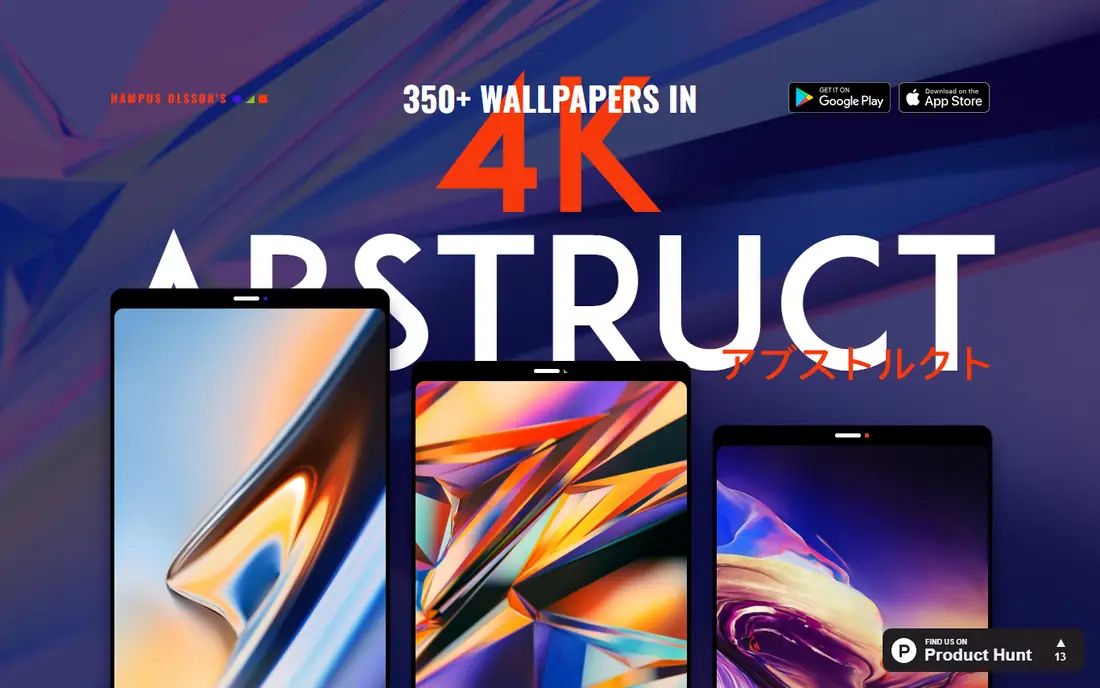
Abstruct, from the team behind a well-known Android design app, offers abstract wallpapers in high resolution. Collections are exclusive to the app, so you will not see the same images in every other catalog. On Android, an auto-rotate feature changes the wallpaper on a schedule.
Abstract art will not suit everyone. If you want people, places, or animals, look elsewhere. If your home screen should feel modern and graphic, Abstruct gives you a focused set of images that look sharp on OLED displays and do not compete with your icons.
What we like- Exclusive abstract collections
- 4K resolution
- Auto-rotate on Android
Watch out for- Abstract only
- Pro features vary by platform
How we chose
We compared pricing pages, app store listings, and public reviews, and we checked that each app is still available for Android or iPhone in 2026. We also looked at how each app handles cropping, preview quality, and screen fit, because a good catalog is less useful when an image is cut off at the edges. We favored apps with a clear free option, stated resolution or preview quality, and a distinct style, rather than listing every catalog app with the same photos. We also weighed platform limits, because an excellent Android-only app does not help an iPhone owner, and we noted where ads or subscriptions change the free experience.
Picking the right style before you pay
Start with the look you actually keep. A busy photo can make icons hard to find, while a dark or blurred image keeps text readable. Test a few images at full screen before you commit to a subscription, and check how they look on both the home screen and the lock screen.
Think about rotation and battery
Live wallpapers and frequent auto-change use more battery than a static image, especially on older phones. Android users can use Tapet or Muzei for gentle rotation, while iPhone users should check whether a live option only animates on the lock screen. If battery life matters, choose a static 4K image and change it manually once a week.
Check the free tier first
Most apps in this list are usable without paying. Use the free tier for a week, note how often ads appear, and see whether the locked collections are ones you would actually use. A one-time upgrade can be better value than a monthly plan if you only want a small, curated set.
Judge a small catalog by its update rhythm
A small catalog can still serve you well when it adds new images on a steady schedule. Before you pay, check how often new collections arrive and whether older images stay available after they rotate out. A daily drop is only useful when you like the style of that day's pick, so browse a week of past drops when the app shows them. Also check whether the app lets you save favorites, because a small catalog without saved images forces you to settle for whatever is current. If you change your wallpaper often, a large library will suit you better than a small one, no matter how good the curation is. If you change it rarely, a small set of strong images plus a save feature can be enough, and you will spend less time browsing.
Preview at full screen before you settle
A thumbnail can hide cropping, soft detail, and low resolution. Open each candidate at full screen, then check the top and bottom edges where the clock, date, and home indicator sit. If faces or text get cut off in those zones, the image will annoy you every time you unlock the phone. Also try the image on the lock screen and the home screen separately, because a photo that looks calm behind widgets can look busy behind app icons. When an app offers a preview mode, use it for every image you plan to keep for more than a day.
Match the app to your phone
Android owners have the widest choice, including Muzei and Tapet. iPhone owners should start with Unsplash for photography, then add Zedge or Walli for variety. If you use both platforms, Zedge, Walli, and Backdrops keep your favorites more consistent across devices.
Frequently asked questions
Is a free wallpaper app good enough?
Yes, for most people. Free tiers include large libraries and daily picks, and the main limits are ads and some locked collections. Pay only if you want ad-free browsing, exclusive art, or live wallpapers on a regular basis.
What resolution should a phone wallpaper be?
Use the highest resolution the app offers, ideally 4K or at least the native resolution of your screen. A low resolution image looks soft on a modern OLED display, especially on a lock screen viewed at full size.
Do live wallpapers drain battery?
Live wallpapers use more power than static images, but the effect is small on recent phones when the animation only runs on the lock screen. If your battery is already tight, choose a static image and avoid apps that animate constantly on the home screen.
Can I use Unsplash photos as wallpapers?
Yes. Unsplash photos are free to download and use for personal screens under the Unsplash license. You cannot resell the images as your own work, but setting one as your phone wallpaper is a normal personal use.
Why do some wallpapers look cropped?
Phone screens have different aspect ratios, and a wide photo may be cropped to fit a tall screen. Use the app preview and crop tool before you apply an image, and prefer portrait images for lock screens.
Should I pick one app or several?
One main app is enough for most users. Add a second app only if you want a different style, such as Tapet for patterns beside Unsplash for photography, or Muzei for rotation beside Walli for art.
Sources we checked (8)
- https://www.zedge.net
- https://www.walliapp.com
- https://backdrops.cc
- https://www.tapet.app
- https://www.muzei.co
- https://www.unsplash.com
- https://abstruct.co
- https://blog.zedge.net/best-wallpaper-apps/
Is your product missing or out of date?
We review this list regularly. Vendors can request a listing, send updated pricing or ask about featured placement.

Shihab Mia · Founder, Rankite
Shihab has 5+ years in B2B and SaaS SEO. He writes Rankite's software buying guides from pricing pages, documentation and public user reviews. More about Shihab.