How we make this list: we compare pricing pages, product documentation and public user reviews. Ratings come from G2, Capterra or Trustpilot, with the date we checked them.
Key takeaways
- VPS hosting gives you dedicated CPU, RAM, and storage on shared hardware, which makes performance more predictable than shared hosting.
- The cheapest plan is rarely the best value once backups, bandwidth, support, and renewal prices are added.
- Developers who want full control should pick an unmanaged VPS with root access, while busy site owners should pay for managed support.
- NVMe storage, current AMD or Intel CPUs, and a nearby data center matter more than a long feature list.
- Always check renewal pricing, backup frequency, and whether support covers server software or only hardware and network.
Quick comparison
| Tool | Best for | Starting price | Free plan |
|---|
 Hostinger Hostinger | Budget VPS with strong specs | $6.49 per month | No |
 DigitalOcean DigitalOcean | Beginner-friendly cloud VPS | $4 per month | No |
 Vultr Vultr | Global locations and API use | See website | No |
 Linode Linode | Reliable Linux VPS | See website | No |
 Hetzner Hetzner | Best value in Europe | See website | No |
 ScalaHosting ScalaHosting | Managed VPS with control panel | $29.95 per month | No |
 Bluehost Bluehost | WordPress-focused VPS | See website | No |
 InMotion Hosting InMotion Hosting | Managed support for growing sites | See website | No |
 Liquid Web Liquid Web | Fully managed VPS | See website | No |
 Kamatera Kamatera | Flexible custom servers | See website | Free trial |
Is your product missing or out of date?
We review this list regularly. Vendors can request a listing, send updated pricing or ask about featured placement.
The best VPS hosting service
#1Hostinger
Best for: Budget VPS with strong specs4.4/5 on
G2 (834 reviews, checked Oct 2026)
Visit hostinger.com
Starting price$6.49 per month
Free planNo
Hostinger offers the strongest price-to-spec balance in this list for self-managed users. Entry plans include NVMe storage, dedicated resources, and full root access, so you can install the stack you want rather than accept a preset configuration. One-click apps for WordPress, n8n, and other tools speed up a first deployment.
The main caution is renewal pricing. The $6.49 per month entry rate is promotional, and renewal rates run higher, so budget on the renewal figure, not the first-term figure. Weekly backups help, but daily backups may need an upgrade for busy sites. Hostinger fits developers and site owners comfortable managing a server themselves.
What we like- AMD EPYC processors and NVMe storage
- Weekly backups included
- Full root access and API access
Watch out for- Promotional price rises sharply on renewal
- Support is chat and ticket based, with no phone option
Starting price$4 per month
Free planNo
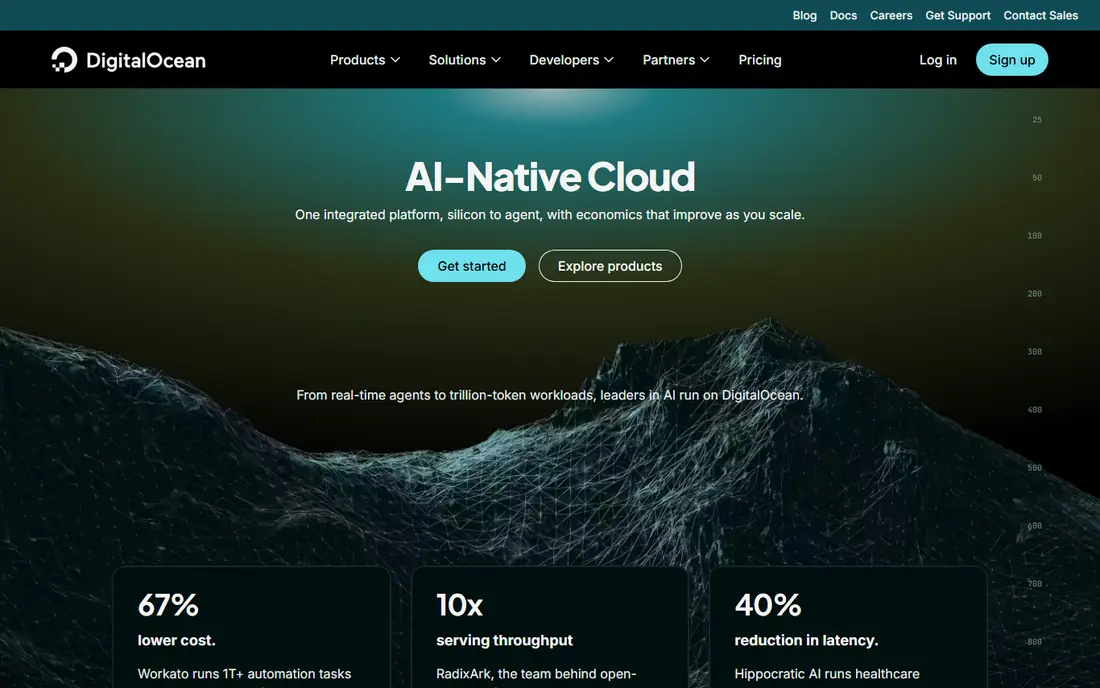
DigitalOcean remains a favorite first cloud VPS because the interface is plain and the documentation is genuinely helpful. Droplets can be created in minutes, resized as traffic grows, and paired with managed databases, object storage, and load balancers when a project outgrows a single server. The marketplace offers one-click installs for common stacks.
Starting at $4 per month makes testing cheap, though a production site usually needs a larger plan with more RAM. DigitalOcean is unmanaged by default, so you handle updates, security, and backups unless you add services. It fits developers, students, and small teams that want cloud flexibility without enterprise billing complexity.
What we like- Clear documentation and simple interface
- One-click marketplace apps
- Predictable hourly and monthly billing
Watch out for- Entry plans are small for busy production sites
- Managed services cost extra
Starting priceSee website
Free planNo
Vultr suits teams that deploy in many regions or automate infrastructure with code. With locations across North America, Europe, Asia, and beyond, you can place a server near your users and keep latency low. The API, Terraform support, and hourly billing make it easy to spin up test servers and remove them when done.
Costs can climb once you add automated backups, block storage, and larger instances, so track the full monthly total. Vultr is also largely self-managed, which suits developers but not owners who want a host to handle updates. Choose Vultr when location choice and automation matter more than hand-holding.
What we like- Many global data center locations
- Strong API and automation support
- Hourly billing for short-lived servers
Watch out for- Backups and extra storage add cost
- Support depth varies by plan
Starting priceSee website
Free planNo
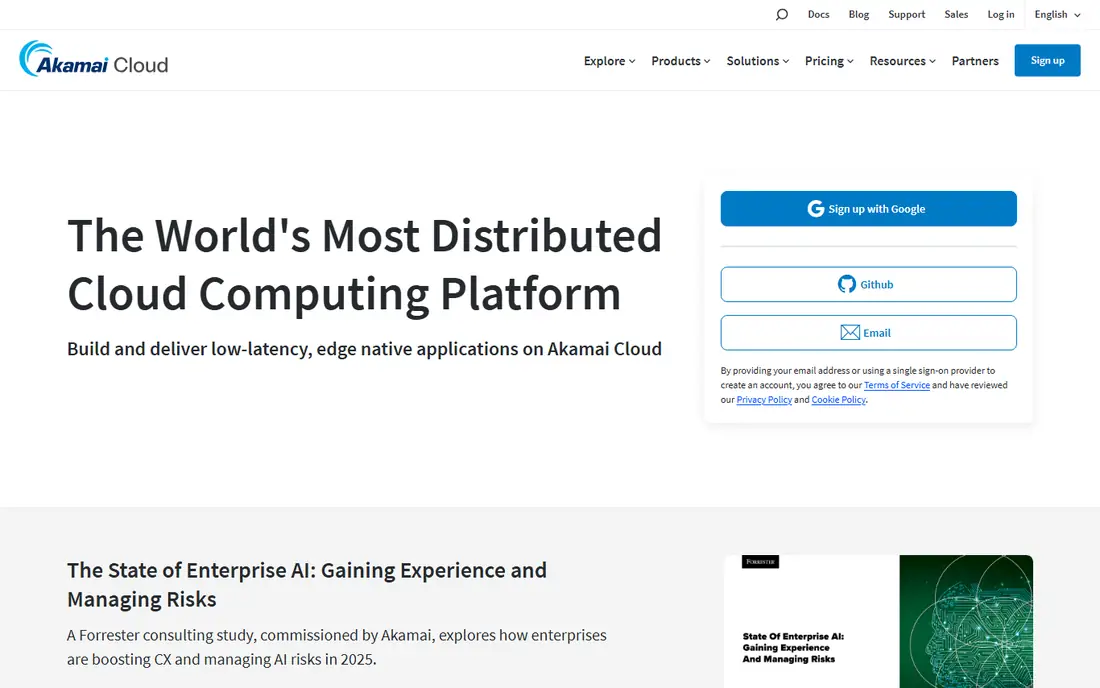
Linode, now part of Akamai, has built its name on steady Linux hosting and support from people who understand servers. Shared, dedicated, and high-memory instances cover blogs, apps, and databases, and the platform includes backups, load balancers, and object storage for larger setups. Pricing is transparent, with hourly and monthly options.
The control panel is functional rather than flashy, and beginners may prefer DigitalOcean or Hostinger for first steps. Linode rewards users who value uptime, predictable performance, and support that can discuss a real server problem. It is a solid pick for long-running Linux projects.
What we like- Stable Linux performance
- Human support with a good reputation
- Wide range of instance types
Watch out for- Interface feels less polished than newer cloud panels
- Managed options are narrower than some rivals
Starting priceSee website
Free planNo
Hetzner is hard to beat on raw value, especially for European projects. Plans offer generous RAM and traffic for the price, which makes Hetzner popular for self-hosted apps, Docker stacks, and personal projects that would cost far more elsewhere. The cloud console is straightforward, and servers deploy quickly.
Support is not a managed-service experience, so you should be comfortable with Linux administration, firewalls, and backups. Users outside Europe should check data center locations and network routes to their audience. For skilled users who want maximum resources per dollar, Hetzner is a clear contender.
What we like- Very low cost per unit of RAM
- Generous traffic allowances
- Data centers in Europe and the United States
Watch out for- Support is more limited than managed hosts
- Some services are Europe-focused
Starting price$29.95 per month
Free planNo
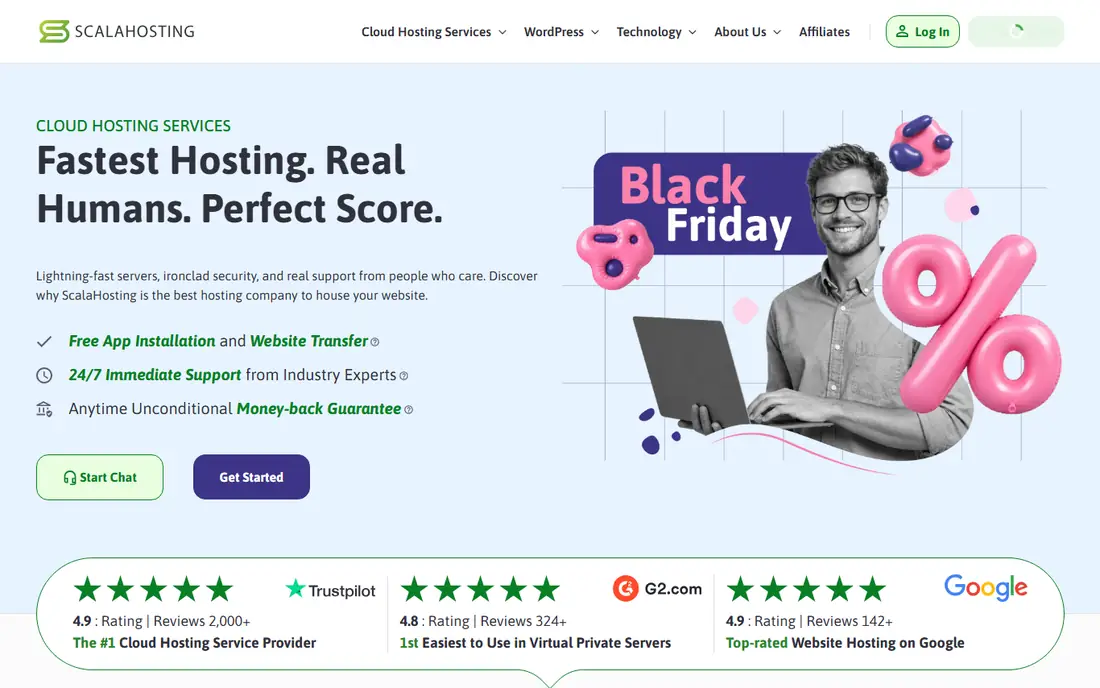
ScalaHosting targets site owners who want VPS power without server administration. Managed plans include support, security monitoring, offsite backups, and SPanel, its own control panel that replaces paid panel licenses. That bundle can save money and time compared with buying an unmanaged VPS plus a separate panel and backup service.
The starting managed price of $29.95 per month reflects that service, and renewal pricing is higher, so confirm the long-term cost. ScalaHosting fits agencies, WordPress site owners, and small businesses that need performance plus someone to call when a server issue appears. Developers who want bare root access may prefer a cheaper unmanaged option.
What we like- Managed support included
- SPanel control panel at no extra license cost
- Offsite backups and security tools
Watch out for- Entry managed price is higher than unmanaged rivals
- Renewal price rises after the first term
#7Bluehost
Best for: WordPress-focused VPS3.4/5 on
G2 (282 reviews, checked Oct 2026)
Visit bluehost.com
Starting priceSee website
Free planNo
Bluehost VPS plans suit WordPress site owners moving up from shared hosting. You get dedicated resources, NVMe storage, root access on some plans, and support for WordPress migration and maintenance. The brand familiarity also helps owners who already host domains or shared plans with Bluehost.
Pricing and plan details change often, so verify the current entry price, renewal rate, and included resources before buying. Bluehost is not the cheapest unmanaged VPS, and developers who want a bare cloud server may prefer DigitalOcean or Vultr. For WordPress growth with guided support, it remains a practical step up.
What we like- WordPress-friendly VPS plans
- Free SSL and domain options on many plans
- Managed VPS support available
Watch out for- Renewal pricing needs careful checking
- Advanced users may find the panel limiting
Starting priceSee website
Free planNo
InMotion Hosting appeals to businesses that have outgrown shared hosting and want a managed VPS with real support. Plans include NVMe storage, dedicated IPs, security features, and migration assistance, which lowers the risk of moving a live site. Support is available around the clock, a meaningful difference when a site issue appears outside business hours.
Managed service costs more than a bare VPS, and the cheapest advertised rate may require a longer term. InMotion fits growing businesses, agencies with client sites, and owners who would rather pay for support than learn server administration. Check backup terms and renewal pricing on the plan page before checkout.
What we like- Managed VPS support
- NVMe storage and redundant infrastructure
- Free migration help on many plans
Watch out for- Entry managed pricing sits above budget VPS plans
- Plan tiers can be confusing at first glance
Starting priceSee website
Free planNo

Liquid Web is a premium managed host, built for sites and apps where downtime costs money. Fully managed plans include proactive monitoring, security hardening, backups, and support from server specialists. Linux and Windows options, plus hourly configurations on some plans, give agencies flexibility for client work.
That service level costs more, and a hobby project will not need it. Liquid Web makes sense for e-commerce stores, agencies, and businesses that want a host to own server health, not just hardware. Before buying, confirm what managed support covers, such as application issues versus server-only issues, since definitions differ by host.
What we like- Fully managed support with strong reputation
- Linux and Windows options
- Fast scaling and server monitoring
Watch out for- Higher starting cost than unmanaged hosts
- Overkill for a small personal project
Starting priceSee website
Free planFree trial
Kamatera lets you build a server to exact specs instead of picking a fixed tier. You choose CPU type, RAM, storage, operating system, and data center, then scale resources up or down as needs change. That granularity suits staging environments, test beds, and apps with unusual resource profiles.
A free trial period helps new users test performance before committing, though trial terms should be confirmed on the site. Kamatera is self-managed, so it fits developers and IT teams rather than owners seeking full management. If your workload does not fit standard VPS tiers, Kamatera flexibility is a genuine advantage.
What we like- Highly customizable CPU, RAM, and storage
- 30-day trial with credit on many offers
- Global data centers
Watch out for- Pricing can be complex with many options
- Self-managed by default
How we chose
We reviewed vendor pricing pages, product documentation, and public reviews on G2, Capterra, and Reddit, and we compared CPU and storage specs, backup terms, bandwidth, data center locations, management level, and renewal pricing. We favored hosts with current VPS plans, clear resource limits, and a track record for uptime and support. Where a starting price could not be confirmed on the vendor pricing page, we listed See website rather than repeating a promotional figure.
Choosing managed or unmanaged
The management choice shapes cost more than any other factor. Unmanaged VPS plans give root access and low prices, but you own updates, security patches, firewall rules, and backups. Managed plans cost more and handle much of that work, which suits businesses without a system administrator.
What to check in every plan
Read the renewal price, backup frequency, and bandwidth limit before comparing headline prices. A plan with weekly backups and a low traffic cap may cost more in practice than a slightly pricier plan with daily backups and generous transfer. Also confirm how many CPU cores and how much RAM are dedicated, since shared CPU plans can slow under load.
Matching the server to the workload
A small blog or staging server can run well on 1 to 2 GB of RAM, while a busy WordPress site, database app, or e-commerce store usually needs 4 GB or more. Choose a data center near your main audience, enable backups from day one, and test restore steps before traffic grows. Scaling later is easier when the host allows plan upgrades without migration.
Frequently asked questions
What is a VPS?
A virtual private server is a virtual machine on shared physical hardware with dedicated CPU, RAM, and storage allocated to you. It gives more control and steadier performance than shared hosting, without the cost of a full dedicated server. You can install software, choose an operating system, and scale resources as needed.
Is VPS hosting better than shared hosting?
For growing sites, yes in most cases, because resources are dedicated and you control the server environment. Shared hosting is cheaper and simpler for small sites with low traffic. Move to a VPS when traffic, security needs, or custom software outgrow shared limits.
Do I need technical skills for a VPS?
Unmanaged VPS plans require Linux administration, security, and backup skills. Managed VPS plans handle much of that work for a higher price. Beginners should start managed or choose a host with strong documentation and support, then learn server basics over time.
How much RAM do I need for a VPS?
Small sites and test projects often run on 2 GB of RAM, while busy WordPress sites and apps usually need 4 to 8 GB. Database-heavy apps and e-commerce stores may need more. Start with a plan you can upgrade, and monitor memory use during peak traffic.
Can I upgrade my VPS later?
Most hosts allow upgrades to larger plans, and cloud hosts often allow resizing without moving data. Confirm whether an upgrade requires downtime or a migration, and whether downgrades are possible. Cloud-style hosts usually offer the most flexible scaling.
What is the difference between VPS and cloud hosting?
A VPS is a single virtual server, while cloud hosting can spread a site across multiple servers for higher availability. Many modern VPS products use cloud infrastructure, so the lines blur. Focus on resources, backups, support, and scaling options rather than the label alone.
Sources we checked (10)
- https://www.hostinger.com
- https://www.digitalocean.com
- https://www.vultr.com
- https://www.linode.com
- https://www.hetzner.com
- https://www.scalahosting.com
- https://www.bluehost.com
- https://www.inmotionhosting.com
- https://www.liquidweb.com
- https://www.kamatera.com
Is your product missing or out of date?
We review this list regularly. Vendors can request a listing, send updated pricing or ask about featured placement.

Shihab Mia · Founder, Rankite
Shihab has 5+ years in B2B and SaaS SEO. He writes Rankite's software buying guides from pricing pages, documentation and public user reviews. More about Shihab.