How we make this list: we compare pricing pages, product documentation and public user reviews. Ratings come from G2, Capterra or Trustpilot, with the date we checked them.
Key takeaways
- Walkie talkie apps turn phones into push to talk radios, with channels, groups, and instant voice that suit teams, families, and events.
- Zello leads on public and private channels, while Voxer leads on voice messages that recipients hear live or later.
- Push to talk apps need data or Wi-Fi, unlike real radios, so coverage depends on your phone signal, not radio range.
- Teams should check channel limits, user management, and emergency features before picking, since consumer apps lack business controls.
- Test voice quality in your actual locations, since a quiet office test hides the noise and coverage problems of a warehouse or event site.
Quick comparison
| Tool | Best for | Starting price | Free plan |
|---|
 Zello Zello | Public and private channels | Free | Free |
 Voxer Voxer | Voice messages live or later | Free | Free |
 HeyTell HeyTell | Simple friend walkie talkie | Free | Free |
 Two Way Two Way | Simple push to talk | Free | Free |
 Marco Polo Marco Polo | Video walkie talkie | Free | Free |
 Discord Discord | Voice channels for groups | Free | Free |
 Microsoft Teams Microsoft Teams | Business walkie talkie | See website | Free trial |
 Relay Relay | Team push to talk | See website | Free trial |
Is your product missing or out of date?
We review this list regularly. Vendors can request a listing, send updated pricing or ask about featured placement.
The best walkie talkie app
Starting priceFree
Free planFree
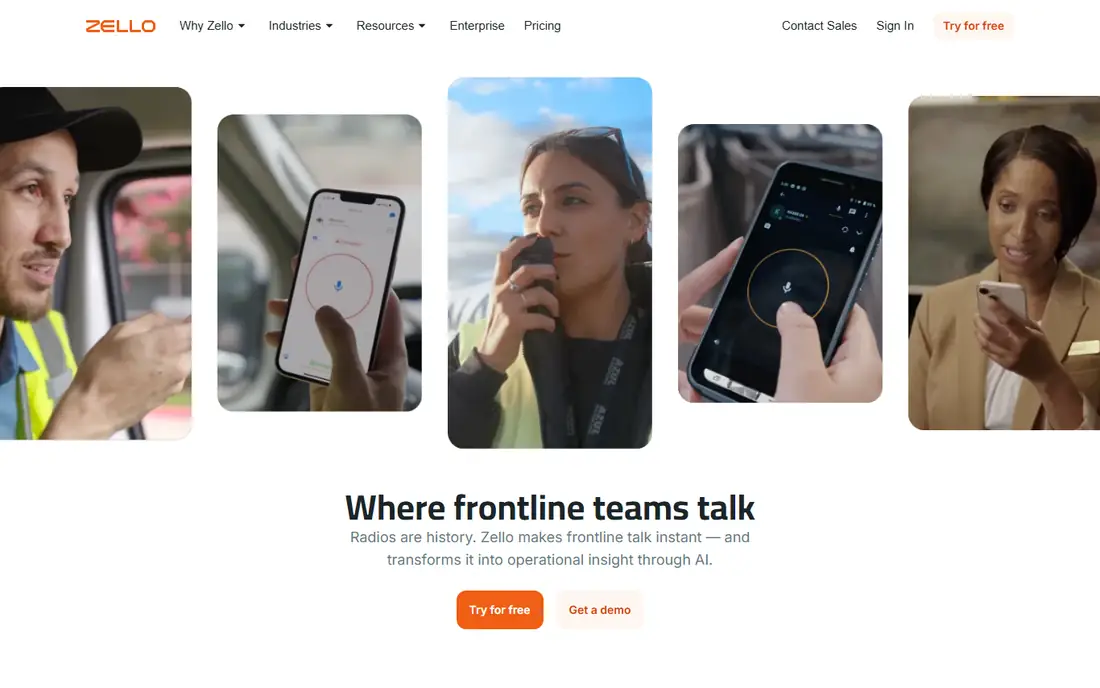
Zello turns phones into push to talk radios with public and private channels, contacts, and groups, plus a business version with user management and dispatch features. The free app suits friends, families, and hobby groups, with channels for topics from trucking to emergency prep. Voice quality is strong on good connections, and the app runs on iOS, Android, and desktop.
Public channels can be noisy and unmoderated, while business features such as centralized management sit on paid Zello Work plans. For a free walkie talkie app with the largest channel network, Zello leads.
What we like- Huge channel network
- Private channels
- Cross platform
Watch out for- Public channels are noisy
- Business features are paid
Starting priceFree
Free planFree
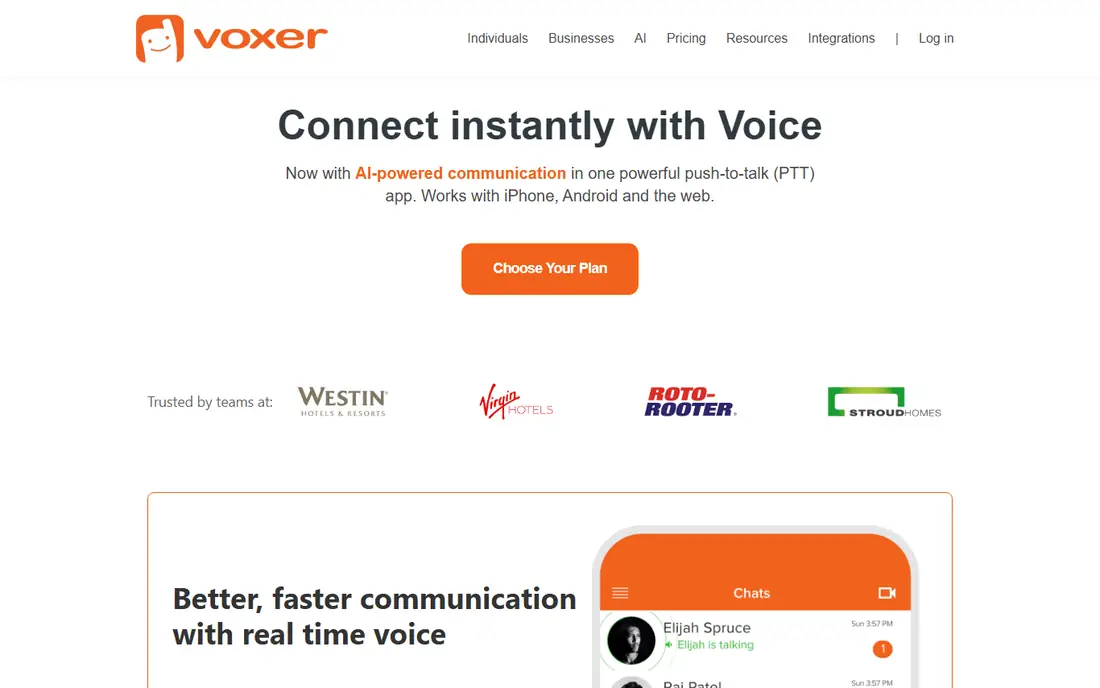
Voxer blends walkie talkie voice with messaging, letting users send voice messages that recipients hear live or later, plus text, photos, and location sharing. The hybrid suits teams and families where not everyone is free at the same moment, since a missed live message still plays later. Groups organize chats by team, family, or project.
Free storage limits apply to message history, and business features such as admin controls sit on paid plans. For a walkie talkie app that also works as a voice messenger, Voxer offers the most flexible flow.
What we like- Live or later listening
- Voice, text, and photos
- Groups
Watch out for- Free storage limits
- Business features are paid
Starting priceFree
Free planFree
HeyTell offers a very simple walkie talkie for friends and family, with push to talk voice, contacts, and location sharing, without the channel complexity of Zello. The app suits a small group that wants instant voice without learning a business tool, and it runs on iOS, Android, and Windows Phone history aside, modern iOS and Android remain the focus.
Features are basic compared with Zello or Voxer, and development pace is slower, so new features arrive rarely. For a simple, no fuss walkie talkie between friends, HeyTell covers the basics well.
What we like- Very simple
- Cross platform
- Location sharing
Watch out for- Features are basic
- Development is slower
Starting priceFree
Free planFree
Two Way, known as Two Way: Walkie Talkie, provides simple push to talk channels with minimal setup, letting users pick a channel and talk at once. The low friction suits events, road trips, and quick group coordination where no one wants accounts and settings. Cross platform support covers iOS and Android.
Features are basic, with limited moderation, history, and business controls, so it suits casual use more than work teams. For a quick, simple push to talk app with no setup hassle, Two Way offers the fastest start.
What we like- Simple channels
- No signup friction
- Cross platform
Watch out for- Features are basic
- Moderation is limited
Starting priceFree
Free planFree
Marco Polo, a video walkie talkie app, lets families and friends send video messages that recipients watch live or later, with groups and reactions. The video format suits families who want to see each other, especially grandparents and kids, and the live or later flow matches Voxer voice flexibility. The app is free for core features.
Video uses more data than voice, and the app is not a true push to talk radio with channels, so work teams should look elsewhere. For a family video walkie talkie, Marco Polo offers the warmest, simplest experience.
What we like- Video messages
- Live or later
- Groups
Watch out for- Video uses more data
- Not true push to talk radio
#6Discord
Best for: Voice channels for groups4.6/5 on
G2 (43 reviews, checked Oct 2026)
Visit discord.com
Starting priceFree
Free planFree
Discord provides free voice channels where team members join, talk hands free, or use push to talk keys, plus text channels, bots, and screen sharing. The setup suits gaming groups, communities, and remote teams that already use Discord, with unlimited message history on the free tier. Voice quality is strong, and channel organization scales to large groups.
Push to talk is a setting, not the core design, so the radio feel differs from Zello, and business admin controls are thinner. For a group already on Discord that wants voice channels without a new app, Discord covers walkie talkie style chat well.
What we like- Free voice channels
- Unlimited history
- Bots
Watch out for- Not push to talk first
- Setup takes care
#7Microsoft Teams
Best for: Business walkie talkie4.4/5 on
G2 (19,330 reviews, checked Oct 2026)
Visit microsoft.com
Starting priceSee website
Free planFree trial
Microsoft Teams Walkie Talkie adds push to talk channels inside Teams, letting frontline workers talk instantly with secure, managed channels tied to Teams groups. Admin controls, user management, and compliance suit retail, warehouse, and healthcare teams that already use Microsoft 365. The feature runs on phones and some rugged devices, with Teams chat and files beside voice.
Teams setup and licensing are needed, so small casual groups gain little, and pricing follows Microsoft 365 licenses. For a business already on Teams that needs managed push to talk, Teams Walkie Talkie offers the most integrated option.
What we like- Business walkie talkie
- Teams integration
- Admin controls
Watch out for- Needs Teams setup
- Pricing by license
Starting priceSee website
Free planFree trial
Relay provides team push to talk through an app plus dedicated devices, with channels, dispatch features, and location tracking for frontline teams. The system suits warehouses, hotels, and event crews that need reliable team voice with management controls, going beyond a consumer app. Devices offer physical push to talk buttons for hands busy work.
Pricing follows devices and plans, and setup takes effort, including device provisioning and channel design. For a work team that needs reliable, managed push to talk with hardware options, Relay offers a professional system.
What we like- Team push to talk
- Devices plus app
- Dispatch features
Watch out for- Pricing by device and plan
- Setup effort
How we chose
We compared push to talk quality, channel and group features, live versus later listening, user management, platform support, pricing, and public user feedback. We favored apps with clear free tiers for casual use, and managed options for business teams, rather than apps that only suit one side. No hands on testing is claimed, and prices are shown as Free where a free tier exists, or See website where pricing varies.
Picking push to talk for your situation
Families and friends should pick simple apps such as Zello, Voxer, or Marco Polo, since setup speed and fun matter more than admin controls. Event crews and road trips should pick Zello or Two Way for channels and quick coordination, with a backup channel planned in case the main channel gets noisy. Work teams should pick Teams Walkie Talkie or Relay for managed channels, user controls, and reliability, since consumer apps lack the admin features a business needs.
Coverage, battery, and safety habits
Push to talk apps need mobile data or Wi-Fi, so test coverage in your actual work areas, and plan for dead zones with a backup method such as real radios for safety critical work. Voice apps drain batteries faster than texting, so carry chargers or battery packs on long shifts and events. Set channel etiquette, such as short messages, clear names, and no side chatter on work channels, since disciplined channels stay useful while noisy channels get ignored. For safety critical jobs, never rely solely on a phone app, since a dead battery or lost signal can silence a team at the worst moment.
Privacy, channels, and moderation
Use private channels for team and family talk, since public channels expose conversations to strangers, and check each app privacy settings before sharing locations or personal details. Appoint a channel moderator for large groups, with rules for spam and abuse, since unmoderated public channels degrade fast. Review member lists regularly, removing people who left a team or event, since stale members hear discussions they no longer need. Good channel hygiene keeps push to talk useful and safe.
Before you decide
Test voice quality with background noise before event day, since a warehouse, street, or crowd sounds very different from a quiet room test. Agree on short call signs or names for each team member, so channel messages stay clear when several people talk in quick succession. Keep a backup channel name written down for every team, so a noisy or hijacked main channel never leaves the team without a fallback. Charge phones fully and carry a battery pack on long shifts, because push to talk apps drain batteries faster than ordinary messaging. Set phones to do not disturb for other apps during critical work, so a game alert or social ping never interrupts an urgent channel message.
Frequently asked questions
Do walkie talkie apps work without cell signal?
No, since phone walkie talkie apps need mobile data or Wi-Fi, unlike real radios that use radio frequencies. In areas without coverage, apps fail, so safety critical work needs real radios as a backup. Check coverage in your work areas before relying on an app alone.
What is the best free walkie talkie app?
Zello leads on free channels and cross platform support, Voxer leads on live or later voice messages, and Two Way leads on simple setup. Discord suits groups already on Discord with voice channels. Pick by whether you need channels, later listening, or simple setup.
Can businesses use Zello or Voxer for work?
Yes, for small informal teams, though business features such as admin controls, user management, and compliance sit on paid plans like Zello Work or Voxer Business. Larger or regulated teams should use Teams Walkie Talkie or Relay for managed push to talk. Consumer free tiers suit casual work chat, not regulated operations.
How is a walkie talkie app different from a voice call?
Push to talk apps use one button voice bursts in a channel or group, so many people hear at once without dialing each person, like a radio. Voice calls connect two people or a meeting group for a continuous conversation. Channels suit quick team updates, while calls suit longer discussions.
Do walkie talkie apps drain battery fast?
Yes, more than texting, since voice, data, and screen use add up, especially with always on voice channels. Use push to talk rather than always on voice, lower screen brightness, and carry a charger on long shifts. Battery packs are standard gear for event and warehouse crews using these apps.
Sources we checked (8)
- https://zello.com
- https://www.voxer.com
- https://www.heytell.com
- https://twowayapp.com
- https://www.marcopolo.me
- https://discord.com
- https://www.microsoft.com/en-us/microsoft-teams/walkie-talkie
- https://www.relaypro.com
Is your product missing or out of date?
We review this list regularly. Vendors can request a listing, send updated pricing or ask about featured placement.

Shihab Mia · Founder, Rankite
Shihab has 5+ years in B2B and SaaS SEO. He writes Rankite's software buying guides from pricing pages, documentation and public user reviews. More about Shihab.