How we make this list: we compare pricing pages, product documentation and public user reviews. Ratings come from G2, Capterra or Trustpilot, with the date we checked them.
Key takeaways
- Tenable Nessus is still the reference scanner for infrastructure, Qualys VMDR and Rapid7 InsightVM are the enterprise platforms built around continuous assessment and remediation, and Greenbone OpenVAS is the genuine free option.
- Only scan systems you own or have written permission to test. Running an assessment tool against someone else's network is illegal in most places, whatever the intention.
- A scanner finds weaknesses; it does not fix them. The value sits in the workflow after the report: prioritising by real risk and verifying the patch worked.
- Published prices for the big three conflict between sources and mostly run through quotes, so several entries read see website. Per asset pricing makes headcount of devices, not staff, the number that matters.
Quick comparison
Is your product missing or out of date?
We review this list regularly. Vendors can request a listing, send updated pricing or ask about featured placement.

#1Tenable Nessus
Best for: The standard infrastructure scanner4.5/5 on
G2 (320 reviews, checked Oct 2026)
Visit tenable.com
Starting priceSee website
Free planYes
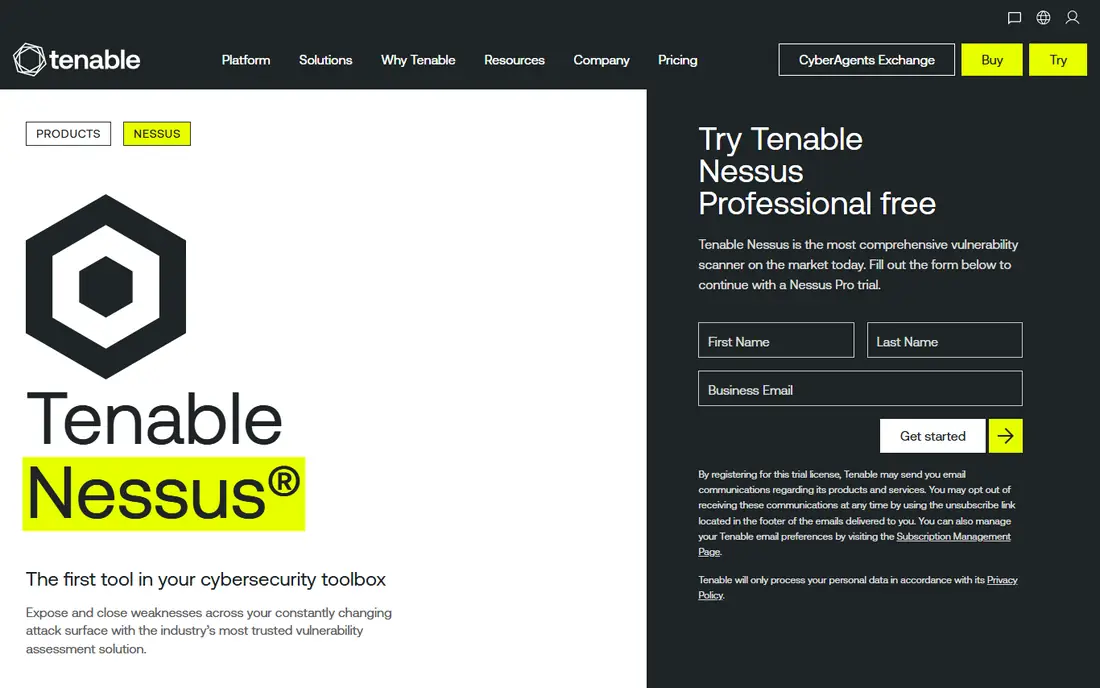
What we like- Nessus is the scanner most security engineers learn first and the benchmark the others are measured against. Its plugin library covers well over a hundred thousand checks across operating systems, network devices, databases and cloud configurations, it handles credentialed scans that look from the inside, and its reporting maps cleanly onto compliance needs. The free Essentials tier covers a small number of IPs for home labs and very small networks, and the Professional and Expert tiers add scale and web application scanning.
Watch out for- Published prices for the paid tiers conflicted across current sources, from the low two thousands to just under five thousand dollars a year per scanner, so the only reliable figure is Tenable's current quote. Nessus on its own is a scanner, not a management programme: prioritisation across a large estate pushes you toward Tenable's platform products at platform prices. Scan tuning also matters, because default policies can be rough on fragile equipment.

#2Qualys VMDR
Best for: Enterprise assessment with patching attached4.4/5 on
G2 (168 reviews, checked Oct 2026)
Visit qualys.com
Starting priceSee website
Free planNo
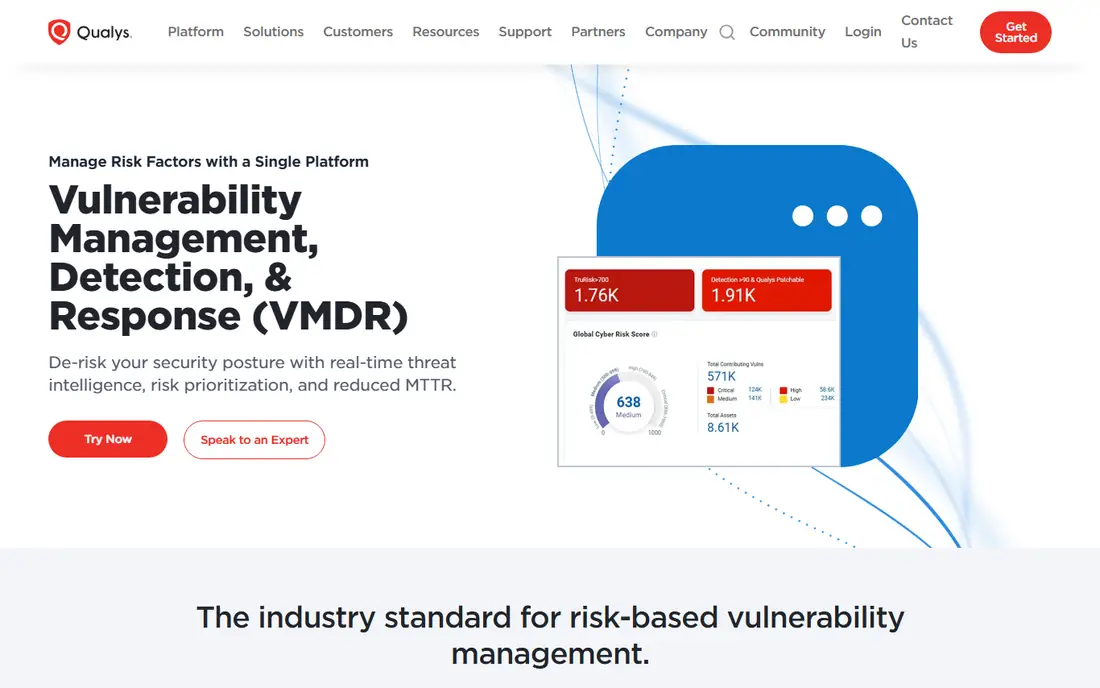
What we like- Qualys VMDR is a cloud platform that treats assessment as a continuous loop: discover assets, scan them with agents and network scanners, prioritise with threat context, and hand off to its patch management so the fix ships from the same console. That closed loop is why compliance heavy and regulated organisations pick it, and the agent model suits estates spread across offices, cloud and home workers. Its asset inventory alone replaces a shelf of spreadsheets at large companies.
Watch out for- Pricing is modular and quote based, and adding modules such as patching and policy compliance moves the total quickly
- There is no free tier, only trials. The platform's breadth makes onboarding a project with an assigned team, not a download. Smaller organisations routinely find they are buying an aircraft carrier to cross a river.

#3Rapid7 InsightVM
Best for: Risk based prioritisation at scale4.4/5 on
G2 (81 reviews, checked Oct 2026)
Visit rapid7.com
Starting priceSee website
Free planNo
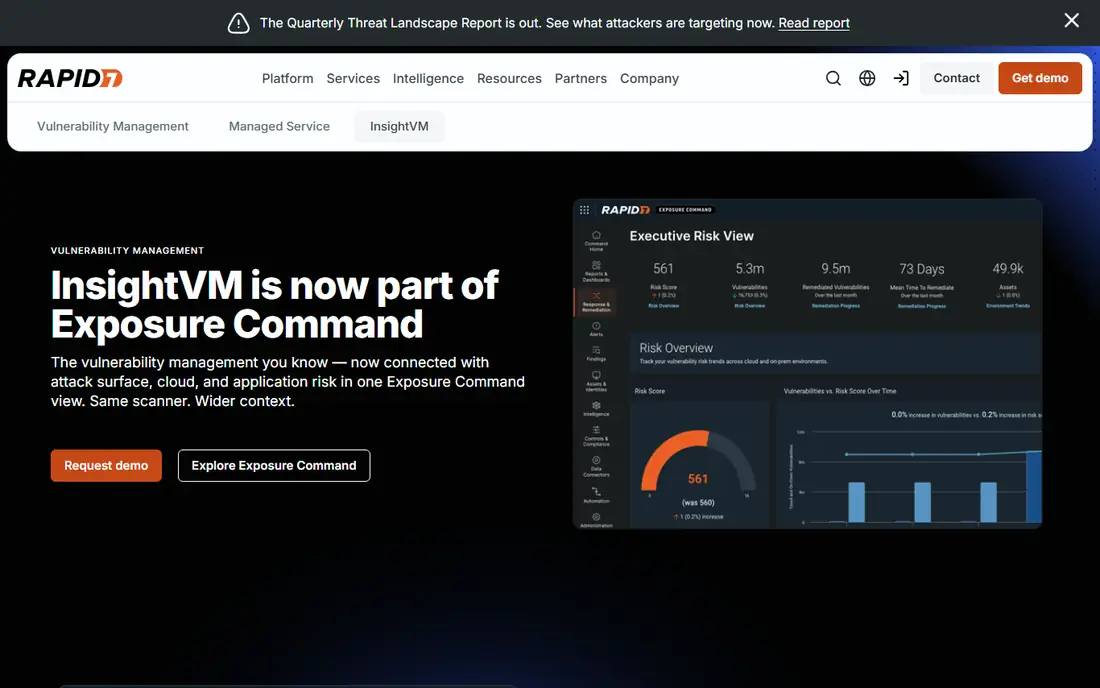
What we like- InsightVM builds on Rapid7's research into which vulnerabilities attackers actually exploit, and scores your estate by that real world risk rather than raw severity counts, so remediation teams fix the dangerous fifty before the theoretical five thousand. Live dashboards track remediation projects and goal progress, and the same platform family covers cloud and containers. Per asset pricing is published in bands in marketplace listings, which makes rough budgeting easier than with most enterprise rivals.
Watch out for- The total is still quote territory and climbs with asset count, and there is no free plan. Risk scores are only as good as the asset data feeding them, so undiscovered devices remain unscored and unscanned. Organisations wanting one console for web application testing will look at Rapid7's separate AppSec product, which is another line item.

#4Intruder
Best for: Continuous scanning without infrastructure4.8/5 on
G2 (221 reviews, checked Oct 2026)
Visit intruder.io
Starting price$99 per month
Free planNo
What we like- Intruder takes the opposite approach to the enterprise platforms: it is a cloud service you point at your external systems and cloud accounts, and it scans continuously, prioritises findings in plain language and alerts you in Slack or email when something serious appears. There is no scanner appliance to run and no plugin feed to manage, which is why startups and small IT teams adopt it. Entry pricing starts at 99 dollars a month in published comparisons, scaled by the number of targets.
Watch out for- The simplicity trims depth: credentialed internal scanning and exotic configuration checks are thinner than in Nessus or Qualys. Continuous scanning of internet facing targets is its heartland, so a mostly internal estate gets less from it. There is a trial rather than a free plan, and per target pricing needs a careful count of what counts as a target before you commit.

#5Acunetix by Invicti
Best for: Deep web application scanning4.1/5 on
G2 (105 reviews, checked Oct 2026)
Visit acunetix.com
Starting priceSee website
Free planNo
What we like- Acunetix specialises where the general scanners are weakest: web applications and APIs. It crawls complex modern applications, tests for the injection and access control flaws that dominate breach reports, and its proof based scanning verifies many findings by safely demonstrating them, which cuts the false positive arguments between security and development teams. It runs on premises or in the cloud and fits a pipeline, so scans can follow builds.
Watch out for- It is a web specialist, so network and infrastructure assessment needs a second tool beside it. Pricing runs through quotes and usage based packaging in current listings. Deep crawling of a large application takes time and tuning, and the first scan of a legacy app usually produces a backlog that needs a human to sort by reachability, not just severity.

#6ManageEngine Vulnerability Manager Plus
Best for: Budget on premises assessment4.7/5 on
G2 (3 reviews, checked Oct 2026)
Visit manageengine.com
Starting price$695 per year
Free planYes
What we like- ManageEngine's entry is the value pick for assessment plus patching on premises: it scans endpoints, servers and network devices, assesses configurations against security baselines, and deploys patches from the same console. Published pricing starts at 695 dollars a year per unit band, and a free edition covers a small number of computers, which makes it the cheapest credible start in this list for a Windows heavy small business. It also handles software deployment and some asset management, widening its usefulness.
Watch out for- The interface and reporting feel more utilitarian than the enterprise platforms, and very large estates push past its comfort zone. It is strongest on Windows environments, with thinner depth elsewhere. As with all combined scan and patch tools, test patches in a ring before the console pushes them everywhere at once.

#7
Microsoft Defender Vulnerability Management
Best for: Microsoft centred estates
Visit microsoft.com
Starting priceSee website
Free planNo
What we like- If your endpoints already run Microsoft Defender, its vulnerability management layer is the shortest path to assessment: it inventories software, flags weaknesses and misconfigurations continuously from the existing agent, and ties remediation tasks to Intune. There is no new agent to deploy, which in practice is the feature that decides enterprise rollouts. Core capabilities ride with higher Microsoft endpoint plans, with a premium tier for the full feature set.
Watch out for- Value collapses outside a Microsoft estate
- Mac, Linux and network device coverage is thinner than the dedicated platforms. Licensing tiers decide which features you actually get, and Microsoft's packaging changes often enough that the only safe price is the one in your current agreement. It assesses devices more than applications, so web estates still need a specialist scanner.

#8Greenbone OpenVAS
Best for: Free open source network scanning4.4/5 on
G2 (32 reviews, checked Oct 2026)
Visit greenbone.net
Starting priceFree
Free planYes
What we like- OpenVAS, maintained by Greenbone, is a full network vulnerability scanner with a large test feed, and the Community Edition costs nothing. For a lab, a small company with engineering time, or a team evaluating whether scanning belongs in its routine, it delivers real findings rather than a demo. Greenbone also sells appliances and a commercial feed for organisations that want support and faster updates on the same engine.
Watch out for- Free means you run it: setup, tuning and maintenance are yours, and the community feed updates more slowly than commercial feeds. Scan speed and false positive rates lag Nessus, and the interface shows its open source age. It is an honest tool that rewards skill, which also means an under resourced team can end up with an unmaintained scanner reporting stale results, worse than a smaller tool that someone actually runs.
How we chose
We shortlisted assessment tools in active sale or active maintenance in October 2026, spanning dedicated scanners, enterprise platforms, web specialists and the credible free option. Each had to perform assessment as its core job rather than as a checkbox in a wider suite, with documented scan types and remediation reporting. Where prices conflicted across current sources or were quote based, we wrote see website. We deliberately did not use our own site's earlier lists as sources for prices or rankings. Nothing here was hands on tested; judgements rest on vendor documentation and current reporting.
Scope first. Count the assets you will actually scan, internal and external, and separate infrastructure from web applications, because the tools genuinely differ there. Nessus, Qualys and InsightVM own the infrastructure side; Acunetix owns the web side; many companies run one of each and should budget for that instead of forcing a compromise.
Then plan the fix before the scan. Assign who receives findings, the deadlines by severity, and how a fix gets verified, then run a pilot against one network segment and measure the backlog shape. A first enterprise scan commonly returns thousands of findings; the programme survives if prioritisation by exploitability and exposure is agreed before the report lands, not negotiated after. Finally, write the authorisation down: scope, windows and contacts, signed by the system owner. That document protects the scanner operator as much as the systems.
Frequently asked questions
What is the difference between a vulnerability scan and a penetration test?
A scan is automated and broad: software checks thousands of known weaknesses across many systems and reports them. A penetration test is human, narrow and creative: a tester tries to actually break in through a chosen path and proves what an attacker could reach. Scans run often and cheaply; tests run occasionally and go deeper. Most security programmes need both, in that order.
Are free vulnerability scanners any good?
Yes, within their limits. Greenbone OpenVAS finds real network weaknesses and Nessus Essentials covers a small environment properly. What free tiers trade away is feed speed, support, scale and polish. For a small estate with a skilled operator, free is a rational choice. For a regulated company, the audit trail and support of a paid platform usually decide it.
Can a vulnerability scan break my systems?
It can disturb them. Aggressive checks have crashed fragile devices, filled log tables and tripped old applications, which is why scan windows, throttling options and exclusions for delicate systems exist. Start with safe check policies, scan a test segment first, and keep the system owners informed. In production, credentialed scans are usually gentler and more accurate than unauthenticated probing.
How often should we scan?
Continuously where the tool supports it, and at least monthly for the whole estate, plus after significant changes. Internet facing systems deserve the most frequent attention because attackers scan them constantly. Compliance regimes often set the floor, but the honest driver is that new vulnerabilities are published daily, so a quarterly scan is a photograph of a moving target.
Is it legal to scan systems we do not own?
Generally no. Unauthorised scanning and probing can breach computer misuse laws in the US, the UK and many other countries, and can breach your contracts with cloud and hosting providers even when no damage is done. Security researchers work under written scope and rules of engagement, often through bug bounty programmes. If it is not yours, get permission in writing first.
Sources we checked (0)
Is your product missing or out of date?
We review this list regularly. Vendors can request a listing, send updated pricing or ask about featured placement.

Shihab Mia · Founder, Rankite
Shihab has 5+ years in B2B and SaaS SEO. He writes Rankite's software buying guides from pricing pages, documentation and public user reviews. More about Shihab.