How we make this list: we compare pricing pages, product documentation and public user reviews. Ratings come from G2, Capterra or Trustpilot, with the date we checked them.
Key takeaways
- RingCentral and Nextiva are the safest all-round picks for a growing small business, with deep features and strong support.
- Zoom Phone is the cheapest route for teams already using Zoom, while Google Voice suits small teams already paying for Workspace.
- Grasshopper and Ooma suit very small teams that want simple pricing without a large platform to learn.
- Compare annual and monthly billing on the same basis, since the gap can be large, and check taxes and fees on top of the headline price.
Quick comparison
| Tool | Best for | Starting price | Free plan |
|---|
 RingCentral RingCentral | All-round small business phone | $20 per user per month (billed annually) | Free trial (14 days) |
 Nextiva Nextiva | Reliability and support | $15 per user per month (billed annually) | No |
 Zoom Phone Zoom Phone | Teams already on Zoom | $10.50 per user per month (billed annually, metered) | No |
 Dialpad Dialpad | AI transcription and summaries | $15 per user per month (billed annually) | Free trial (14 days) |
 Vonage Vonage | API and growth path | $13.99 per user per month (billed annually) | No |
 Ooma Ooma | Simple flat pricing | $19.95 per user per month | Free trial (30 days) |
 Grasshopper Grasshopper | Solo business line | $14 per month (billed annually) | Free trial (7 days) |
 Google Voice Google Voice | Workspace teams | $10 per user per month | No |
Is your product missing or out of date?
We review this list regularly. Vendors can request a listing, send updated pricing or ask about featured placement.
The best VoIP services for small business
#1RingCentral
Best for: All-round small business phone4.1/5 on
G2 (1,076 reviews, checked Oct 2026)
Visit ringcentral.com
Starting price$20 per user per month (billed annually)
Free planFree trial (14 days)
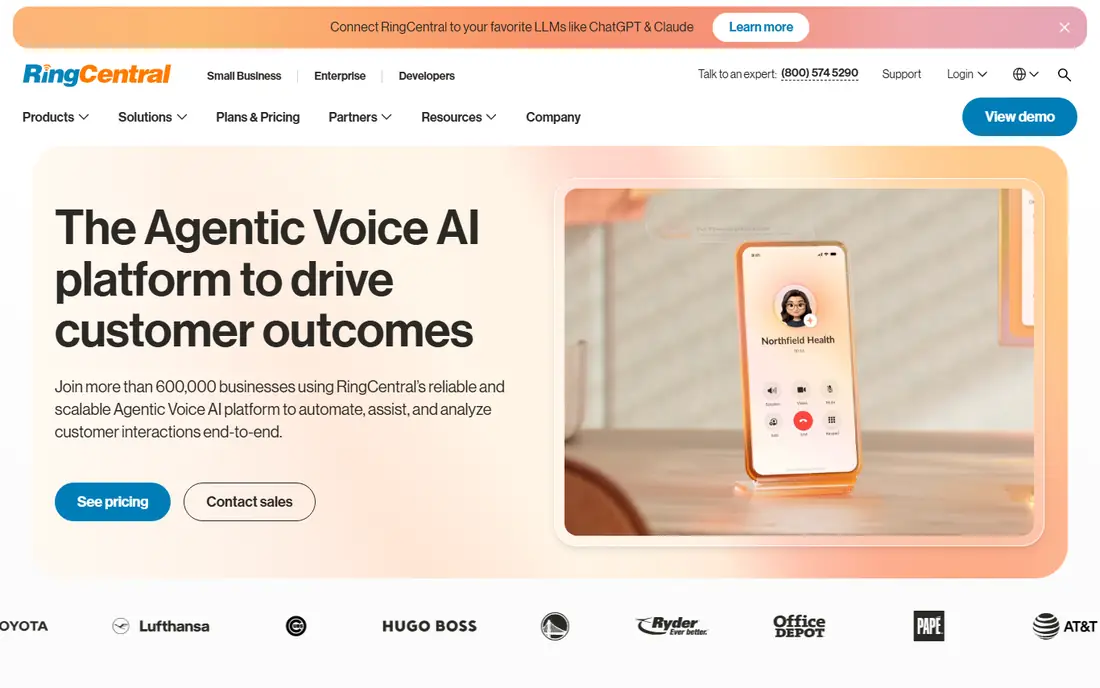
RingCentral is the default shortlist pick for a small business that expects to grow. One app covers calls, text messages, video meetings and team chat, so staff do not juggle several tools for basic communication. The integration library covers common CRM, help desk and productivity tools, which matters once call data needs to flow into customer records. Setup is guided, and number porting from an old provider is a standard part of onboarding.
The main cost is price on monthly billing, which runs higher than the annual figure quoted here. A very small team may also pay for features it never uses, such as advanced analytics or contact center tools. If you plan to grow past ten seats or you need video and messaging alongside voice, RingCentral justifies its price.
What we like- Voice, video and messaging in one app
- Large integration library
- Strong uptime record
Watch out for- Monthly billing costs more
- Smaller teams may not use the full feature set
#2Nextiva
Best for: Reliability and support4.5/5 on
G2 (3,659 reviews, checked Oct 2026)
Visit nextiva.com
Starting price$15 per user per month (billed annually)
Free planNo
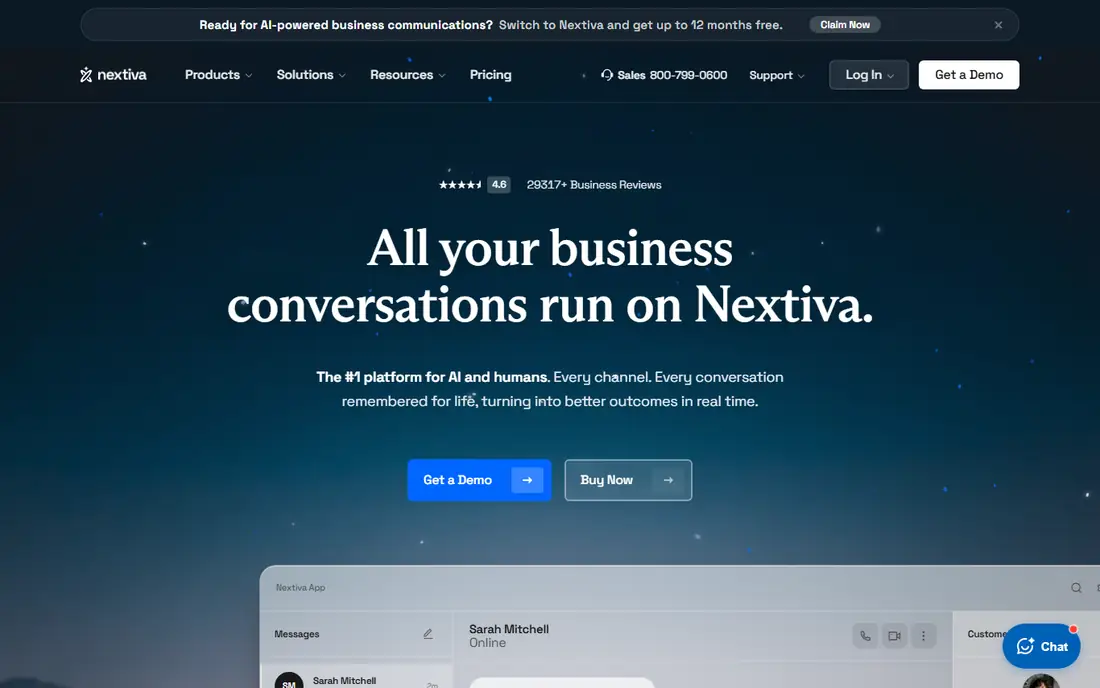
Nextiva suits a business owner who values a human on the phone when something breaks. Support quality is the feature most often praised in public reviews, and call reliability is strong, which matters for a sales or support team that lives on the phone. The core plan covers voice, SMS and video in one system, with a clean admin panel for adding users and routing calls. For a team that wants a phone system that simply works, Nextiva is a reassuring choice.
The absence of a free trial means you must judge the service from a demo and reviews before paying. Higher tiers also climb in price, so a team that needs advanced analytics or contact center features should model the full cost. For core voice with strong support, Nextiva offers good value.
What we like- Strong reputation for live support
- Reliable call quality
- Unified voice, SMS and video
Watch out for- No free trial
- Higher tiers rise in price quickly
#3Zoom Phone
Best for: Teams already on Zoom4.6/5 on
G2 (2,672 reviews, checked Oct 2026)
Visit zoom.com
Starting price$10.50 per user per month (billed annually, metered)
Free planNo
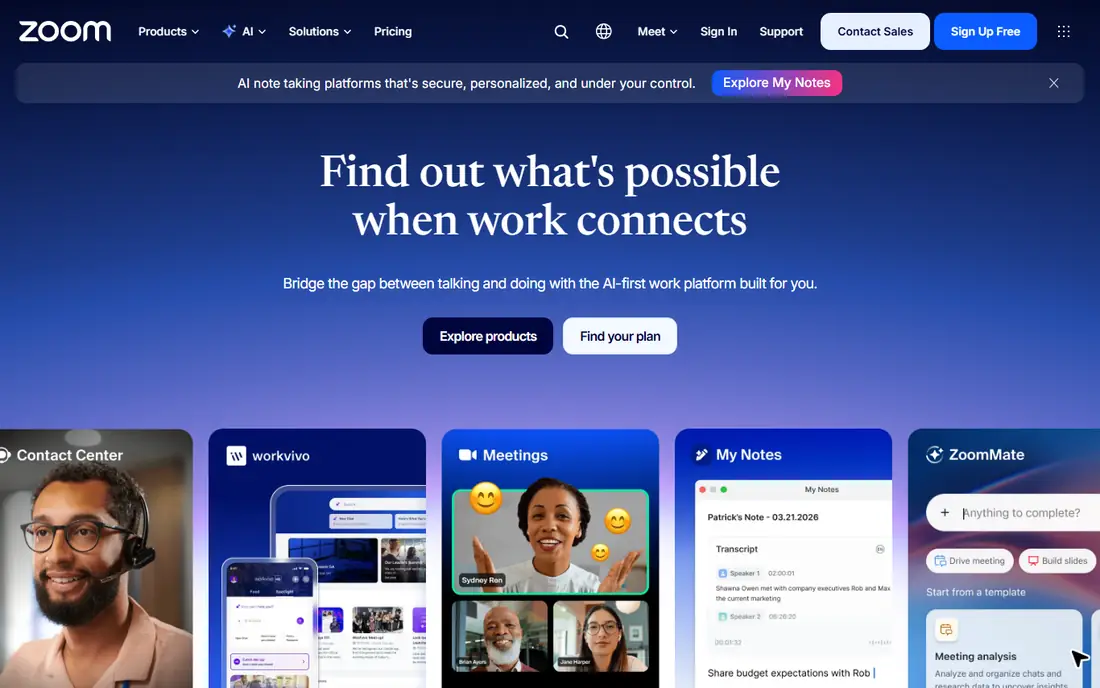
Zoom Phone is the obvious pick for a team that already meets on Zoom every day. Adding voice to the same app removes a second vendor, a second login and a second training session. The metered entry plan is the cheapest starting point here, and setup can take an afternoon for a small team. Staff already know the interface, so adoption is rarely a problem.
Metered pricing needs care. The low headline price covers a base level of usage, and heavy callers may pay more or need an unlimited plan. Routing and supervisor tools are also thinner than on RingCentral or Nextiva. If your team already lives in Zoom and your call volume is moderate, Zoom Phone is the best value in this list.
What we like- Lowest entry price in this list
- Single app for video and voice
- Fast setup for Zoom teams
Watch out for- Metered plan charges for usage
- Routing depth trails dedicated phone platforms
#4Dialpad
Best for: AI transcription and summaries4.4/5 on
G2 (4,201 reviews, checked Oct 2026)
Visit dialpad.com
Starting price$15 per user per month (billed annually)
Free planFree trial (14 days)
Dialpad stands out because AI features are standard, not an add-on. Every plan includes transcription and summaries, so a sales or support team can review calls, catch action items and coach new staff without buying a premium tier. The apps feel modern on desktop and mobile, and setup is quick for a small team. For a team that learns from its calls, Dialpad turns the phone system into a coaching tool.
Billing needs attention. Monthly pricing runs far above the annual figure, so a team that cannot commit to a year should budget carefully. Deeper CRM integrations also sit on higher tiers. If AI summaries matter to you and you can pay annually, Dialpad is a strong pick.
What we like- AI transcription and call summaries on every plan
- Modern apps
- Coaching tools for sales teams
Watch out for- Large gap between annual and monthly billing
- Some CRM integrations sit on higher tiers
#5Vonage
Best for: API and growth path4.3/5 on
G2 (503 reviews, checked Oct 2026)
Visit vonage.com
Starting price$13.99 per user per month (billed annually)
Free planNo
Vonage suits a business that may want to build on its phone system later. Beyond standard business voice, Vonage runs a communications API platform, so a team with developers can add messaging, verification or custom call flows over time. The mobile plan is a low-cost entry point for a team that mainly uses softphones, and the system covers standard routing, voicemail and team messaging.
Add-ons can lift the real price. Call recording, advanced integrations and some support levels cost extra, so the entry price is not always the final price. A small team with no developer plans may get better value from Nextiva or Ooma. For a growing business with technical ambitions, Vonage offers a useful path.
What we like- Business phone plus a developer API platform
- Mobile-first plans
- Room to build custom workflows later
Watch out for- Some features cost extra as add-ons
- Support quality varies by plan
#6Ooma
Best for: Simple flat pricing4.5/5 on
G2 (134 reviews, checked Oct 2026)
Visit ooma.com
Starting price$19.95 per user per month
Free planFree trial (30 days)
Ooma is the simplest phone system in this list to understand and buy. Pricing is flat per user per month with no annual contract, and the entry plan includes a virtual receptionist, call routing and standard business features. Setup is straightforward, and the 30-day trial gives a team time to test call quality before committing. For a small office moving off landlines, Ooma removes most of the buying friction.
Advanced features are gated. Call recording and CRM integrations require higher tiers, and the platform lacks the depth of RingCentral for a larger team. A team that needs only reliable voice with simple routing will be happy, while a team that wants analytics and integrations should look higher. For simplicity and transparent pricing, Ooma is hard to beat.
What we like- No annual contract required
- Clear flat pricing
- Virtual receptionist included
Watch out for- Call recording and CRM integrations sit on higher tiers
- Fewer advanced features than RingCentral
Starting price$14 per month (billed annually)
Free planFree trial (7 days)
Grasshopper is built for a solo operator or a very small team that needs a professional business number. Instead of charging per user, it charges per account, so one person with a business line pays a flat monthly rate. Calls forward to your existing mobile phone, with greetings, extensions and voicemail transcription included. There is no hardware to buy and no complex admin panel to learn.
That simplicity limits scale. Grasshopper is not a full unified communications platform, and a team that grows past a handful of people will outgrow its routing and reporting. It also lacks the depth of a true multi-user phone system. For a freelancer, consultant or two-person shop that needs to sound professional, Grasshopper is the cheapest credible option.
What we like- Flat per-account pricing, not per user
- Works on existing phones
- No hardware needed
Watch out for- Not a full phone system for larger teams
- Limited advanced routing and analytics
Starting price$10 per user per month
Free planNo
Google Voice suits a small team that already pays for Google Workspace. At the entry tier, it adds business calling to Gmail, Calendar and Meet without a new platform to learn. Setup is quick, numbers can be ported, and the admin controls sit inside Workspace. For a micro-team that mainly needs a business number and basic routing, Google Voice is the lowest-friction choice.
The catch is the Workspace requirement, which adds cost if you do not already use it. Useful features such as advanced routing and reporting sit on Standard or Premier tiers, which cost more per user. Support is also thinner than on Nextiva or RingCentral. If you already run on Workspace and your calling needs are simple, Google Voice is excellent value.
What we like- Low price for Workspace customers
- Simple setup
- Works inside Google apps
Watch out for- Requires a Workspace subscription
- Meaningful features need higher tiers
- Limited support options
How we chose
We compared vendor pricing pages, plan features, trial availability and public reviews for VoIP systems that serve small US businesses. We focused on entry pricing on annual billing, call quality, routing basics, integrations, support reputation and contract terms. We did not claim hands-on testing, and we noted where monthly billing, taxes or add-ons change the real cost, since headline prices rarely tell the full story.
How to pick the right VoIP service
Start by counting seats and mapping how your team actually calls. A solo operator needs Grasshopper or Google Voice, while a ten-person sales team needs RingCentral, Nextiva or Dialpad for routing, recording and CRM links. Check your internet connection too, since VoIP quality depends on bandwidth and a stable router more than on the brand you pick.
Next, test before you commit. Use the free trial where one exists, port one number first, and run real calls for a week before moving the whole team. Finally, read the contract terms for number porting out, early exit fees and renewal pricing, since a cheap first year can turn costly at renewal. A short trial now saves a painful switch later.
Frequently asked questions
What is VoIP and why do small businesses use it?
VoIP carries phone calls over the internet instead of a traditional phone line. Small businesses use it because it costs less than legacy lines, works on phones and computers, and adds features such as voicemail transcription, routing and text messaging without extra hardware.
Do I need special phones for VoIP?
No, not always. Most systems work as apps on a computer or mobile phone, and desk phones are optional. A team that wants desk handsets can buy compatible IP phones, but a small team can start with apps alone.
Can I keep my existing business number?
Yes, in most cases. Number porting moves your current number to the new provider, and most vendors in this list support it. Start the port early, since it can take several days, and do not cancel the old service until the port completes.
How much internet speed does VoIP need?
A single call uses modest bandwidth, but a team of ten simultaneous callers needs a stable business connection with quality-of-service settings on the router. Test call quality during busy hours before you rely on the system for sales or support.
Is annual billing always cheaper?
Annual billing lowers the monthly rate on most plans in this list, sometimes by a large amount. It only saves money if you keep the service for the full term, so weigh the discount against the risk of needing to switch providers mid-year.
Sources we checked (8)
- https://www.ringcentral.com
- https://www.nextiva.com
- https://www.zoom.com
- https://www.dialpad.com
- https://www.vonage.com
- https://www.ooma.com
- https://www.grasshopper.com
- https://voice.google.com
Is your product missing or out of date?
We review this list regularly. Vendors can request a listing, send updated pricing or ask about featured placement.

Shihab Mia · Founder, Rankite
Shihab has 5+ years in B2B and SaaS SEO. He writes Rankite's software buying guides from pricing pages, documentation and public user reviews. More about Shihab.