How we make this list: we compare pricing pages, product documentation and public user reviews. Ratings come from G2, Capterra or Trustpilot, with the date we checked them.
Key takeaways
- The best VoIP app for business in 2026 depends on your stack: RingCentral and Nextiva are the safest all-round picks, Zoom Phone is the cheapest way to add voice to a Zoom shop, and Dialpad leads on AI transcription.
- RingCentral at 20 dollars a user a month annual and Nextiva at 15 dollars a user a month annual are the safest all-round picks, while Zoom Phone metered starts at 10.50 dollars a user a month annual.
- Call quality varies by connection: VoIP runs over your internet, so a weak connection means dropped calls and jitter no provider can fix, and wired headsets beat Wi-Fi for call staff.
- Emergency calling has limits on VoIP: register your E911 address, since VoIP 911 routing depends on the registered address, and calls fail during power or internet outages, so keep a mobile backup for emergencies.
Quick comparison
| Tool | Best for | Starting price | Free plan |
|---|
 RingCentral RingCentral | Best all-round VoIP | $20 per user per month | No |
 Nextiva Nextiva | Reliability and support | $15 per user per month | No |
 Zoom Phone Zoom Phone | Zoom teams | $10.50 per user per month | No |
 Dialpad Dialpad | AI features on every plan | $15 per user per month | No |
 Vonage Vonage | API-first businesses | $13.99 per line per month | No |
 Ooma Ooma | Small teams, simple pricing | $19.95 per user per month | No |
 Google Voice Google Voice | Google Workspace teams | $10 per user per month | No |
 Grasshopper Grasshopper | Flat-rate solo line | $14 per month | No |
Is your product missing or out of date?
We review this list regularly. Vendors can request a listing, send updated pricing or ask about featured placement.
The best VoIP apps for business
Starting price$20 per user per month
Free planNo
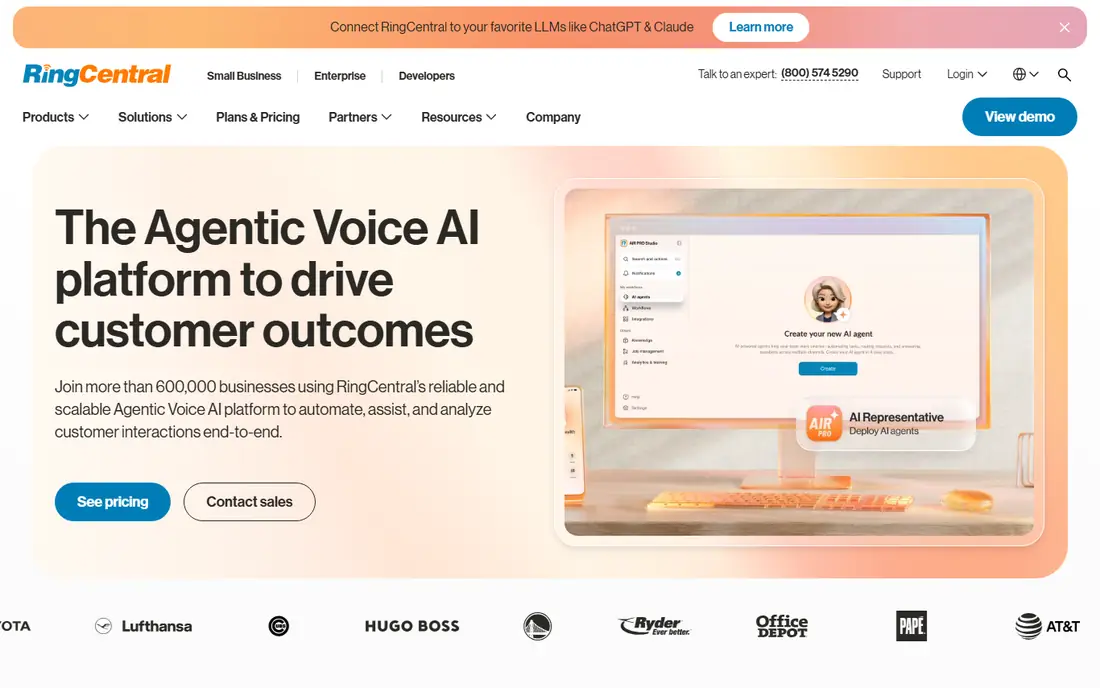
RingCentral remains the top pick for 2026, with voice, video, messaging, and fax in a single interface that just works. Its Core plan costs 20 dollars per user per month billed annually, with unlimited domestic calling but only 25 texts per user per month, while Advanced at 25 dollars adds auto call recording and Ultra at 35 dollars opens the full feature set.
Call quality is consistently excellent on a standard 100 Mbps connection, with industry-leading reliability. For growing businesses that expect to cross 100 seats, RingCentral leads.
What we like- Voice, video, messaging, and fax in one interface
- 99.999 percent uptime SLA
- 200 plus integrations
- AI summaries on higher tiers
Watch out for- Pricier than budget options
- Advanced features locked behind higher tiers
- Contract commitments for best pricing
#2Nextiva
Best for: Reliability and support4.5/5 on
G2 (3,659 reviews, checked Oct 2026)
Visit nextiva.com
Starting price$15 per user per month
Free planNo
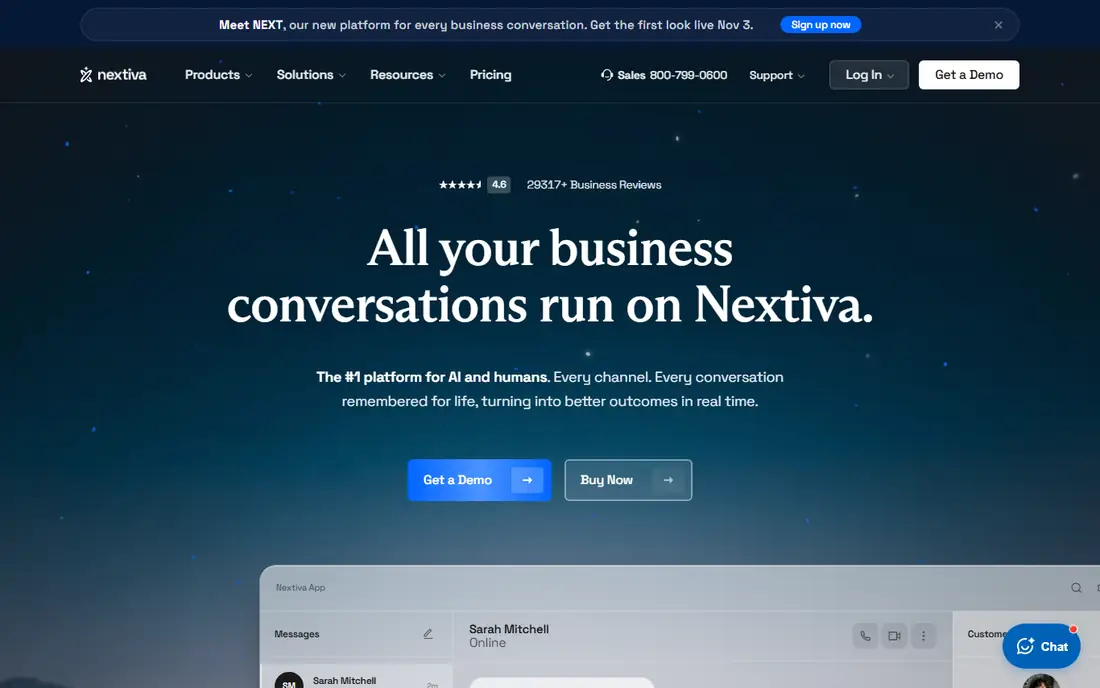
Nextiva suits customer-facing teams that want reliability plus the best live support. It combines VoIP with customer experience tools, including built-in CRM-lite features, customer journey tracking, and sentiment analysis, which suit teams that spend most of the day talking to clients.
Core costs 15 dollars per user per month billed annually in most guides, though some cite 18.95 or 23 dollars for other tiers, so confirm the current plan. For reliability and human support, Nextiva is the best pick.
What we like- Strongest live customer support in the category
- 99.99 percent reliability
- Built-in customer analytics and threaded conversations
Watch out for- No free trial
- Interface can feel busy
- Higher tiers get expensive fast
- Mobile app lags behind desktop
#3Zoom Phone
Best for: Zoom teams4.6/5 on
G2 (2,672 reviews, checked Oct 2026)
Visit zoom.com
Starting price$10.50 per user per month
Free planNo
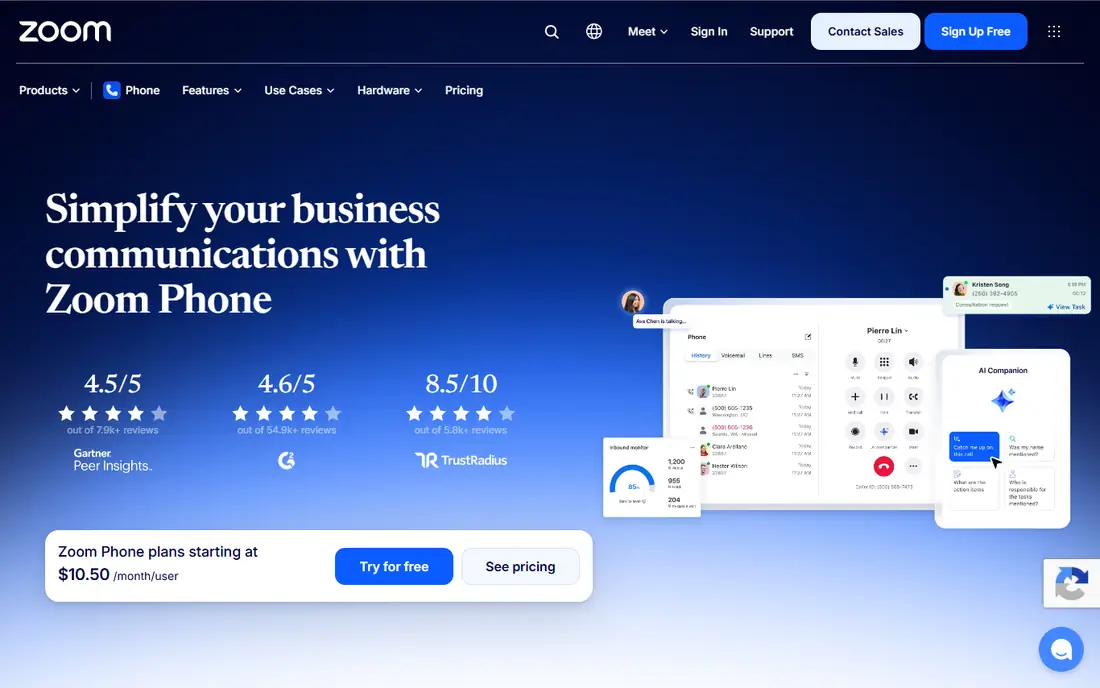
Zoom Phone suits teams already living in Zoom. It adds calling to an interface the team already knows without a new app or a second vendor, with the US and Canada metered plan from 10.50 dollars per user per month billed annually, and unlimited plans from 16 dollars in some guides.
Routing depth and supervisor tools are weaker than dedicated platforms. For Zoom teams, Zoom Phone leads.
What we like- Cheapest way to add voice to a Zoom shop
- Single app for video and calling
- Deploys in an afternoon for Zoom teams
Watch out for- Weaker than dedicated platforms on routing depth and supervisor tools
- Metered plan limits call volume
- AI features vary by plan
#4Dialpad
Best for: AI features on every plan4.4/5 on
G2 (4,201 reviews, checked Oct 2026)
Visit dialpad.com
Starting price$15 per user per month
Free planNo
Dialpad suits AI-first sales and support teams. Its AI transcription, summaries, coaching, and sentiment analysis run on every plan, not just premium tiers, which is rare in this category.
Standard costs 15 dollars per user per month billed annually, though monthly pricing runs far higher, so annual commitment matters. For AI features on every plan, Dialpad is the best pick.
What we like- AI transcription and summaries baked into every plan
- Real-time AI coaching and sentiment analysis
- Strong for sales and support teams
Watch out for- CRM integration gated behind Pro
- 80 percent billing gap from annual to monthly
- Some guides cite 27 dollars per user for monthly pricing
#5Vonage
Best for: API-first businesses4.3/5 on
G2 (503 reviews, checked Oct 2026)
Visit vonage.com
Starting price$13.99 per line per month
Free planNo
Vonage suits businesses that may build on the API later. Its business phone plans start at 13.99 dollars per line per month billed annually for Mobile, with communications APIs beside the phone system for teams that want to build custom calling workflows.
API depth needs developer time to use well, and AI features are thinner than Dialpad. For API-first businesses, Vonage leads.
What we like- Businesses that may build on the API later
- Mobile plan from 13.99 dollars per line per month billed annually
- Communications APIs beside business phone
Watch out for- Some guides cite 19.99 dollars per line for other tiers
- Fewer AI features than Dialpad
- API depth needs developer time
#6Ooma
Best for: Small teams, simple pricing4.5/5 on
G2 (134 reviews, checked Oct 2026)
Visit ooma.com
Starting price$19.95 per user per month
Free planNo
Ooma suits very small teams that want simple pricing. Its Essentials plan costs 19.95 dollars per user per month with no annual contract, which suits teams moving off landlines that do not want a long commitment.
Call recording and CRM integration sit behind higher tiers, and AI tools are fewer than Dialpad. For small teams that want no contract, Ooma is the best pick.
What we like- Transparent flat pricing with no annual contract
- North American calling inclusive
- Virtual receptionist and overhead paging
Watch out for- Call recording and CRM integration gated behind higher tiers
- Fewer AI tools than Dialpad
- No free trial in some guides
Starting price$10 per user per month
Free planNo
Google Voice suits Google Workspace teams needing simple voice. Its Starter plan costs 10 dollars per user per month plus Workspace, making it the lowest cost option for any team already paying for Workspace.
Meaningful features require Standard at 20 dollars or Premier at 30 dollars, and it is thinner than full unified communications platforms. For Workspace teams needing simple voice, Google Voice leads.
What we like- Lowest cost for any team already paying for Workspace
- Simple voice for solo operators and micro-teams
- Starter from 10 dollars per user per month
Watch out for- Meaningful features require Standard at 20 dollars or Premier at 30 dollars
- Needs Google Workspace
- Thinner than full UCaaS platforms
Starting price$14 per month
Free planNo
Grasshopper suits freelancers and solopreneurs who want a dedicated business line at a flat rate. Its True Solo plan costs 14 dollars a month billed annually, with toll-free numbers and extensions, and no per-user pricing to multiply.
Team features are thinner than RingCentral or Nextiva, so growing teams outgrow it. For a flat-rate solo line, Grasshopper rounds out the list.
What we like- Flat-rate business line for solos
- Toll-free numbers and extensions
- No per-user pricing for a one-person company
Watch out for- Some guides cite 18 dollars for one user
- Fewer team features than RingCentral or Nextiva
- 7 day trial only
How we chose
We ranked tools by call quality, reliability, AI features, integrations, and value at entry level pricing. We favored all-round platforms for growing teams, since a phone system that cannot scale forces a painful migration, and we gave extra weight to support quality, because phone downtime blocks the whole business, not just one workflow.
We also weighed pricing models honestly. Annual billing discounts run 20 to 30 percent versus monthly, while Ooma offers no-contract pricing and regulatory fees of a few dollars per seat add to every plan. Price conflicts across sources were handled by using the most commonly cited annual figure, so readers should check the vendor pricing page before buying.
Buying guide
Start with your existing stack. Zoom teams should pick Zoom Phone, Workspace teams Google Voice, Microsoft 365 shops Teams Phone, and everyone else RingCentral or Nextiva. Adding voice to a tool your team already opens daily beats a standalone app nobody checks.
Next, test call quality on your real connection. VoIP runs over your internet, so call quality varies by connection: test on your office and home connections, use wired headsets for call staff, and check jitter and dropped calls during a trial with real call volume before committing to an annual plan.
Finally, handle emergency calling and number porting before switching. Audit your contact data before switching and run a trial, since a new dialer will not fix bad numbers. Register your E911 address, since VoIP 911 routing depends on it, and keep a mobile backup for emergencies during power or internet outages. Every provider here supports number porting, so start the port before canceling your old service to avoid downtime.
Frequently asked questions
What is the best VoIP app for business overall?
RingCentral at 20 dollars per user per month leads for all-round VoIP, Nextiva at 15 dollars for reliability and support, and Dialpad at 15 dollars for AI features. The best pick depends on your stack and team size.
How much does business VoIP cost?
Entry prices run from 10 dollars per user per month for Google Voice Starter and 10.50 dollars for Zoom Phone metered, to 15 dollars for Nextiva and Dialpad, and 20 dollars for RingCentral. Add regulatory fees of a few dollars per seat and any AI or CRM add-ons.
Can I keep my phone number when switching VoIP providers?
Yes. Every provider in this list supports number porting, so you can keep your existing business number. Porting time varies by provider and number type, so start the port before canceling your old service to avoid downtime.
Do I need a contract for business VoIP?
Not always. Ooma Office offers Essentials at 19.95 dollars with no contract, while most other providers discount annual commitments by 20 to 30 percent versus monthly. Weigh the savings against the flexibility of monthly billing.
Does VoIP work for emergency calls?
With limits. Register your E911 address, since VoIP 911 routing depends on the registered address, and calls fail during power or internet outages. Keep a mobile phone as a backup for emergencies, and update the E911 address whenever a remote employee moves, since dispatchers see the registered address, not the caller's actual location.
Sources we checked (0)
Is your product missing or out of date?
We review this list regularly. Vendors can request a listing, send updated pricing or ask about featured placement.

Shihab Mia · Founder, Rankite
Shihab has 5+ years in B2B and SaaS SEO. He writes Rankite's software buying guides from pricing pages, documentation and public user reviews. More about Shihab.