How we make this list: we compare pricing pages, product documentation and public user reviews. Ratings come from G2, Capterra or Trustpilot, with the date we checked them.
Key takeaways
- A dedicated vision board app keeps the focus on goals and daily review, while a design tool gives you more control over how the board looks.
- The best board is the one you will actually open, so a simple mobile app can beat a powerful desktop tool you ignore.
- Free plans cover a single board well, but limits on items, uploads or boards matter once you build boards for several life areas.
- Daily reminders, affirmations and progress notes help turn a static collage into a habit.
- A vision board supports goal setting, but it does not replace planning, budgeting or other practical steps toward a goal.
Quick comparison
| Tool | Best for | Starting price | Free plan |
|---|
 Pinterest Pinterest | Collecting images for inspiration | $0 per user/month | Yes |
 Canva Canva | Designed boards with templates | $18 per user/month | Yes |
 Milanote Milanote | Visual boards with notes and links | $9.99 per user/month | Yes |
 Miro Miro | Shared boards for teams and couples | $8 per user/month | Yes |
 Creately Creately | Diagram style boards with structure | See website | Yes |
 Fotor Fotor | Photo collages with editing tools | See website | Yes |
 PicMonkey PicMonkey | Polished collages from your photos | See website | Free trial |
Is your product missing or out of date?
We review this list regularly. Vendors can request a listing, send updated pricing or ask about featured placement.
The best vision board apps
#1Pinterest
Best for: Collecting images for inspiration4.6/5 on
G2 (250 reviews, checked Oct 2026)
Visit pinterest.com
Starting price$0 per user/month
Free planYes
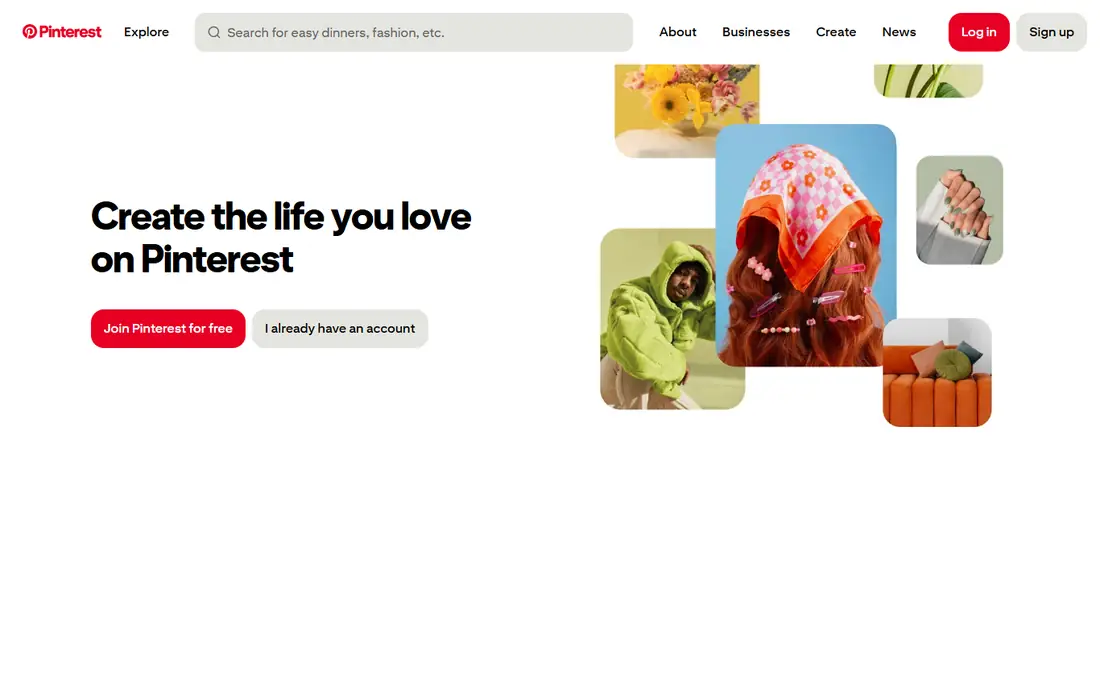
Pinterest is not a vision board app in the strict sense, but many people build vision boards there because the image library is unmatched. You can save images to a board, organize them into sections for career, health, travel or home, and keep boards private if you prefer. Saving from the web is fast, and the phone app makes it easy to add an image the moment you see it.
The weakness is structure. Pinterest does not ask about your goals, track progress, or remind you to review the board. A board can grow into a large collection that looks inspiring but never connects to a next step. Fix that by adding a short note to each section about the goal behind it, and by setting a weekly review time. Used that way, Pinterest is a strong, free starting point.
What we like- A huge image library
- Free boards with sections
- Easy saving from the web and phone
Watch out for- Not built for goal tracking
- Boards can become collections without a plan
- Ads and suggested pins can distract
#2Canva
Best for: Designed boards with templates4.7/5 on
G2 (7,678 reviews, checked Oct 2026)
Visit canva.com
Starting price$18 per user/month
Free planYes
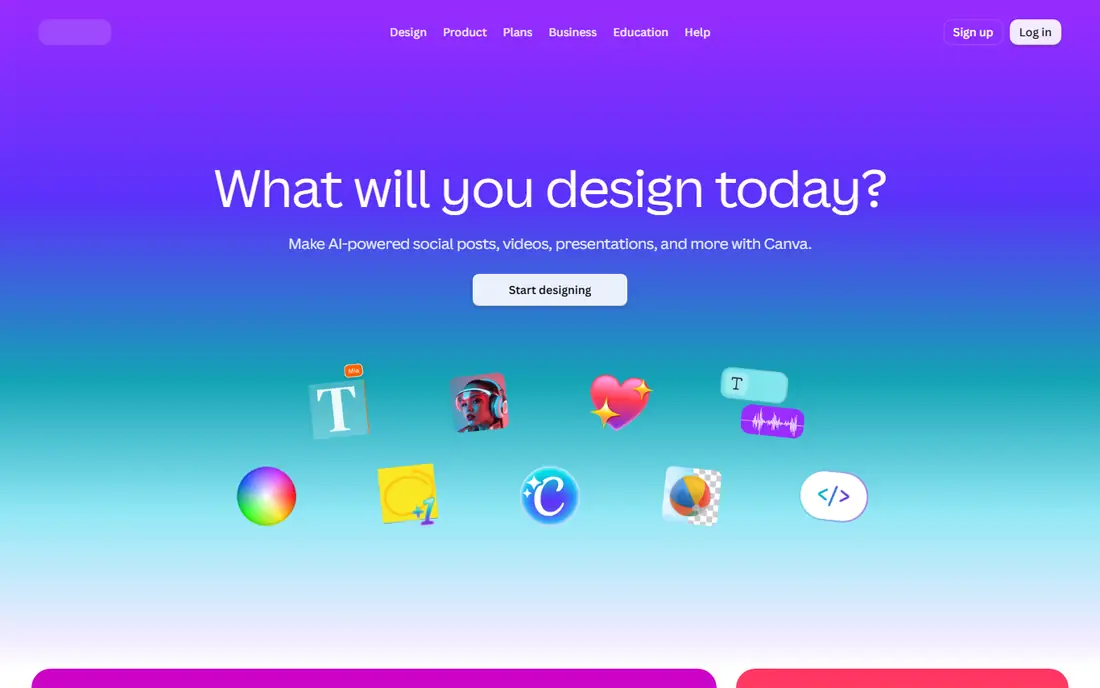
Canva gives you the most design control on this list. Start with a vision board template, swap in your own photos, add text for goals and affirmations, and export a version for print or phone wallpaper. The free plan covers a lot of everyday design work, including many templates and basic editing. For a board you want to hang on a wall, Canva is the practical pick.
The paid plan is where you need to read carefully. Pro costs 18 dollars a month when billed monthly, or 144 dollars a year for one person, and team pricing is per person on the Business plan. If you only need one board, the free plan may be enough. If you want premium photos, brand tools or background removal, Pro adds value. Keep the design simple at first, since a board that takes hours to perfect is less likely to be reviewed daily.
What we like- Many templates for boards and collages
- Strong photo editing and text tools
- Easy printing and sharing
Watch out for- Pro is priced per person and rises for teams
- The free plan limits some premium images
- Template choice can slow a simple board
#3Milanote
Best for: Visual boards with notes and links4.5/5 on
G2 (43 reviews, checked Oct 2026)
Visit milanote.com
Starting price$9.99 per user/month
Free planYes
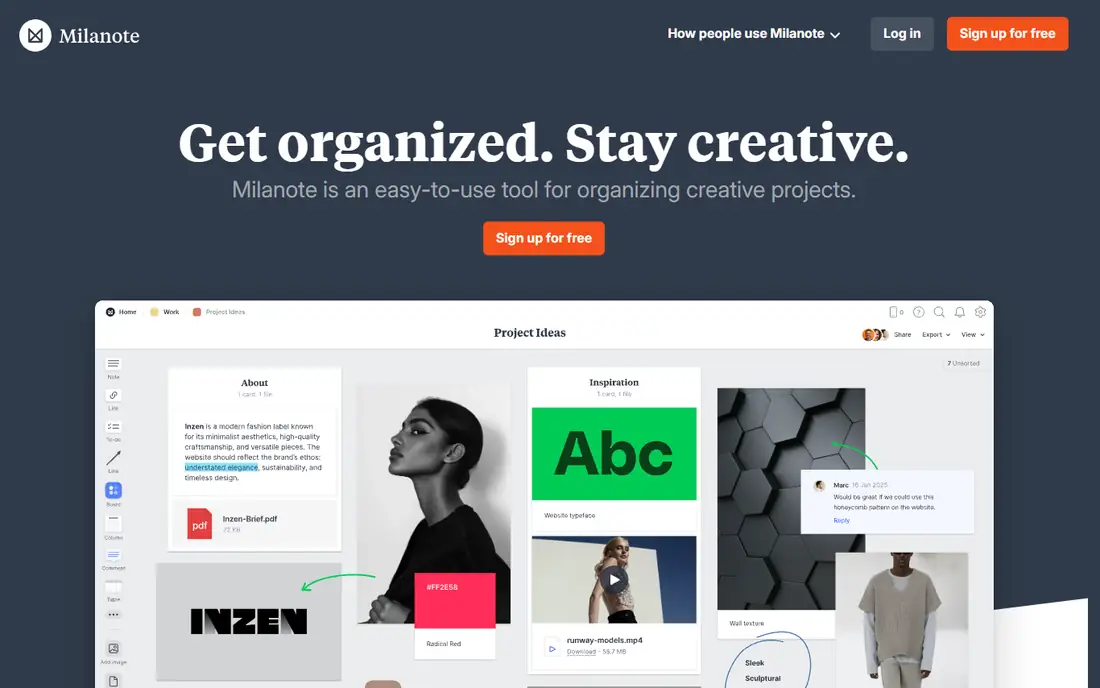
Milanote sits between a vision board app and a planning board. You can place images, notes, links and lists on a board, arrange them by theme, and share the board with a partner or collaborator. That flexibility suits someone whose vision board is also a project board, for example a home renovation, a business idea or a travel plan with links to bookings and articles. The layout stays clean, even when a board holds many items.
The free plan limit is the key detail: 100 notes, images or links in total, plus 10 file uploads. One board fits easily, but several large boards will hit the cap. Paid plans remove that limit and add more uploads. Milanote does not offer goal reminders in the way a dedicated app does, so pair it with a calendar reminder if daily review matters to you.
What we like- A clean visual workspace for images, notes and links
- Unlimited shared boards on the free plan
- Good for mood boards and planning
Watch out for- Free plan caps total items at 100
- No dedicated vision board reminders
- Best on desktop and web, less focused on mobile review
#4Miro
Best for: Shared boards for teams and couples4.6/5 on
G2 (13,631 reviews, checked Oct 2026)
Visit miro.com
Starting price$8 per user/month
Free planYes

Miro is a whiteboard tool, but it works well for a shared vision board, especially for a couple, family or small team planning together. Each person can add images and sticky notes to the same canvas, comment on ideas, and arrange sections by life area. Frames help keep a large board organized, and the sharing controls let you invite others without making the board public.
The work focus is also the downside. Miro asks you to think in boards, frames and collaborators, which is more setup than a personal app needs. The free plan allows three editable boards, which is enough for a personal project but tight if you want many boards. Choose Miro when the board is shared and collaborative. Choose a dedicated app when the board is private and personal.
What we like- A large canvas for shared boards
- Sticky notes, images and frames
- Strong sharing and commenting tools
Watch out for- Built for work teams, so the setup is heavier
- Free plan limits editable boards to three
- Mobile review is less focused than a dedicated app
#5Creately
Best for: Diagram style boards with structure4.4/5 on
G2 (1,394 reviews, checked Oct 2026)
Visit creately.com
Starting priceSee website
Free planYes
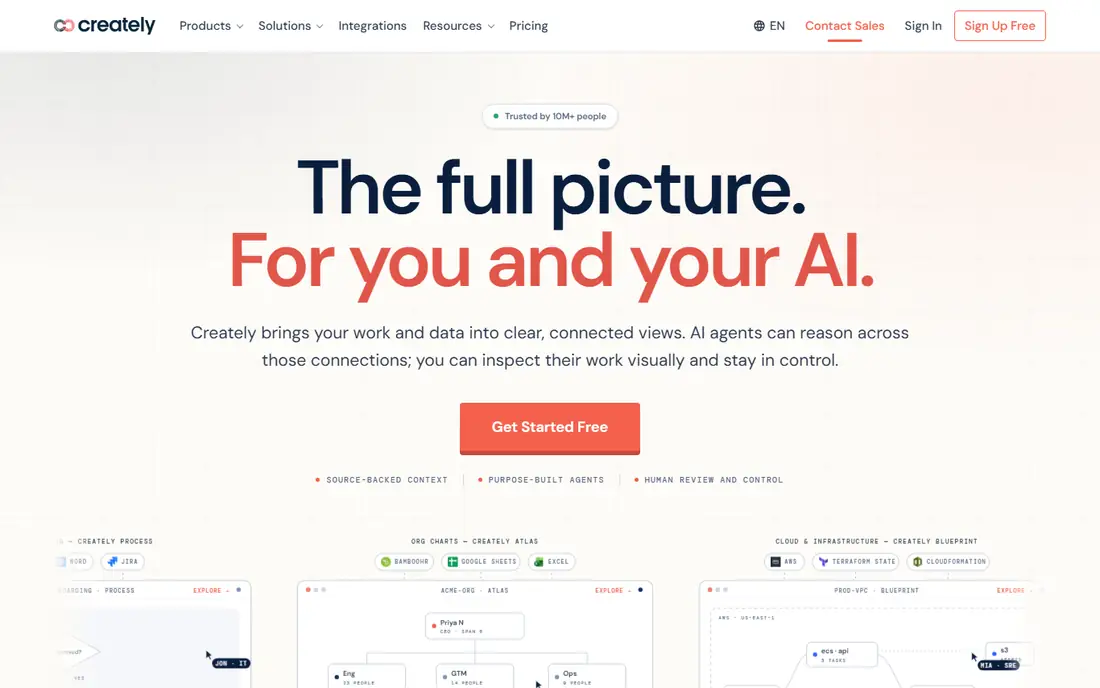
Creately fits a user who wants a vision board with structure, not just a collage. You can build a board with sections, arrows and labels that show how goals connect, for example steps toward a career change or stages of a savings plan. Templates help you start, and collaboration tools let another person add ideas. For a planner who thinks in steps, that structure is useful.
A freeform user may find Creately too rigid. The canvas feels like a work diagram tool, and a purely visual board takes more effort to make look warm and personal. Check the current pricing page before you commit, since plans and limits change. Pick Creately if your board needs steps and connections. Pick Canva or Pinterest if it needs mainly images and feeling.
What we like- Diagram and flowchart tools for structured boards
- Templates for planning
- Collaboration on shared boards
Watch out for- More structured than a freeform collage
- Pricing and limits vary by plan
- The design feel is more worklike than personal
#6Fotor
Best for: Photo collages with editing tools4.2/5 on
G2 (342 reviews, checked Oct 2026)
Visit fotor.com
Starting priceSee website
Free planYes
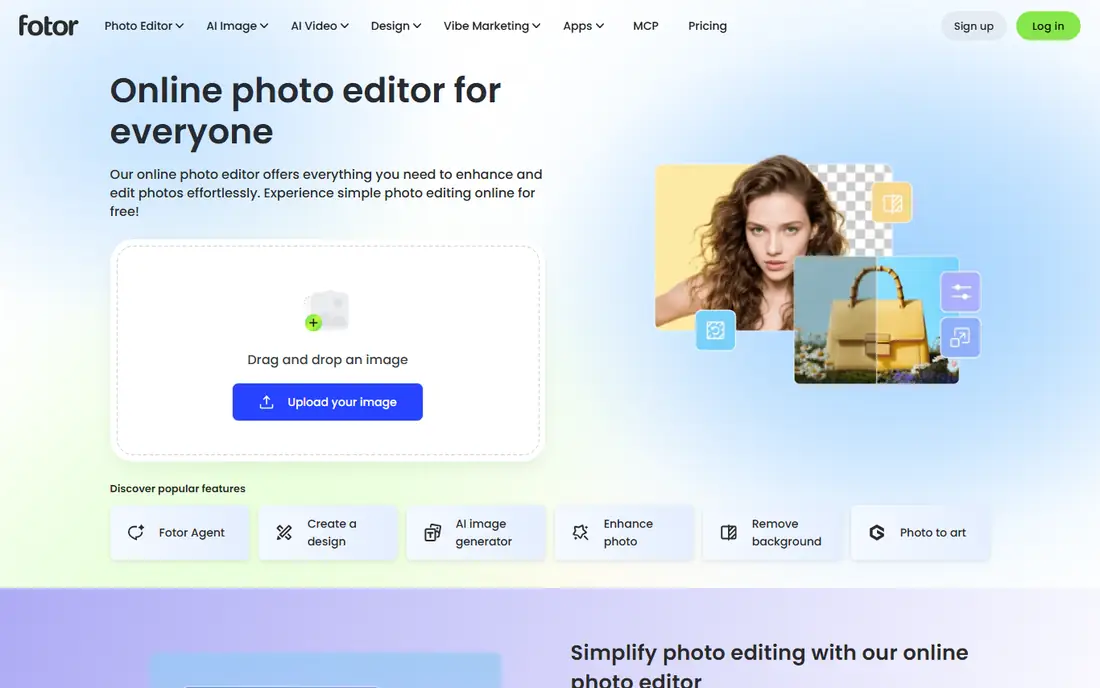
Fotor is a photo editor with strong collage tools, and that combination suits a board made mainly from your own photos. You can edit images, build a collage from a template, add text for a goal or affirmation, and save the result for your phone or wall. The free plan covers basic collages, which is enough to test whether a photo based board works for you.
Fotor does not track goals or remind you to review, so the board can become a finished image you forget. Set a review habit yourself, for example opening the board each morning or setting it as wallpaper for a month. Paid plans add more templates and effects, but they do not add goal features. Use Fotor when your board is photo led and visual polish matters.
What we like- Collage templates plus photo editing
- Easy text and sticker options
- Web and mobile versions
Watch out for- Photo editing focus can distract from goal setting
- Some templates and effects need a paid plan
- No goal tracking features
#7PicMonkey
Best for: Polished collages from your photos4.4/5 on
G2 (422 reviews, checked Oct 2026)
Visit picmonkey.com
Starting priceSee website
Free planFree trial
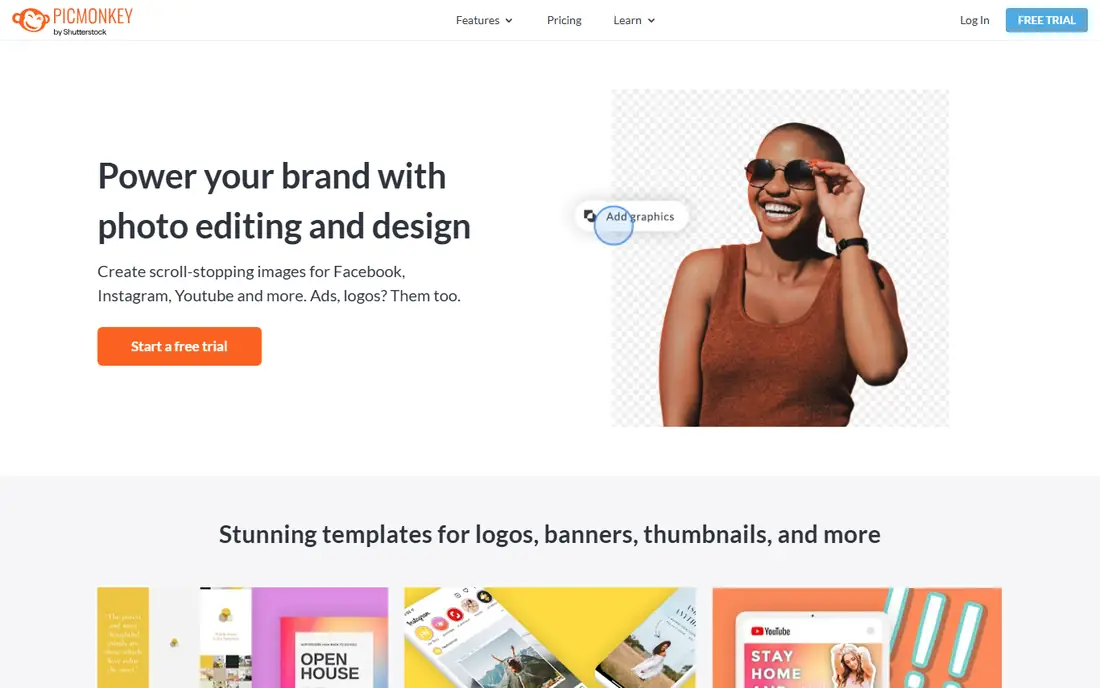
PicMonkey is another design led option, with collage layouts, text controls and photo tools that produce a polished board. Templates cover common sizes for print and social sharing, so a board made here looks finished without much design skill. If you plan to print a large board or share it as an image, PicMonkey handles that well.
The main limit is the lack of a permanent free plan, so you need a trial or subscription to keep editing. There is also no goal tracking, reminder or progress feature, so the board is a design, not a system. That is fine if you already have a planning habit elsewhere. If you want reminders and daily review built in, pair PicMonkey with a dedicated app.
What we like- Polished collage and design tools
- Good text and photo controls
- Templates for social and print sizes
Watch out for- No permanent free plan
- No goal tracking
- Subscription needed for continued editing
How we chose
We compared pricing pages, product documentation and public reviews on G2, Capterra and Reddit, along with each tool board layout, sharing options and mobile access. We looked for tools that let a US reader build a visual board from images and text, keep it private if desired, and return to it easily. Company size fit was less relevant here than personal fit, since most buyers are individuals or couples, so we weighed simplicity and daily review habits more heavily than team admin features. We listed prices as See website where the vendor page did not give a clear, current starting figure in our research.
How to build a board you will actually use
A vision board fails when it stays a collage. It works better when each image connects to a goal and a next step. Start with three to five goals, not twenty, and give each goal its own section. For each section, add one image that shows the outcome, one short sentence about why it matters, and one concrete next step with a date.
Choose images with intent
Pick images that show a specific outcome, not just a pleasant feeling. A photo of a specific city, a specific type of home, or a specific activity tells you more than a generic sunset. Use your own photos where you can, since they carry personal meaning and are less likely to feel abstract after a month. Limit each section to a handful of images, so the board stays readable at a glance.
Review it on a schedule
Set a short daily review, even two minutes in the morning, and a longer weekly review to check progress. During the weekly review, ask what step you took, what step is next, and whether the goal still fits. Update the board when a goal changes, and remove images that no longer match. A board that never changes becomes background decoration, while a board you edit stays tied to your life.
Keep goals honest and practical
A vision board can support motivation, but it cannot replace income, training, health care or other practical work. If a goal involves money, pair the board with a budget. If it involves health, pair it with advice from a qualified professional. If it involves a career change, pair it with a skills plan and applications. The board is a reminder of direction, not a substitute for action.
Frequently asked questions
What is the best vision board app for beginners?
Pinterest is the easiest free start, since you can save images in minutes and organize them into sections. Start with it, build a single board, and move to a design tool only if you want a printed version.
Can I make a vision board for free?
Yes. Pinterest and the free plans of Canva, Milanote and Fotor all support a basic board at no cost. Free limits usually apply to items, uploads or premium images, so a single board fits well while several large boards may need a paid plan. Test the free plan for a month before paying.
Should I use a dedicated app or a design tool?
Use a dedicated app if daily review, reminders and goal focus matter most. Use a design tool if visual polish, printing or sharing matters most. Many people use both: a dedicated app for daily review and a design tool for a printed board at home. The split works if you keep the goals the same in both places.
How often should I review my vision board?
A short daily glance helps keep goals in mind, and a weekly review helps you check progress and update next steps. If daily review feels like a chore, switch to a weekly review and set the board as your phone wallpaper in between. The right frequency is the one you will maintain for months, not days.
Can I share a vision board with a partner?
Yes, with care. Miro and Milanote support shared boards with comments, while Pinterest supports group boards by invite. Keep boards private by default, share only with people you trust, and agree on what each person can edit. A shared board works best when both people share the goals on it.
Does a vision board actually help achieve goals?
A board can help by keeping goals visible and prompting regular review, but research on visualization alone does not prove that a board causes outcomes. The practical benefit comes from the review habit and the next steps you attach to each image. Treat the board as a planning aid, not a guarantee.
Sources we checked (7)
- https://www.pinterest.com
- https://www.canva.com/pricing/
- https://www.milanote.com/pricing
- https://miro.com/pricing/
- https://creately.com/pricing/
- https://www.fotor.com/pricing.html
- https://www.picmonkey.com/pricing
Is your product missing or out of date?
We review this list regularly. Vendors can request a listing, send updated pricing or ask about featured placement.

Shihab Mia · Founder, Rankite
Shihab has 5+ years in B2B and SaaS SEO. He writes Rankite's software buying guides from pricing pages, documentation and public user reviews. More about Shihab.