How we make this list: we compare pricing pages, product documentation and public user reviews. Ratings come from G2, Capterra or Trustpilot, with the date we checked them.
Key takeaways
- Airtable remains the reference no-code database, but per-seat pricing gets expensive for large teams; check record and automation limits before committing.
- Notion and Coda blur the line between docs and databases, which suits teams that want one workspace instead of two tools.
- Knack, Zoho Creator and Quickbase lean toward building real apps on the data, with portals, permissions and workflows the spreadsheet-style tools lack.
- Ninox is the outlier for Mac-first and offline-friendly use, with a one-time purchase option that avoids subscriptions entirely.
Quick comparison
| Tool | Best for | Starting price | Free plan |
|---|
 Airtable Airtable | Spreadsheet users ready for relational data | See website | Yes |
 Notion Notion | Docs plus lightweight databases in one | See website | Yes |
 Coda Coda | Doc-style interface with powerful formulas | See website | Yes |
 Smartsheet Smartsheet | Project-style work on structured data | See website | Free trial |
 Knack Knack | Customer portals and internal apps | See website | Free trial |
 Zoho Creator Zoho Creator | Low-code apps inside the Zoho ecosystem | See website | Yes |
 Quickbase Quickbase | Enterprise-grade operational apps | See website | Free trial |
 Ninox Ninox | Mac-first database with offline use | See website | Free trial |
Is your product missing or out of date?
We review this list regularly. Vendors can request a listing, send updated pricing or ask about featured placement.
The best user-friendly database software
Your data has outgrown the spreadsheet but your team has not hired a database administrator. User-friendly database software fills that gap: relational data, linked records, forms and views, all without writing SQL. The category ranges from prettier spreadsheets to genuine app builders. Eight tools across that spectrum.
Starting priceSee website
Free planYes
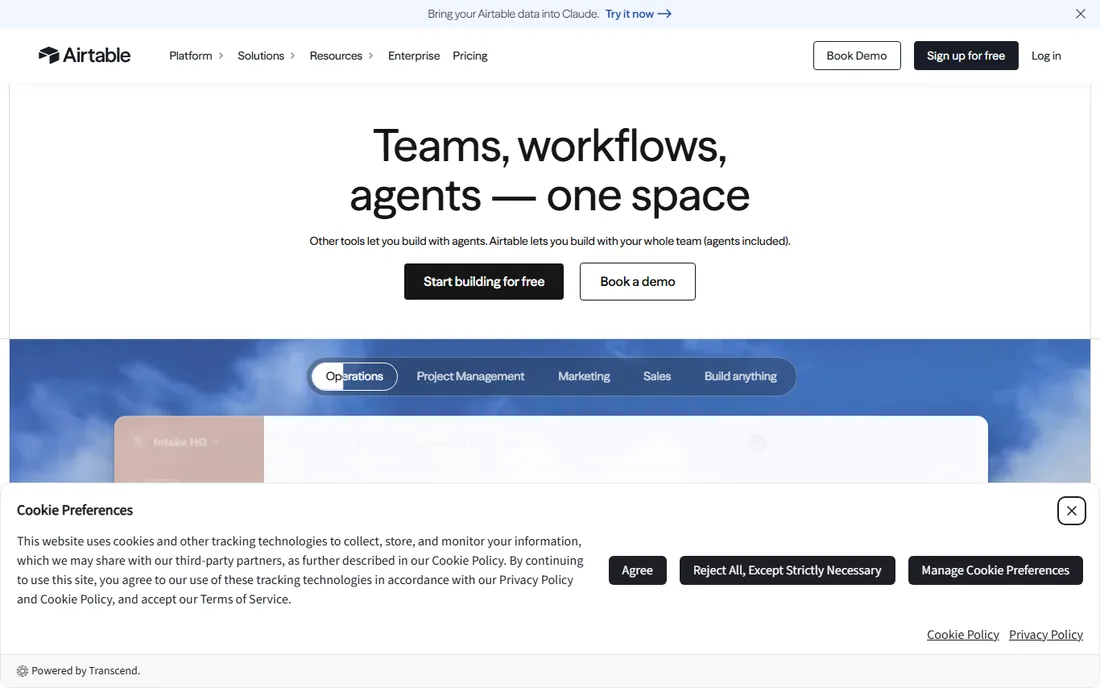
Airtable is the product that defined this category. It looks like a spreadsheet but behaves like a database: linked records, rollups, filtered views, kanban and calendar layouts, plus an interface designer for building simple internal apps and automations that move data without code. Everything exports as CSV, so your data is never trapped.
The pricing model is the long-term concern. Per-user billing makes it costly for big teams, and the interfaces are for logged-in collaborators rather than public-facing portals. Check the record and automation caps on the plan you choose; outgrowing them mid-project is the classic Airtable pain. It fits teams where the database matters more than the app built on it.
What we like- Familiar grid interface with real relational power underneath
- Interfaces and automations cover many internal-tool needs
- Huge template gallery and integration ecosystem
Watch out for- Per-seat pricing punishes large teams
- Record, automation and attachment limits on lower plans need checking before you scale
Starting priceSee website
Free planYes
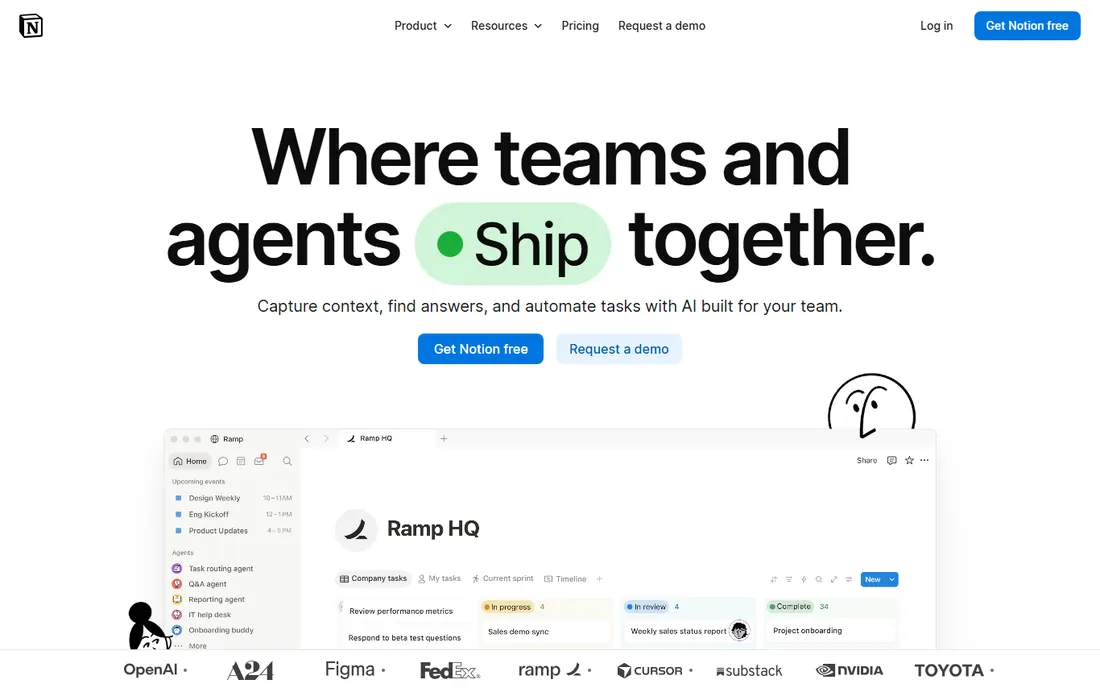
Notion's databases are the reason many teams never buy a separate tool. Tables, boards and calendars sit inside the same pages as meeting notes and wikis, with relations and rollups covering light relational needs. The free plan is genuinely usable, and the learning curve is gentler than any database-first product.
The ceiling arrives with complexity. Large datasets slow down, permissions are coarser than Knack or Quickbase, and automation is thinner than Airtable's. Notion suits teams whose data needs are modest and who value having docs and data in one searchable workspace over database purity.
What we like- Databases live inside the docs your team already writes
- Generous free plan for individuals
- Flexible views including boards, calendars and timelines
Watch out for- Not a real relational database at scale
- Performance and permissions lag dedicated tools
#3
Coda
Best for: Doc-style interface with powerful formulas
Visit coda.io
Starting priceSee website
Free planYes
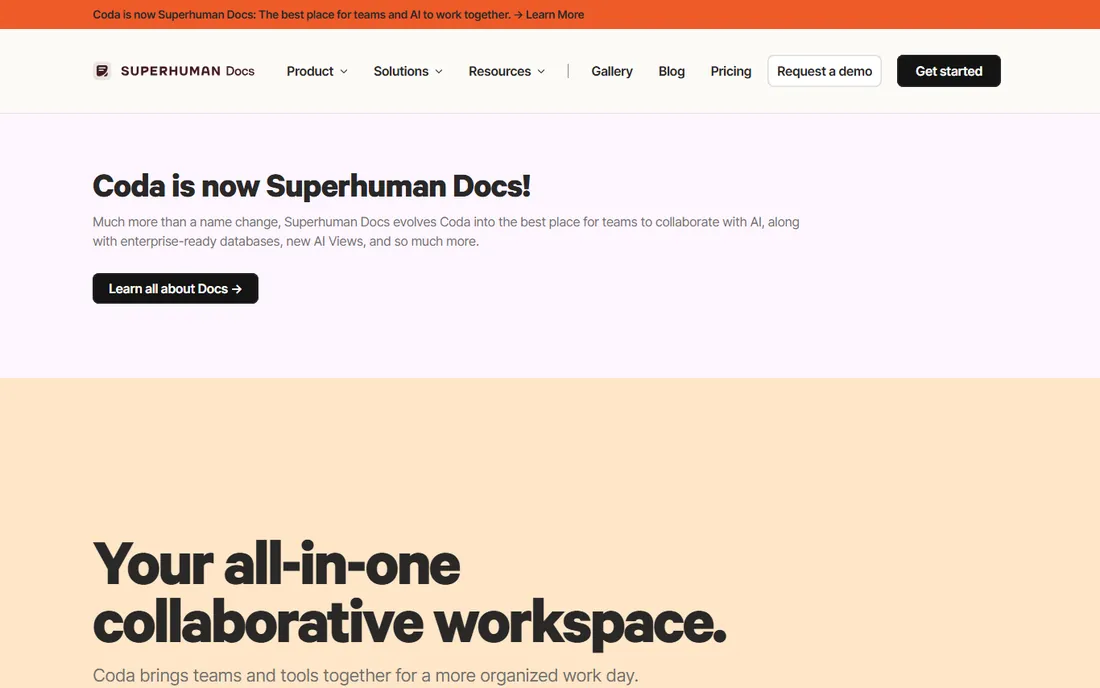
Coda starts from the document and grows into the database. Its formula language handles lookups, filters and calculations that would need workarounds elsewhere, and Packs pull in data from Slack, Jira, GitHub and dozens of other apps. The freeform canvas means a "database" can look like a dashboard, a tracker or a full operating doc.
Adoption is the hurdle: fewer templates, fewer integrations and a smaller community than the leaders. The maker-based pricing (you pay for people who build, not just view) is fair but unfamiliar. Coda fits analytical teams that think in formulas and want docs that compute, not just store.
What we like- Formula language rivals spreadsheet depth
- Packs connect docs to outside apps
- Flexible canvas layout beyond rigid tables
Watch out for- Smaller ecosystem than Airtable or Notion
- Pricing based on doc makers can confuse buyers
Starting priceSee website
Free planFree trial
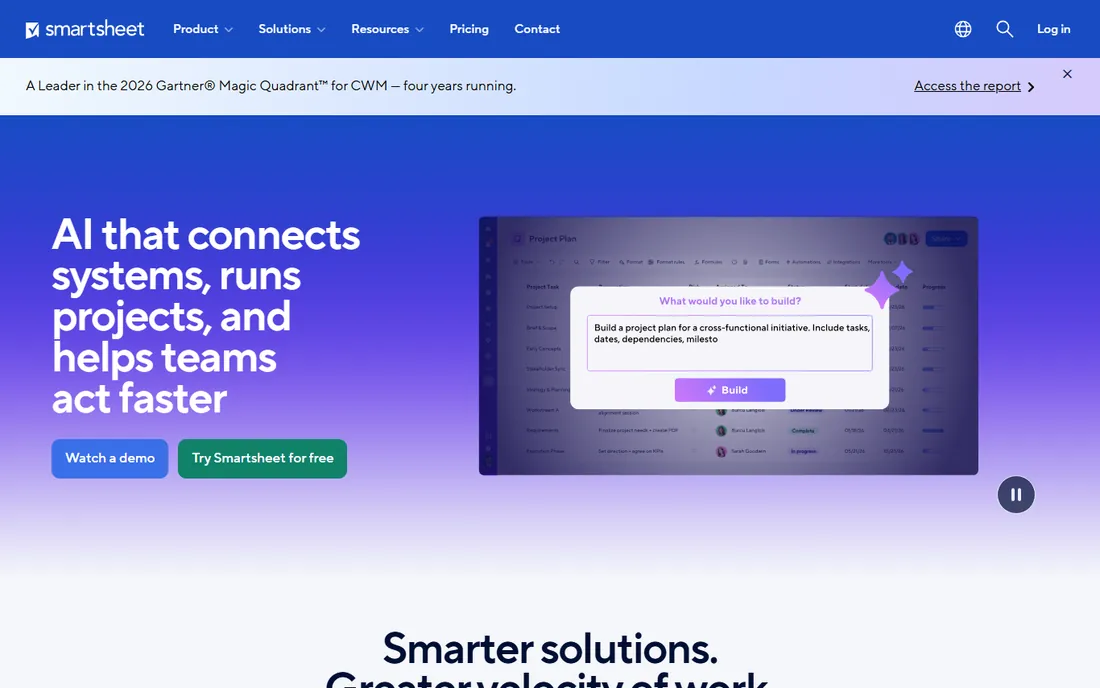
Smartsheet sells work management on structured rows. Teams track projects, portfolios and operations in grids that pivot into Gantt charts, dashboards and automated workflows. Enterprise buyers get the governance, audit trails and admin controls that lighter tools skip.
Calling it a database stretches the term; it is project software with database manners. There is no free tier, and pricing targets teams rather than individuals. Smartsheet fits operations and PMO teams that need structured tracking with executive reporting, not developers building data models.
What we like- Familiar grid with Gantt, card and calendar views
- Strong for portfolio and project tracking
- Enterprise governance and admin controls
Watch out for- No free plan, only a trial
- Feels like project software wearing a database costume
Starting priceSee website
Free planFree trial
Knack crosses the line from database to app builder. You define data tables, then build web apps on top: customer portals with logins, intake forms with approval workflows, dashboards with role-based permissions. It handles the "database plus application" jobs that spreadsheet-style tools cannot.
The builder interface shows its age, and costs scale with records and usage rather than flat seats, so model growth before committing. Knack suits operations teams that need a working business app, like a vendor portal or a case tracker, without hiring developers.
What we like- Builds real web apps with logins, permissions and portals
- No-code form and workflow builder
- Handles use cases Airtable cannot touch
Watch out for- Interface design options feel dated next to modern builders
- Pricing scales with records and app usage
#6
Zoho Creator
Best for: Low-code apps inside the Zoho ecosystem
Visit zoho.com
Starting priceSee website
Free planYes
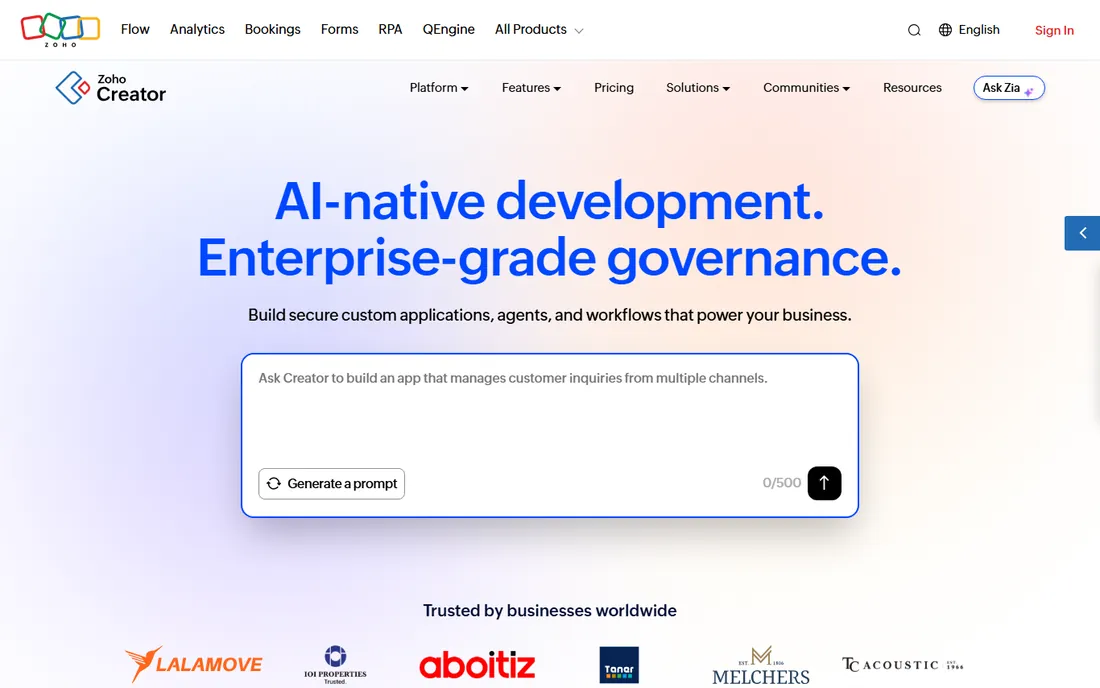
Zoho Creator is the app builder for the Zoho world. The drag-and-drop builder covers forms, workflows and reports, while the Deluge scripting language handles logic that pure no-code cannot. Because it sits inside Zoho One, data flows naturally to CRM, Books, Desk and the rest of the suite, and pricing undercuts most rivals.
The catch is ecosystem gravity. Outside Zoho, it is a competent but unremarkable low-code platform; inside Zoho, it is the obvious choice. The free plan covers small apps, which is rare at this depth. Zoho Creator fits businesses already running Zoho that need custom operational apps fast.
What we like- Deep integration with the Zoho suite
- Visual builder plus Deluge scripting for complex logic
- Competitive pricing with a real free tier
Watch out for- Best value requires committing to Zoho broadly
- The interface polish trails standalone competitors
Starting priceSee website
Free planFree trial
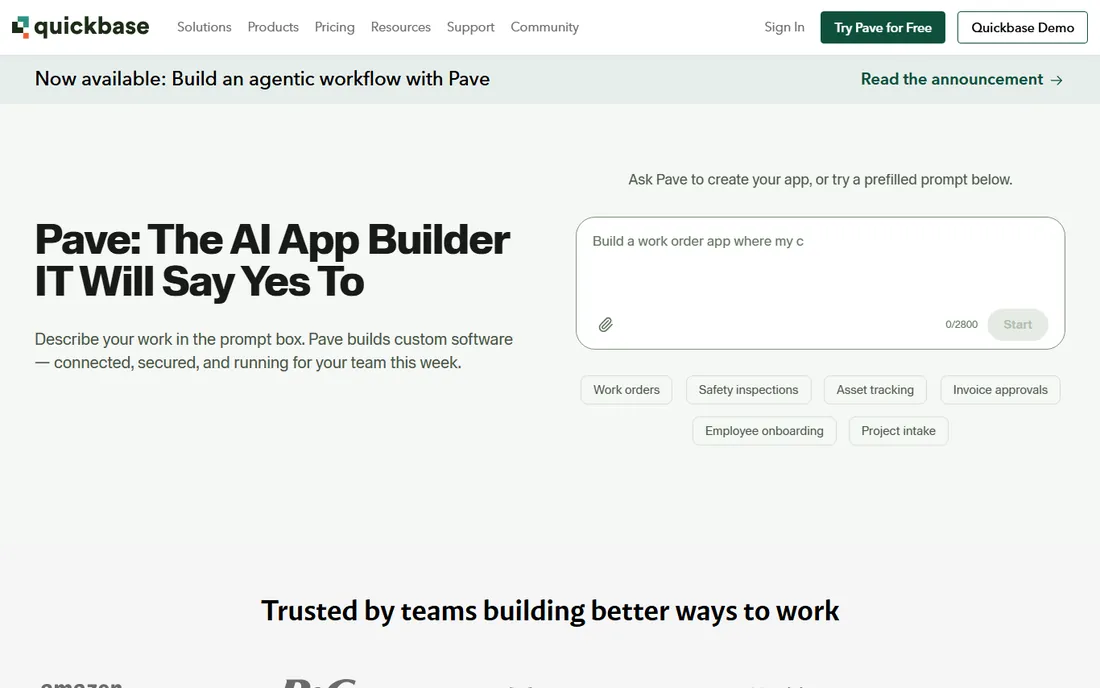
Quickbase has spent decades turning operational chaos into governed apps. It offers the database fundamentals plus workflow automation, granular permissions, audit trails and integrations that satisfy IT departments in construction, manufacturing, healthcare and services. Pipelines automate multi-step processes across tables.
Everything about the buying experience says enterprise: quote-based pricing, sales-led process, implementation support. Small teams will find it heavy and expensive for simple trackers. Quickbase fits mid-size and large companies standardizing operational apps with IT's blessing.
What we like- Proven at enterprise scale with governance to match
- Strong workflow automation and integrations
- Long track record in operations-heavy industries
Watch out for- Enterprise pricing and sales process
- Overkill for simple tracking needs
Starting priceSee website
Free planFree trial
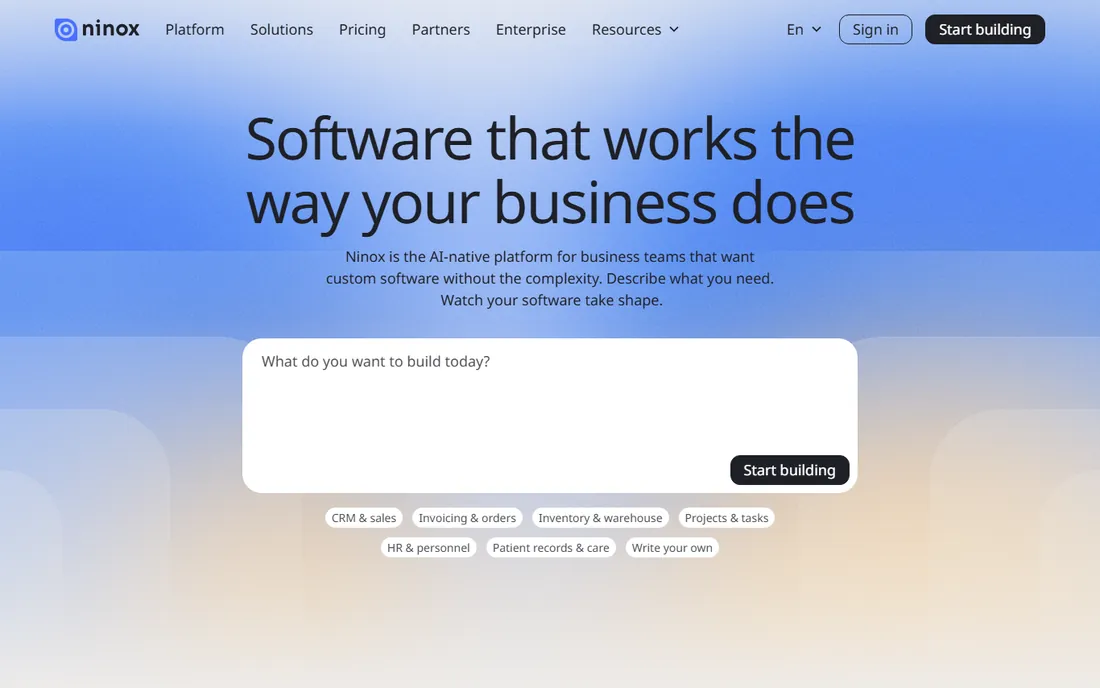
Ninox is the database for Apple-centric teams. Native macOS and iOS apps work offline and sync through Ninox Cloud, and a built-in scripting language extends it beyond drag-and-drop. The standout commercial detail is the one-time purchase option for the Mac app, a rarity in a subscription world.
The ecosystem is the limitation: fewer templates, fewer integrations and a smaller community than the cloud-native leaders. Teams on Windows get a lesser experience. Ninox suits small businesses, field teams and Apple shops that want a real local database without a monthly bill per user.
What we like- Native Mac and iOS apps with offline capability
- One-time purchase option avoids subscriptions
- Scripting for advanced customization
Watch out for- Smaller community and template library
- Windows and web experience trail the native Apple apps
What to check before you buy
Count the real costs first. Per-seat pricing looks cheap at five users and brutal at fifty; check record limits, automation runs and attachment storage on the plan you would actually buy, since those caps are the classic surprise. Confirm data export: CSV export should be standard, and anything less is a red flag.
Then match the tool to the job. Tracking and organizing data is one thing; building portals with logins is another, and only Knack, Zoho Creator and Quickbase truly do the second. Test permissions early if multiple roles will touch the data. Finally, try the mobile and offline experience if field staff are involved, and check the integration list for the three apps you cannot live without.
How we chose
We selected databases a non-technical team can actually run, from spreadsheet-style tools to low-code app builders, using vendor documentation, pricing pages and public reviews. We list starting prices as See website where we could not verify a current figure on the vendor's own pricing page. We did not build test apps or load-test performance.
A note on data portability
User-friendly should not mean lock-in. Before committing your team's data to any no-code database, verify the export story: can you get full records out as CSV, does the API allow a complete pull, and are attachments and file fields included in exports? Platforms that make leaving hard deserve extra scrutiny no matter how pleasant the interface. The best time to check the exit is before you enter.
Frequently asked questions
What is the difference between Airtable and a real database like MySQL?
Airtable gives you relational data through a visual interface with no SQL or server management. MySQL offers far more power, scale and control but needs technical administration. Most small teams never need what MySQL offers.
Can these tools replace spreadsheets entirely?
For structured, shared, relational data, yes. For quick ad-hoc calculations and financial modeling, spreadsheets still win. Most teams end up using both: databases for systems of record, spreadsheets for analysis.
Do I need to know how to code?
No. All eight are usable without code, though Zoho Creator, Quickbase and Ninox reward users who learn their scripting or formula languages for advanced logic.
How do per-seat prices work with viewers?
It varies: some tools charge for everyone with access, others only for editors or builders. Count your actual editors before comparing prices, and check whether view-only or portal users cost extra.
Can I migrate from one tool to another later?
Data migrates via CSV easily enough; the apps, automations and permissions do not. Treat the choice as a multi-year commitment and export your data regularly regardless.
Are these tools secure enough for customer data?
The enterprise-leaning options (Quickbase, Smartsheet, Zoho Creator) offer the compliance certifications and admin controls regulated industries need. For sensitive data, verify SOC 2, GDPR and data residency specifics with the vendor rather than assuming.
Sources we checked (9)
- https://airtable.com
- https://www.notion.so
- https://coda.io
- https://www.smartsheet.com
- https://www.knack.com
- https://www.zoho.com/creator
- https://www.quickbase.com
- https://ninox.com
- https://www.appypie.com/blog/best-no-code-platforms
Is your product missing or out of date?
We review this list regularly. Vendors can request a listing, send updated pricing or ask about featured placement.

Shihab Mia · Founder, Rankite
Shihab has 5+ years in B2B and SaaS SEO. He writes Rankite's software buying guides from pricing pages, documentation and public user reviews. More about Shihab.