How we make this list: we compare pricing pages, product documentation and public user reviews. Ratings come from G2, Capterra or Trustpilot, with the date we checked them.
Key takeaways
- Wanderlog is the strongest trip-first planner, with a map, day-by-day itinerary, and collaboration for groups.
- TripIt is the best tool after booking, because it turns confirmation emails into one master itinerary.
- Skyscanner and Hopper serve different flight jobs: Skyscanner for flexible discovery, Hopper for price watching and timing advice.
- Google Maps and Rome2Rio cover the ground between places, from city navigation to multi-country train, bus, and flight routes.
- Booking.com is the widest lodging choice for most travellers, while PackPoint solves the smaller job of packing without forgetting essentials.
Quick comparison
| Tool | Best for | Starting price | Free plan |
|---|
 Wanderlog Wanderlog | Day-by-day trip planning | Free (Pro $39.99/year) | Yes |
 TripIt TripIt | Organising bookings into one itinerary | Free (Pro $49/year) | Yes |
 Skyscanner Skyscanner | Comparing flight prices | Free | Yes |
 Hopper Hopper | Watching prices and timing bookings | Free app (paid protections and add-ons available) | Yes |
 Google Maps Google Maps | Navigation and saved places | Free | Yes |
 Rome2Rio Rome2Rio | Routes between two places | Free | Yes |
 Booking.com Booking.com | Hotels and apartments | Free to use (room rates vary) | Yes |
 PackPoint PackPoint | Packing lists | Free (premium features available) | Yes |
Is your product missing or out of date?
We review this list regularly. Vendors can request a listing, send updated pricing or ask about featured placement.
The best travel apps
Starting priceFree (Pro $39.99/year)
Free planYes
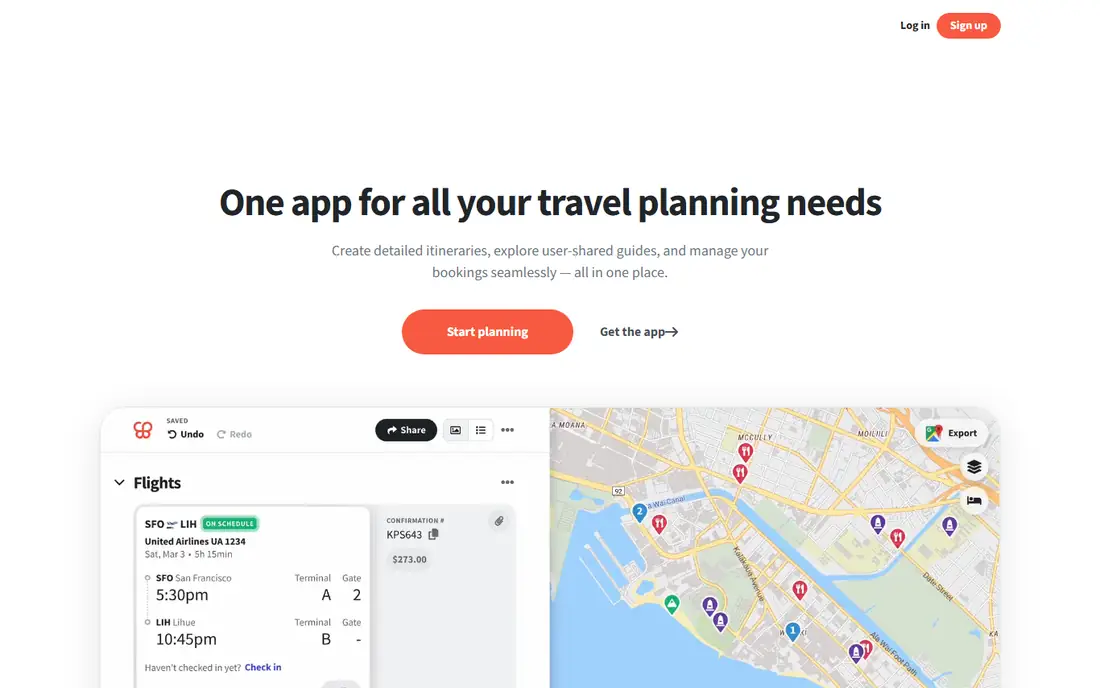
Wanderlog starts with the trip, not with a booking. You add destinations, drag stops around on a map, build a day-by-day plan, and share a link so companions can add ideas and see updates. That structure suits a multi-city trip where the order of stops matters, and it also works for a road trip where driving times shape each day. The free tier covers unlimited trips and collaboration, which is generous for a planning app.
Pro, at $39.99 a year, adds route optimisation, multi-stop road trip routing, and Gmail auto-import of bookings. Without Pro, you will do more manual ordering and copying of details. Wanderlog is not a booking engine, so you still need a flight or hotel app to buy anything. As a planner, though, it is the clearest way to turn a list of ideas into a plan other people can actually follow.
What we like- Map-based itinerary builder
- Collaboration with travel companions
- Route optimisation on Pro
Watch out for- Pro features needed for full road-trip routing
- Offline access is limited on the free tier
Starting priceFree (Pro $49/year)
Free planYes
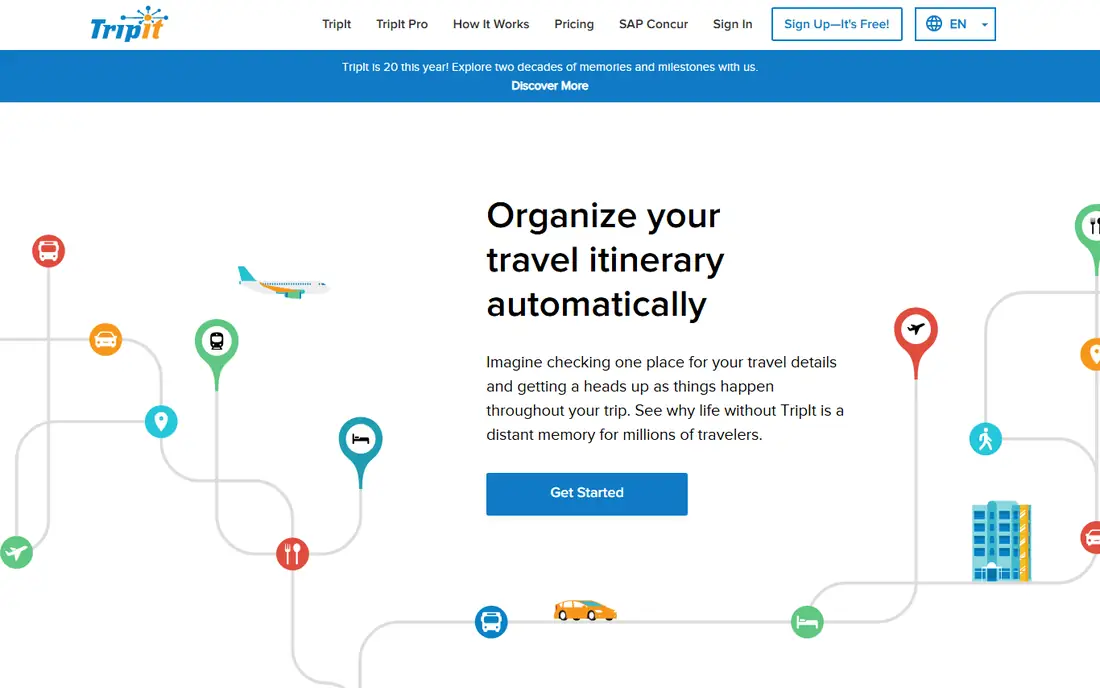
TripIt solves a different problem from Wanderlog. Once you have booked flights, hotels, and cars, you forward the confirmation emails to TripIt, and it builds a single timeline for the trip. No more searching an inbox at check-in for a confirmation number. The free version covers the core itinerary, document storage, and sharing, and it works across iPhone and Android.
TripIt Pro, at $49 a year, adds real-time flight alerts, alternate flight options, fare refund tracking, and other frequent-flyer extras. If you fly rarely, the free version is enough. If you fly often for work, Pro alerts can save a missed connection or a long wait at an airport. TripIt is weaker as a brainstorming tool, so pair it with Wanderlog or Google Maps for planning, and let TripIt handle the bookings you have already made.
What we like- Turns confirmation emails into one itinerary
- Calendar sync and sharing
- Airport maps and nearby places
Watch out for- Less useful before you book anything
- Pro alerts cost $49 a year
Starting priceFree
Free planYes

Skyscanner is the first app to open when dates or destinations are flexible. It compares flights across airlines and booking sites, shows a month view of prices, and offers an Everywhere search that finds the cheapest destinations from your home airport. That makes it useful for a traveller who knows they want a break in March but has not chosen a city yet, as well as for someone comparing a specific route.
The limit is that Skyscanner does not sell the ticket itself in most cases. It sends you to an airline or booking site to complete the purchase, and the price can change between search and checkout. Always check baggage rules, change fees, and layover times on the final booking page, because the cheapest fare is not always the best value. For pure flight discovery, though, Skyscanner remains hard to beat.
What we like- Searches many airlines and booking sites at once
- Everywhere search for flexible travellers
- Price alerts
Watch out for- It is a search tool, not a booking agent
- Final prices can differ at checkout
Starting priceFree app (paid protections and add-ons available)
Free planYes
Hopper answers a question Skyscanner leaves open: should I book now or wait? The app watches a flight or hotel price, sends alerts when it changes, and gives a prediction about whether the price is likely to rise or fall. For a traveller with flexible dates, that advice can save real money, and the Price Freeze feature lets you lock a fare for a fee while you decide.
Predictions are not promises. A price can jump for reasons no model predicts, such as a route cancellation or a sudden demand spike, and Hopper earns money from paid protections and add-ons, so read what each extra covers before you buy it. Use Hopper to watch and time a booking, use Skyscanner to compare the market, and book directly with the airline when the fare and terms are equal, because direct bookings are usually easier to change.
What we like- Price predictions and watch alerts
- Price Freeze option
- Hotel and car price tracking
Watch out for- Predictions are estimates, not guarantees
- Some protections cost extra
Starting priceFree
Free planYes
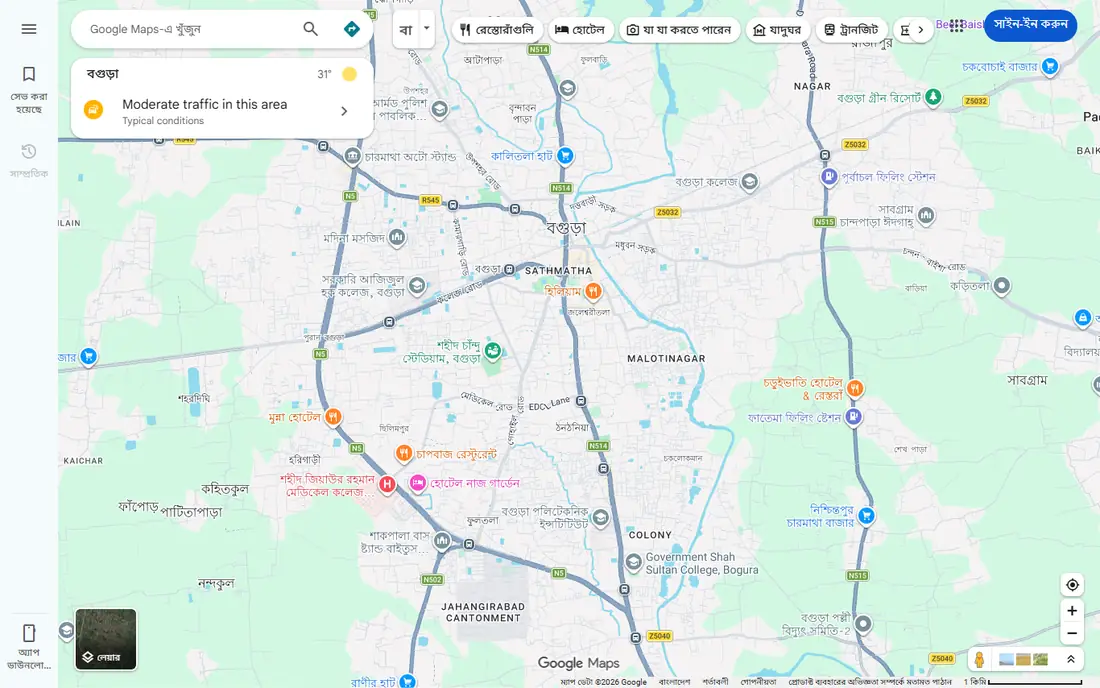
Google Maps is the app most travellers already have, and it earns its place on every trip. Save hotels, restaurants, and sights to lists before you leave, download an offline map for each city, and use live transit directions when you arrive. Reviews, opening hours, and photos help you judge a place quickly, and the ability to share a location with a companion removes a lot of meeting-point confusion.
It is not a trip planner in the Wanderlog sense. Google Maps will not build a day-by-day itinerary, track booking deadlines, or balance a week of stops. Treat it as the navigation and discovery layer under your plan, not as the plan itself. Download offline maps on Wi-Fi before departure, because airport and hotel connections fail at the worst moments.
What we like- Deep place data and reviews
- Offline maps for a city or region
- Driving, walking, transit, and cycling directions
Watch out for- Not a full itinerary planner
- Offline maps need downloading before you travel
Starting priceFree
Free planYes
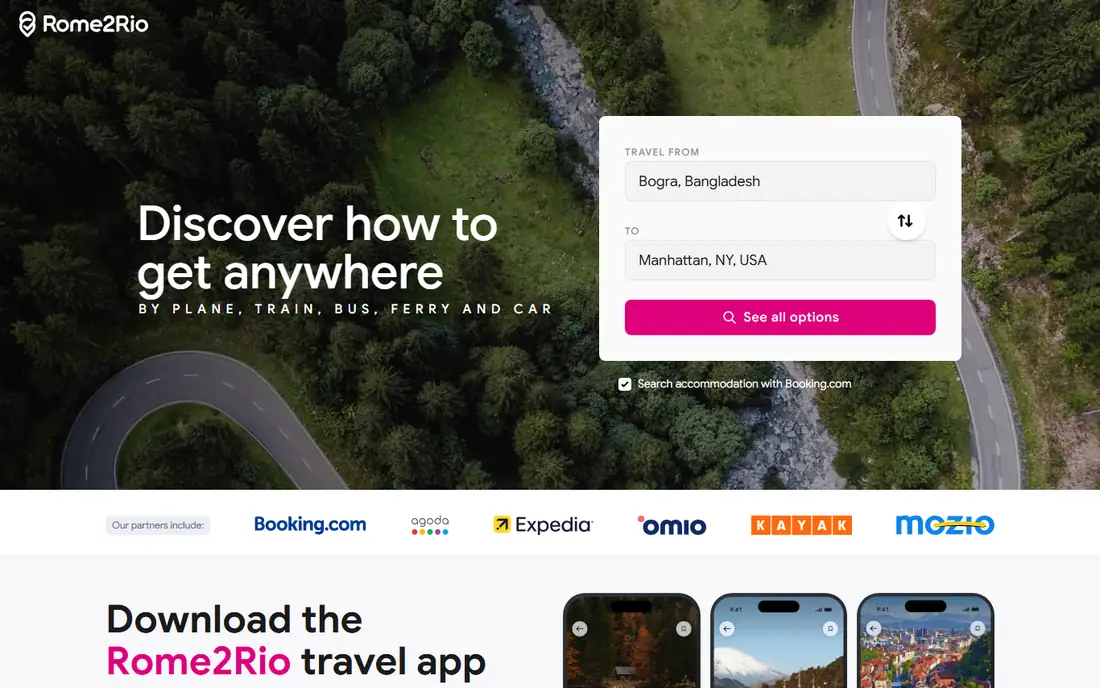
Rome2Rio shines on the awkward question: how do I get from here to there? Type in two places, and it lists every sensible combination of flight, train, bus, ferry, and driving, with estimated times and costs. That is invaluable for a multi-country trip, where a train plus a ferry may beat a flight once airport time is counted, or where a bus is the only practical option.
The figures are estimates, not live bookings, so always verify schedules and prices with the operator before you commit. Rome2Rio also links to booking partners for transport and lodging, which is convenient but not always the cheapest route. Use it early, when you are deciding whether a route is feasible at all, and then book the winning option directly where possible.
What we like- Compares plane, train, bus, ferry, and car for one route
- Shows time and estimated cost side by side
- Covers many countries
Watch out for- Prices are estimates
- You must verify times and book with the operator
Starting priceFree to use (room rates vary)
Free planYes
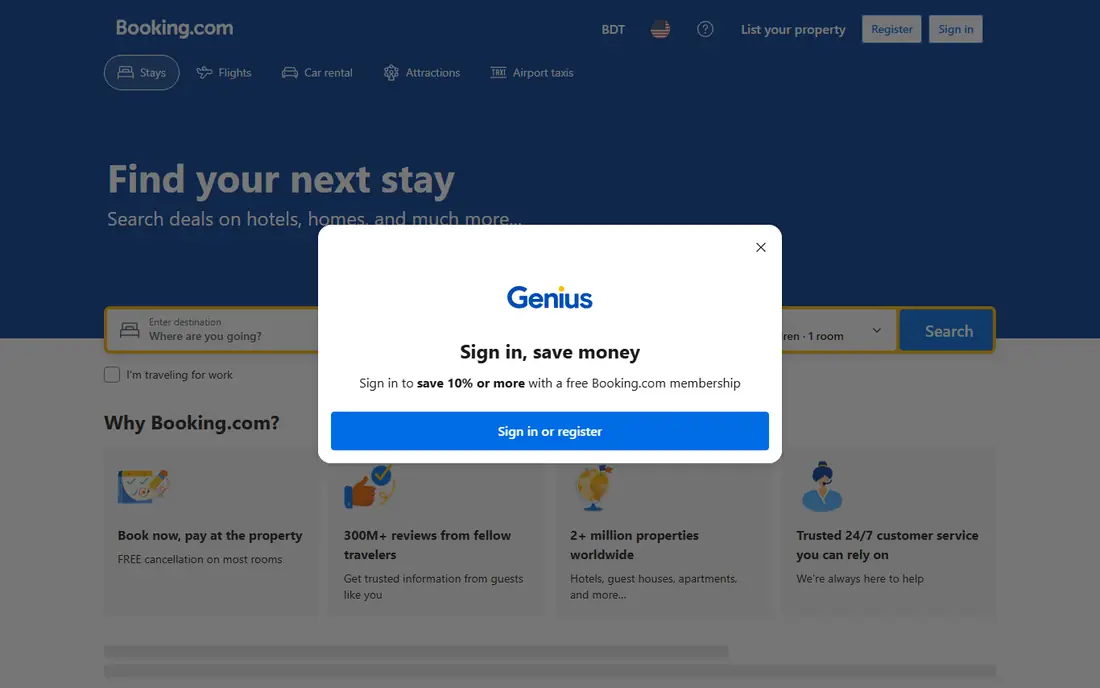
Booking.com is the default lodging app for a reason: it lists hotels, apartments, guesthouses, and hostels in far more places than most rivals, and filters for price, cancellation policy, and guest rating make it fast to narrow a list. Many listings offer free cancellation up to a set date, which matters when flight plans change. The Genius programme adds discounts after a few completed stays, which regular travellers will notice.
The app is free to use, but you pay the room rate, taxes, and any fees shown at checkout, so compare the total price, not the nightly headline. Read recent guest reviews for the specific room type, not just the property average, and confirm check-in times and extra charges directly with the property for unusual stays. For most trips, Booking.com plus a direct check of the hotel site gives the best balance of choice and price.
What we like- Very large lodging inventory
- Flexible cancellation on many listings
- Genius loyalty discounts
Watch out for- Service fees can appear on some bookings
- Customer support quality varies by property
Starting priceFree (premium features available)
Free planYes
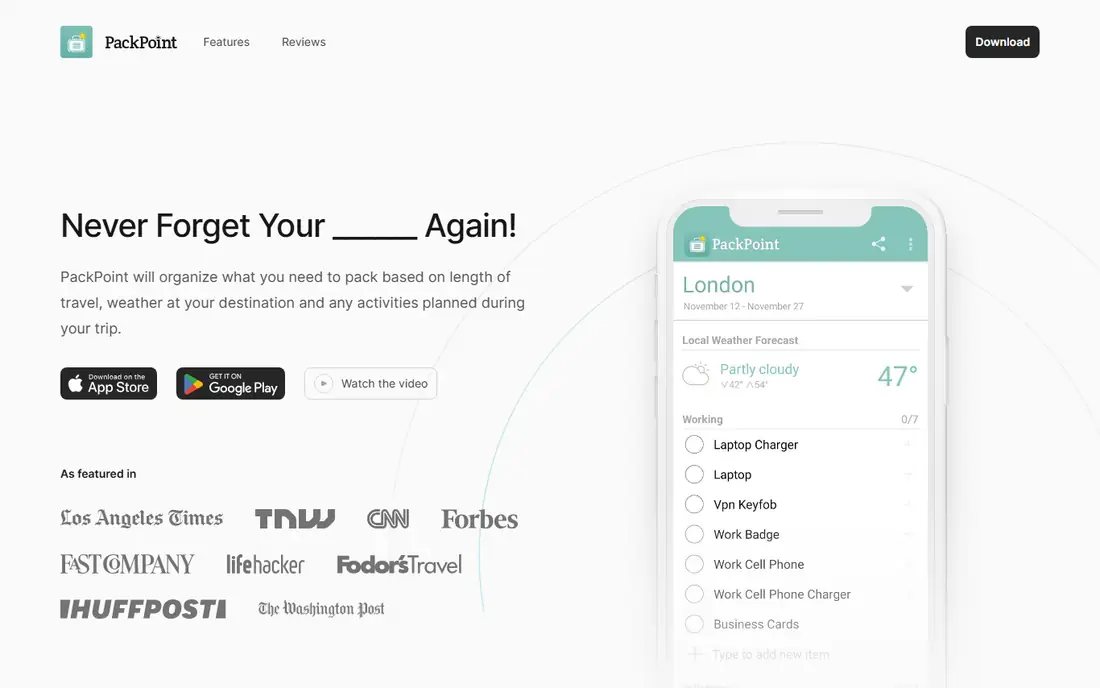
PackPoint does one job well. Enter your destination, travel dates, trip length, and planned activities, and it builds a packing list that accounts for weather and what you plan to do. You can tick items off as you pack, share the list with a companion, and save lists for repeat trip types such as a beach holiday or a business trip. That removes the usual last-minute panic about chargers, adapters, and rain gear.
It will not plan your trip, book anything, or navigate a city, and frequent travellers may outgrow it once they have a standard list of their own. The free version covers the core list, which is enough for most people. PackPoint is a small addition to a travel stack, but it is the app that prevents the forgotten item that costs time and money abroad.
What we like- Builds a packing list from destination, dates, and activities
- Weather-aware suggestions
- Easy sharing
Watch out for- Small, single-purpose app
- Premium features are limited in value for light packers
How we chose
We compared pricing pages, app store listings, and public reviews, and we checked which apps still offer a usable free version in 2026. An app made the list only if it covers a clear stage of a trip, from planning and flight search to booking, navigation, and packing. We also favoured apps that work on both iPhone and Android, or at least on the web plus one mobile platform, because a travel app that only works at a desk is of limited use on the road. Prices here reflect the standard rates shown by each vendor.
How to build a travel stack for an international trip
Start with Wanderlog for the plan, Skyscanner for flight discovery, and Booking.com for lodging, then add TripIt once bookings exist. That four-app core covers most trips without clutter. Add Hopper only if you have time to watch a price, and add Rome2Rio for any leg where the route is not obvious, such as a train journey across borders or an island hop.
Before departure, do three practical jobs in your apps. Download offline maps in Google Maps for each city. Save confirmation numbers in TripIt and share the itinerary with someone at home. Check passport validity, visa rules, and travel insurance separately, because no app in this list replaces those checks. Finally, keep a backup: a screenshot or PDF of key bookings, stored offline, covers you when an app or a network fails.
One app for each trip type
A weekend city break needs Google Maps, TripIt, and Booking.com, and little else. A multi-country trip needs Wanderlog and Rome2Rio as well, because order and transport matter more. A family holiday benefits from Wanderlog collaboration and PackPoint lists for each child. A business trip leans on TripIt Pro alerts and Google Maps transit directions, with Hopper watching the next flight home.
Frequently asked questions
What is the best travel app overall?
There is no single best app, because planning, booking, and navigation are different jobs. Wanderlog is the strongest planner, TripIt is the strongest booking organiser, and Google Maps is the strongest navigation tool. Most travellers do best with a small stack of three or four apps rather than one app that tries to do everything.
Are travel apps free?
Most travel apps in this guide have a free version that covers the core job. Paid plans add extras such as route optimisation, flight alerts, or premium packing features. Booking apps are free to use, but you pay for the flight, hotel, or car you book through them, plus any taxes and fees shown at checkout.
Which travel app is best for international trips?
Wanderlog and Rome2Rio are especially useful internationally, because they handle multi-city plans and cross-border transport. Google Maps covers navigation and offline maps abroad, and TripIt keeps bookings from different countries in one timeline. Add a currency app and a translation app for language and money, which are outside the scope of this list.
Should I book flights through Skyscanner or Hopper?
Both apps mainly help you find and time a fare, and the actual booking often happens with an airline or booking site. Compare the total price, baggage allowance, and change policy on the final page, and consider booking directly with the airline if the price is close, because direct bookings are usually easier to change or refund.
Do I need TripIt Pro?
TripIt Pro is worth $49 a year if you fly often, because real-time alerts, alternate flight options, and fare refund tracking can save time and money. If you take one or two trips a year, the free version, which builds the master itinerary from confirmation emails, is enough.
Can I use these apps offline?
Google Maps allows offline maps if you download them in advance, and Wanderlog and TripIt offer some offline access to saved plans. Flight search, price alerts, and booking all need a connection. Download maps, itineraries, and key documents on Wi-Fi before you leave, and keep offline copies of bookings as a backup.
Sources we checked (8)
- https://wanderlog.com
- https://www.tripit.com
- https://www.skyscanner.com
- https://www.hopper.com
- https://www.google.com/maps
- https://www.rome2rio.com
- https://www.booking.com
- https://www.packpnt.com
Is your product missing or out of date?
We review this list regularly. Vendors can request a listing, send updated pricing or ask about featured placement.

Shihab Mia · Founder, Rankite
Shihab has 5+ years in B2B and SaaS SEO. He writes Rankite's software buying guides from pricing pages, documentation and public user reviews. More about Shihab.