How we make this list: we compare pricing pages, product documentation and public user reviews. Ratings come from G2, Capterra or Trustpilot, with the date we checked them.
Key takeaways
- A knowledge base reduces tickets only when customers find answers before contacting you, so search quality and widget placement matter more than article count.
- AI answers built on your articles deflect more tickets than static FAQs, but every AI answer needs a clean path to a human when it fails.
- Measure deflection honestly with searches that end without contact, contact rate after article views, and article feedback, not only page views.
- Stale articles create tickets instead of preventing them, so pick a tool with a maintenance loop that turns unanswered questions into new or fixed articles.
- Start with your ten most common ticket topics, publish those articles first, and expand only after deflection on those topics improves.
Quick comparison
| Tool | Best for | Starting price | Free plan |
|---|
 Zendesk Guide Zendesk Guide | Large omnichannel support orgs | $55 per agent per month | No |
 Intercom Fin Intercom Fin | AI answers on any help desk | $0.99 per outcome | No |
 Help Scout Help Scout | Email first teams with Beacon | $25 per user per month | Yes |
 Freshdesk Freddy Freshdesk Freddy | Fast portal plus AI sessions | $19 per agent per month | No |
 Zoho Desk Zoho Desk | Budget teams and Zoho users | Free | Yes |
 HubSpot Service Hub HubSpot Service Hub | CRM connected knowledge bases | $7 per seat per month | Yes |
 Document360 Document360 | Versioned, audited documentation | See website | No |
 Helpjuice Helpjuice | Flat priced knowledge bases | $249 per month | No |
Is your product missing or out of date?
We review this list regularly. Vendors can request a listing, send updated pricing or ask about featured placement.
Starting price$55 per agent per month
Free planNo
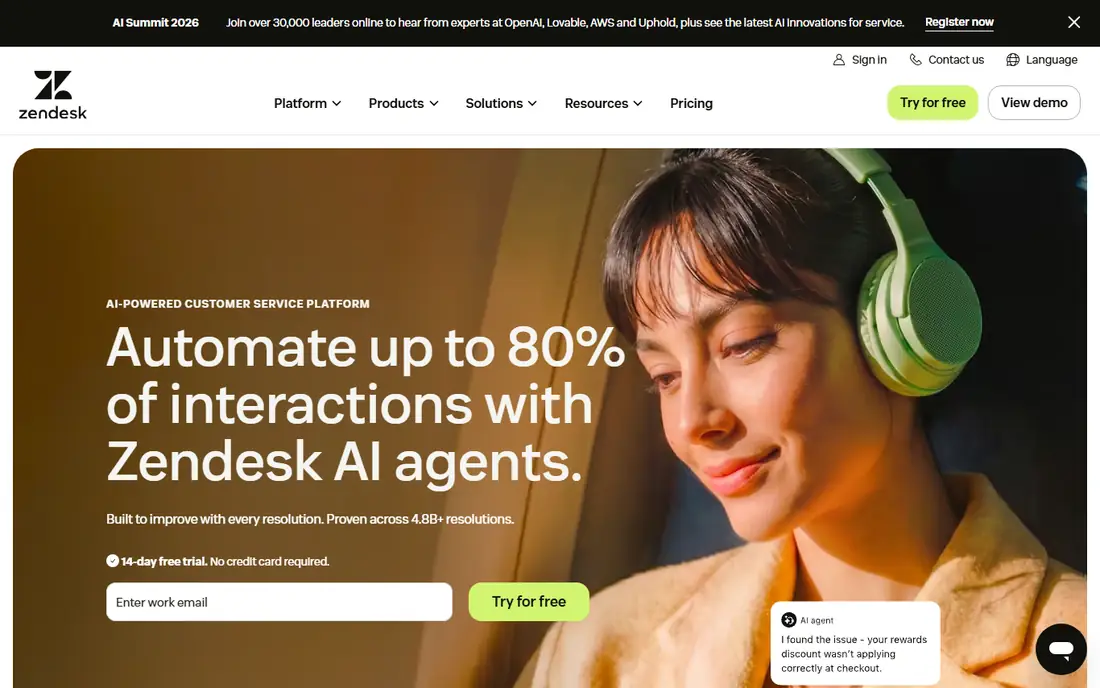
Zendesk Guide pairs a searchable help center with ticketing and generative search answers, so customers find articles before tickets, and agents see which articles failed when tickets still arrive. Suite Team pricing starts at 55 dollars per agent per month, with AI add ons and metered resolutions on top, and reporting ties article use to ticket deflection across channels. For large orgs, that closed loop between articles and tickets is the main value.
The limits are price and weight. Small teams will find Suite heavy for a knowledge base alone, and AI resolution fees add to seat costs. Zendesk Guide fits large support orgs that need deep omnichannel ticketing behind their knowledge base and can budget for Suite pricing.
What we like- Deep help center plus ticketing
- Generative search answers
- Deflection reporting
Watch out for- Full Suite starts at 55 dollars
- AI resolutions bill separately
- Heavy for small teams
#2Intercom Fin
Best for: AI answers on any help desk4.5/5 on
G2 (2,900 reviews, checked Oct 2026)
Visit intercom.com
Starting price$0.99 per outcome
Free planNo
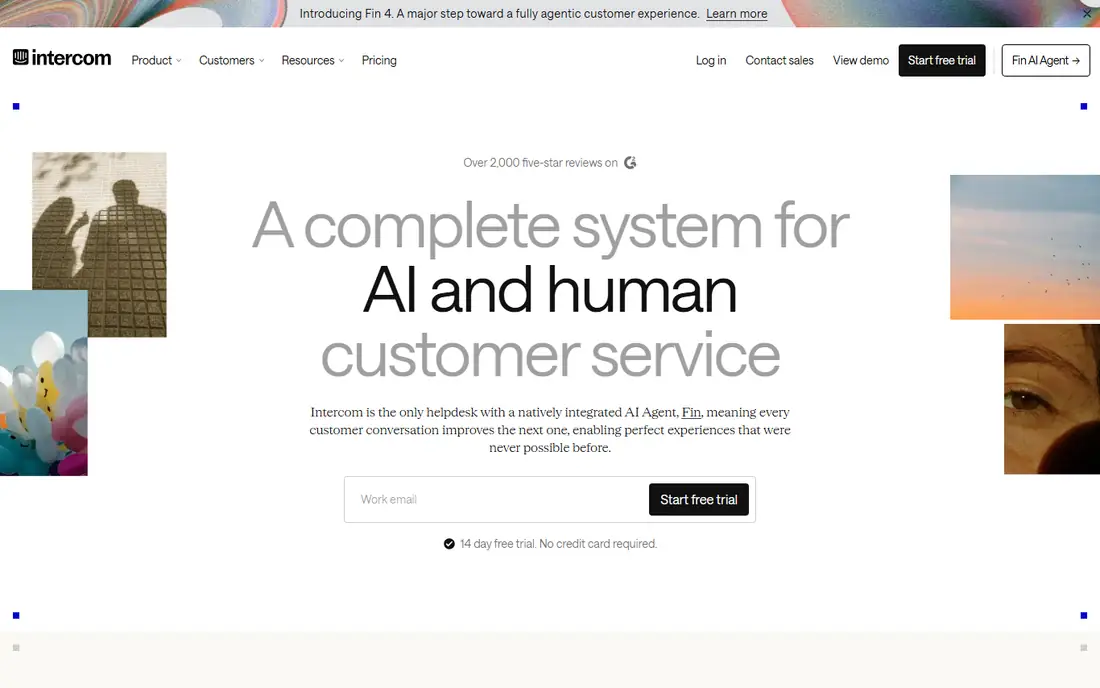
Intercom Fin answers customer questions from your help center, past tickets, and connected sources, resolving straightforward tickets at 99 cents per outcome with a minimum spend on non Intercom help desks. Its public Help Center publishes articles for search and AI answers alike, and Fin hands off to human agents with full history when it cannot resolve an issue. That combination makes Fin the strongest pure deflection tool for teams with solid articles.
The trade off is article dependence and cost stacking. Fin answers only as well as the articles behind it, so thin or stale content limits deflection, and Intercom seat fees sit on top of outcome fees. Fin fits teams with a maintained help center that want AI deflection at a predictable per outcome price.
What we like- AI answers from your help center
- Works on Intercom or other help desks
- Clear per outcome price
Watch out for- Seat fees apply on Intercom plans
- Voice needs extra setup
- Needs good articles to work well
#3Help Scout
Best for: Email first teams with Beacon4.4/5 on
G2 (431 reviews, checked Oct 2026)
Visit helpscout.com
Starting price$25 per user per month
Free planYes
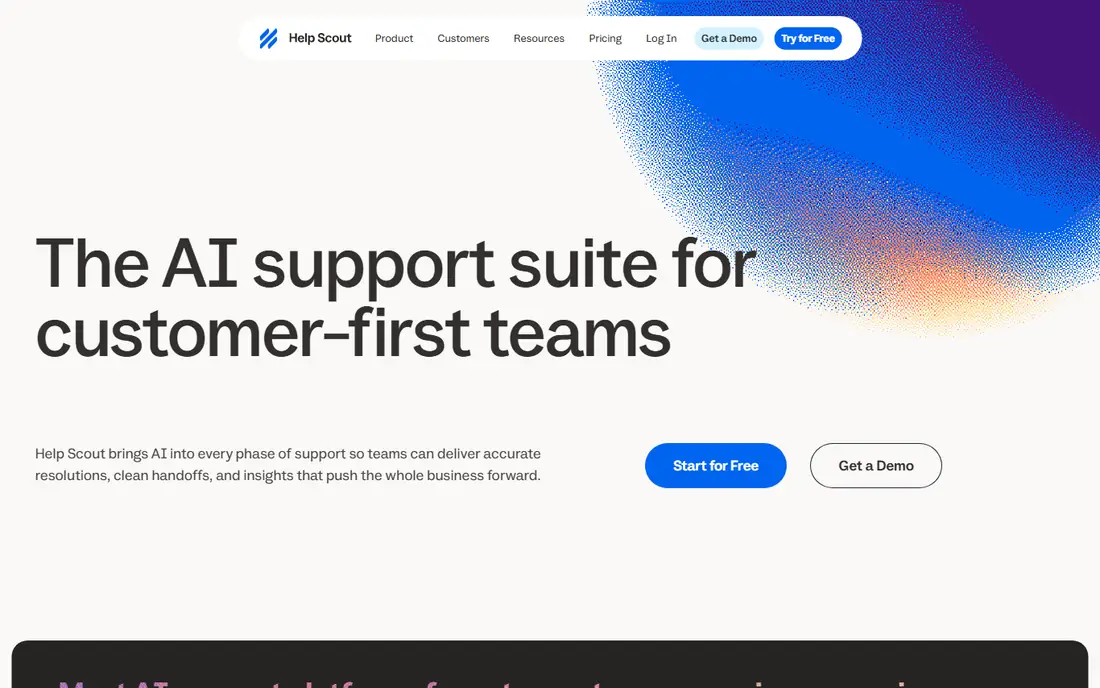
Help Scout reduces tickets through Docs articles plus the Beacon widget, which embeds article search on any website so customers find answers without leaving the page. AI Answers cost 75 cents per resolution with a monthly spending cap, and Standard pricing starts at 25 dollars per user per month with a free plan for small teams. For email first teams, that simple widget plus inbox combination covers most deflection needs.
The limits are reporting depth and AI tiering. Help Scout reporting is basic compared with Zendesk, and full AI drafting sits on Plus. Help Scout fits email first teams that want a clean embedded widget and Docs behind it at a modest price.
What we like- Beacon widget embeds Docs on any site
- AI Answers at 75 cents
- Free plan available
Watch out for- Reporting is basic
- AI drafting needs Plus
- Not built for WhatsApp first support
Starting price$19 per agent per month
Free planNo
Freshdesk pairs a customer portal and knowledge base on every plan with Freddy AI Agent sessions that answer from articles and workflows. Growth starts at 19 dollars per agent per month, with 500 Freddy sessions once per account and then 49 dollars per 100 sessions, and Freddy AI Copilot costs 29 dollars per agent on Pro and Enterprise. Deployment takes days, which suits teams that need deflection live quickly.
The trade off is session math and depth. Session blocks need watching during traffic spikes, and Freddy AI depth sits below enterprise agents such as Ada or Agentforce. Freshdesk fits support teams that want a fast, affordable portal plus AI answers inside a full help desk.
What we like- Customer portal on every plan
- Freddy AI sessions
- Quick deployment
Watch out for- No free plan, trial only
- Sessions sold in blocks
- AI depth below enterprise rivals
#5Zoho Desk
Best for: Budget teams and Zoho users4.4/5 on
G2 (8,002 reviews, checked Oct 2026)
Visit zoho.com
Starting priceFree
Free planYes
Zoho Desk offers a free plan for up to three users and Express at 7 dollars per user per month, with a help center portal, community forums, and Answer Bot responses from the Standard edition. That combination gives budget teams a real self service path at the lowest cost on this list, with CRM integrations inside the Zoho ecosystem. Professional adds over 40 languages for global teams.
The limits are AI depth and design. The most useful AI features sit on higher plans, and portal theming is simpler than Helpjuice or HelpDocs. Zoho Desk fits small teams and Zoho users that need affordable ticket reduction through self service.
What we like- Free plan for up to three users
- Answer Bot in help center
- Community forums
Watch out for- Best AI features sit on higher plans
- Portal design is simpler
- Smaller ecosystem
#6HubSpot Service Hub
Best for: CRM connected knowledge bases4.4/5 on
G2 (2,922 reviews, checked Oct 2026)
Visit hubspot.com
Starting price$7 per seat per month
Free planYes
HubSpot Service Hub ties knowledge base articles to CRM records, so agents see customer history beside article suggestions, and a Knowledge Base Agent drafts new articles from resolved interactions. That maintenance loop matters: unanswered questions become draft articles instead of staying as repeat tickets. Starter starts at 7 dollars per seat per month, but the knowledge base needs Professional at 90 dollars per seat per month plus a 1,500 dollar onboarding fee, with AI resolutions at 50 cents each.
The trade off is tier cost. Teams that buy Starter for knowledge base deflection will be disappointed, since the serious features need Professional. HubSpot Service Hub fits CRM centered teams already on HubSpot that can justify Professional for its drafting loop.
What we like- Tickets tied to CRM records
- Knowledge Base Agent drafts from resolved cases
- Free CRM tools
Watch out for- Knowledge base needs Professional
- Professional adds 1,500 dollar onboarding
- AI resolutions cost extra
#7Document360
Best for: Versioned, audited documentation4.7/5 on
G2 (543 reviews, checked Oct 2026)
Visit document360.com
Starting priceSee website
Free planNo
Document360 reduces tickets for product and engineering teams through versioned, audited documentation with cited AI search answers and rendered API references. When developers and technical users find accurate, current docs, they file fewer tickets, and cited answers let them trust what they read. Change history and review workflows keep docs accurate as products change, which prevents the stale article problem that creates tickets.
The drawback is pricing opacity and weight. Document360 no longer publishes prices, so buyers must request a quote, and the platform is heavier than a simple FAQ tool. Document360 fits technical teams whose documentation needs versioning, audits, and API references.
What we like- Versioned and audited docs
- Cited AI search answers
- Rendered API references
Watch out for- No published pricing
- Quote only
- Heavier than simple FAQ tools
#8Helpjuice
Best for: Flat priced knowledge bases4.7/5 on
G2 (382 reviews, checked Oct 2026)
Visit helpjuice.com
Starting price$249 per month
Free planNo
Helpjuice reduces tickets through a standalone knowledge base with bespoke theming done for you across several languages, priced flat regardless of viewer count. That model favors teams with many readers and few editors, since costs stay predictable as readership grows. Entry pricing runs 249 dollars a month for a customized knowledge base with 30 logins, rising to 449 dollars with the AI Suite and 799 dollars for unlimited logins.
The trade off is entry cost and AI tiering. At 249 dollars a month, Helpjuice costs more than per agent help desks for small teams, and AI features need the 449 dollar tier. Helpjuice fits teams that want a beautifully themed, multilingual knowledge base with flat pricing and no ticketing baggage.
What we like- Flat fee regardless of viewer count
- Bespoke theming done for you
- Multilingual support
Watch out for- 249 dollars entry is high for small teams
- AI Suite needs 449 dollar tier
- Capped by logins
How we chose
We compared published pricing pages and help center comparisons from October 2026 for tools that reduce tickets through knowledge bases and AI answers. We favored tools with strong search, a maintenance loop that turns unanswered questions into articles, and honest deflection reporting, while noting where AI features sit on higher tiers. We treated vendor deflection percentages as estimates, since deflection depends on article quality and placement as much as on software, and we flagged quote only pricing rather than guessing figures.
Start with your ten most common ticket topics and publish those articles first, since deflection comes from the top of the list, not from a large but thin library. Next, place answers where customers already are: embed a widget on your site and app, and make search prominent on the help center. Then pick an AI answer layer that reads your articles and hands off cleanly when it fails, and test it on real customer questions before launch. Finally, set a maintenance loop: review searches with no click weekly, fix or write the missing article, and track contact rate after article views. A tool that supports that loop will cut tickets steadily, while a tool without it will only publish pages.
Frequently asked questions
How much can a knowledge base really reduce tickets?
Self service tools commonly claim 20 to 50 percent deflection, but real results depend on article quality, search placement, and ticket mix, since complex cases still need humans.
What matters more, article count or search quality?
Search quality matters more. Customers who cannot find an existing article will file a ticket anyway, so invest in search, widget placement, and article titles that match customer language.
Do AI answers reduce tickets better than static articles?
In most cases, yes, since AI answers read the question and synthesize an answer from articles, while static FAQs need the customer to find the right page, though AI answers need a human handoff when they fail.
How do I measure ticket deflection honestly?
Track searches that end without contact, contact rate after article views, and article feedback scores, and compare ticket volume for topics with articles against topics without coverage.
How often should knowledge base articles be updated?
Review articles whenever the product changes and audit searches with no click weekly, since stale articles create tickets instead of preventing them.
Should small teams buy a standalone knowledge base?
Small teams can start with a help desk knowledge base such as Zoho Desk free or Help Scout, and move to a standalone tool such as HelpDocs or Helpjuice when readership or branding needs outgrow the help desk.
Sources we checked (0)
Is your product missing or out of date?
We review this list regularly. Vendors can request a listing, send updated pricing or ask about featured placement.

Shihab Mia · Founder, Rankite
Shihab has 5+ years in B2B and SaaS SEO. He writes Rankite's software buying guides from pricing pages, documentation and public user reviews. More about Shihab.