How we make this list: we compare pricing pages, product documentation and public user reviews. Ratings come from G2, Capterra or Trustpilot, with the date we checked them.
Key takeaways
- Most support teams still review only a small sample of conversations by hand, while auto scoring tools can score every ticket, chat, and call against the same scorecard.
- The scorecard matters more than the AI label, because a tool that scores 100 percent of conversations against a weak rubric will only produce weak scores faster.
- Calibration features separate serious QA tools from simple score trackers, since they let managers align reviewers before scores feed coaching or pay decisions.
- Pricing is mostly quote based in this category, so budget from published entry points where they exist and ask vendors about per agent costs early.
- Start with one channel and one scorecard, then expand coverage once reviewers trust the scores and agents see fair, consistent feedback.
Quick comparison
| Tool | Best for | Starting price | Free plan |
|---|
 MaestroQA MaestroQA | Ticket heavy teams that want auto scoring | See website | Yes |
 Klaus Klaus | Zendesk teams that want simple scorecards | See website | No |
 EvaluAgent EvaluAgent | Coaching linked to QA scores | $35 per user per month | No |
 Scorebuddy Scorebuddy | Flexible custom scorecards | See website | No |
 Observe.AI Observe.AI | Voice heavy contact centers | See website | No |
 Playvox Playvox | QA plus workforce management | See website | No |
 Level AI Level AI | Real time agent guidance plus QA | See website | No |
 Talkdesk QM Talkdesk QM | Teams already on Talkdesk | See website | No |
Is your product missing or out of date?
We review this list regularly. Vendors can request a listing, send updated pricing or ask about featured placement.
#1MaestroQA
Best for: Ticket heavy teams that want auto scoring4.8/5 on
G2 (325 reviews, checked Oct 2026)
Visit maestroqa.com
Starting priceSee website
Free planYes
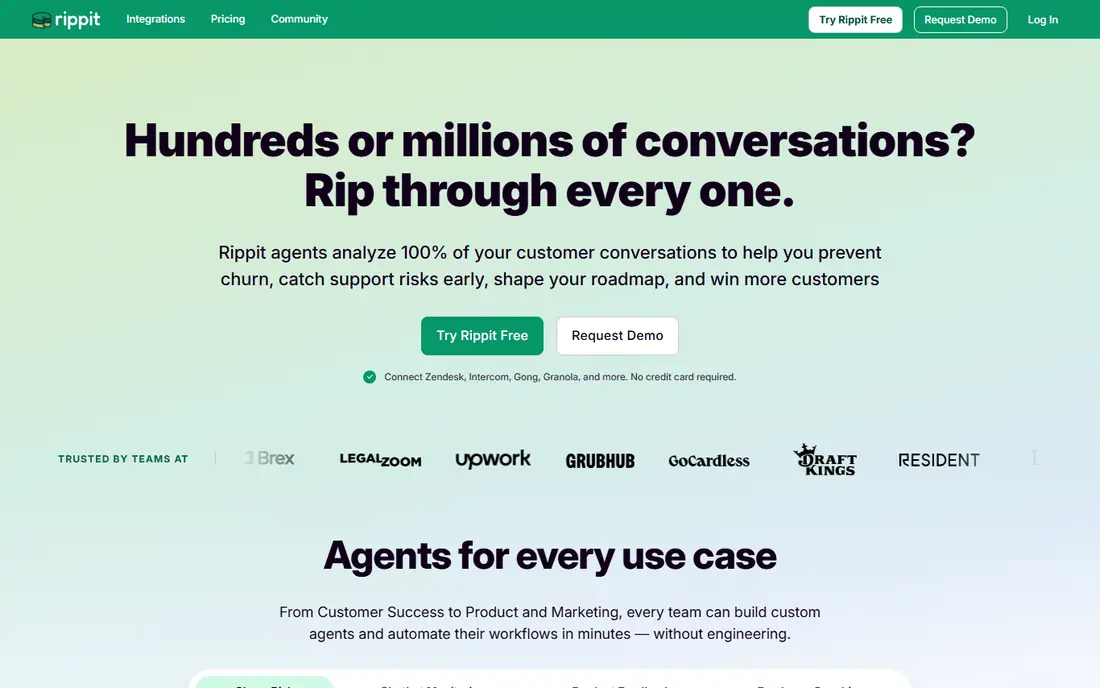
MaestroQA, founded in 2013 and now operating as Rippit with the enterprise product keeping the MaestroQA name, is built for support teams whose workload is mostly tickets and chats. Its AutoQA feature scores every conversation against criteria you set with language models, phrase matching, and process rules, rather than a random sample. The Scorecard Builder, calibration sessions, screen capture, and workflow automations cover the rest of the QA cycle, and coaching tools let managers assign follow up tasks tied to specific interactions and track who is coaching, how often, and on which topics.
The trade off is channel fit. Self serve plans list a free tier with 100 agent runs a month, Starter at 185 dollars a month, and Growth at 495 dollars a month, but those tiers connect only to Zendesk or Intercom. Phone heavy centers on Five9, Genesys, Talkdesk, or Amazon Connect land on quote based enterprise pricing. MaestroQA also evaluates AI agents through integrations with Ada, Decagon, Sierra, and Agentforce, which matters as bot handled conversations grow. It is the strongest pick for ticket heavy teams that want scoring and coaching in one place.
What we like- AutoQA scores 100 percent of tickets
- Strong calibration tools
- Coaching tasks tied to real conversations
Watch out for- Self serve tiers connect only to Zendesk or Intercom
- Phone heavy teams need enterprise pricing
- Brand now split with Rippit
Starting priceSee website
Free planNo
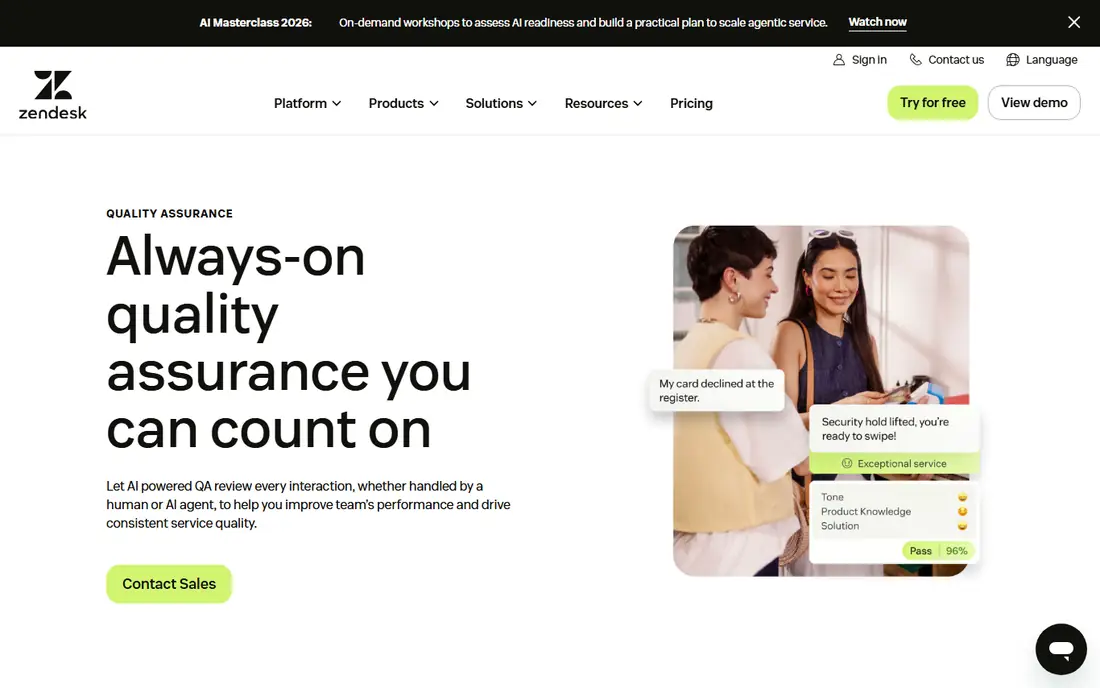
Klaus started as a focused QA tool for support teams and is now part of Zendesk, where it powers Zendesk QA. Its strength is simplicity: teams build scorecards with weighted categories, reviewers score conversations inside a clean interface, and AI features categorize conversations by sentiment and complexity so managers can focus human review where it counts. For teams already running Zendesk, the integration is the main draw, since scores, tickets, and agent profiles stay in one system without a separate data pipeline.
The limits are price transparency and scope. Klaus pricing is quote based, so small teams cannot budget from a published page. It also leans toward ticket and chat workflows, while voice first centers may prefer a tool with deeper speech analytics. Klaus fits best when your team lives in Zendesk, wants scorecards that reviewers actually enjoy using, and values a short setup over the widest possible feature list.
What we like- Clean scorecard design
- AI review of every conversation
- Deep Zendesk integration
Watch out for- Pricing is quote based
- Smaller channel range than voice first tools
- Now part of Zendesk, so roadmaps may shift
#3EvaluAgent
Best for: Coaching linked to QA scores4.5/5 on
G2 (448 reviews, checked Oct 2026)
Visit evaluagent.com
Starting price$35 per user per month
Free planNo
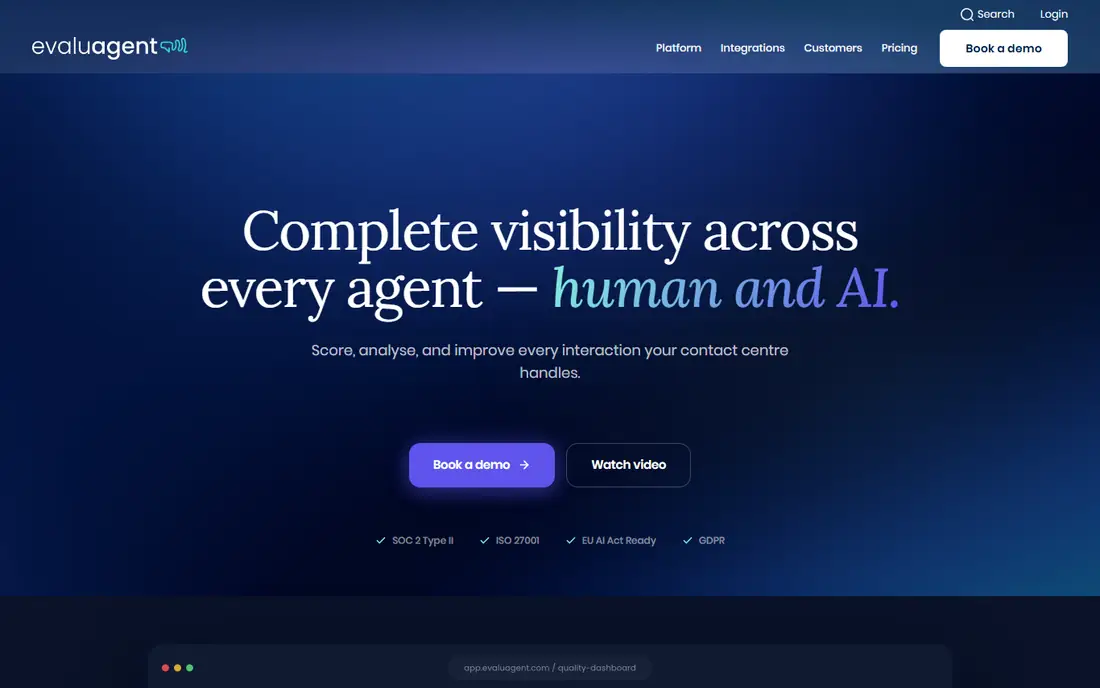
EvaluAgent combines automated scoring with coaching and agent engagement tools, which sets it apart from score only platforms. Its AutoQM plans start at 35 dollars per user per month, with a higher tier at 65 dollars per user per month adding conversation intelligence, and published pricing makes budgeting simple. Auto scoring covers every imported conversation, calibration tools align reviewers, and gamification leaderboards turn performance data into motivation that agents can see. The platform also lets teams choose EU or US data residency, which helps when customer recordings must stay in one region.
The main gap is timing. EvaluAgent scores recorded contacts after they end, so it offers no live prompts during calls. Reviewers also note that transcription can mishear accented speech, which can drag down auto scores on some calls until a human corrects them. EvaluAgent is a strong choice for teams that want QA, coaching, and engagement in one tool at a published price, and that do not need real time agent guidance.
What we like- Published pricing from $35 per user per month
- Gamification and coaching built in
- Auto scoring on all conversations
Watch out for- Scores recorded contacts after the fact
- No live in call guidance
- Transcription can struggle with accents
Starting priceSee website
Free planNo
Scorebuddy, also sold as ScorebuddyCX, gives QA teams unusual control over scorecards. Teams can build detailed rubrics with weighted sections, critical fail rules that fail an evaluation when a required step is missed, and custom reporting on any criterion. A built in learning system adds training to the same platform, so a low score on a topic can turn into assigned coursework without a second tool. That combination suits teams with strict compliance or quality frameworks that generic scorecards cannot express.
The cost of flexibility is setup effort. Complex scorecards take time to design and test, and Scorebuddy pricing is custom, so buyers should ask for per agent rates early. Its AI scoring features are present but less central to the pitch than in MaestroQA or Observe.AI. Scorebuddy fits teams that already know their rubric in detail and want a tool that bends to it, rather than a tool that imposes its own scoring model.
What we like- Highly flexible scorecard builder
- Built in learning tools
- Clear analytics on custom criteria
Watch out for- Pricing is custom
- Setup takes care for complex scorecards
- AI scoring is less central than in rivals
#5Observe.AI
Best for: Voice heavy contact centers4.6/5 on
G2 (266 reviews, checked Oct 2026)
Visit observe.ai
Starting priceSee website
Free planNo
Observe.AI is a voice first platform that analyzes calls with speech analytics, sentiment detection, and compliance checks. For contact centers where the phone is the main channel, that depth matters: the tool can flag missed disclosures, track talk patterns, and score every call rather than a sample. It connects with leading contact center, unified communications, and business tools, and its QA workflows let managers review flagged calls, calibrate scores, and coach from real transcripts.
The trade off is focus and price. Observe.AI pricing is quote based and aimed at mid size and large centers, so small ticket based teams will find it heavier than they need. Ticket and chat scoring exists but is not the core strength. Observe.AI is the pick for voice heavy operations that need deep call analysis and can support an enterprise buying process.
What we like- Deep speech analytics for calls
- Sentiment and compliance detection
- Broad contact center integrations
Watch out for- Quote based pricing
- Voice first, so ticket scoring is secondary
- Enterprise sales process
#6Playvox
Best for: QA plus workforce management4.8/5 on
G2 (1,163 reviews, checked Oct 2026)
Visit playvox.com
Starting priceSee website
Free planNo
Playvox bundles quality management with coaching and workforce management, which appeals to operations leaders who want one vendor for QA, schedules, and performance. Scorecards, evaluations, and coaching workflows sit next to forecasting and scheduling, so a low QA score can be traced to staffing or training gaps in the same system. Reporting covers team and individual trends, and the platform integrates with common help desks and contact center tools.
The risk of bundling is depth. Teams that need the most advanced auto scoring or speech analytics may find specialist tools stronger on those points. Pricing is quote based, so buyers should compare the bundled cost against buying QA and workforce tools separately. Playvox fits mid size and large support operations that want QA inside a wider workforce platform rather than a standalone scoring tool.
What we like- QA, coaching, and workforce tools in one platform
- Good scheduling links
- Solid reporting
Watch out for- Quote based pricing
- Breadth can dilute QA depth
- Smaller AI scoring story than specialists
#7Level AI
Best for: Real time agent guidance plus QA4.6/5 on
G2 (220 reviews, checked Oct 2026)
Visit level.ai
Starting priceSee website
Free planNo
Level AI stands out by working during the conversation, not only after it. Its real time agent assistance offers live suggestions while agents are on calls, which can lift scores before a QA review ever happens. After the call, auto scoring and analytics cover quality trends across voice and digital channels, and integrations with telephony, CRM, and support platforms keep data flowing. That two sided approach suits centers where coaching after the fact arrives too late to change outcomes.
The limits are price and setup. Level AI pricing is quote based, and real time guidance needs a solid telephony integration to work well. Teams with ticket only workloads will not use its strongest feature. Level AI is worth a close look for voice centers that want QA and live coaching in one platform and can support the integration work.
What we like- Live suggestions during calls
- Auto scoring across channels
- Broad telephony and CRM integrations
Watch out for- Quote based pricing
- Real time features need strong telephony setup
- Newer brand than some rivals
Starting priceSee website
Free planNo
Talkdesk QM, built into the Talkdesk contact center platform, uses QM Assist to score and analyze interactions across voice and digital channels automatically. For teams already running Talkdesk, the appeal is clear: quality management lives where the conversations happen, with no separate QA tool to buy, integrate, or maintain. Managers can review scored interactions, run calibration, and track trends from the same console agents use every day.
The drawback is lock in. Talkdesk QM only makes sense for Talkdesk customers, and quality features sit as an add on to the core platform price, so buyers should confirm the combined per agent cost. Standalone QA specialists offer deeper scorecard control and work across platforms. Talkdesk QM is the right choice when your center already runs Talkdesk and you want quality scoring without adding another vendor.
What we like- QM Assist auto scores interactions
- Native fit with Talkdesk voice and digital channels
- No separate QA stack
Watch out for- Needs a Talkdesk subscription
- QM features are an add on
- Less attractive outside the Talkdesk ecosystem
How we chose
We compared published feature lists, pricing pages, and third party reviews for tools that score support conversations against custom scorecards. We favored tools that score every interaction rather than a sample, that offer calibration so reviewers align, and that connect QA scores to coaching work. We weighed channel fit carefully, since ticket tools and voice tools solve different problems, and we treated quote based pricing as a real cost, noting published entry points where they exist. We did not treat vendor case study results as typical outcomes, since those figures come from the vendor's best customers.
Start with your dominant channel. Ticket heavy teams should shortlist MaestroQA and Klaus, while voice heavy centers should look at Observe.AI, Level AI, and Talkdesk QM first. Next, test the scorecard builder with your real rubric, including a critical fail rule, before you sign, since a tool that cannot express your quality standard will frustrate reviewers. Then run a calibration round with two reviewers scoring the same set of conversations and check how far apart they land. Finally, ask about total cost per agent per month, including any AI scoring fees, and confirm which help desk or phone systems the tool connects to without custom work. A tool that fits your stack and your rubric will beat a more powerful tool that fights both.
Frequently asked questions
What is QA scoring in customer support?
QA scoring is the practice of rating support conversations against a set rubric, covering accuracy, tone, process steps, and compliance, so managers can measure quality consistently and coach agents on real examples.
How many conversations should a QA tool score?
Auto scoring tools can score every conversation, which removes sampling bias, but human review should still cover flagged cases, low confidence scores, and a random slice for calibration.
Do auto scoring tools replace human reviewers?
No. Auto scoring handles volume and consistency, while humans judge nuance, context, and edge cases that models miss, and calibration keeps both aligned over time.
What is calibration in QA scoring?
Calibration is a session where reviewers score the same conversations and compare results, so the team agrees on what each score means before scores affect coaching or performance reviews.
How much do QA scoring tools cost?
Published entry points range from 35 dollars per user per month at EvaluAgent to flat monthly tiers at Rippit, while most rivals use quote based pricing that depends on agent count and channels.
Should small teams buy a dedicated QA tool?
Small teams can start with scorecards inside their help desk, but a dedicated tool pays off once manual sampling misses too many conversations or reviewers disagree on scores too often.
Sources we checked (0)
Is your product missing or out of date?
We review this list regularly. Vendors can request a listing, send updated pricing or ask about featured placement.

Shihab Mia · Founder, Rankite
Shihab has 5+ years in B2B and SaaS SEO. He writes Rankite's software buying guides from pricing pages, documentation and public user reviews. More about Shihab.