How we make this list: we compare pricing pages, product documentation and public user reviews. Ratings come from G2, Capterra or Trustpilot, with the date we checked them.
Key takeaways
- HubSpot is the strongest all-in-one pick when CRM, email, and social need to live in one system.
- Semrush and Ahrefs lead on SEO research, while Google Analytics covers measurement for free.
- Mailchimp, Hootsuite, and Buffer suit smaller teams that want one channel done well.
- Canva fills the creative gap for teams without a designer on staff.
- Prices move often, so check the vendor pricing page before you buy.
Quick comparison
| Tool | Best for | Starting price | Free plan |
|---|
 HubSpot HubSpot | All-in-one marketing and CRM | Free; paid plans from $20 per seat/month | Yes |
 Semrush Semrush | SEO and competitive research | $139.95 per month | Free trial |
 Mailchimp Mailchimp | Email campaigns for small teams | Free; paid plans from $13 per month | Yes |
 Hootsuite Hootsuite | Managing many social accounts | $99 per month | Free trial |
 Buffer Buffer | Simple social scheduling | See website | Yes |
 Canva Canva | Fast campaign creative | Free; paid plans from $12 per month | Yes |
 Ahrefs Ahrefs | Backlink and keyword research | See website | Free trial |
 Google Analytics Google Analytics | Website measurement | Free | Yes |
Is your product missing or out of date?
We review this list regularly. Vendors can request a listing, send updated pricing or ask about featured placement.
Starting priceFree; paid plans from $20 per seat/month
Free planYes
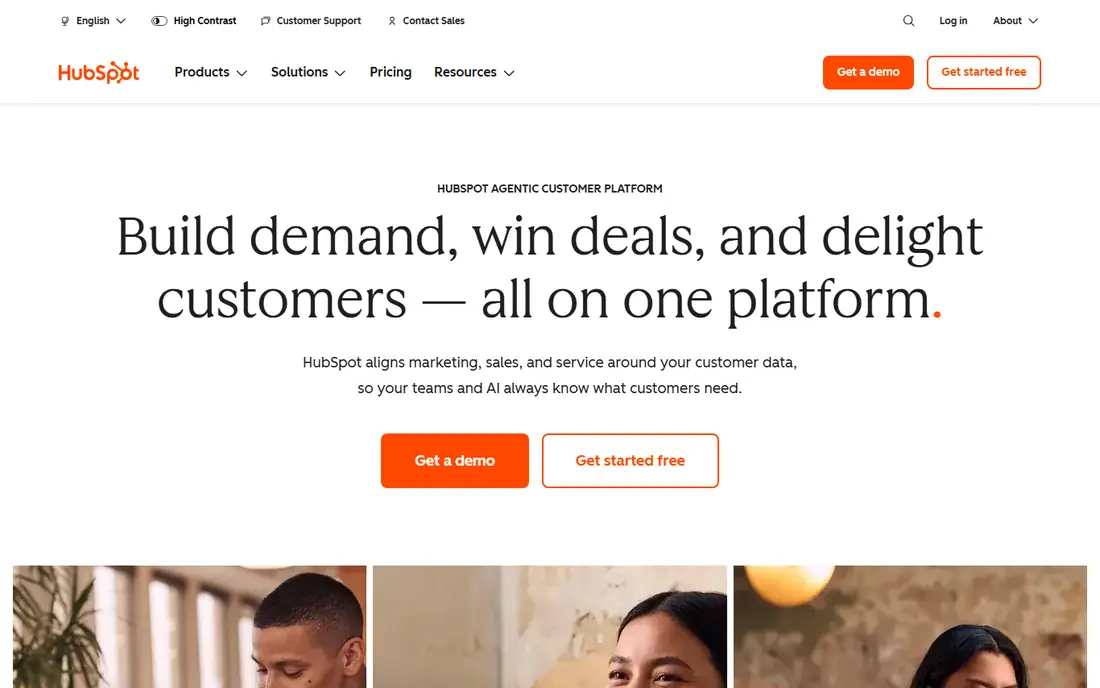
HubSpot is the safe default when a growing business wants marketing tied to a real CRM instead of a standalone email tool. The free plan covers forms, basic email, live chat, and contact management, which is enough to run early lead capture and a simple welcome sequence. Paid tiers add landing pages, ad management, lead scoring, and multi-channel campaigns as the team grows.
The catch is the price cliff between Starter and Professional. Teams that only need stronger automation often feel squeezed between a Starter plan that is too thin and a Professional plan that costs far more. HubSpot also runs a startups program with large first-year discounts for qualifying companies, so check eligibility before paying list price.
What we like- Free CRM and marketing tools
- Marketing, sales, and service data in one system
- Large integration library
Watch out for- Professional plan jumps to $800 per month
- Starter automation is limited
- Pricing rises with marketing contacts
#2Semrush
Best for: SEO and competitive research4.4/5 on
G2 (4,035 reviews, checked Oct 2026)
Visit semrush.com
Starting price$139.95 per month
Free planFree trial
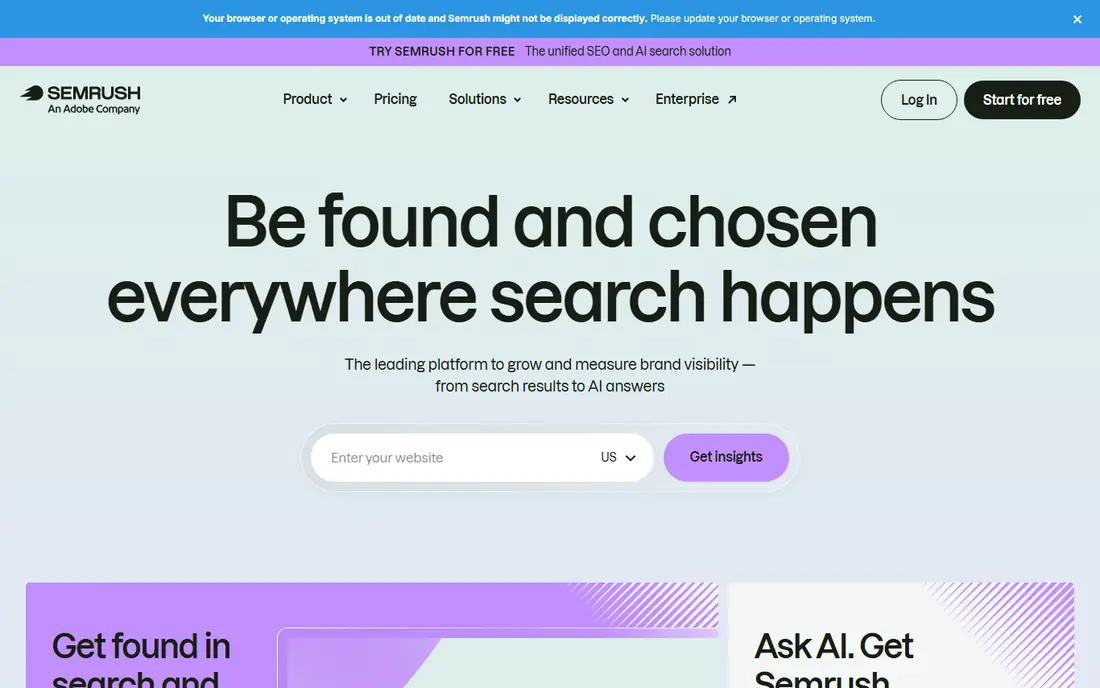
Semrush is built for teams that treat search as a core channel. Keyword research, competitor traffic estimates, backlink audits, and position tracking live in one dashboard, which saves time compared with stitching together separate tools. The site audit flags technical problems in plain language, and the content tools help writers target terms with real search demand.
The trade-off is cost and depth. Solo founders may find the Pro plan hard to justify, and new users can feel lost in the number of reports. Still, for an agency or a content team, Semrush replaces several smaller subscriptions and gives one shared source of truth for search performance.
What we like- Deep keyword and competitor data
- Site audits and position tracking
- Content and social tools included
Watch out for- Pro plan is pricey for solo users
- The interface takes time to learn
- Some limits sit behind higher tiers
#3Mailchimp
Best for: Email campaigns for small teams4.4/5 on
G2 (5,436 reviews, checked Oct 2026)
Visit mailchimp.com
Starting priceFree; paid plans from $13 per month
Free planYes
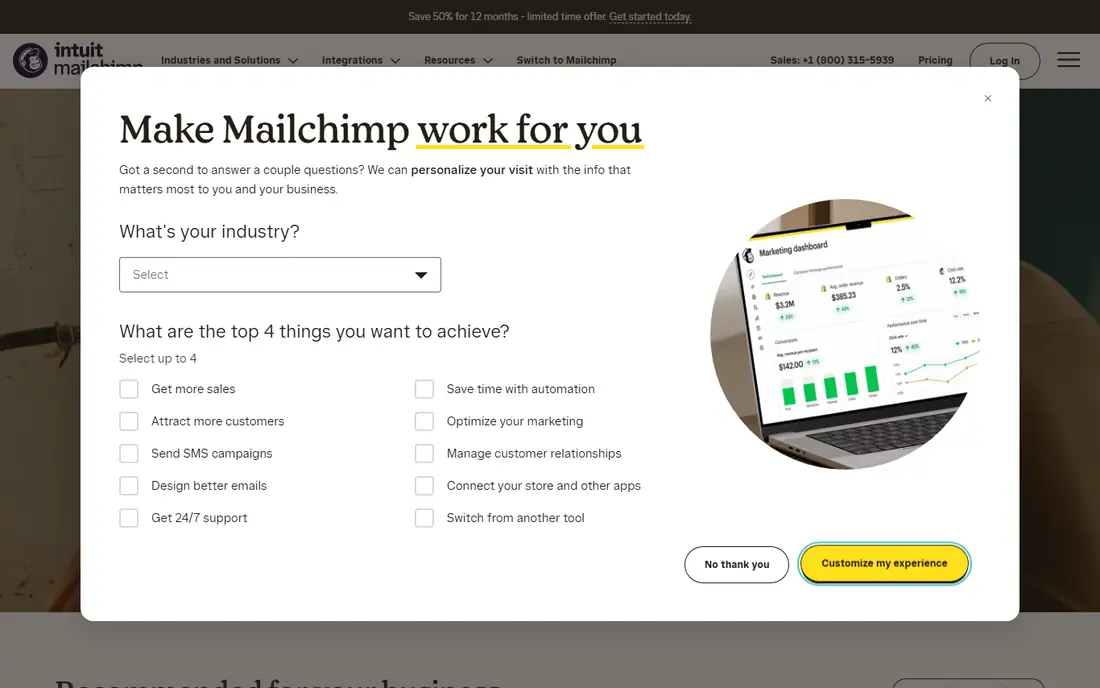
Mailchimp remains the most familiar email tool for small businesses, and that familiarity is a real advantage. Setting up a list, designing a campaign, and sending a first newsletter takes an afternoon, not a week. Automation covers the basics that drive revenue for small stores, including welcome series and abandoned-cart reminders.
Costs deserve attention as the list grows, because Mailchimp charges by contacts rather than by sends. Teams with large but inactive lists pay for subscribers who never open. Regular list cleaning and a realistic contact count keep the bill in check.
What we like- Easy campaign builder
- Automation for welcome and abandoned-cart emails
- Large template library
Watch out for- Prices rise with contacts
- Advanced segmentation sits on higher plans
- Support is limited on lower tiers
#4Hootsuite
Best for: Managing many social accounts4.3/5 on
G2 (7,433 reviews, checked Oct 2026)
Visit hootsuite.com
Starting price$99 per month
Free planFree trial
Hootsuite suits social teams that manage several brands or many profiles. Scheduling, publishing, and replying happen in one dashboard, and approval workflows let a manager review posts before they go live. That control matters when more than one person touches the accounts.
Smaller teams may balk at the entry price, especially when a simpler scheduler covers their needs for less. Hootsuite earns its fee when volume, team size, or approval needs grow past what a basic tool handles well.
What we like- One dashboard for many networks
- Scheduling and inbox in one place
- Team roles and approvals
Watch out for- Entry price is high for small teams
- Analytics depth varies by plan
- Some networks limit features
#5Buffer
Best for: Simple social scheduling4.3/5 on
G2 (1,041 reviews, checked Oct 2026)
Visit buffer.com
Starting priceSee website
Free planYes
Buffer is the calm option for teams that want scheduling without a heavy platform. The composer is quick, the queue view is clear, and analytics answer the basic question of what worked. Small teams and solo creators can run a consistent posting rhythm with little setup.
The limits show up for teams that need social listening, deep inbox management, or approval chains. Buffer also charges per channel, so costs add up across many profiles. For straightforward publishing, though, it stays one of the easiest tools to adopt.
What we like- Clean, fast scheduling workflow
- Easy analytics
- Low learning curve
Watch out for- Fewer listening and inbox features
- Pricing is per channel
- No free plan on some paid-only features
#6Canva
Best for: Fast campaign creative4.7/5 on
G2 (7,678 reviews, checked Oct 2026)
Visit canva.com
Starting priceFree; paid plans from $12 per month
Free planYes
Canva fills the creative gap for marketing teams without a designer. Social graphics, ads, presentations, and short videos all start from templates that look polished with modest effort. The brand kit on paid plans keeps colors, fonts, and logos consistent across a team.
Serious design work still belongs in professional tools, and the free plan limits brand controls that larger teams need. For day-to-day campaign creative, however, Canva shortens production time more than any other tool on this list.
What we like- Huge template library
- Brand kit on paid plans
- Easy video and presentation formats
Watch out for- Free plan limits brand controls
- Advanced editing is limited
- Some stock assets cost extra
#7Ahrefs
Best for: Backlink and keyword research4.5/5 on
G2 (717 reviews, checked Oct 2026)
Visit ahrefs.com
Starting priceSee website
Free planFree trial
Ahrefs is the first choice for teams that live in link building and technical SEO. Its backlink index is one of the largest in the industry, and the keyword tools give honest difficulty data before a team commits to a topic. Content gap reports show which terms competitors rank for and you do not.
Casual users may find the pricing hard to justify, and the credits system takes some learning. For SEO specialists, though, the depth of the data and the speed of the crawler make Ahrefs a daily tool rather than an occasional check.
What we like- Large backlink index
- Clear keyword difficulty data
- Content gap analysis
Watch out for- Paid plans start high for casual users
- Credits system confuses some buyers
- No free plan
Starting priceFree
Free planYes
Google Analytics 4 is the measurement baseline for most websites because it is free and nearly every other tool connects to it. Event-based tracking shows what visitors actually do, from purchases to form submissions, and the reports feed decisions about budget and content.
Setup is where teams stumble. Without proper event and conversion configuration, the reports look thin or misleading. Privacy rules also limit some data collection, so teams in strict regions should review consent settings early. Once configured, it is the cheapest way to answer whether marketing spend is working.
What we like- Free and widely supported
- Event-based tracking
- Strong reporting and integrations
Watch out for- Setup takes care to get right
- Privacy rules limit some data
- The interface can overwhelm beginners
How we chose
We compared tools on pricing pages, public documentation, and widely cited reviews on G2 and Capterra, plus community discussion on Reddit. We favored tools that cover a distinct marketing job, publish clear pricing, and serve US buyers today. We did not claim hands-on testing, and where prices conflicted across sources we wrote See website rather than guessing.
How to pick the right mix
Start with the job that hurts most. If leads vanish after first contact, fix email and CRM first. If search traffic is flat, invest in SEO research before buying more ad tools. If social posting eats hours each week, a scheduler pays for itself fast. Buy one tool per job, use it for a month, and only add another when a clear gap remains. Resist the urge to buy a bundle that promises everything, because bundles often include weak versions of tools you already own.
Watch total cost, not just the headline price. Per-seat, per-channel, and per-contact pricing all grow with the team or the audience. Check contract terms, data export options, and what happens to your content if you cancel. A tool that locks your audience list or creative files behind an export fee costs more than its monthly price suggests.
Also plan for the learning curve. An all-in-one platform saves money only if the team actually uses most of it. A team that logs in once a week will get more value from a simple scheduler and a simple email tool than from a platform with fifty features nobody opens. Ask for a trial, run a real campaign inside it, and judge the tool on that campaign, not on the sales demo. Trials reveal slow interfaces, missing integrations, and support gaps before a contract locks you in.
Finally, keep measurement separate from spending decisions. Google Analytics tells you what happened, but it does not tell you why a campaign worked. Pair the numbers with customer feedback, sales notes, and a short post-campaign review. The teams that improve fastest are the ones that write down what they will change next time, not the ones that buy another dashboard.
Frequently asked questions
Do I need all eight tools?
No. Most small teams need three or four: a CRM or email tool, one SEO tool, one social scheduler, and an analytics baseline. Add tools only when a specific job is underserved.
Is HubSpot worth the price for a small business?
The free plan is worth using for any team that wants CRM plus basic marketing in one place. Paid plans make sense once automation, landing pages, or ad management become daily needs.
Which tool is best for SEO beginners?
Semrush offers guided workflows and audits that help beginners, while Ahrefs suits users who already know SEO basics. Both offer trials, so compare them on your own keywords before paying.
Can I run digital marketing with free tools only?
Yes, for a time. Google Analytics, free tiers of Mailchimp, Buffer, and Canva cover measurement, email, scheduling, and design. Paid plans become useful when volume or team size grows.
How often should I review my marketing stack?
Review it every six months. Cancel tools nobody opens, check whether a cheaper plan covers current use, and confirm prices, since vendors change plans and limits often. A short audit twice a year usually finds one subscription to cut and one plan to downgrade, which keeps the stack lean over time.
Sources we checked (8)
- https://www.hubspot.com
- https://www.semrush.com/pricing
- https://www.mailchimp.com/pricing
- https://www.hootsuite.com/plans
- https://www.buffer.com/pricing
- https://www.canva.com/pricing
- https://www.ahrefs.com/pricing
- https://marketingplatform.google.com/about/analytics/
Is your product missing or out of date?
We review this list regularly. Vendors can request a listing, send updated pricing or ask about featured placement.

Shihab Mia · Founder, Rankite
Shihab has 5+ years in B2B and SaaS SEO. He writes Rankite's software buying guides from pricing pages, documentation and public user reviews. More about Shihab.