How we make this list: we compare pricing pages, product documentation and public user reviews. Ratings come from G2, Capterra or Trustpilot, with the date we checked them.
Key takeaways
- Runway is the best AI video tool for creators who want shot control, camera moves, and editing in one place.
- Google Veo is best for realistic short clips with synced dialogue and sound.
- Kling is the best value for realistic human motion, with low entry prices and daily free credits.
- Synthesia and HeyGen are best for presenter-led videos, such as training and explainers, rather than cinematic scenes.
- VEED and Adobe Firefly suit teams that need editing, captions, and brand-safe output around generated clips.
- Pika is best for cheap, stylized social clips and effects.
- AI video output is unpredictable, so budget for several attempts per usable clip, and only use likenesses and voices you own or have permission to use.
Quick comparison
| Tool | Best for | Starting price | Free plan |
|---|
 Runway Runway | Shot control and editing | $12 per month | Yes |
 Google Veo Google Veo | Realistic clips with synced audio | See website | No |
 Kling Kling | Realistic human motion on a budget | $6.99 per month | Yes |
 Pika Pika | Stylized social clips and effects | $8 per month | Yes |
 Synthesia Synthesia | Enterprise training presenters | See website | Yes |
 HeyGen HeyGen | Avatar videos and translation | $29 per month | Yes |
 VEED VEED | Editing, captions, and team workflow | $10 per month | Yes |
 Adobe Firefly Adobe Firefly | Commercially safe brand work | See website | Yes |
Is your product missing or out of date?
We review this list regularly. Vendors can request a listing, send updated pricing or ask about featured placement.
#1Runway
Best for: Shot control and editing4.1/5 on
G2 (105 reviews, checked Oct 2026)
Visit runwayml.com
Starting price$12 per month
Free planYes
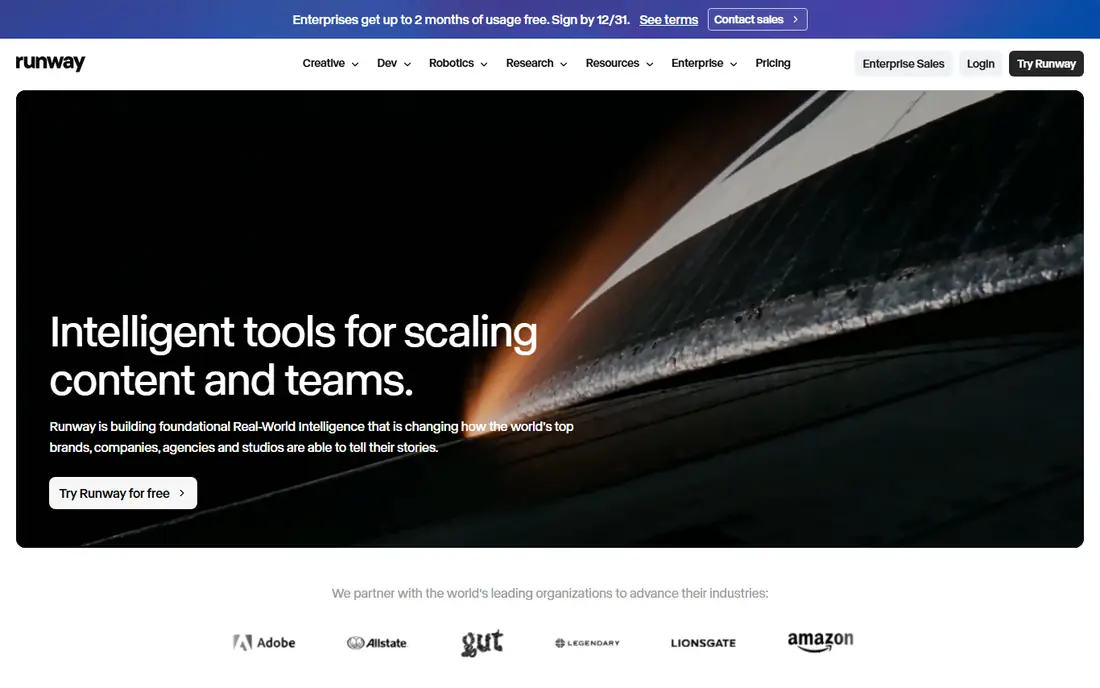
Runway Gen-4.5 is built for creators who want to direct a shot rather than just prompt one. You can control camera moves, reference an image or video for style, and edit the result in the same workspace. That control matters when a clip must match a storyboard or a brand look, rather than just looking impressive on its own. A limited free credit allowance lets you test it before paying, and the annual plan starts at a moderate monthly price.
The limits are credit cost and clip length. A finished scene often needs several attempts, and each attempt spends credits, so a month of credits can go fast on one project. Clips are short, so longer stories need many generations stitched together. For filmmakers and content creators who value control, Runway is still the most complete creative workspace.
What we like- Strong camera and motion control
- Editing tools built in
- Good lip sync options
Watch out for- Credit costs add up fast
- Clips are short
- Realism trails Veo on people
Starting priceSee website
Free planNo
Google Veo 3.1 is widely rated as the most realistic scene generator, and its native audio is the main advantage. Clips can include dialogue and sound that match the picture, which other generators often handle poorly or not at all. Access comes through Google AI plans or the Flow tool, and pricing varies by plan and region, so check the current offer before you budget.
Clips are short, usually around eight seconds per generation, and costs are often charged per second, so a minute of finished footage needs many generations and many attempts. For hero shots, ads, and short scenes where realism matters most, Veo is the quality leader. For bulk footage, a cheaper tool like Kling may make more sense.
What we like- Very realistic footage
- Native dialogue and sound
- Strong prompt accuracy
Watch out for- Access is plan and region dependent
- Clips are short
- Per-second pricing adds up
Starting price$6.99 per month
Free planYes
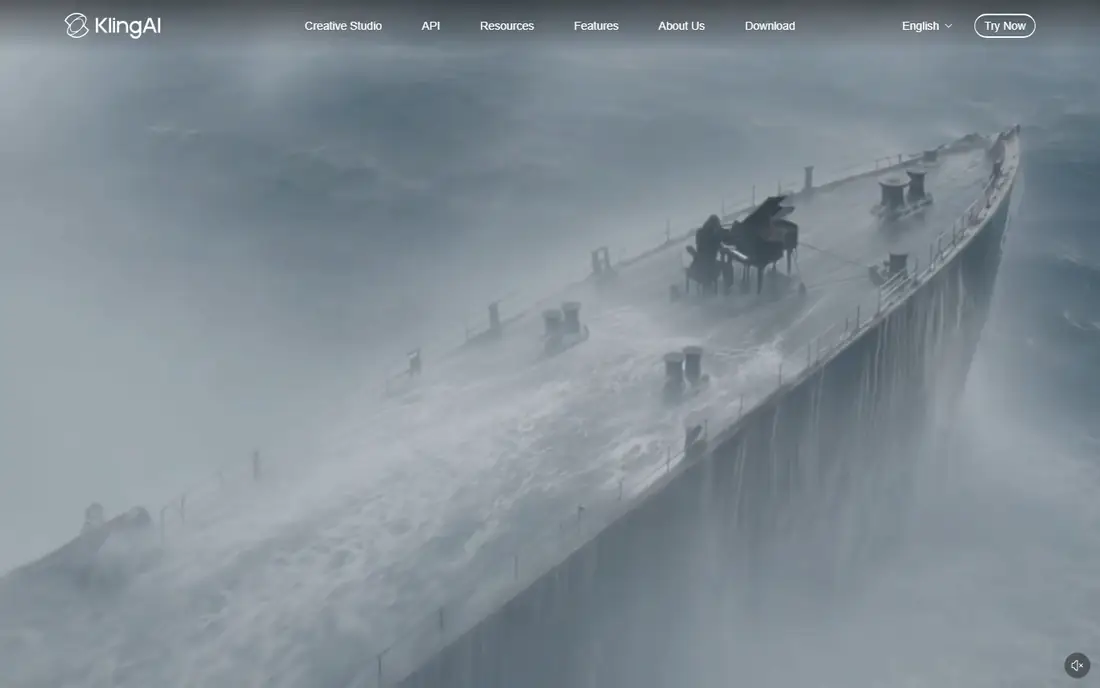
Kling has become a favorite for realistic human motion at a low price. Clips can run longer than many rivals, up to about fifteen seconds, and the model handles walking, gestures, and lip sync better than most budget options. A free tier with daily credits lets you generate regularly without paying, and the entry paid plan is among the cheapest in this list.
Quality still varies by prompt, and the best results often need the higher quality tier, which costs more per second. Support and documentation are thinner than Runway or Adobe. For creators who need many realistic clips on a budget, Kling offers the best balance of price and quality.
What we like- Low entry price
- Daily free credits
- Realistic human movement
- Native audio
Watch out for- Quality varies by prompt
- Higher quality tiers cost more
- Support is thinner
Starting price$8 per month
Free planYes
Pika suits short, stylized social content rather than realistic film. Its effects, styles, and templates make it easy to turn an image into a playful clip for TikTok, Reels, or Shorts. The free tier lets you try it, and paid plans start at a low monthly price, which suits creators who post often.
Realism is weaker than Veo or Kling, and clips are short, so Pika is a poor pick for ads that need believable people. The free tier is limited, and paid credits can run out fast on larger projects. For fun, fast social clips, Pika is good value.
What we like- Cheap entry
- Fun effects and styles
- Easy social sharing
Watch out for- Less realistic than Veo or Kling
- Short clips
- Free tier is limited
#5Synthesia
Best for: Enterprise training presenters4.6/5 on
G2 (2,804 reviews, checked Oct 2026)
Visit synthesia.io
Starting priceSee website
Free planYes
Synthesia turns a script into a presenter-led video with an AI avatar, which suits training, onboarding, and explainer videos. The avatar library is large, language support is broad, and team features help larger companies keep videos on brand. A free plan lets you test the format, though exports are limited.
Avatar videos can feel stiff compared with a real presenter, and the format suits talking-head content rather than stories or ads. Published prices disagree across sources, so check the pricing page before you budget. For companies that produce many training videos and want to avoid filming, Synthesia saves real time and cost.
What we like- Large avatar library
- Many languages
- Team and brand controls
Watch out for- Avatar videos can feel stiff
- Pricing sources disagree
- Not for cinematic scenes
#6HeyGen
Best for: Avatar videos and translation4.8/5 on
G2 (1,973 reviews, checked Oct 2026)
Visit heygen.com
Starting price$29 per month
Free planYes
HeyGen also makes presenter-led videos, with strong avatar quality and a video translation feature that can revoice a presenter in another language. Presenter videos can run much longer than scene-generator clips, which suits courses and product explainers. A free plan offers a few watermarked videos per month, and the Creator plan is the usual starting point for regular use.
Credits limit how much video you can make each month, and using a real person likeness needs permission and care. The monthly cost adds up for teams that publish often. For creators and teams that need translated or personalized presenter videos, HeyGen is a strong pick.
What we like- Good avatar quality
- Video translation
- Long presenter videos possible
Watch out for- Credit limits on entry plan
- Avatar likeness needs care
- Monthly cost adds up
#7VEED
Best for: Editing, captions, and team workflow4.6/5 on
G2 (2,175 reviews, checked Oct 2026)
Visit veed.io
Starting price$10 per month
Free planYes
VEED is mainly an online video editor with AI features, including text-to-video drafts, auto subtitles, dubbing, and translation. It suits teams that generate clips elsewhere and need to cut, caption, and publish them fast. Team features cover review and brand kits, and the free plan lets you test the editor.
Pure generation quality trails Runway, Veo, and Kling, so VEED is best as the finishing tool rather than the only tool. Free exports carry limits, and team features need higher tiers. For social teams that publish edited video daily, VEED is a practical all-in-one editor.
What we like- Full online editor
- Auto subtitles and dubbing
- Team review features
Watch out for- Generation is not its main strength
- Free exports carry limits
- Higher tiers for teams
#8Adobe Firefly
Best for: Commercially safe brand work4.4/5 on
G2 (373 reviews, checked Oct 2026)
Visit adobe.com
Starting priceSee website
Free planYes
Adobe Firefly is the safest choice for brand and commercial work, because its models are trained on licensed content, which lowers rights risk. Video generation sits inside the Adobe ecosystem, so Photoshop, Premiere, and Express users can move between apps easily. A free tier lets you test generation, and paid access comes through Adobe plans with credit allowances.
Video features and credit allowances vary by plan, and the credit system can be confusing. Firefly is less strong than Runway on shot control and less realistic than Veo on people. For agencies and brands where rights clearance matters as much as quality, Firefly is the prudent pick.
What we like- Trained on licensed content
- Adobe app integration
- Brand controls
Watch out for- Video features vary by plan
- Credit system is complex
- Best inside Adobe apps
How we chose
We compared generation quality, control options, clip length, audio support, credit costs, and rights safety. Scene generators and presenter tools were judged on different jobs, since a training avatar and a cinematic clip are not the same product. We favored tools with published pricing and free tiers, and noted where prices conflict across sources. We did not test any tool hands-on, and model quality changes often as vendors ship new versions.
Buying guide: what to check before you pay
First, decide whether you need scenes or a presenter, since that choice alone narrows the list. Next, work out cost per finished minute, not cost per month, because several attempts per usable clip are normal. Check clip length limits, resolution, and whether audio is included, since those decide how much editing you must do later. Check commercial use terms and rights, especially if you publish ads or client work. Finally, test your own prompt on two or three tools before paying, and only use likenesses and voices you own or have clear permission to use.
Frequently asked questions
How long are AI generated video clips?
Most scene generators produce clips of about five to fifteen seconds per generation, so longer videos are built by stitching clips together. Presenter tools like Synthesia and HeyGen can produce much longer talking-head videos.
Why does AI video cost more than the monthly price suggests?
Generation is probabilistic, so a usable clip often takes three to five attempts. Each attempt spends credits or seconds, so the cost per finished minute is higher than the cost per generation.
Can I use AI video for commercial work?
Yes, but check each tool terms for commercial use, and prefer tools trained on licensed content for brand work. Avoid using real people likenesses or voices without permission.
Do I need a powerful computer for AI video?
No, most tools on this list run in the browser or the cloud, so your computer only needs to handle editing and playback. Rendering happens on the vendor servers.
What is the difference between a scene generator and an avatar tool?
A scene generator creates a short cinematic clip from a prompt, while an avatar tool creates a talking presenter from a script. Scene tools suit ads and stories, while avatar tools suit training and explainers.
Sources we checked (0)
Is your product missing or out of date?
We review this list regularly. Vendors can request a listing, send updated pricing or ask about featured placement.

Shihab Mia · Founder, Rankite
Shihab has 5+ years in B2B and SaaS SEO. He writes Rankite's software buying guides from pricing pages, documentation and public user reviews. More about Shihab.