How we make this list: we compare pricing pages, product documentation and public user reviews. Ratings come from G2, Capterra or Trustpilot, with the date we checked them.
Key takeaways
- Cropping a PDF trims unwanted outer white space, headers, footers, page numbers, or side margins, and good tools update the PDF CropBox without rasterizing content.
- Smallpdf, iLovePDF, and Sejda lead for free online cropping, but all three limit free use: Smallpdf limits daily tasks, iLovePDF is free with limits and ads, and Sejda allows 3 tasks per hour free.
- Adobe Acrobat Online is the industry standard for precise control, but it requires a free Adobe login, while Xodo offers strong privacy and cross platform support.
- Cropping does not reduce file size, since content is hidden rather than discarded, and the original page can be restored by resetting the page size.
- For sensitive documents, prefer desktop tools or client side processing, and check data retention policies before uploading confidential files to any online service.
Quick comparison
| Tool | Best for | Starting price | Free plan |
|---|
 Smallpdf Smallpdf | Best overall online cropper | Free | Yes |
 iLovePDF iLovePDF | Intuitive cropping with mobile app | Free | Yes |
 Sejda Sejda | Precise cropping with auto crop | Free | Yes |
 Adobe Acrobat Online Adobe Acrobat Online | Industry standard precision | Free | Yes |
 PDF Candy PDF Candy | No registration, no ads | Free | Yes |
 PDF2Go PDF2Go | Simple single page crops | Free | Yes |
 Xodo Xodo | Privacy focused cross platform cropping | Free | Yes |
 PDFsam Basic PDFsam Basic | Desktop offline cropping | Free | Yes |
Is your product missing or out of date?
We review this list regularly. Vendors can request a listing, send updated pricing or ask about featured placement.
#1Smallpdf
Best for: Best overall online cropper4.5/5 on
G2 (306 reviews, checked Oct 2026)
Visit smallpdf.com
Starting priceFree
Free planYes
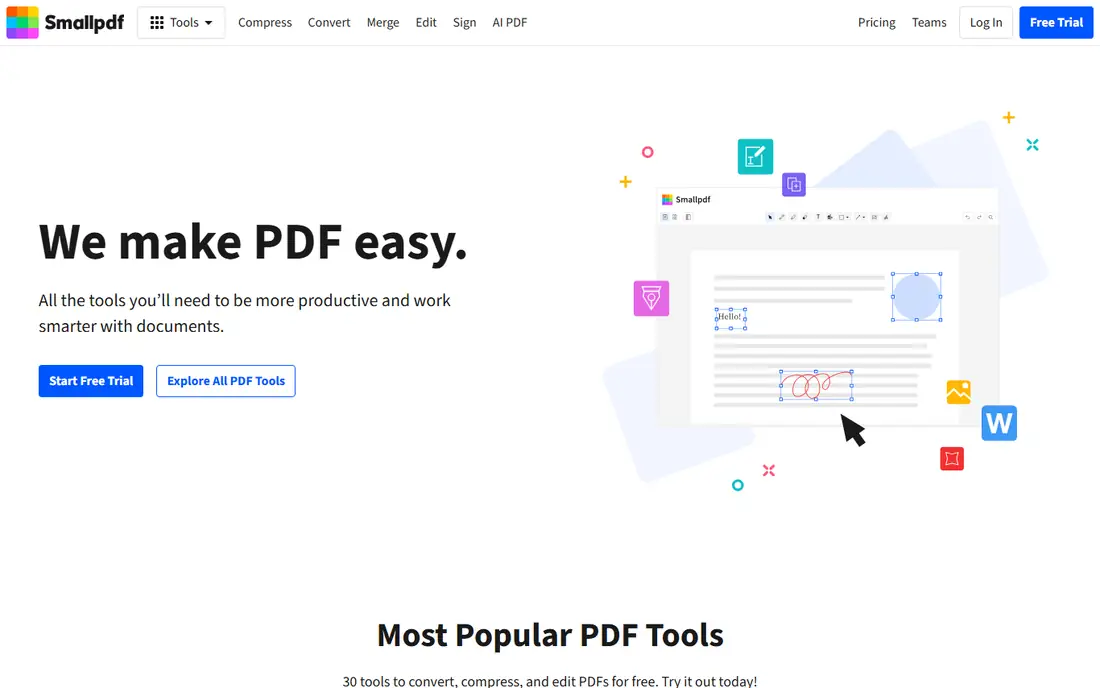
What we like- Smallpdf offers a user friendly crop tool that works on any browser and device, with no signup required for free use and single or all page cropping. Files are encrypted during processing and auto deleted after one hour, with GDPR compliance and ISO IEC 27001 certification. Cropping preserves text, images, and formatting, and it handles scanned documents well, removing scanner marks, shadows, and unnecessary backgrounds, so check the preview before you download the result.
Watch out for- Free use is limited to a set number of daily tasks, so frequent users need Pro for unlimited cropping and access to more than 40 PDF tools. Batch cropping beyond basic page selection needs the paid tier. The free tier suits occasional use rather than heavy daily cropping.
#2iLovePDF
Best for: Intuitive cropping with mobile app4.6/5 on
G2 (583 reviews, checked Oct 2026)
Visit ilovepdf.com
Starting priceFree
Free planYes
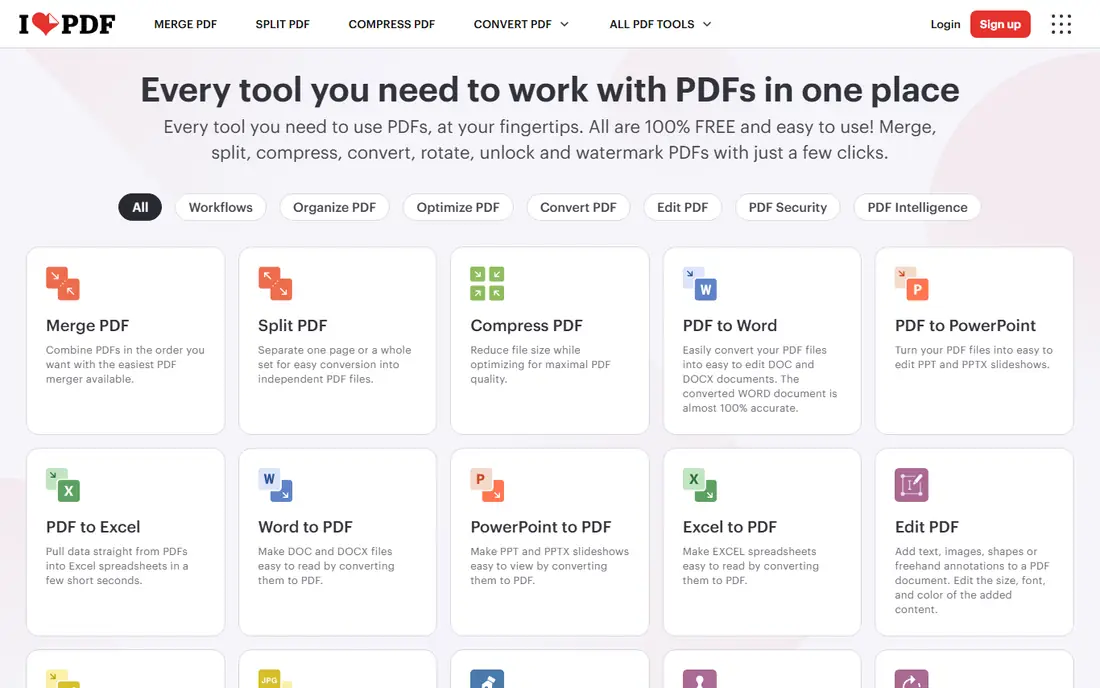
What we like- ILovePDF offers an intuitive crop tool with a mobile app, single or all page cropping, and an AI margin detector that scans page pixels to calculate exact content boundaries. Processing is described as client side in newer tool versions, with lossless quality that updates native PDF MediaBox and CropBox properties so text, fonts, and vector graphics stay sharp. Custom page ranges let users crop pages such as 1, 3 to 5, and 10 while leaving others intact.
Watch out for- The free version is limited and carries ads, so heavy users hit limits quickly. Some iLovePDF versions process files on servers rather than client side, so check the current tool behavior for sensitive files. Full batch processing and advanced features need a paid plan.
#3Sejda
Best for: Precise cropping with auto crop4.5/5 on
G2 (42 reviews, checked Oct 2026)
Visit sejda.com
Starting priceFree
Free planYes
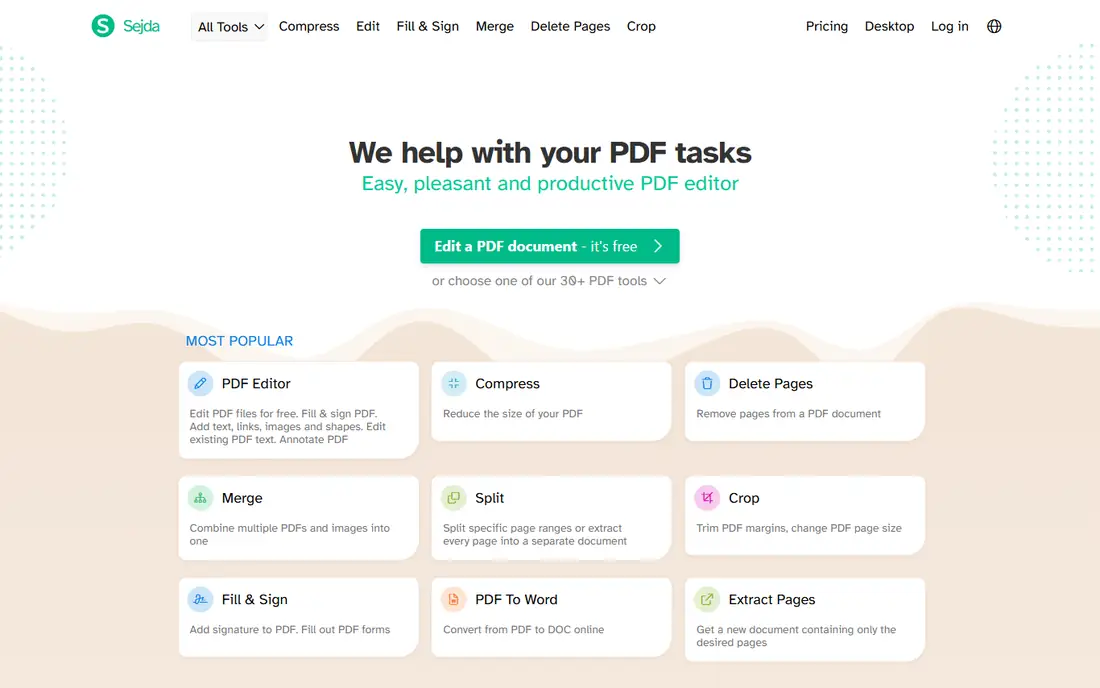
What we like- Sejda offers precise cropping with auto select crop area, plus all, current, or specified page ranges, making it the most precise free online cropper in 2026 comparisons. It supports numeric precision and auto crop, suiting users who need exact measurements rather than drag only boxes. The interface is straightforward, with no signup for basic use.
Watch out for- The free tier allows only 3 tasks per hour, the tightest limit on this list. Pop-up ads appear in the interface, and heavy users need a paid plan quickly. Server side processing means sensitive documents should go to a desktop tool instead.
#4
Adobe Acrobat Online
Best for: Industry standard precision
Visit adobe.com
Starting priceFree
Free planYes
What we like- Adobe Acrobat Online offers the industry standard crop tool, free in any web browser on Mac, Windows, or Linux, with automatic outlining of the first page and drag handles for precise resizing. It crops a single page, a range, or all pages with the same settings, and it resizes pages of different sizes for consistency. A seven day free trial of Acrobat Pro adds page organization, OCR, annotation, and compression.
Watch out for- The free online tool requires an Adobe login, unlike Smallpdf or Sejda basic use. Full page organization and advanced editing need the Pro trial or subscription. Cropping does not reduce file size, since content is hidden rather than discarded.
#5PDF Candy
Best for: No registration, no ads3.8/5 on
G2 (18 reviews, checked Oct 2026)
Visit pdfcandy.com
Starting priceFree
Free planYes
What we like- PDF Candy offers free cropping with no registration and no ads, the cleanest free experience on this list. It suits occasional users who want one quick crop without accounts, limits screens, or advertising. The interface is simple, with single page cropping that covers most quick jobs.
Watch out for- Cropping is limited to a single page per task, so multi page jobs need repeated runs. Feature depth lags Smallpdf and Sejda, with no auto crop or batch processing. Frequent users should pick a tool with page range support.
#6PDF2Go
Best for: Simple single page crops4.8/5 on
G2 (8 reviews, checked Oct 2026)
Visit pdf2go.com
Starting priceFree
Free planYes
What we like- PDF2Go offers free single page cropping with no technical skills required, suiting users who need one page trimmed quickly. The interface is simple, with drag handles and a straightforward download. It works on any browser without installation.
Watch out for- Cropping is single page only, one by one, with no batch process for multi page documents. Feature depth is thin compared with Smallpdf or Sejda. Users with whole documents to crop should pick a page range tool instead.
#7Xodo
Best for: Privacy focused cross platform cropping4.4/5 on
G2 (38 reviews, checked Oct 2026)
Visit xodo.com
Starting priceFree
Free planYes
What we like- Xodo offers free cropping with strong privacy and cross platform support, covering current or specified page ranges on web, mobile, and desktop. It suits users who want a privacy minded tool without ads or heavy tracking, and it integrates with broader PDF viewing and annotation workflows. The free tier covers the core crop job without a paywall.
Watch out for- Changes cannot be reverted after applying in some versions, so keep the original file before cropping. Feature depth for batch cropping lags desktop tools. Advanced editing features sit behind paid plans.
#8PDFsam Basic
Best for: Desktop offline cropping4.2/5 on
G2 (48 reviews, checked Oct 2026)
Visit pdfsam.org
Starting priceFree
Free planYes
What we like- PDFsam Basic offers free desktop PDF tools with offline use, better privacy, and more features than most online croppers, since files never leave the machine. It suits frequent users and sensitive documents such as legal files, where uploading to a server is unacceptable. Desktop processing also avoids daily task limits entirely.
Watch out for- Installation is required, and the interface is sometimes complex compared with one click online tools. PDFsam Basic focuses on split, merge, and page tools rather than visual drag cropping, so precision work may feel less fluid. Users wanting pure drag box cropping should pair it with an online tool for occasional jobs.
How we chose
We ranked tools on free tier honesty, page range options, precision, privacy, and platform support. Tools earned credit for truly free use without registration, auto crop and numeric precision, client side or desktop processing, and cross platform availability. We excluded tools with only paid cropping or no crop feature at all. Figures come from published pricing and 2026 comparison reporting, and readers should confirm current terms directly, since free limits and processing behavior change, and some tools switch between server side and client side processing without notice.
Start with frequency: occasional users should pick Smallpdf, iLovePDF, or PDF Candy free, while frequent users should pick a desktop tool or a paid plan to avoid daily limits. Next, check page range needs: single page jobs suit PDF Candy or PDF2Go, while whole documents need Smallpdf, Sejda, or Acrobat page range support. Then check precision: Sejda and Acrobat offer the most precise control, including numeric and auto crop options, while drag only tools suit quick trims. Then check privacy honestly: for sensitive documents, prefer desktop tools such as PDFsam Basic or client side processing, and check data retention policies, since most online tools process files on servers and delete them after a short period. Then check scanned document handling, since scanned pages carry shadows, skew, and scanner marks that pure drag cropping cannot fix alone. Smallpdf and Acrobat handle scanned documents well, while Sejda auto crop suits clean digital pages better. Check reusable crop presets if you crop the same form or report every month, since presets save repeated manual adjustment, and Lumin style preset tools suit teams with standard document sizes. Finally, keep the original file before cropping, since cropping hides content rather than discarding it, and mistakes cannot always be undone after saving, especially in tools such as Xodo where applied changes cannot be reverted.
Frequently asked questions
Can I crop a PDF for free without downloading software?
Yes. Smallpdf, Sejda, PDF Candy, and iLovePDF all offer free online cropping directly in the browser without installation. Free limits apply, such as daily task limits on Smallpdf and 3 tasks per hour on Sejda.
Will cropping reduce my PDF file size?
No. Cropping a PDF does not reduce file size, since content is hidden rather than discarded. By resetting the page size, you can restore the page and its content to its original condition.
Can I crop just one page of a PDF?
Yes. Smallpdf, iLovePDF, Sejda, Acrobat, and Xodo all let you crop a single page, a range, or all pages. PDF Candy and PDF2Go are single page only, so multi page jobs need repeated runs or a page range tool.
Will cropping affect my PDF quality?
No, if the tool updates the PDF CropBox rather than rasterizing the page. Good tools preserve text, fonts, and vector graphics at full sharpness, while image based converters can reduce quality.
Is it safe to upload sensitive PDFs to online croppers?
For highly sensitive documents, prefer desktop tools or client side processing. Most online tools encrypt files and delete them after a short period, but check the provider data retention policy before uploading confidential files.
Can I batch crop multiple PDFs for free?
Limited batch cropping is available in some free tools, but full batch processing often requires paid versions or desktop software. Sejda free allows 3 tasks per hour, so batch jobs quickly need a paid plan or PDFsam Basic.
Sources we checked (0)
Is your product missing or out of date?
We review this list regularly. Vendors can request a listing, send updated pricing or ask about featured placement.

Shihab Mia · Founder, Rankite
Shihab has 5+ years in B2B and SaaS SEO. He writes Rankite's software buying guides from pricing pages, documentation and public user reviews. More about Shihab.