How we make this list: we compare pricing pages, product documentation and public user reviews. Ratings come from G2, Capterra or Trustpilot, with the date we checked them.
Key takeaways
- Sudoku.com by Easybrain suits most players, with 10,000 or more puzzles, six difficulty levels, and daily challenges.
- Microsoft Sudoku suits Windows and cross-device players, with cloud-synced progress and Xbox achievements.
- Good Sudoku by Zach Gage suits learners, with AI coaching that teaches techniques as you play.
- Sudoku by Brainium suits clean, simple daily play, with a polished interface and daily puzzles.
- Andoku Sudoku 3 suits Android users who want variants and detailed stats.
- Sudoku Quest suits players who want story and variations alongside classic puzzles.
- Conceptis Sudoku suits irregular grid fans, with hand-crafted irregular puzzles.
- Web Sudoku suits no-download play, with free puzzles in a browser.
- Most sudoku apps are free with ads and in-app purchases. The best pick depends on whether you want coaching, variants, daily challenges, or simply a clean board.
Quick comparison
Is your product missing or out of date?
We review this list regularly. Vendors can request a listing, send updated pricing or ask about featured placement.
The best sudoku apps
Starting priceFree
Free planYes
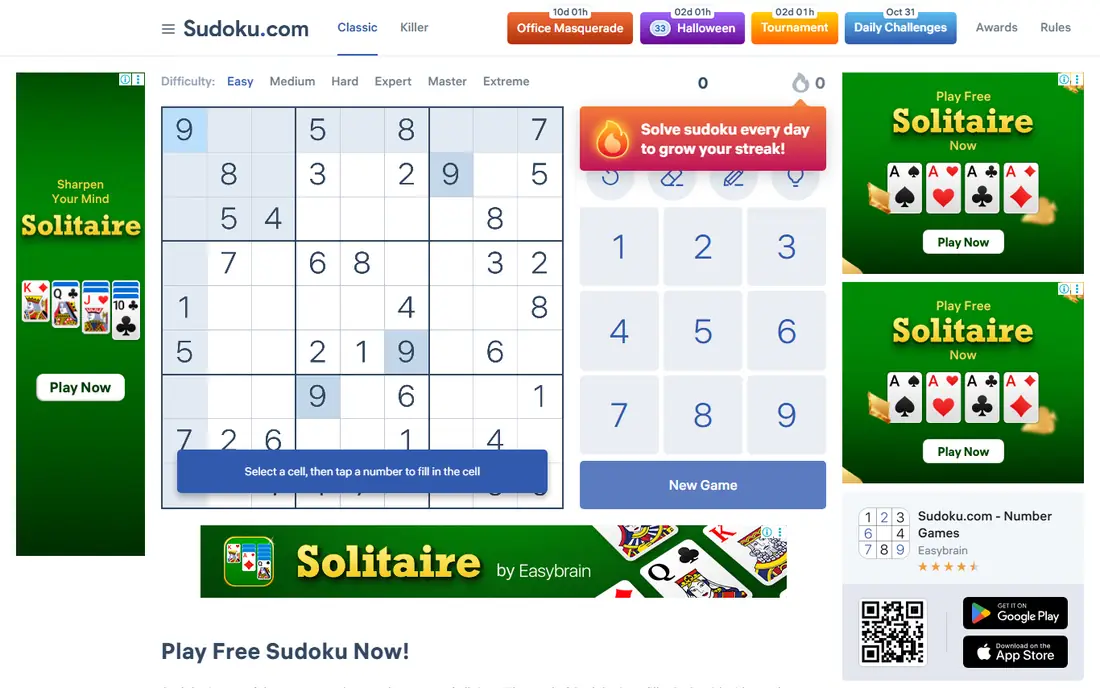
Sudoku.com by Easybrain is the best sudoku app for most players, with over 10,000 classic puzzles across six difficulty levels: fast, easy, medium, hard, expert, and giant. Daily challenges offer unique trophies, seasonal events award medals, and features such as hints, auto-check, duplicate highlighting, and notes make solving smoother. Each puzzle has one solution, and the app works offline.
The limits are ads and coaching. The free version shows ads, and there is no AI coaching mode for learners. For breadth, daily play, and polish, Sudoku.com is the best pick.
What we like- 10,000+ puzzles
- Six difficulty levels
- Daily challenges and seasonal events
Watch out for- Free version shows ads
- Advanced features need purchases
- No coaching mode
Starting priceFree
Free planYes
Microsoft Sudoku suits Windows and cross-device players, with freshly generated puzzles across Classic and Irregular modes, plus daily challenges and cloud-synced progress via a Microsoft account. Three daily challenges across different modes update every day, earning coins and badges, and six difficulty levels keep puzzles fresh. Customization covers number or symbol themes, error display, and input style.
The trade off is premium limits. The main game is free, while a Premium subscription removes ads and allows revisiting previous daily challenges, but it is mobile-only and cannot transfer to other platforms. Cloud saves need an internet connection. For calm, reliable play across devices, Microsoft Sudoku is the best choice.
What we like- Free on Windows, Android, iOS, and web
- Cloud-synced progress
- Xbox achievements
Watch out for- Premium subscription mobile-only
- Internet needed for cloud saves
- Ads on free tier
Starting priceFree
Free planYes
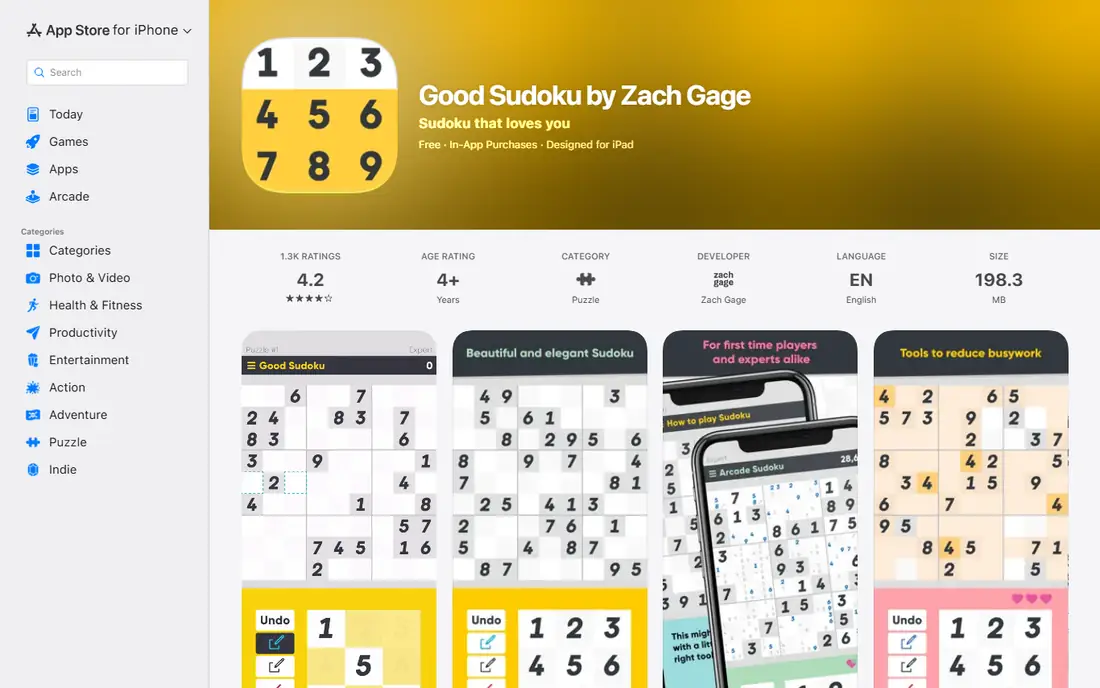
Good Sudoku by Zach Gage suits learners, with AI coaching that teaches sudoku techniques as you play rather than just checking answers. The design is clean, the coaching explains why a move works, and users rate it 4.9, the highest here. Over 70,000 puzzles cover five difficulty levels, with three standard modes and three daily puzzle modes plus a custom mode for importing puzzles. It is the best app for players who want to improve, not just solve.
The limits are supply and platform. The free version plus in-app purchases covers coaching, but the full game needs a paid upgrade, and the app runs on iOS, iPadOS, and macOS only. For learning sudoku properly, Good Sudoku is the best pick.
What we like- AI coaching that teaches techniques
- 70,000+ puzzles
- Rated 4.9 by users
Watch out for- Free version plus in-app purchases
- IOS, iPadOS, and macOS only
- Full game needs a paid upgrade
Starting priceFree
Free planYes
Sudoku by Brainium Studios suits clean, simple daily play, with a polished interface and daily puzzles that keep the habit going. Users rate it 4.8, and the app covers classic puzzles across difficulty levels without clutter or complex menus.
The trade off is depth. There are fewer variants than Andoku, no coaching mode, and advanced features need purchases. For a clean daily puzzle, Brainium is the best choice.
What we like- Clean interface
- Daily puzzles
- Rated 4.8 by users
Watch out for- Free version plus in-app purchases
- Fewer variants than Andoku
- No coaching mode
Starting priceFree
Free planYes
Andoku Sudoku 3 suits Android users who want variants and detailed stats. Beyond classic puzzles, it covers variant grids and tracks detailed statistics across games, which suits players who measure progress. Users rate it 4.8, and the app is free with ads.
The limits are platform and polish. Andoku runs on Android only, the free version shows ads, and the interface is less polished than Brainium. For Android variants and stats, Andoku is the best pick.
What we like- Variants plus detailed stats
- Rated 4.8 by users
- Free with ads
Watch out for- Android only
- Ads in free version
- Interface less polished than Brainium
Starting priceFree
Free planYes
Sudoku Quest suits players who want story and variations alongside classic puzzles. A story mode frames puzzles as progression, variations add fresh grid types, and the app runs on iOS, Android, and Kindle. Users rate it 4.7.
The trade off is focus. The free version shows ads, story mode may distract purists who want only classic boards, and classic puzzle supply is smaller than Sudoku.com. For playful variety, Sudoku Quest is the best choice.
What we like- Story mode plus variations
- Rated 4.7 by users
- IOS, Android, and Kindle support
Watch out for- Free version shows ads
- Story mode may distract purists
- Fewer classic puzzles than Sudoku.com
Starting priceFree
Free planYes
Conceptis Sudoku suits irregular grid fans, with hand-crafted irregular puzzles that break the standard 3x3 box pattern. The freemium model covers iOS, Android, and web, and users rate it 4.7. For players bored of standard grids, irregular puzzles offer a fresh challenge.
The limits are focus and cost. Irregular puzzles may not suit classic purists, full access needs purchases, and classic supply is smaller than Sudoku.com. For irregular grids, Conceptis is the best pick.
What we like- Hand-crafted irregular puzzles
- Freemium model
- IOS, Android, and web support
Watch out for- Irregular focus may not suit classic purists
- Full access needs purchases
- Smaller classic supply
Starting priceFree
Free planYes
Web Sudoku suits no-download play, with free puzzles in a browser and no app install. It covers classic puzzles across difficulty levels and works on any device with a browser, which suits shared computers and quick breaks.
The trade off is features. There are fewer features than app rivals, no daily challenges or coaching, and play needs internet. For instant browser sudoku, Web Sudoku is the best choice.
What we like- No download needed
- Free in a browser
- Rated 4.6 by users
Watch out for- Fewer features than app rivals
- No daily challenges or coaching
- Needs internet
How we chose
We compared puzzle supply, difficulty range, daily challenges, coaching, variants, interface polish, and free-tier generosity. Apps with large puzzle libraries and daily play scored higher than apps with small or static sets. We favored apps with clear difficulty ladders and noted where ads or purchases limit free use. We did not test any app hands-on, and ratings here reflect App Store and Google Play listings in 2026.
Buying guide: what to check before you pay
Start with your goal. Learners need Good Sudoku coaching, variant fans need Andoku or Conceptis, daily players need Sudoku.com or Brainium, and cross-device players need Microsoft Sudoku. Next, check puzzle supply against your pace. A daily player solves hundreds of puzzles a year, so a 10,000-puzzle library lasts longer than a small set. Ask about ads too, since free versions show ads that interrupt play, and premium purchases that remove ads vary by app and platform. Check offline play as well, since Sudoku.com works offline while Web Sudoku needs internet. Finally, try the free version for a week before paying. A week of daily play reveals whether the interface, difficulty curve, and ad load suit you better than any review can.
Also consider device fit. iPhone and iPad owners get the widest choice, including Good Sudoku, while Android owners get Andoku and Sudoku.com, and Windows owners get Microsoft Sudoku. Picking an app that runs well on the device you actually use matters more than a feature list you never open.
A final check is puzzle generation quality. The best apps generate puzzles with a single solution and a sensible difficulty curve, while weaker apps produce puzzles that feel random or unfair. If you regularly hit puzzles with multiple solutions or sudden difficulty spikes, switch apps rather than blaming your skills, since good generation is a basic expectation today.
Frequently asked questions
What is the best sudoku app?
Sudoku.com is best for most players, with over 10,000 puzzles, six difficulty levels, and daily challenges. Good Sudoku is best for learning, Microsoft Sudoku is best for cross-device play, and Web Sudoku is best for no-download browser play.
Are sudoku apps free?
Most sudoku apps are free with ads and in-app purchases. Premium purchases typically remove ads, add puzzles, or allow revisiting past daily challenges. Microsoft Sudoku premium is mobile-only and cannot transfer to other platforms.
Can I play sudoku offline?
Yes, on most apps. Sudoku.com works offline, and Microsoft Sudoku offers offline play for the main game, though cloud saves need internet. Web Sudoku needs internet since it runs in a browser.
Which sudoku app is best for beginners?
Good Sudoku is best for beginners, with AI coaching that teaches techniques as you play. Sudoku.com is also beginner-friendly, with easy difficulty levels, hints, auto-check, and duplicate highlighting.
Do sudoku apps help brain training?
Sudoku exercises logical thinking and memory, and daily play keeps the habit going. Claims about broader brain benefits are unproven, so treat sudoku as enjoyable mental exercise rather than a medical intervention.
Sources we checked (0)
Is your product missing or out of date?
We review this list regularly. Vendors can request a listing, send updated pricing or ask about featured placement.

Shihab Mia · Founder, Rankite
Shihab has 5+ years in B2B and SaaS SEO. He writes Rankite's software buying guides from pricing pages, documentation and public user reviews. More about Shihab.
 Sudoku.com
 Microsoft Sudoku
 Good Sudoku
 Sudoku by Brainium
 Andoku Sudoku 3
 Sudoku Quest
 Conceptis Sudoku
 Web Sudoku