How we make this list: we compare pricing pages, product documentation and public user reviews. Ratings come from G2, Capterra or Trustpilot, with the date we checked them.
Key takeaways
- Gus on the Go suits ages 3 to 7 with simple vocabulary games and no ads, while older kids need broader courses.
- Lingokids and Duolingo ABC suit early learners with songs, stories, and short daily lessons.
- Rosetta Stone and Preply suit older kids who need structured lessons or live speaking practice.
- Check age range, ads, and parent controls first, since a good kids app should be safe to use without constant supervision.
Quick comparison
| Tool | Best for | Starting price | Free plan |
|---|
 Gus on the Go Gus on the Go | Ages 3 to 7 vocabulary | $3.99 one-time | No |
 Lingokids Lingokids | Play-based learning ages 2 to 8 | Free; Premium plans available | Yes |
 Duolingo ABC Duolingo ABC | Early reading and letters | Free | Yes |
 Studycat Studycat | Spanish games for young kids | Free; Premium plans available | Yes |
 Mondly Kids Mondly Kids | Vocabulary and phrases | Free; Premium plans available | Yes |
 FabuLingua FabuLingua | Interactive Spanish stories | Free; Premium plans available | Yes |
 Rosetta Stone Rosetta Stone | Structured immersion for older kids | See website | Free trial |
 Preply Preply | Live Spanish tutors | See website | No |
Is your product missing or out of date?
We review this list regularly. Vendors can request a listing, send updated pricing or ask about featured placement.
The best Spanish learning apps for kids
Starting price$3.99 one-time
Free planNo
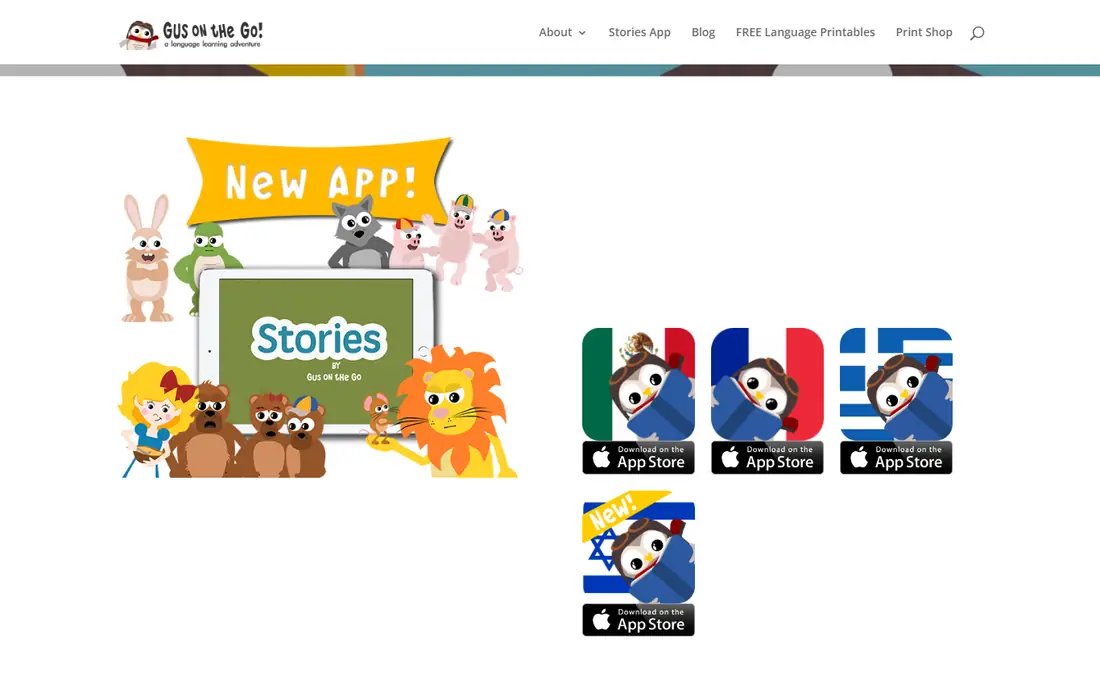
Gus on the Go follows Gus the owl on a trip, with lessons on animals, food, clothes, numbers, and other everyday topics for ages 3 to 7. Each lesson uses native speaker audio, bright animations, and a vocabulary game that opens after a review, so a child learns words by hearing, seeing, and playing. The app contains no ads, in-app purchases, links, or tracking, which is a strong safety point for parents who want a child to play without supervision.
The content limit is clear. With about 90 words and ten lessons, a child can finish Gus on the Go in a few sittings, and there is no grammar, sentence building, or speaking practice beyond vocabulary. That makes it a starter app, not a full course. It works best for toddlers and early elementary kids who need first Spanish words in a safe, simple format, paired later with a broader app as they grow.
What we like- No ads, in-app purchases, or tracking
- Native speaker audio
- Ten lessons with vocabulary games
Watch out for- Vocabulary only, with no grammar or speaking practice
- Content is short for older kids
- No ongoing updates after purchase
Starting priceFree; Premium plans available
Free planYes
Lingokids offers play-based learning for ages 2 to 8, with songs, games, videos, and interactive activities that teach vocabulary, letters, and early concepts. The app adapts to a child level and interests, and parents get a dashboard with progress reports and activity suggestions. That structure suits families who want a daily learning routine that feels like play, with a clear view of what a child is learning.
Spanish is one of several languages in Lingokids, so the Spanish path is broad rather than deep, and full content sits behind a premium plan. Parents should also set screen time limits, since the playful design can keep a child playing longer than planned. Lingokids suits young kids who learn best through songs and games, especially when a parent checks progress weekly and adds speaking practice at home.
What we like- Songs, games, and videos for young kids
- Adaptive learning path
- Parent dashboard and progress reports
Watch out for- Spanish is one language among many
- Premium needed for full content
- Screen time needs parent limits
Starting priceFree
Free planYes
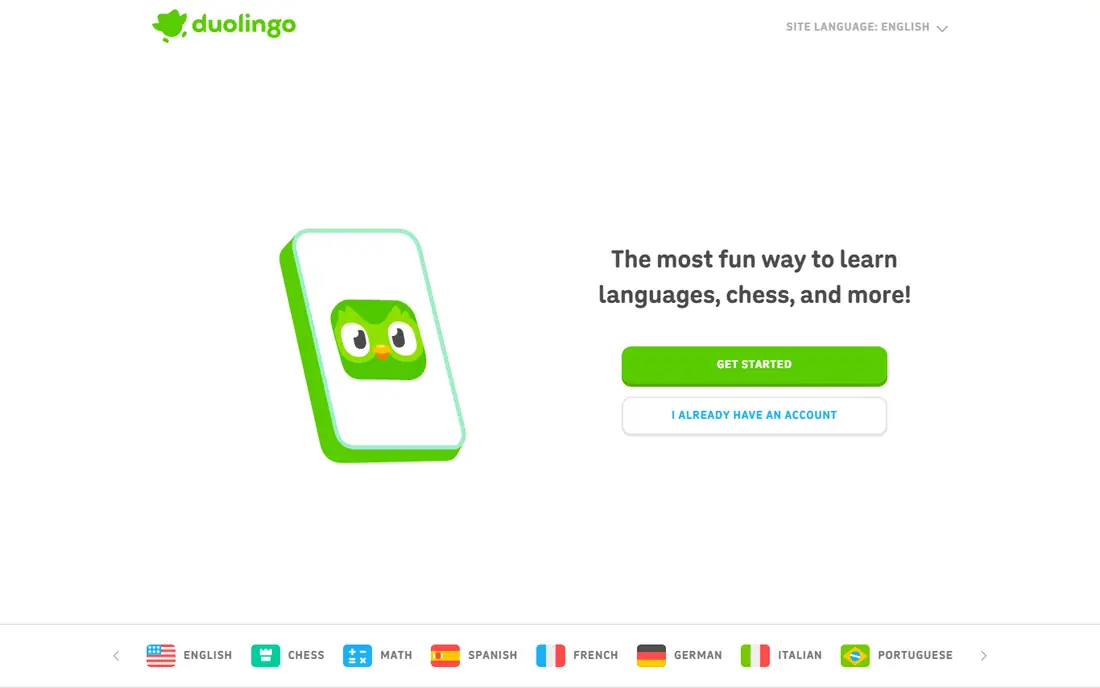
Duolingo ABC is the free early literacy app from Duolingo, built for ages 3 to 8 with lessons on letters, sounds, and early reading. Short, game-like lessons guide a child through letter recognition, phonics, and simple words, with a friendly design that works well on a tablet. For families who want Spanish exposure alongside early reading, Duolingo ABC gives a free, safe starting point with no subscription pressure.
The scope is the limit. Duolingo ABC teaches early literacy, not a full Spanish course, so older kids or kids who already read will outgrow it quickly. It also offers no live tutor or detailed speaking feedback. Use Duolingo ABC for young kids who are learning letters and first words, and move to a broader Spanish app such as Lingokids, Studycat, or Rosetta Stone as reading skills grow.
What we like- Completely free
- Short lessons on letters and reading
- Child-friendly design with no ads in the core app
Watch out for- Focus is early literacy, not full Spanish
- Content is best for ages 3 to 8
- No live tutor or speaking feedback
Starting priceFree; Premium plans available
Free planYes
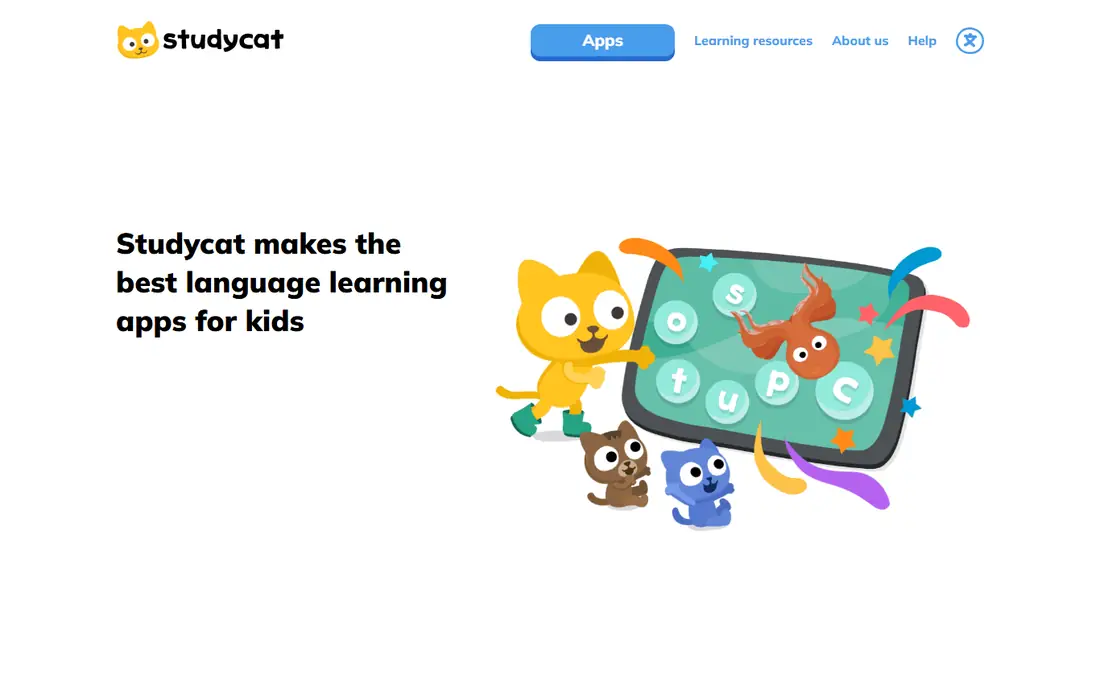
Studycat, formerly Fun Spanish, offers language games for young kids with native speaker audio, colorful characters, and activities that cover vocabulary, listening, and simple speaking. Lessons are short and game-led, so a child learns by playing rather than by studying lists, and the app tracks progress across topics such as animals, food, and daily routines. That format suits ages 3 to 8 who need a fun, low-pressure introduction to Spanish.
Older kids will find the content too simple, and full courses sit behind a premium plan, so parents should check what the free tier covers before subscribing. Studycat works best as a first Spanish games app for young kids, paired with songs, books, and spoken Spanish at home to build listening and speaking beyond the screen.
What we like- Games designed for ages 3 to 8
- Native speaker audio
- Vocabulary, listening, and speaking games
Watch out for- Content depth is limited for older kids
- Premium needed for full courses
- No live tutor
Starting priceFree; Premium plans available
Free planYes
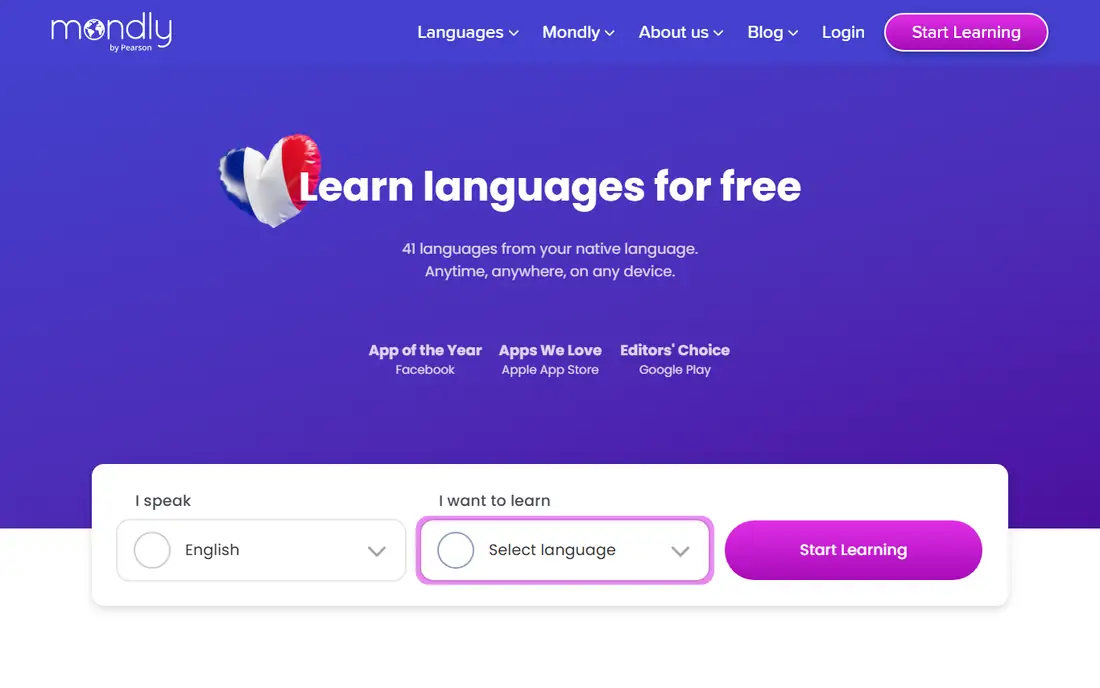
Mondly Kids adapts the adult Mondly format for children, with daily lessons, games, and illustrations that teach vocabulary and useful phrases. Speech recognition gives basic pronunciation feedback, which helps a child hear the difference between a correct and an unclear word. The daily lesson structure suits families who want a short, regular Spanish routine without a long setup.
The free tier is limited, and lessons can feel repetitive over time, since the format repeats across topics. There is also no live tutor or deep grammar teaching, so Mondly Kids works best for vocabulary and phrase building in the early years. Pair it with Spanish books, songs, or a tutor session for speaking practice as a child progresses.
What we like- Daily lessons with games and illustrations
- Vocabulary and phrase learning
- Speech recognition for pronunciation
Watch out for- Free content is limited
- Lessons can feel repetitive
- No live tutor or deep grammar
Starting priceFree; Premium plans available
Free planYes
FabuLingua teaches Spanish through interactive stories, where a child can tap a word to see and hear its translation, then hear the story again in Spanish. That magic translation approach helps kids learn words in context, rather than from isolated lists, and native speaker narration gives a clear model for pronunciation. Stories cover everyday adventures and fairy tales, which suit kids who love reading and listening more than competitive games.
The library is smaller than a large platform such as Lingokids, and the story format may not hold a child who prefers fast games and points. Full stories sit behind a premium plan, so test the free stories first. FabuLingua suits kids ages 4 to 10 who enjoy stories and want to learn Spanish words naturally through listening and reading together.
What we like- Interactive stories with tap-to-translate words
- Native speaker narration
- Magic translation for learning in context
Watch out for- Smaller library than Lingokids
- Story format may not suit kids who prefer games
- Premium needed for full stories
#7Rosetta Stone
Best for: Structured immersion for older kids4.2/5 on
G2 (113 reviews, checked Oct 2026)
Visit rosettastone.com
Starting priceSee website
Free planFree trial
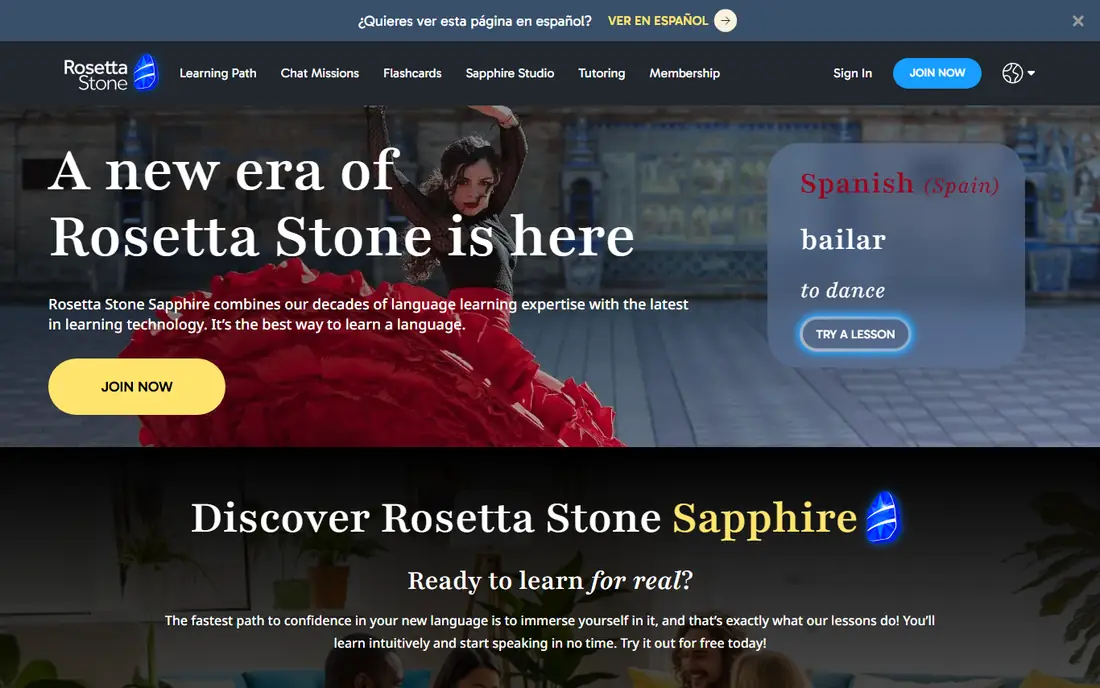
Rosetta Stone uses immersion, teaching Spanish through images, audio, and context without translation, with structured lessons and speech recognition for pronunciation. That method suits older kids, roughly ages 8 and up, who can handle a more school-like course and who need a clear progression from basic words to sentences. Progress tracking helps parents see how far a child has gone through a unit.
The price and style are the barriers. Rosetta Stone costs more than kids-first apps, and immersion without translation can frustrate a young beginner who wants a quick explanation. It also feels less playful than Lingokids or Studycat. Rosetta Stone suits older kids who are ready for a structured course, especially when a parent or teacher can support the first units and add speaking practice.
What we like- Immersion method with no translation
- Structured lessons and speech recognition
- Progress tracking for families
Watch out for- Price is high for a kids app
- Immersion can frustrate beginners
- Less game-like than kids-first apps
Starting priceSee website
Free planNo
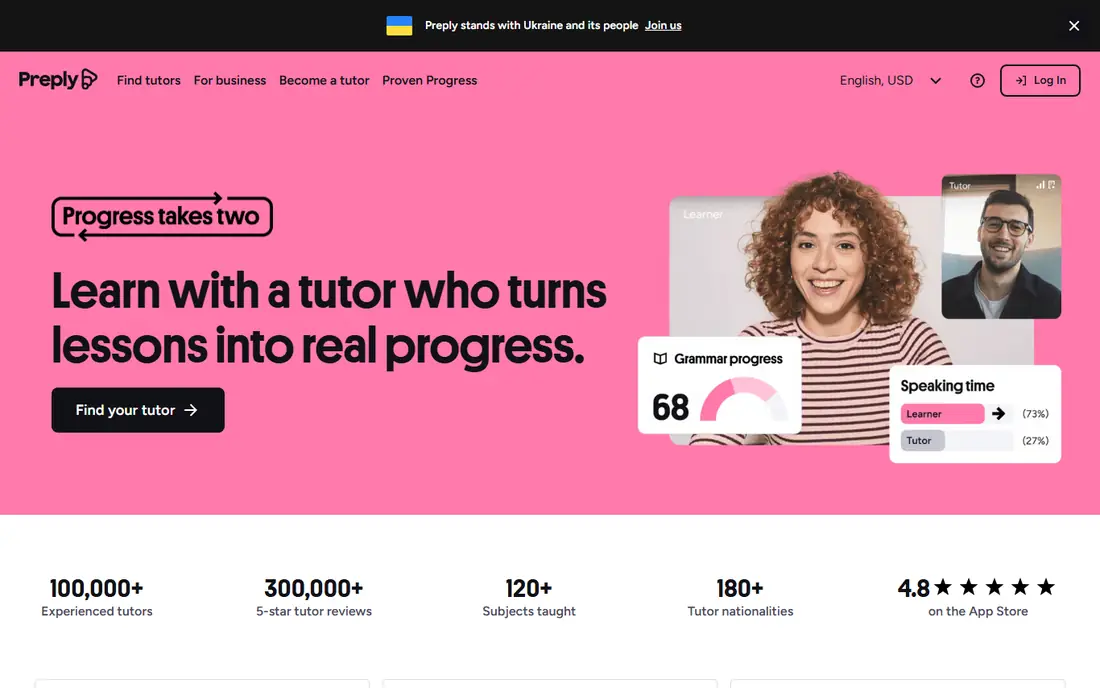
Preply connects kids with live Spanish tutors for one-to-one video lessons, tailored to a child level, schoolwork, or speaking goals. That live interaction is the one thing apps cannot replace: a tutor can correct pronunciation, hold a real conversation, and adjust a lesson in the moment. For kids who need speaking confidence, exam support, or help with school Spanish, a weekly tutor session often makes more progress than app time alone.
The cost and logistics are the trade. Tutor prices vary, weekly lessons add up, and parents need to help with scheduling and tutor choice. Tutor quality also varies, so trial lessons and reviews matter. Preply suits families who want speaking practice and personal guidance, used alongside an app for daily vocabulary, rather than as a replacement for all app learning.
What we like- Live one-to-one tutors for kids
- Lessons tailored to level and goals
- Speaking practice that apps cannot match
Watch out for- Price varies by tutor and adds up weekly
- Scheduling needs parent involvement
- Quality varies by tutor
How we chose
We compared Spanish kids apps using vendor sites, age ranges, pricing pages, and parent reviews, focusing on age fit, safety, Spanish content depth, and speaking practice. Each app had to be live today, offer Spanish for kids, and provide a clear age range or learning path. We included vocabulary games, story apps, structured courses, and live tutors so families with kids of different ages can find a fit, and we noted where ads, purchases, or tracking could affect child safety.
How to pick by age and goal
For ages 3 to 5, start with a safe, simple app such as Gus on the Go or Lingokids, with short sessions of 10 to 15 minutes and a parent nearby at first. Focus on first words, songs, and listening, not grammar or reading, and add Spanish songs and picture books at home. Check that the app has no ads, no in-app purchases that a child can tap, and no chat with strangers.
For ages 6 to 8, add a broader app such as Studycat, Mondly Kids, or FabuLingua, and keep sessions short and regular. At this age, a child can handle simple sentences, story listening, and basic speaking games, and a parent dashboard helps track progress. For ages 9 to 12, consider Rosetta Stone for structure or Preply for speaking, since older kids benefit from lessons, feedback, and real conversation more than from vocabulary games alone.
Across all ages, keep Spanish alive off screen. Speak simple Spanish phrases at home, label household items, watch a Spanish cartoon together, and praise effort rather than perfection. An app works best as a daily habit plus real language use, not as a replacement for hearing and speaking Spanish with people.
Frequently asked questions
What age should kids start learning Spanish with an app?
Kids can start with songs and first words from age 2 or 3, using a safe app such as Gus on the Go or Lingokids with short sessions. Older kids benefit from structured lessons and speaking practice, so match the app to age and reading level rather than starting with a single app for all ages.
Are these apps safe for kids?
Safety varies, so check each app for ads, in-app purchases, chat features, and tracking. Gus on the Go has no ads, purchases, or tracking, while other apps need parent settings, screen time limits, and supervision at first. Always check privacy settings before handing a device to a child.
How much time should a child spend on a Spanish app each day?
Ten to twenty minutes a day is a good target for most kids, with breaks and off-screen Spanish activities. Short, regular sessions build habit and vocabulary better than a long session once a week, and screen time should stay within family limits.
Can an app alone make a child fluent in Spanish?
No. Apps build vocabulary, listening, and early reading well, but fluency needs speaking, listening to real people, and reading books. Pair an app with Spanish songs, stories, cartoons, and, when possible, conversation with a tutor or a Spanish-speaking family member.
Is Preply better than an app for kids?
Preply gives live speaking practice and personal feedback that apps cannot match, which helps confidence and pronunciation. Apps give daily vocabulary and game practice at lower cost, so many families use both: an app for daily habit and a tutor for weekly speaking.
Which app is best for a child who already speaks some Spanish at home?
A heritage learner often needs reading, grammar, and speaking rather than first words. Rosetta Stone offers structure, Preply offers tailored speaking, and FabuLingua offers stories that build vocabulary in context. Test a free trial first to check level fit.
Sources we checked (8)
- https://www.gusonthego.com
- https://www.lingokids.com
- https://www.duolingo.com
- https://www.studycat.com
- https://www.mondly.com
- https://www.fabulingua.com
- https://www.rosettastone.com
- https://www.preply.com
Is your product missing or out of date?
We review this list regularly. Vendors can request a listing, send updated pricing or ask about featured placement.

Shihab Mia · Founder, Rankite
Shihab has 5+ years in B2B and SaaS SEO. He writes Rankite's software buying guides from pricing pages, documentation and public user reviews. More about Shihab.