How we make this list: we compare pricing pages, product documentation and public user reviews. Ratings come from G2, Capterra or Trustpilot, with the date we checked them.
Key takeaways
- The best service software covers the full job cycle, from booking and dispatch to invoice and payment, in one place.
- Solo operators need low cost and simple setup, while larger teams need dispatch boards, price books, and reporting.
- QuickBooks or Xero sync saves hours of double entry, so check accounting integration before buying.
- Mobile apps matter more than desktop features, because technicians work from phones in the field.
- Per-technician pricing can grow fast, so price the software at your planned team size, not only at launch size.
Quick comparison
| Tool | Best for | Starting price | Free plan |
|---|
 Jobber Jobber | Small to mid-size service teams | $29 per month (billed annually) | Free trial |
 Housecall Pro Housecall Pro | Home service teams with financing | $59 per month (billed annually) | Free trial |
 ServiceTitan ServiceTitan | Large multi-truck operations | See website | No |
 Workiz Workiz | Dispatch plus call handling | See website | Free trial |
 ServiceM8 ServiceM8 | Small Apple-first teams | $29 per month | Yes |
 Kickserv Kickserv | Budget teams wanting core tools | $60 per month | Free trial |
 FieldEdge FieldEdge | HVAC and trade shops | See website | No |
 Service Fusion Service Fusion | Predictable pricing without per-seat fees | See website | No |
Is your product missing or out of date?
We review this list regularly. Vendors can request a listing, send updated pricing or ask about featured placement.
The best software for service business
#1Jobber
Best for: Small to mid-size service teams4.6/5 on
G2 (530 reviews, checked Oct 2026)
Visit getjobber.com
Starting price$29 per month (billed annually)
Free planFree trial
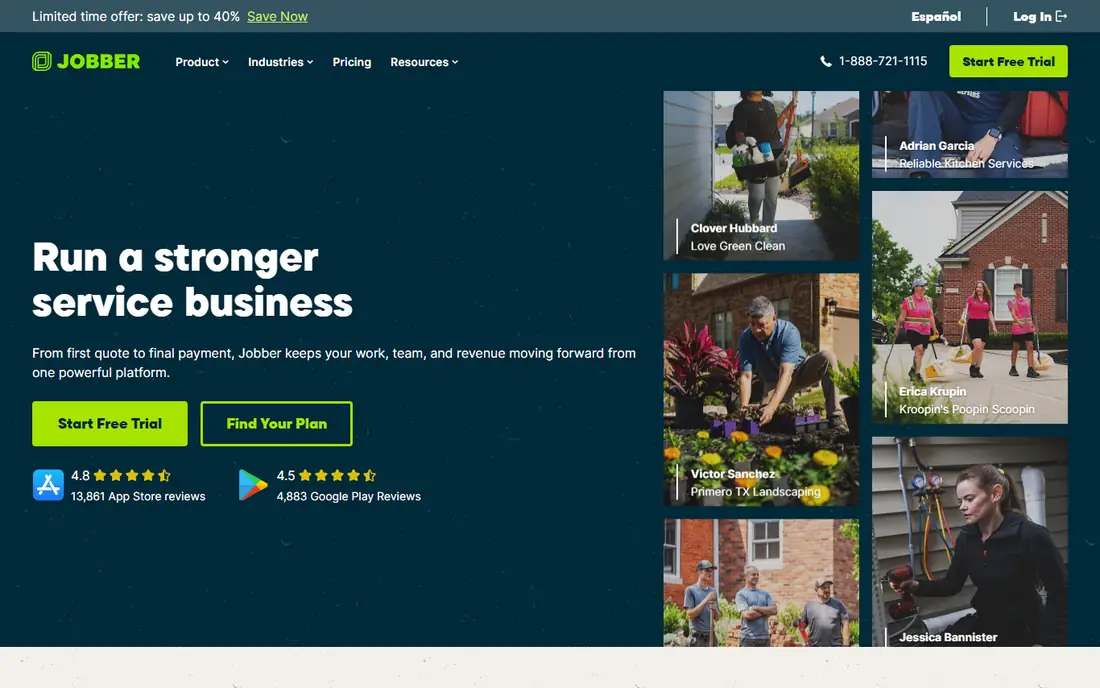
Jobber is the most balanced starting point for a service business with one to fifteen staff. The core flow covers online booking, scheduling, quoting, invoicing, and online payments, with a customer hub where clients can approve quotes and pay. That single flow removes the need for separate tools for each step, which is where many small firms lose time. The mobile app lets technicians see jobs, add photos, and collect payment on site.
The limits appear as the team grows. Larger teams need higher tiers for more users and deeper features, and some tools that look standard in a demo turn out to be add-ons. Still, the entry price and the clear workflow make Jobber a strong first system. It suits cleaning, lawn care, plumbing, HVAC, and other trades that need a reliable daily operating system rather than a complex enterprise platform.
What we like- Clear quote to payment flow
- Online booking
- QuickBooks and Xero sync
Watch out for- Higher tiers needed for larger teams
- Some advanced features are add-ons
#2Housecall Pro
Best for: Home service teams with financing4.3/5 on
G2 (205 reviews, checked Oct 2026)
Visit housecallpro.com
Starting price$59 per month (billed annually)
Free planFree trial
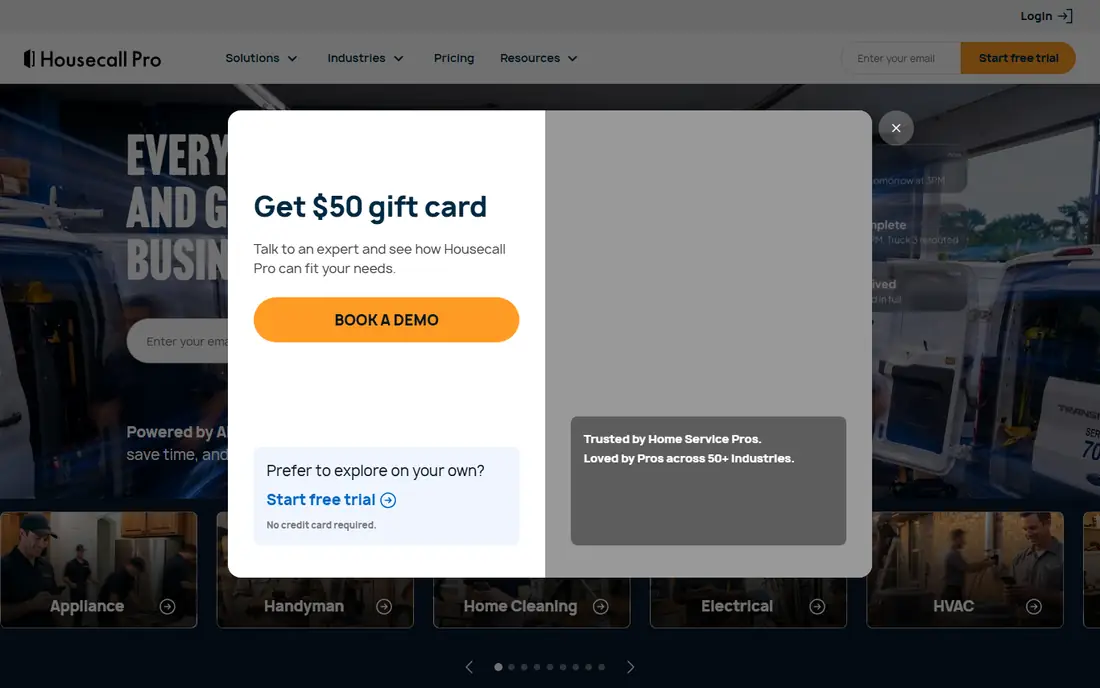
Housecall Pro appeals to home service businesses that want booking, dispatch, estimates, and payments in a system that new staff can learn quickly. Consumer financing helps close larger jobs, and built-in review requests help a local business build a public reputation after each completed job. The dashboard gives owners a clear view of jobs, revenue, and technician schedules without a long training period.
The entry plan is the catch. It does not include every tool a growing team expects, such as full accounting sync or advanced dispatch features, so many firms move to Essentials at a higher price. Add-ons for AI reception, marketing, and payroll can push the total well above the headline price. Price Housecall Pro with the add-ons you will actually use, and compare that total against Jobber at the same team size.
What we like- Consumer financing options
- Review management
- Easy onboarding for new staff
Watch out for- Entry plan lacks some key tools
- Add-ons raise the real monthly cost
Starting priceSee website
Free planNo
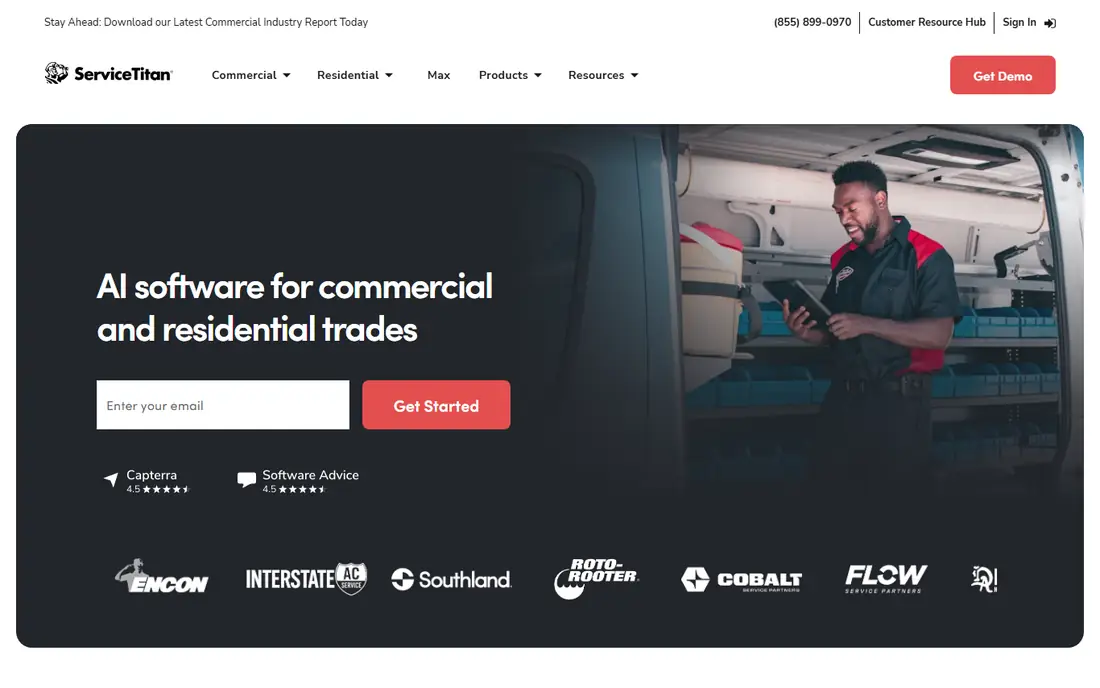
ServiceTitan is built for larger home service companies with call centers, multiple trucks, and complex reporting needs. Dispatch boards, technician scorecards, price books, service agreements, and marketing attribution sit in one system, which helps a company with dozens of technicians see which jobs, techs, and campaigns make money. The depth is the reason large firms choose it over simpler tools that cannot handle that scale.
Cost and setup are the barriers. Pricing is quoted per technician and is high compared with small-team tools, and implementation takes weeks of data migration and training. A solo operator or a five-person team will pay for capacity it does not use. ServiceTitan fits companies that have outgrown Jobber or Housecall Pro and need enterprise-grade control, not companies buying their first system.
What we like- Deep dispatch and reporting
- Price book and agreements
- Call center tools
Watch out for- Quote-only pricing
- High cost per technician
- Long implementation
#4Workiz
Best for: Dispatch plus call handling4.5/5 on
G2 (247 reviews, checked Oct 2026)
Visit workiz.com
Starting priceSee website
Free planFree trial
Workiz stands out because calls and messages sit beside dispatch, rather than in a separate phone system. Office staff can see who called, which job it relates to, and what was promised, without switching tools. An AI answering option can capture calls after hours, which matters for emergency trades where a missed call often means a lost job. Service plans and recurring jobs are also handled inside the platform.
Pricing clarity is weaker than Jobber, because some plans require a sales conversation and top-tier features are gated. Teams should get a written quote for their exact user count and add-ons before comparing Workiz to rivals. Workiz fits growing teams that lose jobs to missed calls and want communication tied directly to the job record.
What we like- Integrated phone and messaging
- AI call answering option
- Service plan management
Watch out for- Pricing is not fully published
- Some features need the top tier
#5ServiceM8
Best for: Small Apple-first teams3.8/5 on
G2 (15 reviews, checked Oct 2026)
Visit servicem8.com
Starting price$29 per month
Free planYes
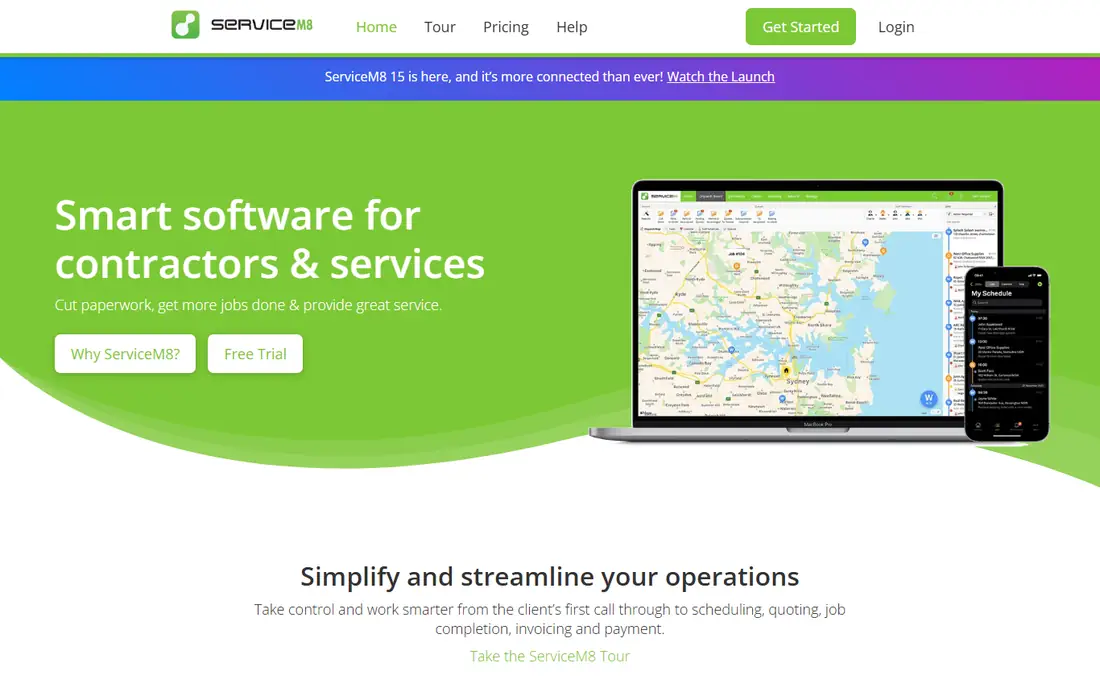
ServiceM8 is a strong value pick for small teams, because paid plans include unlimited users rather than charging per technician. That pricing model helps a business with many part-time staff or seasonal workers, where per-seat fees would add up quickly. Jobs, quotes, invoices, and payments follow a simple flow, and the free tier lets a solo operator start without a monthly bill. Dispatch and job cards are clear enough for field staff to use with little training.
The history of the product is Apple-first, and while Android now covers most core workflows, some iOS-only tools remain. Teams that use a mix of devices should test the Android app on a real job before committing. ServiceM8 suits small, mobile teams that want predictable pricing and a simple system, not firms that need deep enterprise reporting.
What we like- Unlimited users on paid plans
- Simple job and invoice flow
- Free tier for very small teams
Watch out for- Apple-first history
- Android app still lacks some iOS features
#6Kickserv
Best for: Budget teams wanting core tools4.5/5 on
G2 (181 reviews, checked Oct 2026)
Visit kickserv.com
Starting price$60 per month
Free planFree trial
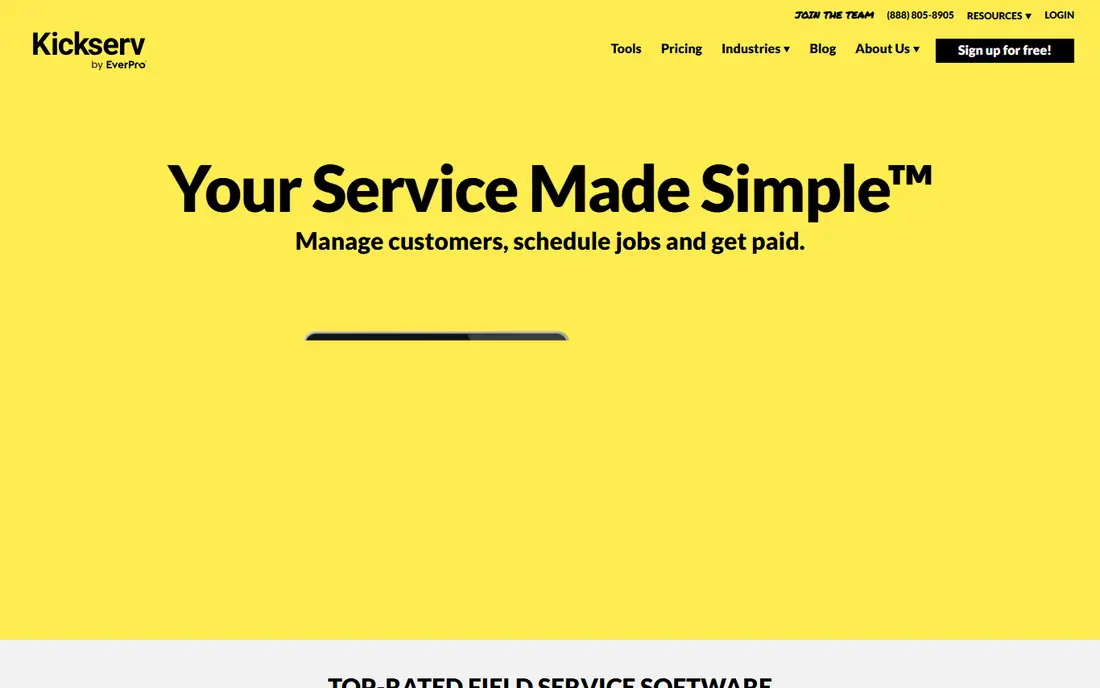
Kickserv offers a straightforward system for service businesses that want scheduling, job tracking, estimates, and invoicing without a complex feature set. Pricing is easy to understand, and the interface does not overwhelm a new user with options. For a small firm moving from spreadsheets and paper invoices, Kickserv provides a clear upgrade without a long learning curve. The company history also gives buyers confidence that the product will still exist next year.
Advanced dispatch features, such as mapping and GPS check-ins, require higher tiers, and marketing tools are thinner than Housecall Pro or Workiz. A firm that relies on automated review requests, campaigns, or AI answering will need separate tools or a different platform. Kickserv fits budget-conscious teams that value core job management over a wide add-on catalog.
What we like- Simple pricing
- Core scheduling and billing
- Long track record
Watch out for- Dispatch mapping and GPS need higher tiers
- Fewer marketing tools than rivals
Starting priceSee website
Free planNo
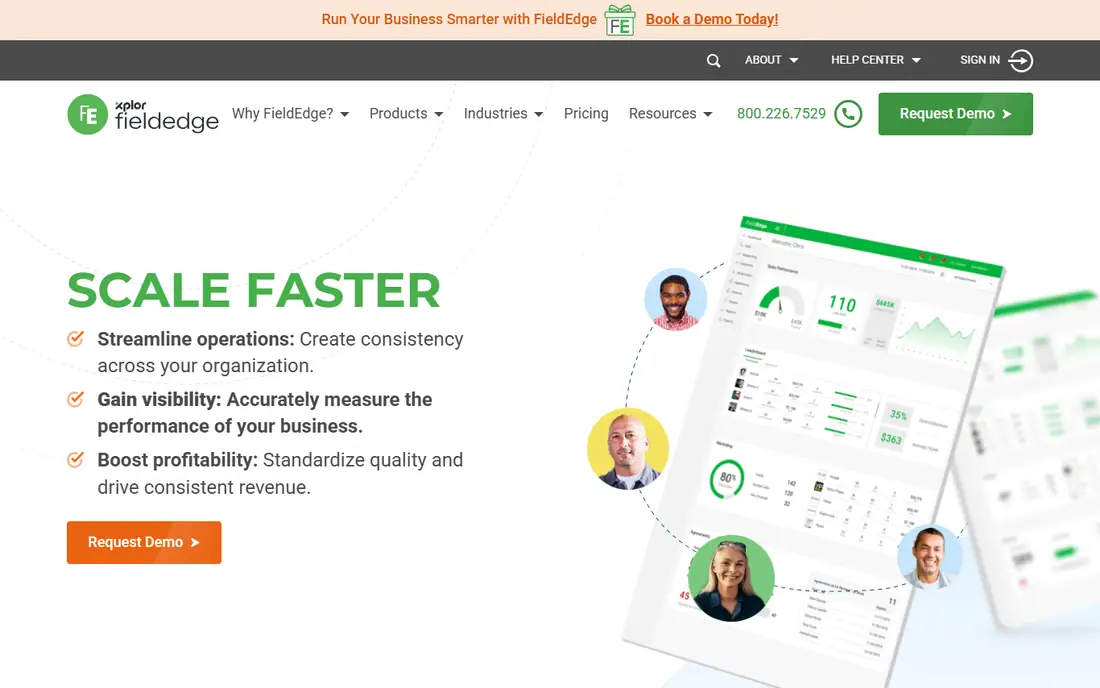
FieldEdge is designed for HVAC, plumbing, and electrical shops that sell work from a flat-rate price book and manage service agreements. Technicians can present good, better, and best options on site, with parts and labor priced consistently across the team. Agreement renewals, dispatch, and job costing follow trade-specific workflows that general tools often handle poorly. That specialization is why multi-truck trade shops choose FieldEdge over a general service platform.
The cost and setup reflect that specialization. Pricing is quoted, not published, and implementation involves price book setup, agreement migration, and staff training. Small solo operators will find it heavy and expensive. FieldEdge fits established trade businesses that already sell agreements and want consistent pricing across technicians.
What we like- Strong flat-rate price book
- Service agreement tools
- Deep trade workflows
Watch out for- Quote-only pricing
- Setup takes time
- Best for multi-truck shops
#8Service Fusion
Best for: Predictable pricing without per-seat fees4.1/5 on
G2 (124 reviews, checked Oct 2026)
Visit servicefusion.com
Starting priceSee website
Free planNo
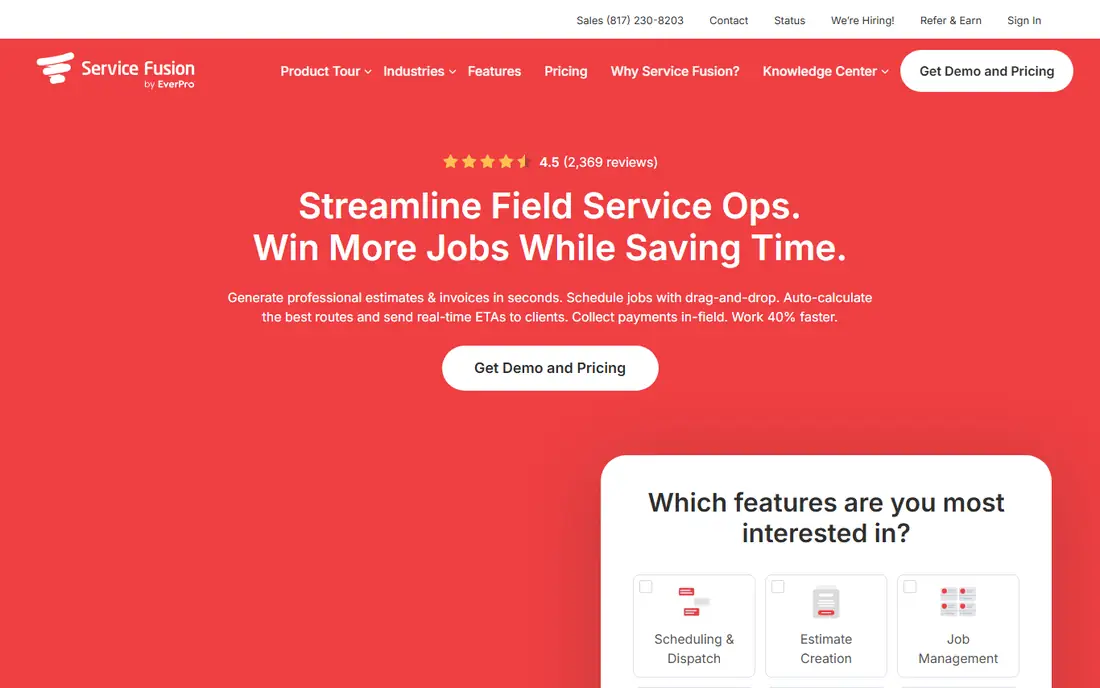
Service Fusion appeals to established small and mid-size firms that want to scale staff without watching the software bill rise with every hire. Core plans avoid per-seat fees, which makes budgeting easier for a business with seasonal staff or a growing crew. Dispatch, scheduling, estimates, invoicing, and payments cover the daily job cycle, and GPS tracking helps managers see where crews are during the day.
Some tools that rivals include in a base plan appear as add-ons here, so buyers should check the full quote carefully. The interface is functional rather than polished, and some users prefer the look of Jobber or Housecall Pro. Service Fusion fits firms that prioritize predictable cost and solid dispatch over a modern interface or a large marketing add-on library.
What we like- No per-seat charges on core plans
- Solid dispatch and billing
- GPS and fleet tools
Watch out for- Some operational tools are add-ons
- Interface feels dated to some users
Choosing by team size and trade
Solo operators should start with the lowest total cost for booking, quoting, and payment, and avoid paying for dispatch boards they will not use. A five-person team needs scheduling that prevents double booking, a shared customer history, and accounting sync. A fifteen-person team needs dispatch control, price consistency, and reporting by technician and job type. Buying for the team you plan to have in a year, not only the team you have today, prevents a painful migration in six months.
Test the mobile app on a real job
Run a full job through the trial, from online booking to quote approval, dispatch, on-site photos, invoice, and payment. Check offline behavior, because technicians lose signal in basements and rural areas. Ask how the app handles a changed appointment, a partial payment, and a customer message after hours. A system that looks good on a desktop demo can fail in the field, and the trial is the time to find that out.
Count the full monthly cost
Add the base plan, extra users, payment processing fees, and any add-ons for marketing, AI answering, or payroll. Compare that total at your current team size and at your planned size in twelve months. A tool with a low entry price and expensive add-ons can cost more than a higher-priced tool that includes those features. Get the full quote in writing before signing an annual contract.
How we chose
We compared pricing pages, product documentation, and public reviews on G2, Capterra, and Reddit, focusing on the full job cycle, mobile quality, accounting integration, and pricing at different team sizes. We favored tools with a clear booking to payment flow and a track record in home and field services. We left out general project tools that lack dispatch, quoting, and field invoicing, because they do not solve the daily work of a service business.
Frequently asked questions
What is the best software for a solo service business?
Jobber Core and ServiceM8 offer the best balance of low cost and a full booking to payment flow for solo operators. ServiceM8 has a free tier and unlimited users on paid plans, while Jobber offers a clearer upgrade path as the team grows. Choose based on device preference and whether you need QuickBooks sync on the entry plan.
Do I need accounting software as well?
Most service tools sync with QuickBooks or Xero, but they do not replace accounting software for tax, payroll, and full financial reporting. Use the service tool for jobs and invoices, and let the accounting sync carry totals to your books. Check which plan includes the sync, because some entry plans exclude it.
How important is online booking for a service business?
Online booking matters for many home services, because customers often search and book outside office hours. It also reduces phone time for the office team. The booking form should capture the service type, location, and preferred time, and confirm the appointment clearly to avoid no-shows.
Should I sign an annual contract to save money?
Annual billing usually saves money, but only sign after a full trial with real jobs. Test the mobile app, the payment flow, and customer support response times during the trial. If the vendor offers a monthly option at a higher price, that flexibility can be worth it for the first few months.
What happens to my data if I switch tools later?
Most established tools allow export of customers, jobs, and invoices, but the format and completeness vary. Ask for an export sample before signing, and keep your own backups of customer lists and financial records. A clean export option reduces the risk of a future migration.
Can service software handle recurring jobs?
Yes, most tools on this list handle recurring jobs, service plans, and agreement renewals, though the depth varies. Check whether recurring jobs auto-generate invoices, whether customers can manage their own schedule, and how renewals are tracked. For cleaning and lawn care, recurring scheduling is a core feature, not an extra.
Sources we checked (8)
- https://www.getjobber.com
- https://www.housecallpro.com
- https://www.servicetitan.com
- https://www.workiz.com
- https://www.servicem8.com
- https://www.kickserv.com
- https://www.fieldedge.com
- https://www.servicefusion.com
Is your product missing or out of date?
We review this list regularly. Vendors can request a listing, send updated pricing or ask about featured placement.

Shihab Mia · Founder, Rankite
Shihab has 5+ years in B2B and SaaS SEO. He writes Rankite's software buying guides from pricing pages, documentation and public user reviews. More about Shihab.