How we make this list: we compare pricing pages, product documentation and public user reviews. Ratings come from G2, Capterra or Trustpilot, with the date we checked them.
Key takeaways
- QuickBooks Online and Xero lead for small businesses that want budgeting plus full accounting in one system.
- FreshBooks suits service firms that bill by the hour and want simple budgets tied to invoices.
- Wave is free for basic accounting and suits very small firms with tight budgets.
- A budget only helps if you review it monthly, so pick software with clear variance reports, not just forecast charts.
- This article is general information only, not financial or tax advice, and tax rules vary by state and business type.
Quick comparison
Is your product missing or out of date?
We review this list regularly. Vendors can request a listing, send updated pricing or ask about featured placement.
The best small business budgeting software
Starting priceSee website
Free planNo
QuickBooks Online is the most widely used small business accounting platform, with budgeting, invoicing, expense tracking, payroll add-ons, and bank feeds in one system. Budgets can be built by month and compared against actuals in variance reports, which helps owners spot overspending early. The large ecosystem of accountants, apps, and integrations means most advisors already know the platform.
The trade-offs are price and complexity. Costs rise as you move to higher tiers for inventory, multi-user access, and advanced reporting, and the interface packs in many features that small firms may not need. Support quality varies. Even so, QuickBooks Online suits small businesses that want budgeting plus full accounting from the platform most accountants already use.
What we like- Largest small business ecosystem
- Budgeting plus full accounting
- Strong bank feeds and reports
Watch out for- Price rises with tiers
- Interface can feel busy
- Support quality varies
#2Xero
Best for: Growing small firms4.4/5 on
G2 (1,832 reviews, checked Oct 2026)
Visit xero.com
Starting priceSee website
Free planNo
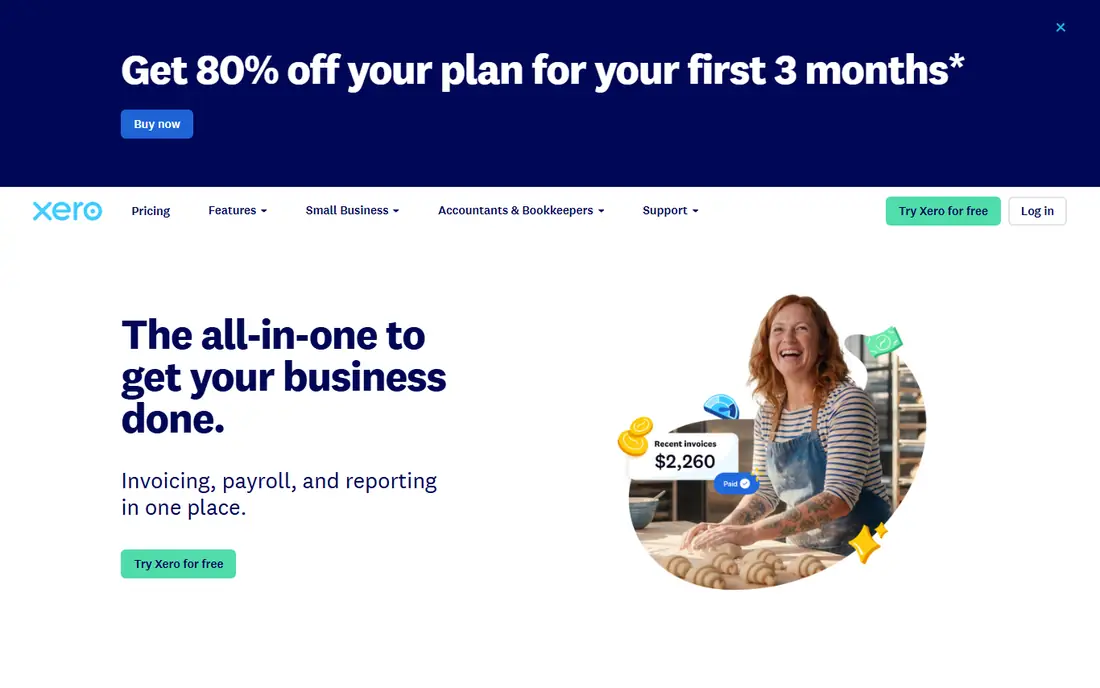
Xero is a cloud accounting platform popular with growing small firms, offering budgeting, invoicing, bank reconciliation, and reporting in a clean interface. Its bank feeds and reconciliation tools save hours each month, and multi-currency support suits firms that buy or sell abroad. The app ecosystem covers inventory, payroll, and CRM add-ons for firms that outgrow the core product.
The limits are payroll and tiers. Payroll coverage varies by region and is limited in some US states, and project tracking and expenses need higher tiers. US support is thinner than QuickBooks. Even so, Xero suits growing firms that want clean accounting, strong bank reconciliation, and a modern interface.
What we like- Clean interface
- Strong bank reconciliation
- Good multi-currency and app ecosystem
Watch out for- Payroll is limited in some regions
- Higher tiers needed for projects and expenses
- US support is thinner

#3FreshBooks
Best for: Service firms and freelancers4.5/5 on
G2 (981 reviews, checked Oct 2026)
Visit freshbooks.com
Starting priceSee website
Free planNo
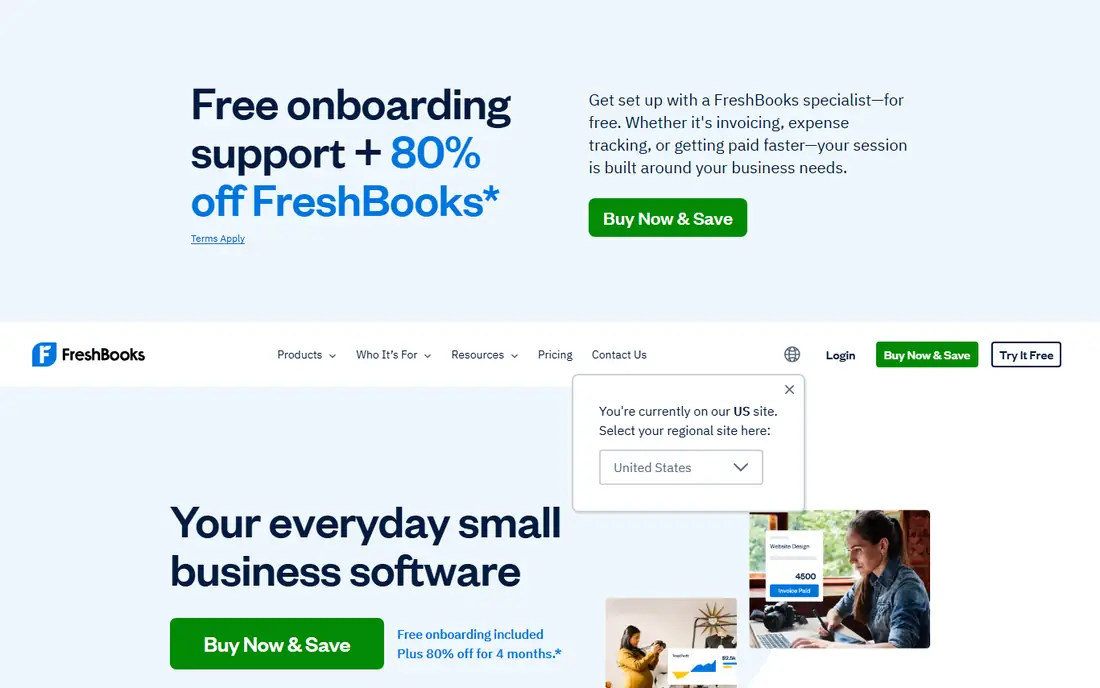
FreshBooks is built for service firms and freelancers, with invoicing, time tracking, expense capture, and simple budgeting tied to client work. It suits consultants, designers, and agencies that bill by the hour or project, since budgets connect directly to invoices and time entries. The client portal lets customers view invoices and pay online, which speeds payment.
The trade-offs are accounting depth and pricing. Full double-entry accounting is thinner than QuickBooks or Xero, inventory is basic, and some plans price by client count. Even so, FreshBooks suits service firms that want simple budgets, fast invoicing, and time tracking without a full accounting suite.
What we like- Easy invoicing and time tracking
- Simple budgets for service firms
- Good client portal
Watch out for- Accounting depth trails QuickBooks
- Inventory is basic
- Pricing is per-client in some plans

#4Wave
Best for: Free basic accounting4.3/5 on
G2 (328 reviews, checked Oct 2026)
Visit waveapps.com
Starting priceFree
Free planYes
Wave offers free accounting, invoicing, and receipt scanning for very small businesses, which makes it the best starting point for firms with tight budgets. Income, expenses, and invoices flow into simple reports, and bank connections import transactions automatically. Paid add-ons cover payroll and card payments for firms that need them.
The limits are budgeting depth and support. Budgeting tools are thinner than QuickBooks or Xero, payroll is a paid add-on with regional limits, and support is email-based. Even so, Wave suits freelancers and micro-businesses that need free, solid accounting and invoicing before they can justify a paid platform.
What we like- Free accounting, invoicing, and receipts
- Simple interface
- Good for very small firms
Watch out for- No built-in budgeting depth
- Payroll is a paid add-on
- Support is email-based

#5Zoho Books
Best for: Low-cost accounting4.4/5 on
G2 (329 reviews, checked Oct 2026)
Visit zoho.com
Starting priceFree
Free planYes
Zoho Books is a low-cost cloud accounting platform with budgeting, invoicing, expense tracking, and bank feeds, plus a free tier for firms under a revenue and user threshold. It ties to Zoho CRM, Inventory, and other Zoho apps, which suits firms already in the Zoho ecosystem. Budgets compare planned and actual spending by category and project.
The trade-offs are familiarity and tiers. US accountants know Zoho less well than QuickBooks, some features need higher tiers, and support varies by plan. Even so, Zoho Books suits small firms that want low-cost accounting and budgeting, especially those already using Zoho tools.
What we like- Free tier for small firms
- Budgeting and invoicing
- Ties to Zoho CRM and inventory
Watch out for- US accountant familiarity is lower
- Some features need higher tiers
- Support varies by plan

#6Sage Accounting
Best for: UK and global small firms4.2/5 on
G2 (76 reviews, checked Oct 2026)
Visit sage.com
Starting priceSee website
Free planNo
Sage Accounting, formerly Sage One and Sage 50cloud in some markets, offers budgeting, invoicing, cash flow forecasting, and bank reconciliation for small firms, with a long history in the UK and other global markets. Its cash flow tools help owners see future shortfalls early, and its VAT and multi-currency support suit firms that trade internationally.
The limits are US fit and polish. The US presence is smaller than QuickBooks, the interface feels dated in places, and pricing varies by region. Even so, Sage Accounting suits UK and global small firms that want a proven accounting vendor with budgeting and cash flow tools.
What we like- Long accounting history
- Budgeting and cash flow tools
- Good for UK and global firms
Watch out for- US presence is smaller
- Interface feels dated in places
- Pricing varies by region

#7FreeAgent
Best for: Freelancers and small firms4.3/5 on
G2 (45 reviews, checked Oct 2026)
Visit freeagent.com
Starting priceSee website
Free planNo
FreeAgent is built for freelancers, contractors, and small firms, with invoicing, expenses, time tracking, budgets, and a tax timeline that shows upcoming liabilities. That tax view is the main draw: owners see estimated tax bills ahead of time instead of facing a surprise at year end. The interface is simple and friendly for non-accountants.
The limits are region and ecosystem. US tax features are thinner than UK ones, bank feed coverage varies by bank, and the app ecosystem is smaller than QuickBooks or Xero. Even so, FreeAgent suits freelancers and small UK firms that want budgets, invoices, and tax visibility in one simple system.
What we like- Built for freelancers and small firms
- Tax timeline and budgets
- Simple interface
Watch out for- US tax features are thinner
- Bank feed coverage varies
- Smaller app ecosystem
Starting priceSee website
Free planNo
Patriot Software combines US payroll with accounting, which suits small firms that want one vendor for paying staff and tracking the books. Payroll handles federal and state tax filings, direct deposit, and employee self-service, while accounting covers invoicing, expenses, and basic budgets. Pricing is simple and US-focused.
The trade-offs are budgeting depth and reporting. Budgeting tools are thinner than QuickBooks or Xero, reporting is basic, and the integration list is smaller. Even so, Patriot suits US small firms that want payroll and accounting together with straightforward pricing and support.
What we like- Payroll plus accounting in one
- US-focused tax support
- Simple pricing
Watch out for- Budgeting is thinner than rivals
- Reporting is basic
- Smaller integration list
How we chose
We compared small business budgeting tools on budgeting features, variance reporting, cash flow forecasting, invoicing, bank feeds, and price, favoring platforms with proven small business use. We excluded personal budgeting apps and enterprise tools that do not serve small firms. Prices change often and vary by region, so we wrote See website where a vendor does not publish a clear starting price.
Buying guide
Start by listing what you actually need: budgeting alone, or budgeting plus invoicing, payroll, and inventory. Firms that only need budgets can use a spreadsheet, but firms that need invoices and bank feeds benefit from an accounting platform. Next, test bank feeds with your own bank, since feed reliability varies and manual imports waste hours. Also check multi-user access if staff or a bookkeeper will use the system, since some cheap plans allow only one user and charge extra for more seats.
Then check variance reporting, since a budget without monthly actuals comparison is just a wish list. Pick software that shows planned versus actual spending clearly and lets you adjust forecasts mid-year. Set a monthly review habit too, since even the best reports help only if someone reads them and acts on overspending early. Finally, talk to your accountant before buying, since a platform your advisor already uses saves time at tax season, and switching platforms mid-year creates extra work. Ask your accountant about setup help as well, since a clean chart of accounts from day one prevents months of cleanup later.
Frequently asked questions
What is small business budgeting software?
It helps owners plan income and spending, track actuals against the plan, and forecast cash flow, usually inside an accounting platform that also handles invoicing and expenses.
How much does small business budgeting software cost?
Free options such as Wave and Zoho Books cover basic needs, while QuickBooks Online and Xero start at low monthly rates that rise with users and features. Payroll and inventory add-ons cost extra.
Is a spreadsheet enough for budgeting?
For very small firms, yes, at first. Accounting platforms add value when bank feeds, invoicing, and variance reports save time and catch overspending that a manual spreadsheet would miss. Once you have employees, inventory, or many monthly transactions, a platform usually pays for itself in saved bookkeeping time.
Should I ask my accountant before choosing?
Yes. A platform your accountant already uses saves time at tax season, and your accountant can advise on chart of accounts setup and tax categories for your business type.
Does budgeting software give tax advice?
No. Budgeting software tracks numbers and forecasts cash flow, but it is not tax advice. Tax rules vary by state and business type, so consult a tax professional for tax decisions.
Sources we checked (0)
Is your product missing or out of date?
We review this list regularly. Vendors can request a listing, send updated pricing or ask about featured placement.

Shihab Mia · Founder, Rankite
Shihab has 5+ years in B2B and SaaS SEO. He writes Rankite's software buying guides from pricing pages, documentation and public user reviews. More about Shihab.
 QuickBooks Online
 Patriot Software