How we make this list: we compare pricing pages, product documentation and public user reviews. Rankite is independent; if a vendor ever pays for a featured spot, that listing is clearly labeled Partner.
Key takeaways
- Security firms that need scheduling plus guard tours, incident reports and billing in one place should shortlist Trackforce, GuardsPro and OfficerReports: all three are built for guard operations, not adapted from retail scheduling.
- The cheapest verified entry points are When I Work ($2.50 per user per month) and GuardsPro ($5 per user per month, minimum 3 users), both with published prices and free trials.
- Connecteam is free for teams under 10 employees and $29 per month for the first 30 users, which makes it the budget route for small firms that only need solid scheduling with GPS time tracking.
- Trackforce and Celayix are custom-quoted enterprise plays: Trackforce prices by site rather than by seat, and Celayix requires a minimum of 25 employee licenses on an annual term.
Quick comparison
| Tool | Best for | Starting price | Free plan |
|---|
 Trackforce (formerly TrackTik) Trackforce (formerly TrackTik) | Guard firms and enterprise security teams running many sites | See website (custom quote, priced by site not by seat) | No (none advertised) |
 GuardsPro GuardsPro | Small to mid-size guard firms wanting full guard tools cheaply | $5/user/month (Essential plan, minimum 3 users) | Free trial (30 days) |
 OfficerReports OfficerReports | Small guard firms that want simple software they can learn in a day | See website (pricing not published) | Free trial (no credit card required) |
 Celayix Celayix | Large or complex operations with union rules and compliance risk | See website (tailored quote; minimum 25 employee licenses, annual term) | No (none advertised) |
 Connecteam Connecteam | Small guard teams that need scheduling plus time tracking for free or cheap | $29/month for the first 30 users (Operations Basic) | Yes (full access free for teams under 10 employees) |
 Deputy Deputy | Shift-based guard teams that need labor law compliance built in | $5/user/month (Lite plan) | Free trial |
 Timeero Timeero | Mobile guard crews where GPS proof of attendance is the priority | See website (pricing not shown on the pricing page) | No (none advertised) |
 When I Work When I Work | Small hourly teams that want scheduling live in an afternoon | $2.50/user/month | Free trial (14 days) |
Is your product missing or out of date?
We review this list regularly. Vendors can request a listing, send updated pricing or ask about featured placement.
The guard scheduling software worth shortlisting
A guard firm lives or dies by coverage. One no-show on a night post can cost you the client contract, and a paper schedule taped to the office wall will not warn you before that happens. The tools below cover two different needs, so be clear which one you are buying: purpose-built guard platforms that combine scheduling with patrol tracking, incident reporting and billing, and general scheduling apps with GPS time tracking that smaller firms use to cover posts cheaply.
#1
Trackforce (formerly TrackTik)
Best for: Guard firms and enterprise security teams running many sites
Visit trackforce.com
Starting priceSee website (custom quote, priced by site not by seat)
Free planNo (none advertised)
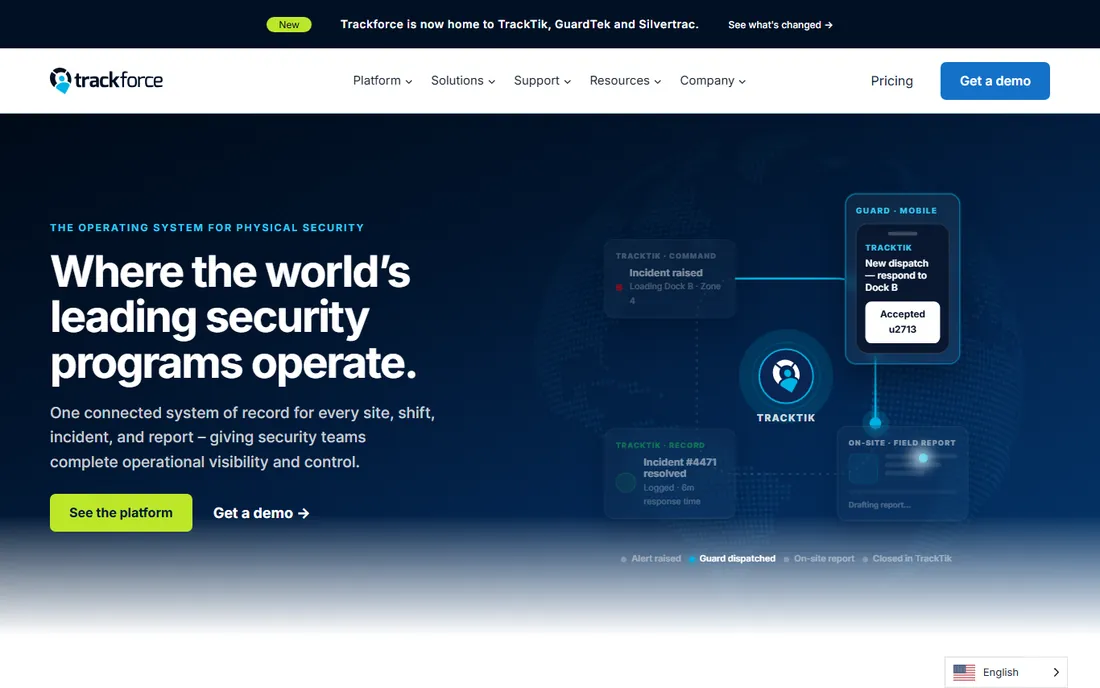
Trackforce is the product the security industry knows as TrackTik, now operating under the Trackforce name. It is the full operations platform: smart scheduling, guard tours with proof of presence, incident and daily activity reporting, automated billing and contracts, payroll prep, and board-level reporting, all connected so a clock-in flows through verification, reporting, billing and payroll without manual steps. Firms running dozens or hundreds of sites use it to replace four or five separate systems.
The catch is that this is an enterprise sale. Pricing is custom, quoted by site and by module, and implementation is a project, not a signup. A small firm with under 20 guards will find the platform and the price both heavier than needed. If you run multiple client sites and your back office is drowning in spreadsheets, this is the standard the rest of the category is measured against.
What we like- Schedules, guard tours, incident reports, billing and payroll prep in one system of record
- Pricing scales with the number of sites you protect, so growing headcount does not grow the bill
- 600k+ active users across 50+ countries per the vendor
Watch out for- No published pricing, so every quote goes through sales
- The depth of the platform is overkill for a firm with a handful of guards and one or two posts
#2
GuardsPro
Best for: Small to mid-size guard firms wanting full guard tools cheaply
Visit guardspro.com
Starting price$5/user/month (Essential plan, minimum 3 users)
Free planFree trial (30 days)
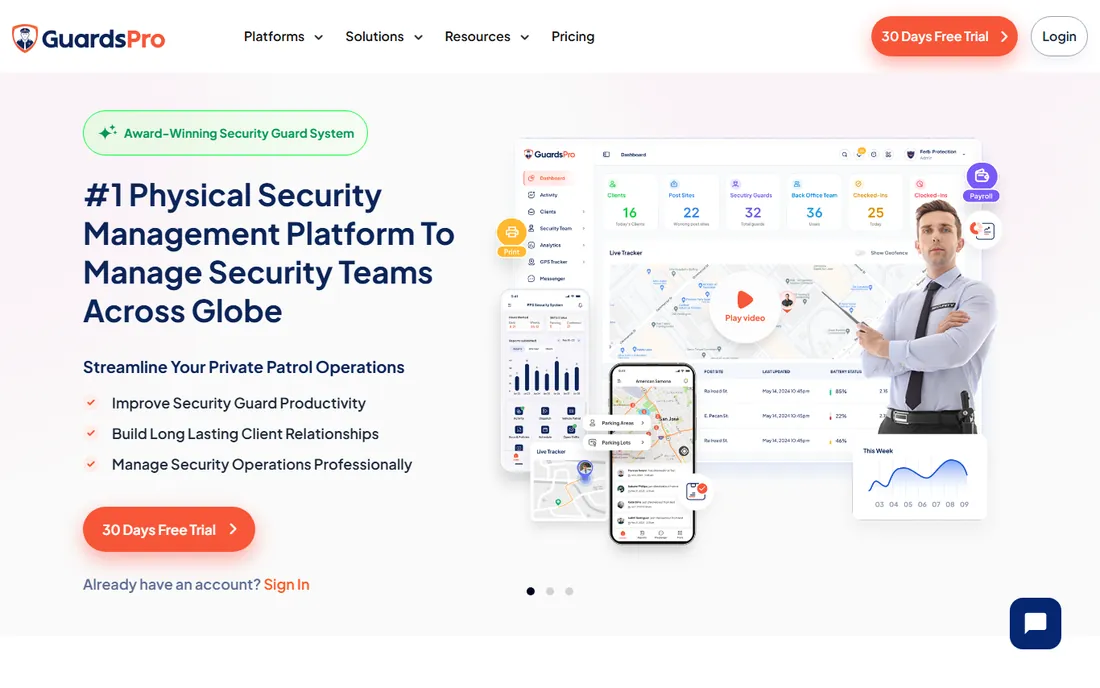
GuardsPro gives small guard firms the toolset the big platforms sell, at a price a 10-guard company can actually pay. Scheduling covers weeks in advance with open shifts and shift status; guards check in from the post site on their phones; GPS tracking and geofences verify they are where the schedule says; site tours, daily activity reports and incident reports flow to a client web portal. Invoicing and estimates are built in, which most pure schedulers never touch.
The honest catch is the tier ladder. Essential at $5 per user is genuinely cheap, but site tours, geofencing and the messenger only appear on Advanced ($8) and Professional ($10). Budget for Professional if you want the guard tour workflow, since that is the core of the product for patrol operations. Even then, $10 per user per month is a fraction of what the enterprise platforms charge.
What we like- Published pricing starting at $5 per user per month, among the lowest in the category
- Scheduler, GPS live tracking, geofencing, site tours, time clock, incident reports and invoicing included
- Payroll exports to QuickBooks, Gusto, ADP and Paychex
Watch out for- The cheapest Essential plan leaves out site tours, geofencing and messenger, which are the features that make it a guard platform rather than a scheduler
- Mobile-app-first design means the web dashboard feels secondary
Starting priceSee website (pricing not published)
Free planFree trial (no credit card required)
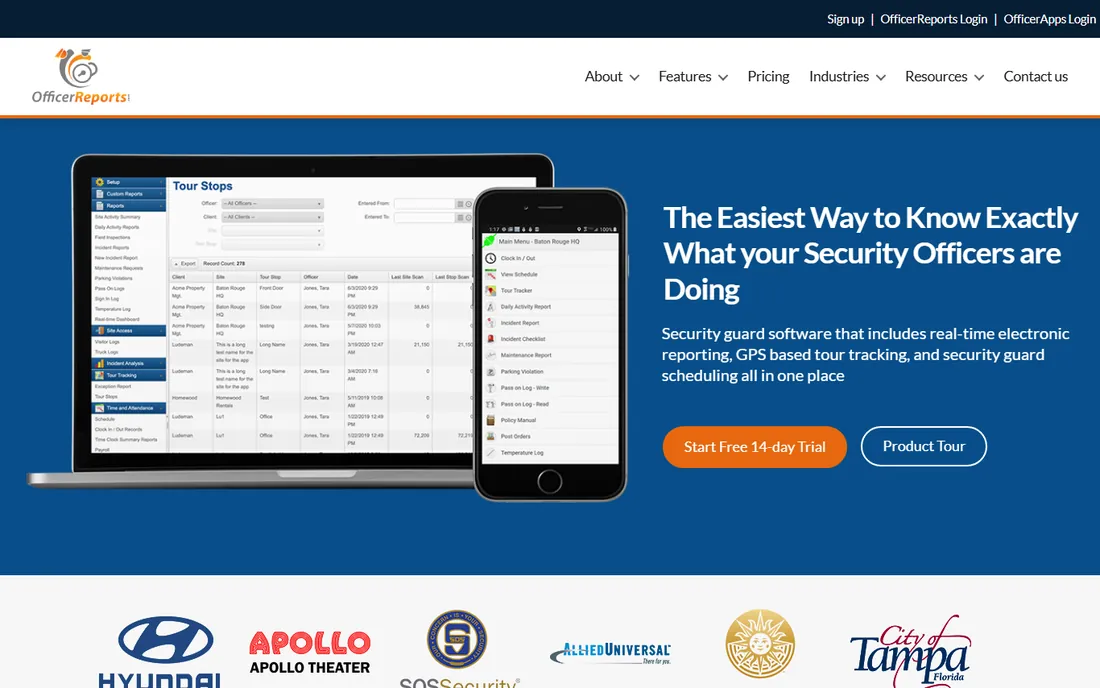
OfficerReports has been selling guard software since 2013 and the pitch has barely changed: simple enough for a non-technical guard company owner, complete enough to replace paper. Real-time electronic reporting goes to clients on time, GPS tour tracking shows patrol activity live and alerts you when officers miss checkpoints, and GPS-verified clock-ins tie time and attendance to scheduling, payroll and invoicing.
The trade is depth for simplicity. You will not get the billing automation, business intelligence or multi-country compliance machinery of Trackforce, and the absence of published pricing is annoying for a product that sells itself on affordability. For a firm under 50 guards that wants to stop faxing daily activity reports, the learning curve is close to zero, which is exactly the point.
What we like- Built specifically for guard companies, with electronic reporting, GPS tour tracking and scheduling in one place
- Positioned as the affordable option and designed for non-technical owners
- Free trial with no credit card required
Watch out for- No published pricing, so you cannot compare costs without talking to sales
- The interface and feature set are simpler than the enterprise platforms, which shows at scale
#4
Celayix
Best for: Large or complex operations with union rules and compliance risk
Visit celayix.com
Starting priceSee website (tailored quote; minimum 25 employee licenses, annual term)
Free planNo (none advertised)
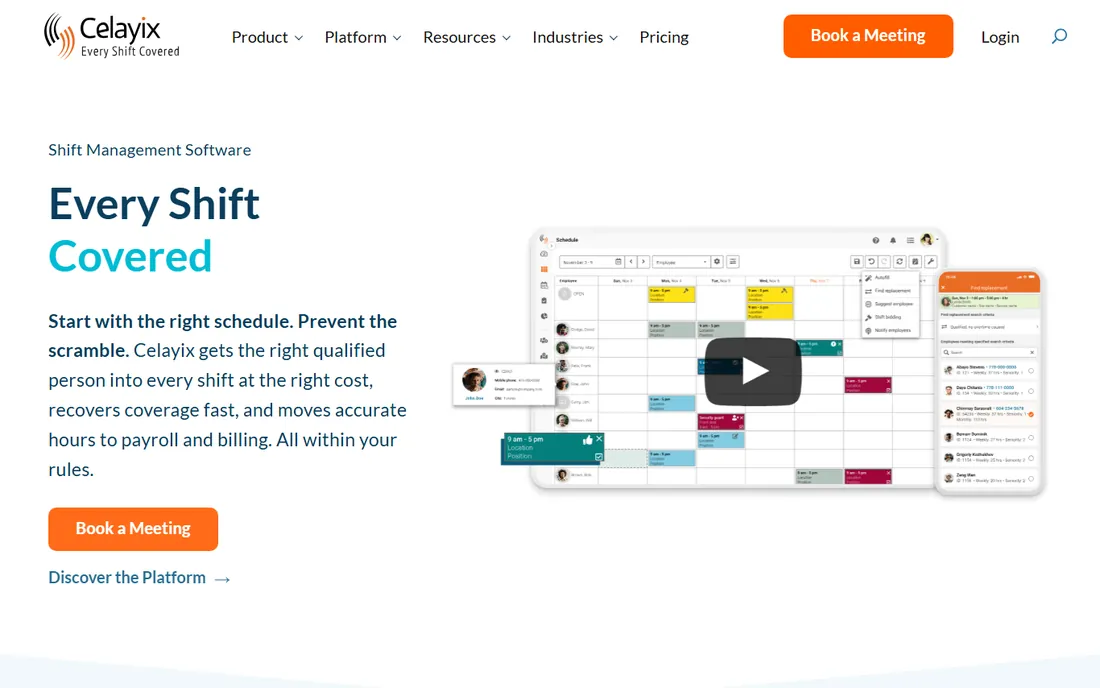
Rule-heavy scheduling is where Celayix earns its keep. It is not a guard-only product, but its security-industry practice is real, and its strength is exactly where guard scheduling gets painful: rules. Seniority, qualifications, overtime, union agreements, expired certifications and fatigue limits are checked before and after the schedule is published, and open shifts refill in seconds with the most qualified lowest-cost available guard. Time collection, payroll, billing and HR integrations connect into one workflow.
The catch is the commitment. Pricing is tailored per organization with a minimum of 25 licenses on an annual term, and the vendor says the platform suits organizations with 50 or more employees. Implementation is scoped and takes weeks. If your scheduling headaches are about compliance exposure and labor cost rather than just filling a roster, Celayix earns its place on the shortlist. If you run 15 guards, it does not.
What we like- Built for complex, compliance-heavy scheduling: union rules, fatigue rules, qualifications and certifications checked automatically
- Cost-optimized autofill finds the lowest-cost qualified staffer for open shifts
- Security is a named target industry with reference customers
Watch out for- Enterprise pricing with a 25-license minimum and annual term locks out small firms
- Implementations typically take 4 to 10 weeks, so this is a project with onboarding services, not a quick signup
#5
Connecteam
Best for: Small guard teams that need scheduling plus time tracking for free or cheap
Visit connecteam.com
Starting price$29/month for the first 30 users (Operations Basic)
Free planYes (full access free for teams under 10 employees)
For small guard teams watching every dollar, Connecteam is the value play. It is a general workforce app whose Operations hub covers the scheduling and attendance half of the job at a price almost nobody beats. Free under 10 employees means a startup guard company can run real scheduling, GPS clock-ins, shift attachments and time-off management at zero cost. The $29 per month Basic tier for up to 30 users adds payroll integration and keeps the per-user math flat.
Know what you are not getting. There is no guard tour verification, no incident or daily activity reporting, and no client-facing portal, so the patrol side of the business stays on paper or in another app. If your contracts require tour proof and client reporting, pair Connecteam with a reporting tool or pick a guard-native platform. If you just need posts covered and hours verified, this is the value pick.
What we like- Free for teams under 10 employees, then $29 per month flat for up to 30 users, which is the cheapest paid scheduling in this roundup
- GPS time clock, geofencing, job scheduling and payroll integrations included
- 14-day free trial with no credit card
Watch out for- Not built for security: no guard tours, no incident reporting, no client portal, so patrol operations need a second tool
- Per-user fees beyond 30 users add up as the team grows
#6
Deputy
Best for: Shift-based guard teams that need labor law compliance built in
Visit deputy.com
Starting price$5/user/month (Lite plan)
Free planFree trial
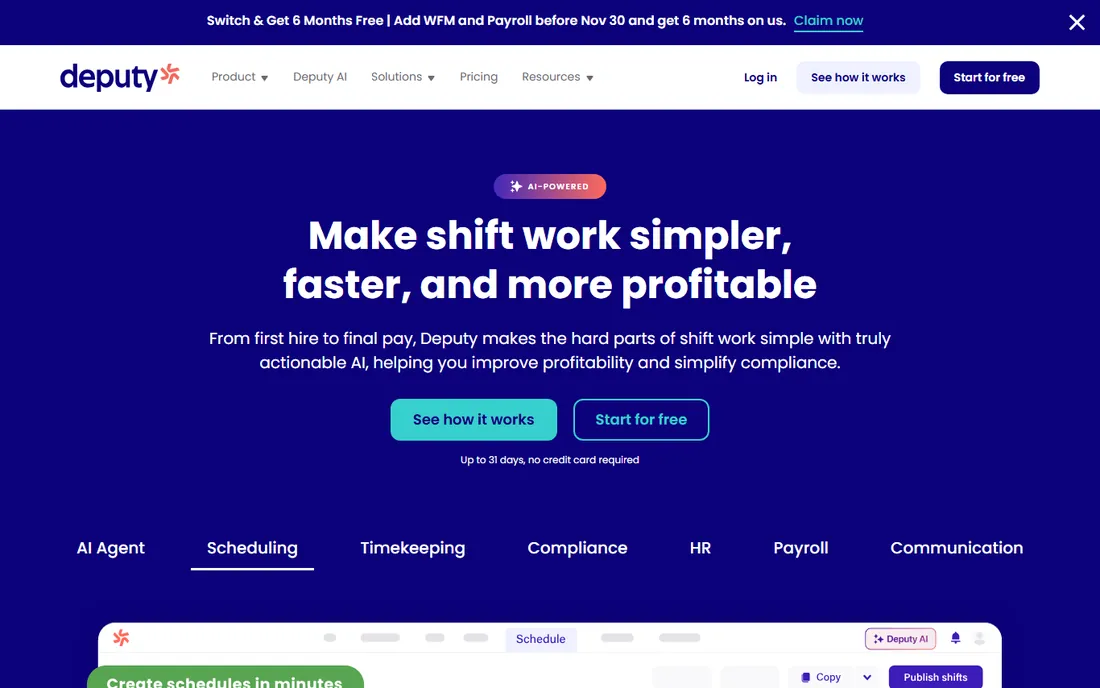
Compliance is Deputy's edge. The scheduling and time-tracking platform brings unusually strong labor-law machinery, which matters for guard firms running overnight shifts across jurisdictions. The Lite plan at $5 per user per month covers scheduling, timesheets, time clocking and leave; Core at $6.50 adds auto-scheduling and demand forecasting; Pro at $9 adds SSO and analytics. Shift swap and find-replacement features handle the constant churn of guard rosters.
The pricing details deserve a read. Every plan carries a $30 monthly minimum, and all admins and supervisors count as billable users. SMS notifications, the channel many guard firms actually use to reach officers, are billed per message. Deputy fits firms that want compliance-grade scheduling with published prices and no sales process. It does not do guard tours or incident reports, so treat it as the scheduling engine, not the whole operation.
What we like- Transparent per-user pricing from $5 per month with auto-scheduling, demand forecasting and labor optimization on higher tiers
- Labor law compliance, breaks, overtime and fair workweek rules automated
- 24/7 live chat support on the Pro plan
Watch out for- Minimum $30 per month per invoice means very small teams pay for seats they do not have
- SMS schedule notifications cost extra per message, which adds up for guard teams that rely on texting
#7
Timeero
Best for: Mobile guard crews where GPS proof of attendance is the priority
Visit timeero.com
Starting priceSee website (pricing not shown on the pricing page)
Free planNo (none advertised)
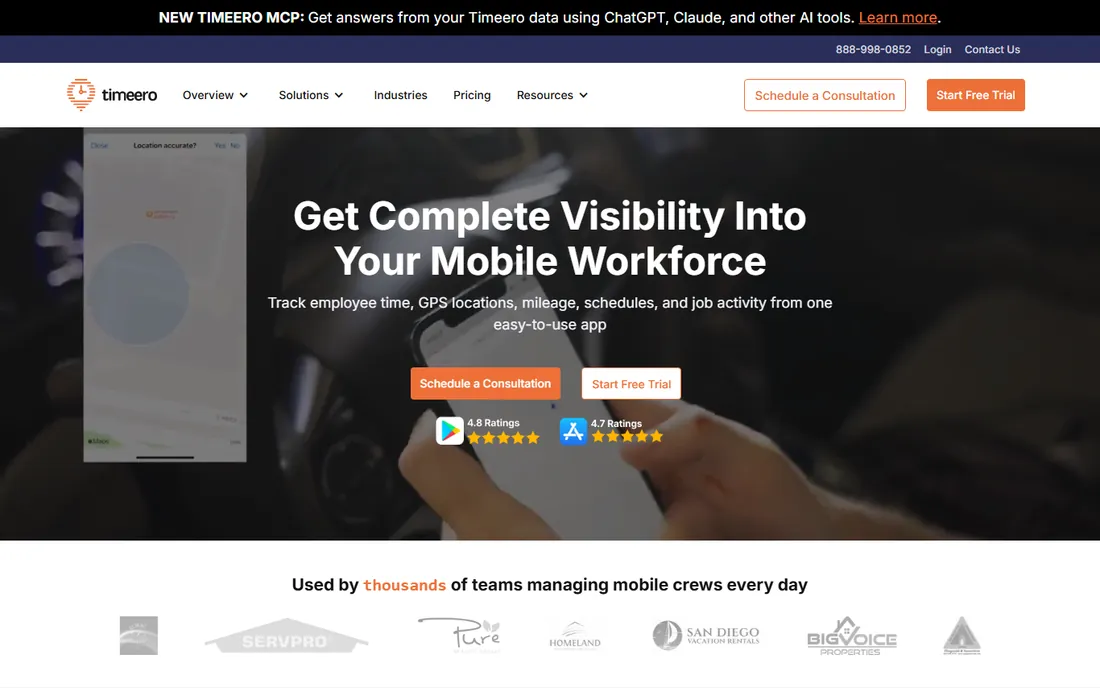
Timeero answers one question better than almost anyone here: was the guard actually on site, and for exactly how long. Geofences around post sites trigger automatic clock-in and clock-out, GPS breadcrumbs record the patrol route, and timesheets arrive payroll-ready with overtime calculated. Mileage tracking with built-in IRS rates covers vehicle patrols. Scheduling exists with shift reminders and time-off management, but it supports the tracking story rather than leading it.
The frustration is the pricing page, which shows testimonials instead of prices. You will need a demo or a sales call to learn what a 20-guard team pays. For firms whose billing disputes come down to proof of presence, the GPS evidence is worth the extra step. If scheduling complexity is your main pain, the dedicated schedulers above give you more for the effort.
What we like- GPS time tracking with geofenced auto clock-in and out, so guards never forget to clock in at the post
- Mileage tracking with IRS rate calculations for patrol vehicles
- Scheduling, time-off management and payroll integrations with QuickBooks, Gusto, ADP, Paychex and Paylocity
Watch out for- No published prices anywhere on the site, which is unusual for this segment and makes comparison shopping slow
- The product centers on time and location tracking, so scheduling depth is thinner than Deputy or When I Work
#8
When I Work
Best for: Small hourly teams that want scheduling live in an afternoon
Visit wheniwork.com
Starting price$2.50/user/month
Free planFree trial (14 days)
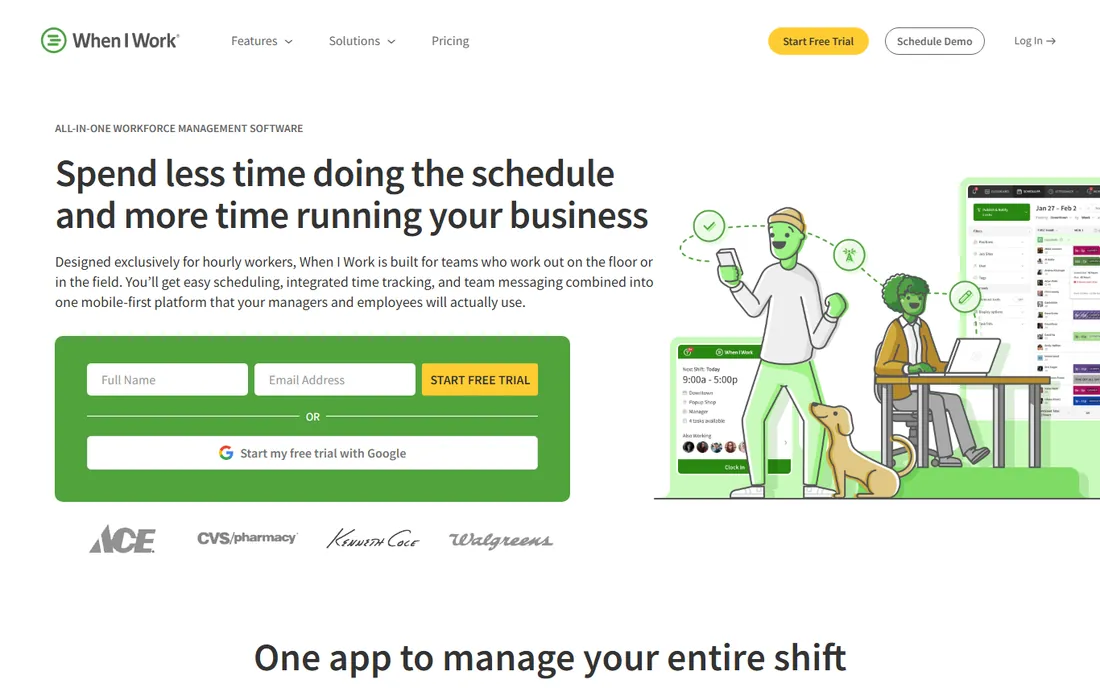
Simplicity is the entire pitch for When I Work, the simplest scheduling tool on this list, and it makes no apology for it. Build the schedule in minutes, offer open shifts to fill gaps, approve swaps from your phone, and verify attendance with GPS clock-ins and geofencing. The whole thing is designed for managers who do scheduling between other jobs, and setup genuinely takes minutes rather than weeks.
For a guard firm it covers the roster and nothing else. There is no patrol verification, no incident reporting, no client portal and no dispatch. Many small firms run exactly this way: When I Work for the schedule, and reports handled separately. At $2.50 per user per month with a 14-day trial, it is the cheapest way to get off the spreadsheet. Just be honest about whether your contracts demand more than a schedule.
What we like- The lowest published per-user price in this roundup at $2.50 per user per month
- Scheduling, GPS time clock with geofencing, and team messaging in one mobile-first app
- Integrations with Rippling, ADP, QuickBooks and Gusto
Watch out for- Built for restaurants, retail and general hourly work, so nothing here is security-specific: no tours, no incident reports, no post orders
- The low per-user price still scales linearly, so a 100-guard roster costs $250 per month before add-ons
Guard tours vs. scheduling: know which problem you are buying for
Guard software splits into two jobs that vendors love to blur. Scheduling puts the right guard on the right post at the right time and handles swaps, time off and overtime. Guard tour and patrol management proves the guard actually walked the route: checkpoints, GPS breadcrumbs, tour tags, missed-checkpoint alerts and the daily activity reports clients read. Trackforce, GuardsPro and OfficerReports do both. Connecteam, Deputy, Timeero and When I Work do scheduling and attendance, with Timeero adding the strongest location proof.
Buy for the contract requirements, not the feature list. If your client contracts or RFPs mention tour verification, checkpoint reports or client portals, the general schedulers will fail you no matter how good their rosters are. If you run fixed posts where the requirement is coverage plus verified hours, a strong scheduler with GPS time tracking is enough and costs a fraction of the guard platforms. Write down which of the two jobs causes your current pain before you book a single demo.
What to look for in guard scheduling software
Start with coverage protection. Open-shift marketplaces, find-replacement workflows and no-show alerts are the difference between a schedule and a coverage system. Ask every vendor how a 2 a.m. callout gets filled and how fast the supervisor finds out. Then check the mobile experience from the guard's side: if clock-in takes more than a few taps or the app drains the battery by mid-shift, adoption dies and your data with it.
For patrol operations, verify the proof-of-presence chain end to end. Can you define checkpoints per site, and does the system alert in real time when one is missed. Do GPS tracks, tour tags and clock-ins reconcile into one report the client can read. Ask whether the client portal shows live data or yesterday's exports, because clients increasingly expect the former.
On the commercial side, match the pricing model to your growth. Per-user pricing punishes growing headcount; Trackforce's per-site pricing rewards it. Check minimums: Deputy's $30 monthly minimum and Celayix's 25-license floor change the math for small teams. Confirm what the base price excludes: SMS notifications, extra sites, payroll modules and client portal seats are the usual add-ons. And confirm the billing side if you invoice from the same system: GuardPro and Trackforce include invoicing, the general schedulers do not.
How we chose
We started with the searches buyers actually run: security guard scheduling software, guard tour software, security workforce management and guard patrol software. For each candidate we opened the vendor's own homepage and pricing page, copied the final address-bar URL after redirects, and checked prices and plan details against the vendor's published pages only. Two products were dropped during research: PatrolLIVE, whose own knowledge base says the product is being sunset, and Silvertrac, whose domain now serves the Trackforce site after the acquisition. Where a price could not be verified on the vendor's pages we wrote "See website" rather than guessing.
Frequently asked questions
What is the difference between guard scheduling software and guard tour software?
Scheduling assigns guards to posts and shifts and manages swaps and time off. Guard tour software verifies patrols happened: checkpoints, GPS tracks, missed-tour alerts and the reports clients see. Platforms like Trackforce, GuardsPro and OfficerReports combine both. General tools like Deputy and When I Work cover scheduling and attendance only.
How much does security guard scheduling software cost?
Published prices in this roundup run from $2.50 per user per month (When I Work) and $5 per user per month (GuardsPro, Deputy) up to $29 per month flat for 30 users (Connecteam). Trackforce, OfficerReports, Timeero and Celayix do not publish prices: expect custom quotes, with Celayix requiring at least 25 licenses on an annual term.
Can I use a general scheduling app like When I Work for my guard company?
Yes, if your need is covering posts and verifying hours. General schedulers handle rosters, swaps, GPS clock-ins and payroll exports well and cost far less. They cannot do guard tours, incident reporting or client portals, so check your client contracts first: if they require patrol proof or daily activity reports, you need a guard-native platform.
Do these tools handle payroll and billing?
Trackforce includes billing, contracts and payroll prep; GuardsPro includes invoicing and estimates plus payroll exports to QuickBooks, Gusto, ADP and Paychex. Deputy, Connecteam and Timeero integrate with payroll providers rather than running payroll themselves. Confirm whether certified payroll or specific state rules apply to your contracts before choosing.
What should I ask on a demo?
Ask how a no-show at 2 a.m. gets covered and who gets alerted, how missed tour checkpoints surface to supervisors, whether the client portal shows live or delayed data, exactly what the base price excludes, and how long implementation takes. For enterprise platforms, ask for the full fee schedule in writing: per-site vs. per-user pricing changes the total fast.
Sources we checked (14)
- https://trackforce.com/
- https://trackforce.com/pricing
- https://guardspro.com/
- https://guardspro.com/pricing
- https://officerreports.com/
- https://celayix.com/
- https://celayix.com/pricing
- https://connecteam.com/
- https://connecteam.com/pricing
- https://deputy.com
- https://deputy.com/pricing
- https://timeero.com
- https://timeero.com/pricing
- https://wheniwork.com/
Is your product missing or out of date?
We review this list regularly. Vendors can request a listing, send updated pricing or ask about featured placement.

Shihab Mia · Founder, Rankite
Shihab has spent more than a decade helping SaaS and e-commerce brands grow through search. He writes Rankite's software buying guides from pricing pages, documentation and public user reviews. More about Shihab.