How we make this list: we compare pricing pages, product documentation and public user reviews. Rankite is independent; if a vendor ever pays for a featured spot, that listing is clearly labeled Partner.
Key takeaways
- Google Workspace and Microsoft 365 are the two office suites every business chooses between.
- Slack and Zoom own team communication; Notion and Asana own work organization.
- HubSpot CRM gives small businesses a genuinely free CRM.
- 1Password is the security layer every stack needs.
- Most tools offer free plans or trials; paid plans start around $7 to $15 per user per month.
Quick comparison
| Tool | Best for | Starting price | Free plan |
|---|
 Google Workspace Google Workspace | Gmail-based productivity | $7 per user/month (Business Starter) | Free trial (14 days) |
 Microsoft 365 Microsoft 365 | Office-based productivity | See website | No |
 Slack Slack | team communication | $7.25 per user/month (Pro, billed annually) | Yes |
 Notion Notion | docs and wikis | $10 per seat/month (Plus) | Yes |
 HubSpot CRM HubSpot CRM | free CRM | Free | Yes |
 Zoom Zoom | video meetings | $14.16 per user/month (Pro, billed annually) | Yes |
 Asana Asana | work management | $10.99 per user/month (Starter, billed annually) | Yes |
 1Password 1Password | password security | See website | Free trial |
Is your product missing or out of date?
We review this list regularly. Vendors can request a listing, send updated pricing or ask about featured placement.
The best saas software
Starting price$7 per user/month (Business Starter)
Free planFree trial (14 days)
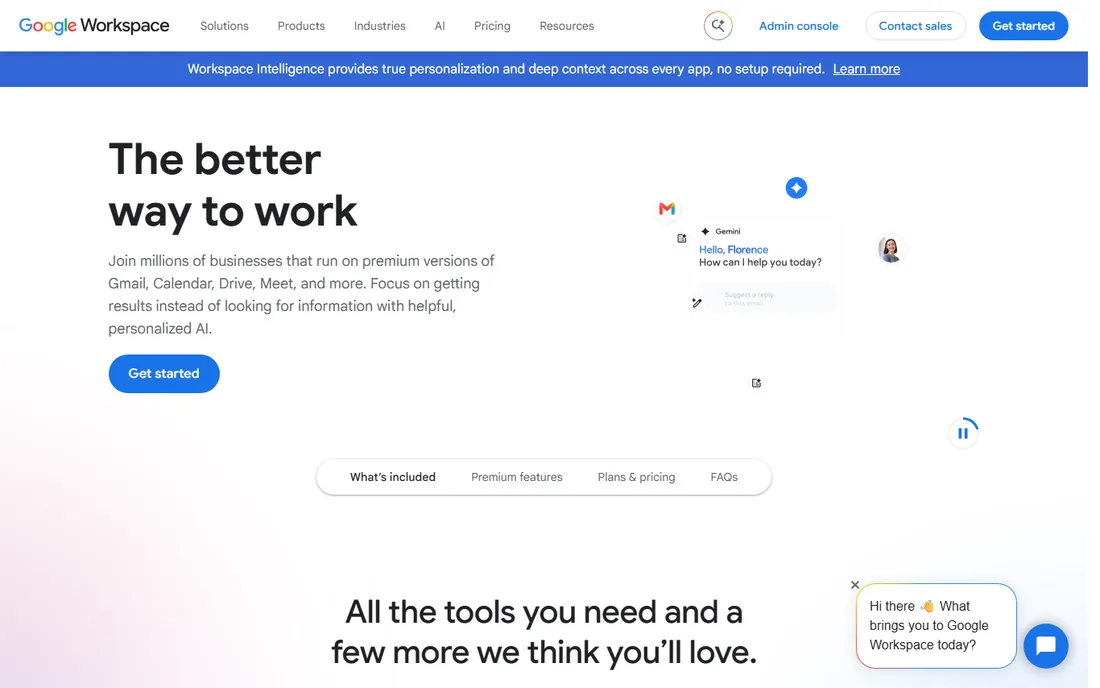
Google Workspace is the cloud office suite built around Gmail: business email, Drive storage, Docs, Sheets, Slides, Meet, and Chat. Pricing starts at $7 per user per month for Business Starter, with Standard at $14 and Plus at $22. A 14-day free trial requires no credit card.
For businesses that live in the browser, Workspace is the simplest stack decision: everything works together and collaboration is effortless. The real-time co-editing in Docs remains the best in the business. The limitation is Microsoft Office compatibility for complex spreadsheets and documents. Companies choosing Google over Microsoft should commit fully rather than straddle both.
Google's Gemini AI is now woven through the suite, drafting emails and summarizing docs. For teams already on Gmail, the AI features arrive with no new vendor to evaluate.
What we like- Gmail, Drive, Docs, Meet in one suite
- Simple per-user pricing
- Strong collaboration
Watch out for- Office compatibility quirks
- Storage limits on lower tiers
Starting priceSee website
Free planNo
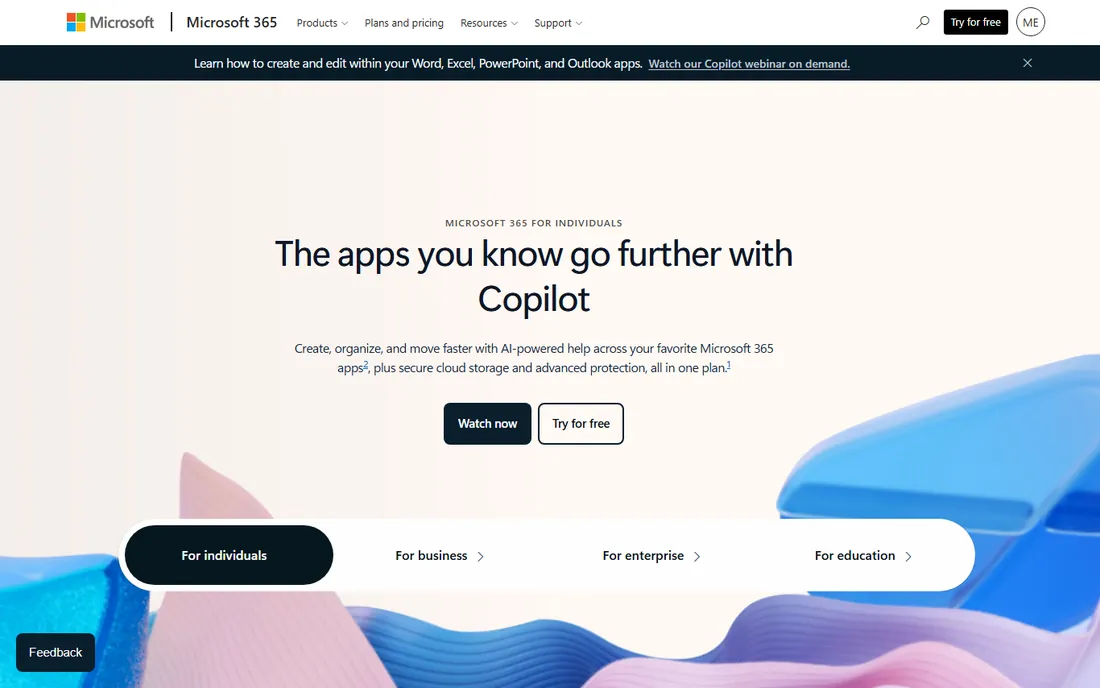
Microsoft 365 is the cloud evolution of Office: Word, Excel, PowerPoint, Outlook, Teams, and OneDrive, with business plans from Basic through Premium and enterprise tiers. Pricing is quote and plan dependent, varying by commitment term.
For businesses built on Office documents and Excel models, Microsoft 365 is the only real choice: nothing else runs Excel like Excel. Teams has matured into a genuine collaboration hub. The catch is complexity: plans, commitments, and Copilot add-ons make buying harder than it should be. Office-centric companies should buy through a Microsoft partner to get the licensing right.
Microsoft 365 Copilot brings AI directly into Word, Excel, and Teams for eligible plans. For Office-heavy businesses, that integration is the strongest argument for staying in the Microsoft ecosystem.
What we like- Word, Excel, PowerPoint, Teams, Outlook
- Desktop apps included
- Enterprise security
Watch out for- Pricing varies by plan and commitment
- More complex than Workspace
Starting price$7.25 per user/month (Pro, billed annually)
Free planYes
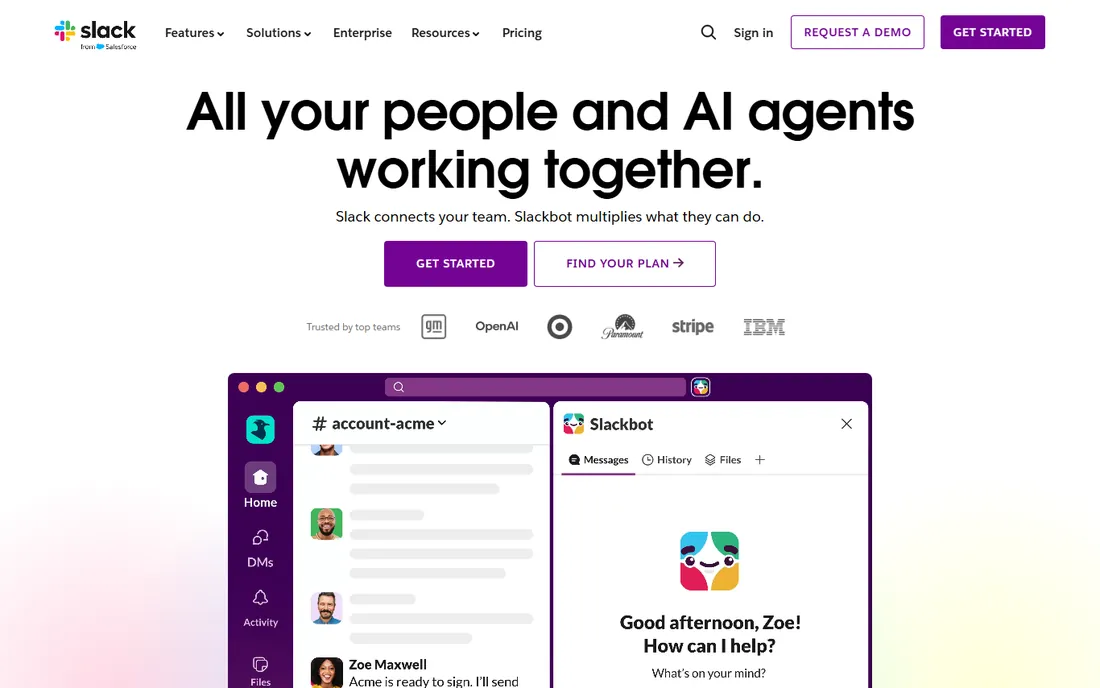
Slack is the team communication platform that made channels the default: organized conversations, searchable history, and integrations with nearly every other SaaS tool. The free plan covers small teams; Pro is $7.25 per user per month billed annually ($8.75 monthly), and Business+ is $15 per user per month.
For teams drowning in email, Slack is the fix: conversations become findable, decisions become visible, and tools post updates where people see them. The Salesforce ownership has deepened the CRM integration. The honest catch is noise: without channel discipline, Slack becomes the distraction it was meant to kill. Teams adopting Slack should set communication norms on day one.
Slack's AI features now summarize channels and threads, catching up new team members automatically. For large workspaces, that alone can justify the paid tier.
What we like- Channel-based messaging that replaced email
- Huge app integrations
- Free plan available
Watch out for- Can become noisy without discipline
- Paid tiers add up at scale
Starting price$10 per seat/month (Plus)
Free planYes
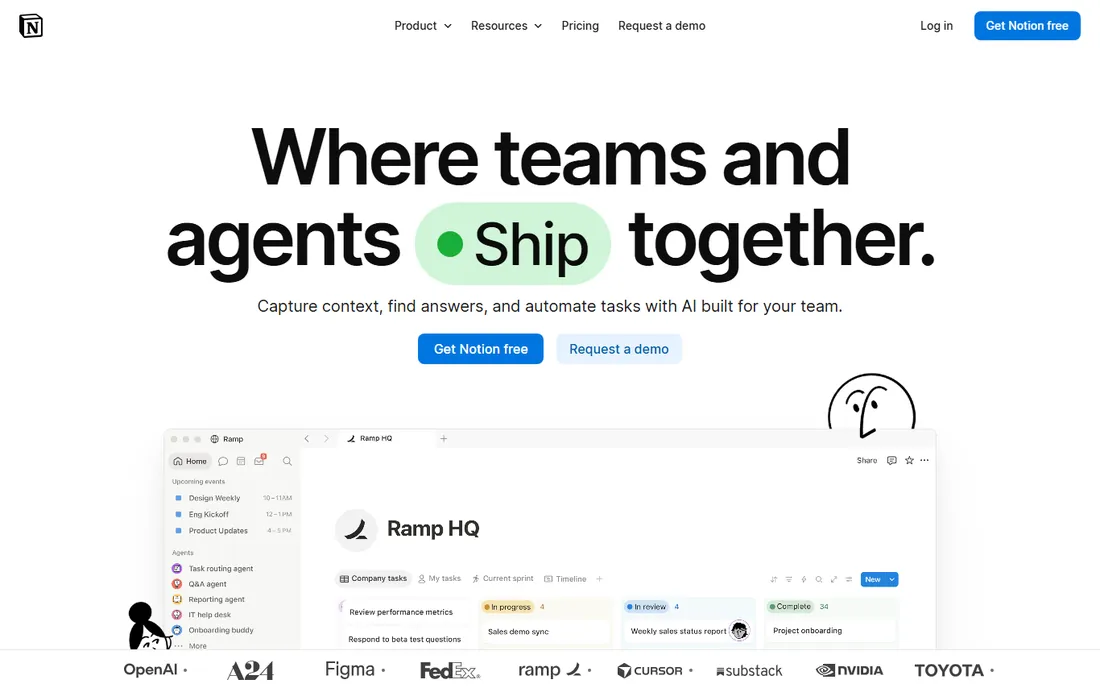
Notion is the connected workspace for wikis, docs, and projects: pages, databases, and now AI agents that automate recurring workflows. Pricing is free for individuals, Plus at $10 per seat per month, and Business at $20 per seat per month.
For companies whose knowledge lives in scattered docs, Notion is the consolidator: wikis, project trackers, and meeting notes in one searchable place. The new custom agents handle repetitive workflows automatically. The limitation is governance: without templates and ownership rules, Notion becomes a beautiful mess. Teams should appoint a workspace owner before rolling it out.
The Q&A and custom agent features turn the workspace into an answerable knowledge base. For companies tired of docs nobody reads, AI that surfaces answers changes the equation.
What we like- Docs, wikis, databases, and projects in one
- Generous free plan
- AI agents built in
Watch out for- Can get messy without structure
- Performance on huge workspaces
Starting priceFree
Free planYes
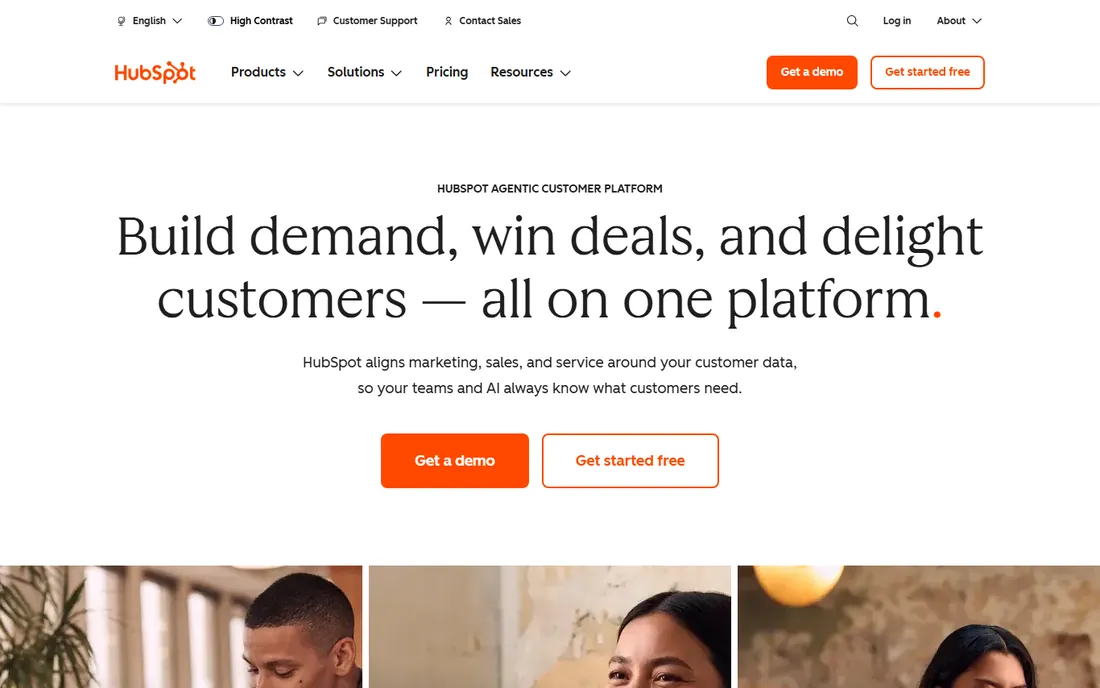
HubSpot CRM is the free customer platform: contact management, deal pipelines, email tracking, and meeting scheduling at no cost, with paid Marketing, Sales, Service, and Operations hubs layered on top. The free tier is genuinely useful, not a demo.
For small businesses that need a CRM but cannot justify Salesforce, HubSpot is the default answer: set it up in an afternoon and grow into the paid hubs as revenue allows. The shared data model means marketing and sales finally see the same customer. The catch is the upsell curve: the paid hubs are priced for growth-stage companies. Start free, upgrade deliberately.
HubSpot's Breeze AI layer now assists across the hubs, from prospecting to service. For small businesses, that means enterprise-style automation without enterprise headcount.
What we like- Genuinely free CRM
- Unified contact records
- Scales into marketing, sales, service hubs
Watch out for- Paid hubs get expensive
- Free tier has limits that push upgrades
Starting price$14.16 per user/month (Pro, billed annually)
Free planYes
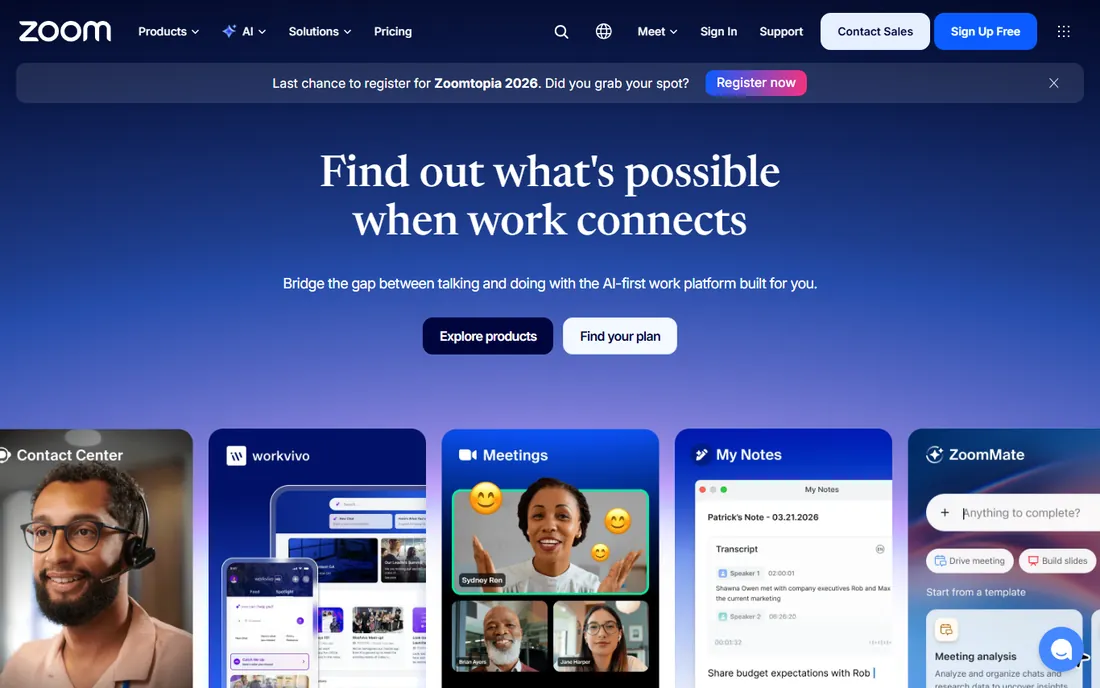
Zoom Workplace is the video conferencing standard: reliable meetings, team chat, phone, whiteboard, and an AI companion that summarizes meetings and answers questions. The Basic plan is free (40-minute group meetings); Pro is $14.16 per user per month billed annually ($16.99 monthly), and Business is $18.33.
For remote and hybrid teams, Zoom remains the safest meeting choice: it simply works, across devices and network conditions. The AI companion's meeting summaries save real time. The limitation is cost creep and the broader problem of too many meetings. Companies standardizing on Zoom should pair it with a meeting culture that respects calendars.
Zoom's AI Companion continues to expand, with meeting summaries, smart recordings, and in-meeting questions now standard on paid plans. For meeting-heavy teams, the time savings compound weekly.
What we like- Best-in-class meeting reliability
- AI companion with summaries
- Free Basic plan
Watch out for- Pricing increased over the years
- Meeting fatigue is real
Starting price$10.99 per user/month (Starter, billed annually)
Free planYes
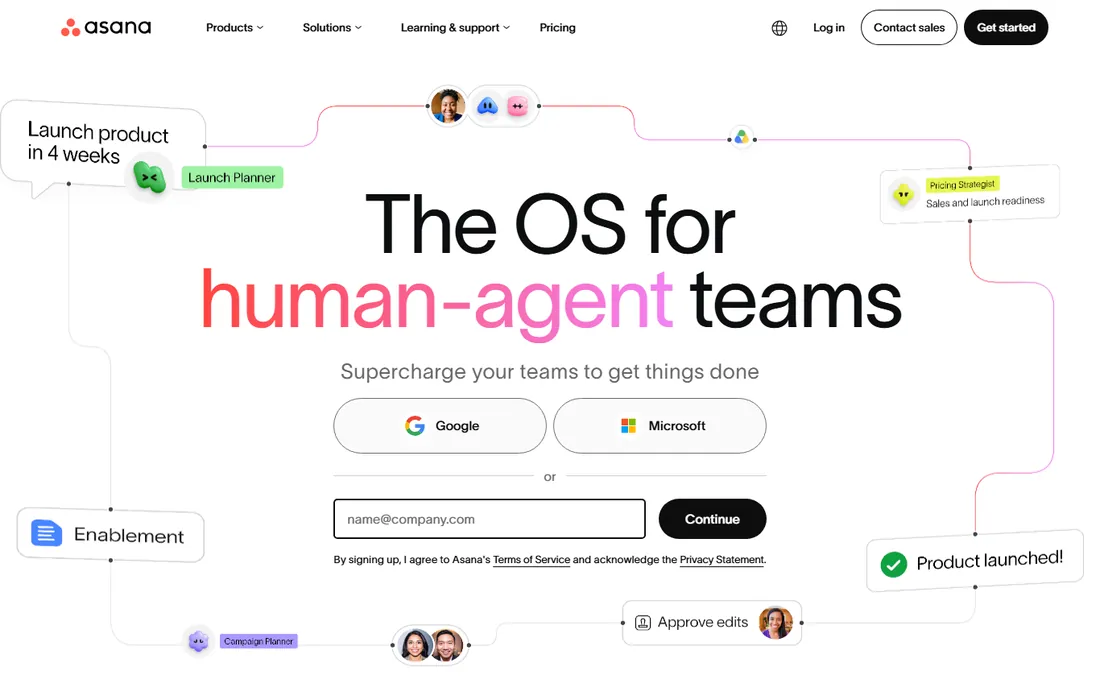
Asana is the work management platform for planning, tracking, and delivering work: projects, timelines, boards, goals, and AI that handles busywork. The Personal plan is free; Starter is $10.99 per user per month billed annually, and Advanced is $24.99.
For teams whose work disappears into chat threads, Asana creates accountability: every task has an owner, a date, and a visible status. The Work Graph connects daily tasks to company goals. The catch is tiering: meaningful automation and reporting sit in Advanced. Teams should start on Starter and prove the workflow before upgrading.
Asana AI now handles routine coordination: drafting status updates, triaging requests, and flagging at-risk work. For managers, that means fewer check-in meetings.
What we like- Clear project tracking with timelines
- 170,000+ organizations
- Free Personal plan
Watch out for- Advanced features in higher tiers
- AI requests cost extra
Starting priceSee website
Free planFree trial
1Password is the password manager that businesses standardize on: secure vaults, sharing, admin controls, and a secret-key security model that protects data even if servers are breached. The company has expanded into identity security with unified access and SaaS management products. Pricing is quote-based on the current site, with a free trial available.
For any business, a password manager is not optional: shared credentials in spreadsheets are a breach waiting to happen. 1Password's admin controls and audit logs make it IT-friendly. The limitation is the current site's enterprise focus, which hides the simple team pricing. Security-conscious companies should request the trial and evaluate the business plans.
The 2026 launches, including the Credential Broker for AI agents, show 1Password thinking beyond human passwords. For companies adopting AI agents, that forward planning matters.
What we like- Best-in-class password management
- Business vaults and permissions
- Security model with secret key
Watch out for- Pricing not shown on current site
- Another subscription to manage
How we chose
We selected the foundational SaaS categories every small and mid-size business needs: office suite, communication, documentation, CRM, meetings, work management, and security. We verified each vendor's homepage directly and pulled pricing from each vendor's own pricing page, using "See website" where prices did not render. We never claim hands-on testing.
The core stack: what every business needs
Eight tools is a lot; most businesses need five categories covered.
Communication and meetings
Slack for daily chat, Zoom for meetings. Some teams use Teams or Meet instead; pick one of each.
Documents and knowledge
Google Workspace or Microsoft 365 for the office suite, plus Notion for the wiki.
Customers and work
HubSpot CRM for customer records, Asana for getting work done.
Security
1Password for credentials. Non-negotiable.
The integration test
The best SaaS tools play well with others. Before committing, check three things: does it integrate with your CRM, does it have a real API, and does it support single sign-on. Tools that fail these tests become data silos. The eight tools here all pass, which is part of why they lead their categories.
Frequently asked questions
What is the best SaaS software?
Google Workspace and Microsoft 365 lead in office productivity, Slack in team communication, Notion in docs and wikis, HubSpot CRM in free CRM, Zoom in video meetings, Asana in work management, and 1Password in password security. Most businesses need one tool from each category.
What is SaaS software?
SaaS (software as a service) is software delivered over the internet on a subscription basis. Instead of installing software, you access it through a browser or app, and the vendor handles updates, security, and infrastructure. Examples include Gmail, Slack, and Zoom.
What is the best software as a service for small business?
Small businesses should start with the essentials: an office suite (Google Workspace at $7 per user per month or Microsoft 365), Slack or Teams for chat, HubSpot's free CRM, and 1Password for security. Add Notion and Asana as the team grows.
How much does SaaS software cost?
Most business SaaS tools cost $7 to $25 per user per month. Google Workspace starts at $7, Slack at $7.25, Notion at $10, Asana at $10.99, and Zoom at $14.16 per user per month (all billed annually). HubSpot CRM is free.
Which is better, Google Workspace or Microsoft 365?
Google Workspace is simpler and better for browser-first teams that value collaboration. Microsoft 365 is better for Office-centric businesses that depend on Excel, Word, and desktop apps. Most companies should pick one and commit rather than running both.
Do I need both Slack and Zoom?
They serve different purposes: Slack for async team chat and Zoom for video meetings. Many teams use both. If budget is tight, Microsoft Teams or Google Meet can cover meetings within your office suite.
Sources we checked (8)
- https://workspace.google.com/pricing
- https://www.microsoft.com/en-us/microsoft-365
- https://slack.com/pricing
- https://www.notion.com/pricing
- https://www.hubspot.com/
- https://www.zoom.com/pricing
- https://asana.com/pricing
- https://1password.com/pricing
Is your product missing or out of date?
We review this list regularly. Vendors can request a listing, send updated pricing or ask about featured placement.

Shihab Mia · Founder, Rankite
Shihab has spent more than a decade helping SaaS and e-commerce brands grow through search. He writes Rankite's software buying guides from pricing pages, documentation and public user reviews. More about Shihab.