How we make this list: we compare pricing pages, product documentation and public user reviews. Ratings come from G2, Capterra or Trustpilot, with the date we checked them.
Key takeaways
- Rock Identifier: Stone ID is the most-used photo identifier, with more than 10 million installs and a database of over 1,000 rock types.
- Rock ID is the best free option for casual collectors, with a free tier and a Pro upgrade for unlimited manual identification.
- Google Lens is the fastest free check when you only need a rough match, since it is already on most phones and costs nothing.
- Rockd is different from the rest: it identifies where you are geologically rather than scanning a photo, which makes it a field companion, not a scanner.
- No photo app is perfect. Treat every result as a best guess, and confirm important finds with hardness, streak, and other physical tests.
Quick comparison
Is your product missing or out of date?
We review this list regularly. Vendors can request a listing, send updated pricing or ask about featured placement.
The best rock identification apps
Starting priceSee website
Free planYes
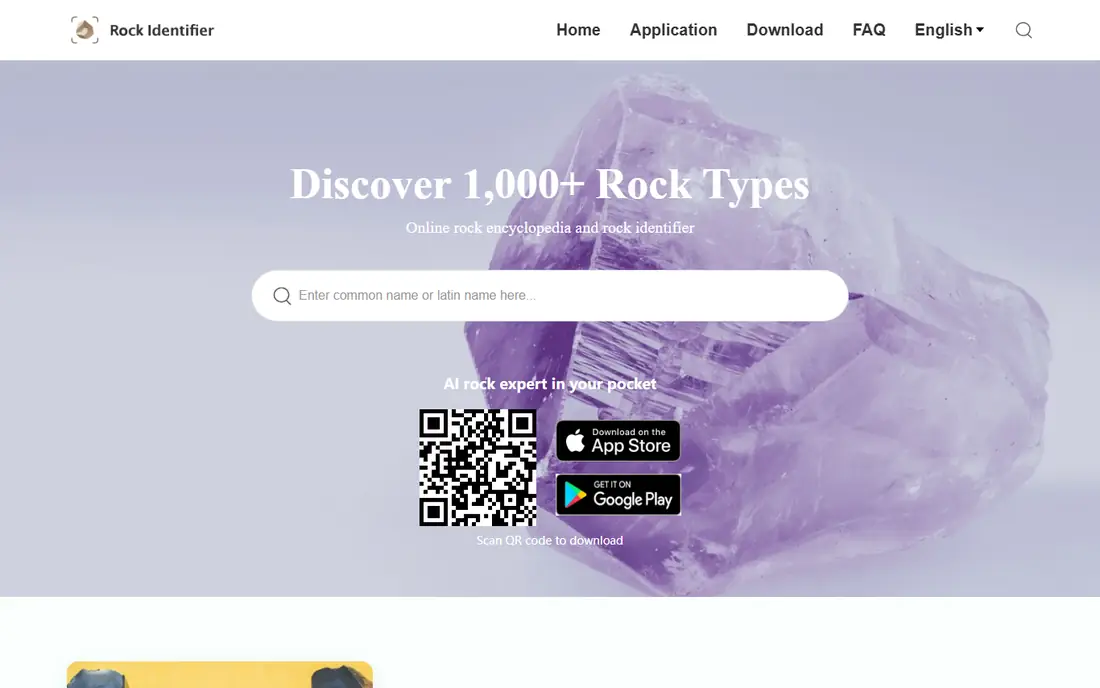
Rock Identifier: Stone ID is the app most people mean when they say "rock identifier app." With more than 10 million installs on Android and a database covering over 1,000 rock types, it has the largest user base in this category, and its homepage presents it as an online rock encyclopedia as well as a scanner. You photograph a specimen, get a match with details like hardness, color, luster, and formula, and save the find to a collection.
The app also offers a one-on-one geologist contact option, which is a useful safety net when the AI result looks wrong. The catch is the paywall: free identification is real but limited, and full access requires a premium subscription after a trial period. If you identify rocks weekly, the subscription may be worth it; if you only pick up an interesting stone on a hike a few times a year, the free tier plus Google Lens may cover you.
What we like- More than 10 million installs
- A database of over 1,000 rock types
- A geologist contact option for tricky specimens
Watch out for- Full access sits behind a premium subscription after a trial
- Accuracy drops on blurry or wet photos
Starting priceFree
Free planYes
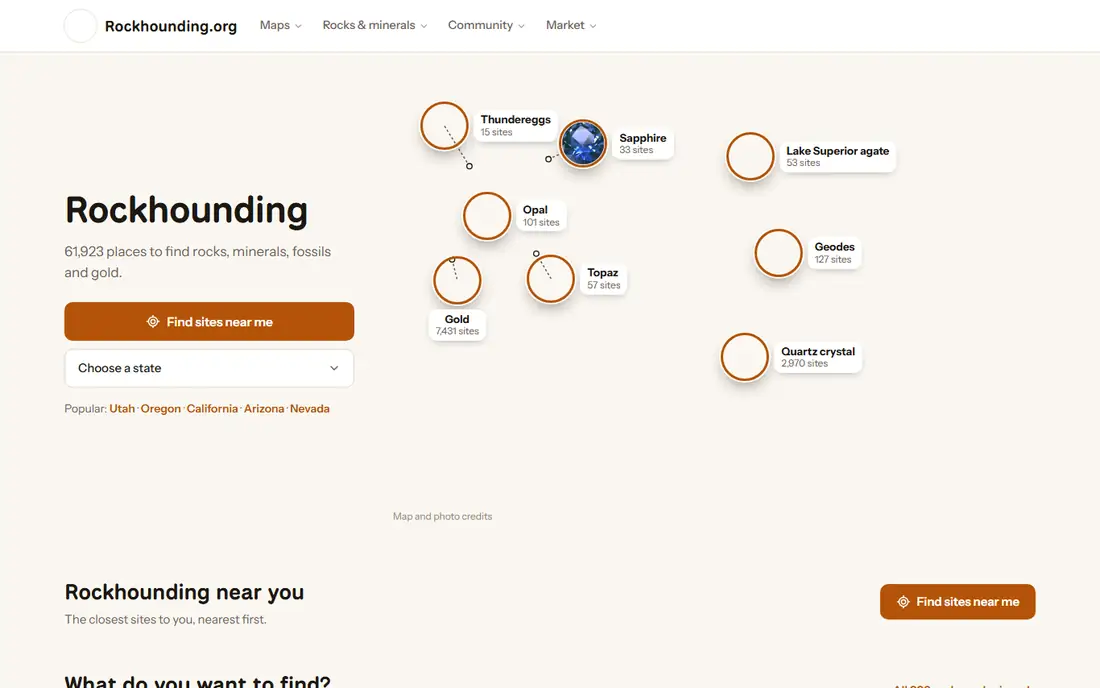
Rock ID comes from Rockhounding.org, a community site for collectors, and that origin shows in the app's focus. It is free to use, with a Pro upgrade that adds unlimited manual identification for specimens the camera scan cannot settle. For a casual collector, that combination is attractive: the free tier handles everyday finds, and the upgrade exists only if you start identifying seriously.
The trade-off is polish and scale. Rock ID does not have the install base or marketing of Rock Identifier: Stone ID, and Pro pricing details differ between listings, so check the current store page before upgrading. Treat it as the best free-first option, and judge it by your own test photos rather than by its store ranking.
What we like- Free to use with a Pro upgrade for unlimited manual identification
- Made by a rockhounding community site
Watch out for- A smaller app profile than the biggest names
- Pro pricing details vary by store listing
Starting priceFree
Free planYes
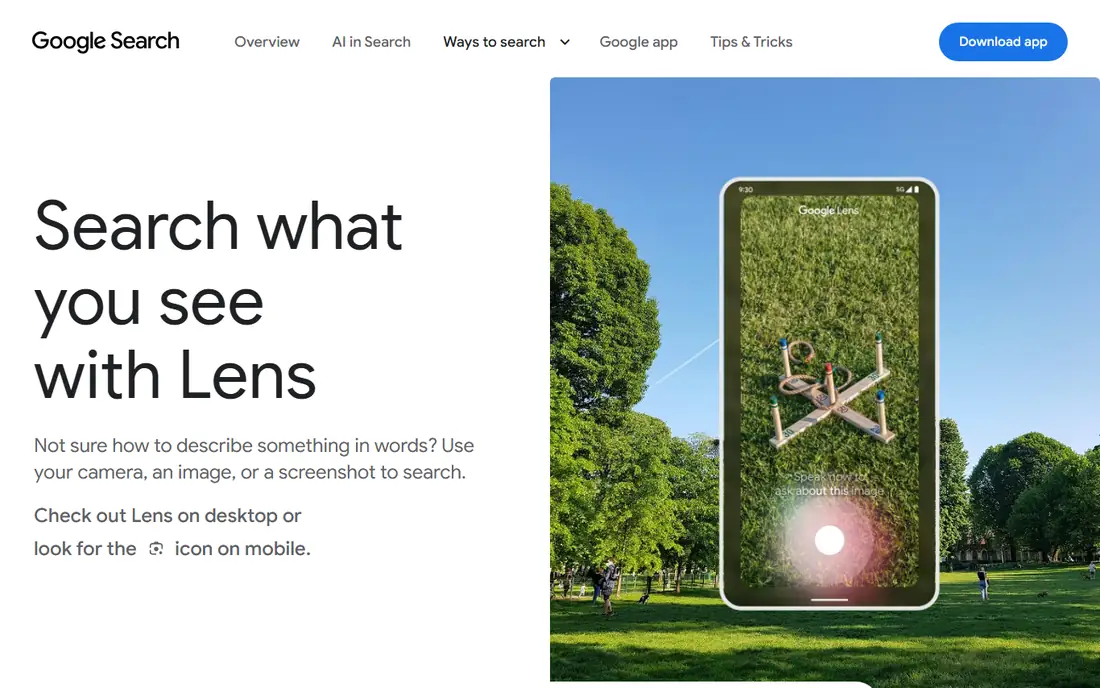
Google Lens is the zero-effort starting point. It is free, it is already on most Android phones and available on iPhone, and it matches a photo against images across the web in seconds. For a common stone like granite, quartz, or basalt, Lens often returns the right answer or a close match, and it costs nothing to try.
The limits are real. Lens is a general visual search tool, not a geology app, so it gives no hardness, streak, or formation data, keeps no rock collection, and can confidently match a photo to a similar-looking but unrelated stone. Use it as a first guess, then confirm with a dedicated app or a field guide before you label a specimen in your collection.
What we like- Free and already installed on most Android phones
- Fast visual matching against web images
Watch out for- Not built for geology, so results can be generic
- No collection, hardness data, or field tools
Starting priceFree
Free planYes
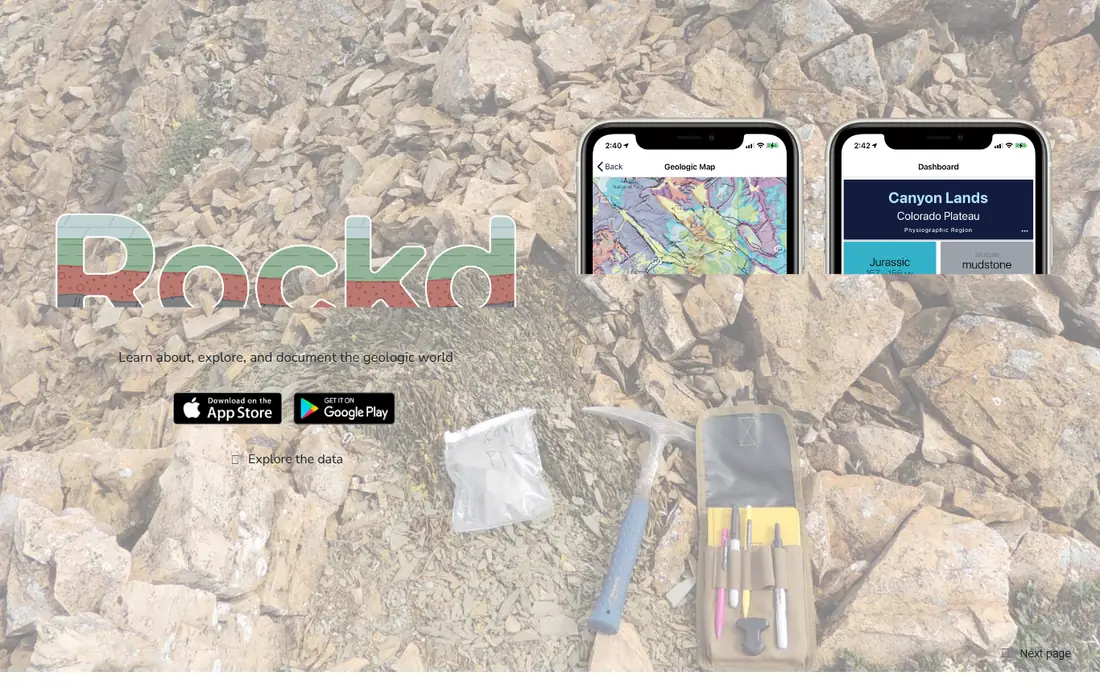
Rockd belongs on this list with a clear label: it does not scan photos. Instead, it tells you what you are standing on, with instant access to hundreds of geological maps and direct links to Macrostrat data, plus tools to record observations, tag stratigraphic names, and measure strike and dip with your phone's compass. Its homepage sums it up as learning about, exploring, and documenting the geological world.
That makes Rockd a field companion rather than a scanner. If you find a rock on a trail and want to know the formation it came from, Rockd answers that question better than any photo app. Pair it with a photo identifier: use Rock Identifier or Geology Toolkit to name the specimen, and Rockd to record where you found it and what the local geology says it should be.
What we like- Free
- Instant access to hundreds of geological maps
- Records observations with location, strike, and dip
Watch out for- Does not identify rocks from photos
- Built for geology enthusiasts rather than casual photo scanning
Starting priceFree
Free planYes
Crystalyze is the pick for crystal collectors rather than general rockhounds. It identifies crystals and stones from photos, then goes further into the crystal side of the hobby, with descriptions for more than 175 crystals, filters by metaphysical property, chakra, zodiac sign, planet, and element, plus a moon phase calendar and a daily journal for tracking a personal collection.
The framing matters. Crystalyze is built by a small husband-and-wife team around crystal education and practice, so its strength is the guide content and the collecting tools, not hard geology. Premium adds unlimited identification, full history, and the complete moon calendar. If your shelf holds more crystals than field specimens, this is the most enjoyable app here; if you need igneous rock classification, look at Geology Toolkit instead.
What we like- Covers more than 175 crystals with metaphysical properties, chakra, and zodiac filters
- A moon calendar and journal
Watch out for- Crystal-focused rather than general geology
- Premium needed for unlimited identification and full history
Starting priceFree
Free planYes
Geology Toolkit is the most serious app on this list. Its pitch is that identification should come with reasoning: each result shows the diagnostic features observed, similar specimens ruled out, and the geological processes behind the classification, in standard geological description format. It also offers formation analysis for faults, folds, and bedding planes, and a pencil sketch generator that turns a specimen photo into a labeled sketch for field notebooks.
That rigor makes it the best choice for students and anyone who wants to learn geology rather than just collect names. The free tier covers a limited number of identifications per day, with an optional subscription for unlimited scans and full features, and the app is newer than the biggest names here, so its community is smaller. If you want to understand why a rock is classified a certain way, this is the app to beat.
What we like- Explains the reasoning behind each identification with diagnostic features
- Formation analysis
- Pencil sketch generation for field notes
Watch out for- A newer app with a smaller user base
- Free identifications per day are limited, with a subscription for unlimited use
Starting priceFree
Free planYes
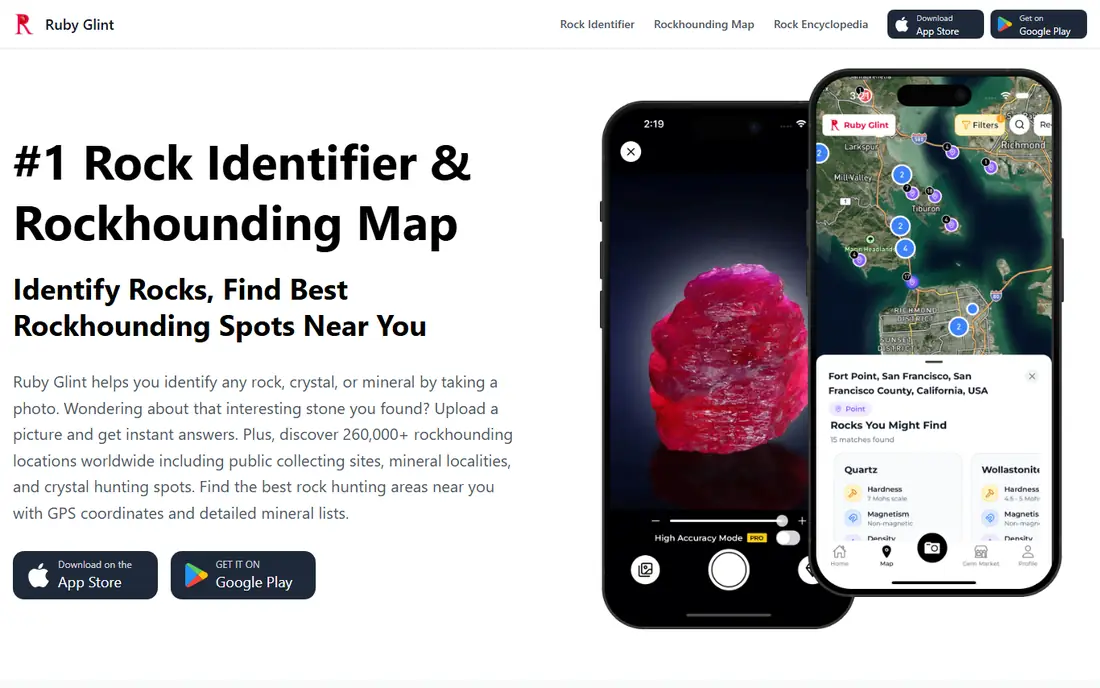
Ruby Glint combines photo identification with trip planning. It identifies rocks, crystals, and minerals from photos across more than 6,600 stone types, and its standout feature is a rockhounding map covering more than 260,000 collecting sites with GPS coordinates and mineral lists, plus learning modules and specimen value estimates. For a collector who plans trips around finding stones, that map is genuinely useful.
Two cautions apply. Ruby Glint is newer and smaller than Rock Identifier: Stone ID, so its identification quality has less public testing behind it. And value estimates are rough guides based on rarity and specimen quality, not professional appraisals, so never buy, sell, or insure a stone based on an app's number alone. Use Ruby Glint for finding and naming, and get a human expert for anything valuable.
What we like- Identifies over 6,600 stone types
- A rockhounding map with more than 260,000 collecting sites
- Specimen value estimates
Watch out for- A newer, smaller app than the category leaders
- Value estimates are rough guides, not appraisals
How we chose
We opened each product's official homepage to confirm it loads and belongs to that product. We kept apps with a real identification feature and a free way to try them, and we favored a mix of approaches: photo AI, general visual search, geological mapping, crystal guides, and science-first analysis. We did not include apps whose official sites we could not verify, and we flagged the honest limits of each pick rather than repeating marketing claims about accuracy. We did not test identifications ourselves, and we did not treat store ratings as proof of accuracy, since ratings in this category often reflect free-trial frustration more than identification quality.
What to check before you trust an identification
Photo identification is a guess, not a lab result. Start with a good photo: clean the specimen, photograph it in daylight, include a scale object like a coin, and take shots of fresh surfaces as well as weathered ones. Then run the same photo through two apps and compare results; agreement between two independent tools is worth more than one confident answer.
Then confirm with physical tests. A hardness test against a steel nail or a glass plate, a streak test on unglazed porcelain, and a check for crystal shape, cleavage, and weight will rule out many wrong matches fast. Be careful with safety: some minerals are toxic or radioactive, so do not lick specimens, wash your hands after handling unknown finds, and never eat or burn a rock to test it. Finally, treat value claims with care. An app's value estimate is not an appraisal, and a stone that looks like a gemstone in a photo may be a common mineral. When a find might be valuable or hazardous, ask a local geology club, university department, or professional appraiser.
Frequently asked questions
What is the best free rock identification app?
Rock ID is the best free-first pick, with free identification and a Pro upgrade for unlimited manual checks. Google Lens is also free and fast for a rough match, while Rock Identifier: Stone ID and Geology Toolkit offer free tiers with limits.
How accurate are rock identification apps?
Accuracy varies a lot with photo quality and specimen type. Common, distinctive stones in good light are usually matched well, while similar-looking minerals, wet surfaces, and weathered rocks cause frequent mistakes. Treat every result as a suggestion and confirm with physical tests.
Can an app tell me if my rock is valuable?
Only roughly. Ruby Glint gives specimen value estimates, but those are guides based on rarity and quality, not appraisals. For anything you might sell or insure, get a professional appraisal from a gemologist or mineral dealer.
Is Rockd a photo identifier?
No. Rockd shows geological maps and records field observations, including location, strike, and dip, but it does not scan photos. Pair it with a photo app: one names the specimen, the other explains the geology where you found it.
Do I need internet for these apps?
Photo identification needs internet on most apps, since the AI models run in the cloud. Saved collections and previous identifications are usually available offline, and Rockd supports offline tagging of stratigraphic names in the field.
Are rock identification apps safe for kids?
Generally yes for supervised use, with two rules: do not let children handle unknown minerals unsupervised, since some are toxic, and wash hands after handling specimens. The apps themselves are rated for general audiences.
Sources we checked (7)
- https://www.rockidentifier.com/
- https://rockhounding.org/
- https://lens.google/
- https://rockd.org/
- https://www.crystalyzeguide.com/
- https://www.geologytoolkit.com/
- https://rubyglint.com/
Is your product missing or out of date?
We review this list regularly. Vendors can request a listing, send updated pricing or ask about featured placement.

Shihab Mia · Founder, Rankite
Shihab has 5+ years in B2B and SaaS SEO. He writes Rankite's software buying guides from pricing pages, documentation and public user reviews. More about Shihab.
 Rock Identifier: Stone ID
 Rock ID
 Google Lens
 Rockd
Rockd Crystalyze
 Geology Toolkit
 Ruby Glint