How we make this list: we compare pricing pages, product documentation and public user reviews. Ratings come from G2, Capterra or Trustpilot, with the date we checked them.
Key takeaways
- Contractor Foreman starts at $49 a month, the most affordable all-in-one for small contractors.
- BuildXact, STACK and Projul focus on takeoff-to-estimate speed for residential builders.
- Buildertrend and CoConstruct serve larger builders with estimating tied to project management, though CoConstruct is migrating users to Buildertrend.
- Houzz Pro suits remodelers and design-build firms that want estimating plus client-facing design tools.
- Clear Estimates is the simplest option: zip-code-localized costs and 500-plus project templates.
- Most vendors in this category use quote-based pricing, so request demos before budgeting.
Quick comparison
| Tool | Best for | Starting price | Free plan |
|---|
 BuildXact BuildXact | Residential builders who want AI-assisted takeoffs | See website | Free trial |
 Contractor Foreman Contractor Foreman | Small contractors who need affordable all-in-one software | $49/month | Free trial |
 STACK STACK | Bidding teams that live in takeoffs and estimates | See website | Free trial |
 Buildertrend Buildertrend | Mid-size and large residential builders | See website | No |
 Houzz Pro Houzz Pro | Remodelers and design-build firms that sell on design | See website | Free trial |
 CoConstruct CoConstruct | Custom home builders evaluating their options | See website | No |
 Projul Projul | Growing contractors who hate per-user pricing | From $4,788/year | No |
 Clear Estimates Clear Estimates | Contractors who want fast, simple residential estimates | See website | Free trial |
Is your product missing or out of date?
We review this list regularly. Vendors can request a listing, send updated pricing or ask about featured placement.
The best residential construction estimating software
Starting priceSee website
Free planFree trial
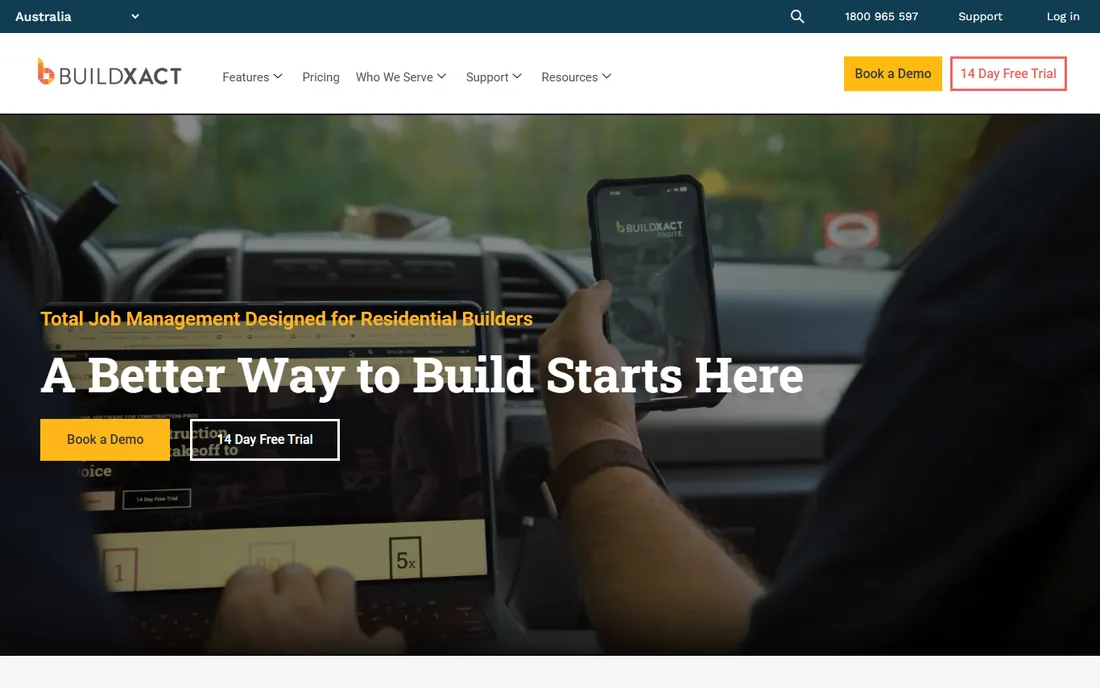
BuildXact is built around one promise: from first takeoff to final invoice in a single platform designed for residential builders. AI-powered takeoffs measure digital plans quickly, estimates draw on data trained from thousands of residential projects, and Blu, the built-in AI assistant, reviews estimates for common mistakes and overlooked items.
The dealer connection feature stands out: live material pricing from your suppliers feeds directly into estimates, so bids reflect real costs rather than last quarter's guesses. Plans scale from Foundation (estimating and bidding) through Pro (job management) to Master for established builders.
The honest caveat is pricing opacity. BuildXact does not publish plan prices, so you need a demo and quote to budget. For residential builders drowning in manual takeoffs, it is purpose-built.
What we like- AI-powered automated takeoffs and estimate generation
- Live material pricing through dealer connections
- Estimating, scheduling and job tracking in one platform
Watch out for- Pricing is not published, so budgeting needs a sales conversation
- Residential-only focus
- Newer AI features need real-world validation
Starting price$49/month
Free planFree trial
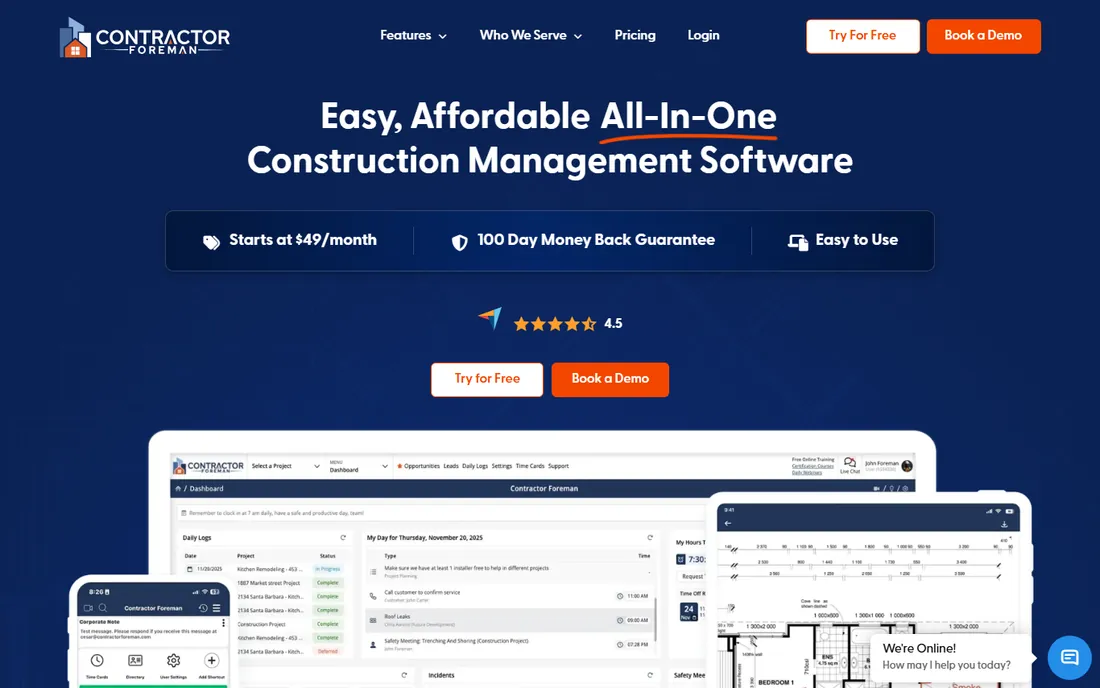
Contractor Foreman is the budget play that refuses to be basic. At $49 a month to start, it covers estimating, job costing, scheduling, time tracking, documentation and client communication for residential and commercial trade and general contractors. QuickBooks, CompanyCam, Stripe and Zapier integrations keep it connected.
The value pitch is explicit: the most affordable project management software for contractors, backed by a 100-day money-back guarantee and live support with a 13-second average wait time. Capterra reviewers praise its ease of use.
The trade-off is specialization. Dedicated takeoff tools measure plans better, and the broad feature set can feel sprawling. For a small residential contractor who needs one system for everything at a price that barely registers, it is the obvious starting point.
What we like- Starts at $49 a month, the lowest published price here
- Full job costing and 50-plus integrations
- 100-day money-back guarantee
Watch out for- Estimating depth trails dedicated takeoff tools
- Interface shows its breadth
- Residential features share space with commercial ones
#3
STACK
Best for: Bidding teams that live in takeoffs and estimates
Visit stackct.com
Starting priceSee website
Free planFree trial
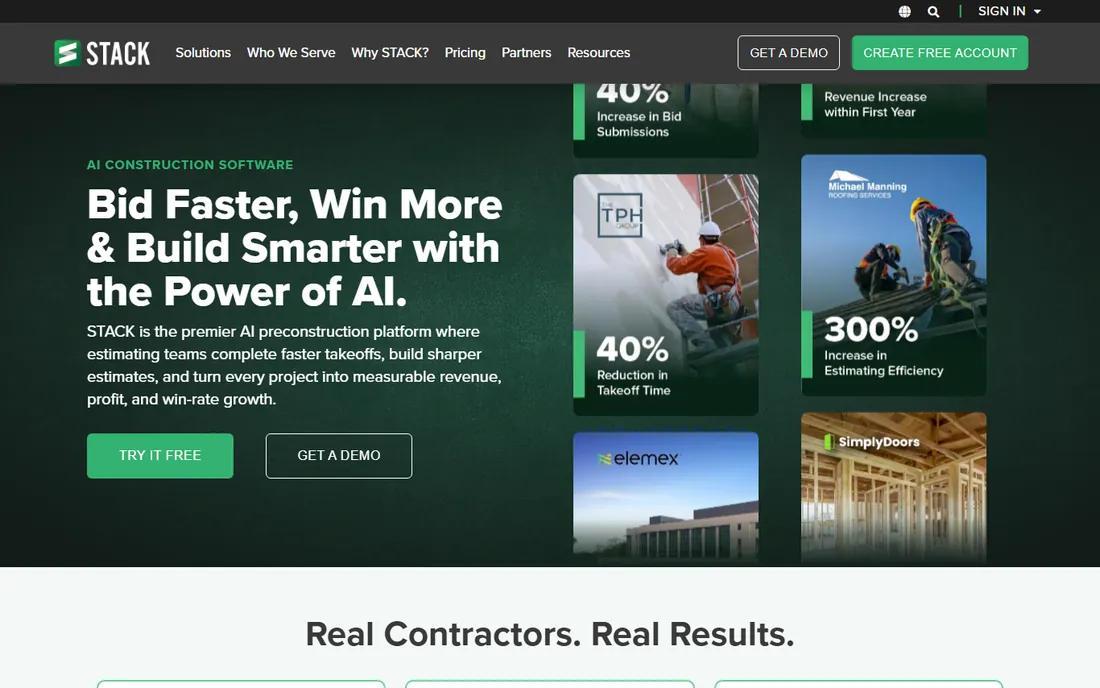
STACK is the AI preconstruction platform: upload plans and specs, and STACK AI reads every sheet, auto-names pages and flags revisions the moment they land. Takeoff measures linear, area, count and volume with AI auto-counting symbols, and quantities flow straight into live estimates with regional cost data.
The workflow covers evaluate, takeoff, estimate and build, with trade-specific libraries for concrete, electrical, framing, plumbing, roofing and more. Being fully cloud-based with unlimited viewer seats makes collaboration cheap across the team.
The catches are pricing opacity and scope. STACK does not publish prices, and it is a preconstruction tool first: field operations exist but job costing is lighter than Buildertrend. For teams that win on bid volume and speed, it is a strong fit.
What we like- AI reads plans, auto-names sheets and flags revisions
- Worksheet-style estimating with item and assembly libraries
- Unlimited viewer seats
Watch out for- Quote-based pricing
- Preconstruction focus means less job-cost depth
- AI accuracy varies by plan quality
Starting priceSee website
Free planNo
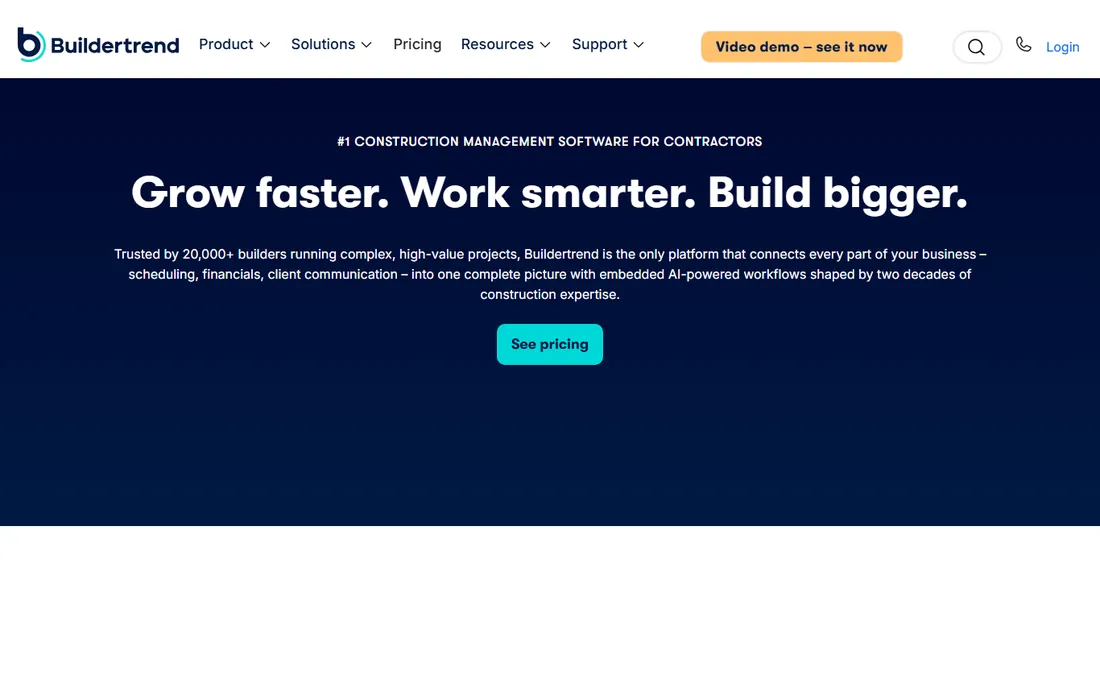
Buildertrend is the largest residential construction platform, trusted by 20,000-plus builders running complex, high-value projects. Estimates built from trade-specific templates flow into live budgets and purchase orders, and 86% of customers connect estimates directly to job costing, which is the discipline that protects margins.
The client experience is a differentiator: portals give homeowners real-time visibility with AI-powered progress updates, cutting the daily phone calls that eat project managers' time. Embedded AI workflows reflect two decades of construction expertise.
The honest trade-offs are price and weight. Buildertrend prices by annual construction volume with a quote-only model, and the full feature set rewards companies with staff to manage it. For builders doing $5 million-plus or running 20-plus homes a year, it is the category leader.
What we like- Estimating flows directly into job costing, budgets and purchase orders
- Client portals cut status-check calls
- 20,000-plus builders on the platform
Watch out for- Quote-based pricing by construction volume
- Learning curve needs dedicated onboarding
- Smaller builders may find it heavy
#5
Houzz Pro
Best for: Remodelers and design-build firms that sell on design
Visit houzz.com
Starting priceSee website
Free planFree trial
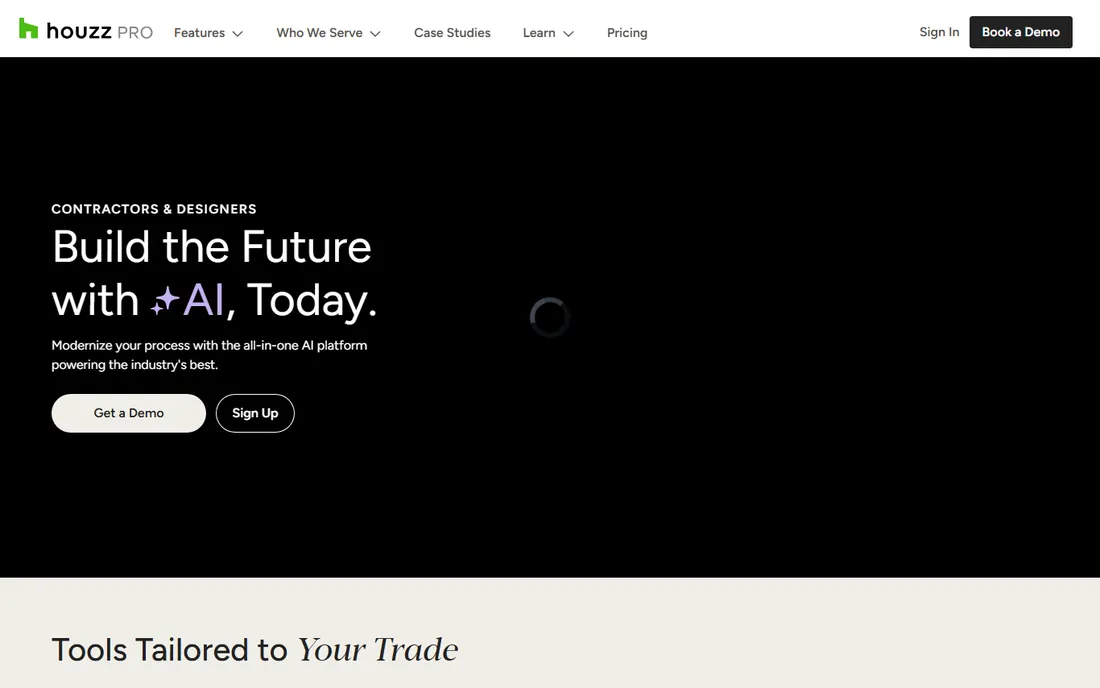
Houzz Pro is the all-in-one for contractors and design pros who sell with visuals. Estimates, takeoffs, 3D floor plans, selections and scheduling live in one platform, so a remodeler can walk a homeowner from first sketch to signed proposal without switching tools.
The Houzz ecosystem is the advantage: 3 million-plus contractors and design pros on the platform, with AI trained on the industry feeding every part of the business. Review scores run 4.5 stars across Capterra, Software Advice and GetApp.
The catches are pricing opacity and fit. Houzz Pro does not publish plan prices, and the design-first workflow fits remodelers and design-build firms better than production home builders. For client-facing remodeling sales, it is hard to beat.
What we like- Estimates plus 3D floor plans, selections and takeoffs in one tool
- 3 million-plus pros on the Houzz platform
- AI-backed mobile app
Watch out for- Pricing not published
- Design-centric workflow suits remodelers more than production builders
- Lead-gen upsells can confuse the value
Starting priceSee website
Free planNo
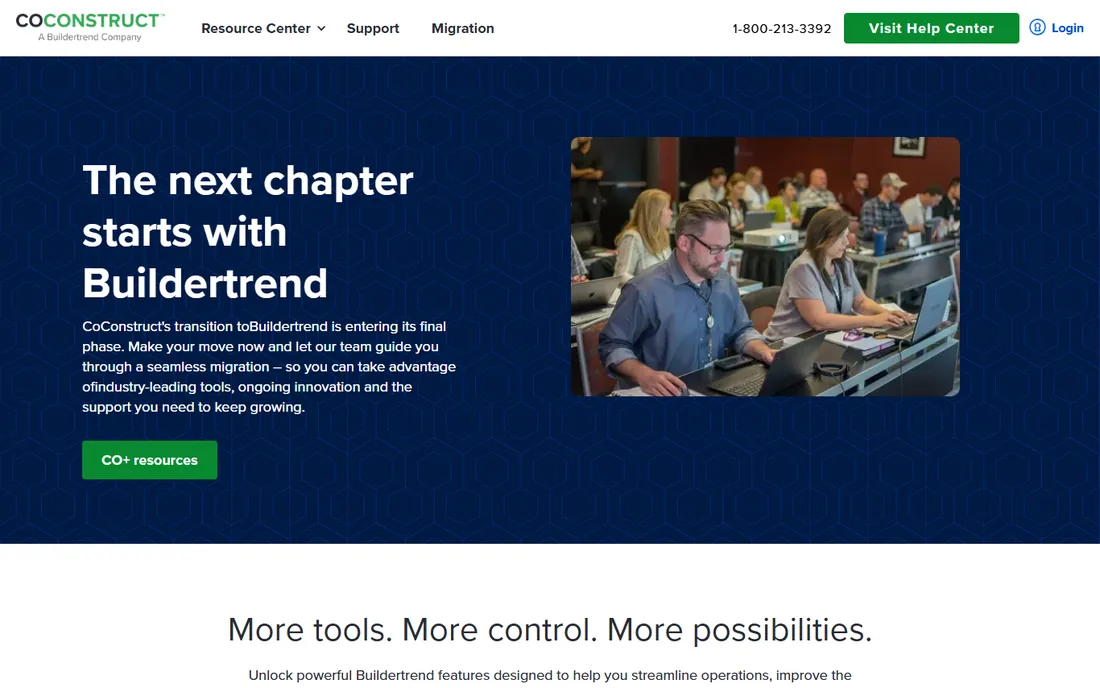
CoConstruct was purpose-built for custom home builders and high-end remodelers, and its selections management was the best in the class: clients browse finishes, compare options and see real-time price impacts. The enter-data-once workflow carries estimate data through specs, bid requests, proposals and budgets without re-entry.
The critical context is that CoConstruct is being folded into Buildertrend. The current site directs customers toward migration, promising CoConstruct's beloved tools plus Buildertrend's broader platform. For existing users, migration is the path; for new buyers, evaluate Buildertrend directly.
The honest assessment: CoConstruct's features still work for custom builders, but its future is Buildertrend. Choose it only if you are already on it or your builder community runs on it.
What we like- Best-in-class selections management for custom builds
- Enter-data-once workflow from estimate to budget
- Deep financial management
Watch out for- Product is being migrated into Buildertrend
- Mobile capabilities are weak
- No roadmap for independent development
#7
Projul
Best for: Growing contractors who hate per-user pricing
Visit projul.com
Starting priceFrom $4,788/year
Free planNo

Projul is built by former construction company owners who were tired of overpriced software, and the pricing model shows it: flat rates with no per-user, per-project or per-revenue charges that punish growth. Every plan includes lead management, estimating, scheduling, invoicing and time tracking, with job costing, client portal and geofencing on higher tiers.
The estimating workflow is fast: custom templates produce same-day estimates from the office or job site with e-signatures, and one-click conversion turns estimates into scheduled tasks. Integration with 1build keeps material costs current, and QuickBooks Online sync removes double entry.
The catches are annual-first pricing (the published figures are yearly) and brand youth. For a 10-person team, Projul runs about $4,788 a year, roughly $1,400 less than Buildertrend Advanced. Growing contractors who add staff without wanting the software bill to follow should look hard at it.
What we like- Flat-rate pricing with no per-user charges
- Estimating, CRM, scheduling and invoicing in one subscription
- 1build integration for live cost data
Watch out for- Annual plans are the real pricing, monthly costs more
- Estimating depth trails takeoff specialists
- Newer brand with less ecosystem
Starting priceSee website
Free planFree trial
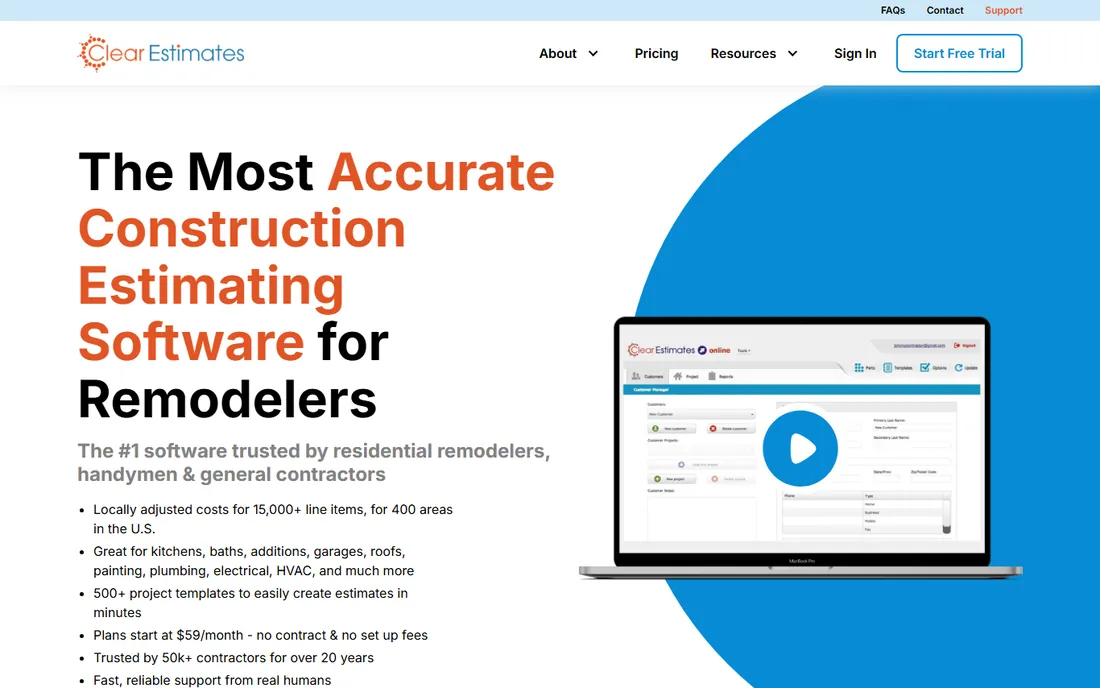
Clear Estimates is the simplest tool on this list, and that is the point. It is a web-based estimating calculator for residential pros: pick from 500-plus templates for kitchens, bathrooms, additions, decks and siding, input dimensions, and get an itemized estimate with localized material and labor rates.
The cost data is the differentiator: over 12,000 parts with pricing specific to 400-plus US areas, updated quarterly, the same data Remodeling Magazine uses for its Cost vs. Value Report. No more ballparking against vague national averages.
The honest limits are scope and pricing. Clear Estimates does estimating and proposals, not project management, and it does not publish its price. A 30-day risk-free trial lets you test it. For remodelers who need accurate bids fast without learning a platform, it delivers.
What we like- Zip-code-localized material and labor costs across 400-plus US areas
- 500-plus project templates
- Pre-written contract language for proposals
Watch out for- Pricing not published
- Estimating-only focus, no project management
- Template-driven approach limits complex custom work
How we chose
We compared vendor homepages and documentation against 2026 roundups from worldestimating.com and startmotionmedia.com, plus buyer reviews on Capterra and Software Advice and the Buildertrend versus CoConstruct analysis from Projul. We prioritized tools built for residential workflows: takeoff, estimating, client proposals and job costing, excluding commercial-heavy platforms. We did not test any tool hands-on. Note that several vendors in this category use quote-based pricing, so we marked those honestly rather than repeating third-party guesses.
What to check before you buy
Start with your estimating bottleneck. If takeoffs eat your time, prioritize STACK or BuildXact. If proposals look amateurish, look at Clear Estimates or Houzz Pro. If estimates die between the bid and the job, you need job costing, which means Buildertrend, Projul or Contractor Foreman.
Demand published pricing or a fast quote. Quote-based pricing is standard in construction software, but it hides the total cost of onboarding and add-ons. Ask for the all-in first-year number, including implementation.
Check the cost data source. Estimates are only as good as their numbers: localized, regularly updated cost databases beat national averages, and live dealer pricing beats both. Ask how often data updates and whether your zip code is covered.
Finally, test the mobile app on a real job site. Residential estimating happens on ladders and in trucks. A tool that works beautifully in the office but fumbles on a phone will not get used.
The takeoff question: manual skill versus AI speed
Digital takeoff is where estimating software earns its keep, and the category is splitting. AI-assisted tools like STACK and BuildXact read plans, count symbols and flag revisions automatically, which multiplies bid volume. Traditional approaches rely on the estimator's eye with digital measurement as a helper. The right choice depends on your plans: clean digital PDFs reward AI, while hand sketches and messy scans still need human judgment. Either way, the estimator who measures twice bids once.
Frequently asked questions
What is the best estimating software for residential construction?
For all-in-one value, Contractor Foreman at $49 a month is hard to beat. For takeoff speed, STACK and BuildXact lead. For larger builders, Buildertrend is the category standard, and Projul offers flat-rate pricing that growing teams like.
How much does residential construction estimating software cost?
Published prices range from $49 a month (Contractor Foreman) to around $4,788 a year for a 10-person Projul team. Buildertrend, STACK, BuildXact and Houzz Pro use quote-based pricing tied to company size or volume.
Is there free residential estimating software?
No full-featured free option exists, but Clear Estimates offers a 30-day risk-free trial, and most vendors offer free trials or demos. Contractor Foreman's $49-a-month starting price is the cheapest entry point.
What is the difference between estimating software and takeoff software?
Takeoff software measures quantities from plans (lengths, areas, counts). Estimating software prices those quantities with labor and material costs to produce a bid. Most modern tools combine both, with takeoff feeding directly into the estimate.
Do I need estimating software if I already use QuickBooks?
QuickBooks handles accounting, not estimating. Dedicated estimating tools produce professional proposals, measure plans digitally and track estimate-to-actual job costs. Most integrate with QuickBooks so data flows both ways.
What happened to CoConstruct?
CoConstruct is being migrated into Buildertrend, its parent company. Existing customers are being moved to the Buildertrend platform, which combines CoConstruct's selections and financial tools with Buildertrend's broader feature set. New buyers should evaluate Buildertrend directly.
Sources we checked (10)
- https://buildxact.com/
- https://contractorforeman.com/
- https://www.stackct.com/
- https://buildertrend.com/
- https://houzz.com/pro
- https://coconstruct.com/
- https://projul.com/
- https://clearestimates.com/
- https://worldestimating.com/5-best-residential-construction-estimating-software-in-2026/
- https://projul.com/competitors/buildertrend-vs-coconstruct/
Is your product missing or out of date?
We review this list regularly. Vendors can request a listing, send updated pricing or ask about featured placement.

Shihab Mia · Founder, Rankite
Shihab has 5+ years in B2B and SaaS SEO. He writes Rankite's software buying guides from pricing pages, documentation and public user reviews. More about Shihab.