How we make this list: we compare pricing pages, product documentation and public user reviews. Ratings come from G2, Capterra or Trustpilot, with the date we checked them.
Key takeaways
- The free way in: ActivTrak gives you a genuinely free plan for up to 3 users, the only true free tier on this list.
- Cheapest paid start: Hubstaff Starter at $4.99/user/month billed annually, built for teams that bill hours.
- Most security-focused: Teramind (from $15/user/month, 5-user minimum) targets insider threats and data loss, not just idle time.
- Most privacy-friendly: Monitask ($6.49/user/month annually) skips keystroke logging entirely.
- Every paid plan on this list bills per user, so multiply the headline price by headcount before comparing.
Quick comparison
| Tool | Best for | Starting price | Free plan |
|---|
 ActivTrak ActivTrak | Remote teams that want productivity analytics with a free starting point | Free (up to 3 users); Essentials from $10/user/month billed annually | Yes (free plan for up to 3 users) |
 Teramind Teramind | Regulated businesses and security teams watching insider risk | From $15/user/month (Starter, minimum 5 users) | No (demo only) |
 Hubstaff Hubstaff | Hourly remote teams that bill clients by time | $4.99/user/month (Starter, billed annually) | No (14-day free trial) |
 Time Doctor Time Doctor | Managers who want detailed productivity metrics per employee | $7/user/month (Basic) | No (14-day free trial) |
 Insightful Insightful | Distributed teams that want workforce analytics, not screenshots | $6.40/user/month billed annually (Employee Monitoring plan) | No (7-day free trial, no credit card) |
 DeskTime DeskTime | Teams that want automatic time tracking with almost no setup | $7/user/month (Pro, monthly; $6.42 on annual billing) | No (14-day free trial) |
 Monitask Monitask | Small businesses that want monitoring without keystroke logging | $6.49/user/month billed annually (Pro) | No (10-day free trial, no credit card) |
 Controlio Controlio | Managers who want live visibility plus productivity scoring | $7.99/user/month (Basic, monthly; $6.67 on annual billing) | No (14-day free trial) |
 Workstatus Workstatus | Remote teams that want productivity tracking bundled with project management | See website (plans priced in INR; USD pricing on request) | No (free trial available) |
Is your product missing or out of date?
We review this list regularly. Vendors can request a listing, send updated pricing or ask about featured placement.
The best remote employee monitoring software
Your remote employee is online right now. Can you tell what they are working on? Not a feeling, not a green dot in Slack, an actual answer. For most managers the honest response is no. Remote work removed the office, and with it the ambient awareness of who is doing what. These nine tools put some of that visibility back, with very different tradeoffs between detail and trust.
#1
ActivTrak
Best for: Remote teams that want productivity analytics with a free starting point
Visit activtrak.com
Starting priceFree (up to 3 users); Essentials from $10/user/month billed annually
Free planYes (free plan for up to 3 users)
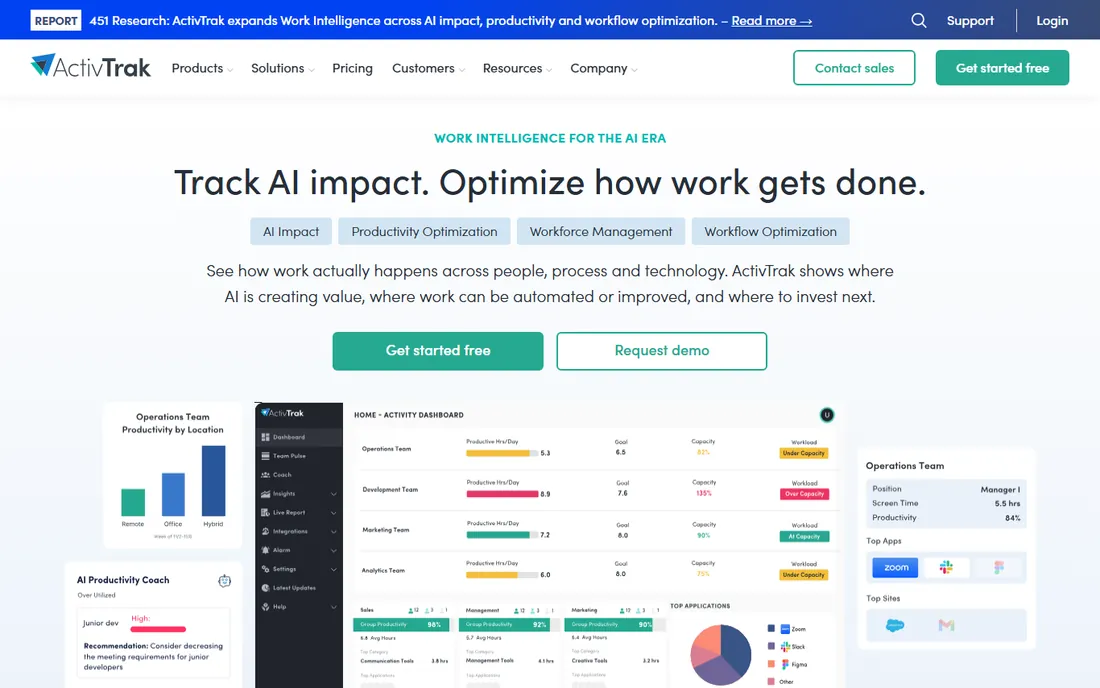
ActivTrak is the low-risk way to try monitoring before committing budget. The free plan covers up to 3 users, which is enough for a small team to test whether the data actually changes anything. Paid tiers add productivity benchmarks, workload balance views and integrations, starting at $10 per user per month for Essentials on annual billing. The product leans toward team-level trends rather than individual surveillance, which makes it easier to roll out without a revolt.
The honest limit is scale and depth. Three free seats will not cover a real company, and the features that security teams care about (detailed activity logs, sensitive-data alarms) live on the $15 and $19 tiers. If your goal is simply to see where the workday goes and coach around it, the entry price is fair. If you need forensic detail, keep reading.
What we like- The only genuinely free plan on this list
- Coaching dashboards instead of raw spy screens
- Published pricing with no sales call needed
Watch out for- The free tier is limited to 3 users
- Deeper controls like screenshot redaction sit on higher tiers
- Admins need discipline to use it for coaching, not policing
#2
Teramind
Best for: Regulated businesses and security teams watching insider risk
Visit teramind.co
Starting priceFrom $15/user/month (Starter, minimum 5 users)
Free planNo (demo only)
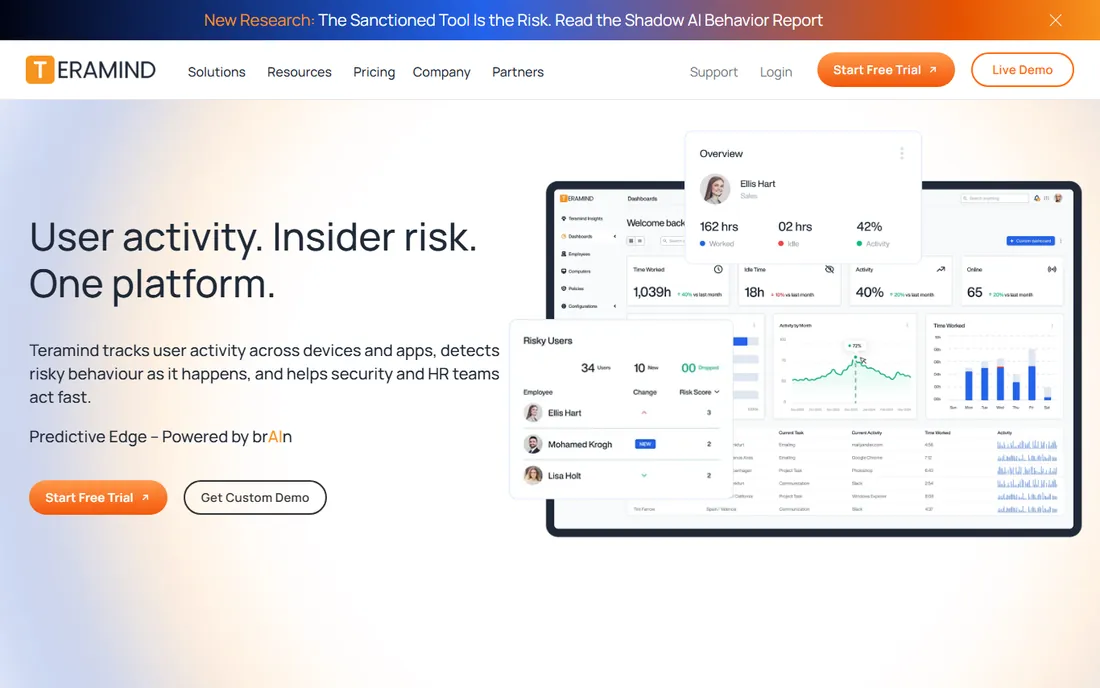
Teramind is not a time tracker that grew a few security features. It was built for the opposite end of the market: companies that worry about what employees do with sensitive data. Session recording, keystroke and clipboard logging, file transfer monitoring and a rules engine that can block actions in real time all come from that heritage. Starter begins at $15 per user per month with a 5-user minimum, with UAM and DLP tiers at $25 and $30.
That power is also the drawback for ordinary teams. Teramind is heavier to deploy, heavier to administer, and heavier on employee trust than anything else here. Buy it when compliance, client contracts or past incidents demand this level of control. For simple questions like "are my remote devs working," it is overkill at three times the price of lighter tools.
What we like- Real insider-threat detection, session recording and data-loss prevention in one product
- Rules engine can block risky actions, not just log them
- Detailed forensic audit trail
Watch out for- No free trial, only a guided demo
- The minimum 5-user commitment raises the entry cost
- Setup and policy tuning take real effort
Starting price$4.99/user/month (Starter, billed annually)
Free planNo (14-day free trial)
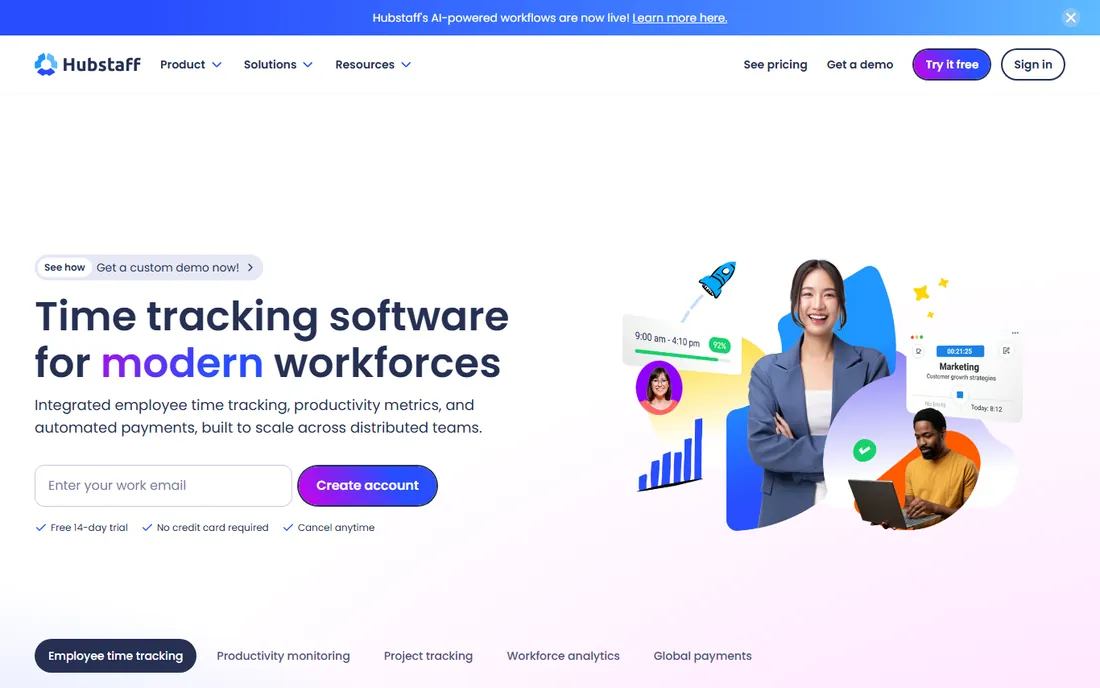
Hubstaff answers one question better than anyone here: "what did we bill this week?" Time tracking starts and stops with a timer, optional screenshots document the work, and activity percentages give clients something to look at besides an invoice. Integrations push hours into payroll tools like Gusto and QuickBooks. At $4.99 per user per month on the annual Starter plan, it is the cheapest paid entry on this list, with Grow at $7.50 and Team at $10 adding more automation.
The trade is cultural. Some teams accept screenshots as the price of remote billing; others read it as distrust and the data quality suffers when people game the timer. Used honestly with client-facing freelancers and contractors, it pays for itself in the first disputed invoice. Used as a spy tool on salaried staff, it will cost you people.
What we like- Time tracking, screenshots, activity levels and payroll integrations in one flow
- The cheapest entry price on this list
- Clients can view work diaries, which settles billing disputes
Watch out for- Screenshot-based proof feels invasive to some employees
- Per-user pricing climbs fast past 20 people
- Reporting is functional rather than elegant
#4
Time Doctor
Best for: Managers who want detailed productivity metrics per employee
Visit timedoctor.com
Starting price$7/user/month (Basic)
Free planNo (14-day free trial)
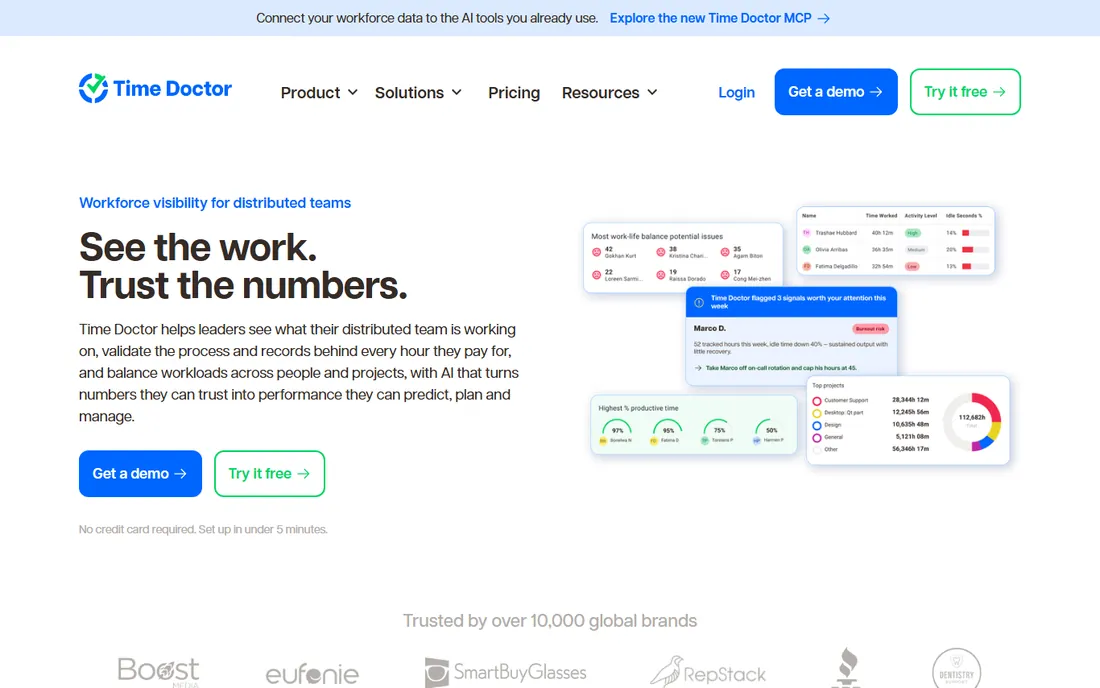
Time Doctor sits between a time tracker and a productivity analyst. It records which applications and websites each person uses, how long tasks take, and how much of the day counts as productive versus distracting. Managers get per-person breakdowns; employees get optional pop-up alerts when they drift onto social media. Basic starts at $7 per user per month, with Standard at $14 and Premium at $20 adding more reporting and client features.
This is the tool for managers who like dashboards and 1:1s built around numbers. The risk is the same as the strength: when every minute is categorized, employees optimize for the metric instead of the work. Roll it out with clear rules about what the data is and is not used for, and it can genuinely fix time leaks. Roll it out silently and expect the best people to leave first.
What we like- Deep reporting on apps, websites and task-level time
- Distraction alerts nudge employees back on track
- Payroll and project integrations included
Watch out for- The level of detail can feel heavy-handed
- No free plan
- The interface shows its age
#5
Insightful
Best for: Distributed teams that want workforce analytics, not screenshots
Visit insightful.io
Starting price$6.40/user/month billed annually (Employee Monitoring plan)
Free planNo (7-day free trial, no credit card)
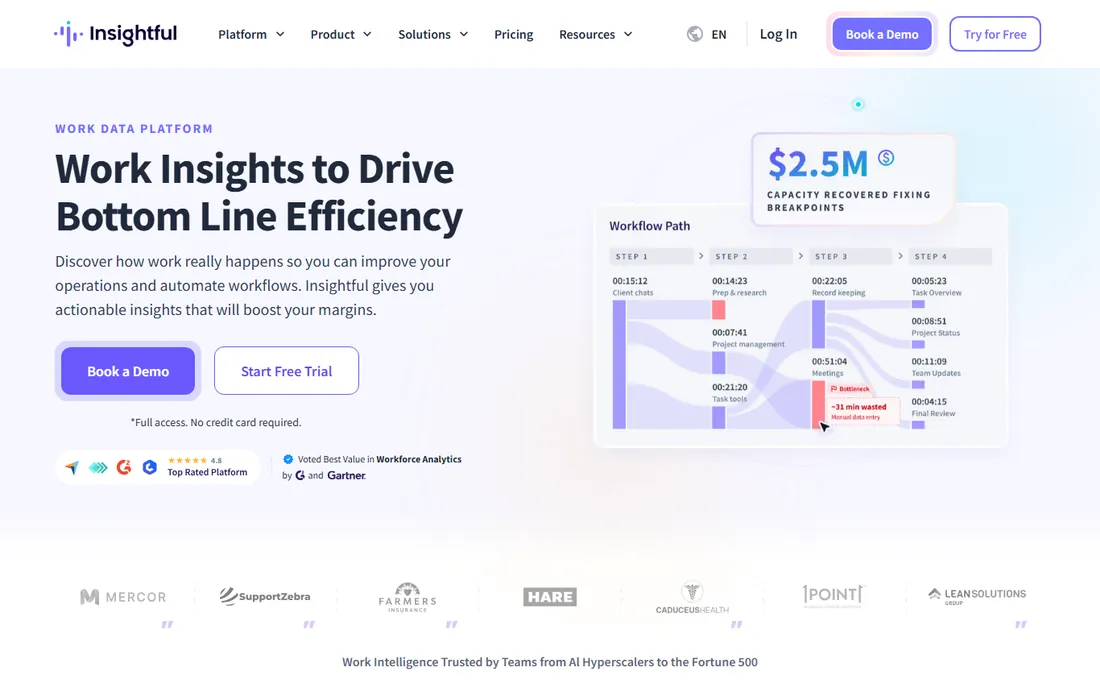
Insightful takes the analytics route: less watching screens, more understanding patterns. The Employee Monitoring plan at $6.40 per user per month on annual billing covers productivity tracking and reporting; Time Tracking ($8) and Automatic Time Mapping ($12) add passive time capture and project attribution. The homepage claims 5,100+ teams use it, and the no-credit-card trial makes it easy to verify the claims yourself.
For managers, the selling point is the workload view: who is overloaded, who has capacity, where the bottlenecks sit. That makes Insightful a better fit for planning and coaching than for catching someone slacking. If your problem is "I do not know who is drowning," start here. If your problem is data theft, you need Teramind instead.
What we like- Clean analytics on productivity trends and workload balance
- Trial requires no credit card
- Published pricing across three clear tiers
Watch out for- No free plan
- Time-tracking and automatic time-mapping tiers cost more ($8 and $12)
- Lighter on security features than Teramind
#6
DeskTime
Best for: Teams that want automatic time tracking with almost no setup
Visit desktime.com
Starting price$7/user/month (Pro, monthly; $6.42 on annual billing)
Free planNo (14-day free trial)
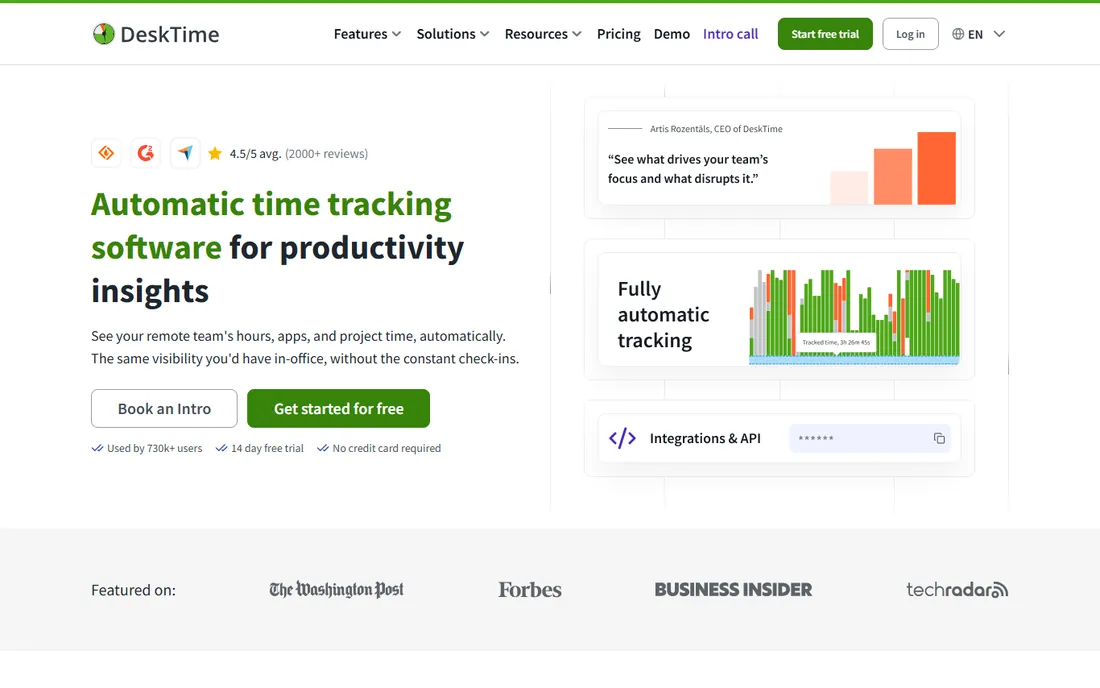
DeskTime is the set-it-and-forget-it option. Install the app and it records which programs and sites are used, when the workday starts and ends, and how productive the mix was, with no timer discipline required from employees. Pro runs $7 per user per month on monthly billing ($6.42 annual), and Premium at $10 ($9.17 annual) adds invoicing and absence management. A 14-day trial covers the evaluation.
The automatic approach is both the appeal and the ceiling. You will not get the task-level "this ticket took 3 hours" detail that timer-based tools produce, and the monitoring side (screenshots, activity scoring) is lighter than Hubstaff or Controlio. For small teams that just want honest timesheets without nagging anyone, that simplicity is the point. For forensic oversight, look elsewhere.
What we like- Fully automatic tracking, no start/stop timers to forget
- Project costing shows which clients consume the hours
- Simple enough to deploy in an afternoon
Watch out for- Automatic tracking means less task-level precision
- Screenshot and monitoring depth are thinner than rivals
- No free plan
#7
Monitask
Best for: Small businesses that want monitoring without keystroke logging
Visit monitask.com
Starting price$6.49/user/month billed annually (Pro)
Free planNo (10-day free trial, no credit card)
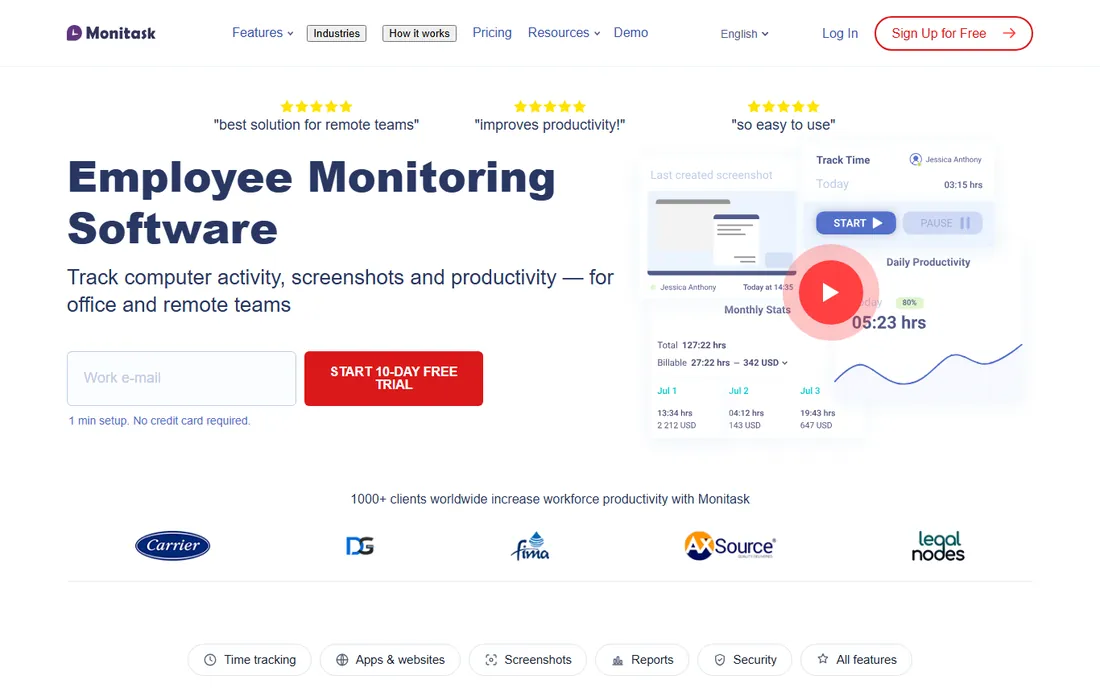
Monitask made an interesting product decision: it does not do keystroke logging at all. Screenshots, app and website tracking, activity levels and time tracking are all here, but the one feature employees fear most is simply absent. That single omission changes the rollout conversation from "we are watching everything" to "we are measuring work output." Pro starts at $6.49 per user per month on annual billing, with a 10-day trial that asks for no credit card.
The compromise is on the security side. There is no DLP, no insider-threat rules engine, nothing that would satisfy a compliance auditor. Monitask is for the common case: a small business with remote staff that wants visibility into the workday and proof of hours, packaged in a way employees can accept. Judge it on that job, and the price is fair.
What we like- No keystroke logging by design, which eases the privacy conversation
- Straightforward pricing with a no-credit-card trial
- Screenshots, activity tracking and task management included
Watch out for- Lacks the deep security tooling of Teramind
- No free plan
- Smaller vendor with a narrower integration list
#8
Controlio
Best for: Managers who want live visibility plus productivity scoring
Visit controlio.net
Starting price$7.99/user/month (Basic, monthly; $6.67 on annual billing)
Free planNo (14-day free trial)
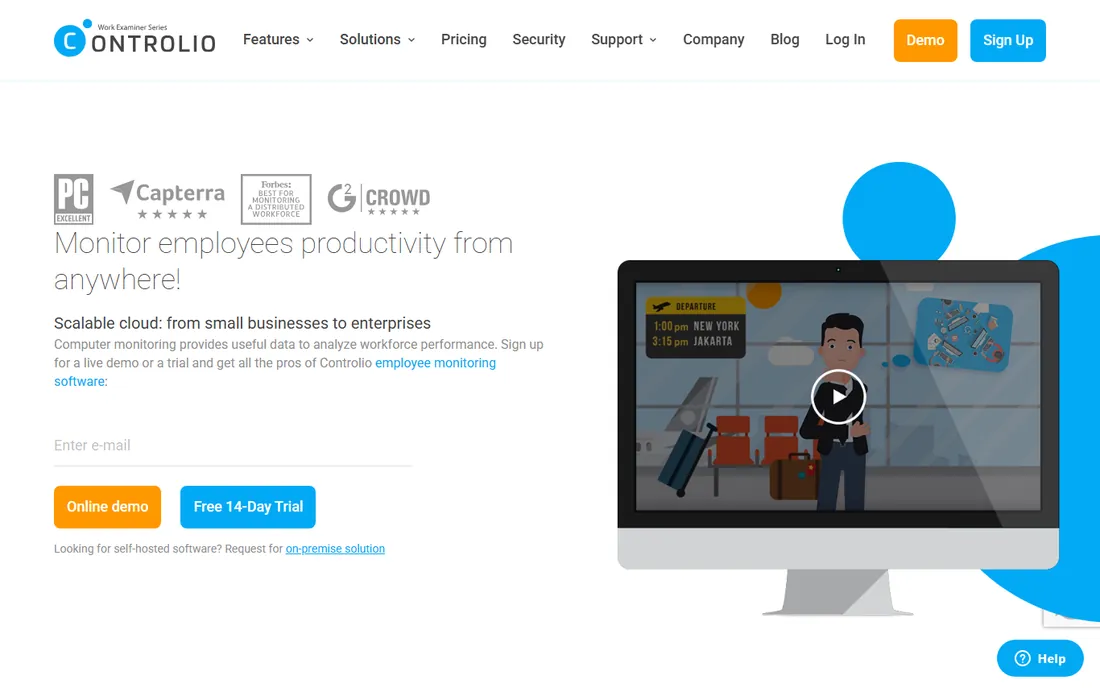
Controlio is for the manager who wants to look over a shoulder right now, not read a report tomorrow. Live screen viewing shows what any employee is doing in real time, backed by activity logs, app usage records and productivity scores. Basic starts at $7.99 per user per month on monthly billing, or $6.67 on the annual plan ($79.90 per user per year); Advanced at $11.99 adds deeper monitoring and longer data retention.
Be honest about what live viewing does to a team. Used sparingly during onboarding or with contractors, it is a training tool. Used constantly on full-time staff, it signals distrust and the productivity score becomes a game. The annual discount is generous enough that a trial should tell you within two weeks whether the culture cost is worth the visibility.
What we like- Live screen viewing for real-time oversight
- Detailed activity logs with productivity scoring
- Annual billing drops the price meaningfully
Watch out for- Live viewing is the most intrusive feature on this list
- Monthly billing is noticeably pricier than annual
- Advanced monitoring needs the $11.99 Advanced tier
#9
Workstatus
Best for: Remote teams that want productivity tracking bundled with project management
Visit workstatus.io
Starting priceSee website (plans priced in INR; USD pricing on request)
Free planNo (free trial available)
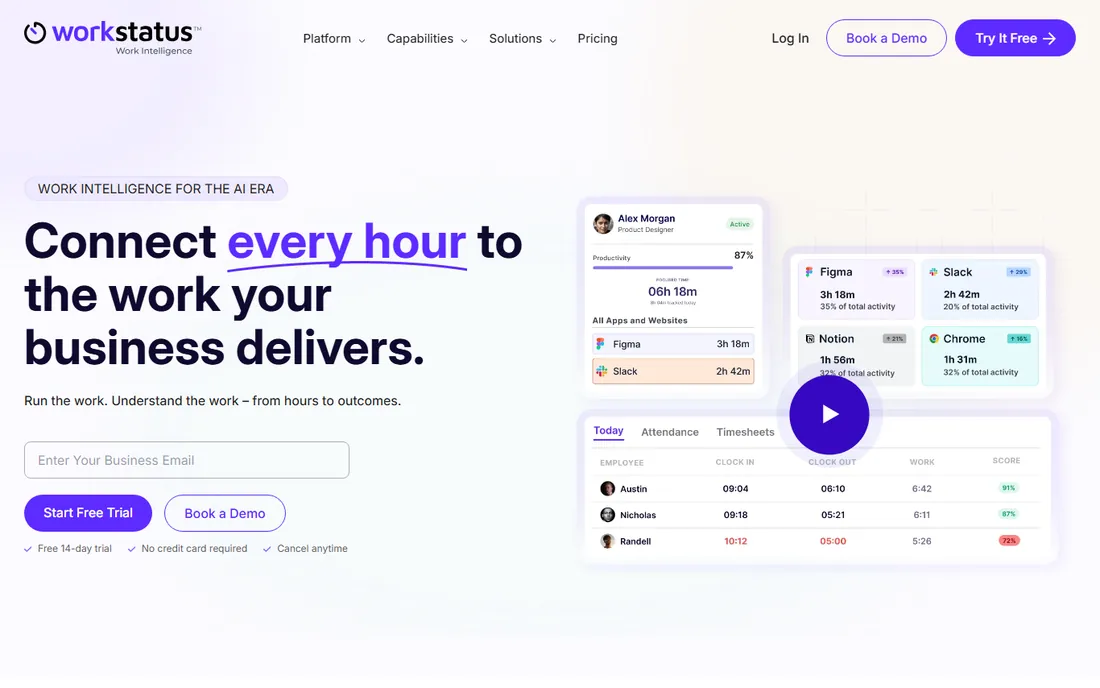
Workstatus bundles more business functions than a pure monitoring tool: time tracking and screenshots sit next to task management, project profitability, attendance and leave tracking. For a small agency or services team, that combination can replace two or three separate subscriptions. The catch for US buyers is pricing transparency: plans are listed in INR (the Proof plan at 300 rupees per user per month), with no published USD rate, so you will need to contact sales for a quote.
Evaluate it as a bundle, not as a monitor. If you already pay for a project tool and a time tracker, Workstatus might consolidate both at a lower total. If you only need monitoring, the quote process and thinner review history make the better-known names above a safer first trial.
What we like- Combines time tracking, screenshots and project management with profitability reports
- Affordable in its home pricing regions
- Covers attendance and shift scheduling too
Watch out for- Public pricing is listed in INR, so US buyers must request a quote
- Smaller global footprint than the leaders
- Support coverage may not match US hours
How to choose without turning into a surveillance state
Start with the question, not the feature list. If the question is billing ("prove the hours to clients"), you want Hubstaff or DeskTime. If it is coaching ("who is overloaded, who is coasting"), you want ActivTrak or Insightful. If it is security ("stop data from walking out"), you want Teramind and nothing else on this list will do. Buying the wrong category is the most expensive mistake in this market.
Then decide your privacy position before the demo, not after. Keystroke logging, live screen viewing and always-on screenshots each move you further along a spectrum, and employees notice. Monitask draws its line at no keystroke logging; ActivTrak leans toward team trends; Controlio and Teramind sit at the far end. Whatever you pick, tell the team what is collected, why, and who sees it. Monitoring announced in a policy is a management tool. Monitoring discovered by accident is a scandal.
Finally, do the per-user math at your actual headcount. A $4.99 plan for 30 people is $150 a month; a $15 plan for the same team is $450. Trials are free or cheap across this list, so run two finalists side by side for two weeks with a real team and compare the reports, not the marketing pages.
The privacy conversation you need to have first
Every tool on this list collects data about people who work for you, which means legal and cultural obligations come with the purchase. US states differ on employee monitoring consent and notice requirements, and several require written notice before you track activity. Check your state's rules and get the policy in writing before you install anything, not after someone complains.
The cultural side matters more than the legal side for most small businesses. Announce the tool, explain what it measures, show employees their own dashboards, and tie the data to coaching rather than punishment. Teams that see the data used to fix overload and approve time off accept monitoring. Teams that see it used to question bathroom breaks start polishing their resumes. The software is the easy part. The conversation is the product.
How we chose
We started with the searches buyers actually run: remote employee monitoring software, employee monitoring software, time tracking with screenshots and workforce analytics software. For each candidate we checked the vendor's own pricing page for starting prices, free plans and trial terms, read public reviews on G2 and Capterra, and scanned practitioner discussion on Reddit for rollout complaints and praise. We compared feature depth, monitoring intrusiveness, integration lists and fit for small versus mid-size teams. Where a price or plan detail could not be verified on the vendor's own page, we wrote "See website" instead of repeating a third-party number.
Frequently asked questions
Is employee monitoring software legal?
Generally yes in the US, but several states require advance notice to employees, and consent rules vary. Always check your state's requirements, put the monitoring policy in writing, and have employees acknowledge it before you deploy any of these tools.
Will my team hate being monitored?
They will hate being surveilled; they tolerate being measured when the rules are clear. Announce the tool before installing it, show employees exactly what is collected, and use the data for coaching and workload balance rather than punishment. The rollout matters more than the vendor.
What is the cheapest way to start?
ActivTrak's free plan covers up to 3 users with no time limit, which is enough to test whether monitoring data is useful to you. For paid plans, Hubstaff Starter at $4.99/user/month and Monitask Pro at $6.49/user/month are the lowest verified entry prices here.
Do I need keystroke logging?
Probably not. Most management questions (hours worked, apps used, projects completed) are answered by screenshots, activity levels and time reports. Keystroke logging mainly serves security and compliance use cases, which is Teramind's territory. Monitask skips it entirely by design.
Can these tools track remote workers on personal devices?
Most offer optional agents for personal devices, but mixing work monitoring with personal hardware creates legal and trust problems. The cleaner setup is company-owned devices for monitored roles, or tracking limited to work hours with the employee's written consent.
How accurate is the "productive vs unproductive" categorization?
Roughly, not precisely. Every vendor lets admins classify apps and sites, but a developer reading documentation looks identical to one browsing the news. Treat productivity scores as a starting point for conversation, never as a performance verdict on their own.
Sources we checked (13)
- https://www.activtrak.com
- https://www.teramind.co
- https://hubstaff.com
- https://www.timedoctor.com
- https://www.insightful.io/
- https://desktime.com/
- https://monitask.com/
- https://controlio.net/
- https://www.workstatus.io/
- https://www.teramind.com/blog/activtrak-vs-teramind
- https://monitask.com/blog/best-employee-monitoring-software
- https://www.g2.com/categories/employee-monitoring
- https://www.capterra.com/employee-monitoring-software/
Is your product missing or out of date?
We review this list regularly. Vendors can request a listing, send updated pricing or ask about featured placement.

Shihab Mia · Founder, Rankite
Shihab has 5+ years in B2B and SaaS SEO. He writes Rankite's software buying guides from pricing pages, documentation and public user reviews. More about Shihab.