How we make this list: we compare pricing pages, product documentation and public user reviews. Ratings come from G2, Capterra or Trustpilot, with the date we checked them.
Key takeaways
- Cover five jobs with five tools: chat, video, files, knowledge and task tracking, and write decisions down where they can be found.
- Slack and Teams cover chat, but Teams wins on economics inside Microsoft 365, while Slack wins on integrations with 2,600 or more apps.
- A lean paid stack lands near $45 per person per month, while an unmanaged sprawl passes $120 without anyone noticing.
- Free tiers are enough to start: Slack free, Notion free and Asana free cover chat, knowledge and tasks at zero cost.
- Audit the stack twice a year: deactivated employees left on paid seats and duplicate subscriptions are the most common waste.
Quick comparison
| Tool | Best for | Starting price | Free plan |
|---|
 Slack Slack | Fast-moving teams and integrations | Free; Pro from $7.25 per user per month | Yes |
 Microsoft Teams Microsoft Teams | Organizations already on Microsoft 365 | Included with M365 from $6 per user per month | Yes |
 Zoom Zoom | External meetings and webinars | Free; Pro from $13.33 per host per month | Yes |
 Google Workspace Google Workspace | Cloud-native startups and lean ops | Business Starter from $7 per user per month | No |
 Asana Asana | Marketing and ops with complex workflows | Free; Starter from $10.99 per user per month | Yes |
 Notion Notion | Documentation-heavy teams and wikis | Free; Plus from $10 per user per month | Yes |
 Miro Miro | Brainstorming, workshops and design sprints | Free; Starter from $8 per user per month | Yes |
 Loom Loom | Async video updates and onboarding | Free; paid from $12.50 per user per month | Yes |
Is your product missing or out of date?
We review this list regularly. Vendors can request a listing, send updated pricing or ask about featured placement.
#1Slack
Best for: Fast-moving teams and integrations4.5/5 on
G2 (39,944 reviews, checked Oct 2026)
Visit slack.com
Starting priceFree; Pro from $7.25 per user per month
Free planYes
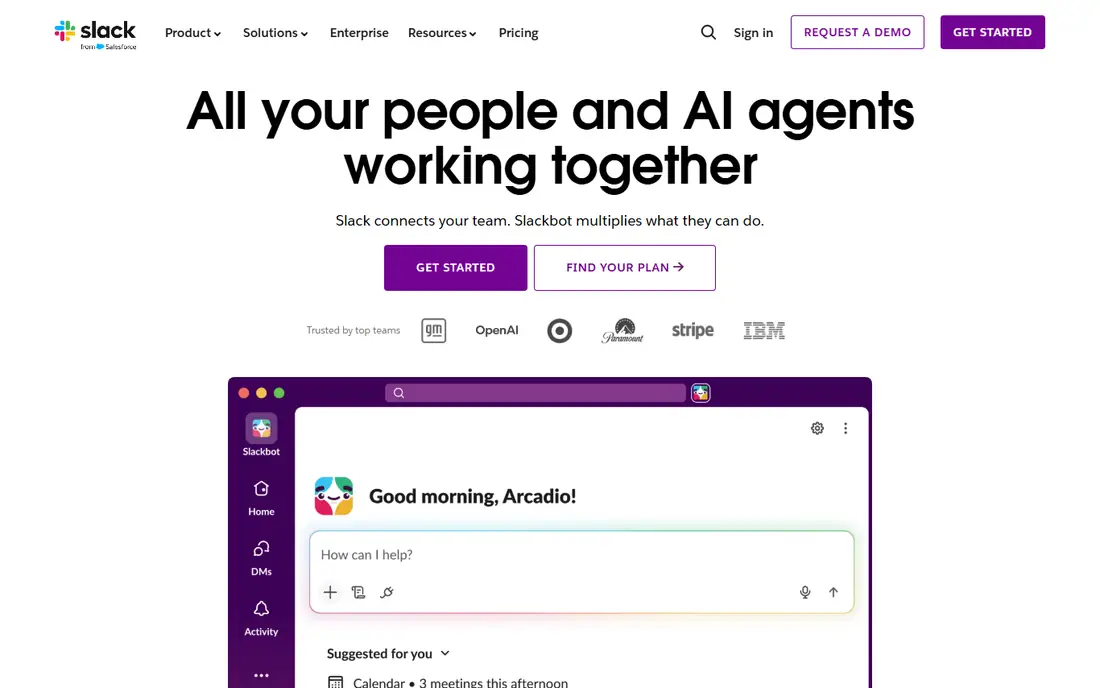
Slack is the go-to for startups and tech-forward small businesses, with channels, threads, search and an integration ecosystem of over 2,600 apps, so project trackers, support desks and CI pipelines all post updates into channels. Thread summaries and huddle recaps add AI help on paid tiers. Pro starts at $7.25 per user per month in recent guides, with other guides listing $8.75, so confirm current pricing before budgeting.
The trade is cost: past the free tier, per-seat pricing adds up fast for teams above 50 people, and you still need a separate tool for file storage and video beyond quick huddles. Free tier history limits to 90 days, which bites once a team grows. Fast-moving teams that value integrations should still start with Slack.
What we like- 2,600 or more native integrations
- Channels and search
- Huddles for quick calls
Watch out for- Per-seat pricing adds up fast above 50 people
- Free tier limits history to 90 days
#2Microsoft Teams
Best for: Organizations already on Microsoft 3654.4/5 on
G2 (19,330 reviews, checked Oct 2026)
Visit microsoft.com
Starting priceIncluded with M365 from $6 per user per month
Free planYes
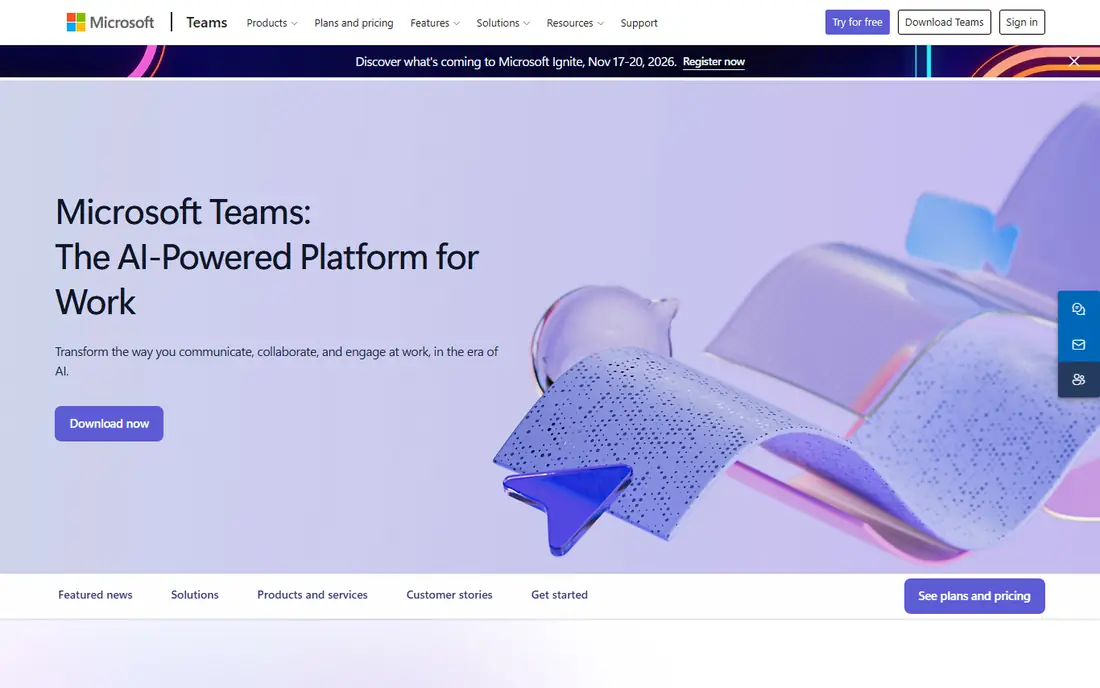
Microsoft Teams makes sense when you are already paying for Microsoft 365, since you get chat, video and file storage in one bundle, which reduces both cost and the number of accounts to manage. Copilot AI meeting notes and action items add value on higher tiers, and integration with SharePoint, OneDrive, Outlook and Planner covers most enterprise needs. Recent guides list bundled pricing from $4 to $6 per user per month, with unlimited message history in team chat comparisons.
The downside is weight: the interface layers chat, channels, files and apps into a single window that overwhelms non-technical users. Organizations already on Microsoft 365 should default to Teams, while startups without that investment should compare Slack free tier first.
What we like- Chat, video and files in one bundle
- Office co-authoring
- Unlimited message history in some guides
Watch out for- Interface can feel heavy
- Overwhelms non-technical users with layered features
Starting priceFree; Pro from $13.33 per host per month
Free planYes
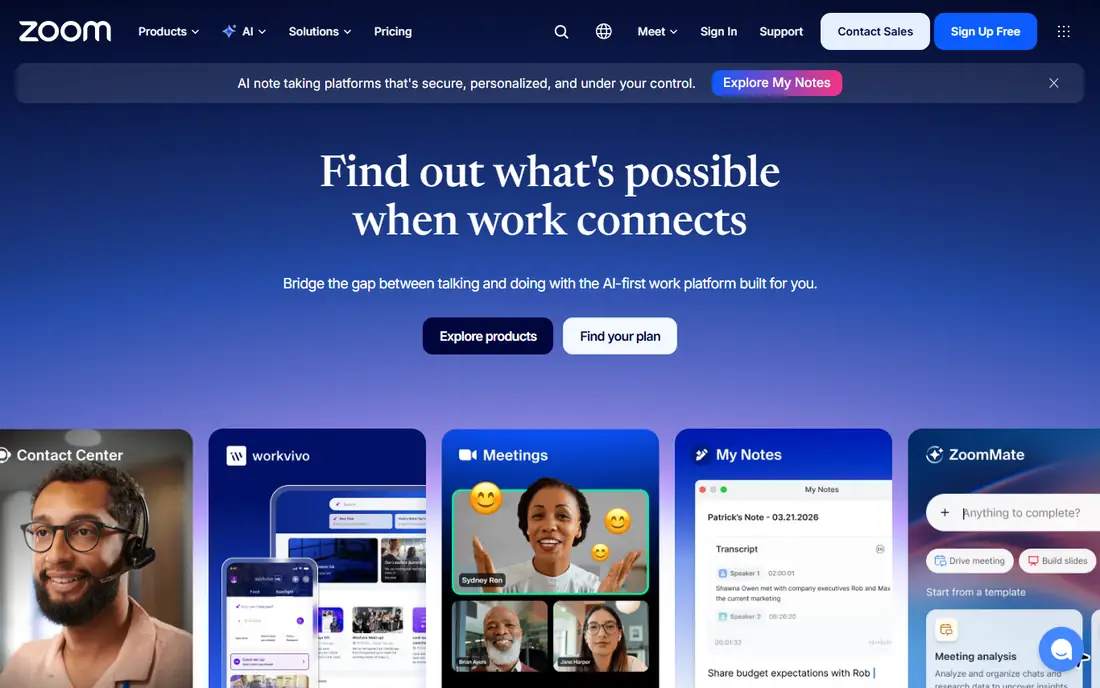
Zoom remains the standard for external-facing meetings and webinars, with reliable video at scale, breakout rooms, webinar hosting and AI Companion features for notes, agendas and drafting. Free tier covers group calls up to 40 minutes, while Pro starts at $13.33 per host per month in recent guides. External guests join without an account, which matters for sales and client work.
The free tier time limit forces paid plans for teams with long meetings, and per-host pricing adds up for large teams. Teams with frequent video calls, especially external ones, should keep Zoom even if they use Slack or Teams for chat, since Zoom meeting quality and guest experience remain the benchmark.
What we like- Reliable video at scale
- Webinars and external meetings
- AI Companion notes and agendas
Watch out for- Free tier limits group calls to 40 minutes
- Per-host pricing for larger teams
Starting priceBusiness Starter from $7 per user per month
Free planNo
Google Workspace bundles Gmail, Drive, Docs, Sheets and Meet for cloud-native startups and lean operations, with real-time co-authoring that makes simultaneous editing smooth. Business Starter lists from $7 per user per month in recent guides, with other guides listing $6, so confirm current pricing. Smart canvas and AI summaries in Drive add modern touches, and admin controls are simpler than Microsoft 365 for small teams.
There is no free business tier, though personal Google accounts cover basic use. Companies needing desktop Office apps should choose Microsoft 365 instead, while cloud-native teams that live in a browser will find Workspace the simplest suite.
What we like- Docs, Sheets, Drive, Gmail and Meet in one suite
- Real-time co-authoring
- Simple admin
Watch out for- No free business tier
- Desktop Office apps need Microsoft 365 instead
#5Asana
Best for: Marketing and ops with complex workflows4.4/5 on
G2 (13,930 reviews, checked Oct 2026)
Visit asana.com
Starting priceFree; Starter from $10.99 per user per month
Free planYes
Asana excels at structured workflows, making it ideal for marketing and ops teams running repeatable processes like campaign launches, sprint planning and client onboarding. Its rules engine and timeline views keep complex work on track, and task automation with smart goal setting adds AI help on paid tiers. Free tier covers small teams, with Starter from $10.99 per user per month in recent guides, though free tier user limits vary across guides, from 15 users to 2 users in newer accounts.
Both Asana and monday.com charge per seat and tempt teams into higher tiers for time tracking or automations, so budget for the tier you actually need. Teams with complex cross-functional workflows should choose Asana over Notion for execution, while using Notion for documentation alongside it.
What we like- Structured workflows and rules engine
- Timeline views
- Strong for repeatable processes
Watch out for- Free tier limits in recent guides
- Higher tiers needed for advanced automations
#6Notion
Best for: Documentation-heavy teams and wikis4.6/5 on
G2 (13,834 reviews, checked Oct 2026)
Visit notion.so
Starting priceFree; Plus from $10 per user per month
Free planYes
Notion is part wiki, part database and part lightweight project tracker, making it excellent for documentation-heavy teams that need a single place for decisions, specs and knowledge. AI features cover writing, translating and summarizing, with an AI add-on near $8 per user per month in some guides, and Plus starts near $10 per user per month, with other guides listing $8 to $12. Templates and databases let teams build custom trackers without code.
As a standalone project management tool, Notion lacks the workflow automations Asana offers out of the box, and the risk is scope creep: teams start using it for everything, creating a sprawling workspace that is hard to govern. Documentation-heavy teams should use Notion for knowledge and Asana for execution, rather than forcing one tool to do both jobs.
What we like- Wiki, docs and databases in one place
- AI writing and summarizing
- Flexible templates
Watch out for- Lacks Asana workflow automations out of the box
- Scope creep creates sprawling workspaces
#7Miro
Best for: Brainstorming, workshops and design sprints4.6/5 on
G2 (13,631 reviews, checked Oct 2026)
Visit miro.com
Starting priceFree; Starter from $8 per user per month
Free planYes
Miro is the visual collaboration board for brainstorming, workshops and design sprints, with an infinite canvas, sticky notes, mind-mapping and AI helpers for clustering and summarizing. Free tier covers 3 boards in some guides, with Starter from $8 per user per month and Team plans from $8 or more in other guides. Templates for retros, journey maps and sprint planning make workshops faster to run.
Per-seat costs add up when whole companies join workshops, so limit paid seats to facilitators and regular collaborators where possible. Design, product and workshop-heavy teams will find Miro the most natural remote whiteboard, while text-heavy teams can stay in Notion and Docs.
What we like- Infinite canvas for workshops
- Mind-mapping and sticky note AI
- Strong templates
Watch out for- Free tier limited to 3 boards in some guides
- Per-seat costs add up for large workshops
#8Loom
Best for: Async video updates and onboarding4.7/5 on
G2 (2,415 reviews, checked Oct 2026)
Visit loom.com
Starting priceFree; paid from $12.50 per user per month
Free planYes
Loom records async video updates, walkthroughs and onboarding sessions, replacing meetings that could have been a recording. AI features add auto-titles, summaries and filler removal, and the free tier covers 25 videos in some guides, with paid plans from $12.50 per user per month in one comparison and $10 or more in another. That async model suits distributed teams across time zones, where live meetings waste half the team time.
Video libraries need organization, or recordings become as hard to find as chat history. Teams with heavy onboarding, support walkthroughs or cross-time-zone work should add Loom to their stack, since one recorded walkthrough can replace dozens of repeated live explanations.
What we like- Async video replaces many meetings
- Auto-titles and summaries
- Easy onboarding recordings
Watch out for- Free tier limited to 25 videos in some guides
- Video libraries need organization
How we chose
We compared recent 2026 remote stack guides that priced tools per user per month and mapped each tool to a stack layer: communication, video, files, knowledge or execution. We weighed free-tier generosity, integration depth, pricing at annual billing and fit for remote-first teams, and we flagged pricing conflicts across guides rather than picking one stale figure. We left out single-purpose schedulers and time trackers, since this list covers the core collaboration stack, and we left out enterprise-only platforms that lack free or low-cost entry.
What a remote stack actually costs
A lean paid stack lands near $45 per person per month, for example Slack plus Asana plus Notion plus Zoom, while a sprawling unmanaged stack passes $120 without anyone noticing, because each tool is approved separately and none looks expensive alone. An all-free-tier stack costs $0 but gives up 90-day chat history, call time limits and admin controls, while a Google Workspace plus Trello plus Loom stack runs near $25 per person per month with fewer advanced features.
Sequence adoption by pain, not by hype: chat first, since coordination pain arrives earliest, knowledge second, before the wiki-shaped hole fills with lost decisions, and execution third, when cross-team handoffs start dropping. Each layer demands habit-formation bandwidth, and teams absorb one new system well but three badly. Upgrade each layer when its limit bites: Slack history wall, Notion permissions, Asana timelines, and that pain converts into budget justification automatically.
The three questions test
The teams that collaborate well remotely are not the ones with the most software. They are the ones where a new hire can answer three questions on day one without asking anybody: where do I talk, where do I see what is assigned to me, and where do I find why we decided this. If your current stack answers those three, it is working, and no new subscription will fix a stack that does not. Audit twice a year, cut tools doing the same job, and remove seats for departed employees.
Frequently asked questions
What is the best remote collaboration tool overall?
It depends on the layer: Slack for chat and integrations, Microsoft Teams for Microsoft 365 organizations, Zoom for video meetings, Google Workspace for files and email, Asana for task execution, Notion for knowledge, Miro for visual workshops and Loom for async video. No single tool covers all five jobs well.
How much does a remote collaboration stack cost per person?
A lean paid stack runs near $45 per person per month, while an all-free stack costs $0 with limits on history, call time and admin controls. An unmanaged sprawl can pass $120 per person per month, so audit seats twice a year.
Should remote teams use Slack or Microsoft Teams?
Use Teams if you already pay for Microsoft 365, since chat, video and files come bundled. Use Slack if you value its 2,600-app integration ecosystem and your team is not already on Microsoft 365.
Can I run a remote team on free tiers only?
Yes, for small teams: Slack free, Notion free, Asana free, Miro free and Loom free cover chat, knowledge, tasks, boards and async video at zero cost. Limits on history, boards and call time will push growing teams to paid tiers.
What is the best async video tool for remote teams?
Loom, with auto-titles, summaries and filler removal, plus a free tier for 25 videos. It suits onboarding, walkthroughs and cross-time-zone updates that would otherwise need a live meeting.
How do I stop collaboration tool sprawl?
Audit twice a year, list every tool and seat, cut duplicates doing the same job, remove departed employees from paid seats, and adopt new tools only when a specific pain appears. Overlap, such as paying for both Slack and Teams, is the most common waste.
Sources we checked (8)
- https://www.deeploi.io/magazine/best-collaboration-tools-remote-teams-2026
- https://hireflow.net/blog/best-tools-for-remote-team-collaboration
- https://www.myoutdesk.com/blog/best-ai-collaboration-tools-remote-teams-2026/
- https://www.itechguides.com/best/team-chat-apps/
- https://kurums.com/best-collaboration-apps-google-play/?v=653f5ac96a69
- https://slack.com
- https://asana.com
- https://www.notion.so
Is your product missing or out of date?
We review this list regularly. Vendors can request a listing, send updated pricing or ask about featured placement.

Shihab Mia · Founder, Rankite
Shihab has 5+ years in B2B and SaaS SEO. He writes Rankite's software buying guides from pricing pages, documentation and public user reviews. More about Shihab.